会计模板与扩展 | Universal
除了针对特定国家的选项外,Banana Accounting 还提供通用模板,可以轻松根据您的国家和需求进行调整。这些模板使用具有描述性的账户名称,而不是数字代码,使会计工作更简单、更易于理解。
以下是收入和支出会计文件的科目表示例:

请从左侧的下拉菜单中选择最符合您需求的模板,或者直接在 Banana Accounting 中选择(文件 > 新建)。
全球: 商业会计
无增值税的商业会计模板
商店会计
在此文中
商店会计
商店会计
使用现金账簿方法来完美管理商店或店铺的通用会计模板。
模板预览
XX店铺
本位币: USD
现金日记账
| 总组 | 账号 | 摘要 | 总和 |
|---|---|---|---|
| 现金 | 现金 | ||
| 总组 | 科目 | 摘要 | 总和 |
|---|---|---|---|
| 经营业绩 | |||
| 收入 | |||
| 销售收入 | 销售收入 | 4 | |
| 从银行账户提款 | 从银行账户提款 | 4 | |
| 服务收入 | 服务收入 | 4 | |
| 其他收入 | 其他收入 | 4 | |
| 4 | 总收入 | 00 | |
| 费用 | |||
| 转账到银行账户 | 转账到银行账户 | 3 | |
| 购买邮票 | 购买邮票 | 3 | |
| 邮政费用 | 信件和包裹 | 3 | |
| 快递费 | 邮递物品 | 3 | |
| 办公用品 | 文具,电器,清洁 | 3 | |
| 租金及水电费 | 租金,电费,水费 | 3 | |
| 电话费 | 电话和传真费 | 3 | |
| 房屋保养 | 房屋保养 | 3 | |
| 橱窗装饰 | 橱窗装饰 | 3 | |
| 宣传费 | 宣传,传单 | 3 | |
| 中介费 | 中介费 | 3 | |
| 支付货款 | 支付货款 | 3 | |
| 薪资及个人贷款 | 薪资及个人贷款 | 3 | |
| 其他许可证费用 | 其他许可证费用 | 3 | |
| 3 | 总费用 | 00 | |
| 00 | 业绩 | ||
| 成本和利润中心 | |||
| 部门 | |||
| .店铺及人事管理 | 店铺及人事管理 | T1 | |
| .货物管理 | 货物管理 | T1 | |
| .投资 | 投资 | T1 | |
| T1 | 总部门 | ||
Simple Accounting for a Shop | Universal
在此文中
Simple Accounting for a Shop | Universal
Simple Accounting for a Shop | Universal
General template perfect to manage the accounting of a shop or a store, with the simple accounting method. This is a universal template, easily adaptable in any country.
直接在网页中打开Banana财务会计+
无需任何安装,可以直接在您的浏览器上运行 Banana财务会计+。客制化您的模板,输入发生业务并将文件保存在您的电脑上。
在浏览器中打开模板 Open tutorial in WebApp模板预览
Shop XX
| Group | Account | Description | Sum In |
|---|---|---|---|
| Cash | Cash | ||
| Group | Category | Description | Sum In |
|---|---|---|---|
| OPERATING RESULT | |||
| INCOME | |||
| Sales | Sales | Total Income | |
| Withdrawal | Withdrawal from current account | Total Income | |
| Services | Services | Total Income | |
| Other | Other | Total Income | |
| Total Income | TOTAL INCOME | Result | |
| EXPENSES | |||
| Good Purchase | Payments for goods | Total Expenses | |
| Transfers to post | Tranfers to post office account | Total Expenses | |
| Salaries | Salaries and personal loans | Total Expenses | |
| Stamps | Purchase stamps | Total Expenses | |
| Mailing supplies | Mailing supplies | Total Expenses | |
| Stationery | Stationery, appliances | Total Expenses | |
| Publicity | Publicity, flyers | Total Expenses | |
| Window dressing | Window dressing | Total Expenses | |
| Cleaning | Cleaning | Total Expenses | |
| Rent | Rent | Total Expenses | |
| Energy | Electricity, water, gas | Total Expenses | |
| Telephone | Telephone and fax | Total Expenses | |
| Internet | Internet | Total Expenses | |
| Real estate | Real estate upkeep | Total Expenses | |
| Agency fees | Agency fees | Total Expenses | |
| Taxes | Taxes | Total Expenses | |
| Insurance | Insurance | Total Expenses | |
| Total Expenses | TOTAL EXPENSES | Result | |
| Result | RESULT | ||
| COST AND PROFIT CENTERS | |||
| DIVISION | |||
| .S | Shop and personnel management | T1 | |
| .G | Goods management | T1 | |
| .I | Investments | T1 | |
| T1 | TOTAL DIVISION | ||
公司的收益&费用记账模板
在此文中
公司的收益&费用记账模板
公司的收益&费用记账模板
轻松地、免费地开始您公司的收益&费用核算,并立即获得损益表和资产负债表。收入和支出核算系统是专业会计知识有限用户的理想选择。可以根据您的具体需要对这个现成的模板进行编辑,用来管理您的公司、独资企业、合伙企业或中小型企业的会计。Banana财务会+ 是一个专业的软件,由于它类似于Excel,所以使用起来非常直观和快速。如果在做账中出现了错误,也可以随时纠正,直到获得完美的会计报表。
直接在网页中打开Banana财务会计+
无需任何安装,可以直接在您的浏览器上运行 Banana财务会计+。客制化您的模板,输入发生业务并将文件保存在您的电脑上。
在浏览器中打开模板 Open tutorial in WebApp模板预览
XX 公司
本位币: USD
收益 & 费用核算
| 总组 | 账号 | 摘要 | 总和 |
|---|---|---|---|
| 资产负债表 | |||
| 资产 | |||
| 银行账户 | |||
| 商业账户 | 商业账户 | 银行 | |
| 商业存储账户 | 商业存储账户 | 银行 | |
| 工资账户 | 工资账户 | 银行 | |
| 现金 | 小额现金 - 自付費用 | 银行 | |
| 易货贸易 | 易货贸易账户 | 银行 | |
| 银行 | 银行账户总计 | 资产 | |
| 应收账款 | |||
| 客户 | 应收账款 (客户登记) | 应收 | |
| 应收 | 应收账款总计 | 资产 | |
| 流动资产 | |||
| 库存 | 库存 | 流动资产 | |
| 未存入的资金 | 未存入的资金 | 流动资产 | |
| 流动资产 | 流动资产总计 | 资产 | |
| 固定资产 | |||
| 设备 | 设备 | 固定 | |
| 家具 | 家具和固定装置 | 固定 | |
| 车辆 | 车辆 | 固定 | |
| 累计折旧 | 累计折旧 | 固定 | |
| 固定 | 固定资产总计 | 资产 | |
| 其它资产 | |||
| 启动 | 启动成本 (会计人员使用) | 其它 | |
| 摊销 | 累计摊销 | 其它 | |
| 应收票据1 | 应收票据1 (高级职员、所有者、关联方) | 其它 | |
| 应收票据2 | 应收票据2 | 其它 | |
| 其它 | 其它资产总计 | 资产 | |
| 资产 | 总资产 | 净资产 | |
| 负债 | |||
| 应付账款 | |||
| 供应商 | 供应商登记 | 应付 | |
| 应付 | 应付账款总计 | 负债 | |
| 用于采购的信用卡 | |||
| 美国运通 | 美国运通 - 信用卡贷款 | 信用卡 | |
| Visa | Visa - 信用卡贷款 | 信用卡 | |
| 信用卡 | 信用卡总计 | 负债 | |
| 流动负债 | |||
| 应计 | 应计费用 | 流动负债 | |
| 应付薪资税 | 应付薪资税 | 流动负债 | |
| 应付营业税 | 应付营业税 | 流动负债 | |
| 押金 | 客户押金 | 流动负债 | |
| 长期部分 | 长期负债的流动部分 | 流动负债 | |
| 流动负债 | 流动负债总计 | 负债 | |
| 长期负债 | |||
| 银行贷款 | 银行贷款 | 长期负债 | |
| 应付票据1 | 应付票据1 | 长期负债 | |
| 应付票据2 | 应付票据2 | 长期负债 | |
| 长期负债 | 长期负债总计 | 负债 | |
| 负债 | 总负债 | 净资产 | |
| 股权 | |||
| 资本 | 股本/资本合伙人 | 股权 | |
| 附加资本 | 额外出资/额外支付资本 | 股权 | |
| 留存收益 | 留存收益 | 股权 | |
| 期初权益 | 期初余额权益 | 股权 | |
| 股东1 | 分配股东 1 / 股息 / 提款 | 股权 | |
| 结转 | 结转盈亏 | 股权 | |
| 股权 | 股权总计 | 净资产 | |
| 净资产 | 净资产 | ||
| 客户登记 | |||
| 客户-Redford | Redford 公司 | 客户总计 | |
| 客户-Smith | John Smith | 客户总计 | |
| 客户-Black | Simon Black | 客户总计 | |
| 客户总计 | 客户总计 | 客户 | |
| 供应商登记 | |||
| 供应商-Johnson | Johnson 公司 | 供应商总计 | |
| 供应商-Marble | Marble | 供应商总计 | |
| 供应商-Taylor | Mary Taylor | 供应商总计 | |
| 供应商总计 | 供应商总计 | 供应商 | |
| 总组 | 科目 | 摘要 | 总和 |
|---|---|---|---|
| 损益表 | |||
| 收入 | |||
| 服务 | 服务收入 | 收入 | |
| 售出的产品 | 零件/产品销售收入 | 收入 | |
| 销售冲销 | 销售冲销 | 收入 | |
| 收入 | 总收入 | 毛利润 | |
| 销货成本 | |||
| 材料费 | 材料、直接产品/服务成本 | 销货成本 | |
| 人工费 | 人工成本 | 销货成本 | |
| 外部服务 | 外部服务/分包商 | 销货成本 | |
| 供应品 | 耗材成本 | 销货成本 | |
| 小型工具 | 小型工具 | 销货成本 | |
| 销货成本 | 销货成本总计 | 毛利润 | |
| 损益表 | |||
| 毛利润 | 毛利润 | 息税前利润 | |
| 费用 | |||
| 广告 | 广告、促销、营销费用 | 费用 | |
| 汽车 | 汽车费用 | 费用 | |
| 银行收费 | 银行服务费 | 费用 | |
| 清洁费 | 清洁费 | 费用 | |
| 捐款 | 捐款 | 费用 | |
| 折旧 | 折旧费用 | 费用 | |
| 折扣 | 采取的折扣 | 费用 | |
| 订阅费 | 捐款和订阅费 | 费用 | |
| 保险费 | 汽车保险、人寿、医疗 | 费用 | |
| 利息支出 | 利息支出 | 费用 | |
| 许可证 | 商业执照和许可证 | 费用 | |
| 维修费 | 维护和修理 | 费用 | |
| 餐费 | 膳食和娱乐 | 费用 | |
| 商户费用 | 商家信用卡费用 | 费用 | |
| 办公室 | 办公费用(电脑、邮资、快递、用品)。 | 费用 | |
| 薪资税 | 薪资税 | 费用 | |
| 专业费用 | 专业费用 | 费用 | |
| 租金 | 租金支付 | 费用 | |
| 工资 | 工资 | 费用 | |
| 电话费 | 电话、传真 | 费用 | |
| 旅行 | 旅行 | 费用 | |
| 公用事业 | 公用事业 | 费用 | |
| 费用 | 总费用 | 息税前利润 | |
| 息税前利润 | 息税前利润 | 结果 | |
| 其它收入 | |||
| 利息收入 | 利息收入 | 其它收入 | |
| 其它收入 | 其它收入总计 | 结果 | |
| 其它费用 | |||
| 会计师咨询 | 会计师咨询 | 其它费用 | |
| 其它费用 | 其它费用总计 | 结果 | |
| 结果 | 净利 (盈利(-) 亏损(+) ) | ||
| 成本中心 | |||
| 产品 | |||
| .产品 A | 产品 A | 产品 | |
| .产品 B | 产品 B | 产品 | |
| .产品 C | 产品 C | 产品 | |
| 产品 | 产品总计 | ||
| 项目 | |||
| ;项目 A | 项目 A | 项目 | |
| ;项目 B | 项目 B | 项目 | |
| 项目 | 项目总计 | ||
| 部门 | |||
| 分公司 | |||
| :分公司 A | 分公司 A | 分公司 | |
| :分公司 B | 分公司 B | 分公司 | |
| 分公司 | 分公司总计 | ||
房地产管理的收益&费用核算
在此文中
房地产管理的收益&费用核算
房地产管理的收益&费用核算
管理资产或公寓(房地产)会计的理想模板,只需输入收入和费用即可。租户列表由成本中心管理。
直接在网页中打开Banana财务会计+
无需任何安装,可以直接在您的浏览器上运行 Banana财务会计+。客制化您的模板,输入发生业务并将文件保存在您的电脑上。
在浏览器中打开模板 Open tutorial in WebApp模板预览
Property XXX
Accounting 2022
| 总组 | 账号 | 摘要 | 总和 |
|---|---|---|---|
| 资产 | |||
| 现金 | 现金 | 总资产 | |
| 邮政账户 | 邮政储蓄账户 | 总资产 | |
| 银行 | 银行 | 总资产 | |
| 应收租赁款 | 应收租赁款 | 总资产 | |
| 机器 | 机器和设备 | 总资产 | |
| 办公室设备 | 办公室设备 | 总资产 | |
| 电脑 | 电脑 | 总资产 | |
| 软件 | 软件 | 总资产 | |
| 建筑物 | 建筑物 | 总资产 | |
| 土地 | 土地 | 总资产 | |
| 总资产 | 总资产 | 净资产 | |
| 负债 | |||
| 供应商 | 供应商 | 总负债 | |
| 抵押贷款 | 抵押贷款 | 总负债 | |
| 租户提供的押金 | 租户提供的押金 | 总负债 | |
| 总负债 | 总负债 | 净资产 | |
| 净资产 | 净资产 | ||
| 总组 | 科目 | 摘要 | 总和 |
|---|---|---|---|
| 经营结果 | |||
| 收入 | |||
| 租赁收入 | 租赁收入 | 总收入 | |
| 其它租赁收入 | 其它租赁相关收入 | 总收入 | |
| 其它收入 | 其它收入 | 总收入 | |
| 总收入 | 总收入 | 结果 | |
| 费用 | |||
| 广告 | 租赁广告费 | 总费用 | |
| 房地产中介费 | 房地产中介费用/佣金 | 总费用 | |
| 法律费用 | 法律费用 | 总费用 | |
| 保险费 | 保险费 | 总费用 | |
| 土地税 | 土地税 | 总费用 | |
| 执照和许可费 | 执照和许可费 | 总费用 | |
| 折旧费 | 折旧费 | 总费用 | |
| 维修费 | 维修费 | 总费用 | |
| 电费 | 电费 | 总费用 | |
| 水费 | 水费 | 总费用 | |
| 供暖费用 | 供暖费用 | 总费用 | |
| 清洁费 | 清洁费 | 总费用 | |
| 园艺/草坪修剪费 | 园艺/草坪修剪费 | 总费用 | |
| 害虫防治费 | 害虫防治费 | 总费用 | |
| 文具,电话和邮费 | 文具,电话和邮费 | 总费用 | |
| 材料费 | 材料费 | 总费用 | |
| 抵押贷款利息 | 抵押贷款利息 | 总费用 | |
| 杂项费用 | 杂项费用 | 总费用 | |
| 总费用 | 总费用 | 结果 | |
| 结果 | 总经营结果 | ||
| 利润和成本中心 | |||
| 租户 | |||
| ;T01 | 租户 1 | T | |
| ;T02 | 租户 2 | T | |
| ;T03 | 租户 3 | T | |
| ;T04 | 租户 4 | T | |
| T | 总租户 |
Comptabilité pour sociétés anonymes
在此文中
Comptabilité pour sociétés anonymes
Comptabilité pour sociétés anonymes
Modèle idéal pour la gestion de la comptabilité des sociétés anonymes. Le plan comptable est structuré selon le schéma PME et présente les registres clients/fournisseurs. Il y a des comptes en devises étrangères et des centres de coûts.
模板预览
DeviseBase: EUR
Comptabilité en partie double avec multidevise
| Groupe | Compte | Libellé | Devise | Add. dans |
|---|---|---|---|---|
| BILAN | ||||
| ACTIFS | ||||
| 1000 | Caisse | EUR | 100 | |
| 1020 | Banque | EUR | 100 | |
| 1024 | Banque CHF | CHF | 100 | |
| 1025 | Banque USD | USD | 100 | |
| 100 | Liquidités | 10 | ||
| 1060 | Titres | EUR | 106 | |
| 106 | Avoirs à court terme cotés en bourse | 10 | ||
| 1090 | Compte d'attente en monnaie | EUR | 109 | |
| 1091 | Compte d'attente salaires | EUR | 109 | |
| 1099 | Compte de passage pour éclaircissements | EUR | 109 | |
| 109 | Comptes de transit et d’attente | 10 | ||
| 1100 | Créances provenant de livraisons et de prestations (Débiteurs) | EUR | 110 | |
| 1109 | Ducroire | EUR | 110 | |
| 100A | Clients | 110 | ||
| 110 | Créances résultant de livraisons et prestations | 10 | ||
| 1140 | Avances et prêts | EUR | 114 | |
| 1176 | Impôt anticipé | EUR | 114 | |
| 1180 | Créances envers les assurances sociales et institutions de prévoyance | EUR | 114 | |
| 1188 | Impôt à la source | EUR | 114 | |
| 1190 | Autres créances à court terme | EUR | 114 | |
| 1191 | Cautionnements en espèces | EUR | 114 | |
| 114 | Autres créances à court terme | 10 | ||
| 1200 | Marchandises commerciales | EUR | 120 | |
| 1210 | Matières premières | EUR | 120 | |
| 1220 | Matières auxiliaires | EUR | 120 | |
| 1230 | Matières consommables | EUR | 120 | |
| 1260 | Stocks de produits finis | EUR | 120 | |
| 1270 | Stocks de produits pas finis | EUR | 120 | |
| 1280 | Travaux en cours | EUR | 120 | |
| 120 | Stocks et prestations non facturées | 10 | ||
| 1300 | Charges payées d‘avance | EUR | 130 | |
| 1301 | Produits à recevoir | EUR | 130 | |
| 130 | Compte de régularisation de l’actif | 10 | ||
| 10 | Actifs circulants | 1 | ||
| 1400 | Titres à long terme | EUR | 140 | |
| 1440 | Prêts | EUR | 140 | |
| 1441 | Hypothèques | EUR | 140 | |
| 1460 | Prêts à actionnaire | EUR | 140 | |
| 140 | Immobilisations financières | 14 | ||
| 1480 | Participations | EUR | 148 | |
| 148 | Participations | 14 | ||
| 1500 | Machines et appareils | EUR | 150 | |
| 1510 | Mobilier et installations | EUR | 150 | |
| 1520 | Machines de bureau, informatique, systèmes de communication | EUR | 150 | |
| 1530 | Véhicules | EUR | 150 | |
| 1540 | Outillages et appareils | EUR | 150 | |
| 150 | Immobilisations corporelles meubles | 14 | ||
| 1600 | Immeubles d’exploitation | EUR | 160 | |
| 160 | Immobilisations corporelles immeubles | 14 | ||
| 1700 | Brevets, know-how, licences, droits, développement | EUR | 170 | |
| 1710 | Marques commerciales | EUR | 170 | |
| 1712 | Modèles | EUR | 170 | |
| 1770 | Goodwill | EUR | 170 | |
| 170 | Immobilisations incorporelles | 14 | ||
| 1850 | Capital actions, capital social, droits de participations ou capital de fondation non versés | EUR | 180 | |
| 180 | Capital non versé : capital social, capital de fondation | 14 | ||
| 14 | Actifs immobilisés | 1 | ||
| 1 | Total actifs | 00 | ||
| PASSIFS | ||||
| 2000 | Dettes résultant d’achats et de prestation de services (créanciers) | EUR | 200 | |
| 2030 | Acomptes de clients | EUR | 200 | |
| 200A | Créanciers | 200 | ||
| 200 | Dettes à court terme résultant d’achats et de prestations de services | 20 | ||
| 2100 | Dettes bancaires | EUR | 210 | |
| 2120 | Engagements de financement par leasing | EUR | 210 | |
| 2140 | Autres dettes à court terme rémunérées | EUR | 210 | |
| 210 | Dettes à court terme rémunérés | 20 | ||
| 2200 | TVA due | EUR | 220 | |
| 2201 | Décompte TVA | EUR | 220 | |
| 2206 | Impôt anticipé dû | EUR | 220 | |
| 2208 | Impôts directs | EUR | 220 | |
| 2210 | Autres dettes à court terme | EUR | 220 | |
| 2260 | Dettes envers actionnaire | EUR | 220 | |
| 2261 | Dividendes | EUR | 220 | |
| 2270 | Assurances sociales et institutions de prévoyance | EUR | 220 | |
| 2279 | Impôt à la source | EUR | 220 | |
| 220 | Autres dettes à court terme | 20 | ||
| 2300 | Charges à payer | EUR | 230 | |
| 2301 | Produits encaissés d’avance | EUR | 230 | |
| 2330 | Provisions à court terme | EUR | 230 | |
| 230 | Passifs de régularisation et provisions à court terme | 20 | ||
| 20 | Dettes à court terme | 2A | ||
| 2400 | Dettes bancaires | EUR | 240 | |
| 2420 | Engagements de financement par leasing | EUR | 240 | |
| 2430 | Emprunts obligataires | EUR | 240 | |
| 2450 | Emprunts | EUR | 240 | |
| 2451 | Hypothèques | EUR | 240 | |
| 240 | Dettes à long terme rémunérées | 24 | ||
| 2500 | Autres dettes à long terme | EUR | 250 | |
| 250 | Autres dettes à long terme | 24 | ||
| 2600 | Provisions | EUR | 260 | |
| 260 | Provisions à long termes et provisions légales | 24 | ||
| 24 | Dettes à long terme | 2A | ||
| 2A | Fonds étrangers | 2 | ||
| 2800 | Capital-actions, capital social, capital de fondation | EUR | 280 | |
| 280 | Capital social ou capital de fondation | 28 | ||
| 2900 | Réserves légales issues du capital | EUR | 290 | |
| 2940 | Réserves d‘évaluation | EUR | 290 | |
| 290 | Réserves légales issues du capital | 28 | ||
| 2950 | Réserves légales issues du bénéfice | EUR | 295 | |
| 295 | Réserves légales issues du bénéfice | 28 | ||
| 2960 | Réserves libres | EUR | 296 | |
| 296 | Réserves libres | 28 | ||
| 2970 | Bénéfice / perte reporté | EUR | 297 | |
| 29A | Bénéfice / perte de l’exercice | 297 | ||
| 297 | Bénéfice / perte du bilan | 28 | ||
| 2980 | Propres actions, parts sociales, droits de participations (poste négatif) | EUR | 298 | |
| 298 | Propres actions, parts sociales, droits de participations (poste négatif) | 28 | ||
| 28 | Fonds propres | 2 | ||
| 2 | Total passifs | 00 | ||
| COMPTE DE PERTES ET PROFITS | ||||
| 3000 | Ventes de produits fabriqués | EUR | 30 | |
| 3200 | Ventes de marchandises | EUR | 30 | |
| 3400 | Ventes de prestations | EUR | 30 | |
| 3600 | Autres ventes et prestations de services | EUR | 30 | |
| 3700 | Prestations propres | EUR | 30 | |
| 3710 | Consommations propres | EUR | 30 | |
| 3800 | Déductions sur ventes | EUR | 30 | |
| 3805 | Pertes sur clients, variation du ducroire | EUR | 30 | |
| 30 | Chiffre d'affaires net résultant des ventes et prestations de services | 3 | ||
| 3900 | Variation des stocks de produits semi-finis | EUR | 39 | |
| 3901 | Variation des stocks de produits finis | EUR | 39 | |
| 3940 | Variation de la valeur des prestations non facturées | EUR | 39 | |
| 39 | Variation des travaux en cours et des prestations non facturées | 3 | ||
| 3 | Produit net des ventes et des prestations de service | E1 | ||
| 4000 | Charges de matériel de l'atelier | EUR | 4 | |
| 4200 | Achats de marchandises destinées à la revente | EUR | 4 | |
| 4400 | Prestations / travaux de tiers | EUR | 4 | |
| 4500 | Charges d'énergie pour l'exploitation | EUR | 4 | |
| 4900 | Déductions sur les charges | EUR | 4 | |
| 4 | Charges de matériel, de marchandises et de prestations de tiers | E1 | ||
| E1 | Résultat brut d'exploitation | E2 | ||
| 5000 | Salaires | EUR | 5 | |
| 5700 | AVS, AI, APG, assurance-chômage | EUR | 5 | |
| 5710 | Caisse de compensation familiale | EUR | 5 | |
| 5720 | Prévoyance professionnelle | EUR | 5 | |
| 5730 | Assurance-accidents | EUR | 5 | |
| 5740 | Assurance pour indemnités maladie | EUR | 5 | |
| 5790 | Impôts à la source | EUR | 5 | |
| 5800 | Autres charges du personnel | EUR | 5 | |
| 5810 | Formation | EUR | 5 | |
| 5820 | Frais de voyage | EUR | 5 | |
| 5830 | Indemnités forfaitaires | EUR | 5 | |
| 5900 | Charges de personnel temporaire | EUR | 5 | |
| 5 | Charges de personnel | E2 | ||
| E2 | Résultat brut d'exploitation après charges de personnel | E3 | ||
| 6000 | Charges de locaux | EUR | 60 | |
| 6040 | Nettoyage locaux | EUR | 60 | |
| 60 | Charges de locaux | 6 | ||
| 6100 | Entretien, réparations et remplacement des inst. servant à l'exploitation | EUR | 61 | |
| 6105 | Leasing immobilisations corporelles meubles | EUR | 61 | |
| 61 | Entretien, réparations et remplacement des inst. servant à l'exploitation | 6 | ||
| 6200 | Réparations | EUR | 62 | |
| 6210 | Carburant | EUR | 62 | |
| 6220 | Assurances voitures | EUR | 62 | |
| 6260 | Leasing et location de véhicules | EUR | 62 | |
| 6270 | Charges de véhicules comme prélèvements à titre privé | EUR | 62 | |
| 6282 | Charges de transport | EUR | 62 | |
| 62 | Charges de véhicules et de transport | 6 | ||
| 6300 | Assurances-choses, droits, taxes, autorisations | EUR | 63 | |
| 63 | Assurances-choses | 6 | ||
| 6402 | Électricité | EUR | 64 | |
| 6410 | Chauffage | EUR | 64 | |
| 6430 | Eau | EUR | 64 | |
| 6460 | Évacuation des déchets | EUR | 64 | |
| 64 | Charges d'énergie et évacuation des déchets | 6 | ||
| 6500 | Matériel de bureau | EUR | 65 | |
| 6503 | Littérature technique, journaux, revues | EUR | 65 | |
| 6510 | Téléphone, Internet | EUR | 65 | |
| 6511 | Services d'hosting | EUR | 65 | |
| 6513 | Frais postaux | EUR | 65 | |
| 6570 | Charges et leasing d'informatique | EUR | 65 | |
| 6580 | Licences, updates | EUR | 65 | |
| 6583 | Consommables | EUR | 65 | |
| 65 | Charges d'administration et d'informatique | 6 | ||
| 6600 | Publicité | EUR | 66 | |
| 6642 | Cadeaux à la clientèle | EUR | 66 | |
| 66 | Publicité | 6 | ||
| 6700 | Autres charges d'exploitation | EUR | 67 | |
| 67 | Autres charges d'exploitation | 6 | ||
| 6 | Charges divers d'exploitation | E3 | ||
| E3 | Résultat d'exploitation avant intérêts, impôts et amortissements (EBITDA) | E4 | ||
| 6800 | Amortissement et ajustement de valeur des postes sur les actifs immobilisés | EUR | 68 | |
| 68 | Amortissement et ajustement de valeur des immobilitations | E4 | ||
| E4 | Résultat d'exploitation avant intérêts, impôts (EBIT) | E5 | ||
| 6900 | Charges pour intérêts bancaires | EUR | 69 | |
| 6940 | Frais bancaires | EUR | 69 | |
| 6949 | Perte de change | EUR | 69 | |
| 6950 | Intérêts actifs bancaires | EUR | 69 | |
| 6999 | Bénéfice de change | EUR | 69 | |
| 69 | Charges et produits financiers | E5 | ||
| E5 | Résultat d'exploitation avant impôts (EBT) | E6 | ||
| 7000 | Produits accessoires | EUR | 7 | |
| 7010 | Charges accessoires | EUR | 7 | |
| 7500 | Produits des immeubles d'exploitation | EUR | 7 | |
| 7510 | Charges des immeubles d'exploitation | EUR | 7 | |
| 7 | Résultat des activités annexes d'exploitation | E6 | ||
| 8000 | Charges hors exploitation | EUR | 8 | |
| 8100 | Produits hors exploitation | EUR | 8 | |
| 8500 | Charges extraordinaires, exceptionnelles ou hors période | EUR | 8 | |
| 8510 | Produits extraordinaires, exceptionnels ou hors période | EUR | 8 | |
| 8 | Résultats extraordinaires et hors exploitation | E6 | ||
| E6 | Résultat de l'exercice avant impôts | E7 | ||
| 8900 | Impôts directs | EUR | 89 | |
| 89 | Impôts directs | E7 | ||
| E7 | Résultat de l'exercice | 29A | ||
| 00 | Différence doit être = 0 (cellule vide) | |||
| Clients et Fournisseurs | ||||
| Clients | ||||
| 110001 | Société 1 | EUR | CLI | |
| 110002 | Société 2 | EUR | CLI | |
| 110003 | Société 3 | EUR | CLI | |
| CLI | Total client | 100A | ||
| Créanciers | ||||
| 200001 | Société 1 | EUR | CRE | |
| 200002 | Société 2 | EUR | CRE | |
| 200003 | Société 3 | EUR | CRE | |
| CRE | Total Créanciers | 200A | ||
| CENTRES DE COÛT | ||||
| .EMB | Emballages A | EUR | ST | |
| .MPR | Matières premières A | EUR | ST | |
| .MAU | Matières auxiliaires A | EUR | ST | |
| ST | Total Stock | |||
| ,ENT1 | Entretien1 | EUR | ENT | |
| ,ENT2 | Entretien 2 | EUR | ENT | |
| ,ENT3 | Entretien 3 | EUR | ENT | |
| ENT | Total frais d'entretien | |||
| ;PB1 | Publicité type 1 | EUR | PU | |
| ;PB2 | Publicité type 2 | EUR | PU | |
| PU | Totale charges de publicité |
| Dev.Référence | Devise | Libellé |
|---|---|---|
| EUR | CHF | Euro |
| EUR | USD | US Dollar |
Comptabilité pour sociétés de personnes morales avec les registres clients/fournisseurs
在此文中
Comptabilité pour sociétés de personnes morales avec les registres clients/fournisseurs
Comptabilité pour sociétés de personnes morales avec les registres clients/fournisseurs
Modèle idéal pour la gestion de la comptabilité de personnes morales. Le plan comptable est structuré conformément au régime des PME. Il y a des centres de coûts et la gestion des clients et fournisseurs.
模板文件
Modèle idéal pour la gestion de la comptabilité de personnes morales. Le plan comptable est structuré conformément au régime des PME. Il y a des centres de coûts et la gestion des clients et fournisseurs.
模板预览
DeviseBase: EUR
Comptabilité en partie double
| Groupe | Compte | Libellé | Add. dans |
|---|---|---|---|
| BILAN | |||
| ACTIFS | |||
| 1000 | Caisse | 100 | |
| 1020 | Banque | 100 | |
| 100 | Liquidités | 10 | |
| 1060 | Titres | 106 | |
| 106 | Avoirs à court terme cotés en bourse | 10 | |
| 1090 | Compte d'attente en monnaie | 109 | |
| 1091 | Compte d'attente salaires | 109 | |
| 1099 | Compte de passage pour éclaircissements | 109 | |
| 109 | Comptes de transit et d’attente | 10 | |
| 1100 | Créances provenant de livraisons et de prestations (Débiteurs) | 110 | |
| 1109 | Ducroire | 110 | |
| 100A | Clients | 110 | |
| 110 | Créances résultant de livraisons et prestations | 10 | |
| 1140 | Avances et prêts | 114 | |
| 1176 | Impôt anticipé | 114 | |
| 1180 | Créances envers les assurances sociales et institutions de prévoyance | 114 | |
| 1188 | Impôt à la source | 114 | |
| 1190 | Autres créances à court terme | 114 | |
| 1191 | Cautionnements en espèces | 114 | |
| 114 | Autres créances à court terme | 10 | |
| 1200 | Marchandises commerciales | 120 | |
| 1210 | Matières premières | 120 | |
| 1220 | Matières auxiliaires | 120 | |
| 1230 | Matières consommables | 120 | |
| 1260 | Stocks de produits finis | 120 | |
| 1270 | Stocks de produits pas finis | 120 | |
| 1280 | Travaux en cours | 120 | |
| 120 | Stocks et prestations non facturées | 10 | |
| 1300 | Charges payées d‘avance | 130 | |
| 1301 | Produits à recevoir | 130 | |
| 130 | Compte de régularisation de l’actif | 10 | |
| 10 | Actifs circulants | 1 | |
| 1400 | Titres à long terme | 140 | |
| 1440 | Prêts | 140 | |
| 1460 | Prêts à actionnaire | 140 | |
| 140 | Immobilisations financières | 14 | |
| 1480 | Participations | 148 | |
| 148 | Participations | 14 | |
| 1500 | Machines et appareils | 150 | |
| 1510 | Mobilier et installations | 150 | |
| 1520 | Machines de bureau, informatique, systèmes de communication | 150 | |
| 1530 | Véhicules | 150 | |
| 1540 | Outillages et appareils | 150 | |
| 150 | Immobilisations corporelles meubles | 14 | |
| 1600 | Immeubles d’exploitation | 160 | |
| 160 | Immobilisations corporelles immeubles | 14 | |
| 1700 | Brevets, know-how, licences, droits, développement | 170 | |
| 1710 | Marques commerciales | 170 | |
| 1712 | Modèles | 170 | |
| 1770 | Goodwill | 170 | |
| 170 | Immobilisations incorporelles | 14 | |
| 1850 | Capital actions, capital social, droits de participations ou capital de fondation non versés | 180 | |
| 180 | Capital non versé : capital social, capital de fondation | 14 | |
| 14 | Actifs immobilisés | 1 | |
| 1 | Total actifs | 00 | |
| PASSIFS | |||
| 2000 | Dettes résultant d’achats et de prestation de services (créanciers) | 200 | |
| 2030 | Acomptes de clients | 200 | |
| 200A | Créanciers | 200 | |
| 200 | Dettes à court terme résultant d’achats et de prestations de services | 20 | |
| 2100 | Dettes bancaires | 210 | |
| 2120 | Engagements de financement par leasing | 210 | |
| 2140 | Autres dettes à court terme rémunérées | 210 | |
| 210 | Dettes à court terme rémunérés | 20 | |
| 2200 | TVA due | 220 | |
| 2201 | Décompte TVA | 220 | |
| 2206 | Impôt anticipé dû | 220 | |
| 2208 | Impôts directs | 220 | |
| 2210 | Autres dettes à court terme | 220 | |
| 2260 | Dettes envers actionnaire | 220 | |
| 2261 | Dividendes | 220 | |
| 2270 | Assurances sociales et institutions de prévoyance | 220 | |
| 2279 | Impôt à la source | 220 | |
| 220 | Autres dettes à court terme | 20 | |
| 2300 | Charges à payer | 230 | |
| 2301 | Produits encaissés d’avance | 230 | |
| 2330 | Provisions à court terme | 230 | |
| 230 | Passifs de régularisation et provisions à court terme | 20 | |
| 20 | Dettes à court terme | 2A | |
| 2400 | Dettes bancaires | 240 | |
| 2420 | Engagements de financement par leasing | 240 | |
| 2430 | Emprunts obligataires | 240 | |
| 2450 | Emprunts | 240 | |
| 2451 | Hypothèques | 240 | |
| 240 | Dettes à long terme rémunérées | 24 | |
| 2500 | Autres dettes à long terme | 250 | |
| 250 | Autres dettes à long terme | 24 | |
| 2600 | Provisions | 260 | |
| 260 | Provisions à long termes et provisions légales | 24 | |
| 24 | Dettes à long terme | 2A | |
| 2A | Fonds étrangers | 2 | |
| 2800 | Capital-actions, capital social, capital de fondation | 280 | |
| 280 | Capital social ou capital de fondation | 28 | |
| 2900 | Réserves légales issues du capital | 290 | |
| 2940 | Réserves d‘évaluation | 290 | |
| 290 | Réserves légales issues du capital | 28 | |
| 2950 | Réserves légales issues du bénéfice | 295 | |
| 295 | Réserves légales issues du bénéfice | 28 | |
| 2960 | Réserves libres | 296 | |
| 296 | Réserves libres | 28 | |
| 2970 | Bénéfice / perte reporté | 297 | |
| 29A | Bénéfice / perte de l’exercice | 297 | |
| 297 | Bénéfice / perte du bilan | 28 | |
| 2980 | Propres actions, parts sociales, droits de participations (poste négatif) | 298 | |
| 298 | Propres actions, parts sociales, droits de participations (poste négatif) | 28 | |
| 28 | Fonds propres | 2 | |
| 2 | Total passifs | 00 | |
| COMPTE DE RÉSULTAT | |||
| 3000 | Ventes de produits fabriqués | 30 | |
| 3200 | Ventes de marchandises | 30 | |
| 3400 | Ventes de prestations | 30 | |
| 3600 | Autres ventes et prestations de services | 30 | |
| 3710 | Consommations propres | 30 | |
| 3800 | Déductions sur ventes | 30 | |
| 3805 | Pertes sur clients, variation du ducroire | 30 | |
| 30 | Chiffre d'affaires net résultant des ventes et prestations de services | 3 | |
| 3900 | Variation des stocks de produits semi-finis | 39 | |
| 3901 | Variation des stocks de produits finis | 39 | |
| 3940 | Variation de la valeur des prestations non facturées | 39 | |
| 39 | Variation des travaux en cours et des prestations non facturées | 3 | |
| 3 | Produit net des ventes et des prestations de service | E1 | |
| 4000 | Charges de matériel de l'atelier | 4 | |
| 4200 | Achats de marchandises destinées à la revente | 4 | |
| 4400 | Prestations / travaux de tiers | 4 | |
| 4500 | Charges d'énergie pour l'exploitation | 4 | |
| 4900 | Déductions sur les charges | 4 | |
| 4 | Charges de matériel, de marchandises et de prestations de tiers | E1 | |
| E1 | Résultat brut d'exploitation | E2 | |
| 5000 | Salaires | 5 | |
| 5700 | AVS, AI, APG, assurance-chômage | 5 | |
| 5710 | Caisse de compensation familiale | 5 | |
| 5720 | Prévoyance professionnelle | 5 | |
| 5730 | Assurance-accidents | 5 | |
| 5740 | Assurance pour indemnités maladie | 5 | |
| 5790 | Impôts à la source | 5 | |
| 5800 | Autres charges du personnel | 5 | |
| 5810 | Formation | 5 | |
| 5820 | Frais de voyage | 5 | |
| 5830 | Indemnités forfaitaires | 5 | |
| 5900 | Charges de personnel temporaire | 5 | |
| 5 | Charges de personnel | E2 | |
| E2 | Résultat brut d'exploitation après charges de personnel | E3 | |
| 6000 | Charges de locaux | 60 | |
| 6040 | Nettoyage locaux | 60 | |
| 60 | Charges de locaux | 6 | |
| 6100 | Entretien, réparations et remplacement des inst. servant à l'exploitation | 61 | |
| 6105 | Leasing immobilisations corporelles meubles | 61 | |
| 61 | Entretien, réparations et remplacement des inst. servant à l'exploitation | 6 | |
| 6200 | Réparations | 62 | |
| 6210 | Carburant | 62 | |
| 6220 | Assurances voitures | 62 | |
| 6260 | Leasing et location de véhicules | 62 | |
| 6270 | Charges de véhicules comme prélèvements à titre privé | 62 | |
| 6282 | Charges de transport | 62 | |
| 62 | Charges de véhicules et de transport | 6 | |
| 6300 | Assurances-choses, droits, taxes, autorisations | 63 | |
| 63 | Assurances-choses | 6 | |
| 6402 | Électricité | 64 | |
| 6410 | Chauffage | 64 | |
| 6430 | Eau | 64 | |
| 6460 | Évacuation des déchets | 64 | |
| 64 | Charges d'énergie et évacuation des déchets | 6 | |
| 6500 | Matériel de bureau | 65 | |
| 6503 | Littérature technique, journaux, revues | 65 | |
| 6510 | Téléphone, Internet | 65 | |
| 6511 | Services d'hosting | 65 | |
| 6513 | Frais postaux | 65 | |
| 6570 | Charges et leasing d'informatique | 65 | |
| 6580 | Licences, updates | 65 | |
| 6583 | Consommables | 65 | |
| 65 | Charges d'administration et d'informatique | 6 | |
| 6600 | Publicité | 66 | |
| 6642 | Cadeaux à la clientèle | 66 | |
| 66 | Publicité | 6 | |
| 6700 | Autres charges d'exploitation | 67 | |
| 67 | Autres charges d'exploitation | 6 | |
| 6 | Charges divers d'exploitation | E3 | |
| E3 | Résultat d'exploitation avant intérêts, impôts et amortissements (EBITDA) | E4 | |
| 6800 | Amortissement et ajustement de valeur des postes sur les actifs immobilisés | 68 | |
| 68 | Amortissement et ajustement de valeur des immobilitations | E4 | |
| E4 | Résultat d'exploitation avant intérêts, impôts (EBIT) | E5 | |
| 6900 | Charges pour intérêts bancaires | 69 | |
| 6940 | Frais bancaires | 69 | |
| 6950 | Produits financiers | 69 | |
| 69 | Charges et produits financiers | E5 | |
| E5 | Résultat d'exploitation avant impôts (EBT) | E6 | |
| 7000 | Produits accessoires | 7 | |
| 7010 | Charges accessoires | 7 | |
| 7500 | Produits des immeubles d'exploitation | 7 | |
| 7510 | Charges des immeubles d'exploitation | 7 | |
| 7 | Résultat des activités annexes d'exploitation | E6 | |
| 8000 | Charges hors exploitation | 8 | |
| 8100 | Produits hors exploitation | 8 | |
| 8500 | Charges extraordinaires, exceptionnelles ou hors période | 8 | |
| 8510 | Produits extraordinaires, exceptionnels ou hors période | 8 | |
| 8 | Résultats extraordinaires et hors exploitation | E6 | |
| E6 | Résultat de l'exercice avant impôts | E7 | |
| 8900 | Impôts directs | 89 | |
| 89 | Impôts directs | E7 | |
| E7 | Résultat de l'exercice | 29A | |
| 00 | Différence doit être = 0 (cellule vide) | ||
| Clients et Fournisseurs | |||
| Clients | |||
| 110001 | Société 1 | CLI | |
| 110002 | Société 2 | CLI | |
| 110003 | Société 3 | CLI | |
| CLI | Total client | 100A | |
| Créanciers | |||
| 200001 | Société 1 | CRE | |
| 200002 | Société 2 | CRE | |
| 200003 | Société 3 | CRE | |
| CRE | Total Créanciers | 200A | |
| CENTRES DE COÛT | |||
| .EMB | Emballages A | ST | |
| .MPR | Matières premières A | ST | |
| .MAU | Matières auxiliaires A | ST | |
| ST | Total Stock | ||
| ,ENT1 | Entretien1 | ENT | |
| ,ENT2 | Entretien 2 | ENT | |
| ,ENT3 | Entretien 3 | ENT | |
| ENT | Total frais d'entretien | ||
| ;PB1 | Publicité type 1 | PU | |
| ;PB2 | Publicité type 2 | PU | |
| PU | Totale charges de publicité | ||
公司会计 (含中英文报表)
Comptabilité pour Entreprises Individuelles
在此文中
Comptabilité pour Entreprises Individuelles
Comptabilité pour Entreprises Individuelles
Pour gérer les comptes d'une petite entreprise individuelle. Le plan comptable est structuré avec des groupes et sousgroupes et centres de coût.
模板文件
Pour gérer les comptes d'une petite entreprise individuelle. Le plan comptable est structuré avec des groupes et sousgroupes et centres de coût.
模板预览
DeviseBase: EUR
Comptabilité en partie double
| Groupe | Compte | Libellé | Add. dans |
|---|---|---|---|
| BILAN | |||
| ACTIFS | |||
| 1000 | Caisse | 100 | |
| 1020 | Banque | 100 | |
| 100 | Liquidités | 10 | |
| 1060 | Titres | 106 | |
| 106 | Avoirs à court terme cotés en bourse | 10 | |
| 1090 | Compte d'attente en monnaie | 109 | |
| 1091 | Compte d'attente salaires | 109 | |
| 1099 | Compte de passage pour éclaircissements | 109 | |
| 109 | Comptes de transit et d’attente | 10 | |
| 1100 | Créances provenant de livraisons et de prestations (Débiteurs) | 110 | |
| 1109 | Ducroire | 110 | |
| 110 | Créances résultant de livraisons et prestations | 10 | |
| 1140 | Avances et prêts | 114 | |
| 1176 | Impôt anticipé | 114 | |
| 1180 | Créances envers les assurances sociales et institutions de prévoyance | 114 | |
| 1188 | Impôt à la source | 114 | |
| 1190 | Autres créances à court terme | 114 | |
| 1191 | Cautionnements en espèces | 114 | |
| 114 | Autres créances à court terme | 10 | |
| 1200 | Marchandises commerciales | 120 | |
| 1210 | Matières premières | 120 | |
| 1220 | Matières auxiliaires | 120 | |
| 1230 | Matières consommables | 120 | |
| 1250 | Marchandises en consignation | 120 | |
| 1260 | Stocks de produits finis | 120 | |
| 1270 | Stocks de produits pas finis | 120 | |
| 1280 | Travaux en cours | 120 | |
| 120 | Stocks et prestations non facturées | 10 | |
| 1300 | Charges payées d‘avance | 130 | |
| 1301 | Produits à recevoir | 130 | |
| 130 | Compte de régularisation de l’actif | 10 | |
| 10 | Actifs circulants | 1 | |
| 1400 | Titres à long terme | 140 | |
| 1440 | Prêts | 140 | |
| 140 | Immobilisations financières | 14 | |
| 1480 | Participations | 148 | |
| 148 | Participations | 14 | |
| 1500 | Machines et appareils | 150 | |
| 1510 | Mobilier et installations | 150 | |
| 1520 | Machines de bureau, informatique, systèmes de communication | 150 | |
| 1530 | Véhicules | 150 | |
| 1540 | Outillages et appareils | 150 | |
| 150 | Immobilisations corporelles meubles | 14 | |
| 1600 | Immeubles d’exploitation | 160 | |
| 160 | Immobilisations corporelles immeubles | 14 | |
| 14 | Actifs immobilisés | 1 | |
| 1 | Total actifs | 00 | |
| PASSIFS | |||
| 2000 | Dettes résultant d’achats et de prestation de services (créanciers) | 200 | |
| 2030 | Acomptes de clients | 200 | |
| 200 | Dettes à court terme résultant d’achats et de prestations de services | 20 | |
| 2100 | Dettes bancaires | 210 | |
| 2120 | Engagements de financement par leasing | 210 | |
| 2140 | Autres dettes à court terme rémunérées | 210 | |
| 210 | Dettes à court terme rémunérés | 20 | |
| 2206 | Impôt anticipé dû | 220 | |
| 2208 | Impôts directs | 220 | |
| 2210 | Autres dettes à court terme | 220 | |
| 2270 | Assurances sociales et institutions de prévoyance | 220 | |
| 2279 | Impôt à la source | 220 | |
| 220 | Autres dettes à court terme | 20 | |
| 2300 | Charges à payer | 230 | |
| 2301 | Produits encaissés d’avance | 230 | |
| 2330 | Provisions à court terme | 230 | |
| 230 | Passifs de régularisation et provisions à court terme | 20 | |
| 20 | Dettes à court terme | 2A | |
| 2400 | Dettes bancaires | 240 | |
| 2420 | Engagements de financement par leasing | 240 | |
| 2430 | Emprunts obligataires | 240 | |
| 2450 | Emprunts | 240 | |
| 2451 | Hypothèques | 240 | |
| 240 | Dettes à long terme rémunérées | 24 | |
| 2500 | Autres dettes à long terme | 250 | |
| 250 | Autres dettes à long terme | 24 | |
| 2600 | Provisions | 260 | |
| 260 | Provisions à long termes et provisions légales | 24 | |
| 24 | Dettes à long terme | 2A | |
| 2A | Fonds étrangers | 2 | |
| 2800 | Capital propre en début d’exercice | 28 | |
| 2820 | Apports de capital / prélèvements sur capital | 28 | |
| 2850 | Compte privé | 28 | |
| 297 | Bénéfice de l'exercice / Perte de l'exercice | 28 | |
| 28 | Fonds propres | 2 | |
| 2 | Total passifs | 00 | |
| COMPTE DE RÉSULTAT | |||
| 3000 | Ventes de produits fabriqués | 30 | |
| 3200 | Ventes de marchandises | 30 | |
| 3400 | Ventes de prestations | 30 | |
| 3600 | Autres ventes et prestations de services | 30 | |
| 3700 | Prestations propres | 30 | |
| 3710 | Consommations propres | 30 | |
| 3800 | Déductions sur ventes | 30 | |
| 3805 | Pertes sur clients, variation du ducroire | 30 | |
| 30 | Chiffre d'affaires net résultant des ventes et prestations de services | 3 | |
| 3900 | Variation des stocks de produits semi-finis | 39 | |
| 3901 | Variation des stocks de produits finis | 39 | |
| 3940 | Variation de la valeur des prestations non facturées | 39 | |
| 39 | Variation des travaux en cours et des prestations non facturées | 3 | |
| 3 | Produit net des ventes et des prestations de service | E1 | |
| 4000 | Charges de matériel de l'atelier | 4 | |
| 4200 | Achats de marchandises destinées à la revente | 4 | |
| 4400 | Prestations / travaux de tiers | 4 | |
| 4500 | Charges d'énergie pour l'exploitation | 4 | |
| 4900 | Déductions sur les charges | 4 | |
| 4 | Charges de matériel, de marchandises et de prestations de tiers | E1 | |
| E1 | Résultat brut d'exploitation | E2 | |
| 5000 | Salaires | 5 | |
| 5700 | AVS, AI, APG, assurance-chômage | 5 | |
| 5710 | Caisse de compensation familiale | 5 | |
| 5720 | Prévoyance professionnelle | 5 | |
| 5730 | Assurance-accidents | 5 | |
| 5740 | Assurance pour indemnités maladie | 5 | |
| 5790 | Impôts à la source | 5 | |
| 5800 | Autres charges du personnel | 5 | |
| 5810 | Formation | 5 | |
| 5820 | Frais de voyage | 5 | |
| 5830 | Indemnités forfaitaires | 5 | |
| 5900 | Charges de personnel temporaire | 5 | |
| 5 | Charges de personnel | E2 | |
| E2 | Résultat brut d'exploitation après charges de personnel | E3 | |
| 6000 | Charges de locaux | 60 | |
| 6040 | Nettoyage locaux | 60 | |
| 60 | Charges de locaux | 6 | |
| 6100 | Entretien, réparations et remplacement des inst. servant à l'exploitation | 61 | |
| 6105 | Leasing immobilisations corporelles meubles | 61 | |
| 61 | Entretien, réparations et remplacement des inst. servant à l'exploitation | 6 | |
| 6200 | Réparations | 62 | |
| 6210 | Carburant | 62 | |
| 6220 | Assurances voitures | 62 | |
| 6260 | Leasing et location de véhicules | 62 | |
| 6270 | Charges de véhicules comme prélèvements à titre privé | 62 | |
| 6282 | Charges de transport | 62 | |
| 62 | Charges de véhicules et de transport | 6 | |
| 6300 | Assurances-choses, droits, taxes, autorisations | 63 | |
| 63 | Assurances-choses | 6 | |
| 6402 | Électricité | 64 | |
| 6410 | Chauffage | 64 | |
| 6430 | Eau | 64 | |
| 6460 | Évacuation des déchets | 64 | |
| 64 | Charges d'énergie et évacuation des déchets | 6 | |
| 6500 | Matériel de bureau | 65 | |
| 6510 | Téléphone, Internet | 65 | |
| 6511 | Services d'hosting | 65 | |
| 6513 | Frais postaux | 65 | |
| 6570 | Charges et leasing d'informatique | 65 | |
| 6580 | Licences, updates | 65 | |
| 6583 | Consommables | 65 | |
| 65 | Charges d'administration et d'informatique | 6 | |
| 6600 | Publicité | 66 | |
| 6642 | Cadeaux à la clientèle | 66 | |
| 66 | Publicité | 6 | |
| 6700 | Autres charges d'exploitation | 67 | |
| 67 | Autres charges d'exploitation | 6 | |
| 6 | Charges divers d'exploitation | E3 | |
| E3 | Résultat d'exploitation avant intérêts, impôts et amortissements (EBITDA) | E4 | |
| 6800 | Amortissement et ajustement de valeur des postes sur les actifs immobilisés | 68 | |
| 68 | Amortissement et ajustement de valeur des immobilitations | E4 | |
| E4 | Résultat d'exploitation avant intérêts, impôts (EBIT) | E5 | |
| 6900 | Charges pour intérêts bancaires | 69 | |
| 6940 | Frais bancaires | 69 | |
| 6950 | Produits financiers | 69 | |
| 69 | Charges et produits financiers | E5 | |
| E5 | Résultat d'exploitation avant impôts (EBT) | E6 | |
| 7000 | Produits accessoires | 7 | |
| 7010 | Charges accessoires | 7 | |
| 7500 | Produits des immeubles d'exploitation | 7 | |
| 7510 | Charges des immeubles d'exploitation | 7 | |
| 7 | Résultat des activités annexes d'exploitation | E6 | |
| 8000 | Charges hors exploitation | 8 | |
| 8100 | Produits hors exploitation | 8 | |
| 8500 | Charges extraordinaires, exceptionnelles ou hors période | 8 | |
| 8510 | Produits extraordinaires, exceptionnels ou hors période | 8 | |
| 8 | Résultats extraordinaires et hors exploitation | E6 | |
| E6 | Résultat de l'exercice avant impôts | E7 | |
| 8900 | Impôts directs | 89 | |
| 89 | Impôts directs | E7 | |
| E7 | Résultat de l'exercice | 297 | |
| 00 | Différence doit être = 0 (cellule vide) | ||
| CENTRES DE COÛT | |||
| .EMB | Emballages A | ST | |
| .MPR | Matières premières A | ST | |
| .MAU | Matières auxiliaires A | ST | |
| ST | Total Stock | ||
| ,ENT1 | Entretien1 | ENT | |
| ,ENT2 | Entretien 2 | ENT | |
| ,ENT3 | Entretien 3 | ENT | |
| ENT | Total frais d'entretien | ||
| ;PB1 | Publicité type 1 | PU | |
| ;PB2 | Publicité type 2 | PU | |
| PU | Totale charges de publicité | ||
Yacht, Boats, Cruises Income & Expense Accounting Log Book with Budget and Cash Plan
在此文中
Yacht, Boats, Cruises Income & Expense Accounting Log Book with Budget and Cash Plan
Yacht, Boats, Cruises Income & Expense Accounting Log Book with Budget and Cash Plan
Easily start log your boat's income and expenses and know right away how much your boat costs and how much you spent on fuel, maintenance, food and all other categories. Link transactions with a digital receipt and get rid of paper. Prepare the budget and you also have cash forecast and comparisons. Easily present accurate reports to the shipowner.
模板文件
Track yacht or sailboat expenses and revenues. No need of accounting experience.
Easy to use Accounting software for Yacht. Predefined account file with chart of account, with comprehensive list of expenses (Engine, Crew, Administrative, Guests) and Revenues, that can be easily adapted for your specific needs.
This accounting template provides.
- Predefined account chart with Expenses (Engine, Crew, Administrative, Guests) and Revenues that can be easily adapted for your specific needs.
- Cost and revenues subdivision also by cruise.
模板预览
Best Yacht
| Group | Account | Description | Sum In |
|---|---|---|---|
| ESTATE | |||
| ASSETS | |||
| Cash | Cash | 10 | |
| Credit Card | Credit Card | 10 | |
| Bank | Bank | 10 | |
| Money Transit | Money Transit | 10 | |
| 10 | Total liquid assets | 1 | |
| Shipowner | Shipowner: Benefits & Sponsorship | 11 | |
| 11 | Total other assets | 1 | |
| Machine Assets | Machine Room Assets | 12 | |
| Hull Assets | Hull Assets | 12 | |
| Deck Assets | Deck Assets | 12 | |
| Below Assets | Below Deck Assets | 12 | |
| Sail Assets | Rigging & Sail Assets | 12 | |
| 12 | Totale Hull and Restructuring | 1 | |
| 1 | TOTALE ASSETS | 0 | |
| LIABILITIES | |||
| Suppliers | Suppliers | 2 | |
| Bank Loan | Bank Loan | 2 | |
| Partner Financier | Partner Financier | 2 | |
| 2 | TOTAL LIABILITIES | 0 | |
| 0 | NET ESTATE | ||
| Group | Category | Description | Sum In |
|---|---|---|---|
| OPERATING RESULT | |||
| INCOME | |||
| Shipowner Charter | Shipowner Charter | 4 | |
| Third parties Carter | Third parties Carter | 4 | |
| Shipowner Cash | Shipowner Cash | 4 | |
| Guests Cash | Guests Cash | 4 | |
| Extraordinary Income | Extraordinary Income | 4 | |
| 4 | TOTAL INCOME | 00 | |
| EXPENSES | |||
| Crew Wages | Crew Wages | 30 | |
| Crew Insurances | Crew Insurances | 30 | |
| Crew Transports | Crew Transports | 30 | |
| Crew Food | Crew Food | 30 | |
| 30 | Total crew costs | 3 | |
| Hull Improvements | Hull Improvements | 31 | |
| Engine Improvements | Engine Improvements | 31 | |
| Electrical Improvements | Electrical Improvements | 31 | |
| Internal Improvements | Internal Improvements | 31 | |
| Sail Improvements | Sail and Rigging Improvements | 31 | |
| 31 | Total improvement costs | 3 | |
| Hull Maintenance | Hull Maintenance | 32 | |
| Engine Maintenance | Engine Maintenance | 32 | |
| Electrical Maintenance | Electrical Maintenance | 32 | |
| Miscellaneous Maintenance | Miscellaneous Maintenance | 32 | |
| Tender Maintenance | Tender Maintenance | 32 | |
| 32 | Total maintenance costs | 3 | |
| Corporate | Corporate | 33 | |
| Insurance | Yacht Insurance | 33 | |
| Office | Office Material | 33 | |
| Pharmacy | Pharmacy / Hygiene | 33 | |
| Communication | Communication / Wireless | 33 | |
| Bank Charges | Bank Charges | 33 | |
| 33 | Total administrative costs | 3 | |
| Fuel | Fuel | 34 | |
| Moorings | Moorings | 34 | |
| Food Guests | Guests and General Food | 34 | |
| Food Shipowner | Shipowner Good | 34 | |
| Wine | Wine | 34 | |
| Laundry | Laundry | 34 | |
| Guests transport | Guests Transport | 34 | |
| Various | Various | 34 | |
| 34 | Total operating/charter costs | 3 | |
| 3 | TOTAL EXPENSES | 00 | |
| 00 | RESULT | ||
| Profit and Cost centers | |||
| Cruises | |||
| .Cruise1 | Cruise 1 | C | |
| .Cruise2 | Cruise 2 | C | |
| .Cruise3 | Cruise 3 | C | |
| C | Total cruise |
公司的复式记账模板
在此文中
公司的复式记账模板
公司的复式记账模板
轻松地、免费地开始您公司的复式记账,并立即获得损益表和资产负债表。可以根据您的具体需要对这个现成的模板进行编辑,用来管理您的公司、独资企业、合伙企业或中小型企业的会计。Banana财务会+ 是一个专业的软件,由于它类似于Excel,所以使用起来非常直观和快速。如果在做账中出现了错误,也可以随时纠正,直到获得完美的会计报表。
直接在网页中打开Banana财务会计+
无需任何安装,可以直接在您的浏览器上运行 Banana财务会计+。客制化您的模板,输入发生业务并将文件保存在您的电脑上。
在浏览器中打开模板 Open tutorial in WebApp模板预览
XX公司
本位币: USD
复式记账
| 总组 | 账号 | 摘要 | 总和 |
|---|---|---|---|
| 资产负债表 | |||
| 资产 | |||
| 银行账户 | |||
| 商业账户 | 商业账户 | 银行 | |
| 商业存储账户 | 商业存储账户 | 银行 | |
| 工资账户 | 工资账户 | 银行 | |
| 现金 | 小额现金 - 自付費用 | 银行 | |
| 易货贸易 | 易货贸易账户 | 银行 | |
| 银行 | 银行账户总计 | 资产 | |
| 应收账款 | |||
| 客户 | 应收账款 (客户登记) | 应收 | |
| 应收 | 应收账款总计 | 资产 | |
| 流动资产 | |||
| 库存 | 库存 | 流动资产 | |
| 未存入的资金 | 未存入的资金 | 流动资产 | |
| 流动资产 | 流动资产总计 | 资产 | |
| 固定资产 | |||
| 设备 | 设备 | 固定 | |
| 家具 | 家具和固定装置 | 固定 | |
| 车辆 | 车辆 | 固定 | |
| 累计折旧 | 累计折旧 | 固定 | |
| 固定 | 固定资产总计 | 资产 | |
| 其它资产 | |||
| 启动 | 启动成本 (会计人员使用) | 其它 | |
| 摊销 | 累计摊销 | 其它 | |
| 应收票据1 | 应收票据1 (高级职员、所有者、关联方) | 其它 | |
| 应收票据2 | 应收票据2 | 其它 | |
| 其它 | 其它资产总计 | 资产 | |
| 资产 | 总资产 | 00 | |
| 负债 | |||
| 应付账款 | |||
| 供应商 | 供应商登记 | 应付 | |
| 应付 | 应付账款总计 | 负债 | |
| 用于采购的信用卡 | |||
| 美国运通 | 美国运通 - 信用卡贷款 | 信用卡 | |
| Visa | Visa - 信用卡贷款 | 信用卡 | |
| 信用卡 | 信用卡总计 | 负债 | |
| 流动负债 | |||
| 应计 | 应计费用 | 流动负债 | |
| 应付薪资税 | 应付薪资税 | 流动负债 | |
| 应付营业税 | 应付营业税 | 流动负债 | |
| 押金 | 客户押金 | 流动负债 | |
| 长期部分 | 长期负债的流动部分 | 流动负债 | |
| 流动负债 | 流动负债总计 | 负债 | |
| 长期负债 | |||
| 银行贷款 | 银行贷款 | 长期负债 | |
| 应付票据1 | 应付票据1 | 长期负债 | |
| 应付票据2 | 应付票据2 | 长期负债 | |
| 长期负债 | 长期负债总计 | 负债 | |
| 负债 | 总负债 | 00 | |
| 股权 | |||
| 资本 | 股本/资本合伙人 | 股权 | |
| 附加资本 | 额外出资/额外支付资本 | 股权 | |
| 留存收益 | 留存收益 | 股权 | |
| 期初权益 | 期初余额权益 | 股权 | |
| 股东1 | 分配股东 1 / 股息 / 提款 | 股权 | |
| 结转 | 结转盈亏 | 股权 | |
| 盈利或亏损 | 本年度损益 | 股权 | |
| 股权 | 股权总计 | 00 | |
| 损益表 | |||
| 收入 | |||
| 服务 | 服务收入 | 收入 | |
| 售出的产品 | 零件/产品销售收入 | 收入 | |
| 销售冲销 | 销售冲销 | 收入 | |
| 收入 | 总收入 | 毛利润 | |
| 销货成本 | |||
| 材料费 | 材料、直接产品/服务成本 | 销货成本 | |
| 人工费 | 人工成本 | 销货成本 | |
| 外部服务 | 外部服务/分包商 | 销货成本 | |
| 供应品 | 耗材成本 | 销货成本 | |
| 小型工具 | 小型工具 | 销货成本 | |
| 销货成本 | 销货成本总计 | 毛利润 | |
| 毛利润 | 毛利润 | 息税前利润 | |
| 费用 | |||
| 广告 | 广告、促销、营销费用 | 费用 | |
| 汽车 | 汽车费用 | 费用 | |
| 银行收费 | 银行服务费 | 费用 | |
| 清洁费 | 清洁费 | 费用 | |
| 捐款 | 捐款 | 费用 | |
| 折旧 | 折旧费用 | 费用 | |
| 折扣 | 采取的折扣 | 费用 | |
| 订阅费 | 捐款和订阅费 | 费用 | |
| 保险费 | 汽车保险、人寿、医疗 | 费用 | |
| 利息支出 | 利息支出 | 费用 | |
| 许可证 | 商业执照和许可证 | 费用 | |
| 维修费 | 维护和修理 | 费用 | |
| 餐费 | 膳食和娱乐 | 费用 | |
| 商户费用 | 商家信用卡费用 | 费用 | |
| 办公室 | 办公费用(电脑、邮资、快递、用品)。 | 费用 | |
| 薪资税 | 薪资税 | 费用 | |
| 专业费用 | 专业费用 | 费用 | |
| 租金 | 租金支付 | 费用 | |
| 工资 | 工资 | 费用 | |
| 电话费 | 电话、传真 | 费用 | |
| 旅行 | 旅行 | 费用 | |
| 公用事业 | 公用事业 | 费用 | |
| 费用 | 总费用 | 息税前利润 | |
| 息税前利润 | 息税前利润 | 结果 | |
| 其它收入 | |||
| 利息收入 | 利息收入 | 其它收入 | |
| 其它收入 | 其它收入总计 | 结果 | |
| 其它费用 | |||
| 会计师咨询 | 会计师咨询 | 其它费用 | |
| 其它费用 | 其它费用总计 | 结果 | |
| 结果 | 净利 (盈利(-) 亏损(+) ) | 盈利或亏损 | |
| 00 | 差额应该是=0(空白单元格) | ||
| 客户/供应商登记 | |||
| 客户 | |||
| 客户-Redford | Redford 公司 | 客户总计 | |
| 客户-Smith | John Smith | 客户总计 | |
| 客户-Black | Simon Black | 客户总计 | |
| 客户总计 | 客户总计 | 客户 | |
| 供应商 | |||
| 供应商-Johnson | Johnson 公司 | 供应商总计 | |
| 供应商-Marble | Marble | 供应商总计 | |
| 供应商-Taylor | Mary Taylor | 供应商总计 | |
| 供应商总计 | 供应商总计 | 供应商 | |
| 成本中心 | |||
| 产品 | |||
| .产品 A | 产品 A | 产品 | |
| .产品 B | 产品 B | 产品 | |
| .产品 C | 产品 C | 产品 | |
| 产品 | 产品总计 | ||
| 项目 | |||
| ;项目 A | 项目 A | 项目 | |
| ;项目 B | 项目 B | 项目 | |
| 项目 | 项目总计 | ||
| 部门 | |||
| 分公司 | |||
| :分公司 A | 分公司 A | 分公司 | |
| :分公司 B | 分公司 B | 分公司 | |
| 分公司 | 分公司总计 | ||
Buchhaltung mit Budget für ein Restaurant | Beschreibende Konten
在此文中
Buchhaltung mit Budget für ein Restaurant | Beschreibende Konten
Buchhaltung mit Budget für ein Restaurant | Beschreibende Konten
Mit dieser Vorlage erfassen Sie ganz einfach Ihre Einnahmen und Ausgaben – ideal für Gastronomiebetriebe jeder Art. Ob Restaurant, Café, Pizzeria oder Take-Away: Sie behalten jederzeit den Überblick über Ihre Finanzen, ohne sich mit komplexen Buchhaltungsstrukturen auseinandersetzen zu müssen. Einfach, klar und effizient – damit Sie mehr Zeit fürs Kerngeschäft haben.
直接在网页中打开Banana财务会计+
无需任何安装,可以直接在您的浏览器上运行 Banana财务会计+。客制化您的模板,输入发生业务并将文件保存在您的电脑上。
在浏览器中打开模板 Open tutorial in WebApp模板文件
Budget für ein Restaurant erstellen
In jedem Betrieb ist es entscheidend, im Laufe des Jahres fundierte Entscheidungen über die wirtschaftliche und finanzielle Lage treffen zu können – idealerweise mit der Möglichkeit, frühzeitig einzugreifen, bevor es zu spät ist. Aus diesem Grund bietet Banana Buchhaltung in seinen Vorlagen die Funktion "Budget", mit der Sie ganz einfach den Finanzplan für Ihr Restaurant erstellen können.
Wir begleiten Sie Schritt für Schritt bei der Budgetplanung. Folgen Sie einfach den nachstehenden Anleitungen – es ist schnell und unkompliziert, sodass Sie sich direkt wieder auf Ihr Geschäft und Ihre Gäste konzentrieren können!
1. Einnahmen eingeben
Beginnen Sie mit der Erfassung der fixen Einnahmen. Als Orientierung können die Einnahmen des Vorjahres dienen.
In der Regel setzen sich die Einnahmen aus folgenden Bereichen zusammen:
- Lebensmittelverkäufen
- Getränkeverkäufen
Gerade bei Restaurants empfiehlt es sich, die Umsätze für Speisen und Getränke monatsweise zu planen, da diese je nach Feiertagen und Jahreszeit stark schwanken können. Selbstverständlich können Sie die Verkaufspositionen individuell anpassen – z.B. durch eine weitere Untergliederung nach Art der Speisen oder Getränke.
Darüber hinaus gibt es möglicherweise Einnahmen, die nicht direkt aus dem Tagesgeschäft Ihres Betriebs stammen, zum Beispiel:
- Mieteinnahmen aus Immobilien
- Zinserträge von Bank- oder Postkonten
Eine Anleitung zur technischen Eingabe der Budgetdaten im Banana-Programm finden Sie auf unserer Webseite unter Tabelle Budget.

2. Fixe und variable Ausgaben eingeben
Listen Sie alle Ausgaben auf, die im Laufe des Jahres zu erwarten sind. Auch hier können Ihnen die Werte des Vorjahres als Orientierung dienen. Überlegen Sie dabei, ob sich Änderungen abzeichnen, und passen Sie die Beträge entsprechend an.
Zu den wichtigsten Ausgabeposten zählen:
- Waren- und Rohstoffeinkauf (z.B. Lebensmittel und Getränke)
- Löhne und Gehälter
- Ausrüstung und Ausstattung
- Sozialversicherungsbeiträge
- Versicherungen (z.B. für Personal, Maschinen, Sachwerte)
- Miete, Hypotheken, Zinsen
- Steuern und Abgaben
- Energie- und Betriebskosten (Strom, Wasser, Gas)
- Telefon- und Internetkosten
- Reinigungsdienste
- Werbung und Marketing
Gerade bei Lebensmitteln und Getränken ist es sinnvoll, die Ausgaben monatsweise zu planen, da sich die Kosten je nach Saison oder Feiertagen deutlich verändern können.

3. Einnahmen und Ausgaben vergleichen
Nachdem Sie alle geplanten Einnahmen und Ausgaben aufgelistet haben, sollten Sie diese miteinander vergleichen, um zu erkennen, ob Sie Ihr angestrebtes Gewinnziel realistisch erreichen können.
Für diesen Vergleich benötigen Sie einen Budgetbericht. Wenn Sie eine Vorlage von Banana Buchhaltung verwenden, wählen Sie im Menü Berichte > Formatierte Bilanz nach Gruppen den gewünschten Budgetbericht aus – in der Regel ist der Jahresbudget-Bericht hier besonders hilfreich.
Beim Prüfen des Budgets sehen Sie, wie hoch Ihre Liquidität, Ihre Verbindlichkeiten und Ihr Gesamtvermögen auf Basis der eingeplanten Einnahmen und Ausgaben ausfallen werden.
Mit diesem Gesamtüberblick können Sie besser einschätzen, ob bestimmte Posten über- oder unterschätzt wurden.
Sollte sich eine Verlustsituation abzeichnen, empfiehlt es sich, frühzeitig mögliche Sparpotenziale zu prüfen: Überarbeiten Sie Ihre geplanten Ausgaben und passen Sie die Beträge entsprechend an, um Ihre finanziellen Ziele abzusichern.

4. Überprüfung mit der Bilanz zum Jahresende
Am Ende des Jahres, wenn alle Buchungen erfasst sind, können Sie einen Bericht erstellen, der die Endbestände aller Konten anzeigt und diese mit den budgetierten Werten vergleicht. So prüfen Sie zuverlässig, ob Ihre zu Jahresbeginn erstellte Planung realistisch war – und ob Sie den angestrebten Gewinn tatsächlich erreicht haben.
Für den Vergleich der geplanten Werte mit den tatsächlichen Endsalden wählen Sie im Menü Berichte > Formatierte Bilanz nach Gruppen den Befehl Jährlicher Ausdruck mit Budgetvergleich.
Bei grösseren Abweichungen können Sie analysieren, bei welchen Einnahmen oder Ausgaben Ihre ursprünglichen Schätzungen ungenau waren – und die entsprechenden Beträge im Budget für das neue Jahr gezielt anpassen.

模板预览
Restaurant
Buchhaltung 2022
| Gruppe | Konto | Beschreibung | Summ. in |
|---|---|---|---|
| BESTAND | |||
| Aktiven | |||
| Kasse | Kasse | Total Aktiven | |
| Bankkonto | Bankkonto | Total Aktiven | |
| Post | Postscheckkonto | Total Aktiven | |
| Transferkonto | Transferkonto | Total Aktiven | |
| Kunden | Kundenkonto | Total Aktiven | |
| Mobiliar | Mobiliar und Einrichtungen | Total Aktiven | |
| Küchenausstattung | Küchenausstattung | Total Aktiven | |
| Lagerverwaltung | Lagerverwaltung | Total Aktiven | |
| Total Aktiven | Total Aktiven | TOTAL BESTAND | |
| Passiven | |||
| Kredit | Kredit | Total Passiven | |
| Lieferanten | Lieferantenkonto | Total Passiven | |
| Total Passiven | Total Passiven | TOTAL BESTAND | |
| TOTAL BESTAND | TOTAL BESTAND | ||
| Gruppe | Kategorie | Beschreibung | Summ. in |
|---|---|---|---|
| BETRIEBSERGEBNIS | |||
| EINNAHMEN | |||
| Verkäufe | Verkauf von Lebensmitteln und Getränken | Total Einnahmen | |
| Handelswarenerlöse | Handelswarenerlöse | Total Einnahmen | |
| Zinserträge | Zinserträge | Total Einnahmen | |
| Total Einnahmen | Total Einnahmen | TOTAL Betriebsergebnis | |
| AUSGABEN | |||
| Einkauf von Lebensmitteln und Getränken | Einkauf von Lebensmitteln und Getränken | Total eingekaufter Produkte | |
| Einkauf von Waren | Einkauf von Waren | Total eingekaufter Produkte | |
| Total eingekaufter Produkte | Total eingekaufter Produkte | Total variable Kosten | |
| Personalkosten | Personalkosten | Totalkosten Gehälter | |
| Steuern und Sozialleistungen | Steuern und Sozialleistungen | Totalkosten Gehälter | |
| Personalversicherung | Personalversicherung | Totalkosten Gehälter | |
| Totalkosten Gehälter | Totalkosten Gehälter | Total variable Kosten | |
| Total variable Kosten | Total variable Kosten | Total Ausgaben | |
| Reinigung | Reinigung | Total direkte Betriebskosten | |
| Handys | Handys | Total direkte Betriebskosten | |
| Kreditkarte | Kreditkartengebühren | Total direkte Betriebskosten | |
| Total direkte Betriebskosten | Total direkte Betriebskosten | Total Ausgaben | |
| Verkäufe und Marketing | Verkäufe und Marketing | Total Betriebskosten | |
| Rabatte und Coupons | Rabatte und Coupons | Total Betriebskosten | |
| Elektrizität | Elektrizität | Total Betriebskosten | |
| Wasser | Wasser | Total Betriebskosten | |
| Erdgas | Erdgas | Total Betriebskosten | |
| Holz | Holz | Total Betriebskosten | |
| Reparaturen | Reparaturen und Unterhalt | Total Betriebskosten | |
| Total Betriebskosten | Total Betriebskosten | Total Ausgaben | |
| Mietzins und Nebenkosten | Mietzins und Nebenkosten | Total Immobilienkosten | |
| Immobilien | Immobilien-Grundsteuer | Total Immobilienkosten | |
| Unterhalt Immobilien | Unterhalt Immobilien | Total Immobilienkosten | |
| Gebäudeversicherung | Gebäudeversicherung | Total Immobilienkosten | |
| Total Immobilienkosten | Total Immobilienkosten | Total Ausgaben | |
| Passive Rückversicherung | Passive Rückversicherung (Haftpflichtversicherung) | Total fixe Kosten | |
| Arbeitsunfallversicherung | Arbeitsunfallversicherung für Arbeitnehmer | Total fixe Kosten | |
| Telefon und Internet | Telefon und Internet | Total fixe Kosten | |
| TV | Kabel-/Satelliten-TV | Total fixe Kosten | |
| Bewilligungen | Bewilligungen | Total fixe Kosten | |
| Fehlmenge | Fehlmenge | Total fixe Kosten | |
| Servicearbeiten | Servicearbeiten | Total fixe Kosten | |
| Schädlingsbekämpfung | Schädlingsbekämpfung | Total fixe Kosten | |
| Müllabfuhr | Müllabfuhr | Total fixe Kosten | |
| Gesundheitsdienst | Gesundheitsdienst | Total fixe Kosten | |
| Büromaterial | Büromaterial | Total fixe Kosten | |
| Bankspesen | Bankspesen | Total fixe Kosten | |
| Administrative Kosten | Administrative Kosten | Total fixe Kosten | |
| Steuern | Steuern | Total fixe Kosten | |
| Gesundheitsministerium | Gesundheitsministerium (Beratung) | Total fixe Kosten | |
| Sonstige Kosten | Sonstige Kosten | Total fixe Kosten | |
| Total fixe Kosten | Total fixe Kosten | Total Ausgaben | |
| Total Ausgaben | Total Ausgaben | TOTAL Betriebsergebnis | |
| TOTAL Betriebsergebnis | TOTAL Betriebsergebnis | ||
| KOSTENSTELLEN | |||
| .Lebensmittel | Lebensmittel | Total Lebensmittel und Getränke | |
| .Getränke | Getränke | Total Lebensmittel und Getränke | |
| Total Lebensmittel und Getränke | Total Lebensmittel und Getränke |
含外汇的公司复式记账模板
在此文中
含外汇的公司复式记账模板
含外汇的公司复式记账模板
轻松地、免费地开始您含外汇的公司复式记账,并立即获得损益表和资产负债表。可以根据您的具体需要对这个现成的模板进行编辑,用来管理您的公司、独资企业、合伙企业或中小型企业的会计。Banana财务会+ 是一个专业的软件,由于它类似于Excel,所以使用起来非常直观和快速。如果在做账中出现了错误,也可以随时纠正,直到获得完美的会计报表。
直接在网页中打开Banana财务会计+
无需任何安装,可以直接在您的浏览器上运行 Banana财务会计+。客制化您的模板,输入发生业务并将文件保存在您的电脑上。
在浏览器中打开模板 Open tutorial in WebApp模板预览
XX 公司
本位币: USD
复式记账含外汇
| 总组 | 账号 | 摘要 | 货币 | 总和 |
|---|---|---|---|---|
| 资产负债表 | ||||
| 资产 | ||||
| 银行账户 | ||||
| 商业账户 USD | 美元商业账户 (USD) | USD | 银行 | |
| 商业账户 EUR | 欧元商业账户 (EUR) | EUR | 银行 | |
| 商业账户 GBP | 英镑商业账户 (GBP) | GBP | 银行 | |
| 商业存储账户 | 商业存储账户 | USD | 银行 | |
| 工资账户 | 工资账户 | USD | 银行 | |
| 现金 | 小额现金 - 自付費用 | USD | 银行 | |
| 易货贸易 | 易货贸易账户 | USD | 银行 | |
| 银行 | 银行账户总计 | 资产 | ||
| 应收账款 | ||||
| 客户 | 应收账款 (客户登记) | 应收 | ||
| 应收 | 应收账款总计 | 资产 | ||
| 流动资产 | ||||
| 库存 | 库存 | USD | 流动资产 | |
| 未存入的资金 | 未存入的资金 | USD | 流动资产 | |
| 流动资产 | 流动资产总计 | 资产 | ||
| 固定资产 | ||||
| 设备 | 设备 | USD | 固定 | |
| 家具 | 家具和固定装置 | USD | 固定 | |
| 车辆 | 车辆 | USD | 固定 | |
| 累计折旧 | 累计折旧 | USD | 固定 | |
| 固定 | 固定资产总计 | 资产 | ||
| 其它资产 | ||||
| 启动 | 启动成本 (会计人员使用) | USD | 其它 | |
| 摊销 | 累计摊销 | USD | 其它 | |
| 应收票据1 | 应收票据1 (高级职员、所有者、关联方) | USD | 其它 | |
| 应收票据2 | 应收票据2 | USD | 其它 | |
| 其它 | 其它资产总计 | 资产 | ||
| 资产 | 总资产 | 00 | ||
| 负债 | ||||
| 应付账款 | ||||
| 供应商 | 供应商登记 | 应付 | ||
| 应付 | 应付账款总计 | 负债 | ||
| 用于采购的信用卡 | ||||
| 美国运通 | 美国运通 - 信用卡贷款 | USD | 信用卡 | |
| Visa | Visa - 信用卡贷款 | USD | 信用卡 | |
| 信用卡 | 信用卡总计 | 负债 | ||
| 流动负债 | ||||
| 应计 | 应计费用 | USD | 流动负债 | |
| 应付薪资税 | 应付薪资税 | USD | 流动负债 | |
| 应付营业税 | 应付营业税 | USD | 流动负债 | |
| 押金 | 客户押金 | USD | 流动负债 | |
| 长期部分 | 长期负债的流动部分 | USD | 流动负债 | |
| 流动负债 | 流动负债总计 | 负债 | ||
| 长期负债 | ||||
| 银行贷款 | 银行贷款 | USD | 长期负债 | |
| 应付票据1 | 应付票据1 | USD | 长期负债 | |
| 应付票据2 | 应付票据2 | USD | 长期负债 | |
| 长期负债 | 长期负债总计 | 负债 | ||
| 负债 | 总负债 | 00 | ||
| 股权 | ||||
| 资本 | 股本/资本合伙人 | USD | 股权 | |
| 附加资本 | 额外出资/额外支付资本 | USD | 股权 | |
| 留存收益 | 留存收益 | USD | 股权 | |
| 期初权益 | 期初余额权益 | USD | 股权 | |
| 股东1 | 分配股东 1 / 股息 / 提款 | USD | 股权 | |
| 结转 | 结转盈亏 | USD | 股权 | |
| 盈利或亏损 | 本年度损益 | USD | 股权 | |
| 股权 | 股权总计 | 00 | ||
| 损益表 | ||||
| 收入 | ||||
| 服务 | 服务收入 | USD | 收入 | |
| 售出的产品 | 零件/产品销售收入 | USD | 收入 | |
| 销售冲销 | 销售冲销 | USD | 收入 | |
| 收入 | 总收入 | 毛利润 | ||
| 销货成本 | ||||
| 材料费 | 材料、直接产品/服务成本 | USD | 销货成本 | |
| 人工费 | 人工成本 | USD | 销货成本 | |
| 外部服务 | 外部服务/分包商 | USD | 销货成本 | |
| 供应品 | 耗材成本 | USD | 销货成本 | |
| 小型工具 | 小型工具 | USD | 销货成本 | |
| 销货成本 | 销货成本总计 | 毛利润 | ||
| 毛利润 | 毛利润 | 息税前利润 | ||
| 费用 | ||||
| 广告 | 广告、促销、营销费用 | USD | 费用 | |
| 汽车 | 汽车费用 | USD | 费用 | |
| 银行收费 | 银行服务费 | USD | 费用 | |
| 清洁费 | 清洁费 | USD | 费用 | |
| 捐款 | 捐款 | USD | 费用 | |
| 折旧 | 折旧费用 | USD | 费用 | |
| 折扣 | 采取的折扣 | USD | 费用 | |
| 订阅费 | 捐款和订阅费 | USD | 费用 | |
| 保险费 | 汽车保险、人寿、医疗 | USD | 费用 | |
| 利息支出 | 利息支出 | USD | 费用 | |
| 许可证 | 商业执照和许可证 | USD | 费用 | |
| 维修费 | 维护和修理 | USD | 费用 | |
| 餐费 | 膳食和娱乐 | USD | 费用 | |
| 商户费用 | 商家信用卡费用 | USD | 费用 | |
| 办公室 | 办公费用(电脑、邮资、快递、用品)。 | USD | 费用 | |
| 薪资税 | 薪资税 | USD | 费用 | |
| 专业费用 | 专业费用 | USD | 费用 | |
| 租金 | 租金支付 | USD | 费用 | |
| 工资 | 工资 | USD | 费用 | |
| 电话费 | 电话、传真 | USD | 费用 | |
| 旅行 | 旅行 | USD | 费用 | |
| 公用事业 | 公用事业 | USD | 费用 | |
| 费用 | 总费用 | 息税前利润 | ||
| 息税前利润 | 息税前利润 | 结果 | ||
| 其它收入 | ||||
| 利息收入 | 利息收入 | USD | 其它收入 | |
| 外汇利润 | 外汇利润 | USD | 其它收入 | |
| 其它收入 | 其它收入总计 | 结果 | ||
| 其它费用 | ||||
| 会计师咨询 | 会计师咨询 | USD | 其它费用 | |
| 外汇损失 | 外汇损失 | USD | 其它费用 | |
| 其它费用 | 其它费用总计 | 结果 | ||
| 结果 | 净利 (盈利(-) 亏损(+) ) | 盈利或亏损 | ||
| 00 | 差额应该是=0(空白单元格) | |||
| 客户/供应商登记 | ||||
| 客户 | ||||
| 客户-Redford | Redford 公司 | USD | 客户总计 | |
| 客户-Smith | John Smith | USD | 客户总计 | |
| 客户-Black | Simon Black | GBP | 客户总计 | |
| 客户总计 | 客户总计 | 客户 | ||
| 供应商 | ||||
| 供应商-Johnson | Johnson 公司 | EUR | 供应商总计 | |
| 供应商-Marble | Marble | USD | 供应商总计 | |
| 供应商-Taylor | Mary Taylor | USD | 供应商总计 | |
| 供应商总计 | 供应商总计 | 供应商 | ||
| 成本中心 | ||||
| 产品 | ||||
| .产品 A | 产品 A | USD | 产品 | |
| .产品 B | 产品 B | USD | 产品 | |
| .产品 C | 产品 C | USD | 产品 | |
| 产品 | 产品总计 | |||
| 项目 | ||||
| ;项目 A | 项目 A | USD | 项目 | |
| ;项目 B | 项目 B | USD | 项目 | |
| 项目 | 项目总计 | |||
| 部门 | ||||
| 分公司 | ||||
| :分公司 A | 分公司 A | USD | 分公司 | |
| :分公司 B | 分公司 B | USD | 分公司 | |
| 分公司 | 分公司总计 | |||
| 记账本位币 | 货币 | 文字 |
|---|---|---|
| USD | EUR | 欧元 |
| USD | GBP | 英镑 |
PayPal Templates | Double-entry
在此文中
PayPal Templates | Double-entry
PayPal Templates | Double-entry
Double-entry template files predefined for importing PayPal transactions.
直接在网页中打开Banana财务会计+
无需任何安装,可以直接在您的浏览器上运行 Banana财务会计+。客制化您的模板,输入发生业务并将文件保存在您的电脑上。
在浏览器中打开模板 Open tutorial in WebApp模板文件
PayPal import transaction
Banana has an import filter that allows you to directly import the PayPal transactions data in your accounting file.
The attached files are predefined with the accounts so that you can start immediately using it.
There are two template example files you can download and open in Banana:
Files suitable for
These template files are especially suitable in case you have only one PayPal preferred currency.
The imported transactions will automatically be imported to the currency account, so that you can separately see all transactions.
If in PayPal you keep balances in different currencies, it will be more suitable to use a PayPal accounting in Multicurrency.
Even if you use another accounting software, you will find that is very efficient to keep a separate accounting in Banana and keep your PayPal accounting in it. Instead of recording all transactions in your accounting solution, you can keep a separated accounting in Banana and once a month or when needed, only record the summary movement for the period in your accounting solution .
Further adapting the file
The file can easily be adapted to suit your needs.
Adding new accounts and new currencies
-
In the Accounts table, add new accounts for other currencies or for different Income or Expense types.
Changing to another Basic currency
This file can easily be converted into one with another Basic currency.
- Change the Basic currency in the File properties.
Add VAT/Sales Tax, change language or convert into another type
Use Convert to new file to add more options or change the accounting file settings.
模板预览
Company XX
Accounting 2016
Basic Currency: EUR
Double-entry
| Group | Account | Description | Sum In | Gr1 |
|---|---|---|---|---|
| BALANCE SHEET | ||||
| ASSETS | ||||
| 1000 | Paypal Account EUR | 1 | ||
| 1001 | Paypal Account USD | 1 | ||
| 1002 | Paypal Account CHF | 1 | ||
| 1003 | Paypal Account GBP | 1 | ||
| 1004 | Paypal Account YPY | 1 | ||
| 1005 | Paypal Account CAD | 1 | ||
| 1006 | Paypal Account ... | 1 | ||
| 1500 | Bank Account (internal transfer) | 1 | ||
| 1 | TOTAL ASSETS | 00 | 1 | |
| LIABILITIES | ||||
| 2300 | Profit or loss brought forward | 2 | ||
| 230 | Profit or loss of the current year | 2 | 1 | |
| 2 | TOTAL LIABILITIES | 00 | 1 | |
| 1 | ||||
| PROFIT/LOSS STATEMENT | ||||
| EXPENSES | ||||
| 3000 | Paypal Out | 3 | ||
| 3001 | Paypal Fee | 3 | ||
| 3002 | Other ... | 3 | ||
| 3100 | Exchange rate loss | 3 | ||
| 3 | TOTAL EXPENSES | 02 | 1 | |
| REVENUE | ||||
| 4000 | Paypal In | 4 | ||
| 4100 | Exchange rate profit | 4 | ||
| 4 | TOTAL REVENUE | 02 | 1 | |
| 02 | Profit(-) Loss(+) from Profit & Loss Statement | 230 | 1 | |
| 00 | Difference should be = 0 (blank cell) | |||
| COST AND PROFIT CENTERS | ||||
| Division | ||||
| .D1 | Division 1 | CD | ||
| .D2 | Division 2 | CD | ||
| .D3 | Division 3 | CD | ||
| CD | Total Division | 1 | ||
| Projects | ||||
| ,P1 | Project 1 | CP | ||
| ,P2 | Project 2 | CP | ||
| ,P3 | Project 4 | CP | ||
| CP | Total Division car expenses |
Contabilità Ristorante (Multi-Moneta)
在此文中
Contabilità Ristorante (Multi-Moneta)
Contabilità Ristorante (Multi-Moneta)
Modello ideale per gestire la contabilità di un ristorante, un bar, una pizzeria o un take-away, anche con conti in moneta estera.
直接在网页中打开Banana财务会计+
无需任何安装,可以直接在您的浏览器上运行 Banana财务会计+。客制化您的模板,输入发生业务并将文件保存在您的电脑上。
在浏览器中打开模板 Open tutorial in WebApp模板文件
Come fare il preventivo per un ristorante
Segui passo per passo la nostra guida alla pagina Come fare il preventivo per un ristorante che ti insegna come creare e gestire un budget familiare.
模板预览
Ristorante
Contabilità 2022
Divisa Base: EUR
Contabilità in partita doppia multi-moneta
| Gruppo | Conto | Descrizione | Moneta | Somma in | Gr1 |
|---|---|---|---|---|---|
| BILANCIO | |||||
| Attivi | |||||
| Cassa | Cassa | EUR | A | ||
| Banca Euro | Conto corrente bancario Euro | EUR | A | ||
| Banca Dollari | Conto corrente bancario Dollari | USD | A | ||
| Trasferimenti interni | Trasferimenti interni | EUR | A | ||
| Clienti | Conto clienti | EUR | A | ||
| Immobili | Immobili | EUR | A | ||
| Attrezzatura cucina | Attrezzature cucina | EUR | A | ||
| Magazzino | Magazzino | EUR | A | ||
| A | Totale Attivi | 00 | 1 | ||
| Passivi | |||||
| Prestiti | Prestito | EUR | P | ||
| Fornitori | Fornitori | EUR | P | ||
| Capitale | Capitale proprio | EUR | P | ||
| Utile Perdita riportati | Utile / Perdita riportato/a | EUR | P | ||
| UP | Utile / Perdita dell'anno | EUR | P | 1 | |
| P | Totale Passivi | 00 | |||
| CONTO ECONOMICO | |||||
| Ricavi | |||||
| Vendite | Ricavi da vendite | EUR | R | ||
| Ricavi merce | Ricavi da vendita di merce | EUR | R | ||
| Ricavi interessi | Ricavi da interessi | EUR | R | ||
| R | Totale Ricavi | 0 | |||
| Costi | |||||
| Acquisti cibo | Spese per cibo e bevande | EUR | CM | ||
| Acquisti merce | Acquisti Merce | EUR | CM | ||
| CM | Totale costo della merce acquistata | Variabili | |||
| Salari | Spese personale | EUR | CP | ||
| Tasse e prestazioni | Tasse e prestazioni | EUR | CP | ||
| Assicurazione personale | Assicurazione personale | EUR | CP | ||
| CP | Totale Costi Stipendi | Variabili | |||
| Variabili | Totale Costi Variabili | Costi | |||
| Pulizia | Pulizia | EUR | COD | ||
| Cellulari | Cellulari | EUR | COD | ||
| Tasse carte di credito | Tasse carte di credito | EUR | COD | ||
| COD | Totale Costi Operativi Diretti | Costi | |||
| Pubblicità | Vendite e marketing | EUR | CO | ||
| Sconti | Sconti | EUR | CO | ||
| Acqua e elettricità | Acqua e elettricità | EUR | CO | ||
| Gas naturale | Gas naturale | EUR | CO | ||
| Legna | Legna | EUR | CO | ||
| Manutenzione | Riparazione e manutenzione | EUR | CO | ||
| CO | Totale Costi Operativi | Costi | |||
| Affitto | Affitto | EUR | COC | ||
| Tasse immobile | Tasse immobile | EUR | COC | ||
| Manutenzione immobile | Manutenzione immobile | EUR | COC | ||
| Assicurazione immobile | Assicurazione immobile | EUR | COC | ||
| COC | Totale Costi Occupazione | EUR | Costi | ||
| Assicurazione passiva | Assicurazione passiva | EUR | CF | ||
| Indennizzo lavoratori | Indennizzo lavoratori | EUR | CF | ||
| Telefono e Internet | Telefono e Internet | EUR | CF | ||
| TV | TV satellitare | EUR | CF | ||
| Licenze e permessi | Licenze e permessi | EUR | CF | ||
| Ammanco | Ammanco | EUR | CF | ||
| IT | Servizio IT | EUR | CF | ||
| Tasse avviso | Tasse avviso | EUR | CF | ||
| Disinfestazione | Disinfestazione | EUR | CF | ||
| Servizio rifiuti | Servizio rifiuti | EUR | CF | ||
| Servizio sanitario | Servizio sanitario | EUR | CF | ||
| Materiale ufficio | Materiale ufficio | EUR | CF | ||
| Tasse bancarie | Tasse bancarie | EUR | CF | ||
| Tasse amministrative | Tasse amministrative | EUR | CF | ||
| Tasse legali | Tasse legali | EUR | CF | ||
| Dipartimento Sanità | Cosultazione Dipartimento Sanità | EUR | CF | ||
| Diversi | Costi diversi | EUR | CF | ||
| Perdite cambio | Perdite sul cambio | EUR | CF | ||
| Utili cambio | Utili sul cambio | EUR | CF | ||
| CF | Totale Costi Fissi | Costi | |||
| Costi | Totale Costi | 0 | |||
| 0 | Utile (-) Perdita (+) da Conto Economico | UP | |||
| 00 | Differenza deve essere zero | ||||
| CENTRI DI COSTO | |||||
| .Cibo | Cibo | EUR | CB | ||
| .Bevande | Bevande | EUR | CB | ||
| CB | Totale Cibo e Bevande | ||||
| Moneta Rif. | Moneta | Testo |
|---|---|---|
| EUR | USD | Dollari USA |
| EUR | CHF | Franchi svizzeri |
PayPal Templates | Multi-currency accounting
在此文中
PayPal Templates | Multi-currency accounting
PayPal Templates | Multi-currency accounting
Multi-currency accounting files predefined for importing PayPal transactions.
模板文件
PayPal import transactions
Banana has an import filter that allows you to directly import the PayPal transaction data into your accounting files.
The attached files are predefined with the accounts so that you can immediately start using it.
There are two template example files that you can download and open in Banana:
- Multi currency accounting with EUR as a Basic Currency
- Multi currency accounting with USD as a Basic Currency
Files suitable for
These example files are especially suitable in case you have PayPal transactions in different currencies and especially if you have set up your PayPal account to use and keep different currencies (see also PayPal template for Double-entry accounting) .
The imported transactions will automatically be imported to the currency account, so that you can see all transactions separately and have a balance in the currency.
Even if you use another accounting software, you will find that is very efficient to keep a separate accounting in Banana and keep your PayPal accounting in it. Instead of recording all transctions in your accounting solution, you can keep a separated accounting in Banana and once a month or when needed, only record the summary movement for the period in your accounting solution .
Further adapting the file
The file can easily be adapted to suit your needs.
Adding new accounts and new currencies
-
In the Accounts table, add new accounts for other currencies or for different Income or Expense types.
-
Add new currencies in the Exchange rates Table
Changing to another basic currency
This file can easily be converted into one with another Basic Currency
- Change the Basic currency in the Accounting properties.
- Adapt the Exchange Rates table with the appropriate currencies and exchange rates.
- In the Accounts table, change the currency for the accounts that need to be in Basic currency.
Add VAT/Sales Tax, change language or convert into another type
Use the Convert to new file command to add more options or change the accounting file settings.
模板预览
Company XX
Accounting 2022
Basic Currency: EUR
Double-entry
| Group | Account | Description | Sum In | Gr1 |
|---|---|---|---|---|
| BALANCE SHEET | ||||
| ASSETS | ||||
| Paypal EUR | Paypal Account EUR | Total Assets | ||
| Paypal USD | Paypal Account USD | Total Assets | ||
| Paypal CHF | Paypal Account CHF | Total Assets | ||
| Paypal GBP | Paypal Account GBP | Total Assets | ||
| Paypal YEN | Paypal Account YEN | Total Assets | ||
| Paypal CAD | Paypal Account CAD | Total Assets | ||
| Paypal Account | Paypal Account ... | Total Assets | ||
| Bank Account | Bank Account (internal transfer) | Total Assets | ||
| Total Assets | TOTAL ASSETS | 00 | 1 | |
| LIABILITIES | ||||
| Profit or loss brought forward | Profit or loss brought forward | Total Liabilities | ||
| 230 | Profit or loss of the current year | Total Liabilities | 1 | |
| Total Liabilities | TOTAL LIABILITIES | 00 | 1 | |
| 1 | ||||
| PROFIT/LOSS STATEMENT | ||||
| EXPENSES | ||||
| Paypal Out | Paypal Out | Total Expenses | ||
| Paypal Fee | Paypal Fee | Total Expenses | ||
| Other | Other | Total Expenses | ||
| Exchange rate loss | Exchange rate loss | Total Expenses | ||
| Total Expenses | TOTAL EXPENSES | Profit(-) Loss(+) from Profit & Loss Statement | 1 | |
| REVENUE | ||||
| Paypal In | Paypal In | Total Revenue | ||
| Exchange rate profit | Exchange rate profit | Total Revenue | ||
| Total Revenue | TOTAL REVENUE | Profit(-) Loss(+) from Profit & Loss Statement | 1 | |
| Profit(-) Loss(+) from Profit & Loss Statement | Profit(-) Loss(+) from Profit & Loss Statement | 230 | 1 | |
| 00 | Difference should be = 0 (blank cell) | |||
| COST AND PROFIT CENTERS | ||||
| Division | ||||
| .D1 | Division 1 | CD | ||
| .D2 | Division 2 | CD | ||
| .D3 | Division 3 | CD | ||
| CD | Total Division | 1 | ||
| Projects | ||||
| ,P1 | Project 1 | CP | ||
| ,P2 | Project 2 | CP | ||
| ,P3 | Project 4 | CP | ||
| CP | Total Division car expenses |
含增值税的商业会计模板
商店会计
在此文中
商店会计
商店会计
使用现金账簿记账方法来完美管理商店或店铺的通用会计模板,并包括增值税管理。
直接在网页中打开Banana财务会计+
无需任何安装,可以直接在您的浏览器上运行 Banana财务会计+。客制化您的模板,输入发生业务并将文件保存在您的电脑上。
在浏览器中打开模板 Open tutorial in WebApp模板预览
XX商店
本位币: USD
现金日记账含增值税
| 总组 | 账号 | 摘要 | 总和 |
|---|---|---|---|
| 现金 | 现金 | ||
| 总组 | 科目 | 摘要 | 总和 |
|---|---|---|---|
| 经营业绩 | |||
| 收入 | |||
| 销售收入 | 销售收入 | 收入 | |
| 从往来账户提款 | 从往来账户提款 | 收入 | |
| 服务收入 | 服务收入 | 收入 | |
| 其他收入 | 其他收入 | 收入 | |
| 收入 | 总收入 | 业绩 | |
| 费用 | |||
| 转账到邮政储蓄账户 | 转账到邮政储蓄账户 | 费用 | |
| 购买邮票 | 购买邮票 | 费用 | |
| 信件和包裹 | 信件和包裹 | 费用 | |
| 邮递物品 | 邮递物品 | 费用 | |
| 文具,电器,清洁 | 文具,电器,清洁 | 费用 | |
| 租金,电费,水费 | 租金,电费,水费 | 费用 | |
| 电话和传真费 | 电话和传真费 | 费用 | |
| 房地产维护 | 房地产维护 | 费用 | |
| 橱窗装饰 | 橱窗装饰 | 费用 | |
| 宣传,传单 | 宣传,传单 | 费用 | |
| 中介费 | 中介费 | 费用 | |
| 货款 | 货款 | 费用 | |
| 薪资及个人贷款 | 薪资及个人贷款 | 费用 | |
| 其他许可证费用 | 其他许可证费用 | 费用 | |
| 自动核算增值税 | 自动核算增值税 | 费用 | |
| 应交增值税 | 应交增值税 | 费用 | |
| 费用 | 总费用 | 业绩 | |
| 业绩 | 总业绩 | ||
| 成本和利润中心 | |||
| .人事管理 | 店铺及人事管理 | 部门 | |
| .货物管理 | 货物管理 | 部门 | |
| .投资管理 | 投资管理 | 部门 | |
| 部门 | 总部门 | ||
| 增值税码 | 摘要 | %税率 |
|---|---|---|
| 应交增值税 | ||
| S0 | 免征增值税销售 | |
| SE | 国外销售免税 | |
| S10 | 销售 10% | 10.00 |
| SD10 | 销售折扣 10% | 10.00 |
| 应交增值税 | ||
| 增值税进项税 | ||
| 购买商品和服务 | ||
| P10 | 购买商品和服务 10% | 10.00 |
| PD10 | 购买商品和服务折扣 10% | 10.00 |
| P5 | 购买商品和服务折扣 5% | 5.00 |
| PD5 | 商品和服务折扣 5% | 5.00 |
| 营运和投资成本 | ||
| I10 | 投资和营运成本 10% | 10.00 |
| ID10 | 投资和营运成本折扣 10% | 10.00 |
| I5 | 投资和营运成本 5% | 5.00 |
| ID5 | 投资和营运成本折扣 5% | 5.00 |
| 增值税进项税 | ||
| 总计 | ||
Comptabilité multidevise pour PME
在此文中
Comptabilité multidevise pour PME
Comptabilité multidevise pour PME
Modèle idéal pour la gestion de la comptabilité des sociétés anonymes. Le plan comptable est structuré selon le schéma PME et présente les registres clients/fournisseurs. Il y a des comptes en devises étrangères et des centres de coûts.
模板文件
Modèle idéal pour la gestion de la comptabilité des sociétés anonymes. Le plan comptable est structuré selon le schéma PME et présente les registres clients/fournisseurs. Il y a des comptes en devises étrangères et des centres de coûts.
模板预览
DeviseBase: EUR
Comptabilité en partie double avec multidevise et TVA
| Groupe | Compte | Libellé | Devise | Add. dans |
|---|---|---|---|---|
| BILAN | ||||
| ACTIFS | ||||
| 1000 | Caisse | EUR | 100 | |
| 1020 | Banque | EUR | 100 | |
| 1024 | Banque CHF | CHF | 100 | |
| 1025 | Banque USD | USD | 100 | |
| 100 | Liquidités | 10 | ||
| 1060 | Titres | EUR | 106 | |
| 106 | Avoirs à court terme cotés en bourse | 10 | ||
| 1090 | Compte d'attente en monnaie | EUR | 109 | |
| 1091 | Compte d'attente salaires | EUR | 109 | |
| 1099 | Compte de passage pour éclaircissements | EUR | 109 | |
| 109 | Comptes de transit et d’attente | 10 | ||
| 1100 | Créances provenant de livraisons et de prestations (Débiteurs) | EUR | 110 | |
| 1109 | Ducroire | EUR | 110 | |
| 100A | Clients | 110 | ||
| 110 | Créances résultant de livraisons et prestations | 10 | ||
| 1140 | Avances et prêts | EUR | 114 | |
| 1176 | Impôt anticipé | EUR | 114 | |
| 1180 | Créances envers les assurances sociales et institutions de prévoyance | EUR | 114 | |
| 1188 | Impôt à la source | EUR | 114 | |
| 1190 | Autres créances à court terme | EUR | 114 | |
| 1191 | Cautionnements en espèces | EUR | 114 | |
| 114 | Autres créances à court terme | 10 | ||
| 1200 | Marchandises commerciales | EUR | 120 | |
| 1210 | Matières premières | EUR | 120 | |
| 1220 | Matières auxiliaires | EUR | 120 | |
| 1230 | Matières consommables | EUR | 120 | |
| 1260 | Stocks de produits finis | EUR | 120 | |
| 1270 | Stocks de produits pas finis | EUR | 120 | |
| 1280 | Travaux en cours | EUR | 120 | |
| 120 | Stocks et prestations non facturées | 10 | ||
| 1300 | Charges payées d‘avance | EUR | 130 | |
| 1301 | Produits à recevoir | EUR | 130 | |
| 130 | Compte de régularisation de l’actif | 10 | ||
| 10 | Actifs circulants | 1 | ||
| 1400 | Titres à long terme | EUR | 140 | |
| 1440 | Prêts | EUR | 140 | |
| 1441 | Hypothèques | EUR | 140 | |
| 1460 | Prêt à actionnaire | EUR | 140 | |
| 140 | Immobilisations financières | 14 | ||
| 1480 | Participations | EUR | 148 | |
| 148 | Participations | 14 | ||
| 1500 | Machines et appareils | EUR | 150 | |
| 1510 | Mobilier et installations | EUR | 150 | |
| 1520 | Machines de bureau, informatique, systèmes de communication | EUR | 150 | |
| 1530 | Véhicules | EUR | 150 | |
| 1540 | Outillages et appareils | EUR | 150 | |
| 150 | Immobilisations corporelles meubles | 14 | ||
| 1600 | Immeubles d’exploitation | EUR | 160 | |
| 160 | Immobilisations corporelles immeubles | 14 | ||
| 1700 | Brevets, know-how, licences, droits, développement | EUR | 170 | |
| 1710 | Marques commerciales | EUR | 170 | |
| 1712 | Modèles | EUR | 170 | |
| 1770 | Goodwill | EUR | 170 | |
| 170 | Immobilisations incorporelles | 14 | ||
| 1850 | Capital actions, capital social, droits de participations ou capital de fondation non versés | EUR | 180 | |
| 180 | Capital non versé : capital social, capital de fondation | 14 | ||
| 14 | Actifs immobilisés | 1 | ||
| 1 | Total actifs | 00 | ||
| PASSIFS | ||||
| 2000 | Dettes résultant d’achats et de prestation de services (créanciers) | EUR | 200 | |
| 2030 | Acomptes de clients | EUR | 200 | |
| 200A | Créanciers | 200 | ||
| 200 | Dettes à court terme résultant d’achats et de prestations de services | 20 | ||
| 2100 | Dettes bancaires | EUR | 210 | |
| 2120 | Engagements de financement par leasing | EUR | 210 | |
| 2140 | Autres dettes à court terme rémunérées | EUR | 210 | |
| 210 | Dettes à court terme rémunérés | 20 | ||
| 2200 | TVA due | EUR | 220 | |
| 2201 | Décompte TVA | EUR | 220 | |
| 2206 | Impôt anticipé dû | EUR | 220 | |
| 2208 | Impôts directs | EUR | 220 | |
| 2210 | Autres dettes à court terme | EUR | 220 | |
| 2260 | Dettes envers actionnaire | EUR | 220 | |
| 2261 | Dividendes | EUR | 220 | |
| 2270 | Assurances sociales et institutions de prévoyance | EUR | 220 | |
| 2279 | Impôt à la source | EUR | 220 | |
| 220 | Autres dettes à court terme | 20 | ||
| 2300 | Charges à payer | EUR | 230 | |
| 2301 | Produits encaissés d’avance | EUR | 230 | |
| 2330 | Provisions à court terme | EUR | 230 | |
| 230 | Passifs de régularisation et provisions à court terme | 20 | ||
| 20 | Dettes à court terme | 2A | ||
| 2400 | Dettes bancaires | EUR | 240 | |
| 2420 | Engagements de financement par leasing | EUR | 240 | |
| 2430 | Emprunts obligataires | EUR | 240 | |
| 2450 | Emprunts | EUR | 240 | |
| 2451 | Hypothèques | EUR | 240 | |
| 240 | Dettes à long terme rémunérées | 24 | ||
| 2500 | Autres dettes à long terme | EUR | 250 | |
| 250 | Autres dettes à long terme | 24 | ||
| 2600 | Provisions | EUR | 260 | |
| 260 | Provisions à long termes et provisions légales | 24 | ||
| 24 | Dettes à long terme | 2A | ||
| 2A | Fonds étrangers | 2 | ||
| 2800 | Capital-actions, capital social, capital de fondation | EUR | 280 | |
| 280 | Capital social ou capital de fondation | 28 | ||
| 2900 | Réserves légales issues du capital | EUR | 290 | |
| 2940 | Réserves d‘évaluation | EUR | 290 | |
| 290 | Réserves légales issues du capital | 28 | ||
| 2950 | Réserves légales issues du bénéfice | EUR | 295 | |
| 295 | Réserves légales issues du bénéfice | 28 | ||
| 2960 | Réserves libres | EUR | 296 | |
| 296 | Réserves libres | 28 | ||
| 2970 | Bénéfice / perte reporté | EUR | 297 | |
| 29A | Bénéfice / perte de l’exercice | 297 | ||
| 297 | Bénéfice / perte du bilan | 28 | ||
| 2980 | Propres actions, parts sociales, droits de participations (poste négatif) | EUR | 298 | |
| 298 | Propres actions, parts sociales, droits de participations (poste négatif) | 28 | ||
| 28 | Fonds propres | 2 | ||
| 2 | Total passifs | 00 | ||
| COMPTE DE PERTES ET PROFITS | ||||
| 3000 | Ventes de produits fabriqués | EUR | 30 | |
| 3200 | Ventes de marchandises | EUR | 30 | |
| 3400 | Ventes de prestations | EUR | 30 | |
| 3600 | Autres ventes et prestations de services | EUR | 30 | |
| 3700 | Prestations propres | EUR | 30 | |
| 3710 | Consommations propres | EUR | 30 | |
| 3800 | Déductions sur ventes | EUR | 30 | |
| 3805 | Pertes sur clients, variation du ducroire | EUR | 30 | |
| 3809 | TVA taux de la dette fiscale nette | EUR | 30 | |
| 30 | Chiffre d'affaires net résultant des ventes et prestations de services | 3 | ||
| 3900 | Variation des stocks de produits semi-finis | EUR | 39 | |
| 3901 | Variation des stocks de produits finis | EUR | 39 | |
| 3940 | Variation de la valeur des prestations non facturées | EUR | 39 | |
| 39 | Variation des travaux en cours et des prestations non facturées | 3 | ||
| 3 | Produit net des ventes et des prestations de service | E1 | ||
| 4000 | Charges de matériel de l'atelier | EUR | 4 | |
| 4200 | Achats de marchandises destinées à la revente | EUR | 4 | |
| 4400 | Prestations / travaux de tiers | EUR | 4 | |
| 4500 | Charges d'énergie pour l'exploitation | EUR | 4 | |
| 4900 | Déductions sur les charges | EUR | 4 | |
| 4 | Charges de matériel, de marchandises et de prestations de tiers | E1 | ||
| E1 | Résultat brut d'exploitation | E2 | ||
| 5000 | Salaires | EUR | 5 | |
| 5700 | AVS, AI, APG, assurance-chômage | EUR | 5 | |
| 5710 | Caisse de compensation familiale | EUR | 5 | |
| 5720 | Prévoyance professionnelle | EUR | 5 | |
| 5730 | Assurance-accidents | EUR | 5 | |
| 5740 | Assurance pour indemnités maladie | EUR | 5 | |
| 5790 | Impôts à la source | EUR | 5 | |
| 5800 | Autres charges du personnel | EUR | 5 | |
| 5810 | Formation | EUR | 5 | |
| 5820 | Frais de voyage | EUR | 5 | |
| 5830 | Indemnités forfaitaires | EUR | 5 | |
| 5900 | Charges de personnel temporaire | EUR | 5 | |
| 5 | Charges de personnel | E2 | ||
| E2 | Résultat brut d'exploitation après charges de personnel | E3 | ||
| 6000 | Charges de locaux | EUR | 60 | |
| 6040 | Nettoyage locaux | EUR | 60 | |
| 60 | Charges de locaux | 6 | ||
| 6100 | Entretien, réparations et remplacement des inst. servant à l'exploitation | EUR | 61 | |
| 6105 | Leasing immobilisations corporelles meubles | EUR | 61 | |
| 61 | Entretien, réparations et remplacement des inst. servant à l'exploitation | 6 | ||
| 6200 | Réparations | EUR | 62 | |
| 6210 | Carburant | EUR | 62 | |
| 6220 | Assurances voitures | EUR | 62 | |
| 6260 | Leasing et location de véhicules | EUR | 62 | |
| 6270 | Charges de véhicules comme prélèvements à titre privé | EUR | 62 | |
| 6282 | Charges de transport | EUR | 62 | |
| 62 | Charges de véhicules et de transport | 6 | ||
| 6300 | Assurances-choses, droits, taxes, autorisations | EUR | 63 | |
| 63 | Assurances-choses | 6 | ||
| 6402 | Électricité | EUR | 64 | |
| 6410 | Chauffage | EUR | 64 | |
| 6430 | Eau | EUR | 64 | |
| 6460 | Évacuation des déchets | EUR | 64 | |
| 64 | Charges d'énergie et évacuation des déchets | 6 | ||
| 6500 | Matériel de bureau | EUR | 65 | |
| 6503 | Littérature technique, journaux, revues | EUR | 65 | |
| 6510 | Téléphone, Internet | EUR | 65 | |
| 6511 | Services d'hosting | EUR | 65 | |
| 6513 | Frais postaux | EUR | 65 | |
| 6570 | Charges et leasing d'informatique | EUR | 65 | |
| 6580 | Licences, updates | EUR | 65 | |
| 6583 | Consommables | EUR | 65 | |
| 65 | Charges d'administration et d'informatique | 6 | ||
| 6600 | Publicité | EUR | 66 | |
| 6642 | Cadeaux à la clientèle | EUR | 66 | |
| 66 | Publicité | 6 | ||
| 6700 | Autres charges d'exploitation | EUR | 67 | |
| 67 | Autres charges d'exploitation | 6 | ||
| 6 | Charges divers d'exploitation | E3 | ||
| E3 | Résultat d'exploitation avant intérêts, impôts et amortissements (EBITDA) | E4 | ||
| 6800 | Amortissement et ajustement de valeur des postes sur les actifs immobilisés | EUR | 68 | |
| 68 | Amortissement et ajustement de valeur des immobilitations | E4 | ||
| E4 | Résultat d'exploitation avant intérêts, impôts (EBIT) | E5 | ||
| 6900 | Charges pour intérêts bancaires | EUR | 69 | |
| 6940 | Frais bancaires | EUR | 69 | |
| 6949 | Perte de change | EUR | 69 | |
| 6950 | Intérêts actifs bancaires | EUR | 69 | |
| 6999 | Bénéfice de change | EUR | 69 | |
| 69 | Charges et produits financiers | E5 | ||
| E5 | Résultat d'exploitation avant impôts (EBT) | E6 | ||
| 7000 | Produits accessoires | EUR | 7 | |
| 7010 | Charges accessoires | EUR | 7 | |
| 7500 | Produits des immeubles d'exploitation | EUR | 7 | |
| 7510 | Charges des immeubles d'exploitation | EUR | 7 | |
| 7 | Résultat des activités annexes d'exploitation | E6 | ||
| 8000 | Charges hors exploitation | EUR | 8 | |
| 8100 | Produits hors exploitation | EUR | 8 | |
| 8500 | Charges extraordinaires, exceptionnelles ou hors période | EUR | 8 | |
| 8510 | Produits extraordinaires, exceptionnels ou hors période | EUR | 8 | |
| 8 | Résultats extraordinaires et hors exploitation | E6 | ||
| E6 | Résultat de l'exercice avant impôts | E7 | ||
| 8900 | Impôts directs | EUR | 89 | |
| 89 | Impôts directs | E7 | ||
| E7 | Résultat de l'exercice | 29A | ||
| 00 | Différence doit être = 0 (cellule vide) | |||
| Clients et Fournisseurs | ||||
| Clients | ||||
| 110001 | Société 1 | EUR | CLI | |
| 110002 | Société 2 | EUR | CLI | |
| 110003 | Société 3 | EUR | CLI | |
| CLI | Total client | 100A | ||
| Créanciers | ||||
| 200001 | Société 1 | EUR | CRE | |
| 200002 | Société 2 | EUR | CRE | |
| 200003 | Société 3 | EUR | CRE | |
| CRE | Total Créanciers | 200A | ||
| CENTRES DE COÛT | ||||
| .EMB | Emballages A | EUR | ST | |
| .MPR | Matières premières A | EUR | ST | |
| .MAU | Matières auxiliaires A | EUR | ST | |
| ST | Total Stock | |||
| ,ENT1 | Entretien1 | EUR | ENT | |
| ,ENT2 | Entretien 2 | EUR | ENT | |
| ,ENT3 | Entretien 3 | EUR | ENT | |
| ENT | Total frais d'entretien | |||
| ;PB1 | Publicité type 1 | EUR | PU | |
| ;PB2 | Publicité type 2 | EUR | PU | |
| PU | Totale charges de publicité | |||
| Cod. TVA | Libellé | %TVA |
|---|---|---|
| Dernière mise à jour: 26.11.2019 | ||
| Ventes | ||
| V0 | Ventes sans TVA | |
| VE | Ventes à l'étranger | |
| V20 | Ventes au 20.00% | 20.00 |
| V10 | Ventes au 10.00% | 10.00 |
| V5 | Ventes au 5.00% | 5.00 |
| V2 | Ventes au 2.00% | 2.00 |
| TOTAL TVA DUE | ||
| Achats | ||
| A20 | Achats au 20.00% | 20.00 |
| A10 | Achats au 10.00% | 10.00 |
| A5 | Achats au 5.00% | 5.00 |
| A2 | Achats au 2.00% | 2.00 |
| TOTAL TVA DEDUCTIBLE | ||
| TOTAL | ||
| Dev.Référence | Devise | Libellé |
|---|---|---|
| EUR | CHF | CHF |
| EUR | USD | US Dollar |
Comptabilité pour sociétés de personnes morales avec les registres clients/fournisseurs
在此文中
Comptabilité pour sociétés de personnes morales avec les registres clients/fournisseurs
Comptabilité pour sociétés de personnes morales avec les registres clients/fournisseurs
Modèle idéal pour la gestion de la comptabilité des sociétés de personnes morales. Le plan comptable est structuré avec des groupes et sousgroupes. Il y a des des centres de coûts pour avoir des détails.
模板文件
Modèle idéal pour la gestion de la comptabilité des sociétés anonymes. Le plan comptable est structuré conformément au régime des PME. Il y a des centres de coûts.
模板预览
DeviseBase: EUR
Comptabilité en partie double avec TVA
| Groupe | Compte | Libellé | Add. dans |
|---|---|---|---|
| BILAN | |||
| ACTIFS | |||
| 1000 | Caisse | 100 | |
| 1020 | Banque | 100 | |
| 100 | Liquidités | 10 | |
| 1060 | Titres | 106 | |
| 106 | Avoirs à court terme cotés en bourse | 10 | |
| 1090 | Compte d'attente en monnaie | 109 | |
| 1091 | Compte d'attente salaires | 109 | |
| 1099 | Compte de passage pour éclaircissements | 109 | |
| 109 | Comptes de transit et d’attente | 10 | |
| 1100 | Créances provenant de livraisons et de prestations (Débiteurs) | 110 | |
| 1109 | Ducroire | 110 | |
| 100A | Clients | 110 | |
| 110 | Créances résultant de livraisons et prestations | 10 | |
| 1140 | Avances et prêts | 114 | |
| 1176 | Impôt anticipé | 114 | |
| 1180 | Créances envers les assurances sociales et institutions de prévoyance | 114 | |
| 1188 | Impôt à la source | 114 | |
| 1190 | Autres créances à court terme | 114 | |
| 1191 | Cautionnements en espèces | 114 | |
| 114 | Autres créances à court terme | 10 | |
| 1200 | Marchandises commerciales | 120 | |
| 1210 | Matières premières | 120 | |
| 1220 | Matières auxiliaires | 120 | |
| 1230 | Matières consommables | 120 | |
| 1260 | Stocks de produits finis | 120 | |
| 1270 | Stocks de produits pas finis | 120 | |
| 1280 | Travaux en cours | 120 | |
| 120 | Stocks et prestations non facturées | 10 | |
| 1300 | Charges payées d‘avance | 130 | |
| 1301 | Produits à recevoir | 130 | |
| 130 | Compte de régularisation de l’actif | 10 | |
| 10 | Actifs circulants | 1 | |
| 1400 | Titres à long terme | 140 | |
| 1440 | Prêts | 140 | |
| 1460 | Prêts à actionnaire | 140 | |
| 140 | Immobilisations financières | 14 | |
| 1480 | Participations | 148 | |
| 148 | Participations | 14 | |
| 1500 | Machines et appareils | 150 | |
| 1510 | Mobilier et installations | 150 | |
| 1520 | Machines de bureau, informatique, systèmes de communication | 150 | |
| 1530 | Véhicules | 150 | |
| 1540 | Outillages et appareils | 150 | |
| 150 | Immobilisations corporelles meubles | 14 | |
| 1600 | Immeubles d’exploitation | 160 | |
| 160 | Immobilisations corporelles immeubles | 14 | |
| 1700 | Brevets, know-how, licences, droits, développement | 170 | |
| 1710 | Marques commerciales | 170 | |
| 1712 | Modèles | 170 | |
| 1770 | Goodwill | 170 | |
| 170 | Immobilisations incorporelles | 14 | |
| 1850 | Capital actions, capital social, droits de participations ou capital de fondation non versés | 180 | |
| 180 | Capital non versé : capital social, capital de fondation | 14 | |
| 14 | Actifs immobilisés | 1 | |
| 1 | Total actifs | 00 | |
| PASSIFS | |||
| 2000 | Dettes résultant d’achats et de prestation de services (créanciers) | 200 | |
| 2030 | Acomptes de clients | 200 | |
| 200A | Créanciers | 200 | |
| 200 | Dettes à court terme résultant d’achats et de prestations de services | 20 | |
| 2100 | Dettes bancaires | 210 | |
| 2120 | Engagements de financement par leasing | 210 | |
| 2140 | Autres dettes à court terme rémunérées | 210 | |
| 210 | Dettes à court terme rémunérés | 20 | |
| 2200 | TVA due | 220 | |
| 2201 | Décompte TVA | 220 | |
| 2206 | Impôt anticipé dû | 220 | |
| 2208 | Impôts directs | 220 | |
| 2210 | Autres dettes à court terme | 220 | |
| 2260 | Dettes envers actionnaire | 220 | |
| 2261 | Dividendes | 220 | |
| 2270 | Assurances sociales et institutions de prévoyance | 220 | |
| 2279 | Impôt à la source | 220 | |
| 220 | Autres dettes à court terme | 20 | |
| 2300 | Charges à payer | 230 | |
| 2301 | Produits encaissés d’avance | 230 | |
| 2330 | Provisions à court terme | 230 | |
| 230 | Passifs de régularisation et provisions à court terme | 20 | |
| 20 | Dettes à court terme | 2A | |
| 2400 | Dettes bancaires | 240 | |
| 2420 | Engagements de financement par leasing | 240 | |
| 2430 | Emprunts obligataires | 240 | |
| 2450 | Emprunts | 240 | |
| 2451 | Hypothèques | 240 | |
| 240 | Dettes à long terme rémunérées | 24 | |
| 2500 | Autres dettes à long terme | 250 | |
| 250 | Autres dettes à long terme | 24 | |
| 2600 | Provisions | 260 | |
| 260 | Provisions à long termes et provisions légales | 24 | |
| 24 | Dettes à long terme | 2A | |
| 2A | Fonds étrangers | 2 | |
| 2800 | Capital-actions, capital social, capital de fondation | 280 | |
| 280 | Capital social ou capital de fondation | 28 | |
| 2900 | Réserves légales issues du capital | 290 | |
| 2940 | Réserves d‘évaluation | 290 | |
| 290 | Réserves légales issues du capital | 28 | |
| 2950 | Réserves légales issues du bénéfice | 295 | |
| 295 | Réserves légales issues du bénéfice | 28 | |
| 2960 | Réserves libres | 296 | |
| 296 | Réserves libres | 28 | |
| 2970 | Bénéfice / perte reporté | 297 | |
| 29A | Bénéfice / perte de l’exercice | 297 | |
| 297 | Bénéfice / perte du bilan | 28 | |
| 2980 | Propres actions, parts sociales, droits de participations (poste négatif) | 298 | |
| 298 | Propres actions, parts sociales, droits de participations (poste négatif) | 28 | |
| 28 | Fonds propres | 2 | |
| 2 | Total passifs | 00 | |
| COMPTE DE RÉSULTAT | |||
| 3000 | Ventes de produits fabriqués | 30 | |
| 3200 | Ventes de marchandises | 30 | |
| 3400 | Ventes de prestations | 30 | |
| 3600 | Autres ventes et prestations de services | 30 | |
| 3710 | Consommations propres | 30 | |
| 3800 | Déductions sur ventes | 30 | |
| 3805 | Pertes sur clients, variation du ducroire | 30 | |
| 30 | Chiffre d'affaires net résultant des ventes et prestations de services | 3 | |
| 3900 | Variation des stocks de produits semi-finis | 39 | |
| 3901 | Variation des stocks de produits finis | 39 | |
| 3940 | Variation de la valeur des prestations non facturées | 39 | |
| 39 | Variation des travaux en cours et des prestations non facturées | 3 | |
| 3 | Produit net des ventes et des prestations de service | E1 | |
| 4000 | Charges de matériel de l'atelier | 4 | |
| 4200 | Achats de marchandises destinées à la revente | 4 | |
| 4400 | Prestations / travaux de tiers | 4 | |
| 4500 | Charges d'énergie pour l'exploitation | 4 | |
| 4900 | Déductions sur les charges | 4 | |
| 4 | Charges de matériel, de marchandises et de prestations de tiers | E1 | |
| E1 | Résultat brut d'exploitation | E2 | |
| 5000 | Salaires | 5 | |
| 5700 | AVS, AI, APG, assurance-chômage | 5 | |
| 5710 | Caisse de compensation familiale | 5 | |
| 5720 | Prévoyance professionnelle | 5 | |
| 5730 | Assurance-accidents | 5 | |
| 5740 | Assurance pour indemnités maladie | 5 | |
| 5790 | Impôts à la source | 5 | |
| 5800 | Autres charges du personnel | 5 | |
| 5810 | Formation | 5 | |
| 5820 | Frais de voyage | 5 | |
| 5830 | Indemnités forfaitaires | 5 | |
| 5900 | Charges de personnel temporaire | 5 | |
| 5 | Charges de personnel | E2 | |
| E2 | Résultat brut d'exploitation après charges de personnel | E3 | |
| 6000 | Charges de locaux | 60 | |
| 6040 | Nettoyage locaux | 60 | |
| 60 | Charges de locaux | 6 | |
| 6100 | Entretien, réparations et remplacement des inst. servant à l'exploitation | 61 | |
| 6105 | Leasing immobilisations corporelles meubles | 61 | |
| 61 | Entretien, réparations et remplacement des inst. servant à l'exploitation | 6 | |
| 6200 | Réparations | 62 | |
| 6210 | Carburant | 62 | |
| 6220 | Assurances voitures | 62 | |
| 6260 | Leasing et location de véhicules | 62 | |
| 6270 | Charges de véhicules comme prélèvements à titre privé | 62 | |
| 6282 | Charges de transport | 62 | |
| 62 | Charges de véhicules et de transport | 6 | |
| 6300 | Assurances-choses, droits, taxes, autorisations | 63 | |
| 63 | Assurances-choses | 6 | |
| 6402 | Électricité | 64 | |
| 6410 | Chauffage | 64 | |
| 6430 | Eau | 64 | |
| 6460 | Évacuation des déchets | 64 | |
| 64 | Charges d'énergie et évacuation des déchets | 6 | |
| 6500 | Matériel de bureau | 65 | |
| 6503 | Littérature technique, journaux, revues | 65 | |
| 6510 | Téléphone, Internet | 65 | |
| 6511 | Services d'hosting | 65 | |
| 6513 | Frais postaux | 65 | |
| 6570 | Charges et leasing d'informatique | 65 | |
| 6580 | Licences, updates | 65 | |
| 6583 | Consommables | 65 | |
| 65 | Charges d'administration et d'informatique | 6 | |
| 6600 | Publicité | 66 | |
| 6642 | Cadeaux à la clientèle | 66 | |
| 66 | Publicité | 6 | |
| 6700 | Autres charges d'exploitation | 67 | |
| 67 | Autres charges d'exploitation | 6 | |
| 6 | Charges divers d'exploitation | E3 | |
| E3 | Résultat d'exploitation avant intérêts, impôts et amortissements (EBITDA) | E4 | |
| 6800 | Amortissement et ajustement de valeur des postes sur les actifs immobilisés | 68 | |
| 68 | Amortissement et ajustement de valeur des immobilitations | E4 | |
| E4 | Résultat d'exploitation avant intérêts, impôts (EBIT) | E5 | |
| 6900 | Charges pour intérêts bancaires | 69 | |
| 6940 | Frais bancaires | 69 | |
| 6950 | Produits financiers | 69 | |
| 69 | Charges et produits financiers | E5 | |
| E5 | Résultat d'exploitation avant impôts (EBT) | E6 | |
| 7000 | Produits accessoires | 7 | |
| 7010 | Charges accessoires | 7 | |
| 7500 | Produits des immeubles d'exploitation | 7 | |
| 7510 | Charges des immeubles d'exploitation | 7 | |
| 7 | Résultat des activités annexes d'exploitation | E6 | |
| 8000 | Charges hors exploitation | 8 | |
| 8100 | Produits hors exploitation | 8 | |
| 8500 | Charges extraordinaires, exceptionnelles ou hors période | 8 | |
| 8510 | Produits extraordinaires, exceptionnels ou hors période | 8 | |
| 8 | Résultats extraordinaires et hors exploitation | E6 | |
| E6 | Résultat de l'exercice avant impôts | E7 | |
| 8900 | Impôts directs | 89 | |
| 89 | Impôts directs | E7 | |
| E7 | Résultat de l'exercice | 29A | |
| 00 | Différence doit être = 0 (cellule vide) | ||
| Clients et Fournisseurs | |||
| Clients | |||
| 110001 | Société 1 | CLI | |
| 110002 | Société 2 | CLI | |
| 110003 | Société 3 | CLI | |
| CLI | Total client | 100A | |
| Créanciers | |||
| 200001 | Société 1 | CRE | |
| 200002 | Société 2 | CRE | |
| 200003 | Société 3 | CRE | |
| CRE | Total Créanciers | 200A | |
| CENTRES DE COÛT | |||
| .EMB | Emballages A | ST | |
| .MPR | Matières premières A | ST | |
| .MAU | Matières auxiliaires A | ST | |
| ST | Total Stock | ||
| ,ENT1 | Entretien1 | ENT | |
| ,ENT2 | Entretien 2 | ENT | |
| ,ENT3 | Entretien 3 | ENT | |
| ENT | Total frais d'entretien | ||
| ;PB1 | Publicité type 1 | PU | |
| ;PB2 | Publicité type 2 | PU | |
| PU | Totale charges de publicité | ||
| Cod. TVA | Libellé | %TVA |
|---|---|---|
| Dernière mise à jour: 26.11.2019 | ||
| Ventes | ||
| V0 | Ventes sans TVA | |
| VE | Ventes à l'étranger | |
| V20 | Ventes au 20.00% | 20.00 |
| V10 | Ventes au 10.00% | 10.00 |
| V5 | Ventes au 5.00% | 5.00 |
| V2 | Ventes au 2.00% | 2.00 |
| TOTAL TVA DUE | ||
| Achats | ||
| A20 | Achats au 20.00% | 20.00 |
| A10 | Achats au 10.00% | 10.00 |
| A5 | Achats au 5.00% | 5.00 |
| A2 | Achats au 2.00% | 2.00 |
| TOTAL TVA DEDUCTIBLE | ||
| TOTAL | ||
Comptabilité pour Entreprise jusqu'à 500'000 CHF chiffre d'affaires
在此文中
Comptabilité pour Entreprise jusqu'à 500'000 CHF chiffre d'affaires
Comptabilité pour Entreprise jusqu'à 500'000 CHF chiffre d'affaires
Plan comptable structuré pour gérer une entreprise dont le chiffre d'affaires annuel n'excède pas 500'000 CHF. Avec TVA et des centres de coûts.
模板文件
Plan comptable structuré pour gérer une entreprise dont le chiffre d'affaires annuel n'excède pas 500'000 CHF. Avec TVA et des centres de coûts.
模板预览
Etude Professionnelle XX
Comptabilité 2020
DeviseBase: EUR
Comptabilité en partie double avec TVA
| Groupe | Compte | Libellé | Add. dans | Gr1 |
|---|---|---|---|---|
| BILAN | ||||
| ACTIFS | ||||
| 1000 | Caisse | 10 | ||
| 1010 | Compte courant postal | 10 | ||
| 1020 | Compte courant bancaire CHF | 10 | ||
| 1090 | Compte d'attente en monnaie | 10 | ||
| 1091 | Compte d'attente salaires | 10 | ||
| 1099 | Compte de passage pour éclaircissements | 10 | ||
| 1100 | Créances envers des tiers | 10 | ||
| 1176 | Impôt anticipé à récupérer | 10 | ||
| 1191 | Cautionnements en espèces | 10 | ||
| 1300 | Charges constatées d'avance | 10 | ||
| 10 | Actifs circulants | 1 | 1 | |
| 1500 | Machines et appareils | 14 | ||
| 1510 | Mobilier d'exploitation | 14 | ||
| 1512 | Installations de magazin | 14 | ||
| 1520 | Machines de bureau | 14 | ||
| 1521 | Infrastructures informatiques | 14 | ||
| 1526 | Logiciels | 14 | ||
| 1530 | Automobiles | 14 | ||
| 14 | Actifs immobilisés | 1 | 1 | |
| 1 | TOTAL ACTIFS | 00 | 1 | |
| PASSIFS | ||||
| 2000 | Dettes résultant d'achats de matières et de marchandises | 20 | ||
| 2100 | Dettes bancaires à court terme | 20 | ||
| 2200 | TVA due | 20 | ||
| 2201 | Décompte TVA | 20 | ||
| 2300 | Charges à payer | 20 | ||
| 20 | Dettes à court terme | 2 | 1 | |
| 2400 | Dettes bancaires | 24 | ||
| 2500 | Autres dettes à long terme | 24 | ||
| 2600 | Provisions | 24 | ||
| 24 | Dettes à long terme | 2 | ||
| 2800 | Capital propre / Capital social | 28 | ||
| 2870 | Compte privé | 28 | ||
| 2970 | Bénéfice reporté / Perte reportée | 28 | ||
| 297 | Bénéfice de l'exercice / Perte de l'exercice | 28 | 1 | |
| 28 | Capitaux propres | 2 | 1 | |
| 2 | TOTAL PASSIFS | 00 | 1 | |
| COMPTE DE RESULTAT | ||||
| PRODUITS | ||||
| 3000 | Ventes de marchandises | 3 | ||
| 3400 | Encaissement honoraires | 3 | ||
| 3490 | Escomptes | 3 | ||
| 3600 | Autres produits | 3 | ||
| 3710 | Consommations propres | 3 | ||
| 3809 | TVA taux de la dette fiscale nette | 3 | ||
| 3 | TOTAL PRODUITS | 02 | 1 | |
| CHARGES | ||||
| 4000 | Achats | 4 | ||
| 4 | Total Achats | 4-6 | ||
| 5600 | Salaires pour l'administration | 5 | ||
| 5700 | AVS, AI, APG, assurance-chômage | 5 | ||
| 5710 | Caisse de compensation familiale | 5 | ||
| 5720 | Prévoyance professionnelle | 5 | ||
| 5730 | Assurance-accidents | 5 | ||
| 5740 | Assurance pour indemnités maladie | 5 | ||
| 5790 | Impôts à la source | 5 | ||
| 5820 | Frais de voyages | 5 | ||
| 5830 | Indemnités forfaitaires pour les cadres | 5 | ||
| 5880 | Autres frais du personnel | 5 | ||
| 5900 | Employés temporaires | 5 | ||
| 5 | Charges de personnel | 4-6 | 1 | |
| 6000 | Loyer | 6 | ||
| 6030 | Charges accessoires | 6 | ||
| 6100 | Entretien, réparations et remplacement des inst. servant à l'exploitation | 6 | ||
| 6200 | Réparation, service et nettoyage | 6 | ||
| 6210 | Carburants | 6 | ||
| 6220 | Assurances | 6 | ||
| 6282 | Frais de transport | 6 | ||
| 6300 | Assurances-choses, droits, taxes, autorisations | 6 | ||
| 6400 | Charges d'énergie et évacuation des déchets | 6 | ||
| 6500 | Matériel de bureau | 6 | ||
| 6503 | Littérature technique, journaux, revues | 6 | ||
| 6510 | Téléphone | 6 | ||
| 6511 | Services d'hosting | 6 | ||
| 6513 | Frais de port | 6 | ||
| 6520 | Contributions | 6 | ||
| 6521 | Dons et cadeaux | 6 | ||
| 6530 | Honoraires pour fiduciaire | 6 | ||
| 6574 | Investissements de faible montant | 6 | ||
| 6583 | Consommables | 6 | ||
| 6600 | Publicité | 6 | ||
| 6641 | Services aux clinets | 6 | ||
| 6642 | Cadeaux ä la clientèle | 6 | ||
| 6800 | Amortissement et ajustement de valeur des postes sur les actifs immobilisés | 6 | ||
| 6900 | Charges financières | 6 | ||
| 6950 | Produits financiers | 6 | ||
| 8900 | Impôts | 6 | ||
| 6 | Total autre charges de l'exercice | 4-6 | 1 | |
| 4-6 | TOTAL CHARGES | 02 | ||
| 02 | Bénéfice (-) / Perte (+) Compte de résultat | 297 | 1 | |
| 00 | Différence doit être = 0 (cellule vide) | |||
| CENTRES DE COÛT | ||||
| ,ENT1 | Entretien1 | ENT | ||
| ,ENT2 | Entretien 2 | ENT | ||
| ,ENT3 | Entretien 3 | ENT | ||
| ENT | Total frais d'entretien | |||
| ;PB1 | Publicité type 1 | PU | ||
| ;PB2 | Publicité type 2 | PU | ||
| PU | Totale charges de publicité |
| Cod. TVA | Libellé | %TVA |
|---|---|---|
| Dernière mise à jour: 26.11.2019 | ||
| Ventes | ||
| V0 | Ventes sans TVA | |
| VE | Ventes à l'étranger | |
| V20 | Ventes au 20.00% | 20.00 |
| V10 | Ventes au 10.00% | 10.00 |
| V5 | Ventes au 5.00% | 5.00 |
| V2 | Ventes au 2.00% | 2.00 |
| TOTAL TVA DUE | ||
| Achats | ||
| A20 | Achats au 20.00% | 20.00 |
| A10 | Achats au 10.00% | 10.00 |
| A5 | Achats au 5.00% | 5.00 |
| A2 | Achats au 2.00% | 2.00 |
| TOTAL TVA DEDUCTIBLE | ||
| TOTAL | ||
Comptabilité pour Entreprises individuelles
在此文中
Comptabilité pour Entreprises individuelles
Comptabilité pour Entreprises individuelles
Pour gérer les comptes d'une petite entreprise individuelle avec TVA et centres de coût.
模板文件
Pour gérer les comptes d'une petite entreprise individuelle avec TVA et centres de coût.
模板预览
DeviseBase: EUR
Comptabilité en partie double avec TVA
| Groupe | Compte | Libellé | Add. dans |
|---|---|---|---|
| BILAN | |||
| ACTIFS | |||
| 1000 | Caisse | 100 | |
| 1020 | Banque | 100 | |
| 100 | Liquidités | 10 | |
| 1060 | Titres | 106 | |
| 106 | Avoirs à court terme cotés en bourse | 10 | |
| 1090 | Compte d'attente en monnaie | 109 | |
| 1091 | Compte d'attente salaires | 109 | |
| 1099 | Compte de passage pour éclaircissements | 109 | |
| 109 | Comptes de transit et d’attente | 10 | |
| 1100 | Créances provenant de livraisons et de prestations (Débiteurs) | 110 | |
| 1109 | Ducroire | 110 | |
| 110 | Créances résultant de livraisons et prestations | 10 | |
| 1140 | Avances et prêts | 114 | |
| 1176 | Impôt anticipé | 114 | |
| 1180 | Créances envers les assurances sociales et institutions de prévoyance | 114 | |
| 1188 | Impôt à la source | 114 | |
| 1190 | Autres créances à court terme | 114 | |
| 1191 | Cautionnements en espèces | 114 | |
| 114 | Autres créances à court terme | 10 | |
| 1200 | Marchandises commerciales | 120 | |
| 1210 | Matières premières | 120 | |
| 1220 | Matières auxiliaires | 120 | |
| 1230 | Matières consommables | 120 | |
| 1250 | Marchandises en consignation | 120 | |
| 1260 | Stocks de produits finis | 120 | |
| 1270 | Stocks de produits pas finis | 120 | |
| 1280 | Travaux en cours | 120 | |
| 120 | Stocks et prestations non facturées | 10 | |
| 1300 | Charges payées d‘avance | 130 | |
| 1301 | Produits à recevoir | 130 | |
| 130 | Compte de régularisation de l’actif | 10 | |
| 10 | Actifs circulants | 1 | |
| 1400 | Titres à long terme | 140 | |
| 1440 | Prêts | 140 | |
| 140 | Immobilisations financières | 14 | |
| 1480 | Participations | 148 | |
| 148 | Participations | 14 | |
| 1500 | Machines et appareils | 150 | |
| 1510 | Mobilier et installations | 150 | |
| 1520 | Machines de bureau, informatique, systèmes de communication | 150 | |
| 1530 | Véhicules | 150 | |
| 1540 | Outillages et appareils | 150 | |
| 150 | Immobilisations corporelles meubles | 14 | |
| 1600 | Immeubles d’exploitation | 160 | |
| 160 | Immobilisations corporelles immeubles | 14 | |
| 14 | Actifs immobilisés | 1 | |
| 1 | Total actifs | 00 | |
| PASSIFS | |||
| 2000 | Dettes résultant d’achats et de prestation de services (créanciers) | 200 | |
| 2030 | Acomptes de clients | 200 | |
| 200 | Dettes à court terme résultant d’achats et de prestations de services | 20 | |
| 2100 | Dettes bancaires | 210 | |
| 2120 | Engagements de financement par leasing | 210 | |
| 2140 | Autres dettes à court terme rémunérées | 210 | |
| 210 | Dettes à court terme rémunérés | 20 | |
| 2200 | TVA due | 220 | |
| 2201 | Décompte TVA | 220 | |
| 2206 | Impôt anticipé dû | 220 | |
| 2208 | Impôts directs | 220 | |
| 2210 | Autres dettes à court terme | 220 | |
| 2270 | Assurances sociales et institutions de prévoyance | 220 | |
| 2279 | Impôt à la source | 220 | |
| 220 | Autres dettes à court terme | 20 | |
| 2300 | Charges à payer | 230 | |
| 2301 | Produits encaissés d’avance | 230 | |
| 2330 | Provisions à court terme | 230 | |
| 230 | Passifs de régularisation et provisions à court terme | 20 | |
| 20 | Dettes à court terme | 2A | |
| 2400 | Dettes bancaires | 240 | |
| 2420 | Engagements de financement par leasing | 240 | |
| 2430 | Emprunts obligataires | 240 | |
| 2450 | Emprunts | 240 | |
| 2451 | Hypothèques | 240 | |
| 240 | Dettes à long terme rémunérées | 24 | |
| 2500 | Autres dettes à long terme | 250 | |
| 250 | Autres dettes à long terme | 24 | |
| 2600 | Provisions | 260 | |
| 260 | Provisions à long termes et provisions légales | 24 | |
| 24 | Dettes à long terme | 2A | |
| 2A | Fonds étrangers | 2 | |
| 2800 | Capital propre en début d’exercice | 28 | |
| 2820 | Apports de capital / prélèvements sur capital | 28 | |
| 2850 | Compte privé | 28 | |
| 297 | Bénéfice de l'exercice / Perte de l'exercice | 28 | |
| 28 | Fonds propres | 2 | |
| 2 | Total passifs | 00 | |
| COMPTE DE RÉSULTAT | |||
| 3000 | Ventes de produits fabriqués | 30 | |
| 3200 | Ventes de marchandises | 30 | |
| 3400 | Ventes de prestations | 30 | |
| 3600 | Autres ventes et prestations de services | 30 | |
| 3710 | Consommations propres | 30 | |
| 3800 | Déductions sur ventes | 30 | |
| 3805 | Pertes sur clients, variation du ducroire | 30 | |
| 3809 | TVA taux de la dette fiscale nette | 30 | |
| 30 | Chiffre d'affaires net résultant des ventes et prestations de services | 3 | |
| 3900 | Variation des stocks de produits semi-finis | 39 | |
| 3901 | Variation des stocks de produits finis | 39 | |
| 3940 | Variation de la valeur des prestations non facturées | 39 | |
| 39 | Variation des travaux en cours et des prestations non facturées | 3 | |
| 3 | Produit net des ventes et des prestations de service | E1 | |
| 4000 | Charges de matériel de l'atelier | 4 | |
| 4200 | Achats de marchandises destinées à la revente | 4 | |
| 4400 | Prestations / travaux de tiers | 4 | |
| 4500 | Charges d'énergie pour l'exploitation | 4 | |
| 4900 | Déductions sur les charges | 4 | |
| 4 | Charges de matériel, de marchandises et de prestations de tiers | E1 | |
| E1 | Résultat brut d'exploitation | E2 | |
| 5000 | Salaires | 5 | |
| 5700 | AVS, AI, APG, assurance-chômage | 5 | |
| 5710 | Caisse de compensation familiale | 5 | |
| 5720 | Prévoyance professionnelle | 5 | |
| 5730 | Assurance-accidents | 5 | |
| 5740 | Assurance pour indemnités maladie | 5 | |
| 5790 | Impôts à la source | 5 | |
| 5800 | Autres charges du personnel | 5 | |
| 5810 | Formation | 5 | |
| 5820 | Frais de voyage | 5 | |
| 5830 | Indemnités forfaitaires | 5 | |
| 5900 | Charges de personnel temporaire | 5 | |
| 5 | Charges de personnel | E2 | |
| E2 | Résultat brut d'exploitation après charges de personnel | E3 | |
| 6000 | Charges de locaux | 60 | |
| 6040 | Nettoyage locaux | 60 | |
| 60 | Charges de locaux | 6 | |
| 6100 | Entretien, réparations et remplacement des inst. servant à l'exploitation | 61 | |
| 6105 | Leasing immobilisations corporelles meubles | 61 | |
| 61 | Entretien, réparations et remplacement des inst. servant à l'exploitation | 6 | |
| 6200 | Réparations | 62 | |
| 6210 | Carburant | 62 | |
| 6220 | Assurances voitures | 62 | |
| 6260 | Leasing et location de véhicules | 62 | |
| 6270 | Charges de véhicules comme prélèvements à titre privé | 62 | |
| 6282 | Charges de transport | 62 | |
| 62 | Charges de véhicules et de transport | 6 | |
| 6300 | Assurances-choses, droits, taxes, autorisations | 63 | |
| 63 | Assurances-choses | 6 | |
| 6402 | Électricité | 64 | |
| 6410 | Chauffage | 64 | |
| 6430 | Eau | 64 | |
| 6460 | Évacuation des déchets | 64 | |
| 64 | Charges d'énergie et évacuation des déchets | 6 | |
| 6500 | Matériel de bureau | 65 | |
| 6503 | Littérature technique, journaux, revues | 65 | |
| 6510 | Téléphone, Internet | 65 | |
| 6511 | Services d'hosting | 65 | |
| 6513 | Frais postaux | 65 | |
| 6570 | Charges et leasing d'informatique | 65 | |
| 6580 | Licences, updates | 65 | |
| 6583 | Consommables | 65 | |
| 65 | Charges d'administration et d'informatique | 6 | |
| 6600 | Publicité | 66 | |
| 6642 | Cadeaux à la clientèle | 66 | |
| 66 | Publicité | 6 | |
| 6700 | Autres charges d'exploitation | 67 | |
| 67 | Autres charges d'exploitation | 6 | |
| 6 | Charges divers d'exploitation | E3 | |
| E3 | Résultat d'exploitation avant intérêts, impôts et amortissements (EBITDA) | E4 | |
| 6800 | Amortissement et ajustement de valeur des postes sur les actifs immobilisés | 68 | |
| 68 | Amortissement et ajustement de valeur des immobilitations | E4 | |
| E4 | Résultat d'exploitation avant intérêts, impôts (EBIT) | E5 | |
| 6900 | Charges pour intérêts bancaires | 69 | |
| 6940 | Frais bancaires | 69 | |
| 6950 | Produits financiers | 69 | |
| 69 | Charges et produits financiers | E5 | |
| E5 | Résultat d'exploitation avant impôts (EBT) | E6 | |
| 7000 | Produits accessoires | 7 | |
| 7010 | Charges accessoires | 7 | |
| 7500 | Produits des immeubles d'exploitation | 7 | |
| 7510 | Charges des immeubles d'exploitation | 7 | |
| 7 | Résultat des activités annexes d'exploitation | E6 | |
| 8000 | Charges hors exploitation | 8 | |
| 8100 | Produits hors exploitation | 8 | |
| 8500 | Charges extraordinaires, exceptionnelles ou hors période | 8 | |
| 8510 | Produits extraordinaires, exceptionnels ou hors période | 8 | |
| 8 | Résultats extraordinaires et hors exploitation | E6 | |
| E6 | Résultat de l'exercice avant impôts | E7 | |
| 8900 | Impôts directs | 89 | |
| 89 | Impôts directs | E7 | |
| E7 | Résultat de l'exercice | 297 | |
| 00 | Différence doit être = 0 (cellule vide) | ||
| CENTRES DE COÛT | |||
| .EMB | Emballages A | ST | |
| .MPR | Matières premières A | ST | |
| .MAU | Matières auxiliaires A | ST | |
| ST | Total Stock | ||
| ,ENT1 | Entretien1 | ENT | |
| ,ENT2 | Entretien 2 | ENT | |
| ,ENT3 | Entretien 3 | ENT | |
| ENT | Total frais d'entretien | ||
| ;PB1 | Publicité type 1 | PU | |
| ;PB2 | Publicité type 2 | PU | |
| PU | Totale charges de publicité |
| Cod. TVA | Libellé | %TVA |
|---|---|---|
| Dernière mise à jour: 26.11.2019 | ||
| Ventes | ||
| V0 | Ventes sans TVA | |
| VE | Ventes à l'étranger | |
| V20 | Ventes au 20.00% | 20.00 |
| V10 | Ventes au 10.00% | 10.00 |
| V5 | Ventes au 5.00% | 5.00 |
| V2 | Ventes au 2.00% | 2.00 |
| TOTAL TVA DUE | ||
| Achats | ||
| A20 | Achats au 20.00% | 20.00 |
| A10 | Achats au 10.00% | 10.00 |
| A5 | Achats au 5.00% | 5.00 |
| A2 | Achats au 2.00% | 2.00 |
| TOTAL TVA DEDUCTIBLE | ||
| TOTAL | ||
Libro de caja para un Comercio con IVA (con transacciones)
在此文中
Libro de caja para un Comercio con IVA (con transacciones)
Libro de caja para un Comercio con IVA (con transacciones)
Plantilla general perfecta para gestionar el libro de caja de un comercio o tienda. Incluye la gestión del IVA.
直接在网页中打开Banana财务会计+
无需任何安装,可以直接在您的浏览器上运行 Banana财务会计+。客制化您的模板,输入发生业务并将文件保存在您的电脑上。
Open tutorial in WebApp模板预览
Comercio XX
Moneda base: EUR
Cash Manager con IVA
| Grupo | Cuenta | Descripción | Sumar en |
|---|---|---|---|
| 1000 | Efectivo | ||
| Grupo | Categoría | Descripción | Sumar en |
|---|---|---|---|
| 000 | Saldo inicial | 01 | |
| 01 | SALDO INICIAL | 00 | |
| INGRESO | |||
| 100 | Recibos para el producto "A" | 10 | |
| 101 | Recibos para el producto "B" | 10 | |
| 102 | Recibos para el producto "C" | 10 | |
| 10 | Total de ventas | 1 | |
| 110 | Retirada de la cuenta corriente | 11 | |
| 111 | Servicios | 11 | |
| 112 | Otros | 11 | |
| 11 | Otros ingresos | 1 | |
| 1 | INGRESO TOTAL | 00 | |
| GASTOS | |||
| 200 | Pago en cheques postales | 2 | |
| 210 | Compra de sellos | 2 | |
| 211 | Cartas postales y paquetes | 2 | |
| 212 | Suministros de correo | 2 | |
| 213 | Objetos de escritorio, aparatos, limpieza | 2 | |
| 114 | Alquiler, electricidad, agua | 2 | |
| 215 | Teléfono y fax | 2 | |
| 220 | Conservación de la propiedad inmobiliaria | 2 | |
| 221 | Escaparatismo | 2 | |
| 222 | Publicidad, folletos | 2 | |
| 223 | Cuotas de agencia | 2 | |
| 230 | Pago de bienes | 2 | |
| 240 | Sueldos y préstamos particulares | 2 | |
| 241 | Cuotas y otros permisos | 2 | |
| 250 | IVA (pagado y recibido) | 2 | |
| 2 | GASTOS TOTALES | 00 | |
| 00 | SALDO DE CAJA | ||
| DIVISIÓN EN LOS CENTROS DE COSTOS Y BENEFICIOS | |||
| .T | Dirección personal y de tienda | T1 | |
| .B | Administración de bienes | T1 | |
| .I | Inversiones | T1 | |
| T1 | DIVISIÓN TOTAL | ||
| Cód.IVA | Descripción | % IVA |
|---|---|---|
| Cuotas de IVA | ||
| V0 | Exento de ventas | |
| VE | Exento de ventas exteriores | |
| V10 | Ventas al 10% | 10.00 |
| VD10 | Descuento del 10% en ventas | 10.00 |
| IVA perceptible | ||
| Bienes de compra y servicios | ||
| C10 | Bienes de compra y servicios al 10% | 10.00 |
| CD10 | Descuento en bienes de compra + servicios 10% | 10.00 |
| C5 | Bienes de compra y servicios al 5% | 5.00 |
| CD5 | Descuento en bienes y servicios 5% | 5.00 |
| Gastos de mantenimiento e inversión | ||
| I10 | Gastos de mantenimiento e inversión al 10% | 10.00 |
| ID10 | Descuento en gastos de mantenimiento e inversión 10% | 10.00 |
| I5 | Gastos de mantenimiento e inversión al 5% | 5.00 |
| ID5 | Descuento en gastos de mantenimiento e inversión 5% | 5.00 |
含增值税公司的复式记账模板
在此文中
含增值税公司的复式记账模板
含增值税公司的复式记账模板
轻松地、免费地开始您公司的复式记账,包括增值税管理,并立即获得损益表和资产负债表。可以根据您的具体需要对这个现成的模板进行编辑,用来管理您的公司、独资企业、合伙企业或中小型企业的会计。Banana财务会+ 是一个专业的软件,由于它类似于Excel,所以使用起来非常直观和快速。如果在做账中出现了错误,也可以随时纠正,直到获得完美的会计报表。
直接在网页中打开Banana财务会计+
无需任何安装,可以直接在您的浏览器上运行 Banana财务会计+。客制化您的模板,输入发生业务并将文件保存在您的电脑上。
在浏览器中打开模板 Open tutorial in WebApp模板预览
XX 公司
本位币: USD
复式记账含增值税
| 总组 | 账号 | 摘要 | 总和 |
|---|---|---|---|
| 资产负债表 | |||
| 资产 | |||
| 银行账户 | |||
| 商业账户 | 商业账户 | 银行 | |
| 商业存储账户 | 商业存储账户 | 银行 | |
| 工资账户 | 工资账户 | 银行 | |
| 现金 | 小额现金 - 自付費用 | 银行 | |
| 易货贸易 | 易货贸易账户 | 银行 | |
| 银行 | 银行账户总计 | 资产 | |
| 应收账款 | |||
| 客户 | 应收账款 (客户登记) | 应收 | |
| 应收 | 应收账款总计 | 资产 | |
| 流动资产 | |||
| 库存 | 库存 | 流动资产 | |
| 未存入的资金 | 未存入的资金 | 流动资产 | |
| 流动资产 | 流动资产总计 | 资产 | |
| 固定资产 | |||
| 设备 | 设备 | 固定 | |
| 家具 | 家具和固定装置 | 固定 | |
| 车辆 | 车辆 | 固定 | |
| 累计折旧 | 累计折旧 | 固定 | |
| 固定 | 固定资产总计 | 资产 | |
| 其它资产 | |||
| 启动 | 启动成本 (会计人员使用) | 其它 | |
| 摊销 | 累计摊销 | 其它 | |
| 应收票据1 | 应收票据1 (高级职员、所有者、关联方) | 其它 | |
| 应收票据2 | 应收票据2 | 其它 | |
| 其它 | 其它资产总计 | 资产 | |
| 资产 | 总资产 | 00 | |
| 负债 | |||
| 应付账款 | |||
| 供应商 | 供应商登记 | 应付 | |
| 应付 | 应付账款总计 | 负债 | |
| 用于采购的信用卡 | |||
| 美国运通 | 美国运通 - 信用卡贷款 | 信用卡 | |
| Visa | Visa - 信用卡贷款 | 信用卡 | |
| 信用卡 | 信用卡总计 | 负债 | |
| 流动负债 | |||
| 应计 | 应计费用 | 流动负债 | |
| 应付薪资税 | 应付薪资税 | 流动负债 | |
| 应付营业税 | 应付营业税 | 流动负债 | |
| 押金 | 客户押金 | 流动负债 | |
| 长期部分 | 长期负债的流动部分 | 流动负债 | |
| 应缴增值税 | 应缴增值税 | 流动负债 | |
| 增值税 | 自动计算增值税 | 流动负债 | |
| 流动负债 | 流动负债总计 | 负债 | |
| 长期负债 | |||
| 银行贷款 | 银行贷款 | 长期负债 | |
| 应付票据1 | 应付票据1 | 长期负债 | |
| 应付票据2 | 应付票据2 | 长期负债 | |
| 长期负债 | 长期负债总计 | 负债 | |
| 负债 | 总负债 | 00 | |
| 股权 | |||
| 资本 | 股本/资本合伙人 | 股权 | |
| 附加资本 | 额外出资/额外支付资本 | 股权 | |
| 留存收益 | 留存收益 | 股权 | |
| 期初权益 | 期初余额权益 | 股权 | |
| 股东1 | 分配股东 1 / 股息 / 提款 | 股权 | |
| 结转 | 结转盈亏 | 股权 | |
| 盈利或亏损 | 本年度损益 | 股权 | |
| 股权 | 股权总计 | 00 | |
| 损益表 | |||
| 收入 | |||
| 服务 | 服务收入 | 收入 | |
| 售出的产品 | 零件/产品销售收入 | 收入 | |
| 销售冲销 | 销售冲销 | 收入 | |
| 收入 | 总收入 | 毛利润 | |
| 销货成本 | |||
| 材料费 | 材料、直接产品/服务成本 | 销货成本 | |
| 人工费 | 人工成本 | 销货成本 | |
| 外部服务 | 外部服务/分包商 | 销货成本 | |
| 供应品 | 耗材成本 | 销货成本 | |
| 小型工具 | 小型工具 | 销货成本 | |
| 销货成本 | 销货成本总计 | 毛利润 | |
| 毛利润 | 毛利润 | 息税前利润 | |
| 费用 | |||
| 广告 | 广告、促销、营销费用 | 费用 | |
| 汽车 | 汽车费用 | 费用 | |
| 银行收费 | 银行服务费 | 费用 | |
| 清洁费 | 清洁费 | 费用 | |
| 捐款 | 捐款 | 费用 | |
| 折旧 | 折旧费用 | 费用 | |
| 折扣 | 采取的折扣 | 费用 | |
| 订阅费 | 捐款和订阅费 | 费用 | |
| 保险费 | 汽车保险、人寿、医疗 | 费用 | |
| 利息支出 | 利息支出 | 费用 | |
| 许可证 | 商业执照和许可证 | 费用 | |
| 维修费 | 维护和修理 | 费用 | |
| 餐费 | 膳食和娱乐 | 费用 | |
| 商户费用 | 商家信用卡费用 | 费用 | |
| 办公室 | 办公费用(电脑、邮资、快递、用品)。 | 费用 | |
| 薪资税 | 薪资税 | 费用 | |
| 专业费用 | 专业费用 | 费用 | |
| 租金 | 租金支付 | 费用 | |
| 工资 | 工资 | 费用 | |
| 电话费 | 电话、传真 | 费用 | |
| 旅行 | 旅行 | 费用 | |
| 公用事业 | 公用事业 | 费用 | |
| 费用 | 总费用 | 息税前利润 | |
| 息税前利润 | 息税前利润 | 结果 | |
| 其它收入 | |||
| 利息收入 | 利息收入 | 其它收入 | |
| 其它收入 | 其它收入总计 | 结果 | |
| 其它费用 | |||
| 会计师咨询 | 会计师咨询 | 其它费用 | |
| 其它费用 | 其它费用总计 | 结果 | |
| 结果 | 净利 (盈利(-) 亏损(+) ) | 盈利或亏损 | |
| 00 | 差额应该是=0(空白单元格) | ||
| 客户/供应商登记 | |||
| 客户 | |||
| 客户-Redford | Redford 公司 | 客户总计 | |
| 客户-Smith | John Smith | 客户总计 | |
| 客户-Black | Simon Black | 客户总计 | |
| 客户总计 | 客户总计 | 客户 | |
| 供应商 | |||
| 供应商-Johnson | Johnson 公司 | 供应商总计 | |
| 供应商-Marble | Marble | 供应商总计 | |
| 供应商-Taylor | Mary Taylor | 供应商总计 | |
| 供应商总计 | 供应商总计 | 供应商 | |
| 成本中心 | |||
| 产品 | |||
| .产品 A | 产品 A | 产品 | |
| .产品 B | 产品 B | 产品 | |
| .产品 C | 产品 C | 产品 | |
| 产品 | 产品总计 | ||
| 项目 | |||
| ;项目 A | 项目 A | 项目 | |
| ;项目 B | 项目 B | 项目 | |
| 项目 | 项目总计 | ||
| 部门 | |||
| 分公司 | |||
| :分公司 A | 分公司 A | 分公司 | |
| :分公司 B | 分公司 B | 分公司 | |
| 分公司 | 分公司总计 | ||
| 增值税码 | 摘要 | %税率 |
|---|---|---|
| 应交增值税 | ||
| S0 | 免征增值税销售 | |
| SE | 国外销售免税 | |
| S5 | 销售 5% | 5.00 |
| S10 | 销售 10% | 10.00 |
| SD5 | 销售折扣 5% | 5.00 |
| SD10 | 销售折扣 10% | 10.00 |
| 应退增值税 | ||
| P5 | 购买货物 5% | 5.00 |
| P10 | 购买货物 10% | 10.00 |
| PD5 | 购买折扣 5% | 5.00 |
| PD10 | 购买折扣 10% | 10.00 |
| I5 | 为投资或使用购买的物品 5% | 5.00 |
| I10 | 为投资或使用购买的物品 10% | 10.00 |
| ID5 | 用于投资或使用的购货折扣 5% | 5.00 |
| ID10 | 用于投资或使用的购货折扣 10% | 10.00 |
| 总计 |
含外汇和增值税的公司复式记账模板
在此文中
含外汇和增值税的公司复式记账模板
含外汇和增值税的公司复式记账模板
轻松地、免费地开始您含外汇及增值税的公司复式记账,并立即获得损益表和资产负债表。可以根据您的具体需要对这个现成的模板进行编辑,用来管理您的公司、独资企业、合伙企业或中小型企业的会计。Banana财务会+ 是一个专业的软件,由于它类似于Excel,所以使用起来非常直观和快速。如果在做账中出现了错误,也可以随时纠正,直到获得完美的会计报表。
直接在网页中打开Banana财务会计+
无需任何安装,可以直接在您的浏览器上运行 Banana财务会计+。客制化您的模板,输入发生业务并将文件保存在您的电脑上。
在浏览器中打开模板 Open tutorial in WebApp模板预览
XX 公司
本位币: USD
复式记账含外汇及增值税
| 总组 | 账号 | 摘要 | 货币 | 总和 |
|---|---|---|---|---|
| 资产负债表 | ||||
| 资产 | ||||
| 银行账户 | ||||
| 商业账户 USD | 美元商业账户 (USD) | USD | 银行 | |
| 商业账户 EUR | 欧元商业账户 (EUR) | EUR | 银行 | |
| 商业账户 GBP | 英镑商业账户 (GBP) | GBP | 银行 | |
| 商业存储账户 | 商业存储账户 | USD | 银行 | |
| 工资账户 | 工资账户 | USD | 银行 | |
| 现金 | 小额现金 - 自付費用 | USD | 银行 | |
| 易货贸易 | 易货贸易账户 | USD | 银行 | |
| 银行 | 银行账户总计 | 资产 | ||
| 应收账款 | ||||
| 客户 | 应收账款 (客户登记) | 应收 | ||
| 应收 | 应收账款总计 | 资产 | ||
| 流动资产 | ||||
| 库存 | 库存 | USD | 流动资产 | |
| 未存入的资金 | 未存入的资金 | USD | 流动资产 | |
| 流动资产 | 流动资产总计 | 资产 | ||
| 固定资产 | ||||
| 设备 | 设备 | USD | 固定 | |
| 家具 | 家具和固定装置 | USD | 固定 | |
| 车辆 | 车辆 | USD | 固定 | |
| 累计折旧 | 累计折旧 | USD | 固定 | |
| 固定 | 固定资产总计 | 资产 | ||
| 其它资产 | ||||
| 启动 | 启动成本 (会计人员使用) | USD | 其它 | |
| 摊销 | 累计摊销 | USD | 其它 | |
| 应收票据1 | 应收票据1 (高级职员、所有者、关联方) | USD | 其它 | |
| 应收票据2 | 应收票据2 | USD | 其它 | |
| 其它 | 其它资产总计 | 资产 | ||
| 资产 | 总资产 | 00 | ||
| 负债 | ||||
| 应付账款 | ||||
| 供应商 | 供应商登记 | 应付 | ||
| 应付 | 应付账款总计 | 负债 | ||
| 用于采购的信用卡 | ||||
| 美国运通 | 美国运通 - 信用卡贷款 | USD | 信用卡 | |
| Visa | Visa - 信用卡贷款 | USD | 信用卡 | |
| 信用卡 | 信用卡总计 | 负债 | ||
| 流动负债 | ||||
| 应计 | 应计费用 | USD | 流动负债 | |
| 应付薪资税 | 应付薪资税 | USD | 流动负债 | |
| 应付营业税 | 应付营业税 | USD | 流动负债 | |
| 押金 | 客户押金 | USD | 流动负债 | |
| 长期部分 | 长期负债的流动部分 | USD | 流动负债 | |
| 应缴增值税 | 应缴增值税 | USD | 流动负债 | |
| 增值税 | 自动计算增值税 | USD | 流动负债 | |
| 流动负债 | 流动负债总计 | 负债 | ||
| 长期负债 | ||||
| 银行贷款 | 银行贷款 | USD | 长期负债 | |
| 应付票据1 | 应付票据1 | USD | 长期负债 | |
| 应付票据2 | 应付票据2 | USD | 长期负债 | |
| 长期负债 | 长期负债总计 | 负债 | ||
| 负债 | 总负债 | 00 | ||
| 股权 | ||||
| 资本 | 股本/资本合伙人 | USD | 股权 | |
| 附加资本 | 额外出资/额外支付资本 | USD | 股权 | |
| 留存收益 | 留存收益 | USD | 股权 | |
| 期初权益 | 期初余额权益 | USD | 股权 | |
| 股东1 | 分配股东 1 / 股息 / 提款 | USD | 股权 | |
| 结转 | 结转盈亏 | USD | 股权 | |
| 盈利或亏损 | 本年度损益 | USD | 股权 | |
| 股权 | 股权总计 | 00 | ||
| 损益表 | ||||
| 收入 | ||||
| 服务 | 服务收入 | USD | 收入 | |
| 售出的产品 | 零件/产品销售收入 | USD | 收入 | |
| 销售冲销 | 销售冲销 | USD | 收入 | |
| 收入 | 总收入 | 毛利润 | ||
| 销货成本 | ||||
| 材料费 | 材料、直接产品/服务成本 | USD | 销货成本 | |
| 人工费 | 人工成本 | USD | 销货成本 | |
| 外部服务 | 外部服务/分包商 | USD | 销货成本 | |
| 供应品 | 耗材成本 | USD | 销货成本 | |
| 小型工具 | 小型工具 | USD | 销货成本 | |
| 销货成本 | 销货成本总计 | 毛利润 | ||
| 毛利润 | 毛利润 | 息税前利润 | ||
| 费用 | ||||
| 广告 | 广告、促销、营销费用 | USD | 费用 | |
| 汽车 | 汽车费用 | USD | 费用 | |
| 银行收费 | 银行服务费 | USD | 费用 | |
| 清洁费 | 清洁费 | USD | 费用 | |
| 捐款 | 捐款 | USD | 费用 | |
| 折旧 | 折旧费用 | USD | 费用 | |
| 折扣 | 采取的折扣 | USD | 费用 | |
| 订阅费 | 捐款和订阅费 | USD | 费用 | |
| 保险费 | 汽车保险、人寿、医疗 | USD | 费用 | |
| 利息支出 | 利息支出 | USD | 费用 | |
| 许可证 | 商业执照和许可证 | USD | 费用 | |
| 维修费 | 维护和修理 | USD | 费用 | |
| 餐费 | 膳食和娱乐 | USD | 费用 | |
| 商户费用 | 商家信用卡费用 | USD | 费用 | |
| 办公室 | 办公费用(电脑、邮资、快递、用品)。 | USD | 费用 | |
| 薪资税 | 薪资税 | USD | 费用 | |
| 专业费用 | 专业费用 | USD | 费用 | |
| 租金 | 租金支付 | USD | 费用 | |
| 工资 | 工资 | USD | 费用 | |
| 电话费 | 电话、传真 | USD | 费用 | |
| 旅行 | 旅行 | USD | 费用 | |
| 公用事业 | 公用事业 | USD | 费用 | |
| 费用 | 总费用 | 息税前利润 | ||
| 息税前利润 | 息税前利润 | 结果 | ||
| 其它收入 | ||||
| 利息收入 | 利息收入 | USD | 其它收入 | |
| 外汇利润 | 外汇利润 | USD | 其它收入 | |
| 其它收入 | 其它收入总计 | 结果 | ||
| 其它费用 | ||||
| 会计师咨询 | 会计师咨询 | USD | 其它费用 | |
| 外汇损失 | 外汇损失 | USD | 其它费用 | |
| 其它费用 | 其它费用总计 | 结果 | ||
| 结果 | 净利 (盈利(-) 亏损(+) ) | 盈利或亏损 | ||
| 00 | 差额应该是=0(空白单元格) | |||
| 客户/供应商登记 | ||||
| 客户 | ||||
| 客户-Redford | Redford 公司 | USD | 客户总计 | |
| 客户-Smith | John Smith | USD | 客户总计 | |
| 客户-Black | Simon Black | GBP | 客户总计 | |
| 客户总计 | 客户总计 | 客户 | ||
| 供应商 | ||||
| 供应商-Johnson | Johnson 公司 | EUR | 供应商总计 | |
| 供应商-Marble | Marble | USD | 供应商总计 | |
| 供应商-Taylor | Mary Taylor | USD | 供应商总计 | |
| 供应商总计 | 供应商总计 | 供应商 | ||
| 成本中心 | ||||
| 产品 | ||||
| .产品 A | 产品 A | USD | 产品 | |
| .产品 B | 产品 B | USD | 产品 | |
| .产品 C | 产品 C | USD | 产品 | |
| 产品 | 产品总计 | |||
| 项目 | ||||
| ;项目 A | 项目 A | USD | 项目 | |
| ;项目 B | 项目 B | USD | 项目 | |
| 项目 | 项目总计 | |||
| 部门 | ||||
| 分公司 | ||||
| :分公司 A | 分公司 A | USD | 分公司 | |
| :分公司 B | 分公司 B | USD | 分公司 | |
| 分公司 | 分公司总计 | |||
| 增值税码 | 摘要 | %税率 |
|---|---|---|
| 应交增值税 | ||
| S0 | 免征增值税销售 | |
| SE | 国外销售免税 | |
| S5 | 销售 5% | 5.00 |
| S10 | 销售 10% | 10.00 |
| SD5 | 销售折扣 5% | 5.00 |
| SD10 | 销售折扣 10% | 10.00 |
| 应退增值税 | ||
| P5 | 购买货物 5% | 5.00 |
| P10 | 购买货物 10% | 10.00 |
| PD5 | 购买折扣 5% | 5.00 |
| PD10 | 购买折扣 10% | 10.00 |
| I5 | 为投资或使用购买的物品 5% | 5.00 |
| I10 | 为投资或使用购买的物品 10% | 10.00 |
| ID5 | 用于投资或使用的购货折扣 5% | 5.00 |
| ID10 | 用于投资或使用的购货折扣 10% | 10.00 |
| 总计 |
| 记账本位币 | 货币 | 文字 |
|---|---|---|
| USD | EUR | 欧元 |
| USD | GBP | 英镑 |
公司 (含中英文报表)
在此文中
公司 (含中英文报表)
公司 (含中英文报表)
中小型企业进行会计管理的通用模板,多语言,多币种,自动核算当地增值税,中文做账自动生英文财务报表。
直接在网页中打开Banana财务会计+
无需任何安装,可以直接在您的浏览器上运行 Banana财务会计+。客制化您的模板,输入发生业务并将文件保存在您的电脑上。
在浏览器中打开模板 Open tutorial in WebApp模板文件
使用Banana财务会计软件,做专业的复式记账会计,一键生成资产负债表,损益表。多语言多汇率,使用中文做账一键点击生成外文报表。
创建您的文件
- 从该模板开始,创建一个新文件(模板编号+10680),使用在文中所解释的任何一种方式。
- 文件菜单→文件和账户属性命令,设置公司名称,会计期间及本位币。
- 文件菜单→另存为命令保存文件。以公司名称和年份作为文件名很有用。
例如“公司-2020.ac2”
文件和账户属性
- 账套
此标签可以编辑账套的信息,账套名称,开账日期和结账日期,以及记账本位币。 - 选项
此标签可以激活会计发生业务所需的功能。 - 地址
此标签中可以填入该会计账套的公司或个人信息,这些信息会做为本公司信息显示在给客户开具的发票中。 - 外汇
此标签中选择汇兑损益的会计科目代码。 - 增值税
此标签中选择应交增值税的会计科目代码。 - 其它
此标签中选择做账的语言和出报表的语言。 - 密码
此标签中设置账套密码。 - 文字
此标签中可以输入额外的信息,比如会计的名字。
编辑账户表
账户表格内显示有资产负债表及损益表的账户。
- 资产负债表显示所有资产账户的余额,即资产和负债。资产与负债之间的差额决定了个人资本。
- 损益表显示所有收入和费用的账户,它们的差额决定会计年度的损益状况。
所有的账户都可以根据您的需求进行客制化的编辑。例如,可以更改账号或摘要,可以在期初列内输入初始的余额,可以添加账户并且删除那些不需要的账户。
创建您的预算
在预算表格内,您可以输入指定年份的预估收入和费用。
- 列出每月费用和收入
例如,在办公室的租金中输入日期,重复,摘要,费用,借方账户,贷方账户和金额。
也可以会月收入执行相同的操作,并输入预估的收入。
输入会计发生业务
在会计发生业务表格中,输入实际的会计发生业务。
- 日期
- 摘要
- 借方账户
输入相对应的账户科目 - 贷方账户
输入相对应的账户科目 - 金额
对所有的会计发生业务执行同样的操作。
导入银行对账单
为了加快这些操作的进程,您可以导入银行对账单的数据并将其链接到数字收据。可以使用报表菜单→导入到账套命令。
报告和预算的比较
在输入会计发生业务后,程序将自动更新账户余额,您可以立即将其与预算余额进行比较。可随时查看并比较过去,现在和未来的会计数据。
模板预览
XX公司
本位币: USD
复式记账含外汇及增值税
| 总组 | 账号 | 摘要 | 货币 | 总和 | 所属组1 |
|---|---|---|---|---|---|
| BALANCE SHEET | |||||
| ASSETS | |||||
| 1000 | Cash | USD | 100 | ||
| 1010 | Post office current account | USD | 100 | ||
| 1020 | Bank 1 | USD | 100 | ||
| 1025 | Bank EUR | EUR | 100 | ||
| 1026 | Bank CNY | CNY | 100 | ||
| 100 | Current Assets | 1 | |||
| 1100 | Clients | USD | 1 | ||
| 110 | Total Clients | 1 | 1 | ||
| 1150 | Prepaid taxes | USD | 1 | ||
| 1200 | Inventory | USD | 1 | ||
| 1300 | Transitory assets | USD | 1 | ||
| 1310 | Machinery and applicances | USD | 1 | ||
| 1320 | Office furniture | USD | 1 | ||
| 1330 | Computer | USD | 1 | ||
| 1340 | Software | USD | 1 | ||
| 1350 | Car | USD | 1 | ||
| 1360 | Real Estate | USD | 1 | ||
| 1 | TOTAL ASSETS | 00 | 1 | ||
| LIABILITIES | |||||
| 2000 | Suppliers | USD | 2 | ||
| 200 | Total Suppliers | 2 | 1 | ||
| 2070 | Automatic VAT | USD | 2 | ||
| 2080 | VAT Revenue Authority | USD | 2 | ||
| 2100 | Bank loan c/c | USD | 2 | ||
| 2110 | Transitory liabilities | USD | 2 | ||
| 2120 | Start-up capital | USD | 2 | ||
| 2130 | Private account | USD | 2 | ||
| 2200 | Reserves | USD | 2 | ||
| 2300 | Profit or loss brought forward | USD | 2 | ||
| 230 | Profit or loss of the current year | 2 | 1 | ||
| 2 | TOTAL LIABILITIES | 00 | 1 | ||
| 1 | |||||
| PROFIT & LOSS STATEMENT | |||||
| REVENUE | |||||
| 4000 | Income from services | USD | 4 | ||
| 4100 | Income from sales | USD | 4 | ||
| 4200 | Other income | USD | 4 | ||
| 4600 | Exchange rate differences | USD | 4 | ||
| 4 | TOTAL REVENUE | 02 | |||
| EXPENSES | |||||
| 3000 | Purchase goods for resale | USD | 3 | ||
| 3100 | Salaries | USD | 3 | ||
| 3110 | Social contributions | USD | 3 | ||
| 3120 | Pension fund | USD | 3 | ||
| 3130 | Accident insurance | USD | 3 | ||
| 3140 | Health insurance | USD | 3 | ||
| 3200 | Rent | USD | 3 | ||
| 3210 | Upkeep machinery and appliances | USD | 3 | ||
| 3220 | Car expenses | USD | 3 | ||
| 3230 | Other insurances | USD | 3 | ||
| 3240 | Fees | USD | 3 | ||
| 3250 | Electricity | USD | 3 | ||
| 3260 | Office supplies | USD | 3 | ||
| 3270 | Telephone, Fax | USD | 3 | ||
| 3280 | Mailing fees | USD | 3 | ||
| 3290 | Publicity | USD | 3 | ||
| 3300 | Interest on bank loan | USD | 3 | ||
| 3310 | Bank and current account fees | USD | 3 | ||
| 3320 | Ammortize machinery and appliances | USD | 3 | ||
| 3330 | Ammortize real estate | USD | 3 | ||
| 3340 | Taxes | USD | 3 | ||
| 3 | TOTAL EXPENSES | 02 | 1 | ||
| 02 | Profit(-) Loss(+) from Profit & Loss Statement | 230 | 1 | ||
| 00 | Difference should be = 0 (blank cell) | ||||
| CLIENTS/SUPPLIERS REGISTER | |||||
| Clients | |||||
| 110001 | Company 1 | USD | 110A | ||
| 110002 | Company 2 | USD | 110A | ||
| 111003 | Company 3 | USD | 110A | ||
| 110A | Total Clients | 110 | 1 | ||
| Suppliers | |||||
| 20001 | Company 1 | EUR | 200A | ||
| 20002 | Company 2 | USD | 200A | ||
| 20003 | Company 3 | USD | 200A | ||
| 200A | Total Suppliers | 200 | 1 | ||
| COST AND PROFIT CENTERS | |||||
| Division car expenses | |||||
| .PET | Petrol | USD | CE | ||
| .INS | Insurance, other fees | USD | CE | ||
| .REP | Repairs | USD | CE | ||
| CE | Total Division car expenses | 1 | |||
| 增值税码 | 摘要 | %税率 |
|---|---|---|
| 说明 | ||
| 1 = 销项税 | ||
| 2 = 进项税 | ||
| 版本 : 2020/4/1 | ||
| 应交增值税 | ||
| S0 | 免征增值税销售 | |
| SE | 国外销售免税 | |
| S5 | 销售 5% | 5.00 |
| S10 | 销售 10% | 10.00 |
| SD5 | 销售折扣 5% | 5.00 |
| SD10 | 销售折扣 10% | 10.00 |
| 应退增值税 | ||
| P5 | 购买货物 5% | 5.00 |
| P10 | 购买货物 10% | 10.00 |
| PD5 | 购买折扣 5% | 5.00 |
| PD10 | 购买折扣 10% | 10.00 |
| I5 | 为投资或使用购买的物品 5% | 5.00 |
| I10 | 为投资或使用购买的物品 10% | 10.00 |
| ID5 | 用于投资或使用的购货折扣 5% | 5.00 |
| ID10 | 用于投资或使用的购货折扣 10% | 10.00 |
| 总计 | ||
| 基准货币 | 货币 | 文字 |
|---|---|---|
| USD | EUR | 欧元 |
| USD | CHF | 瑞士法郎 |
| USD | CNY | 人民币 |
外贸公司 (含中英文报表)
IFRS for SMEs – International accounting for SMEs
The IFRS for SMEs Accounting Standard is an international financial reporting standard developed by the International Accounting Standards Board (IASB) specifically for companies without public accountability.
It is based on full IFRS Accounting Standards but simplifies many recognition, measurement and disclosure requirements, making it more suitable for small and medium-sized entities.
In this section, you can learn about the structure and principles of IFRS for SMEs and find practical templates for preparing and reclassifying financial statements with Banana Accounting and Excel.
Key Features of IFRS for SMEs
- Easy to understand thank to the fact that accounts number follow the presentation.
- Groups numbering have the same sequence of the account numbers.
- Complete but not complex. It covers all the necessities SME, but don't have the complexity typical of accounting charts for large companies.
- Balance sheet and Income and Expenses.
- IFRS (International Financial Reporting Standard) SME compliant.
The Accounting chart structure and presentation is conform to the rule of the International Financial Reporting Standard for SME. - Easily adaptable.
- Fully tested.
This chart of account has been developed by the largest accounting association in Switzerland especially for SME. It has demonstrated to be easy to use and give all important results to companies owners and managers.
Global accounting templates for SME
The global accounting chart is the base for building the Banana Global accounting templates for Small and Medium Enterprise.
- Double entry accounting.
- Multi-currency accounting.
- The templates are available in many languages.
- It can be easily translated if necessary.
- There is a template with many languages together. So you can have the financial statements in different languages.
Suitable for many countries
Use it in case your country authorities do not mandate a specific accounting chart. Many countries require accounting reporting to be conform to the IFRS rules, but they do not mandate a specific accounting plan or numbering.
A company that desire to keep their accounting in a modern way can adopt this accounting chart and adapt to their own needs.
More information
- Introduction IFRS for SMEs
- Structure of IFRS for SMEs
- Reclassification IFRS with Banana
- Excel file structure
- Free Excel template for the IFRS-SMEs
Balance Sheet - Statement of Financial Position
In SME the cash position is very important, so the presentation start with the account 1000 for Cash.
The group 100 is for Cash and cash equivalents and 10 for Current assets.
- 1. Assets
- 10. Current assets
- 100. Cash and cash equivalents
- 106. Short-term Assets listed in Stock Exchange
- 109. Transfer accounts
- 110. Accounts receivable
- 114. Other short-term receivables
- 120. Inventories
- 130. Prepaid Expenses
- 14. Fixed Assets
- 140. Financial assets
- 148. Investments
- 150 . Tangible assets
- 160. Tangible fixed asset management
- 170. Intangible fixed assets
- 180. Capital or non-paid Foundation capital
- 10. Current assets
- 2. Liabilities and Equities
- 20. Short-term third party capital
- 200. Suppliers or creditors
- 210. Short-term onorous debts
- 220. Other short-term debts
- 230. Accruals and deferred income
- 24. Long-term third party capital
- 240. Long-term onorous debts
- 250. Other long-term debts
- 260. Provisions and similar statutory posts
- 28. Equity
- 280. Capital or capital of the foundation
- 290. Legal reserves
- 295. Legal reserve from profit
- 296. Optional reserves from profit
- 297. Profit / Loss from Balance Sheet
- 298. Treasury stock, shares, rights of investment (negative)
- 20. Short-term third party capital
Statement of Comprehensive Income
The Income and Expense account start with 3000 for revenues and 3 for the Revenue Groups.
The structure is sufficient detailed to satisfy the need of a statement presentation. Depending on the situation other accounts and groups can be added, to provide a better look of the situation.
- 3. Revenues from supplies and services
- 30. Net revenues from supplies and services
- 39. Change in inventories and Non-invoiced services
- 4. Costs for material, goods, services and energy
- E1. Gross operating result after deducting costs for materials and goods
- 5. Personnel expenses
- E2. Gross operating result after deducting personnel expenses
- 6. Other operating expenses, depreciation, value adjustments and financial results
- 60. Rental
- 61. Maintenance, repairs and replacement of tangible assets
- 62. Vehicle and transportation expenses
- 63. Insurance for damage of items
- 64. Energy and disposal costs
- 65. Administrative and IT costs
- 66. Advertising
- 67. Various costs for the financial year
- 6. Other operating expenses, depreciation, value adjustments and financial results
- E3. Operating result before depreciation and value adjustments, financial results and taxes (EBITDA)
- 68.Depreciation and value adjustments of fixed assets
- E4. Operating result before financial results and taxes (EBIT)
- 69. Financial costs and revenue
- E5. Operating result before taxes (EBT)
- 7. Non-operating items
- 8. Results of extraneous, extraordinary or unique character, or for other accounting periods
- E6. Profit or loss before taxes
- 89. Direct taxes
- E7. Annual profit or loss
Full accounting Chart
| Section | Group | Account | Description |
| * | BALANCE SHEET | ||
| 1 | ASSETS | ||
| 1000 | Cash on hand | ||
| 1020 | Bank account | ||
| 100 | Cash and cash equivalents | ||
| 1060 | Bonds and stocks | ||
| 106 | Short-term Assets listed in Stock Exchange | ||
| 1090 | Internal transfers | ||
| 1091 | Transfer account for salaries | ||
| 1099 | Amounts to be clarified | ||
| 109 | Transfer accounts | ||
| 1100 | Due from Clients or Debtors | ||
| 1109 | Provision for Doubtful Debts | ||
| 110 | Accounts receivable | ||
| 1140 | Advances and loans | ||
| 1176 | Withholding tax | ||
| 1180 | Receivables from social insurances and social security institutions | ||
| 1188 | Source tax | ||
| 1190 | Various short-term receivables | ||
| 1199 | Securities | ||
| 114 | Other short-term receivables | ||
| 1200 | Goods for resale | ||
| 1210 | Raw materials | ||
| 1220 | Auxiliary material | ||
| 1230 | Consumables | ||
| 1260 | Finished products | ||
| 1270 | In-process products | ||
| 1280 | Non-invoiced services | ||
| 120 | Inventories | ||
| 1300 | Prepaid expenses | ||
| 1301 | Accrued income | ||
| 130 | Prepaid Expenses | ||
| 10 | Current assets | ||
| 1400 | Bonds and stocks | ||
| 1440 | Loans | ||
| 1460 | Loan to share-holder | ||
| 140 | Financial assets | ||
| 1480 | Investments | ||
| 148 | Investments | ||
| 1500 | Machinery | ||
| 1510 | Office furniture and equipment | ||
| 1520 | Office machinery, information and communication technology | ||
| 1530 | Motor vehicles | ||
| 1540 | Tools and equipment | ||
| 150 | Tangible assets | ||
| 1600 | Commercial buildings | ||
| 160 | Tangible fixed asset management | ||
| 1700 | Patents, know-how, licences, rights and development | ||
| 1710 | Brands | ||
| 1712 | Models | ||
| 1770 | Goodwill | ||
| 170 | Intangible fixed assets | ||
| 1850 | Share capital, rights not paid or non-paid Foundation capital | ||
| 180 | Capital or non-paid Foundation capital | ||
| 14 | Fixed Assets | ||
| 1 | Total Assets | ||
| 2 | LIABILITIES | ||
| 2000 | Suppliers or creditors | ||
| 2030 | Deposits received | ||
| 200 | Suppliers or creditors | ||
| 2100 | Due to banks short/term | ||
| 2120 | Financial leasing commitments | ||
| 2140 | Other onerous debts | ||
| 210 | Short-term onorous debts | ||
| 2206 | Withholding tax | ||
| 2208 | Direct taxes | ||
| 2210 | Other short-term debts | ||
| 2260 | Due to share-holders | ||
| 2261 | Dividends | ||
| 2270 | Social insurances and social security institutions | ||
| 2279 | Source tax | ||
| 220 | Other short-term debts | ||
| 2300 | Accrued expenses | ||
| 2301 | Next year's revenues collected | ||
| 2330 | Short-term provisions | ||
| 230 | Accruals and deferred income | ||
| 20 | Short-term third party capital | ||
| 2400 | Due to banks | ||
| 2420 | Financial leasing commitments | ||
| 2430 | Debenture loans | ||
| 2450 | Loans | ||
| 2451 | Mortgage | ||
| 240 | Long-term onorous debts | ||
| 2500 | Other long-term debts (non-onorous) | ||
| 250 | Other long-term debts | ||
| 2600 | Provisions | ||
| 260 | Provisions and similar statutory posts | ||
| 24 | Long-term third party capital | ||
| 2A | Third party capital | ||
| 2800 | Share capital, rights, foundation capital | ||
| 280 | Capital or capital of the foundation | ||
| 2900 | Legal reserves | ||
| 2940 | Revaluation reserves | ||
| 290 | Legal reserves | ||
| 2950 | Legal reserve from profit | ||
| 295 | Legal reserve from profit | ||
| 2960 | Optional reserves from profit | ||
| 296 | Optional reserves from profit | ||
| 2970 | Profit / Loss carried forward | ||
| 29A | Profit / Loss for the year | ||
| 297 | Profit / Loss from Balance Sheet | ||
| 2980 | Treasury stock, shares, rights of investment (negative) | ||
| 298 | Treasury stock, shares, rights of investment (negative) | ||
| 28 | Equity | ||
| 2 | Total liabilities | ||
| * | PROFIT & LOSS STATEMENT | ||
| 4 | |||
| 3000 | Earnings from own products | ||
| 3200 | Earnings from resale | ||
| 3400 | Earnings from services rendered | ||
| 3600 | Other revenues and services | ||
| 3710 | Own consumption | ||
| 3800 | Decrease in revenues | ||
| 3805 | Losses on accounts receivable, credit variation | ||
| 30 | Net revenues from supplies and services | ||
| 3900 | Change in inventories of in-process products | ||
| 3901 | Change in inventories of finished products | ||
| 3940 | Non-invoiced services variations | ||
| 39 | Change in inventories and Non-invoiced services | ||
| 3 | Revenues from supplies and services | ||
| 4000 | Raw materials | ||
| 4200 | Expenses for goods for resale | ||
| 4400 | Third party expenses | ||
| 4500 | Energy consumption for production | ||
| 4900 | Reduction of costs | ||
| 4 | Costs for material, goods, services and energy | ||
| E1 | Gross operating result after deducting costs for materials and goods | ||
| 5000 | Salaries | ||
| 5700 | Contribution to old age insurance and unemployment | ||
| 5710 | Family equalization fund | ||
| 5720 | Contribution to pension funds | ||
| 5730 | Contribution to accident insurance | ||
| 5740 | Contribution to voluntary daily benefits insurance | ||
| 5790 | Source tax | ||
| 5800 | Other personnel expenses | ||
| 5810 | Training of personnel | ||
| 5820 | Travel and entertainment expenses effective | ||
| 5830 | Travel and entertainment expense allowance | ||
| 5900 | Temporary staff | ||
| 5 | Personnel expenses | ||
| E2 | Gross operating result after deducting personnel expenses | ||
| 6000 | Rental | ||
| 6040 | Cleaning of facilities | ||
| 60 | Rental | ||
| 6100 | Maintenance, repairs and replacement of tangible assets | ||
| 6105 | Leasing costs tangible assets | ||
| 61 | Maintenance, repairs and replacement of tangible assets | ||
| 6200 | Repairs | ||
| 6210 | Fuel | ||
| 6220 | Car insurance | ||
| 6260 | Car leasing and rental | ||
| 6270 | Car costs - private part | ||
| 6282 | Transportation expenses | ||
| 62 | Vehicle and transportation expenses | ||
| 6300 | Insurance for damage of items | ||
| 63 | Insurance for damage of items | ||
| 6402 | Electricity | ||
| 6410 | Heating expenses | ||
| 6430 | Water | ||
| 6460 | Garbage | ||
| 64 | Energy and disposal costs | ||
| 6500 | Office supplies | ||
| 6503 | Technical magazines, newspapers, periodicals | ||
| 6510 | Telephone / internet | ||
| 6511 | Hosting at third-party | ||
| 6513 | Postal charges | ||
| 6570 | IT charges including leasing | ||
| 6580 | Licenses and updates | ||
| 6583 | Consumables | ||
| 65 | Administrative and IT costs | ||
| 6600 | Advertising | ||
| 6642 | Gifts to customers | ||
| 66 | Advertising | ||
| 6700 | Various costs for the financial year | ||
| 67 | Various costs for the financial year | ||
| 6 | Other operating expenses, depreciation, value adjustments and financial results | ||
| E3 | Operating result before depreciation and value adjustments, financial results and taxes (EBITDA) | ||
| 6800 | Depreciation and value adjustments of fixed assets | ||
| 68 | Depreciation and value adjustments of fixed assets | ||
| E4 | Operating result before financial results and taxes (EBIT) | ||
| 6900 | Costs for bank interest | ||
| 6940 | Bank costs | ||
| 6950 | Financial revenue | ||
| 69 | Financial costs and revenue | ||
| E5 | Operating result before taxes (EBT) | ||
| 7000 | Non-operating revenue | ||
| 7010 | Non-operating costs | ||
| 7500 | Corporate real estate revenues | ||
| 7510 | Corporate real estate costs | ||
| 7 | Non-operating items | ||
| 8000 | Extraneous costs | ||
| 8100 | Extraneous revenue | ||
| 8500 | Extraordinary, unique costs or costs relating to other accounting periods | ||
| 8510 | Extraordinary, unique revenue or revenue relating to other accounting periods | ||
| 8 | Results of extraneous, extraordinary or unique character, or for other accounting periods | ||
| E6 | Profit or loss before taxes | ||
| 8900 | Direct taxes | ||
| 89 | Direct taxes | ||
| E7 | Annual profit or loss |
Definition and principles of IFRS for SMEs
The IFRS for SMEs Accounting Standard is an international financial reporting standard developed by the International Accounting Standards Board (IASB) for entities without public accountability.
It provides a simplified framework based on full IFRS Accounting Standards, designed to make financial statements transparent, reliable and comparable while reducing the reporting complexity for small and medium-sized entities.
IFRS Purposes
The main purpose is to create a common accounting framework for most companies operating within the European Community, offering the advantage of greater simplicity and transparency in relation to the balance sheets and financial information.
The objectives are characterized in various aspects as follows:
Transparency:
to provide stakeholders with clear and detailed information on the company's financial status and performance.
Reliability:
to create financial reports that correspond to the business reality and are trustworthy.
Uniformity:
to report financial information that is comparable on a global scale.
Relevance:
to ensure that important information is provided to potential investors and other stakeholders.
Fundamental Principles of IFRS for SMEs
The characteristics of IFRS standards are based on principles as explained below:
Full Disclosure
All relevant information must be fully disclosed.
Substance over Form Principle
Transactions must be accounted for and presented based on their economic substance and reality, not just their legal form.
Principle of Prudence
Uncertainties and risks must be duly considered.
Fair Value Measurement
Numerous balance sheet items must be measured at their fair value, rather than at their historical cost.
Qualitative characteristics of financial information
Understandability
The presentation of financial statement information should be understandable in terms of the company’s commercial and economic activities. This principle does not allow for the omission of important information as it would become difficult to understand for some users.
Comparability
Information about an entity is useful if it can be compared with similar information from other entities. This characteristic allows stakeholders to identify and understand similarities and differences in business accounting realities.
Verifiability
Verifiability helps ensure a faithful representation of the company’s accounting and financial information. Quantified accounting information does not necessarily have to be an exact estimate to be verifiable.
Timeliness
Timeliness means having information available in time to make decisions. In this sense, the older the information, the less useful it is. There are exceptions, it is emphasized that for some information it can also be less timely since there is an evaluation over a longer period of time to study and identify trends.
References:
Structure of IFRS for SMEs Financial Statements
According to Section 3.17 of the IFRS for SMEs Accounting Standard, a complete set of financial statements includes:
- a Statement of Financial Position;
- a Statement of Comprehensive Income, or an Income Statement and a separate Statement of Comprehensive Income;
- a Statement of Changes in Equity;
- a Statement of Cash Flows;
- Notes to the Financial Statements.
References
Statement of Financial Position
The Statement of Financial Position presents an entity’s assets, liabilities and equity at the reporting date.
Assets and liabilities are generally classified as current or non-current. An asset is normally classified as current when it is expected to be realised, sold or consumed during the normal operating cycle, is held for trading, or is expected to be realised within twelve months after the reporting date.
A liability is normally classified as current when it is expected to be settled during the normal operating cycle, is held for trading, or is due to be settled within twelve months after the reporting date.
When a presentation based on liquidity provides more reliable and relevant information, assets and liabilities may instead be presented in order of liquidity.
Income statement
The income statement is the representation of the profit and loss account and is classified according to the by nature of expense method.
The classification by nature is one of the options available from the IFRS for SMEs, and since it is the simplest and most flexible for different business realities, it was decided to implement this approach.
The concept is that costs are aggregated according to their nature, such as depreciation, purchases of materials, transportation costs, etc.
There is also the classification by cost destination, where costs are distinguished between cost of goods sold and other costs, which provides more meaningful information but requires a considerable degree of discretion on the part of the financial statement preparer.
Statement of changes in equity
The statement of changes in the equity of a company between two financial years reflects the variations in the net equity due to the increase or decrease of its net assets for the period or the wealth generated, based on the specific valuation criteria implemented and indicated in the financial statements.
Statement of Cash Flows
The IFRS for SMEs stipulates that entities must categorize their transactions into three distinct activities:
- Operating
- Investing
- Financing.
It further permits entities to present their operating cash flows using either the direct or indirect method. Ultimately, the framework’s goal is to furnish decision-useful information to users, aiding them in making informed economic choices.
Notes
The notes to the financial statements represent a fundamental part of financial reporting under IFRS for SMEs. They provide additional and detailed information that integrates and explains the data presented in the main financial statements.
Furthermore, they play a crucial role in ensuring the transparency and completeness of financial reporting, allowing users of the financial statements to fully understand the company's financial position, performance, and cash flows.
In conclusion, the notes to the financial statements are therefore an essential tool for improving the transparency and comparability of financial reporting at an international level.
Reclassification IFRS with Banana
在此文中
Reclassification IFRS with Banana
Reclassification IFRS with Banana
模板文件
Introduction
On this page, there is a brief explanation of the templates created with the Banana accounting software and how to use them to print the income statement and balance sheet report according to IFRS standards for SMEs.
At the bottom of the page are links to download the templates.
Template IFRS SME
The template file is set up with the IFRS SME chart of accounts in which the Statement of financial position, Income statement and Statement of changes in equity are present.
This file refers to the document "Reclassification IFRS SME" to print the report according to the IFRS SME setting, with the use of the financial statements embellished by groups.
For more information on financial statement enhanced balance sheet with groups:
- Video of how-to do enhanced balance sheet with groups.
- Documentation about enhanced balance sheet with groups.
- Documentation about reclassification of financial statement and Income statement.
Reclassification IFRS SME
The document contains the basic settings to print the page layout (document title, company master data), amounts, totals, subtotals of the Statement of Financial Position and Income Statement accounts.
The accounts will be printed even if the amount is zero. If you want to change the setting of this printout or the style you can do so within this file.
Report creation with Statement of financial position and Income statement
To create a report with the Statement of Financial Position and Income Statement documents, follow the next steps:
- Open the template file and record all case-specific accounting transactions.
- Click on Reports -> Enhaced balance sheet with groups
- Enter the important data relating to the reference company (e.g. document name, company master data) in the Page-Header and Footer section.
- You can make other settings by reading the details on Banana's site on the enhanced balance sheet.
- Click OK.
At the end of the process a new file will be opened with the Statement of Financial Position and Income Statement inside.
Download IFRS SME per Banana
We make the models available without any liability, as stipulated in our Terms and Conditions of Use.
Excel file structure
This page explains the structure and logic of the IFRS for SMEs Excel template and how to use its different worksheets.
The examples and figures are provided for illustrative purposes only. The amounts shown do not represent actual financial data.
Reference documentation
For the creation of the accounting structure within the Excel file, the indications of the documentation related to the IFRS standards for SMEs were followed.
Specifically, the documentation is:
- Accounting principles, notes and other: "Exposure Draft IFRS for SMEs Accounting Standard" of September 2022".
- The presentation of the accounts and the explanatory notes: "IFRS Taxonomy Illustrated IFRS Accounting Taxonomy 2023".
Description structure file
The Excel template is divided into ten main parts:
- General information
- Financial Statement
- Income Statement
- Financial Statement detailed
- Income Statement detailed
- Statement of changes in equity
- Cash flow indirect
- Notes of financial statements
- Notes of income statement
- Notes of cash flow statement.
In order to have a complete set of IFRS financial statements for SMEs, it is necessary to complete the sheets on General information, Financial statement and Notes of financial statements, Income statement and Notes of income statement, Statement of changes in equity and Cash flow indirect and Notes of cash flow statement.
The Financial Statement detailed and Income Statement detailed sheets, are an alternative to the compilation procedure specified above, as they integrate the entire aspect of the Financial Statement and Income Statement, with all accounts detailed by the notes, having a direct view of the composition and structure of an account with the notes.
Organization of the file
File content
The file contains seven fields:
- Main field.
- Main account.
- Sub-category of the main account.
- Code.
- Formula.
- Note.
- Account amount.
In the main field, you specify the name of the main account, the document reference and generic company information.
The main account is the name of the main account.
The sub-category of the main account can only be displayed if the Statement Financial detailed and Statement Income detailed sheet is used. It is an account taken from the notes and serves to detail the structure of an account, as required in the IFRS notes for SME.
The code is used for Banana's accounting model and serves to identify the account.
The formula is applied for account totals and subtotals.
The note is account-specific and is entered for some accounts as per the IFRS documentation for EMS.
The account amount is a number to two decimal places without currency indication.
Some fields are not editable as they are an essential part of the file structure. The only part to be changed are the amounts to be entered for the various accounts and the descriptions in the note sheet.
The legend below summarises what the fields correspond to and which are and are not editable.
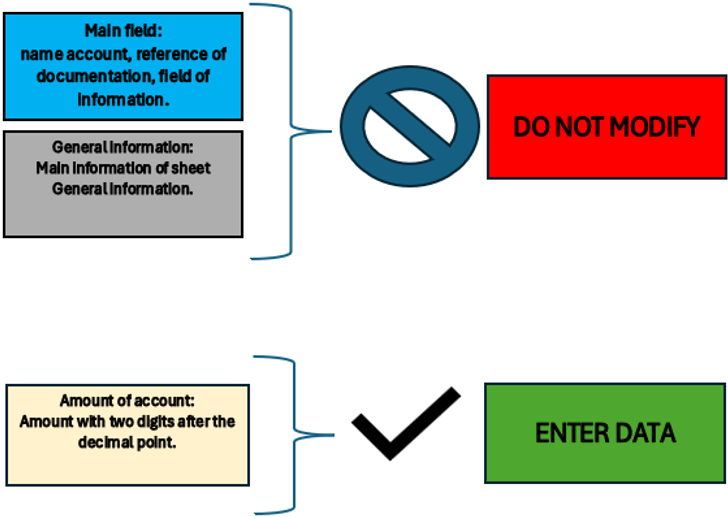
Figure of Excel in the sheet Legend
In the General information sheet, the essential information required by IFRS for SME is entered.
The essential information is useful to understand the biographical data of the company, the relevant accounting period, the currency used, the main activities and the content of this file, which is the complete structure of the financial statement.
Certain information such as company name, company name, domicile and accounting period is reported on all sheets specifically for the Identifying information of company.
General information
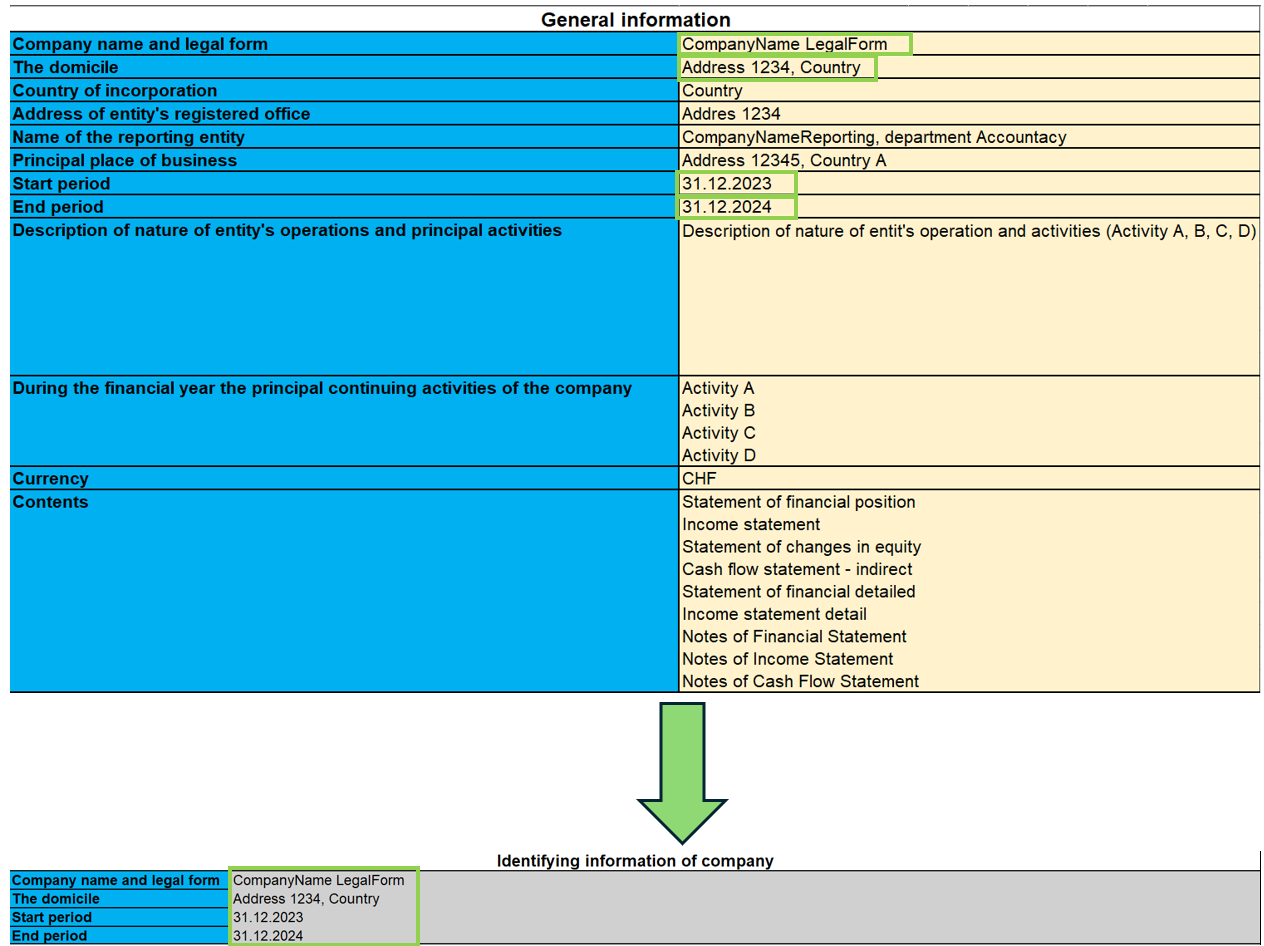
As shown in the image, the information entered on this sheet is carried over to all sheets, so that the company can be identified on each IFRS document, such as: the full name of the company, the address and registered office, and the beginning and end accounting year to be taken into account for accounting purposes.
Statement of financial position
The Statement of Financial Position presents the entity's assets, liabilities and equity for the current and comparative reporting periods.
In this part you are required to enter the budget amounts in the specific accounts. Totals and subtotals are calculated automatically by the formulas.
It should also be noted that for some accounts it is mandatory to complete the Notes. This is done by entering the amounts and other descriptive notes in the ‘Notes of Finacial Statement’ sheet.
If an account has notes, its amount for the last year refers to the corresponding cell of the account total put in the notes, so it is necessary to fill in the amounts in the notes first.
For the notes, there is also the possibility of consulting the documentation indicated in the ‘Reference documentation’ field, specifying the page and section where the information on the notes can be found.
Finally, there is a final check part to see if the total assets and liabilities are equal.
Modalities of use
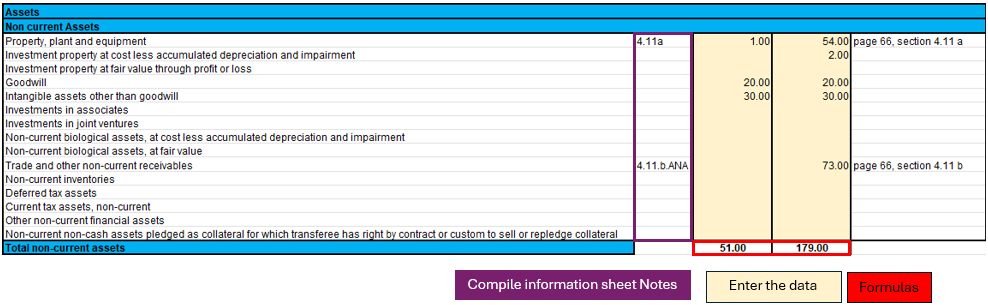
In the picture shown, a part of the Statement of Financial Position is selected as an illustrative example to guide the user. There are three highlighted parts in the image:
- Notes.
- The formulas.
- The data to be filled in.
Each part has its own specific function and in some cases the data are directly linked to each other.
Specifically, if an account has notes, it means that in the ending balance (31.12.xx) there will be the total of the amount calculated in the ‘Notes of financial statement’ sheet. This implies that in order to change that amount, one must fill in the account data on the "Notes of financial statement" sheet.
In this sheet one must therefore:
- Verify that the account is not linked to notes and enter the amount in the account.
- If there are notes, then only the ‘Notes of financial statement’ part of the sheet must be filled in.
The formulas integrated in this sheet will make the totals and subtotals of the accounts in the Statement of financial position.
Income Statement
The income statement is presented according to the classification ‘by nature of expense’.
This classification is an aggregation of costs according to their nature (e.g. depreciation, purchase of materials, transport costs, salaries, advertising costs, etc.) and are not allocated according to their purpose within the company.
The implementation of this classification was decided upon because it is simple and widely applicable for SMEs. The other classification was according to costs by function, where a distinction was made between costs of sales versus other costs (e.g. distribution costs or administrative costs) and this representation requires a considerable degree of discretion on the part of the end user.
As previously done for the Financial Statement, there are the amounts to be entered while the totals are already calculated by means of the formulas applied in the sheets.
In addition, a further breakdown has been made for EBIT (earnings before interest and tax) and EBT (earnings before interest).
Modalities of use
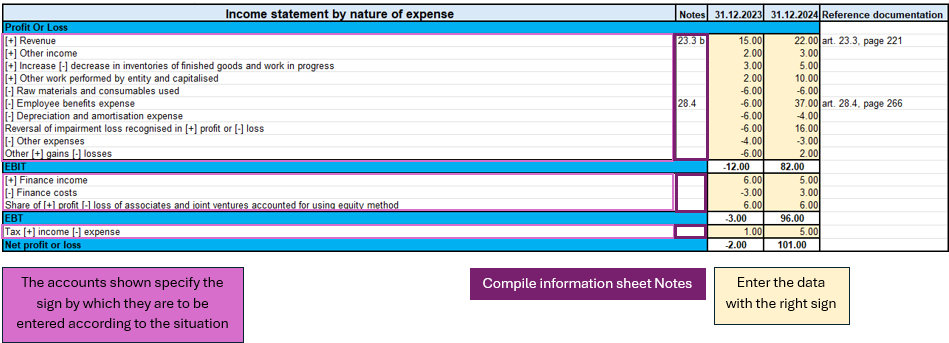
This figure highlights the important parts of the income statement.
Looking at the accounts, there are indications of the signs (+/-) to be used in the various circumstances, which implies that for accounts that have both positive and negative signs, there is an assessment of the positive or negative impact of that amount on the result of the income statement.
As previously seen in the ‘Statement of financial position’, there are also notes to be entered in the relevant sheet ‘Notes of income statement’ in order to be able to correctly define the amount, as the latter depends on the total in the notes.
In summary, what you need to do on this sheet are the following steps:
- Evaluate the circumstances of the account with both positive and negative sign and understand whether you are in a situation where it has a positive or negative impact on the result.
- Verify that the account is not linked to notes and enter the corresponding amount with the correct sign.
- If the account is correspondent with the notes, then only the ‘Notes of income statement’ sheet must be completed.
Statement Financial detailed
This document differs from the Statement of financial position in that there is more detail on the accounts. The official presentation of the accounts can be found in the ‘Statement of financial position’ sheet in terms of how the accounts are summarised; in this sheet, however, we have more detail, with the aim of avoiding filling in the notes directly in the specific sheet. The use of this sheet excludes the use of the ‘Statement of financial position’ sheet because they refer to the same notes.
The main difference is that not only the main accounts required as a presentation by IFRS for EMS are shown, but they are detailed in sub-categories of accounts that are the same as those found in the notes, so that using this document one can avoid filling in the notes, using only the sub-categories of accounts, except in some cases where the account requires descriptive textual type details, without using calculation formulas or amounts. For this reason, not all parts of notes are integrated, as some accounts require a textual type description.
To distinguish the main accounts from the sub-categories of accounts, the main categories are coloured dark, while the light categories are the accounts related to the notes.
If there are no subcategories of accounts (coloured light), then it is sufficient to go to the specific Notes of Statement or financial position sheet.
Modalities of use
In this image, you can see four essential parts of the document:
- Main accounts.
- Subcategories of the main accounts.
- Notes.
- The amounts to be entered.
- The formulas.
This part, there is more detail only if an account has notes, otherwise it is the same as the Statement of Financial Position. What requires attention is the verification of an account if it is an account with notes and has no sub-categories of accounts, if you find yourself in this situation then it means that the account requires an additional textual description to define some peculiarities in the ‘Notes of financial statement’ sheet.
On the other hand, for accounts that have notes but also account sub-categories, only the amounts of the sub-categories of the specific account need to be filled in. In this way, having filled in all the amounts of the sub-categories of the account, the formulas applied to the sub-categories will calculate the subtotals and the total of the main account.
So to summarise, the procedure for filling in this sheet is:
- I enter the amounts in the main accounts if there are no notes to refer to.
- If the main account has notes, I check that it has sub-accounts, if it does not, then I go to the ‘Notes of financial statement’ sheet and fill in the text description.
- If, on the other hand, the main account has notes and has the subcategories of accounts, then I only fill in the amounts of the subcategories.
In this example image in the Equity part, a case is illustrated where an account has notes but no account subcategories, which requires a textual description in the ‘Notes of financial statement’ sheet, and a normal case where there are notes with account subcategories.
Income statement detailed
Income statement detail is based on the same logic as the Statement of financial detailed, with the aim of providing a single document for its function, detailed by the accounts of the notes, without having to fill in the Notes of income statement.
There are the main accounts and when there are notes, they are detailed by the sub-categories of accounts that are part of them.
Modalities of use
As illustrated in the figure above, there are four equal parts to the ‘Statement of financial detailed’ sheet with the same logic.
The only difference is that there are no descriptive notes, so all accounts with notes are already with their sub-categories without requiring additional compilation on the ‘Notes of income statement’ sheet.
Therefore, to summarise, it is essential to follow these steps:
- Enter the amounts of the main accounts if they have no notes.
- If the main account has notes, enter the amounts only in the subcategories of the account.
The Statement of Changes in Equity
The Statement of Changes in Equity reflects changes in equity.
This part provides insight and transparency into decisions and their effect on the value of equity. It is also a useful tool for investors and other stakeholders to understand how the company has generated and utilised equity capital.
Modalities of use
In the sheet ‘Statement of changes equity’ as shown in the image, there is one part to pay attention to.
The first is the evaluation of the change in the account item, whether it increases or decreases, and then according to the sign (+/-) the amount must be written with the correct sign.
Unlike other documents, this one does not require notes.
So the process of completing the document is:
- Evaluate the account change and follow the indications on the sheet on the sign to be taken in the various circumstances (increase or decrease in the account).
- Enter the amount with the correct sign.
Cash flow indirect
The Indirect Cash Flow Statement is divided into four main sections:
1. Cash flow from operating activities
2. Cash flow from investing activities
3. Cash flow from financing activities
4. Net cash flow.
The document is independent of the other sheets, so you have to do your own calculations to deduct the various amounts to be included in the cash flow items.
The accounts are taken from the IFRS for SME taxonomy, first there are the profit or loss adjustments and then the operating activities are calculated.
Investing activities are characterised by the purchase or sale of fixed assets such as equipment, real estate, joint venture participations and others.
Cash flows from financing activities are related to the company's sources of financing, such as leasing, share issues, debt repayments or financing income. There is also the payment of dividends to shareholders.
In the last part of cash flow there are some clarifications to be made. The net change in cash is assessed in two steps, the first is calculated before the effect of the exchange rate change and the second after this change. In addition, as a form of control, the change in liquidity is also calculated, showing the changes in the period of activity, by calculating the difference between the initial and final liquidity balance.
Modalities of use
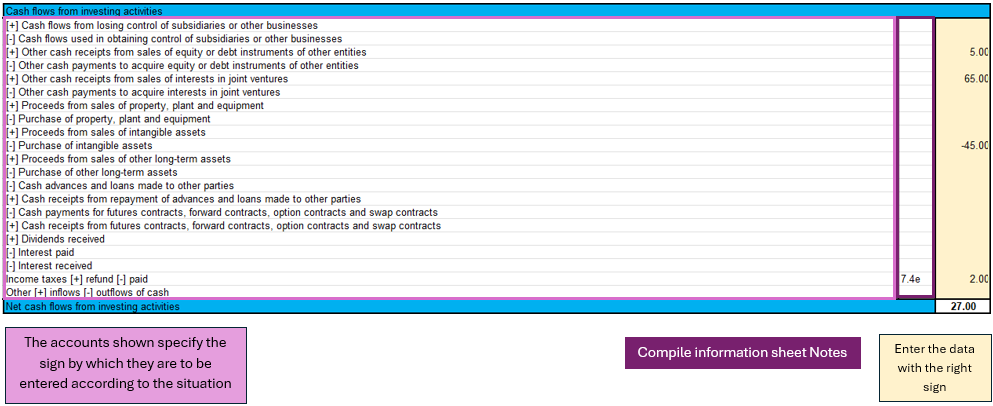
As shown in the figure of the cash flow for investing activities, three main components can be identified:
- The main accounts show the sign depending on the situation.
- For some accounts, the notes of cash flow statement are required.
- Entering the amounts requires attention with respect to the sign.
In the cash flow statement, reasoning on the implications of the balance sheet and profit and loss accounts is required in order to conclude which amount to enter in the specific item of the cash flow statement, so the conclusion depending on which cash flow statement has been analysed, could be an increase or decrease of an asset, a payment for property purchase, payment of dividends to shareholders,...
There is no sheet for this purpose, the user must reason with the amounts available, entered in the balance sheet and profit and loss account, and come to his own conclusions.
Next, having an amount, one must distinguish the situation as indicated in the sheet, in order to enter the amount with the correct sign.
Finally, in the event that it is required, fill in the notes of cash flow statement with the specific amounts in the case.
Notes
The notes are divided by the three IFRS documents:
- Notes to the Financial Statement.
- Notes of the Income Statement.
- Notes to the Cash Flow Statement.
As mentioned in the introductory section, the notes serve to supplement the information taken from the financial documents.
The note sheet contains four essential parts: the note code, reference account, amount and notes (text).
The note code is the reference for each part of the documents that serves to understand in which account the notes are to be completed.
The account represents the account taken from the document (Financial Statement, Income Statement, Cash Flow) to be detailed in the notes.
The amount is singular for the detailed account and is not always required because in some cases only a textual description is needed.
Notes as text are necessary if there are cases where only a description or more detailed customisation is required to explain an account.
Modalities of use
Case for the Financial Statement
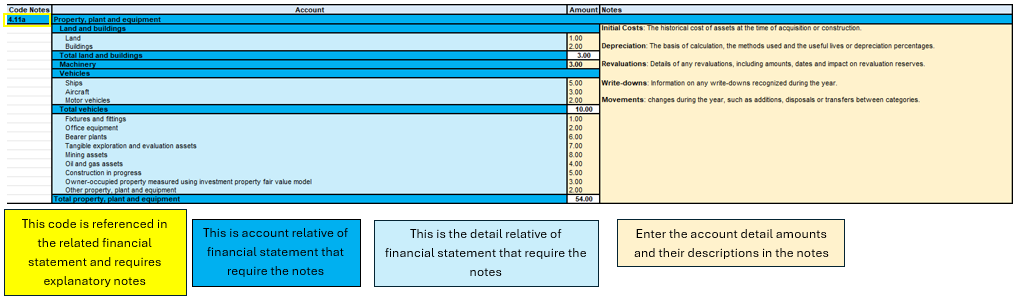
Figure of Excel in the sheet Notes of financial statement
In this image, four main components can be seen, the account reference code, the account, the detail grouping the sub-categories of accounts, the amounts to be entered with any textual notes.
The starting point for completing this sheet is then the financial statement, where we list which accounts need more detail, and then move on to complete the information in the notes sheet.
The data entry part concerns the amount of the detail account and any descriptive text.
The account totals and subtotals are calculated from the formulas, the account total is shown on the main sheet of the financial statement, so it is essential that if an account needs notes, it is only on the notes sheet.
Case for the Income Statement
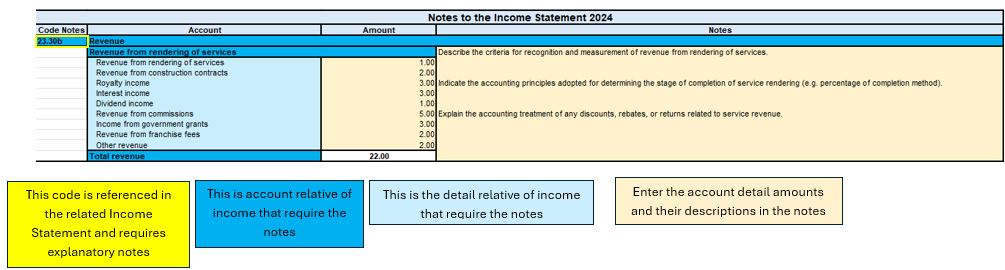
Figure of Excel in the sheet Notes of income statement
As seen above, the structure does not change for the Income statement notes. The main parts are always the same, as also for the cash flow notes.
To summarise therefore in this process one must:
- Depending on which sheet you are compiling, you must check that the analysed account of the financial statement, income statement or cash flow note is there.
- All the necessary data and information must be filled in.
- If there is a sub-account in the notes that is not needed or not used, you can simply leave it blank or enter a zero amount.
Objectives of the file
The process of creating the IFRS structure for SMEs took the official documentation and reconstructed a structure in the Excel template, with the aim of allowing the user to follow the IFRS reporting logic by entering the main information in the parts of the file.
The basic characteristics of such a file is the completeness of the document by having all the main parts required for IFRS, the usefulness of preferring the most widely used models that are more suitable for several companies, and excluding other more specialised models only in certain contexts.
The template provides a structured financial overview and helps users organize financial information according to the reporting logic of IFRS for SMEs.
In addition, the aim of IFRS for SMEs is to improve the comparability of financial data between different companies, to facilitate the analysis and interpretation of financial results by stakeholders outside the company, and to promote the adoption of IFRS for SMEs by providing a practical and accessible tool.
Free Excel template for the IFRS-SMEs
We make the model available without liability as per our Terms and Conditions of Use.
Cash Flow Statements and Financial Ratios [BETA]
在此文中
Cash Flow Statements and Financial Ratios [BETA]
Cash Flow Statements and Financial Ratios [BETA]
Advanced financial reporting and charts for your double entry accounting, inclusive of Cash Flow Statement, standard financial ratios, Dupont analysis and Altman index. Compare historical data over more years and forecast data with current year.
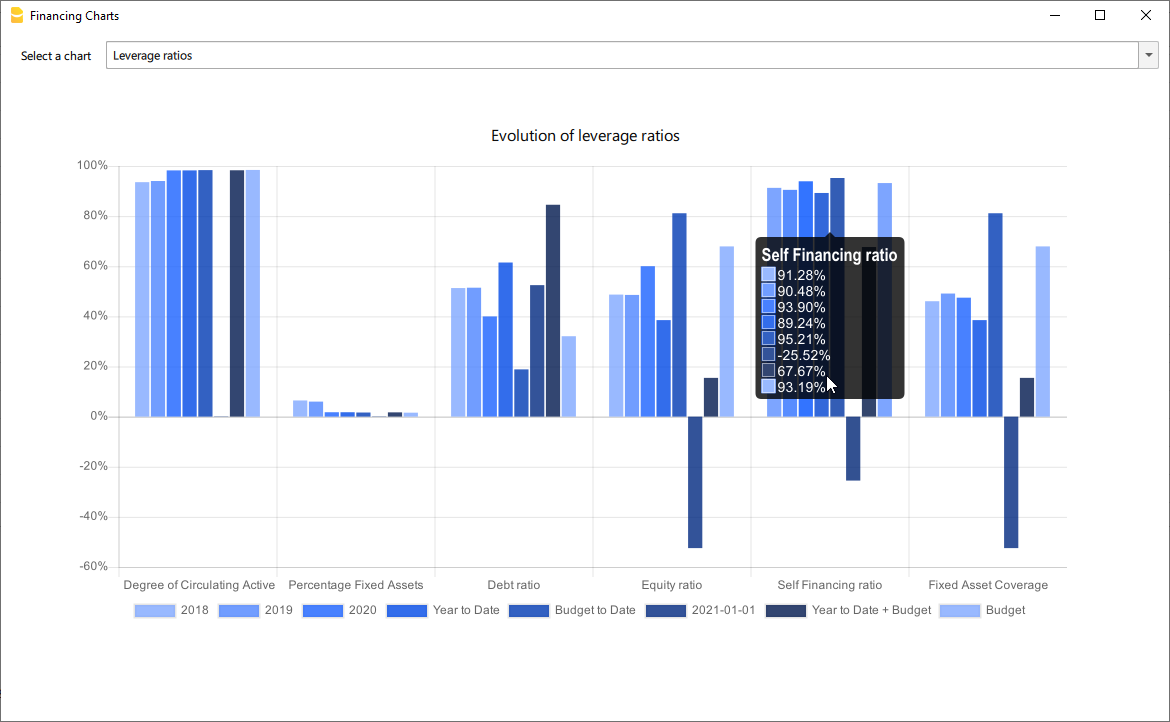
Easily add advanced financial reporting and charts to your existing double entry accounting. It works with any accounting plan, the first time you enter your groups/accounts in the settings dialog, and then all calculations and reporting will be done automatically. This extension is available in Banana Accounting Plus only with the Advanced plan. Update now!
How to start
First time setup:
- Open Banana Accounting Plus
- Open your existing Banana double entry accounting file.
- Go to the Extensions menu → Manage Extensions... command and install the Cash Flow Statements and financial Ratios extension.
- Map you accounting plan.
- Extensions menu → Cash Flow and Financial Ratio → Settings.
- Under Grouping enter the groups you have in your accounting plan in the predefined groups.
The extension uses a standard, simplified Balance and Profit and loss structure, that allows to automatically calculate the Financial Ratios. - Click OK to verify your data.
Check the Ignore warnings/errors if you want to save the data and complete the grouping later.
- Add information to some special transactions (dividends, change in reserve, disinvestment, investments) they can be identified for the Cash Flow Statements.
Run the reports (at any time).
- Open your Banana double entry accounting file.
- Menu Extensions → Cash Flow and Financial Ratio
- Financial Charts
- Financial Reports
Available reports and charts
- Reclassification and checks
- Reclassified balance sheet
- Reclassified Profit and Loss Statement
- Control sums
- Cashflow Statement
- Cash Flow statement based on the indirect method.
- Cash Flow ratios.
- Financial ratios and analysis
- Liquidity ratios:
- Financing ratios
- Profitability ratios
- Efficiency ratios
- Dupont Analysis
- Altman index
- Charts
- Evolution of ratios over time
- Evolution of the Reclassified balance sheet
- Evolution of the elements of the Reclassified Profit and Loss Statement.
Prerequisites
In order to be able to use this extension you have to:
- Use Banana Accounting Plus with the Advanced plan. We recommend using the Dev-Channel, some features or functionality present in the insider version may not yet be accessible in the regular version of Banana.
- Open a Double-entry accounting file.
It is important that the various accounting years files included in the analysis have the chart of accounts set up in the same way, at least as far as references to groups are concerned.
For example, if I want to analyze the accounting years: 2018, 2019, 2020, and I set up group 100 in the Liquidity grouping. I need to make sure that for all three years the group is the same.
Try the extension now
You have the opportunity to use a test accounting file with some random entries to get an idea of the extension's functionality. The file already includes the extension, so you don't even have to download it
You can test it by editing the transactions, the chart of accounts or the various settings in the dialog.
The accounting file does not exceed 70 transactions, so you can also try it out with the free or professional version and upgrade to the Advanced plan later.
Introduction
What is exactly the financial statement analysis?
Financial statement analysis is an accounting tool that provides an assessment of a company's economic, financial and asset condition. It is based on the financial statements and reports the data. It contains the profits and losses of a company and therefore serves to derive the general performance of the company.
Why is this activity very important for your SME ?
Until recently there were few SMEs that often used a financial statement analysis as larger companies could use it.
Today, times have changed. Reading the numbers well can make a difference within the strategy and management of an enterprise. Understanding which products it is worth investing in and which jobs can be neglected determines the difference between the growth or decline of a company.
This activity can be a source of interest for various subjects, external or internal to the company. Entities or external individuals can analyse their solvency profile (current or potential lenders), capacity to provide an adequate return on capital (for those who want to buy shares for example) or even just obtain information on the company's situation with respect to competition in the sector.
Through the comparative balance sheet analysis of the various elements available, it is possible to arrive at the following formulation of a "judgement" on the health of the company in all its dimensions:
- Economic
- Asset
- Financial
How it works
The financial statement analysis is based on two fundamental documents for a company:
- The Balance sheet
- The Profit and loss statement
In order to perform a correct analysis, it is always necessary to start from the reclassification of the accounts, which includes 3 phases in particular.
- Group the account items into groups
- Order such groups
- Bringing out intermediate results
The reclassification allows for a slightly cleaner first view of the company's situation and is already useful information can be obtained from it.
Analysis by Indexes
Once the intermediate results have been obtained, it is possible to proceed with the calculation of the indices useful for the analysis. The financial statements analysis by means of indexes is a very powerful tool that allows you to use indicators capable of providing a very concise assessment of one's own situation.
How should the data be interpreted?
Better results in terms of interpretation and evaluation are therefore achieved by analysing a series of balance sheets and studying the trend over time of the significant balance sheet ratios, so as to understand in which management is moving the company (dynamic financial statements analysis).
How do I evaluate them?
- Temporal evolution
- Comparison with average values of the sector
- Comparison with "normal" values i.e. with the benchmark
- Comparison with objectives
Response to results
This is the last activity of the analysis cycle, where the "relay" passes into the hands of those who deal with the Management of the Company, with data that speak clearly, the Manager will have to plan how to proceed using the right Project Management techniques.
The report contain errors?
If you notice incorrect data within the report or find that for some reason the calculated amounts do not match, please follow the steps below:
- Check that the data in your accounts are correct.
- Check that you have set up the groups correctly in the settings dialog.
If the errors persist, contact us via our feedback form and send us an example accounting file (*.ac2), even with little data, but allowing us to reproduce the possible problem and correct it.
Multi-language
The extension is available in the following languages:
- English
- Italian
- French (translation currently not complete)
- German (translation currently not complete)
And will adapt according to the language in which the application is set up. For all other languages, the standard version in English will be displayed.
Save your analysis
You can save the report in the following formats:
- Html
- Excel
- Latex
Settings Dialog
Dialog is accesible:
- By going to the Extensions menu→Cash Flow Statements and financial Ratios →Financial Reports.
- By going to the Extensions menu→Cash Flow Statements and financial Ratios →Settings.
Set up the groups
The first and most important step is to enter the groups or accounts number you are using in your account table.
Once you enter the groups the report and calculations are all done automatically, except for some specific transactions for the Cash Flow Statement.
- Groups must be entered manually
- Groups must be separated by a semi-colon ';'
- Both groups and accounts can be entered
- It is important to make sure that you include elements that exist in your chart of accounts, if are entered groups or accounts that do not exist in your chart of accounts, a message will be displayed on the row of the grouping concerned, returning those elements for which a match was not found in the chart of accounts. Once corrected, you only need to run the dialogue again and the message will disappear.
- By default, the groups within the dialogue refer to the Swiss SME chart of accounts, and it is possible to return to the base scenario by clicking the Restore Defaults button. Beware, however, that in this way the customisations made will be lost, and will be replaced with the default values.

All the necessary elements must be inserted within the different groupings defined in the dialogue (Liquidity, Fixed Asset,Owned base capital,...).
Assets
They show the total employment of a company, so the investments to which the company has allocated
the means found in carrying out its activity.
- Liquidity: Must include groups or accounts that define liquidity in the company, such as cash or bank
- Credits: Must include groups or accounts within which are recorded all the operations
concerning money due to buyers who didn’t paid yet for their purchases - Stocks: Must include groups or accounts with all goods for resale in the ordinary course of business.
- Fixed assets: Must include groups or accounts containing fixed assets elements, as:
- Buildings
- Computer equipment
- Computer software
- Furniture and fixtures
- Intangible assets
- Land
- Leasehold improvements
- Machinery
- Vehicles
Liabilities and Equity
Shows where company's resources come from. In general, the funds at the company's disposal are
classified in a way to distinguish between own funds (which flow into equity) and those from third parties.
- Short-term debt capital: Must include groups or accounts representing the company commitments that must be fulfilled, without any particular cancellation, in the current year.
- Long term debt capital: Must include groups or accounts containing that kind of capital that the company can have at its disposal for several years, on a fixed basis, and that can usually only be withdrawn within a set time limit.
- Own Base capital: Must include groups or accounts those group referring to the company's own capital.
- Reserves and Profits: Must include groups or accounts within which are recorded the amounts to be paid to reserves or designated as profits.
Revenues
Indicates what is produced by the company during a financial year. Whether it is an increase in the value of products or semi-finished products in the course of production or services in progress, revenue from the sale of products or services or the increase in the value of fixed assets thanks to own resources, all these heterogeneous factors add up.
- Sales turnover: Must include groups or accounts within which is recorded what is produced by the company during a financial year. Whether it is an increase in the value of products or semi-finished products in the course of production or services in progress.
Costs
- Costs of Merchandise and services: Must include those groups or accounts in which all costs relating to goods and services consumed during the annual financial year are recorded.
- Personnel Costs: Must include all those accounts referring to a cost due to personnel, such as:
- Salaries
- Social charges
- Severance Pay
- Pension and similar treatment
- Other costs
- Different Costs: Must include all other groups or accounts relating to costs during the operating period.
- Interests: Must include groups or accounts containing the costs of financing sources, such as bank interest payable or interest on loans.
- Depreciation and Adjustments: Must include groups or accounts where are registered possible revaluations and write-downs of equity investments, as well as of financial fixed assets and securities included in current assets that are not equity investments.
- Final Result: The group containing the difference between the costs and the revenues at the end of the year.
Average Number of employees
This information is useful for calculating efficiency ratios, enter the average number of employees in the company and find out information such as the average company revenue per employee.
Printing Preferences
To make the Analysis as close as possible to your needs you can set some preferences, and choose about the details of printing and analysis

Printing Details
- Page header: Include the header in the report, the header is composed with the information retrieved from the properties of the file.
- Logo: Choose whether to include your company logo in the report. for information on how to set up a logo visit this Logo set up page.
- Background color of headers: Choose the colors for the table headings
- Text color of headers: Choose the color for the texts in the table headings
- Report Without colors: Check the box for no colours in the report.
Analysis Details
- Number of previous years: Set the number of previous accounts (years) to be included in the analysis, which will be added to the current year and the Budget (if present and included).If you don't know how to set the previous year to a file, go to “File→File and Accounting Properties→Options Tab.
- Number of decimals: Choose how many numbers after the decimal point you want for the digits in the report, if you don't want to have decimals you only need to insert a zero 0.
- Include Budget: If you are using the Budget table for your financial planning, you have the possibility to include it in the analysis.
- Include Budget to date column: Include the columns showing the values of the budget up to that day, compare the values with those of the year-to-date.
- Include Current year projection column: You can include the projection for the current year. The programme uses the values in the budget table to return what could be the values at the end of the year.
- Current Date: Insert the current date. If no date is entered, the date of the day is taken automatically
- Include DuPont Analysis: Choose whether to include the Dupont Analysis
- Include Control Sums: Choose whether to include the table with the control sums, useful to inform in case of errors on the totals (assets/liabilities, operating result).
- Show the formulas column: Choose whether to show the column with the calculation formulas.
- Show the acronym column: Decide whether or not to show the acronym column, which is useful for identifying the elements used for formulas.
The columns of acronyms and formulas are complementary, that's beacuse the acronym column is useful to uderstand how the formulas are composed. if you dont need these columns, just uncheck the checkbox.
Set the benchmarks
Benchmarking is a method of assessing an organisation's competences based on comparison with the "best
in class", whatever sector it belongs to. So the Benchmark is a key performance indicator on the basis of
which a company assesses its performance with regarding to products, services and business processes.
You can customise these values depending on your company:
- Sector
- Size
- Targets
These values are only representative, which means that the figures you enter are not used in the analysis but are shown as they are. In the report, they are displayed in the Benchmark column, in the indexes tables, so that you can quickly assess the situation.

It's also possible to call the dialog from the opened report and change the parameters. The values of the
analysis will be updated automatically.
Cash Flow Statement
Cash Flow is an analytical tool that helps to visualise the positive and negative changes in liquidity as a result of management, with reference to a given period of time: it is in fact the reconstruction of monetary flows, then the difference between all the monetary income and expenditure of a company.
Cash Flow analysis is not subject to accounting rules and many investors use the data to assess the strength of the company.
Essentially, if the Cash Flow is positive, it shows the financial availability for the company within the reporting period, whereas if the cash flow is negative, it means that more resources have been absorbed than have been received.
Special Cash Flow transactions
The first step to obtain the Cash flow Statement i its to setup the account groups in the settings dialog, Most value needed for preparing the Cash Flow Statement can be calculated based on the changes of the standard account classification. Identifying Disinvestments, Revaluations, transactions and other specific movements effecting the cash flow, would require a restructuring of the account plan. We have therefore opted to identify these values, by adding a special code to the description of a transaction.
It is important that these transactions are made using the recommended account type or group, because the program searches for cashflow amounts in certain groups, so if an entry is made using another account type, there could be an error as the amount may not be found.
If we talk about entering a fixed asset account, the account must belong to one of the groups entered in the fixed assets section of the dialogue. For example, if I disinvest by selling a vehicle and I use the standard chart of accounts for SMEs, I can use the account Vehicles '1530', which is part of the group 150, which in the dialogue is entered under the section 'Tangible Assets' in the fixed assets.
- Disinvestments (#disinvest)
- A disinvestment simply represents the sale of a fixed asset such as a vehicle or machinery. When recording a disinvestment.
- Debit Column: Insert the account where you will collect the money from the sale, such as the post or the bank.
- Credit Column: Insert a fixed asset account that relates to the item sold.
- Knowing the amount of disinvestments, the program is able to calculate in detail the real amount of investments that have been made during the year. For an SME, the number of disinvestments during the accounting period usually remains quite small, whereas investment activities are much more frequent operations, which is why it is very important to find the real amount net of all other movements.
- A disinvestment simply represents the sale of a fixed asset such as a vehicle or machinery. When recording a disinvestment.
- Revaluations of fixed assets (#revaluations)
- Revaluation of a fixed asset is the accounting process of increasing the carrying value of a company's fixed asset or group of fixed assets to account for any major changes in their fair market value.
- Debit Column: Enter the account of the fixed asset item you are revaluing to increase its value.
- Credit Colum: Enter an income account, if you don't have a particular one you can enter it as extraordinary income.
- Revaluation of a fixed asset is the accounting process of increasing the carrying value of a company's fixed asset or group of fixed assets to account for any major changes in their fair market value.
- Devaluations of fixed assets (#devaluations)
- It works in the same way as a revaluation, but instead of increasing the value of the fixed asset it decreases it, which means that the accounting entry is also reversed, i.e. the income becomes a cost.
- Debit Column: Enter a cost account, if you don't have a particular one you can enter it as extraordinary cost.
- Credit Colum: Enter the account of the fixed asset item you are revaluing to increase its value.
- It works in the same way as a revaluation, but instead of increasing the value of the fixed asset it decreases it, which means that the accounting entry is also reversed, i.e. the income becomes a cost.
- Dividends (#dividends)
- Dividends are fees paid to shareholders and usually depend on the profit made. The payment of a dividend must be recorded in a specific liability account, and should appear under short-term liabilities.
- Debit Column: Enter the reported balance sheet Profit / Loss carried forward account.
- Credit Colum: Enter the specific account for dividends.
- Dividends are fees paid to shareholders and usually depend on the profit made. The payment of a dividend must be recorded in a specific liability account, and should appear under short-term liabilities.
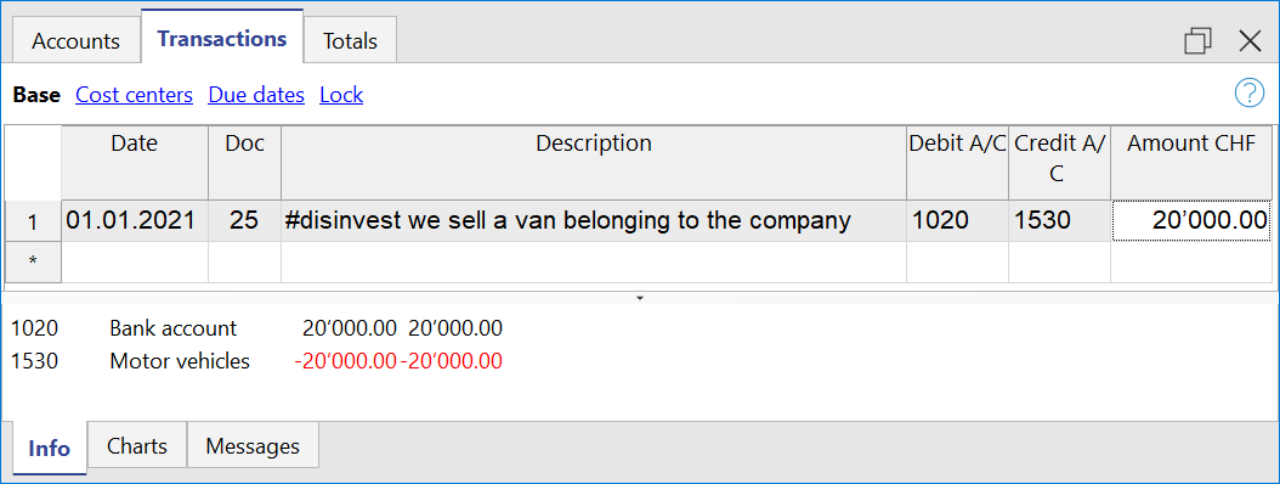
Cashflow Statement
Cash flow is divided into three main components:
- Operating cash flow which originates from the core business operations of a company.
- Cash flow for the company, which is the cash flow available to all investors in the company.
- Cash flow available to shareholders, which only considers the cash flows that are due to the shareholders, resulting from the net of all payments made and received, including from debt holders.
Adding up all the totals you find the amount that corresponds to the change in liquidity for the period, which in turn when added to the value of the liquidity at the opening of the period should give you the current liquidity balance.
If the results do not match, an error message is displayed.
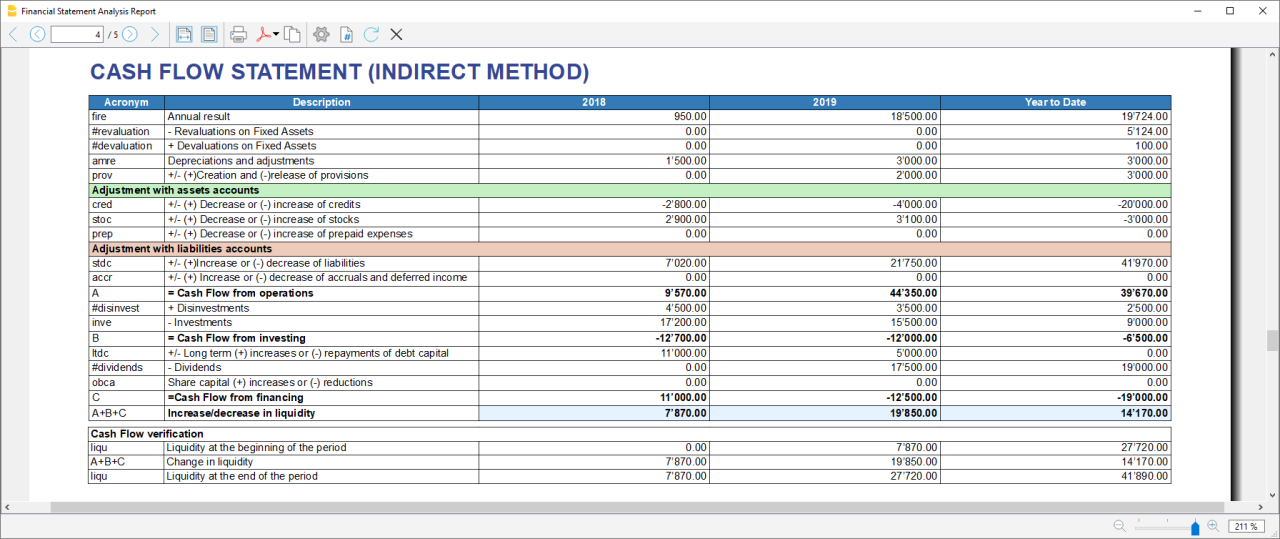
Acronym column
In the acronym column of the cashflow, the reference to the account taken into account in the calculation is entered, or in the case of special entries, the prefix of the entry, so that it is easy to see which item of the balance sheet or income statement a certain movement relates to.
Cash Flow verification
This table shows any differences between the change in cash flow calculated in the cashflow and the actual cash flow in the accounts, which in an optimal situation should match. If there is a difference in one of the years of analysis the amount in question is printed in red on a line below.
Usually, when an error occurs, the first thing to do is to check whether the amounts in the balance sheet and profit and loss statement are correct or whether there are differences between the assets and liabilities, for checking them, control sums are very useful because they immediately show whether there is a difference.
if you realise there is some error but you dont know exactly where, you can check the amounts by comparing the ones in the report with those in the chart of accounts.
The differences are generally due to an error when entering groups in the settings dialog, which can occur in two ways:
- One or more groups were not included
- One or more groups were entered under the wrong heading
In case the balance and profit and loss amounts are correct but the cashflow displays an error, is probably due to the fact that a group has been inserted in the wrong place.
Retained Earnings Statement
This table shows the movements made with the annual profit achieved. Starting from the reported annual profit it adds the profit for the period and adjusts the value by taking into account the payment of dividends and the creation or dissolution of reserves. The last two rows show the total undistributed profit, and the undistributed profit realised in the current year.

This information is somewhat supportive of Cash Flow but since earnings management does not directly affect cash, it is presented in a separate statement.
Record Transactions
It is useful to first record the transfer of the profit for the year from the profit and loss account to the profit shown in the balance sheet as shown in the example image.
In order to record the payment/discharge of reserves and the payment of dividends, it is sufficient to use the specific account of one of the above items and to decrease or increase the profit account shown in the balance sheet. The remaining amount (not allocated to reserves or dividends) then increases the retained earnings.

Cash Flow Ratios
In addition to the ratios already present, those ratios are added just below the Cashflow table and in the Charts
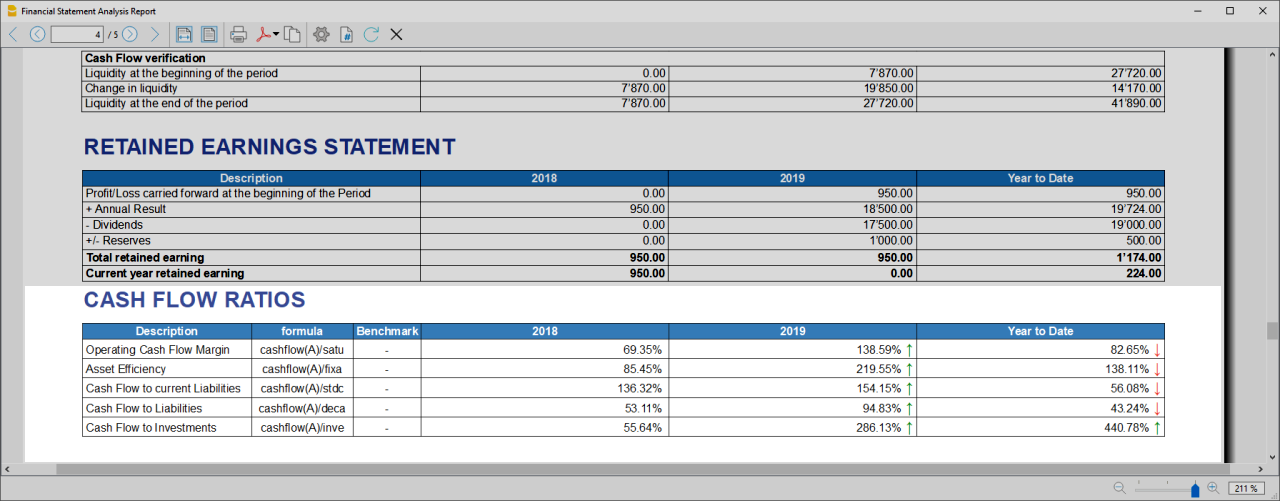
- Cashflow margin: Measures the amount of revenue a firm can convert into operating cash flow. When a firm is thriving, operating cash flow should grow alongside revenue. While profit margins measure a firm's pricing power; a declining cash flow margin also measures the health of customer and supplier relationships.
- Asset Efficiency Ratio: This is a basic ratio to show you how well the company uses its assets to generate cash flow. It’s best used to view the historical trend as well as to compare with competitors.
- Cashflow to current Liabilties: This ratio gives you an idea about the company’s debt management practices.It’s also a better indicator of the company’s ability to pay current liabilities than the current ratio or quick ratio
- Cashflow to Liabilities: Measures the amount of operating cash flow a firm generates on each dollar of total liabilities. Businesses that can't produce operating cash flow to pay off all their liabilities cannot continue to operate indefinitely, making this ratio an important indicator of liquidity as well as solvency
- Cashflow to Investments: Measures the amount a company outlays for capital assets for each dollar of cash dollar it generates from those investments.
Why Is Cash Flow Analysis Important?
Performing cash flow calculations in combination with constant monitoring of the company's cash flows is the winning formula for effective treasury management, and is useful for making the best use of available cash.
Thanks to the ability to generate cash flow and the financial solvency of the company, you gain confidence from banks and suppliers, as it symbolises a certain control over your business: the calculation of cash flow is in fact a way to detect the actual availability of the company, giving the possibility to face unexpected events or to plan consistently the future of projects.
For more information on Cashflow Analysis, please refer to the following page.
Balance Sheet and Profit and Loss Reclassification
Generate the Report by going to the Extensions menu→Cash Flow Statements and financial Ratios →Financial Reports.
The Report contains all the analysis data processed by the extension:
- Reclassified balance sheet
- Reclassified Profit and Loss Statement
- Control Sums table
Reclassified Balance Sheet
The reclassification of accounts allows for the display of a series of values, results and intermediate margins that contain more information than the traditional structure.
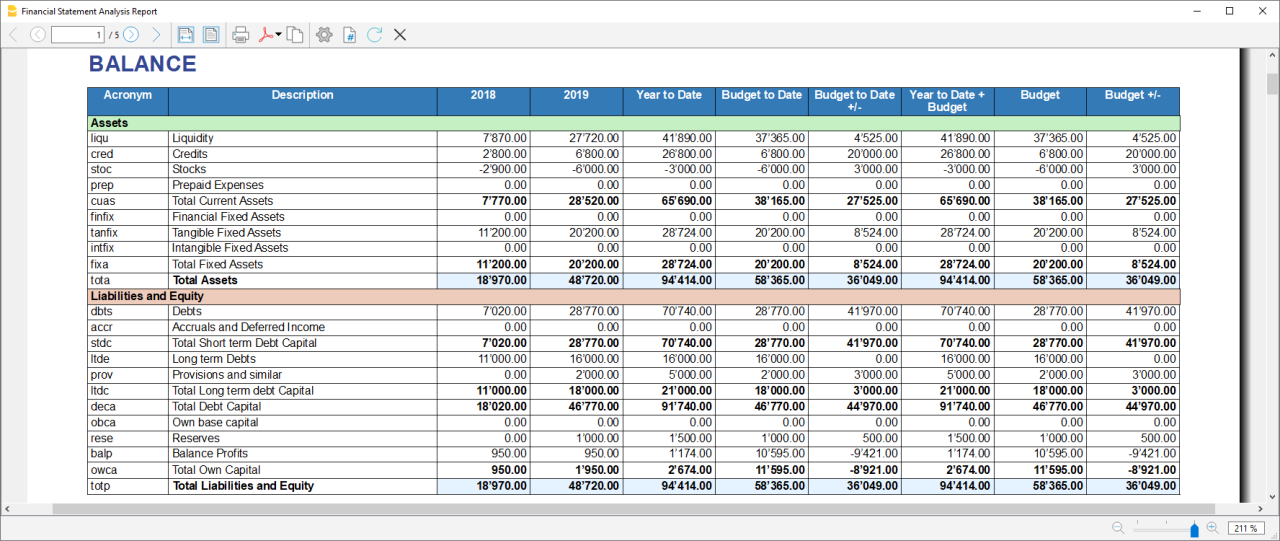
- Current Assets: All the assets of a company that are expected to be sold or used as a result of standard business operations over the next year.
- Fixed Assets: Items, such as property or equipment, a company plans to use over the long-term to help generate income.
- Total Assets: The sum of current assets and fixed assets.
- Debt Capital: Is the capital that a business raises by taking out a loan. It is a loan made to a company, typically as growth capital, and is normally repaid at some future date.
- Own Capital: It is the capital owned by the company.
- Total Liabilites and equity: The sum of Debt Capital and Own Capital.
Reclassified Profit and Loss Statement
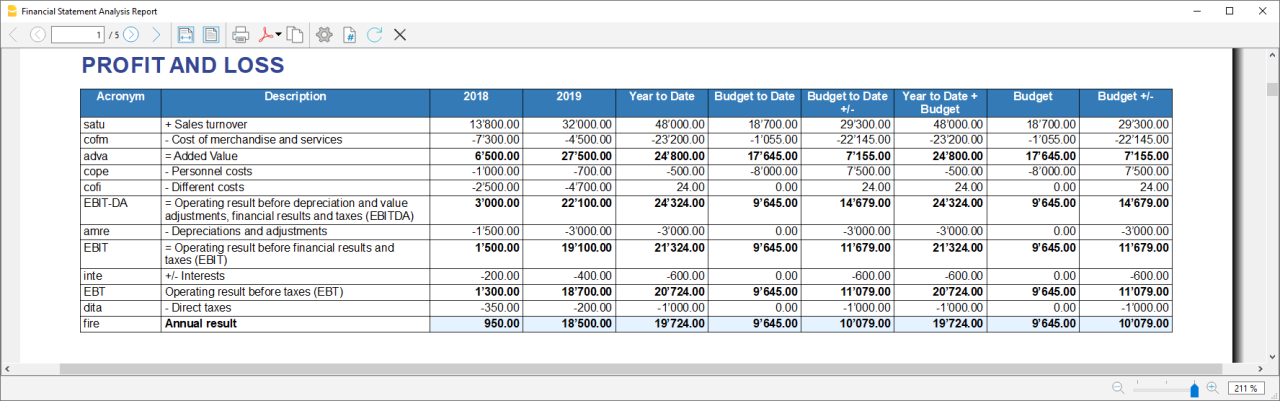
- Added value: The difference between operating costs and operating revenues incurred for resources outside the company, expresses the company's ability to create wealth and then remunerate the various production factors and stakeholders.
- MOL /EBITDA: "Earning Before Interests, Taxes, Depreciation and amortization" is obtained by subtracting from production revenues the costs of production (including internal costs such as personnel costs), without considering provisions and depreciation. As it does not contain economic items without monetary movement, its value assumes very important information for financial investors.
- EBIT :"Earning Before interests and Taxes", helps to understand whether the company is also able to cover the financial charges arising from its financial commitments.
Control Sums
Resumes the totals of the reclassified accounts (Assets, Liabilities and Equity , Annual Result). Checks that the sums calculated in the analysis match the totals in the accounting sheets and that Assets and Labilities and equity match.
- Accounting Total column: Represents the actual total in the accounts.
- Calculated Total column: Represents the total calculated by the program based on the groups entered.
- Difference column: Represents the difference found between the total in the accounts and the calculated total for each year. The value equal to 0, otherwise will be displayed an error message, which means that there may have been an error in entering the accounts/groups .In this case it is useful to check in the dialogue that you have entered the groups correctly.
Financial Ratios
Generate the Report by going to the Extensions menu→Cash Flow Statements and financial Ratios →Financial Reports.
The balance sheet ratios are formulas calculated on financial, economic and asset values. These ratios are derived from the income statement and balance sheet data. Balance sheet indices are important analysis tools that provide essential indications for the entrepreneur's activity.
It is widely used by all professionals who are interested in assessing the soundness of a company for their work.
In fact, banks use the balance sheet indexes to evaluate company loan applications.
the indexes are divided into four main types
- Liquidity ratios:
- Financing ratios
- Profitability ratios
- Efficiency ratios
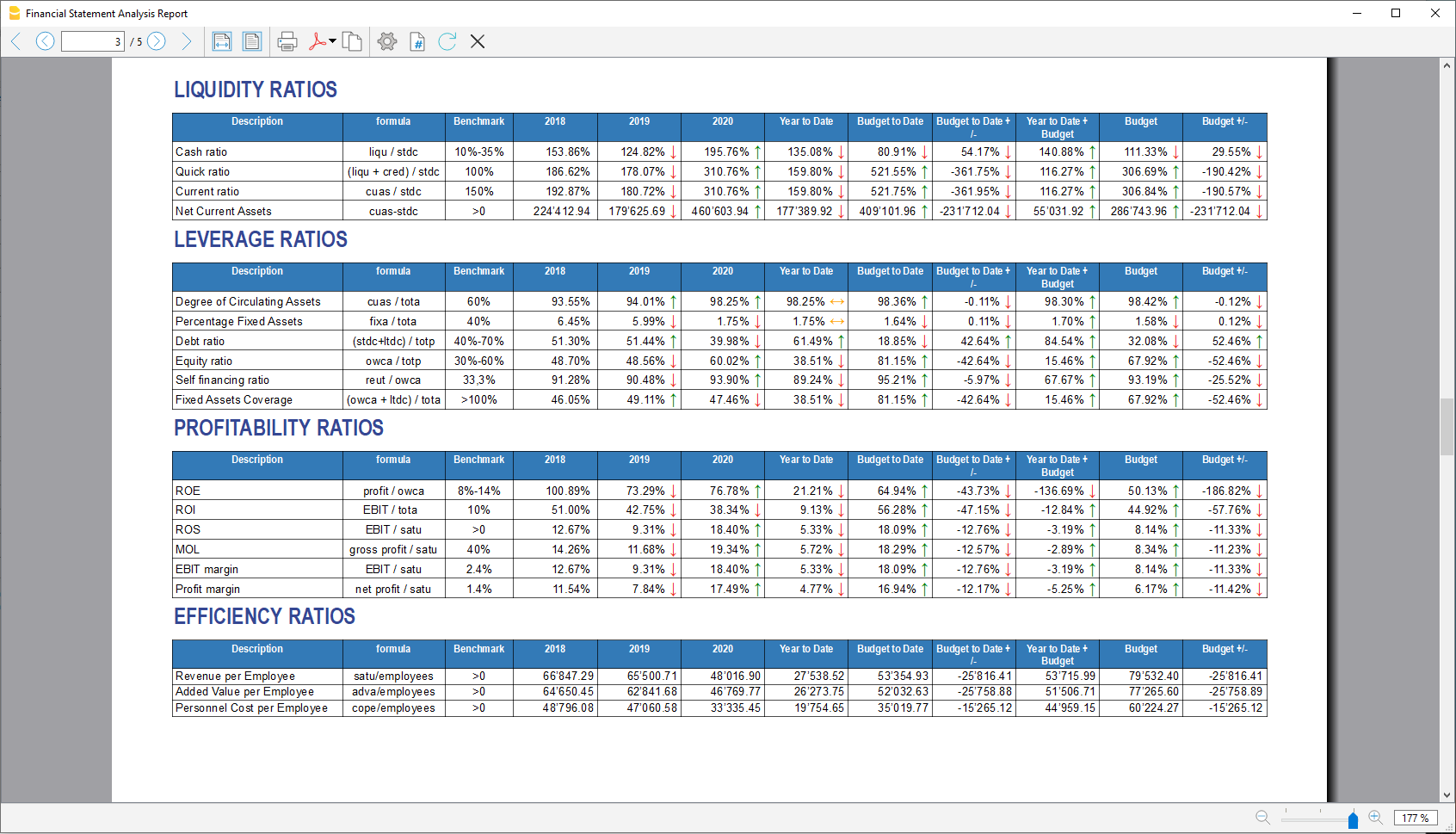
Liquidity ratios
An important class of financial metrics used to determine a debtor's ability to pay off current debt obligations without raising external capital. Liquidity ratios measure a company's ability to pay debt obligations and its margin of safety through the calculation of metrics.
- Cash ratio: Indicates the extent to which the company is able to repay its debts at the end of the term.
- Quick ratio: Indicates the extent to which the company is able to pay its debts when due.
- Current ratio: Indicates the extent to which the company is able to pay its short-term debts without touching fixed assets.
- Net Current Asset: Indicates the part of the current assets free of short-term commitments, which can therefore be used in the activity.
Financing ratios
They look at how much capital comes in the form of debt (loans) or assesses the ability of a company to meet its financial obligations.
- Degree of Circulating Assets: It allows us to understand whether there is a balance within the company's assets, a judgement can only be made if we have the average data for the same line of business.
- Percentage Fixed Assets: It is complementary to the previous one.
- Debt ratio: Indicates the extent to which the company has had to resort to external financing, the judgement depends very much on the branch of activity.
- Equity ratio: Is complementary to the previous one, equity ratio has the advantage of being less expensive.
- Self-Financing ratio: Indicates the extent to which the company has been able to accumulate undistributed profits.
- Fixed Asset coverage: The fixed assets must absolutely be financed from equity or possibly from long term capital, otherwise major repayment problems could occur.
Profitability ratios
Are useful to assess a business's ability to generate earnings relative to its revenue, operating costs, balance sheet assets, or shareholders' equity over time, using data from a specific point in time.
- Return on equity (ROE): By comparing the percentage obtained with the rates commonly applied for other investments, it is possible to understand whether the equity invested by the company gives a sufficient return or not.
- Return on investment (ROI): Identifies the return on invested capital. Basically it serves to understand how much the invested capital returns in terms of income.
- Gross Operating Margin (MOL) :Is a value that measures the profitability of a company. In other words, it measures the ability to make profit margins: Indicates the company's return on sales made.
- EBIT margin: Is the ratio of EBIT to turnover of a company. This ratio provides information on its profitability and helps to compare different companies and sectors.
- Profit margin: It represents what percentage of sales has turned into profits.
Efficiency ratios
Express the degree of efficiency of the company's factors of production, those chosen by us give us an indication of the relationship between the number of employees and the various margins of the profit and loss account. Efficiency indicators are related to profitability indicators, as higher productivity generates an improvement in profitability indicators.
- Revenue per Employee: An increase indicates greater efficiency of the company and a lowering of the break even point. Its increase is certainly an indicator of the good health of the company itself.
- Added Value per Employee: Gives evidence of efficiency in terms of cost reduction (e.g. economies of scale). If the revenue per capita index remains stable and the value added per capita index increases, this is evidence of cost efficiency.
- Personnel Cost per Employee: Highlights the trend in average personnel costs.
Within the tables and also visible the calculation formula of each index.
Dupont Analysis and Altman index Z-Score
Dupont Analysis
The Dupont model is a technique that can be used to analyse the profitability of a company using
traditional performance management tools. To enable this, the model integrates the elements of the Profit
and Loss Account and Balance Sheet.
Altman index Z-Score
The Z-Score is an index of the discriminating analysis used to determine the probability of bankruptcy of a
company within 2 years using statistical techniques.
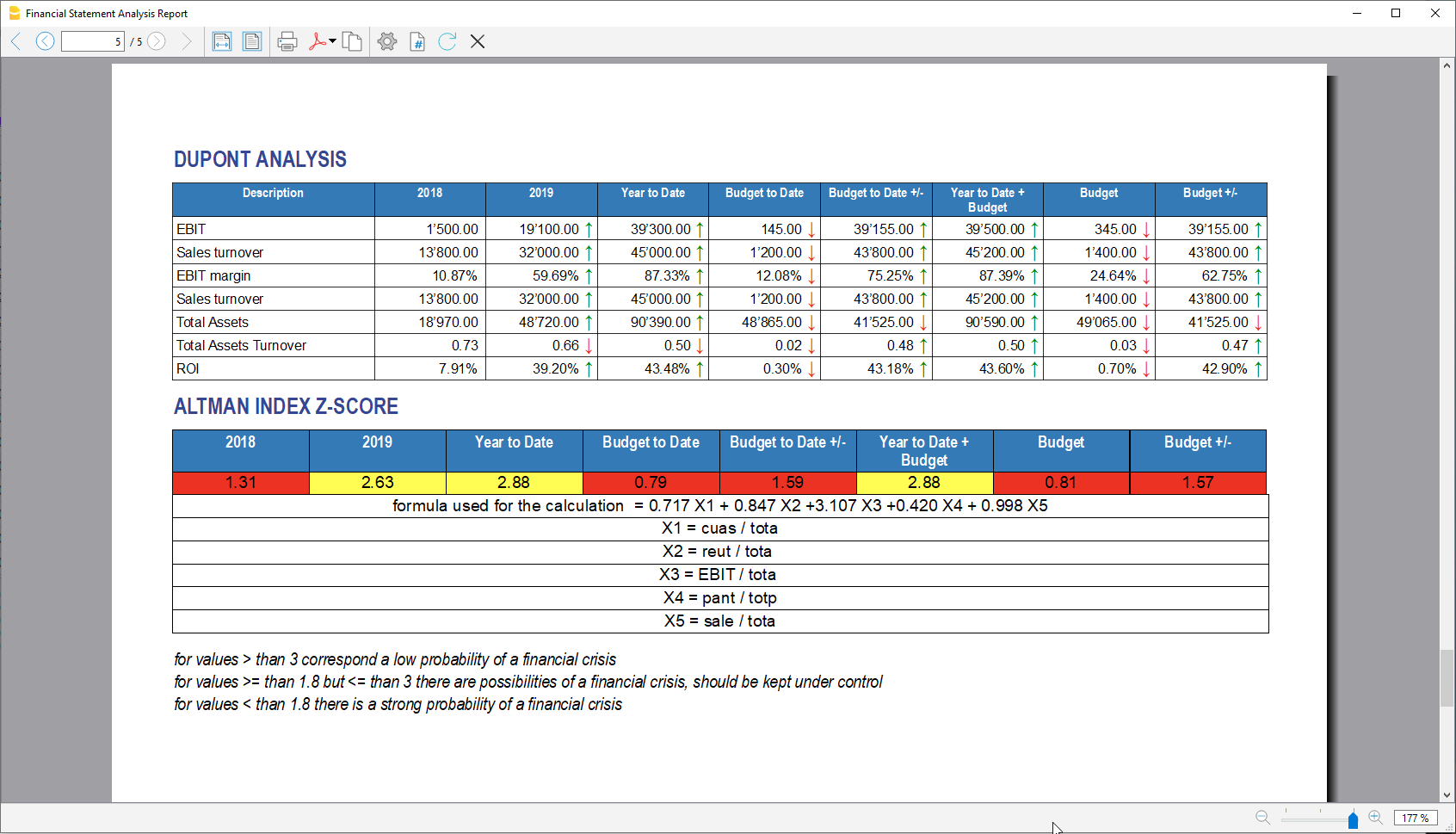
Financial Charts
It’s possible to access to the charts by going to the Extensions menu→Cash Flow Statements and financial Ratios →Financial Charts.
Charts allow you to read the same information as you can find in the report but in a clearer and more
intuitive way. Once the dialogue is open, you can move between the various elements thanks to a drop-down menu.
Ratios charts
- Financing ratios evolution
- Liquidity ratios evolution
- Profitability ratios evolution
- Efficiency ratios evolution
- Cashflow ratios evolution
These charts represent the evolution of the indexes over time. For each type of index there is a bar chart,
within which there is a section that represents the evolution over time of each index for each year included
in the analysis.
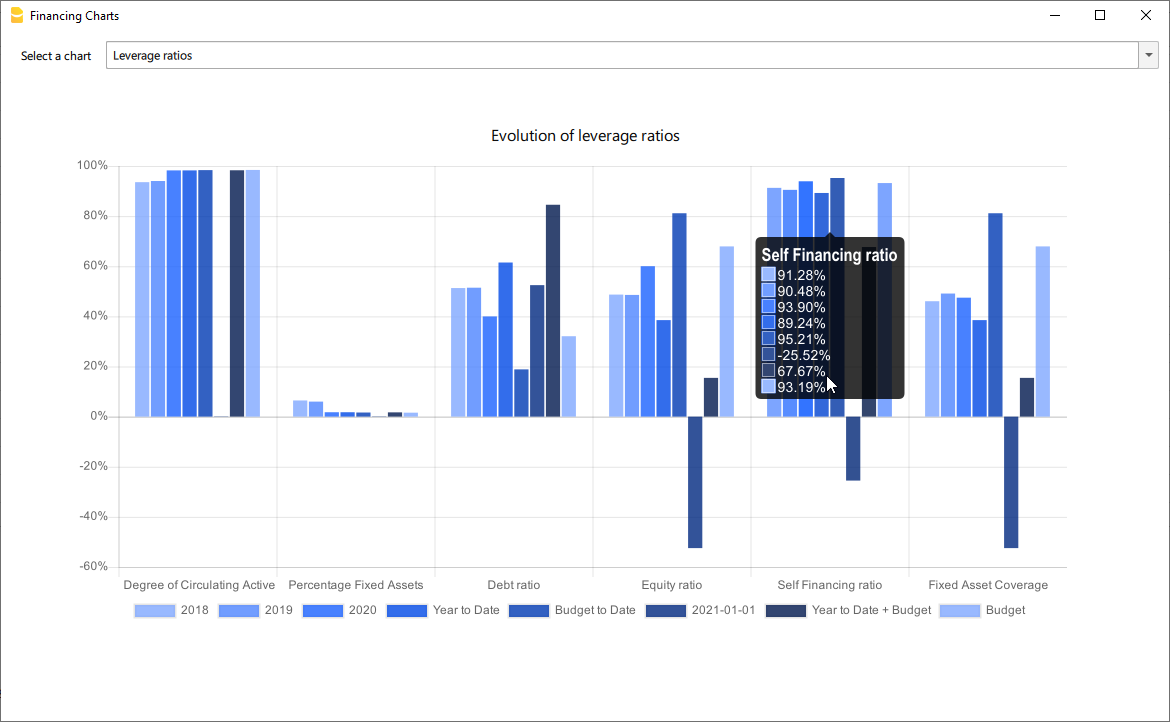
Reclassified Elements charts
- Reclassified asset variation
- Reclassified liabilities and equity variation
These charts show the time evolution of the reclassified assets, and reclassified liabilities, using stacked
chart. It is possible to see how and in what quantity the groups make up the total of assets and liabilities (in
percentage %)
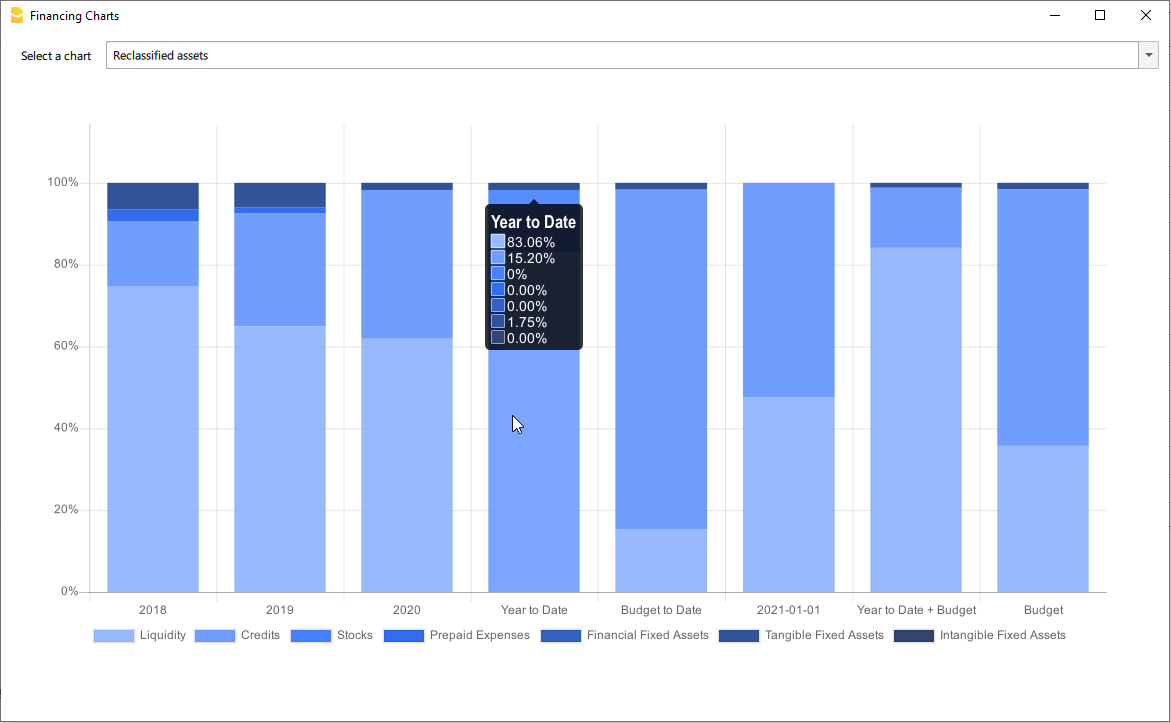
Reclassified profit and loss variation
Shows by using histogram the value of the intermediate totals (EBIT,EBIT-DA,..) of the reclassified profit and loss account ,and their evolution over the time.
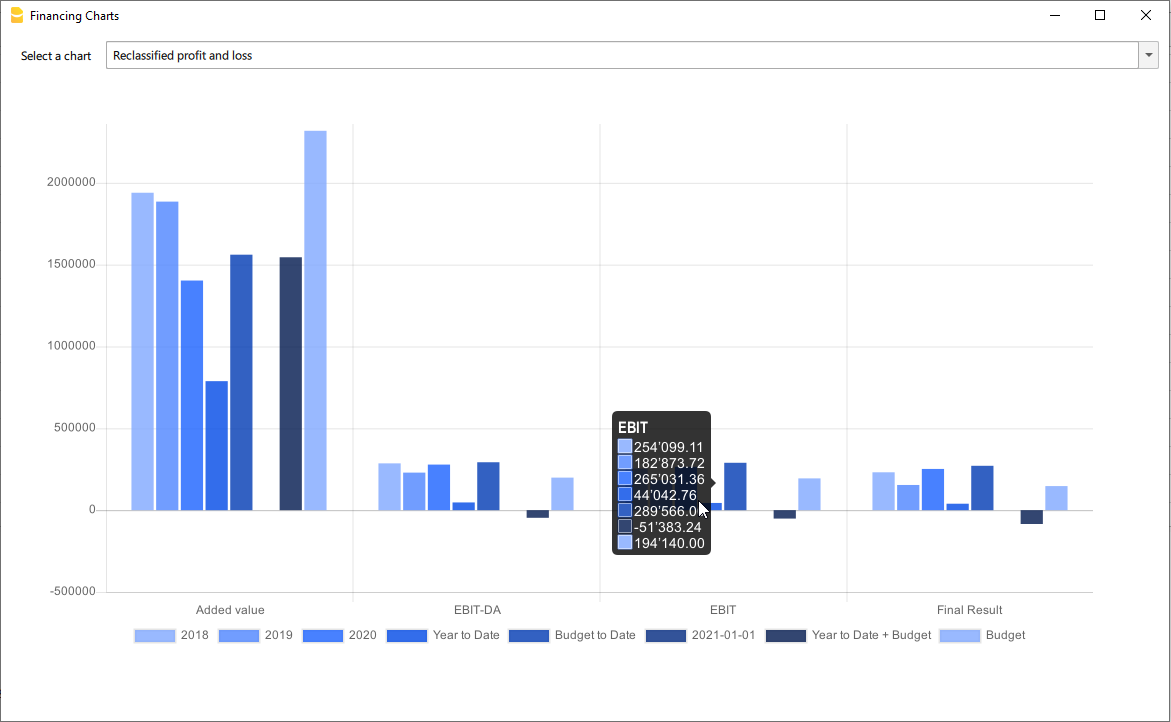
Airbnb, Booking.com, Vrbo and similiar hosting platform templates
Those who have an Airbnb rental business and are looking for a simple and efficient way to manage their finances will find the ideal solution in Banana Accounting Plus templates for several reasons.
With the templates, you can manage and track all expenses and income for all the rooms, apartments or houses you rent without any limits.
Moreover, you can manage the budget for your business in a flexible and personalized way. Whether you have multiple rooms, apartments or houses, you can keep track of specific income and expenses either collectively or divided for each individual rental unit. Additionally, you can set the budget according to irregular or regular deadlines such as monthly, quarterly, semi-annually or annually. This way, you can adapt the budget to your financial and business planning needs.
Through the budget feature in the templates, you can also make financial forecasts for your short-term rental business. You can gain a clear and detailed overview of your future income and plan ahead for all your activities.
Inventory management is another useful and powerful functionality offered by Banana Accounting Plus. You can keep track of all the items relevant to your business, categorizing them by room, apartment or rented house. This way, you will always be aware of what you own and easily manage the purchase or replacement of any necessary assets. With Banana Accounting Plus, you can create all the accounting files you need without limitations.
Regarding the management of income from hosting platforms such as Airbnb, Booking.com, Vrbo and others, the templates provide you with the option to record both the actual income deposited into your bank account and all other rental-related income, especially the commissions paid to the platforms. This information is crucial for tax purposes as it allows you to comply with the rules of the country where you operate your business.
For those who have an Airbnb business and are looking for a simple and efficient way to manage their finances, Banana Accounting Plus templates provide the ideal solution for other several reasons too.
Available templates
There are two templates available for short-term rental hosts on Airbnb, Booking.com, Vrbo or similar platforms.
The completely free template is suitable for those without accounting knowledge who want to manage the finances of their business. The second template is designed for those with double-entry accounting knowledge and who manage a business using multiple assets and possibly different currencies:
- Free template based on Banana Accounting Plus Cash Manager.
- Double-entry and multi-currency template.
All the functionalities and features described in the free template are also included in the double-entry multi-currency template.
In each template, you can easily view some sample accounting entries.
Manage Airbnb reservations
With Banana Accounting Plus templates, you have complete control over your reservations even before they are paid. This allows you to keep track of all bookings in your file, ensuring you are always up to date on availability and key dates. You can input reservations into the system and monitor them, making planning and management of your rental properties easier.
In addition to managing reservations, the templates also allow you to record payment receipts and income. This is particularly useful for monitoring and ensuring compliance with maximum nights allowed regulations in your country. You will have an accurate record of guest stays and corresponding income, providing clear and transparent documentation for regulatory compliance purposes.
Manage Airbnb Experiences
Banana Accounting Plus templates also enables you to manage and track Airbnb experience reservations. If you offer unique experiences such as sailing trips, mountain bike tours, tastings or others, you can record these specific bookings and efficiently monitor them. You will have a comprehensive overview of your Airbnb experience activities, including booking details and corresponding income.
With Banana Accounting Plus templates you simplify the financial management of your Airbnb rental business. You can take advantage of all the features offered and gain a clear and organized view of your finances.
Manage Airbnb business budget and financial forecasts
The Budget table in all Banana Accounting Plus files provides a comprehensive tool for creating your business budget and forecasting future financials.
This feature, always accessible through the Tools > Add/Remove functionalities menu, allows you to generate cash flow statements, liquidity plans and investment plans.
For more advanced needs, you can create budgets using formulas and automatic calculations. Additionally, you can obtain monthly, quarterly and annual financial forecasts as well as projections for multiple years.
Explore the full documentation on budget management and financial forecasting with Banana Accounting Plus.
Manage inventory along with their corresponding receipts
On all files, Banana Accounting Plus allows the display of the Link column in the Transactions table, enabling you to attach supporting documents to each accounting entry.
If needed, there are other predefined columns that you can easily show in your accounting file.
Additionally, with Banana, you can add your custom columns, additional tables, and link them to existing ones. Refer to the documentation on enabling the display of predefined columns and adding columns and new tables to your file.
The ability to add new tables and create custom columns also allows you to integrate the inventory of items in the rooms and apartments you rent into your file and attach relevant documentation, which can be useful, for example, for warranty or insurance purposes.
If you prefer you can create a dedicated new file to create and manage the inventory of your rooms and rented apartments. With all Banana Accounting Plus subscription plans, there are no limits on the number of files you can create and manage.
Handle the accounting recording of the fees you pay to platforms
Using a spreadsheet like Excel or Google Sheets doesn't always allow for proper management of income received from platforms such as Airbnb, Booking.com, Vrbo or similar ones. Often, the income received in your bank account does not include the commissions you need to pay to the platforms.
These platforms deduct the commissions before making payments, but there are countries where you are required to declare the gross income for tax purposes, including the deducted commissions.
With Banana Accounting Plus you can record the gross income you receive, ensuring that everything is accurately accounted for and that your bank balance always matches the actual balance in your account.
Check the example entries in the provided templates pages to see how this accounting record is done.
Free Airbnb template for income and expenses management: ideal also for Booking.com and Vrbo
在此文中
Free Airbnb template for income and expenses management: ideal also for Booking.com and Vrbo
Free Airbnb template for income and expenses management: ideal also for Booking.com and Vrbo
Take a look at the template for managing income and expenses for hosts on Airbnb, Booking.com, Vrbo or similar hosting platform on Banana Accounting Plus Web. Click on the Open in browser button below, then click on Start Banana Accounting Web and wait for the template to load to get an immediate idea of how it works.
直接在网页中打开Banana财务会计+
无需任何安装,可以直接在您的浏览器上运行 Banana财务会计+。客制化您的模板,输入发生业务并将文件保存在您的电脑上。
在浏览器中打开模板 Open tutorial in WebApp模板文件
Manage your accommodation on Airbnb, Booking.com, Vrbo or the platforms you use with this free template and keep track of your finances easily and efficiently.
The Banana Accounting Plus template is superior to an Excel spreadsheet or a Google Sheet but avoids potential errors and time loss due to formula management. This way, you have a completely free accounting management template specifically designed for hosts.
With Banana Accounting Plus, unlike Excel or Google spreadsheets, there are no limits on the number of rooms, apartments or houses you can manage, and it allows you to easily track income and expenses for each individual rental property and your entire short-term rental business.

With this template, you can record and monitor all your income and expenses quickly and easily, providing you with a clear and detailed snapshot of your finances and how to optimize expenses. The accounting management template on Banana Accounting Plus offers a simple and effective way to organize and analyze all the financial data that is important for hosts.
Here are some of the key features and benefits of the free accounting management template:
- Easy to use: the template is designed to be intuitive and user-friendly, even for those who are not accounting experts. No technical skills or in-depth knowledge of Excel spreadsheets are required to use it. Banana Accounting also has extensive online documentation in multiple languages readily available.
- Startup budget: create, manage and update the budget of your startup to generate detailed and useful reports and forecasts for the success of the business.
- Income tracking: record all income generated from bookings, including payments from platforms, booking fees and reimbursement of cleaning expenses for rooms, apartments or houses, with all the necessary tracking details.
- Expense management: keep track of all expenses associated with your properties, such as utilities, cleaning, maintenance and supplies. Choose the level of detail you prefer for each expense associated with your rental properties. Add, edit, group and customize expenses you want to monitor without limitations.
- Track rental property information: easily track guest names, rented room, apartment or house, check-in and check-out dates, total nights stayed, number of guests per booking, the source of guests' bookings and payment dates from platforms.
- Automatic calculations: the template performs calculations automatically for you, without the potential errors of Excel or Google Sheet formulas, providing a clear overview of your cash flow, profits and expenses for your entire business or for a single room, apartment or house you manage.
- Detailed reports: generate comprehensive and professional financial reports, including profit and expense statements, balance sheets and more. These reports will help you make informed decisions and have detailed control over your finances.
- Manage hosting platform Experiences: easily and quickly manage the Experiences you offer on Airbnb, Vrbo or other similar platform.
- Customizable: the template can be easily customized to fit your specific needs. You can add custom categories, modify, group and personalize all the details you want to monitor according to your preferences.
- Privacy: it's important to note that the data entered into Banana Accounting is not used for commercial purposes. Your information remains confidential, offline and is not repurposed in any way.
This free template for income and expense accounting management for hosts managing their short-term rental properties simplifies the management of your finances, saves you valuable time, and provides you with a clear and comprehensive overview of your income and expenses professionally.
Banana Accounting is a highly versatile and customizable accounting software that can be used for broader accounting purposes beyond managing hosts on Airbnb, Booking.com, Vrbo and other hosting platforms.
Totally free
This template is based on the Cash Manager feature of Banana Accounting Plus, which can be used for free and without limitations with the free subscription plan.
Create and save the file
You can open and save your new file to start either through Banana Accounting Plus Web or by downloading and installing the software on your computer:
- Download and install Banana Accounting Plus.
- Click on File > New.
- Select Cash Manager.
- Search for the Category Business.
- Select the template "Income and expenses management template for Airbnb or similar platforms".
- Click on Create.
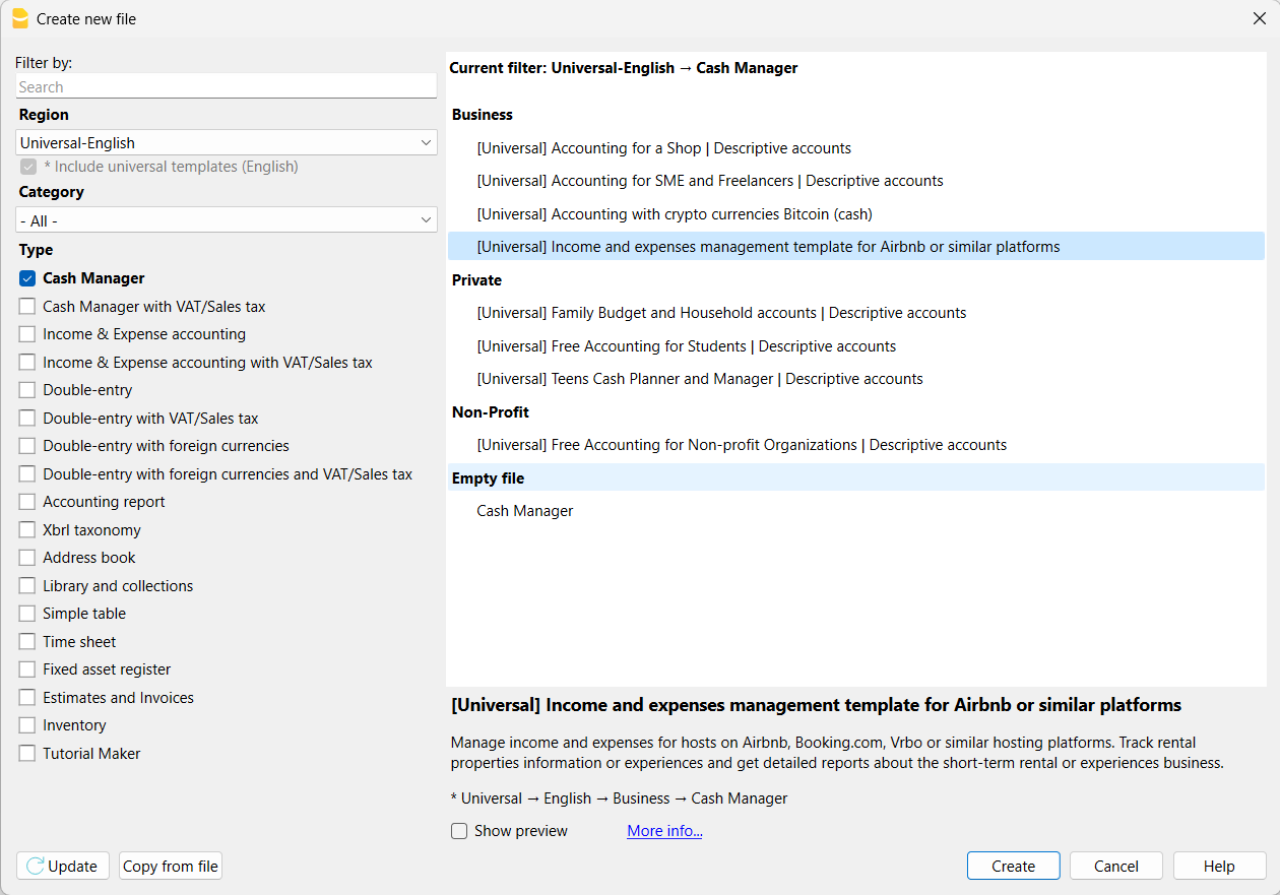
If you click on the text "More info...", you will be directed to this specific documentation page for the template. On this page, you can always find the tutorial file including sample records.
Using the command File > File Properties, set your references, the accounting period with opening, closing dates and the base currency. In the Address section, fill in the fields for the entity managing the rental properties. If necessary, change the base currency of the accounting file in the Accounting section.
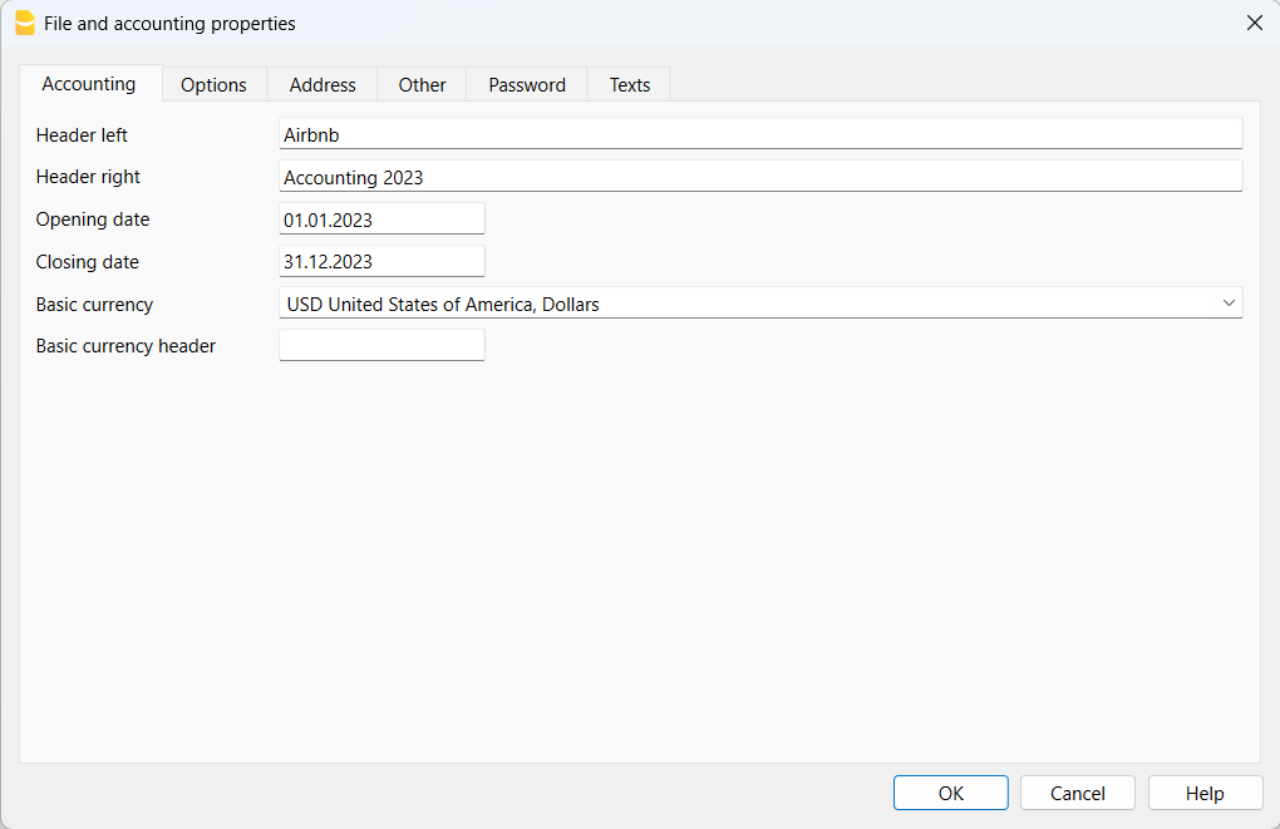
With the command File > Save As, save the file. It is useful to include the name of your business and the year in the file name. For example, "BusinessName-2023.ac2".
Also, refer to the article on organizing accounting files locally, on a network, and in the cloud.
Banana Accounting Plus Web Access
When you have downloaded and saved your new accounting file to open and use it from the web, you can bookmark the following link to access Banana Accounting Plus Web. However, it is recommended to download and install Banana Accounting Plus on the computers where it is needed, because Banana Accounting Plus Web does not yet have all the features available.
Create the budget
With Banana Accounting Plus, you can easily create a startup budget for your new short-term rental business on Airbnb, Booking.com, Vrbo and other platforms, and forecast all the costs you'll need to deal with. Consult all the relevant documentation on how to create a budget with Banana Accounting for detailed information.
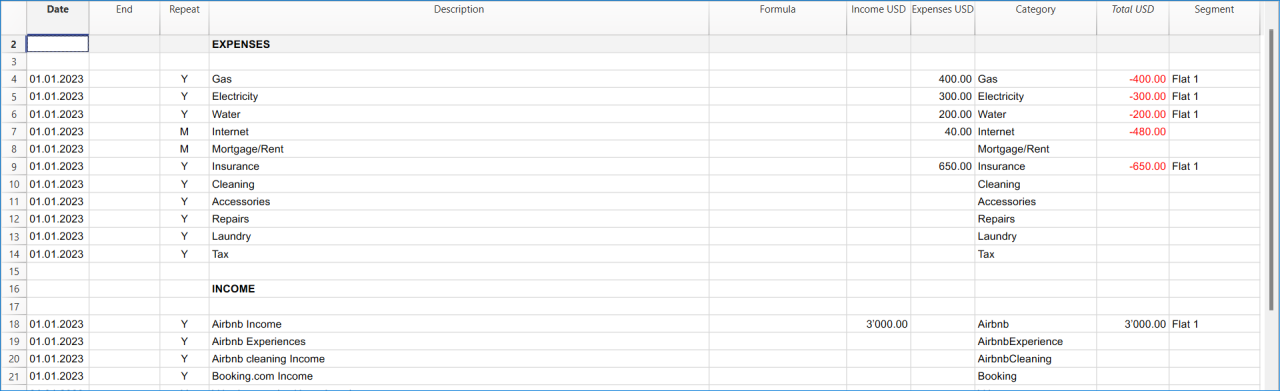
Customize and categorize expenses
If you prefer, you can group similar costs into categories and maintain the detail for each type of expense:
- Properties costs: mortgage payments, repairs and insurance coverage.
- Initial setup expenses: spending on furniture and household utensils.
- Bills: electricity, gas and water expenses.
- Supplies: expenses for items like linens, toiletries and cleaning products.
- Business expenses: costs related to accounting, software and taxes.
- Other costs: payments for cleaners, laundry services and ads.
See how you can easily create accounts groups.
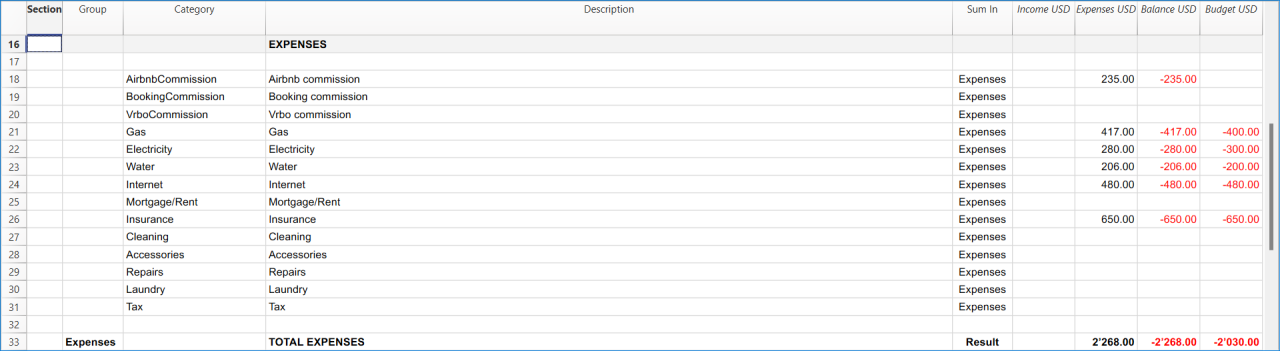
Recording transactions
In the Transactions table, record all transactions in chronological order, including debtor payments and invoice payments, as well as other types of transactions. The recordings can always be sorted and viewed instantly. You can highlight rows, correct any mistakes and copy and paste previously entered transactions.
To expedite data entry, we suggest using the various features of Banana:
- The auto-completion data entry feature automatically retrieves previously entered data.
- The recurring transactions feature (in the Actions menu) allows you to store frequently recurring transactions in a dedicated table.
- You can import data from bank statements, automatically capturing all bank transactions.
- You can link each recording to its corresponding digital document, and with a simple click, you can view the document. Refer to accounting files and digital documents for better document organization.
- Use the sort recordings command to arrange rows in chronological order.
- Use the print/preview command to print or export the journal in PDF format.
Bank transactions import
You can import bank statements, eliminating the need for manual entry.
Additionally, with the Advanced plan, it also allows for easy management of rules to automate accounting according to your specified criteria. This significantly reduces the effort required for accounting management, resulting in unmatched time savings.
Print financial statements or accounting reports
To view and print the financial statements at any time, click on the Report menu > Enhanced financial statements with groups. You can customize them or have an accounting report for a specific period.
Obtain detailed and customizable reports on all expenses and revenues of your business with Airbnb. You can compare them with the budget to always keep track of the performance of your startup.
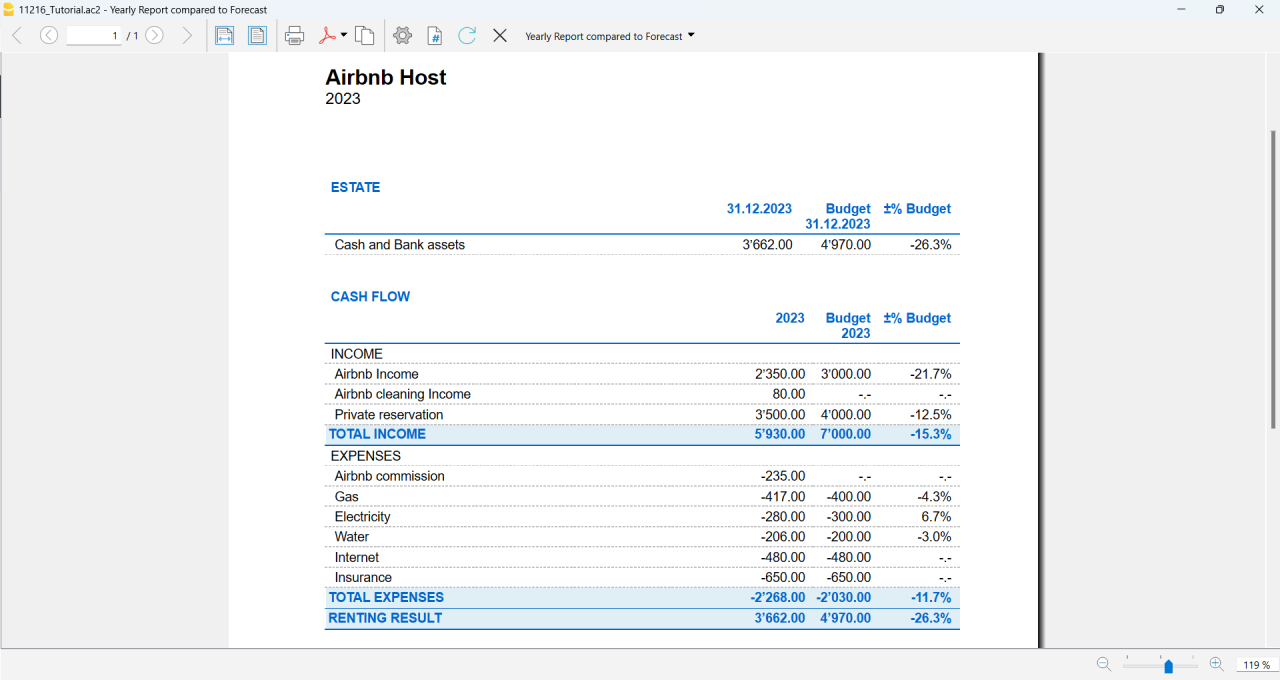
If you manage multiple rooms, apartments or rental properties, you can keep track of expenses and revenues allocated to each individual property you rent. You can also create room-specific budgets and compare the results with the actual expenses and earnings whenever you want.
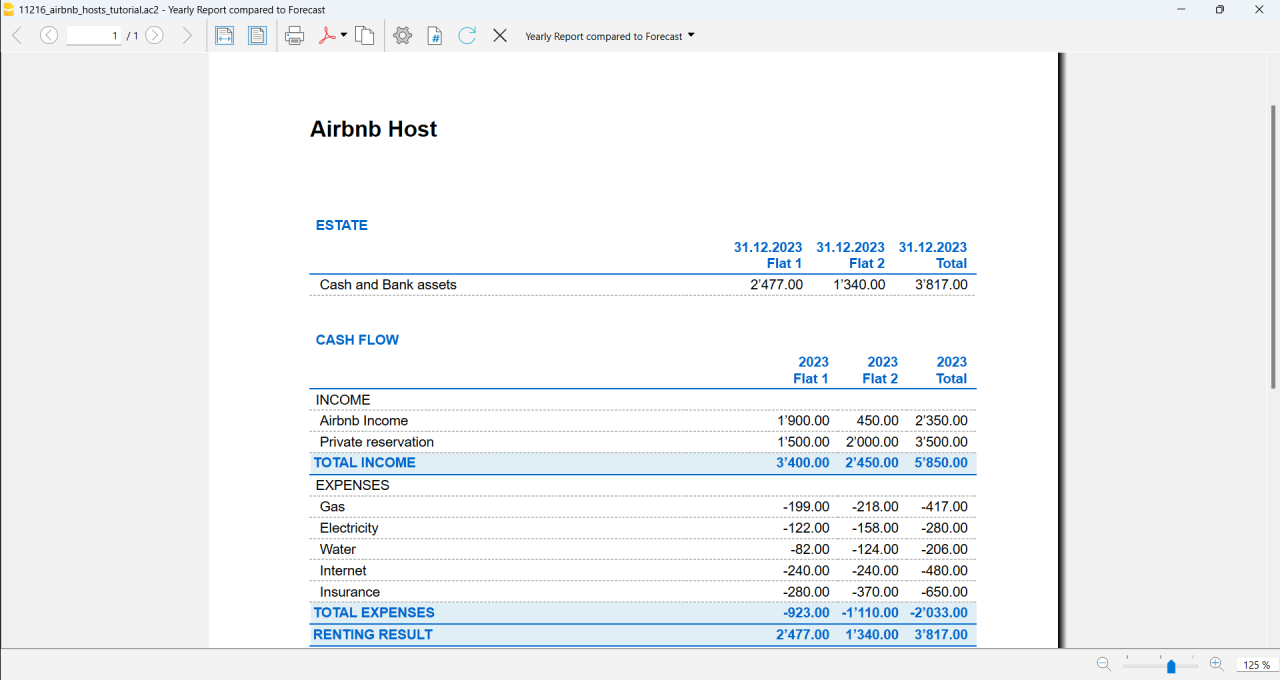
Advanced management
If you want, you can manage your Airbnb business in an advanced and optimized way through the rental management view called Manage Rentals. This allows you to keep track of all the necessary information about the reservations you receive. For those who offer Airbnb Experiences, there is the experiences management view, called Manage Experiences, available to track guest bookings related to experiences.
Navigate between the various available views to keep all the relevant data under control.
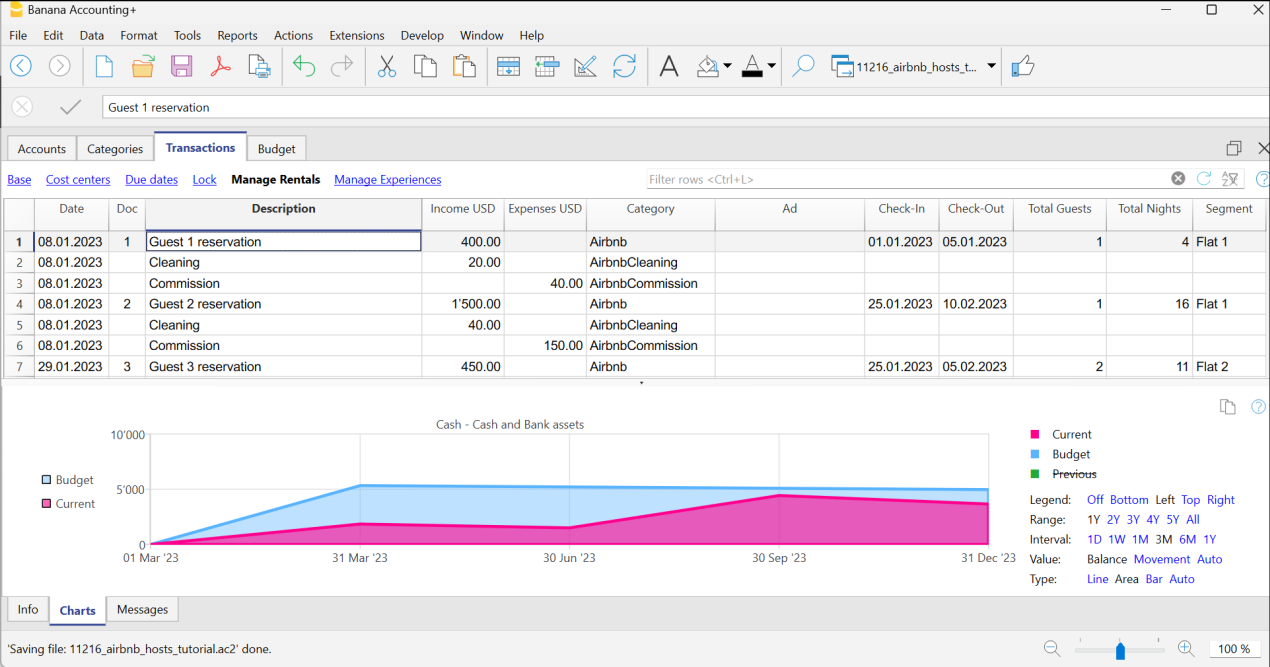
Questions or specific requests
Do you have any questions or specific requests regarding this template for Airbnb hosts or other short-term rental platforms? Please e-mail us.
Sample records for managing income and expenses for Airbnb hosts or other hosting platforms
Here are the sample accounting records for this template.
Recording an Airbnb or other platform revenue transaction
Record revenue from online platforms such as Airbnb, where you receive booking fees, with the preferred breakdown of the collected amounts and platform commissions. If you want, keep track of the ad from which the guest made the reservation, the check-in and check-out dates, the number of guests for the booking, the booked nights, the room or flat rented and the date of payment from the online platform.
To print the receipt to be given to the guest upon arrival, enter the receipt number in the Doc column and use the designated printer extension. You can also attach the receipt to the corresponding revenue record using the Link column.

Recording an expense for your short-term rental business
Record the expenses you incur for your Airbnb business by indicating the date of the expense, a description of the purchase, the amount incurred, the expense category, and the room or flat associated with your monetary outflow. You can always attach your receipts using the Link column.

Airbnb template for multi-currency accounting management
在此文中
Airbnb template for multi-currency accounting management
Airbnb template for multi-currency accounting management
Manage your business on Airbnb or other similar platform with this double-entry accounting template featuring multi-currency management. You'll find all the features of the free template, plus the ability to manage multiple assets.
直接在网页中打开Banana财务会计+
无需任何安装,可以直接在您的浏览器上运行 Banana财务会计+。客制化您的模板,输入发生业务并将文件保存在您的电脑上。
在浏览器中打开模板 Open tutorial in WebApp模板文件
This template is useful for comprehensive and efficient accounting management for Airbnb hosts who need a system that supports double-entry bookkeeping and handles multiple currencies. Banana Accounting Plus provides a wide range of features to track the income and expenses of your short-term rental business.
Banana Accounting Plus is an advanced accounting software that is superior to Excel, yet it is simpler and more cutting-edge, catering to the common needs of Airbnb hosts. The accounting template has been specifically designed to offer a comprehensive and customizable solution for the financial management of your Airbnb properties. It allows you to track expenses, record income, monitor cash flow and much more.
The key features of this accounting template for Airbnb include:
- Asset Management: this template encompasses all the features of the free template for Airbnb, Booking.com, Vrbo and similar hosting platforms and provides an advanced solution for those with greater needs. It allows you to manage unlimited assets compared to the free template.
- Double-Entry Bookkeeping: the template adheres to the fundamental accounting principle of double-entry bookkeeping, ensuring the accuracy and correctness of your financial records.
- Multi-Currency Management: if you manage Airbnb properties using different currencies, Banana Accounting enables you to record and track income and expenses in different currencies, simplifying international financial management.
- Advanced Reporting: the software offers the ability to generate detailed reports on your finances, including profit and loss statements, account statements, balance sheets and detailed budgets. These reports provide you with a comprehensive overview of the performance of your Airbnb properties.
- User-Friendly: the software is designed to be user-friendly, even for those new to double-entry bookkeeping or without extensive accounting experience. The accounting template is intuitive, and the extensive available online documentation guides you step-by-step in managing your finances.
Banana Accounting Plus is intuitive, easy to use and simplifies your accounting management for Airbnb.
Example of a multi-currency income transaction for hosts
Here's how to use the multi-currency feature of Banana Accounting Plus:
- Set the desired currency exchange rate through the Exchange Rates table.
- Perform the accounting entry by entering date, description, bank of the currency received, income account, amount in the currency received and specify the currency received. Banana Accounting Plus will automatically calculate the amount in the main currency used for managing your Airbnb accounting.

Image of the Exchange Rates table

Image of the Transactions table where to record the income received from Airbnb or similar platform.
Accounting templates with crypto currencies
Accounting with crypto currencies Bitcoin (cash)
在此文中
Accounting with crypto currencies Bitcoin (cash)
Accounting with crypto currencies Bitcoin (cash)
模板预览
Shop XX
Basic Currency: BTC
Cash Manager
| Group | Account | Description | Sum In |
|---|---|---|---|
| Cash | Cash | ||
| Group | Category | Description | Sum In |
|---|---|---|---|
| OPERATING RESULT | |||
| INCOME | |||
| Sales | Sales | Total Income | |
| Withdrawal from CA | Withdrawal from current account | Total Income | |
| Services | Services | Total Income | |
| Other | Other | Total Income | |
| Total Income | TOTAL INCOME | Result | |
| EXPENSES | |||
| Tranfers to Post Account | Tranfers to post office account | Total Expenses | |
| Stamps | Purchase stamps | Total Expenses | |
| Mail Letters | Mail letters and packages | Total Expenses | |
| Mailing Supplies | Mailing supplies | Total Expenses | |
| Stationery & Appliances | Stationery, appliances | Total Expenses | |
| Cleaning | Cleaning | Total Expenses | |
| Rent | Rent | Total Expenses | |
| Energy | Electricity, water | Total Expenses | |
| Telephone and Fax | Telephone and fax | Total Expenses | |
| Real estate upkeep | Real estate upkeep | Total Expenses | |
| Window Dressing | Window dressing | Total Expenses | |
| Publicity | Publicity, flyers | Total Expenses | |
| Agency Fees | Agency fees | Total Expenses | |
| Payment for Goods | Payment for goods | Total Expenses | |
| Salaries and Personal Loans | Salaries and personal loans | Total Expenses | |
| Fees and other Permits | Fees and other permits | Total Expenses | |
| Total Expenses | TOTAL EXPENSES | Result | |
| Result | RESULT | ||
| COST AND PROFIT CENTERS | |||
| DIVISION | |||
| .S | Shop and personnel management | T1 | |
| .G | Goods management | T1 | |
| .I | Investments | T1 | |
| T1 | TOTAL DIVISION | ||
Income & Expense Accounting with crypto currencies Bitcoin
在此文中
Income & Expense Accounting with crypto currencies Bitcoin
Income & Expense Accounting with crypto currencies Bitcoin
模板预览
Company XXX
Basic Currency: BTC
Income & Expense accounting
| Group | Account | Description | Sum In |
|---|---|---|---|
| ESTATE | |||
| Cash | Cash | Total | |
| Post | Post office current account | Total | |
| Bank 1 | Bank 1 | Total | |
| Clients | Clients | Total | |
| Prepaid Taxes | Prepaid taxes | Total | |
| Inventory | Inventory | Total | |
| Transitory Assets | Transitory assets | Total | |
| Machinery | Machinery and appliances | Total | |
| Office Furniture | Office furniture | Total | |
| Computer | Computer | Total | |
| Software | Software | Total | |
| Car | Car | Total | |
| Real Estate | Real Estate | Total | |
| Suppliers | Suppliers | Total | |
| Bank loan c/c | Bank loan c/c | Total | |
| Total | TOTAL |
| Group | Category | Description | Sum In |
|---|---|---|---|
| OPERATING RESULT | |||
| INCOME | |||
| Income from Services | Income from services | Total Income | |
| Income from Sales | Income from sales | Total Income | |
| Other Income | Other income | Total Income | |
| Total Income | TOTAL INCOME | Result | |
| EXPENSES | |||
| Purchase Goods | Purchase goods for resale | Total Expenses | |
| Salaries | Salaries | Total Expenses | |
| Social Contributions | Social contributions | Total Expenses | |
| Pension Fund | Pension fund | Total Expenses | |
| Accident Insurance | Accident insurance | Total Expenses | |
| Health Insurance | Health insurance | Total Expenses | |
| Rent | Rent | Total Expenses | |
| Machinery and Appliances | Upkeep machinery and appliances | Total Expenses | |
| Car Expenses | Car expenses | Total Expenses | |
| Other Insurances | Other insurances | Total Expenses | |
| Fees | Fees | Total Expenses | |
| Electricity | Electricity | Total Expenses | |
| Office Supplies | Office supplies | Total Expenses | |
| Telephone, Fax | Telephone, Fax | Total Expenses | |
| Mailing Fees | Mailing fees | Total Expenses | |
| Publicity | Publicity | Total Expenses | |
| Interest on Bank Loan | Interest on bank loan | Total Expenses | |
| Bank and CC Fees | Bank and current account fees | Total Expenses | |
| Depreciation Machinery | Depreciation machinery and appliances | Total Expenses | |
| Depreciation real estate | Ammortize real estate | Total Expenses | |
| Taxes | Taxes | Total Expenses | |
| Total Expenses | TOTAL EXPENSES | Result | |
| Result | RESULT | ||
| COST AND PROFIT CENTERS | |||
| DIVISION CAR EXPENSES | |||
| ;7000 | Petrol | C1 | |
| ;7001 | Insurance, other fees | C1 | |
| ;7002 | Repairs | C1 | |
| C1 | TOTAL DIVISION CAR EXPENSES | ||
Double-Entry Accounting with crypto currencies Bitcoin
在此文中
Double-Entry Accounting with crypto currencies Bitcoin
Double-Entry Accounting with crypto currencies Bitcoin
模板预览
Company XX
Basic Currency: BTC
Double-entry
| Group | Account | Description | Sum In | Gr1 |
|---|---|---|---|---|
| BALANCE SHEET | ||||
| ASSETS | ||||
| Cash | Cash | Total Assets | ||
| Post | Post office current account | Total Assets | ||
| Bank 1 | Bank 1 | Total Assets | ||
| Clients | Clients | Total Assets | ||
| Total Clients | Total Clients | Total Assets | 1 | |
| Prepaid Taxes | Prepaid taxes | Total Assets | ||
| Inventory | Inventory | Total Assets | ||
| Transitory Assets | Transitory assets | Total Assets | ||
| Machinery & Appliances | Machinery and appliances | Total Assets | ||
| Office Forniture | Office furniture | Total Assets | ||
| Computer | Computer | Total Assets | ||
| Software | Software | Total Assets | ||
| Car | Car | Total Assets | ||
| Real Estate | Real Estate | Total Assets | ||
| Total Assets | TOTAL ASSETS | 00 | 1 | |
| LIABILITIES | ||||
| Suppliers | Suppliers | Total Liabilities | ||
| Total Suppliers | Total Suppliers | Total Liabilities | 1 | |
| Bank Loan c/c | Bank loan c/c | Total Liabilities | ||
| Transitory Liabilities | Transitory liabilities | Total Liabilities | ||
| Start-up Capital | Start-up capital | Total Liabilities | ||
| Private Account | Private account | Total Liabilities | ||
| Reserves | Reserves | Total Liabilities | ||
| Profit or Loss forward | Profit or loss brought forward | Total Liabilities | ||
| Profit or loss of the current year | Profit or loss of the current year | Total Liabilities | 1 | |
| Total Liabilities | TOTAL LIABILITIES | 00 | 1 | |
| 1 | ||||
| PROFIT & LOSS STATEMENT | ||||
| REVENUE | ||||
| Income from Services | Income from services | Total Revenue | ||
| Income from Sales | Income from sales | Total Revenue | ||
| Other Income | Other income | Total Revenue | ||
| Total Revenue | TOTAL REVENUE | 02 | ||
| EXPENSES | ||||
| Purchase Goods | Purchase goods for resale | Total Expenses | ||
| Salaries | Salaries | Total Expenses | ||
| Social Contributions | Social contributions | Total Expenses | ||
| Pension Fund | Pension fund | Total Expenses | ||
| Accident Insurance | Accident insurance | Total Expenses | ||
| Health Insurance | Health insurance | Total Expenses | ||
| Rent | Rent | Total Expenses | ||
| Upkeep Machinery | Upkeep machinery and appliances | Total Expenses | ||
| Car Expenses | Car expenses | Total Expenses | ||
| Other Insurances | Other insurances | Total Expenses | ||
| Fees | Fees | Total Expenses | ||
| Electricity | Electricity | Total Expenses | ||
| Office Supplies | Office supplies | Total Expenses | ||
| Telephone, Fax | Telephone, Fax | Total Expenses | ||
| Mailing Fees | Mailing fees | Total Expenses | ||
| Publicity | Publicity | Total Expenses | ||
| Interest on Bank Loan | Interest on bank loan | Total Expenses | ||
| Bank and CC Fees | Bank and current account fees | Total Expenses | ||
| Depreciation Machinery | Depreciation machinery and appliances | Total Expenses | ||
| Depreciation Real Estate | Depreciation real estate | Total Expenses | ||
| Taxes | Taxes | Total Expenses | ||
| Total Expenses | TOTAL EXPENSES | 02 | 1 | |
| 02 | Profit(-) Loss(+) from Profit & Loss Statement | Profit or loss of the current year | 1 | |
| 00 | Difference should be = 0 (blank cell) | |||
| CLIENTS/SUPPLIERS REGISTER | ||||
| Clients | ||||
| CL.001 | Company 1 | 10A | ||
| CL.002 | Company 2 | 10A | ||
| CL.003 | Company 3 | 10A | ||
| 10A | Total Clients | Total Clients | 1 | |
| Suppliers | ||||
| SU.001 | Company 1 | 20A | ||
| SU.002 | Company 2 | 20A | ||
| SU.003 | Company 3 | 20A | ||
| 20A | Total Suppliers | Total Suppliers | 1 | |
| COST AND PROFIT CENTERS | ||||
| Division car expenses | ||||
| .PET | Petrol | CE | ||
| .INS | Insurance, other fees | CE | ||
| .REP | Repairs | CE | ||
| CE | Total Division car expenses | 1 | ||
Double-Entry Accounting for digital currencies Bitcoin and Ethereum (Base Currency ETH)
在此文中
Double-Entry Accounting for digital currencies Bitcoin and Ethereum (Base Currency ETH)
Double-Entry Accounting for digital currencies Bitcoin and Ethereum (Base Currency ETH)
Template for professional multi currency accounting software for digital currencies with up to 19 digit. Easily mix Bitcoin, Ethereum or any other digital or traditional currency.
模板预览
Company XX
Basic Currency: BTC
Double-entry with foreign currencies
| Group | Account | Description | Currency | Sum In | Gr1 |
|---|---|---|---|---|---|
| BALANCE SHEET | |||||
| ASSETS | |||||
| Cash | Cash | USD | Total Assets | ||
| Bank CHF | Bank CHF | CHF | Total Assets | ||
| Bank USD | Bank USD | USD | Total Assets | ||
| Bank EUR | Bank EUR | EUR | Total Assets | ||
| Bitcoins | Bitcoins | BTC | Total Assets | ||
| Ethereum | Ethereum | ETH | Total Assets | ||
| Clients | Clients | USD | Total Assets | ||
| Total Clients | Total Clients | Total Assets | 1 | ||
| Prepaid taxes | Prepaid taxes | USD | Total Assets | ||
| Inventory | Inventory | USD | Total Assets | ||
| Transitory assets | Transitory assets | USD | Total Assets | ||
| Machinery | Machinery and applicances | USD | Total Assets | ||
| Office furniture | Office furniture | USD | Total Assets | ||
| Computer | Computer | USD | Total Assets | ||
| Software | Software | USD | Total Assets | ||
| Car | Car | USD | Total Assets | ||
| Real Estate | Real Estate | USD | Total Assets | ||
| Total Assets | TOTAL ASSETS | 00 | 1 | ||
| LIABILITIES | |||||
| Suppliers | Suppliers | USD | Total Liabilities | ||
| Total Suppliers | Total Suppliers | Total Liabilities | 1 | ||
| Bank loan c/c | Bank loan c/c | USD | Total Liabilities | ||
| Transitory liabilities | Transitory liabilities | USD | Total Liabilities | ||
| Start-up capital | Start-up capital | USD | Total Liabilities | ||
| Private account | Private account | USD | Total Liabilities | ||
| Reserves | Reserves | USD | Total Liabilities | ||
| Profit or loss forward | Profit or loss brought forward | USD | Total Liabilities | ||
| Profit or loss of the current year | Profit or loss of the current year | Total Liabilities | 1 | ||
| Total Liabilities | TOTAL LIABILITIES | 00 | 1 | ||
| 1 | |||||
| PROFIT/LOSS STATEMENT | |||||
| REVENUE | |||||
| Income from services | Income from services | USD | Total Revenue | ||
| Income from sales | Income from sales | USD | Total Revenue | ||
| Other income | Other income | USD | Total Revenue | ||
| Exchange rate profit | Exchange rate profit | USD | Total Revenue | ||
| Exchange rate differences | Exchange rate differences | USD | Total Revenue | ||
| Total Revenue | TOTAL REVENUE | 02 | |||
| EXPENSES | |||||
| Purchase Goods | Purchase goods for resale | USD | Total Expenses | ||
| Salaries | Salaries | USD | Total Expenses | ||
| Social contributions | Social contributions | USD | Total Expenses | ||
| Pension fund | Pension fund | USD | Total Expenses | ||
| Accident insurance | Accident insurance | USD | Total Expenses | ||
| Health insurance | Health insurance | USD | Total Expenses | ||
| Rent | Rent | USD | Total Expenses | ||
| Upkeep machinery and appliances | Upkeep machinery and appliances | USD | Total Expenses | ||
| Car expenses | Car expenses | USD | Total Expenses | ||
| Other insurances | Other insurances | USD | Total Expenses | ||
| Fees | Fees | USD | Total Expenses | ||
| Electricity | Electricity | USD | Total Expenses | ||
| Office supplies | Office supplies | USD | Total Expenses | ||
| Telephone, Fax | Telephone, Fax | USD | Total Expenses | ||
| Mailing fees | Mailing fees | USD | Total Expenses | ||
| Publicity | Publicity | USD | Total Expenses | ||
| Interest on bank loan | Interest on bank loan | USD | Total Expenses | ||
| Bank and current account fees | Bank and current account fees | USD | Total Expenses | ||
| Depreciation machinery | Depreciation machinery and appliances | USD | Total Expenses | ||
| Depreciation real estate | Depreciation real estate | USD | Total Expenses | ||
| Taxes | Taxes | USD | Total Expenses | ||
| Exchange rate loss | Exchange rate loss | USD | Total Expenses | ||
| Total Expenses | TOTAL EXPENSES | 02 | 1 | ||
| 02 | Profit(-) Loss(+) from Profit & Loss Statement | Profit or loss of the current year | 1 | ||
| 00 | Difference should be = 0 (blank cell) | ||||
| CLIENTS/SUPPLIERS REGISTER | |||||
| Clients | |||||
| CL.001 | Company 1 | USD | 10A | ||
| CL.002 | Company 2 | USD | 10A | ||
| CL.003 | Company 3 | USD | 10A | ||
| 10A | Total Clients | Total Clients | 1 | ||
| Suppliers | |||||
| SU.001 | Company 1 | EUR | 20A | ||
| SU.002 | Company 2 | USD | 20A | ||
| SU.003 | Company 3 | USD | 20A | ||
| 20A | Total Suppliers | Total Suppliers | 1 | ||
| COST AND PROFIT CENTERS | |||||
| DIVISION CAR EXPENSES | |||||
| .PET | Petrol | USD | C1 | ||
| .INS | Insurance, other fees | USD | C1 | ||
| .REP | Repairs | USD | C1 | ||
| C1 | TOTAL DIVISION CAR EXPENSES | 1 | |||
| Ref.Currency | Currency | Text |
|---|---|---|
| BTC | EUR | Euro |
| BTC | CHF | Swiss Francs |
| BTC | USD | US Dollar |
| BTC | ETH | Ether |
Double-Entry Accounting for digital currencies Bitcoin and Ethereum (Base currency USD)
在此文中
Double-Entry Accounting for digital currencies Bitcoin and Ethereum (Base currency USD)
Double-Entry Accounting for digital currencies Bitcoin and Ethereum (Base currency USD)
Template for professional multi currency accounting software for digital currencies with up to 19 digit. Easily mix Bitcoin, Ethereum or any other digital or traditional currency.
模板预览
Company XX
Basic Currency: USD
Double-entry with foreign currencies
| Group | Account | Description | Currency | Sum In | Gr1 |
|---|---|---|---|---|---|
| BALANCE SHEET | |||||
| ASSETS | |||||
| Cash | Cash | USD | Total Assets | ||
| Post | Post office current account | USD | Total Assets | ||
| Bank USD | Bank USD | USD | Total Assets | ||
| Bank EUR | Bank EUR | EUR | Total Assets | ||
| Bitcoins | Bitcoins | BTC | Total Assets | ||
| Ethereum | Ethereum | ETH | Total Assets | ||
| Clients | Clients | USD | Total Assets | ||
| Total Clients | Total Clients | Total Assets | 1 | ||
| Prepaid taxes | Prepaid taxes | USD | Total Assets | ||
| Inventory | Inventory | USD | Total Assets | ||
| Transitory assets | Transitory assets | USD | Total Assets | ||
| Machinery | Machinery and applicances | USD | Total Assets | ||
| Office furniture | Office furniture | USD | Total Assets | ||
| Computer | Computer | USD | Total Assets | ||
| Software | Software | USD | Total Assets | ||
| Car | Car | USD | Total Assets | ||
| Real Estate | Real Estate | USD | Total Assets | ||
| Total Assets | TOTAL ASSETS | 00 | 1 | ||
| LIABILITIES | |||||
| Suppliers | Suppliers | USD | Total Liabilities | ||
| Total Suppliers | Total Suppliers | Total Liabilities | 1 | ||
| Bank loan c/c | Bank loan c/c | USD | Total Liabilities | ||
| Transitory liabilities | Transitory liabilities | USD | Total Liabilities | ||
| Start-up capital | Start-up capital | USD | Total Liabilities | ||
| Private account | Private account | USD | Total Liabilities | ||
| Reserves | Reserves | USD | Total Liabilities | ||
| Profit or loss forward | Profit or loss brought forward | USD | Total Liabilities | ||
| Profit or loss of the current year | Profit or loss of the current year | Total Liabilities | 1 | ||
| Total Liabilities | TOTAL LIABILITIES | 00 | 1 | ||
| 1 | |||||
| PROFIT/LOSS STATEMENT | |||||
| REVENUE | |||||
| Income from services | Income from services | USD | Total Revenue | ||
| Income from sales | Income from sales | USD | Total Revenue | ||
| Other income | Other income | USD | Total Revenue | ||
| Exchange rate profit | Exchange rate profit | USD | Total Revenue | ||
| Exchange rate differences | Exchange rate differences | USD | Total Revenue | ||
| Total Revenue | TOTAL REVENUE | 02 | |||
| EXPENSES | |||||
| Puchase goods | Purchase goods for resale | USD | Total Expenses | ||
| Salaries | Salaries | USD | Total Expenses | ||
| Social contributions | Social contributions | USD | Total Expenses | ||
| Pension fund | Pension fund | USD | Total Expenses | ||
| Accident insurance | Accident insurance | USD | Total Expenses | ||
| Health insurance | Health insurance | USD | Total Expenses | ||
| Rent | Rent | USD | Total Expenses | ||
| Upkeep machinery and appliances | Upkeep machinery and appliances | USD | Total Expenses | ||
| Car expenses | Car expenses | USD | Total Expenses | ||
| Other insurances | Other insurances | USD | Total Expenses | ||
| Fees | Fees | USD | Total Expenses | ||
| Electricity | Electricity | USD | Total Expenses | ||
| Office supplies | Office supplies | USD | Total Expenses | ||
| Telephone, Fax | Telephone, Fax | USD | Total Expenses | ||
| Mailing fees | Mailing fees | USD | Total Expenses | ||
| Publicity | Publicity | USD | Total Expenses | ||
| Interest on bank loan | Interest on bank loan | USD | Total Expenses | ||
| Bank and current account fees | Bank and current account fees | USD | Total Expenses | ||
| Depreciation machinery | Depreciation machinery and appliances | USD | Total Expenses | ||
| Depreciation real estate | Depreciation real estate | USD | Total Expenses | ||
| Taxes | Taxes | USD | Total Expenses | ||
| Exchange rate loss | Exchange rate loss | USD | Total Expenses | ||
| Total Expenses | TOTAL EXPENSES | 02 | 1 | ||
| 02 | Profit(-) Loss(+) from Profit & Loss Statement | Profit or loss of the current year | 1 | ||
| 00 | Difference should be = 0 (blank cell) | ||||
| CLIENTS/SUPPLIERS REGISTER | |||||
| Clients | |||||
| CL.001 | Company 1 | USD | 10A | ||
| CL.002 | Company 2 | USD | 10A | ||
| CL.003 | Company 3 | USD | 10A | ||
| 10A | Total Clients | Total Clients | 1 | ||
| Suppliers | |||||
| SU.001 | Company 1 | EUR | 20A | ||
| SU.002 | Company 2 | USD | 20A | ||
| SU.003 | Company 3 | USD | 20A | ||
| 20A | Total Suppliers | Total Suppliers | 1 | ||
| COST AND PROFIT CENTERS | |||||
| DIVISION CAR EXPENSES | |||||
| .PET | Petrol | USD | C1 | ||
| .INS | Insurance, other fees | USD | C1 | ||
| .REP | Repairs | USD | C1 | ||
| C1 | TOTAL DIVISION CAR EXPENSES | 1 | |||
| Ref.Currency | Currency | Text |
|---|---|---|
| USD | EUR | Euro |
| USD | CHF | Swiss Francs |
| USD | BTC | Bitcoin |
| USD | ETH | Ether |
Essential Expense Manager PDF report with embedded receipts
在此文中
Essential Expense Manager PDF report with embedded receipts
Essential Expense Manager PDF report with embedded receipts
Easily enter and categorize you expenses and create a PDF report with embedded receipts. A simple and effective solution for all expenses reporting needs for SME and non-profit. It's totally free for up 70 expense entries for reporting.
直接在网页中打开Banana财务会计+
无需任何安装,可以直接在您的浏览器上运行 Banana财务会计+。客制化您的模板,输入发生业务并将文件保存在您的电脑上。
在浏览器中打开模板 Open tutorial in WebApp模板文件
Improving how employee expenses are managed is crucial for all businesses.
Whether employees are traveling for work or working from home, keeping track of their expenses and making sure they get reimbursed correctly has become a complex task.
Banana Accounting expense manager functionality to create a PDF dossier is essential and cost-effective for the majority of small and medium-sized businesses. It helps track expenses, improves transparency and makes it smoother for employees to interact with the company's accounting department.
All in one PDF report with embedded receipts
Banana Accounting create a PDF report with embedded receipts. The PDF file includes everything is necessary for reporting, approval and reimbursement.
- The list of expenses with all information necessary and the link to receipt.
- The report of the categorized expenses, for accounting purposes.
- The scanned receipt's files.
PDF file can embed other files. If you don't know just open this example PDF file and click on the link (look the link icons on the left in the image below), so that the receipt document will directly open (some browser don't show the files, better use Adobe Acrobat Reader that is free to use).
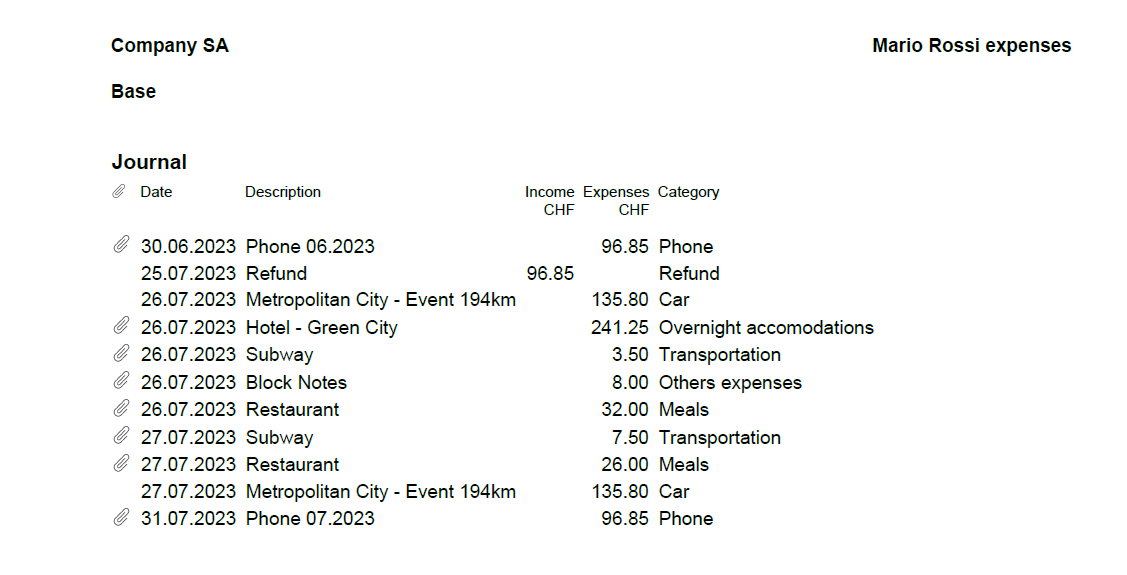
Totally free for up to 70 expense entries
The Banana Accounting template is designed to benefit companies of all sizes. The expense manager template is a software entirely free for up to 70 expense entries, making it a very accessible solution.
How to start
Using this Banana Accounting functionality allows you to obtain your PDF dossier with expenses categorized and embedded in a simple and immediate way:
- Install Banana Accounting
- Open the template file and save to a directory, where you also scan your documents.
- Scan your receipts or invoices (Banana Accounting does not perform the scanning).
- Enter the incurred expenses in the Transaction table and add a Link to the scanned receipt file.
- With File menu > Create Pdf Dossier create the PDF report (check the Include attachments).
- Transmit the file for reimbursement.
Now you'll be ready to send your PDF dossier by email to the accounting department, for approval and reimbursement.
This workflow is essential and cost-effective for the majority of small and medium-sized businesses.
Add the payment methods used by employees
If you wish, you can manage the payment methods used for expenses through the CC3 column.
To enable it, double-click on the column headers in the Transactions table. In the window that opens, on the left, enable the display of the Cc3 column and confirm with the Ok button.
Manage the different payment methods from the Categories table by adding the accounting accounts with a semicolon in front. You can add as many payment methods as you prefer.
Add the quantity columns to manage travel kilometers
To manage travel expenses based on the distance traveled, it could be useful to enable the display of columns related to quantities.
To enable them, double-click on the column headers in the Transactions table. In the window that opens, on the left, enable the display of the columns Quantity, ReferenceUnit, UnitPrice, and confirm with the Ok button.
Remember to enter Unit Price in the Transactions table with a negative sign.
Additional features of the Essential Expense Manager
Easy Expense Logging: the core of this tool is a user-friendly interface. Employees can quickly record their expenses by entering the date, category, amount and payment method. This reduces mistakes and ensures accurate data entry.
Digital Receipts: instead of using paper receipts, the software lets employees attach digital copies of receipts. This prevents losing receipts and keeps expense records secure.
Detailed PDF Reports: the software is great at creating comprehensive expense reports. These reports include all embedded receipts in a single PDF file, which can be easily shared with accountants through email. The reports break down expenses, categories and receipts, promoting transparency.
Customizable Categories: the software lets administrators customize expense categories to fit the company's needs. This ensures that expenses are organized in a way that matches the company's reporting and analysis requirements.
Easy Access: the expense manager can be shared through email, which is helpful for remote employees or those who often travel for work.
Data Privacy: it's important to note that the data entered into Banana Accounting is not used for commercial purposes. Your information remains confidential, offline and is not repurposed in any way.
WooCommerce Products Export-Import [BETA]
在此文中
WooCommerce Products Export-Import [BETA]
WooCommerce Products Export-Import [BETA]
This extension allows you to create your own inventory based upon the products listed in WooCommerce. You may update your inventory in Banana Accounting by aligning it with the details of products already listed on WooCommerce and export your inventory product data in a format already set up to import into WooCommerce to start selling online.
WooCommerce extension description
This extension for importing and exporting products sold on WooCommerce online shop simplifies and optimizes the integration between your online store and Banana Accounting software.
The extension either allows the export of products already listed in your inventory from Banana Accounting to your WooCommerce online store, or may become an intuitive and efficient solution to easily allow you to import products directly from your online store into Banana Accounting.
Banana Accounting is superior to Excel, allowing you to swiftly edit product details at any time and it guarantees that the information remains aligned to your online store on WooCommerce.
The Banana Accounting extension offers you the opportunity to export product data already present in your Banana Accounting inventory in a format already prepared for import into WooCommerce. This streamlines the input and/or management of products in your online store, enabling you to maintain coherence and consistency between the two platforms and to begin selling online more seamlessly.
As it is crucial to manage product information accurately and effortlessly in your online store and inventory, this extension allows you to do so in a simple and secure manner. With the export file obtained from the WooCommerce platform, you can easily create your inventory in Banana Accounting or update existing products directly in Banana Accounting to align them with those present on your online store.
Both functions eliminate the need for lengthy and complex manual procedures and reduce the risk of transcription errors, ensuring data accuracy and efficiency.
This solution is suitable for those who want to manage the inventory in a simple way, exporting or importing to WooCommerce whenever they desire. It is not suitable for those looking for a cloud solution that automatically synchronizes warehouse management with WooCommerce.
Banana Accounting key features
Easy: the Banana Accounting software is easy to use and every file can be shared through email, which is helpful for a easy support too.
Privacy: it's important to note that the data entered into Banana Accounting is not used for commercial purposes. Your information remains confidential, offline and is not repurposed in any way.
Beta version
This extension is published in BETA version. We recommend creating a backup copy of the inventory file. Having regular file backups is always useful in any context. This WooCommerce extension require a subscription to Banana Accounting Plus Advanced version.
Primary Key Used
The Id column from Banana's Items table will be exported and used as the primary key for import and it must contain the product's SKU reference of WooCommerce online shop.
Those who already have a warehouse in Banana Accounting can replace the codes in the Id column using the Rename function from Banana's Data menu. This function will automatically replace the Id value even in the Transactions table.
Create/Update products from WooCommerce
The Create/Update products from WooCommerce function will create the products exported from WooCommerce (CSV file format) in the Items table of the inventory in Banana Accounting if they do not exist. If products with the same Id value already exist, it will update the values in the Description, Quantity begin and Unit Price columns in the Items table with the information present in the exported file from WooCommerce.
Export products for WooCommerce
The Export products for WooCommerce function will export data from the Id, Description, Quantity balance and Unit Price columns in the Items table into a CSV file format, ready to be imported into WooCommerce.
非营利性协会和非政府组织 (全球)
Noprofit Universal Templates
INPAS Standard Templates
[This page is currently being updated]
INPAS key accounting documents
This page introduces Banana Accounting+ and Excel templates designed to support financial reporting under the International Non-Profit Accounting Standard (INPAS). The templates help prepare the required financial statements, but full compliance also depends on applying all relevant accounting and disclosure requirements.
The NPO is responsible for ensuring that its financial reports comply with all applicable INPAS requirements. Using the template alone does not guarantee compliance.
Statement of Financial Position
The balance sheet is an essential document that provides a detailed view of your organization's financial health, clearly showing assets, liabilities and net worth. Because of the flexibility of the INPAS standard, you can present the financial statements either vertically or horizontally, tailoring them to the specific needs of your nonprofit.
This document can be generated easily using Banana Accounting+ template.
Statement of Income and Expenses
This document shows your organization's income and expenses during a period. Proper management of the income statement is crucial to demonstrate how resources were used to achieve its mission-related objectives.
This document can be generated easily using Banana Accounting+ template.
Statement of Changes in Net Assets
This document is critical to understanding the changes that have occurred in net assets during the fiscal year. The INPAS standard provides a sequence of elements that transparently reflects the changes, making clear the impact of financial activities on the organization's assets.
Statement of Cash Flows
The cash flow statement, which shows cash flows, is essential for monitoring your organization's liquidity and ability to fund its activities. With our INPAS template, you can present this information in a clear and accessible way, improving transparency to donors and board members.
Explanatory notes
Explanatory notes are a mandatory part of INPAS financial statements. They include the basis of preparation, material accounting policies, information about individual funds and their movements, relevant grants and donations, delivery obligations where applicable, and other disclosures required by INPAS.
The notes must also include relevant comparative information for the previous reporting period.
Comparative information and Narrative reporting
INPAS requires comparative financial information for the previous reporting period.
Full INPAS compliance also requires a narrative report describing the NPO's mission, activities, performance and principal risks. The narrative report can be prepared separately, for example in Word, but must be included as part of the NPO's general purpose financial report to declare full INPAS compliance.
During the first two years following transition to INPAS, an NPO may declare compliance with the financial statement requirements only, subject to the transitional provisions.
References
- International Financial Reporting For Non Profit Organisations: https://www.inprf.org
INPAS reporting with segments and cost and profit centres
For a non-profit organisation (NPO), recording a payment is only the beginning. It also needs to know which fund the money belongs to, which project it supports and, when relevant, who provided it. Banana Accounting+ lets you add these details to the same transaction without creating a separate set of ordinary accounts for every fund, project or donor.
This helps an NPO organise the information needed for INPAS fund accounting, the analysis of expenses and fundraising cost disclosures. The software helps collect and analyse information; it does not, by itself, certify an INPAS-compliant financial report.
Segments: a financial view of each fund
Segments divide ordinary accounting transactions into separate reporting dimensions. In the INPAS templates, the first-level segments :Fund A, :Fund B and :Fund C identify restricted funds, while :General identifies the unrestricted General Fund.
These segments are defined in the Accounts table and are added after an ordinary account code in the Transactions table.
The General Fund contains resources that are not subject to restrictions requiring them to be held in a separate restricted fund. Using :General allows the organisation to analyse general activities alongside restricted funds, without creating a separate chart of accounts for each fund.
Where can a segment be entered in double-entry accounting?
A segment may be assigned to the Debit account, the Credit account, or both:
Credit only:
Debit: "Bank"
Credit: "Grants restricted Project 1:Fund A".
The grant income is assigned to Fund A, but the bank asset is not.
Debit only:
Debit: "Bank:Fund A"
Credit: "Grants restricted Project 1".
The bank asset is assigned to Fund A, but the grant income is not.
Both sides:
Debit: "Bank:Fund A"
Credit: "Grants restricted Project 1:Fund A".
Both the asset and the income are assigned to Fund A.
This is generally the more useful approach when a complete financial report by fund is needed.
Important: if the same segment is entered on both sides, its individual segment card can show a zero balance because debit and credit offset one another. This does not mean the fund has no money or no income. Use the report subdivided by segment to examine assets, liabilities, income and expenses separately. A segment used on only one side gives a partial view, not a complete fund balance sheet.
Segments in Income & Expense accounting
In the Transactions table, the segment can be appended to either of these columns:
Account only:
- Account: "Bank:Fund A"
- Category: "Grants restricted Project 1".
This attributes the bank movement to Fund A.
Category only:
- Account: "Bank"
- Category: "Grants restricted Project 1:Fund A".
This attributes the grant income to Fund A, but does not attribute the corresponding bank asset to that fund.
In the INPAS Income & Expense templates, the segment is generally entered in both the Account and Category columns when both positions belong to the same fund. This allows the organisation to track assets, liabilities, income and expenses by fund more completely.
If the segment is added to both Account and Category, the movement can appear twice in the segment card. For this reason, the segment-card total must not be mistaken for the fund balance. In more complex accrual adjustments, the NPO must check the individual account/category positions and reconcile the fund separately. In an Income & Expense transaction, Category can also contain a balance-sheet account, for example when recording a grant advance as a liability.
Cost and profit centres: detailed analysis of projects, activities and donors
Cost and profit centres are independent analytical classifications. Banana has three independent columns, CC1, CC2 and CC3, each of which can contain any number of centres:
- CC1: codes defined with a leading dot, such as ".Campaign 1".
- CC2: codes defined with a leading comma, such as ",Project 1".
- CC3: codes defined with a leading semicolon, such as ";Benjamin Foster".
In the Transactions table, enter the code without its leading dot, comma or semicolon. The INPAS templates use CC2 for projects and CC3 for donors. CC1 remains available for another analytical purpose, such as an event or campaign.
Using positive and negative entries
A cost or profit centre can record positive or negative amounts independently of the ordinary accounting entries. This allows the organisation to add or subtract amounts from a project or donor's analytical balance, depending on the reporting purpose.
- Enter "Project 1" in CC2 to add the transaction amount to that centre.
- Enter "-Project 1" in CC2 to subtract the amount from that centre.
For example, if you want a project centre to show income minus expenses, the INPAS tutorial includes the following transactions:
- A restricted donation of EUR 727 for Project 1, recorded on 10 January 2026: CC2: Project 1 adds EUR 727.
- A project expense of EUR 307, recorded on 12 January 2026: CC2: -Project 1 subtracts EUR 307.
For these two transactions, the analytical centre shows a positive result of EUR 420.
As additional income and expenses are recorded during the year, the project centre is updated automatically. This makes it possible to monitor the financial result of a project without creating separate ordinary accounts for every activity.
You can use the opposite convention if you want to monitor net costs instead. The sign is not automatically determined by whether the ordinary transaction is income or an expense. Apply a consistent convention. In Income & Expense accounting, an optional setting can make cost-centre signs follow categories; enable it only when that matches the intended analysis. A donor centre can similarly record receipts and, with the opposite sign, refunds or corrections.
A cost/profit-centre card is not a complete balance sheet or an automatically generated statutory Income Statement. It shows the movements you assigned to that centre. If you use it exclusively for income and expenses with consistent signs, it gives a useful project-level income-and-expense analysis. If you also assign advances or balance-sheet transfers, the total will not represent the project's operating surplus.
Supporting INPAS expense and fundraising disclosures
Ordinary expense accounts support the required analysis in the Statement of Income and Expenses, while cost/profit centres give an additional operational breakdown. For example, a centre for a fundraising campaign can collect the costs associated with that activity, and a project centre can collect the project's income and expenses. INPAS requires an appropriate expense analysis in the Income Statement; an internal cost-centre card does not replace it.
Under INPAS, fundraising costs may need to be reported by donation and grant fundraising, commercial/trading activities and investment management, including relevant direct, shared and support costs. Banana's accounts and analytical centres help identify the underlying entries, but allocation methods and the required gross disclosures must still be prepared and documented.
One transaction, three dimensions of information
On 10 January 2026, the association receives a restricted donation of EUR 727 from Benjamin Foster for Project 1 within Fund A.
In the Double-entry accounting tutorial, the transaction is recorded as follows:
- Date: 2026-01-10
- Description: Restricted school fund donation month 1
- Debit account: Bank:Fund A
- Credit account: Grants restricted Project 1:Fund A
- Amount: 727.00
- CC2 (project): Project 1
- CC3 (donor): Benjamin Foster
One transaction updates the ordinary accounts, identifies the restricted fund, links the donation to the project and associates the receipt with the donor.
The same principle applies to the unrestricted General Fund using the segment :General.
These dimensions are independent: a project can use more than one fund, and a fund can finance more than one project. This allows an NPO to maintain detailed information without unnecessarily multiplying its ordinary accounting accounts.
Generate donation statements for donors
Banana Accounting+ also helps non-profit organisations simplify donor administration by generating personalised donation statements directly from their accounting records.
With the Donation statement for Associations (Banana+) extension, an NPO can:
- Generate individual donation statements for a selected donor or multiple donors.
- Automatically calculate the total donations received during a selected period.
- Include the details of individual donation transactions.
- Personalise the statements with the organisation's logo, donor information and signature.
- Print or save the statements as PDF documents, which donors may use for tax purposes where permitted by applicable legislation.
Donors must be configured as CC3 cost centres in the accounting file to use this donation statement extension. This is already the structure used in the INPAS templates.
By assigning each donation to the appropriate donor in CC3, the association can reuse the same accounting information for donor tracking, financial analysis and the preparation of donation statements, avoiding duplicate data entry.
The availability of tax deductions and the legal requirements for donation certificates depend on the country and the tax status of the organisation. Banana generates the document but does not determine its fiscal validity.
How to view the results
- Cost/profit-centre card: from Reports > Account/Category cards, select Cost centres to view the movements and analytical balance of a centre. The grouped totals are also visible in the appropriate Accounts or Categories section.
- Segment card: open the segment's account card to inspect the entries carrying that segment. Remember that its net movement may be zero or may include duplicated amounts, depending on how the transaction was classified.
- Report by segment: use Reports > Accounting Report or Enhanced Balance Sheet by Groups, then activate Subdivision by Segment. This is the appropriate way to examine the related assets, liabilities, income and expenses separately.
What Banana helps achieve under INPAS
Banana Accounting+ helps non-profit organisations manage their accounting, monitor restricted funds, analyse projects, track donations and organise the financial information needed for INPAS reporting.
By combining segments, cost and profit centres, standard accounting reports and available extensions, organisations can:
- Maintain detailed accounting records without unnecessarily expanding the chart of accounts.
- Monitor multiple funds, projects and donors within the same accounting file.
- Generate standard financial statements and accounting reports directly in Banana.
- Track fund movements and transfers between funds, providing the information needed for fund reconciliations.
- Analyse project income, expenses and fundraising costs.
- Prepare financial information for INPAS statements and numerical schedules.
- Generate personalised donation statements for donors, including documents that may be used for tax purposes where permitted by applicable legislation.
This integrated approach reduces manual work, avoids repeated data entry and maintains detailed financial information that can be reviewed at any time.
Preparing INPAS-compliant financial statements may require additional reporting tools and adjustments. Full compliance also depends on the correct application of the standard, comparative information, explanatory notes, the Narrative Report and a review of the financial statements by the organisation.
Managing restricted funds and grant advances with Banana Accounting
A restricted fund contains resources that must be used for a specified purpose under the relevant INPAS criteria. A fund is not necessarily a separate bank account, and it is not the same thing as a project or a donor. With Banana Accounting+, you can use segments to identify funds, cost centres to monitor projects and donor centres to track individual contributors, all within the same accounting entries.
This guide uses illustrative examples from the INPAS Banana templates. The amounts are in EUR, and opening balances are assumed to be zero.
First, distinguish a restriction from a delivery obligation
Two donations may both be earmarked for a purpose, but they do not necessarily have the same accounting treatment:
- Restricted donation without a delivery obligation: a donor gives money for a particular purpose, without imposing a qualifying delivery obligation. When the NPO controls the money or has a right to receive it, the donation is generally recognised as income, attributed to the appropriate restricted fund.
- Grant with a delivery obligation: a funding agreement requires the NPO to complete an identifiable, enforceable activity or deliverable. If the money is received before that obligation is fulfilled, the amount is initially recorded as a liability, not grant income. Revenue is recognised when, or as, the obligation is fulfilled.
A restriction on how money may be spent does not automatically create a delivery obligation. The terms of the agreement must be assessed before choosing the entry.
Receiving a restricted donation without delivery obligations
On 10 January 2026, the association receives EUR 727 from Benjamin Foster for Project 1. The donation is restricted to Fund A, but does not include a qualifying delivery obligation.
Double-entry accounting
- Date: 2026-01-10
- Description: Restricted school fund donation month 1
- Debit account: Bank:Fund A
- Credit account: Grants restricted Project 1:Fund A
- Amount: 727.00
- CC2: Project 1
- CC3: Benjamin Foster
Income & Expense accounting
- Date: 2026-01-10
- Description: Restricted school fund donation month 1
- Income: 727.00
- Expenses: leave empty
- Account: Bank:Fund A
- Category: Grants restricted Project 1:Fund A
- CC2: Project 1
- CC3: Benjamin Foster
Result: EUR 727 increases the bank balance and is recognised as income attributable to Fund A.
Paying project expenses
On 12 January 2026, the association pays EUR 307 for school programme expenses.
Double-entry accounting
- Date: 2026-01-12
- Description: School programme expenditure month 1
- Debit account: Expenses Project 1:Fund A
- Credit account: Bank:Fund A
- Amount: 307.00
- CC2: -Project 1
- CC3: leave empty
Income & Expense accounting
- Date: 2026-01-12
- Description: School programme expenditure month 1
- Income: leave empty
- Expenses: 307.00
- Account: Bank:Fund A
- Category: Expenses Project 1:Fund A
- CC2: -Project 1
- CC3: leave empty
Result: considering these first two transactions alone, Fund A has EUR 727 of income and EUR 307 of expenses, producing a surplus of EUR 420. The CC2 analytical centre also shows EUR 420 because income is added and expenses are subtracted.
Receiving an advance with delivery obligations
On 11 February 2026, the association receives an advance of EUR 3,000 attributed to Olivia Reynolds. The funding agreement includes qualifying delivery obligations that have not yet been fulfilled.
Double-entry accounting
- Date: 2026-02-11
- Description: Fund B advance with enforceable delivery obligations
- Debit account: Bank:Fund B
- Credit account: Grant oblig. liability:Fund B
- Amount: 3000.00
- CC2: leave empty
- CC3: Olivia Reynolds
Income & Expense accounting
- Date: 2026-02-11
- Description: Fund B advance with enforceable delivery obligations
- Income: 3000.00
- Expenses: leave empty
- Account: Bank:Fund B
- Category: Grant oblig. liability:Fund B
- CC2: leave empty
- CC3: Olivia Reynolds
Result: the bank balance increases by EUR 3,000 and a corresponding liability is recognised. The advance is not yet grant revenue and does not increase Fund B's net assets.
In the Income & Expense model, Grant oblig. liability is an account defined in the Accounts table. Although it is entered in the Category column, the amount is reported as a liability rather than revenue.
CC2 is deliberately left empty because the project has not yet earned this income.
Recognising revenue after fulfilling delivery obligations
On 27 May 2026, the association achieves a milestone under the grant agreement and recognises EUR 1,200 as revenue.
Double-entry accounting
- Date: 2026-05-27
- Description: Recognition of part of Fund B advance, milestone achieved
- Debit account: Grant oblig. liability:Fund B
- Credit account: Grants restricted Project 2:Fund B
- Amount: 1200.00
- CC2: Project 2
- CC3: leave empty
Income & Expense accounting
- Date: 2026-05-27
- Description: Recognition of part of Fund B advance, milestone achieved
- Income: 1200.00
- Expenses: leave empty
- Account: Grant oblig. liability:Fund B
- Category: Grants restricted Project 2:Fund B
- CC2: Project 2
- CC3: leave empty
Result: EUR 1,200 is transferred from the grant liability to recognised income. No additional money enters the bank. After this transaction, EUR 1,800 of the original advance remains a liability.
The tutorial includes a second milestone of EUR 1,200 on 10 October 2026. After both milestones, the remaining liability relating to this EUR 3,000 advance is EUR 600.
How to interpret the accounting results
Considering only the first four example transactions, and not all other transactions recorded in the annual tutorial:
- Bank: EUR 3,420 (EUR 727 received, less EUR 307 paid, plus EUR 3,000 received in advance).
- Outstanding delivery obligation liability: EUR 1,800 after the first milestone.
- Recognised income: EUR 1,927 (EUR 727 for Fund A and EUR 1,200 for Fund B).
- Expenses: EUR 307 for Project 1.
- Net assets generated by these four transactions: EUR 1,620, consisting of EUR 420 for Fund A and EUR 1,200 for Fund B.
The advance is therefore correctly distinguished from revenue. It increases the bank balance immediately, but affects the reported income only when the related delivery obligations are fulfilled.
Fund transfers, opening balances and reporting
- No fictitious bank payments: moving an amount from unrestricted to restricted net assets is not automatically a movement of cash. Do not record a bank payment just to create a fund balance.
- Transfers must be permitted: INPAS allows transfers between funds only where legally permitted. Describe and reconcile them in the fund movement disclosures.
- General Fund: The INPAS tutorials include a dedicated :General segment for the unrestricted General Fund. This allows general transactions and transfers involving unrestricted resources to be identified separately from restricted funds. INPAS does not require this particular segment code; it is a practical organisational choice within Banana Accounting+.
- Opening balances: opening balances assigned to individual segments may require dedicated segment opening entries or the appropriate carry-forward procedure in Banana.
- Fund reconciliation: for each relevant fund, explain its purpose and reconcile the opening balance, recognised income, expenses, other changes, permitted transfers and closing balance. Do not treat a segment card's total as the net assets of that fund.
INPAS reporting reminder
Fund accounting is covered by INPAS, while revenue from grants and donations with or without delivery obligations is covered by INPAS. Banana provides detailed ledger and reporting tools to prepare this information, but the NPO remains responsible for assessing its grant agreements, allocating transactions correctly, preparing the required statements and completing the explanatory notes.
International Non-Profit Accounting Guidance - INPAS Standard Template
在此文中
International Non-Profit Accounting Guidance - INPAS Standard Template
International Non-Profit Accounting Guidance - INPAS Standard Template
The INPAS International standard template for associations provides a comprehensive framework for organizing financial transactions and reporting for associations adhering to international standards.
直接在网页中打开Banana财务会计+
无需任何安装,可以直接在您的浏览器上运行 Banana财务会计+。客制化您的模板,输入发生业务并将文件保存在您的电脑上。
在浏览器中打开模板 Open tutorial in WebApp模板文件
[This page is currently being updated]
The INPAS International template for associations provides a comprehensive framework for organizing financial transactions and reporting for associations adhering to international standards.
This chart of accounts template is designed to streamline accounting processes, ensure consistency in financial reporting and facilitate compliance with regulatory requirements. With a user-friendly format and customizable accounts name, associations can efficiently track income, expenses, assets and liabilities, enabling clear and transparent financial management. Whether managing donations, membership dues or program expenditures, this template offers flexibility and adaptability to suit the unique needs of diverse associations while promoting transparency and accountability in financial operations.
The NPO is responsible for ensuring that its financial reports comply with all applicable INPAS requirements. Using the template alone does not guarantee compliance.
Banana Accounting+ provides the accounting information needed to prepare the Statement of Financial Position and the Statement of Income and Expenses.
The Excel template supports the preparation of the remaining financial statements and explanatory notes. The narrative report can be prepared separately, for example in Word, but must be included as part of the NPO's general purpose financial report to declare full INPAS compliance.
Create your file
- Create a new file, starting from this template (Template ID +11255), using one of the methods explained.
- With the command File → File properties, set the period, the association name and the basic currency.
- With the command File → Save as, save the file. Enter the association name and year in the file name.
For example "no-profit-20YY.ac2".
See also Organize accounting files locally, online or in the cloud
Customize the Accounts table
Once you have entered the transactions, you can check the Accounts table. You will have an overview of your assets, liabilities, income and expenses, which allows you to keep your balance under control.
Customize the Accounts table to suit your needs: you can add, delete and edit accounts, groups or descriptions.
Enter Opening Balances
In the Opening column enter the opening balances of the Accounts. Negative asset account amounts are entered with a minus sign in front.
Enter the balances of the previous year
INPAS requires comparative financial information for the previous reporting period.
To enter the previous year's balances in Banana Accounting+, go to the Previous view and enter the amounts in the Previous Year column. Ensure that comparative information is also included in the other required financial statements and related notes.
Enter the Transactions
Register the accounting transactions in the journal. Enter the date, the document number and the description. Enter the destination account into the Debit account column, and the account of origin in the Credit account. Then add the amount.
You can modify the journal at any time.
Manage funds, grants and donations, project and operating expenses
Under INPAS, the NPO must identify its funds and classify them as restricted or unrestricted. Each fund may relate to a specific project or another purpose.
Income, expenses, non-financial assets, non-current liabilities and assets or liabilities relating to delivery obligations must be tracked by fund. Other current assets and liabilities must also be tracked where available without undue cost or effort.

Manage grants and donations in the Income Statement.
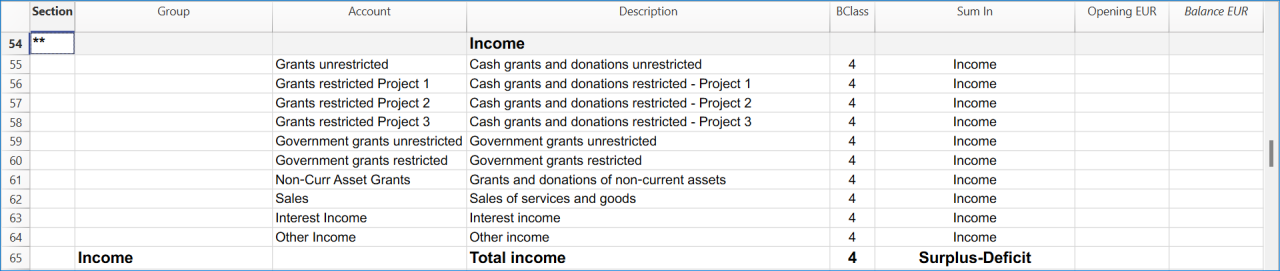
Manage projects expenses and operating expenses in the Income Statement.

Recording transactions by fund
Under INPAS, the organisation must identify and track restricted and unrestricted funds.
In this Banana Accounting+ template, funds are identified using four first-level segments:
- :Fund A, :Fund B and :Fund C for restricted funds.
- :General for the unrestricted General Fund.
Projects are tracked through cost centres CC2, and donors through cost centres CC3.
In the Transactions table, add the fund segment after the relevant account code. In the CC2 and CC3 columns, enter the cost centre name without its leading punctuation.
Receiving a restricted donation without delivery obligations
The organisation receives EUR 727 from Benjamin Foster for Fund A and Project 1:
- Date: 2026-01-10
- Debit account: Bank:Fund A
- Credit account: Grants restricted Project 1:Fund A
- Amount: 727.00
- CC2: Project 1
- CC3: Benjamin Foster
The donation is recognised as income attributed to Fund A because it does not include a qualifying delivery obligation.
Paying project expenses
The organisation pays EUR 307 for school programme costs:
- Date: 2026-01-12
- Debit account: Expenses Project 1:Fund A
- Credit account: Bank:Fund A
- Amount: 307.00
- CC2: -Project 1
- CC3: leave empty
For these two transactions, Fund A records EUR 727 of income and EUR 307 of expenses, resulting in a surplus of EUR 420.
Receiving an advance with delivery obligations
The organisation receives EUR 3,000 in advance for Fund B. The grant agreement includes qualifying delivery obligations that have not yet been fulfilled:
- Date: 2026-02-11
- Debit account: Bank:Fund B
- Credit account: Grant oblig. liability:Fund B
- Amount: 3000.00
- CC2: leave empty
- CC3: Olivia Reynolds
The amount is initially recognised as a liability, not as revenue.
Recognising revenue after fulfilling delivery obligations
When the first milestone is achieved, EUR 1,200 is recognised as grant revenue:
- Date: 2026-05-27
- Debit account: Grant oblig. liability:Fund B
- Credit account: Grants restricted Project 2:Fund B
- Amount: 1200.00
- CC2: Project 2
- CC3: leave empty
The liability decreases and recognised income increases, without a new bank receipt.
Recording unrestricted income in the General Fund
The tutorial includes an unrestricted donation receipt of EUR 25,000:
- Date: 2026-01-02
- Debit account: Bank:General
- Credit account: Grants unrestricted:General
- Amount: 25000.00
- CC2: leave empty
- CC3: Miles Thompson
The segment :General identifies the transaction as belonging to the unrestricted General Fund.
Recording transfers between funds
The tutorial includes a permitted transfer of EUR 900 from the General Fund to Fund A.
The bank allocation is recorded as:
- Date: 2026-04-18
- Debit account: Bank:Fund A
- Credit account: Bank:General
- Amount: 900.00
The corresponding movement between the fund accounts is recorded as:
- Date: 2026-04-18
- Debit account: Unrestricted Funds:General
- Credit account: Restricted Fund A:Fund A
- Amount: 900.00
These entries distinguish the change in the bank's fund attribution from the movement in fund net assets.
The transfer does not represent an external cash flow and does not create additional income or expenses for the association.
A transfer between restricted and unrestricted funds must be permitted under the applicable fund restrictions. An internal decision alone does not necessarily make unrestricted resources legally restricted.
Checking and reporting fund balances
Use the accounting reports subdivided by segment to analyse transactions attributed to each fund. The balance displayed on an individual segment account card is not necessarily the fund's net asset balance: when the same segment appears on both sides of a transaction, its movements can offset each other.
All fund balances in the Statement of Financial Position must be reconciled with opening balances, income, expenses, other changes and permitted transfers. Additional fund information must be disclosed in the notes to the financial statements, as required by INPAS.
A restriction on the use of a donation does not automatically create a liability.
Get the Statement of Financial Position and the Income Statement
At any time of the year you can create your Balance sheet, which is a financial report of your assets, liabilities and equity and the Profit and Loss statement, which includes income and expenses. You will achieve optimal reports because you can always modify the data until they are perfect. You have the possibility to print out your statements or save them in PDF format.
Complete the documentation using the Excel Template
After preparing the Statement of Financial Position and the Statement of Income and Expenses in Banana Accounting+, use the Excel template to complete the additional financial statements and explanatory notes.
The NPO must ensure that all applicable INPAS requirements are met before declaring compliance with the Standard.
Income & Expenses: INPAS Standard Template
在此文中
Income & Expenses: INPAS Standard Template
Income & Expenses: INPAS Standard Template
The INPAS International standard Income & Expenses template for associations provides a comprehensive framework for organizing financial transactions and reporting for associations adhering to international standards.
直接在网页中打开Banana财务会计+
无需任何安装,可以直接在您的浏览器上运行 Banana财务会计+。客制化您的模板,输入发生业务并将文件保存在您的电脑上。
在浏览器中打开模板 Open tutorial in WebApp模板文件
[This page is currently being updated]
The NPO is responsible for ensuring that its financial reports comply with all applicable INPAS requirements. Using the template alone does not guarantee compliance.
INPAS requires accrual-based financial reporting. When using an Income & Expenses accounting template, the NPO must ensure that all relevant assets, liabilities, receivables, payables, accrued income and expenses are correctly recognised and reported in accordance with INPAS.
Recording transactions by fund
In this template, restricted funds are identified using the segments :Fund A, :Fund B and :Fund C. The unrestricted General Fund is identified using :General.
Projects are tracked through cost centres CC2, and donors through cost centres CC3.
For ordinary receipts and payments, the INPAS Income & Expense tutorial generally adds the fund segment to both the Account and Category columns. This allows the bank or cash movement and the corresponding income, expense or liability to be attributed to the same fund.
For transfers between funds, the Account and Category can contain different fund segments to identify the source and destination. Non-cash accounting adjustments can also use segments on both sides. The balance of an individual segment card must not automatically be interpreted as the net assets of that fund.
Receiving a restricted donation without delivery obligations
The organisation receives EUR 727 from Benjamin Foster for Fund A and Project 1:
- Date: 2026-01-10
- Income: 727.00
- Expenses: leave empty
- Account: Bank:Fund A
- Category: Grants restricted Project 1:Fund A
- CC2: Project 1
- CC3: Benjamin Foster
The donation is recognised as income attributable to Fund A.
Paying project expenses
The organisation pays EUR 307 for Project 1:
- Date: 2026-01-12
- Income: leave empty
- Expenses: 307.00
- Account: Bank:Fund A
- Category: Expenses Project 1:Fund A
- CC2: -Project 1
- CC3: leave empty
Considering these two transactions alone, the project shows a surplus of EUR 420.
Receiving an advance with delivery obligations
The organisation receives EUR 3,000 in advance for Fund B:
- Date: 2026-02-11
- Income: 3000.00
- Expenses: leave empty
- Account: Bank:Fund B
- Category: Grant oblig. liability:Fund B
- CC2: leave empty
- CC3: Olivia Reynolds
In this example, Grant oblig. liability is a balance-sheet account defined in the Accounts table, not an income category.
Although EUR 3,000 is entered in the Income column because money is received, it is recognised as a liability, not as grant revenue.
Recognising revenue after fulfilling delivery obligations
The association recognises EUR 1,200 after completing part of its obligations:
- Date: 2026-05-27
- Income: 1200.00
- Expenses: leave empty
- Account: Grant oblig. liability:Fund B
- Category: Grants restricted Project 2:Fund B
- CC2: Project 2
- CC3: leave empty
This is a non-cash accounting adjustment. It reduces the outstanding liability and recognises revenue without increasing the bank balance.
Recording unrestricted income in the General Fund
The tutorial includes an unrestricted donation receipt of EUR 25,000:
- Date: 2026-01-02
- Income: 25000.00
- Expenses: leave empty
- Account: Bank:General
- Category: Grants unrestricted:General
- CC2: leave empty
- CC3: Miles Thompson
The segment :General assigns the recognised income to the unrestricted General Fund.
Recording transfers between funds
The tutorial includes a permitted reallocation of EUR 900 from the General Fund to Fund A:
- Date: 2026-04-18
- Income: 900.00
- Expenses: leave empty
- Account: Bank:Fund A
- Category: Bank:General
- CC2: leave empty
- CC3: leave empty
This transaction changes the fund attribution of an existing bank balance. It does not represent an external bank receipt, create new revenue or change the association's total cash balance.
Both Account and Category refer to balance-sheet accounts, and the segment is used on each side to identify the source and destination funds.
The association must ensure that transfers between funds are permitted by the applicable restrictions.
Checking fund movements and net assets
Use reports subdivided by segment to analyse the income, expenses and relevant assets and liabilities attributed to individual funds.
The balance shown on an individual segment card is not necessarily the fund's net asset balance. Some transactions affect liabilities instead of income, and transfers or non-cash adjustments may involve two segment-attributed positions.
For example, the EUR 3,000 advance received for Fund B is initially a liability. It does not represent a deficit in the fund's net assets.
The organisation must reconcile opening balances, recognised income, expenses, permitted transfers, other changes and closing balances for each relevant fund.
INPAS requires accrual-based financial reporting. Additional year-end adjustments may be necessary to ensure that the financial statements are complete.
Free INPAS Excel Template
在此文中
Free INPAS Excel Template
Free INPAS Excel Template
The INPAS Excel Template helps non-profit organisations prepare financial statements in accordance with the final International Non-Profit Accounting Standard (INPAS 2025). The template supports the preparation of the main financial statements, including the Statement of Financial Position, Statement of Income and Expenses, Statement of Changes in Net Assets, Statement of Cash Flows and Explanatory Notes. It can be used alongside Banana Accounting+, which provides the accounting records, account balances and detailed financial information needed to prepare these reports. The Excel template is designed to simplify financial reporting, improve consistency and support transparent financial management. Using the Excel template does not automatically guarantee INPAS compliance. Each organisation remains responsible for ensuring that its financial statements meet the applicable recognition, measurement, presentation, comparative reporting and disclosure requirements of the final INPAS 2025 standard. Full INPAS compliance also requires the preparation of a Narrative Report and all other applicable disclosures.
Cash Manager Accounting for Non-profit Organizations
在此文中
Cash Manager Accounting for Non-profit Organizations
Cash Manager Accounting for Non-profit Organizations
Start FOR FREE the accounting of your association and get immediately the income statement and the balance sheet. This easy and ready-to-use template is ideal for people who have limited accounting knowledge, because you can insert transactions by simply indicating the income/expenses on the account.
直接在网页中打开Banana财务会计+
无需任何安装,可以直接在您的浏览器上运行 Banana财务会计+。客制化您的模板,输入发生业务并将文件保存在您的电脑上。
在浏览器中打开模板 Open tutorial in WebApp模板文件
This template has only one Cash account and descriptive income & expense categories, that facilitate data entry. Get the Income Statement and Balance Sheet quickly, manage members and projects.
For more information on solutions for associations go to the Accounting for non-profit organizations page.
Create your File
- Create a new file, starting from this template (Template ID +10936), using one of the methods explained.
- With the command File → File properties, set the period, the company name and the basic currency.
- With the command File → Save as, save the file. Enter the company name and year in the file name.
For example "association-2022.ac2".
See also Organize accounting files locally, online or in the cloud
Enter the Transactions
Register the liquidity transactions in the journal. Enter the date, the document number, the description, the category and the amount.
You can modify the journal at any time.
Click here to learn more about transactions.

Check and customize the Categories table
Once you have entered the transactions, you can check the Categories table. You will have an overview of your income and expenses, which allows you to keep your balance under control.

Get the Profit and Loss Statement
At any time of the year you can create your profit and loss statement, which includes income and expenses. You can also compare your current situation with the budget to understand if and where you are spending excessive amounts of money.

模板预览
Association XX
| Group | Account | Description | Sum In |
|---|---|---|---|
| Cash | Cash | ||
| Group | Category | Description | Sum In |
|---|---|---|---|
| PROFIT/LOSS STATEMENT | |||
| INCOME | |||
| Donations | Donations | 4 | |
| Membership | Membership payments | 4 | |
| Sales | Various Sales | 4 | |
| Other Income | Other income | 4 | |
| 4 | TOTAL INCOME | 00 | |
| EXPENSES | |||
| Office Supplies | Office supplies, printing material, photocopies | 3 | |
| Postal Fees | Postal fees | 3 | |
| Rent | Rent | 3 | |
| Electricity | Elecricity | 3 | |
| Water | Water | 3 | |
| Teleohone and Fax | Telephone and fax | 3 | |
| Internet | Internet | 3 | |
| Publicity | Publicity, flyers, printing | 3 | |
| Cleaning | Cleaning | 3 | |
| Maintenance and repairs | Maintenance and repairs | 3 | |
| Goods and materials | Goods and materials | 3 | |
| Salaries | Personnel expenses | 3 | |
| Social Insurance expenses | Social Insurance expenses | 3 | |
| Vehicle and transport | Vehicle and transport costs | 3 | |
| Refund Volunteers | Refund to volunteers | 3 | |
| Fees and Permits | Fees and other permits | 3 | |
| Unexpected expenses | Unexpected expenses | 3 | |
| Unregistered expenses | Small unregistered expenses | 3 | |
| Other expenses | Other expenses | 3 | |
| 3 | TOTAL EXPENSES | 00 | |
| 00 | RESULT | ||
| COST CENTERS | |||
| Projects | |||
| .PA | Project A | TP | |
| .PB | Project B | TP | |
| .PC | Project C | TP | |
| TP | Total projects | ||
| Members | |||
| ;MA | Montgomery Alexander | TM | |
| ;WB | Weelt Bob | TM | |
| ;JB | Johnson Bill | TM | |
| ;SA | Smith Ada | TM | |
| TM | Total members | ||
Income & Expenses Accounting for Non-profit Organizations
在此文中
Income & Expenses Accounting for Non-profit Organizations
Income & Expenses Accounting for Non-profit Organizations
Start FOR FREE the accounting of your association and get immediately the income statement and the balance sheet. This easy and ready-to-use template is ideal for people who have limited accounting knowledge, because you can insert transactions by simply indicating the income/expenses on the account. Your data remains private on your PC and you don't have to make any registration.
直接在网页中打开Banana财务会计+
无需任何安装,可以直接在您的浏览器上运行 Banana财务会计+。客制化您的模板,输入发生业务并将文件保存在您的电脑上。
在浏览器中打开模板 Open tutorial in WebApp模板文件
This template presents a synthetic chart of accounts with descriptive accounts that facilitate data entry. Get the Income Statement and Balance Sheet quickly, manage members and projects.
For more information on solutions for associations go to the Accounting for non-profit organizations page.
Create your File
- Create a new file, starting from this template (Template ID +10623), using one of the methods explained.
- With the command File → File properties, set the period, the company name and the basic currency.
- With the command File → Save as, save the file. Enter the company name and year in the file name.
For example "association-2022.ac2".
See also Organize accounting files locally, online or in the cloud
Enter the Transactions
Register the liquidity transactions in the journal. Enter the date, the document number, the description, the account and the amount.
You can modify the journal at any time.
Click here to learn more about transactions.

Check and customize Accounts and Categories
Once you have entered the transactions, you can check the Accounts table and the Categories table. You will have an overview of your assets, liabilities, income and expenses, which allows you to keep your balance under control.

Get the the Profit and Loss Statement and the Balance Sheet
At any time of the year you can create your profit and loss statement, which includes income and expenses. You can also compare your current situation with the budget to understand if and where you are spending excessive amounts of money.
模板预览
Association XX
| Group | Account | Description | Sum In |
|---|---|---|---|
| BALANCE SHEET | |||
| Assets | |||
| Cash | Cash | Assets | |
| Bank | Bank Current Account | Assets | |
| Post | Post Current Account | Assets | |
| Office Forniture | Office Forniture | Assets | |
| Computer and Software | Computer and Software | Assets | |
| Car | Car | Assets | |
| Assets | Total Assets | Net Assets | |
| Liabilities | |||
| Visa | Credit card loan | Total Liabilities | |
| Loan | Bank loan | Total Liabilities | |
| Total Liabilities | Total Liabilities | Net Assets | |
| Net Assets | Net Assets | ||
| COST CENTERS | |||
| Projects | |||
| .PA | Project A | TP | |
| .PB | Project B | TP | |
| .PC | Project C | TP | |
| TP | Total projects | ||
| Members | |||
| ;MA | Montgomery Alexander | TM | |
| ;WB | Weelt Bob | TM | |
| ;JB | Johnson Bill | TM | |
| ;SA | Smith Ada | TM | |
| TM | Total members | ||
| Group | Category | Description | Sum In |
|---|---|---|---|
| PROFIT/LOSS STATEMENT | |||
| INCOME | |||
| Donations | Donations | 4 | |
| Membership | Membership payments | 4 | |
| Sales | Various Sales | 4 | |
| Other Income | Other income | 4 | |
| 4 | TOTAL INCOME | 00 | |
| EXPENSES | |||
| Office Supplies | Office supplies, printing material, photocopies | 3 | |
| Postal Fees | Postal fees | 3 | |
| Rent | Rent | 3 | |
| Electricity | Elecricity | 3 | |
| Water | Water | 3 | |
| Teleohone and Fax | Telephone and fax | 3 | |
| Internet | Internet | 3 | |
| Publicity | Publicity, flyers, printing | 3 | |
| Cleaning | Cleaning | 3 | |
| Maintenance and repairs | Maintenance and repairs | 3 | |
| Goods and materials | Goods and materials | 3 | |
| Salaries | Personnel expenses | 3 | |
| Social Insurance expenses | Social Insurance expenses | 3 | |
| Vehicle and transport | Vehicle and transport costs | 3 | |
| Refund Volunteers | Refund to volunteers | 3 | |
| Fees and Permits | Fees and other permits | 3 | |
| Unexpected expenses | Unexpected expenses | 3 | |
| Unregistered expenses | Small unregistered expenses | 3 | |
| Other expenses | Other expenses | 3 | |
| 3 | TOTAL EXPENSES | 00 | |
| 00 | RESULT | ||
Double-Entry Accounting for Nonprofit Organizations
在此文中
Double-Entry Accounting for Nonprofit Organizations
Double-Entry Accounting for Nonprofit Organizations
Start FOR FREE the accounting of your association and get immediately the income statement and the balance sheet. This easy and ready-to-use template is ideal for people who have to do double-entry accounting and need a professional and fast solution. Your data remains private on your PC and you don't need to register.
直接在网页中打开Banana财务会计+
无需任何安装,可以直接在您的浏览器上运行 Banana财务会计+。客制化您的模板,输入发生业务并将文件保存在您的电脑上。
在浏览器中打开模板 Open tutorial in WebApp模板文件
This template presents a synthetic chart of accounts with descriptive accounts that facilitate data entry. Get the Income Statement and Balance Sheet quickly, manage members and projects.
For more information on solutions for associations go to the Accounting for non-profit organizations page.
Create your file
- Create a new file, starting from this template (Template ID +10619), using one of the methods explained.
- With the command File → File properties, set the period, the company name and the basic currency.
- With the command File → Save as, save the file. Enter the company name and year in the file name.
For example "association-2022.ac2".
See also Organize accounting files locally, online or in the cloud
Enter the Transactions
Register the accounting transactions in the journal. Enter the date, the document number and the description. Enter the destination account into the Debit account column, and the account of origin in the Credit account. Then add the amount.
You can modify the journal at any time.

Check and customize the Accounts table
Once you have entered the transactions, you can check the Accounts table. You will have an overview of your assets, liabilities, income and expenses, which allows you to keep your balance under control.
Customize the Accounts table to suit your needs: you can add, delete and edit accounts, groups or descriptions.

Enter Opening Balances
In the Opening column enter the opening balances of the Accounts. Negative asset account amounts are entered with a minus sign in front.
Enter the balances of the previous year
If you are creating a new accounting and you want the amounts of the previous year to appear in the statements to be printed, you must insert the values in the appropriate column. Go to the Previous view and in the Previous Year column enter the values.
Get the Profit and Loss Statement and the Balance Sheet
At any time of the year you can create your Balance sheet, which is a financial report of your assets, liabilities and equity and the Profit and Loss statement, which includes income and expenses. You will achieve optimal reports because you can always modify the data until they are perfect. You have the possibility to print out your statements or save them in PDF format.


模板预览
Association XX
| Group | Account | Description | Sum In |
|---|---|---|---|
| BALANCE SHEET | |||
| Assets | |||
| Cash | Cash | Assets | |
| Bank | Bank Current Account | Assets | |
| Post | Post Current Account | Assets | |
| Office Forniture | Office Forniture | Assets | |
| Computer and Software | Computer and Software | Assets | |
| Car | Car | Assets | |
| Assets | Total Assets | 00 | |
| Liabilities | |||
| Suppliers | Suppliers | Total Liabilities | |
| Visa | Credit card loan | Total Liabilities | |
| Loan | Bank loan | Total Liabilities | |
| Start-up Capital | Start-up Capital | Total Liabilities | |
| Brought forward profit or loss | Brought forward profit or loss | Total Liabilities | |
| Profit or loss of the current year | Profit or loss of the current year | Total Liabilities | |
| Total Liabilities | Total Liabilities | 00 | |
| PROFIT/LOSS STATEMENT | |||
| INCOME | |||
| Donations | Donations | 4 | |
| Membership | Membership payments | 4 | |
| Sales | Various Sales | 4 | |
| Other Income | Other income | 4 | |
| 4 | TOTAL INCOME | Result | |
| EXPENSES | |||
| Office Supplies | Office supplies, printing material, photocopies | 3 | |
| Postal Fees | Postal fees | 3 | |
| Rent | Rent | 3 | |
| Electricity | Elecricity | 3 | |
| Water | Water | 3 | |
| Teleohone and Fax | Telephone and fax | 3 | |
| Internet | Internet | 3 | |
| Publicity | Publicity, flyers, printing | 3 | |
| Cleaning | Cleaning | 3 | |
| Maintenance and repairs | Maintenance and repairs | 3 | |
| Goods and materials | Goods and materials | 3 | |
| Salaries | Personnel expenses | 3 | |
| Social Insurance expenses | Social Insurance expenses | 3 | |
| Vehicle and transport | Vehicle and transport costs | 3 | |
| Refund Volunteers | Refund to volunteers | 3 | |
| Fees and Permits | Fees and other permits | 3 | |
| Unexpected expenses | Unexpected expenses | 3 | |
| Unregistered expenses | Small unregistered expenses | 3 | |
| Other expenses | Other expenses | 3 | |
| 3 | TOTAL EXPENSES | Result | |
| Result | RESULT | Profit or loss of the current year | |
| 00 | Difference should be = 0 (blank cell) | ||
| COST CENTERS | |||
| Members | |||
| ;MA | Montgomery Alexander | TM | |
| ;WB | Weelt Bob | TM | |
| ;JB | Johnson Bill | TM | |
| ;SA | Smith Ada | TM | |
| TM | Total members | ||
| SEGMENTS | |||
| Projects | |||
| :Project A | Project A | TP | |
| :Project B | Project B | TP | |
| :Project C | Project C | TP | |
| TP | Total projects |
Multi-Currency Accounting for Nonprofit Organizations
在此文中
Multi-Currency Accounting for Nonprofit Organizations
Multi-Currency Accounting for Nonprofit Organizations
Start FOR FREE the accounting of your association and immediately get the income statement and the balance sheet. This easy and ready-to-use template is ideal for people who have to manage accounts in multiple currencies for business relationships with foreign countries or international projects. Your data remains private on your PC and you don't need to register.
直接在网页中打开Banana财务会计+
无需任何安装,可以直接在您的浏览器上运行 Banana财务会计+。客制化您的模板,输入发生业务并将文件保存在您的电脑上。
在浏览器中打开模板 Open tutorial in WebApp模板文件
This template presents a brief chart of accounts with descriptive accounts that facilitate data entry. Get the Income Statement and Balance Sheet quickly, manage members and projects.
For more information on solutions for associations go to the Accounting for non-profit organizations page.
Create your file
- Create a new file, starting from this template (Template ID +10621), using one of the methods explained.
- With the command File → File properties, set the period, the company name and the basic currency.
- With the command File → Save as, save the file. Enter the company name and year in the file name.
For example "association-2022.ac2".
See also Organize accounting files locally, online or in the cloud
Enter the Transactions
Register the liquidity transactions in the journal. Enter the date, the document number and the description. Enter the destination account into the Debit Account column, and the account of origin in the Credit Account column. Then add the amount and specify the currency.
You can modify the journal at any time.
Click here to learn more about transactions.

Check and customize the Accounts table
Once you have entered the transactions, you can check the Accounts table. You will have an overview of your assets, liabilities, income and expenses, which allows you to keep your balance under control.

Get the Profit and Loss Statement and the Balance Sheet
At any time of the year you can create your balance sheet, which is a financial report of your assets, liabilities and equity and the profit and loss statement, which includes income and expenses. You can also compare your current situation with the budget to understand if and where you are spending excessive amounts of money.


模板预览
Association XX
Basic Currency: EUR
Double-entry with foreign currencies
| Group | Account | Description | Currency | Sum In |
|---|---|---|---|---|
| BALANCE SHEET | ||||
| Assets | ||||
| Cash | Cash | EUR | Assets | |
| Bank EUR | Bank Current Account EUR | EUR | Assets | |
| Bank USD | Bank Current Account USD | USD | Assets | |
| Bank GBP | Bank Current Account GBP | GBP | Assets | |
| Post | Post Current Account | EUR | Assets | |
| Office Forniture | Office Forniture | EUR | Assets | |
| Computer and Software | Computer and Software | EUR | Assets | |
| Car | Car | EUR | Assets | |
| Assets | Total Assets | 00 | ||
| Liabilities | ||||
| Suppliers | Suppliers | EUR | Total Liabilities | |
| Visa | Credit card loan | EUR | Total Liabilities | |
| Loan | Bank loan | EUR | Total Liabilities | |
| Start-up Capital | Start-up Capital | EUR | Total Liabilities | |
| Brought forward profit or loss | Brought forward profit or loss | EUR | Total Liabilities | |
| Profit or loss of the current year | Profit or loss of the current year | Total Liabilities | ||
| Total Liabilities | Total Liabilities | 00 | ||
| PROFIT/LOSS STATEMENT | ||||
| INCOME | ||||
| Donations | Donations | EUR | 4 | |
| Membership | Membership payments | EUR | 4 | |
| Sales | Various Sales | EUR | 4 | |
| Other Income | Other income | EUR | 4 | |
| Exchange rate profit | Exchange rate profit | EUR | 4 | |
| 4 | TOTAL INCOME | Result | ||
| EXPENSES | ||||
| Office Supplies | Office supplies, printing material, photocopies | EUR | 3 | |
| Postal Fees | Postal fees | EUR | 3 | |
| Rent | Rent | EUR | 3 | |
| Electricity | Elecricity | EUR | 3 | |
| Water | Water | EUR | 3 | |
| Teleohone and Fax | Telephone and fax | EUR | 3 | |
| Internet | Internet | EUR | 3 | |
| Publicity | Publicity, flyers, printing | EUR | 3 | |
| Cleaning | Cleaning | EUR | 3 | |
| Maintenance and repairs | Maintenance and repairs | EUR | 3 | |
| Goods and materials | Goods and materials | EUR | 3 | |
| Salaries | Personnel expenses | EUR | 3 | |
| Social Insurance expenses | Social Insurance expenses | EUR | 3 | |
| Vehicle and transport | Vehicle and transport costs | EUR | 3 | |
| Refund Volunteers | Refund to volunteers | EUR | 3 | |
| Fees and Permits | Fees and other permits | EUR | 3 | |
| Unexpected expenses | Unexpected expenses | EUR | 3 | |
| Unregistered expenses | Small unregistered expenses | EUR | 3 | |
| Other expenses | Other expenses | EUR | 3 | |
| Exchange rate loss | Exchange rate loss | EUR | 3 | |
| 3 | TOTAL EXPENSES | Result | ||
| Result | RESULT | Profit or loss of the current year | ||
| 00 | Difference should be = 0 (blank cell) | |||
| COST CENTERS | ||||
| Members | ||||
| ;MA | Montgomery Alexander | EUR | TM | |
| ;WB | Weelt Bob | EUR | TM | |
| ;JB | Johnson Bill | EUR | TM | |
| ;RJ | Ross Jeremy | EUR | TM | |
| TM | Total members | |||
| SEGMENTS | ||||
| Projects | ||||
| :Project A | Project A | EUR | TP | |
| :Project B | Project B | EUR | TP | |
| :Project C | Project C | EUR | TP | |
| TP | Total projects |
| Ref.Currency | Currency | Text |
|---|---|---|
| EUR | USD | Dollar |
| EUR | GBP | Pound Sterling |
非营利组织
在此文中
非营利组织
非营利组织
使用这个简单的模板,以清晰透明的方式开启您的非营利组织或协会的会计管理,适用于任何使用现金账簿方法的人。
模板预览
XX协会
本位币: USD
现金日记账
| 总组 | 账号 | 摘要 | 总和 |
|---|---|---|---|
| 现金 | 现金 | ||
| 总组 | 科目 | 摘要 | 总和 |
|---|---|---|---|
| 经营业绩 | |||
| 收入 | |||
| 多种销售收入 | 多种销售收入 | 4 | |
| 会员的付款收入 | 会员的付款收入 | 4 | |
| 捐款 | 捐款 | 4 | |
| 其它收入 | 其它收入 | 4 | |
| 4 | 总收入 | 00 | |
| 费用 | |||
| 项目 A 的费用 | 项目 A 的费用 | 3 | |
| 项目 B 的费用 | 项目 B 的费用 | 3 | |
| 项目 C 的费用 | 项目 C 的费用 | 3 | |
| 文具,电器,清洁费等 | 文具,电器,清洁费等 | 3 | |
| 邮费 | 邮费 | 3 | |
| 租金,水电费 | 租金,水电费 | 3 | |
| 电话和传真 | 电话和传真 | 3 | |
| 宣传,传单,印刷费 | 宣传,传单,印刷费 | 3 | |
| 退换给志愿者的费用 | 退换给志愿者的费用 | 3 | |
| 费用及其它许可证 | 费用及其它许可证 | 3 | |
| 意外开支 | 意外开支 | 3 | |
| 未注册的小额费用 | 未注册的小额费用 | 3 | |
| 其它费用 | 其它费用 | 3 | |
| 3 | 总费用 | 00 | |
| 00 | 结果 | ||
| 成本和利润中心部门 | |||
| 会员列表 | |||
| ;李萌 | 李萌 | TM | |
| ;王博 | 王博 | TM | |
| ;张明 | 张明 | TM | |
| ;陈丽 | 陈丽 | TM | |
| ;王静 | 王静 | TM | |
| TM | 全部会员 | ||
非营利组织会计
在此文中
非营利组织会计
非营利组织会计
使用这个简单的模板,以清晰透明的方式开启您的非营利组织或协会的会计管理,适用于任何使用收益及费用核算方法的人。
模板预览
协会 XX
本位币: USD
收益 & 费用核算
| 总组 | 账号 | 摘要 | 总和 |
|---|---|---|---|
| 资产 | |||
| 1000 | 现金 | 1 | |
| 1010 | 当前邮政储蓄账号 | 1 | |
| 1020 | 当前银行账号 | 1 | |
| 1100 | 客户 | 1 | |
| 1150 | 预付税款 | 1 | |
| 1300 | 暂时性资产 | 1 | |
| 1400 | 办公家具 | 1 | |
| 1500 | 硬件/软件 | 1 | |
| 2000 | 供应商 | 1 | |
| 2050 | 增值税 (根据增值税报告) | 1 | |
| 2060 | 税务局 | 1 | |
| 2100 | 银行贷款 | 1 | |
| 2400 | 长期银行贷款 | 1 | |
| 2700 | 暂时性债务 | 1 | |
| 1 | 总计 | ||
| 成本及利润中心 | |||
| 会员列表 | |||
| ;LM | 李萌 | TM | |
| ;WB | 王博 | TM | |
| ;ZM | 张明 | TM | |
| ;CL | 陈丽 | TM | |
| ;WJ | 王静 | TM | |
| TM | 全部会员 |
| 总组 | 科目 | 摘要 | 总和 |
|---|---|---|---|
| 经营结果 | |||
| 收入 | |||
| 4200 | 多种销售 | 4 | |
| 4400 | 会员费 | 4 | |
| 4500 | 捐款 | 4 | |
| 4 | 总收入 | 00 | |
| 费用 | |||
| 3000 | 项目 A 的费用 | 3 | |
| 3001 | 项目 B 的费用 | 3 | |
| 3002 | 项目 C 的费用 | 3 | |
| 3005 | 购买商品进行转售 | 3 | |
| 3010 | 房租,水电费 | 3 | |
| 3020 | 税 | 3 | |
| 3050 | 保险 | 3 | |
| 3070 | 费用 | 3 | |
| 3080 | 清洁 | 3 | |
| 3090 | 办公用品 | 3 | |
| 3100 | 电话 | 3 | |
| 3110 | 邮费 | 3 | |
| 3130 | 印刷和宣传 | 3 | |
| 3140 | 银行负利率 | 3 | |
| 3150 | 银行和当前账户费用 | 3 | |
| 3160 | 家具摊销费用 | 3 | |
| 3170 | 其它费用 | 3 | |
| 3 | 总费用 | 00 | |
| 00 | 结果 | ||
Religious Entities Universal Templates
Banana Accounting offers a few universal templates available for free for the Religious organizations accounting are the following:
Income & Expense Accounting for a Religious Organization
在此文中
Income & Expense Accounting for a Religious Organization
Income & Expense Accounting for a Religious Organization
Ideal template to manage the accounting of a church or a religious organization, simply entering the income and the expenses. The list of donors and fundraising events are managed with a cost center.
直接在网页中打开Banana财务会计+
无需任何安装,可以直接在您的浏览器上运行 Banana财务会计+。客制化您的模板,输入发生业务并将文件保存在您的电脑上。
在浏览器中打开模板 Open tutorial in WebApp模板预览
New Life church
Accounting 2022
| Group | Account | Description | Sum In | Gr1 |
|---|---|---|---|---|
| BALANCE SHEET | ||||
| ASSETS | ||||
| Cash | Cash on hand | Total Assets | ||
| Post | Post office current account | Total Assets | ||
| Paypal Account | Paypal Account | Total Assets | ||
| Prepaid Visa Card | Prepaid Visa Card | Total Assets | ||
| Bank | Bank account | Total Assets | ||
| Transitory assets | Transitory assets | Total Assets | ||
| Advanced payments | Various advanced payments | Total Assets | ||
| Deposit rent building | Deposit for rent of building | Total Assets | ||
| Deposit rent offices | Deposit for rent of offices | Total Assets | ||
| Internal transfers | Internal transfers | Total Assets | ||
| Amounts to be clarified | Amounts to be clarified | Total Assets | ||
| Forniture | Furniture, installations, equipment, vehicles | Total Assets | ||
| Computer and software | Computer and Software | Total Assets | ||
| Total Assets | TOTAL ASSETS | Net Estate | 1 | |
| LIABILITIES | ||||
| Suppliers or creditors | Suppliers or Creditors | Total Liabilities | ||
| Due to employees | Due to employees and social security institutions | Total Liabilities | ||
| Transitory liabilities | Transitory liabilities | Total Liabilities | ||
| Total Liabilities | TOTAL LIABILITIES | Net Estate | 1 | |
| Net Estate | NET ESTATE | |||
| SPRING FESTIVAL | ||||
| .PUB | Publicity | SE | ||
| .GUE | Guest speakers | SE | ||
| .MME | Music and Media | SE | ||
| .LEG | Legal Expenses (Permits, etc) | SE | ||
| .REN | Rent Facilities | SE | ||
| .FVA | Food and Various | SE | ||
| SE | Total Spring Festival Expenses | S | ||
| .TIC | Sales of Tickets | ST | ||
| .DSF | Donations Spring Festival | ST | ||
| ST | Total Spring Festival Income | S | ||
| S | Total Spring Festival | |||
| DONORS | ||||
| ;511 | Donor 511 | D | ||
| ;522 | Donor 522 | D | ||
| ;533 | Donor 533 | D | ||
| etc. | ||||
| D | Total Donors | |||
| Group | Category | Description | Sum In | Gr1 |
|---|---|---|---|---|
| REVENUE | Total revenue | |||
| Income from offerings | Income from offerings | Total revenue | ||
| Income from Christmas market | Income from Christmas market for missions work | Total revenue | ||
| Income from books and cd's | Income from books and cd's | Total revenue | ||
| Income from various activities | Income from various activities | Total revenue | ||
| Bank Interests | Bank Interests | Total revenue | ||
| Extraordinary income/expenses | Extraordinary income/expenses | Total revenue | ||
| Total revenue | TOTAL REVENUE | Result | 1 | |
| EXPENSES | ||||
| Personnel Charges | ||||
| Salaries | Salaries | Personnel Charges | ||
| Social security charges | Social security charges | Personnel Charges | ||
| Retirement fund | Retirement fund | Personnel Charges | ||
| Insurances | Insurances | Personnel Charges | ||
| Various costs for personnel | Various costs for personnel | Personnel Charges | ||
| Personnel Charges | Total Personnel Charges | Total Expenses | ||
| General/operational Expenses | ||||
| Rent | Rent for building and offices | General/operational Expenses | ||
| Utilities | Utilities | General/operational Expenses | ||
| Music and media | Expenses for music & media department | General/operational Expenses | ||
| Car and fuel | Car expenses & fuel | General/operational Expenses | ||
| Insurance expenses | Insurance expenses | General/operational Expenses | ||
| Office- and computer supplies | Office- and computer supplies | General/operational Expenses | ||
| Postage and telephone | Postage and telephone | General/operational Expenses | ||
| Offerings to third parties | Offerings and Donations to third parties | General/operational Expenses | ||
| Accountant's charge | Accountant's charge | General/operational Expenses | ||
| Web hosting | Web hosting and software licenses | General/operational Expenses | ||
| Publicity | Publicity | General/operational Expenses | ||
| Representation expenses | Representation expenses | General/operational Expenses | ||
| Room and board guests | Room and board for guests | General/operational Expenses | ||
| Expenses activities | Expenses for various activities | General/operational Expenses | ||
| Material pastoral counseling | Material for pastoral counseling | General/operational Expenses | ||
| Children's- and Youth ministry | Children's- and Youth ministry | General/operational Expenses | ||
| Books and CD's | Books and CD's | General/operational Expenses | ||
| Various expenses and presents | Various expenses and presents | General/operational Expenses | ||
| General/operational Expenses | Total General/operational Expenses | Total Expenses | ||
| Financial Expenses | ||||
| Financial costs | Financial costs | Financial Expenses | ||
| Depreciation | Depreciation Furniture, installations, equipment, vehicles | Financial Expenses | ||
| Depreciation computer | Depreciation Computer and Software | Financial Expenses | ||
| Income Tax | Income Tax | Financial Expenses | ||
| Financial Expenses | Total Financial Expenses | Total Expenses | ||
| Total Expenses | TOTAL EXPENSES | Result | 1 | |
| Result | OPERATING RESULT | |||
Kirchgemeinde | Einnahmen-Ausgaben-Rechnung
在此文中
Kirchgemeinde | Einnahmen-Ausgaben-Rechnung
Kirchgemeinde | Einnahmen-Ausgaben-Rechnung
Dieses Modell mit HRM2-Kontenplan basiert auf der Einnahmen-Ausgaben-Rechnung und stellt die gängigen Konten für die Verwaltung der Finanzen einer Kirchgemeinde/Pfarrei (Einnahmen und Ausgaben) bereit. Es ermöglicht die Erstellung einer Erfolgsrechnung und enthält Kostenstellen, mit denen sich die Ausgaben der Kirchgemeinde/Pfarrei und des Oratoriums getrennt ausweisen lassen.
模板文件
Diese Vorlage enthält einen HRM2-Kontenplan mit den typischen Konten und Kategorien für die Buchhaltung einer Kirchgemeinde. Einnahmen und Ausgaben lassen sich einfach erfassen – auch ohne Kenntnisse der doppelten Buchhaltung oder der Unterscheidung zwischen Soll und Haben.
In der Tabelle Konten sind die Bilanzkonten aufgeführt, während die Tabelle Kategorien der Erfassung von Einnahmen und Ausgaben dient.
Die Einnahmen und Ausgaben sind in mehrere Untergruppen gegliedert. Zudem stehen in der Tabelle Kategorien zwei Arten von Kostenstellen zur Verfügung, mit denen sich die Kosten der Kirchgemeinde und des Oratoriums getrennt verwalten lassen.
Konten und Kategorien können individuell angepasst und auf die spezifischen Bedürfnisse Ihrer Buchhaltung zugeschnitten werden.
Für erweiterte Anforderungen empfehlen wir die Vorlage Doppelte Buchhaltung für Kirchgemeinde.
Weitere Details finden Sie in unserer Dokumentation, insbesondere zu folgenden Themen:
模板预览
HRM2-Kontenplan Kirchgemeinde
Basiswährung: CHF
Einnahmen-Ausgaben-Rechnung
| Gruppe | Konto | Beschreibung | Summ. in |
|---|---|---|---|
| BESTAND | |||
| 1000 | Kasse | 1 | |
| 1001 | Postkonto | 1 | |
| 1002.00 | Bankkonto X | 1 | |
| 1050 | Forderungen aus Lieferungen & Leistungen Dritter | 1 | |
| 1051 | Übrige Forderungen | 1 | |
| 1100 | Pfarrkirche | 1 | |
| 1105 | Oratorium | 1 | |
| 1130 | Installationen | 1 | |
| 1135 | Fahrzeuge | 1 | |
| 1140 | Mobiliar | 1 | |
| 1145 | Einrichtungen | 1 | |
| 1150 | Orgel und andere Musikinstrumente | 1 | |
| 2000 | Laufende Verbindlichkeiten aus Lieferungen und Leistungen Dritter | 1 | |
| 2010 | Sonstige Gläubiger | 1 | |
| 2020 | Passive Rechnungsabgrenzung | 1 | |
| 2030 | Rückstellungen für unfertige Leistungen | 1 | |
| 2100 | Eigenkapital | 1 | |
| 2110 | Reservefonds | 1 | |
| 2120 | Sonstige Fonds | 1 | |
| 1 | Total Bestand | ||
| Gruppe | Kategorie | Beschreibung | Summ. in |
|---|---|---|---|
| BETRIEBSERGEBNIS | |||
| Personalkosten | |||
| 3000 | Entlohnung Pfarrer | 30 | |
| 3005 | Hilfspersonal | 30 | |
| 3010 | Sakristan und Hauswart | 30 | |
| 3015 | Reinigungspersonal | 30 | |
| 3020 | Organisten | 30 | |
| 3025 | Katechisten | 30 | |
| 3030 | Verwaltungspersonal | 30 | |
| 3035 | Hausdienst Pfarrer | 30 | |
| 3040 | Sozialversicherungsbeiträge | 30 | |
| 3045 | Sonstige Sozialversicherungsabgaben | 30 | |
| 3058 | Beiträge, Spenden | 30 | |
| 30 | Total Personalkosten | 3 | |
| Liturgie- und Katechesekosten | |||
| 3065 | Sonntagsbroschüren | 31 | |
| 3075 | Lichter und Kerzen | 31 | |
| 3080 | Sonstige Ausgaben für Liturgie | 31 | |
| 3085 | Material-, Ausbildungs- und Gesangsbücher | 31 | |
| 3090 | Katechese | 31 | |
| 3095 | Pfarramtliche Dienste | 31 | |
| 31 | Total Liturgie- und Katechesekosten | 3 | |
| Betriebs- und Verwaltungskosten | |||
| 3210 | Reinigungsarbeiten | 33 | |
| 3215 | Miete | 33 | |
| 3220 | Wartung, Reparaturen, etc. | 33 | |
| 3225 | Versicherungen | 33 | |
| 3230 | Elektrizität, Wasser, Kehrichtabfuhr | 33 | |
| 3235 | Heizöl | 33 | |
| 3240 | Gebäudesteuern | 33 | |
| 3245 | Sonstige Gebäudekosten | 33 | |
| 3300 | Drucksachen, (amtliche) Publikationen, Inserate | 33 | |
| 3305 | Porti (Briefsendungen) | 33 | |
| 3310 | Telefon/Internet | 33 | |
| 3320 | Fotokopierer | 33 | |
| 3325 | Dienstleistungen Dritter | 33 | |
| 3330 | Büromaterial | 33 | |
| 3335 | Juristische Kosten | 33 | |
| 3340 | Sonstige Verwaltungskosten | 33 | |
| 33 | Total Betriebs- und Verwaltungskosten | 3 | |
| Veranstaltungskosten | |||
| 3400 | Kosten für musikalische Veranstaltungskosten | 34 | |
| 3405 | Ausflüge und Reisekosten | 34 | |
| 3410 | Kosten für Lebensmittel, Zutaten + Verbrauchsmat. | 34 | |
| 3415 | Kosten für Reinigungsmittel | 34 | |
| 3420 | Kosten für verschiedene Materialien | 34 | |
| 3425 | Wartungskosten | 34 | |
| 3430 | Lieferwagenkosten | 34 | |
| 34 | Total Veranstaltungskosten | 3 | |
| Rückstellungen | |||
| 3700 | Rückstellungen für Rücklagen | 37 | |
| 3705 | Sonstige Rückstellungen | 37 | |
| 37 | Total Rückstellungen | 3 | |
| Beiträge | |||
| 3800 | Beiträge an Vereine, Organisationen | 38 | |
| 3802 | Beiträge an Jugendarbeit, Vereine und Gruppen | 38 | |
| 3805 | Beiträge an soziale Institutionen | 38 | |
| 3808 | Sonstige Beiträge | 38 | |
| 3809 | Steuern | 38 | |
| 38 | Total Beiträge | 3 | |
| 3 | Total Ausgaben | 00 | |
| Einnahmen | |||
| Einnahmen aus Spenden und Beiträgen | |||
| 4000 | Beiträge von Gemeinden und Gemeindezweckverbänden | 41 | |
| 4004 | Beiträge, Spenden | 41 | |
| 4008 | Beiträge von Kantonen | 41 | |
| 4102 | Beiträge von Privaten | 41 | |
| 4105 | Spenden für erbrachte Dienstleistungen | 41 | |
| 4107 | Beiträge für Sonderarbeiten | 41 | |
| 4119 | Kollekten | 41 | |
| 41 | Total Einnahmen aus Spenden und Beiträgen | 4 | |
| Liegenschaftsertrag | |||
| 4500 | Vermietung von Wohnungen | 45 | |
| 4501 | Vermietung von Parkplätzen | 45 | |
| 4502 | Vermietung von Räumlichkeiten | 45 | |
| 4503 | Vermietung Hauswartswohnung | 45 | |
| 45 | Total Liegenschaftsertrag | 4 | |
| Einnahmen aus Veranstaltungen | |||
| 4610 | Mittagessen | 46 | |
| 4615 | Sonstige Einnahmen | 46 | |
| 46 | Total Einnahmen aus Veranstaltungen | 4 | |
| Finanzertrag | |||
| 4700 | Zinsertrag | 47 | |
| 47 | Total Finanzertrag | 4 | |
| AUSSERORDENTLICHER AUFWAND UND ERTRAG | |||
| Ausserordentlicher Aufwand | |||
| 4800 | Restaurationen | 480 | |
| 4805 | Besondere Eingriffe auf Gebäuden | 480 | |
| 4809 | Eingriffe auf Grundstücken | 480 | |
| 480 | Total ausserordentlicher Aufwand | 48 | |
| Ausserordentlicher Ertrag | |||
| 4810 | Subventionen an Pfarrkirche | 481 | |
| 4830 | Sonstige ausserordentliche Erträge | 481 | |
| 4840 | Auflösung von Rückstellungen | 481 | |
| 481 | Total ausserordentlicher Ertrag | 48 | |
| 48 | Total ausserordentlicher Aufwand und Ertrag | 4 | |
| 4 | Total Einnahmen | 00 | |
| 00 | BETRIEBSERGEBNIS | ||
| KOSTENSTELLEN | |||
| Kosten Kirchengemeinde | |||
| .ELK | Elektrizität | TK | |
| .GAS | Erdgas | TK | |
| .ABG | Abgaben und Gebühren | TK | |
| .VWK | Verwaltungskosten | TK | |
| .UNT | Unterhalt | TK | |
| .REL | Reinigung Lokalitäten | TK | |
| .AL | Übrige Kosten | TK | |
| TK | Total Kirchengemeinde | ||
| Kosten Oratorium | |||
| ,ELK | Elektrizität | TO | |
| ,GAS | Erdgas | TO | |
| ,STA | Steuern und Abgaben | TO | |
| ,VWK | Verwaltungskosten | TO | |
| ,UNT | Unterhalt | TO | |
| ,REL | Reinigung Lokalitäten | TO | |
| ,AL | Übrige Kosten | TO | |
| TO | Total Oratoriumskosten | ||
Double-Entry Accounting for a Religious Organization
在此文中
Double-Entry Accounting for a Religious Organization
Double-Entry Accounting for a Religious Organization
Ideal template to manage the double-entry accounting of a church or a religious organization. The list of donors and fundraising events are managed with a cost center.
直接在网页中打开Banana财务会计+
无需任何安装,可以直接在您的浏览器上运行 Banana财务会计+。客制化您的模板,输入发生业务并将文件保存在您的电脑上。
在浏览器中打开模板 Open tutorial in WebApp模板预览
New Life church
Accounting 2022
| Group | Account | Description | Sum In | Gr1 |
|---|---|---|---|---|
| BALANCE SHEET | ||||
| ASSETS | ||||
| Cash | Cash on hand | Total Assets | ||
| Post | Post office current account | Total Assets | ||
| Paypal Account | Paypal Account | Total Assets | ||
| Prepaid Visa Card | Prepaid Visa Card | Total Assets | ||
| Bank | Bank account | Total Assets | ||
| Transitory assets | Transitory assets | Total Assets | ||
| Advanced payments | Various advanced payments | Total Assets | ||
| Deposit rent building | Deposit for Rent of Building | Total Assets | ||
| Deposit rent offices | Deposit for Rent of Offices | Total Assets | ||
| Internal transfers | Internal transfers | Total Assets | ||
| Amounts to be clarified | Amounts to be clarified | Total Assets | ||
| Forniture | Furniture, Installations, Equipment, Vehicles | Total Assets | ||
| Computer and software | Computer and Software | Total Assets | ||
| Total Assets | TOTAL ASSETS | 00 | 1 | |
| LIABILITIES | ||||
| Suppliers or Creditor | Suppliers or Creditors | Total Liabilities | ||
| Due to employees and social security institutions | Due to employees and social security institutions | Total Liabilities | ||
| Transitory liabilities | Transitory liabilities | Total Liabilities | ||
| Equity or share capital | Equity or share capital | Total Liabilities | ||
| Profit (Loss) carried forward | Profit (Loss) carried forward | Total Liabilities | ||
| Profit/Loss for the period | Profit/Loss for the period | Total Liabilities | 1 | |
| Total Liabilities | TOTAL LIABILITIES | 00 | 1 | |
| PROFIT & LOSS STATEMENT | ||||
| REVENUE | ||||
| Income from offerings | Income from offerings | Total Revenue | ||
| Income from Christmas market | Income from Christmas market for missions work | Total Revenue | ||
| Income from books and cd's | Income from books and cd's | Total Revenue | ||
| Income from various activities | Income from various activities | Total Revenue | ||
| Bank Interests | Bank Interests | Total Revenue | ||
| Extraordinary income/expenses | Extraordinary income/expenses | Total Revenue | ||
| Total Revenue | TOTAL REVENUE | 02 | 1 | |
| EXPENSES | ||||
| Personnel Charges | ||||
| Salaries | Salaries | Total Personnel Charges | ||
| Social security charges | Social security charges | Total Personnel Charges | ||
| Retirement fund | Retirement fund | Total Personnel Charges | ||
| Insurances | Insurances | Total Personnel Charges | ||
| Various costs for personnel | Various costs for personnel | Total Personnel Charges | ||
| Total Personnel Charges | Total Personnel Charges | Total Expenses | ||
| General/operational Expenses | ||||
| Rent | Rent for building and offices | General/operational Expenses | ||
| Utilities | Utilities | General/operational Expenses | ||
| Music and media | Expenses for music & media department | General/operational Expenses | ||
| Car and fuel | Car expenses & fuel | General/operational Expenses | ||
| Insurance expenses | Insurances | General/operational Expenses | ||
| Office- and computer supplies | Office- and computer supplies | General/operational Expenses | ||
| Postage and telephone | Postage and telephone | General/operational Expenses | ||
| Offerings to third parties | Offerings and Donations to third parties | General/operational Expenses | ||
| Accountant's charge | Accountant's charge | General/operational Expenses | ||
| Web hosting | Web hosting and software licenses | General/operational Expenses | ||
| Publicity | Publicity | General/operational Expenses | ||
| Representation expenses | Representation expenses | General/operational Expenses | ||
| Room and board guests | Room and board for guests | General/operational Expenses | ||
| Expenses activities | Expenses for various activities | General/operational Expenses | ||
| Material pastoral counseling | Material for pastoral counseling | General/operational Expenses | ||
| Children's- and Youth ministry | Children's- and Youth ministry | General/operational Expenses | ||
| Books and CD's | Books and CD's | General/operational Expenses | ||
| Various expenses and presents | Various expenses and presents | General/operational Expenses | ||
| General/operational Expenses | General/operational Expenses | Total Expenses | ||
| Total Financial Expenses | ||||
| Financial costs | Financial costs | Total Financial Expenses | ||
| Depreciation | Depreciation Furniture, Installations, Equipment, Vehicles | Total Financial Expenses | ||
| Depreciation computer | Depreciation Computer and Software | Total Financial Expenses | ||
| Income Tax | Income Tax | Total Financial Expenses | ||
| Total Financial Expenses | Total Financial Expenses | Total Expenses | ||
| Total Expenses | TOTAL EXPENSES | 02 | 1 | |
| 02 | Profit/Loss for Profit & Loss Statement | Profit/Loss for the period | 1 | |
| 00 | Difference should be = 0 (blank cell) | |||
| SPRING FESTIVAL | ||||
| .PUB | Publicity | SE | ||
| .GUE | Guest speakers | SE | ||
| .MME | Music and Media | SE | ||
| .LEG | Legal Expenses (Permits, etc) | SE | ||
| .REN | Rent Facilities | SE | ||
| .FVA | Food and Various | SE | ||
| SE | Total Spring Festival Expenses | S | ||
| .TIC | Sales of Tickets | ST | ||
| .DSF | Donations Spring Festival | ST | ||
| ST | Total Spring Festival Income | S | ||
| S | Total Spring Festival | |||
| DONORS | ||||
| ;511 | Donor 511 | D | ||
| ;522 | Donor 522 | D | ||
| ;533 | Donor 533 | D | ||
| etc. | ||||
| D | Total Donors |
Multi-Currency Accounting for a Religious Organization
在此文中
Multi-Currency Accounting for a Religious Organization
Multi-Currency Accounting for a Religious Organization
Ideal template to manage the accounting of a church or a religious organization, even with foreign currency accounts. The list of donors and fundraising events are managed with a cost center.
直接在网页中打开Banana财务会计+
无需任何安装,可以直接在您的浏览器上运行 Banana财务会计+。客制化您的模板,输入发生业务并将文件保存在您的电脑上。
在浏览器中打开模板 Open tutorial in WebApp模板预览
New Life church
Accounting 2022
Basic Currency: USD
Double-entry with foreign currencies
| Group | Account | Description | Currency | Sum In | Gr1 |
|---|---|---|---|---|---|
| BALANCE SHEET | |||||
| ASSETS | |||||
| Cash USD | Cash on hand USD | USD | Total Assets | ||
| Cash EUR | Cash on hand EUR | EUR | Total Assets | ||
| Post USD | Post office current account USD | USD | Total Assets | ||
| Paypal Account | Paypal Account | USD | Total Assets | ||
| Prepaid Visa Card | Prepaid Visa Card | USD | Total Assets | ||
| Bank USD | Bank account USD | USD | Total Assets | ||
| Transitory assets | Transitory assets | USD | Total Assets | ||
| Advanced payments | Various advanced payments | USD | Total Assets | ||
| Deposit for Rent of Building | Deposit for Rent of Building | USD | Total Assets | ||
| Deposit for Rent of Offices | Deposit for Rent of Offices | USD | Total Assets | ||
| Internal transfers | Internal transfers | USD | Total Assets | ||
| Amounts to be clarified | Amounts to be clarified | USD | Total Assets | ||
| Furniture, Installations, Equipment, Vehicles | Furniture, Installations, Equipment, Vehicles | USD | Total Assets | ||
| Computer and Software | Computer and Software | USD | Total Assets | ||
| Total Assets | TOTAL ASSETS | 00 | 1 | ||
| LIABILITIES | |||||
| Suppliers or Creditor | Suppliers or Creditors | USD | Total Liabilities | ||
| Due to employees and social security institutions | Due to employees and social security institutions | USD | Total Liabilities | ||
| Transitory liabilities | Transitory liabilities | USD | Total Liabilities | ||
| Equity or share capital | Equity or share capital | USD | Total Liabilities | ||
| Profit (Loss) carried forward | Profit (Loss) carried forward | USD | Total Liabilities | ||
| Profit/Loss for the period | Profit/Loss for the period | Total Liabilities | 1 | ||
| Total Liabilities | TOTAL LIABILITIES | 00 | 1 | ||
| PROFIT & LOSS STATEMENT | |||||
| REVENUE | |||||
| Income from offerings | Income from offerings | USD | Total Revenue | ||
| Income from Christmas market | Income from Christmas market for missions work | USD | Total Revenue | ||
| Income from books and cd's | Income from books and cd's | USD | Total Revenue | ||
| Income from various activities | Income from various activities | USD | Total Revenue | ||
| Bank Interests | Bank Interests | USD | Total Revenue | ||
| Exchange rate gain/loss | Exchange rate gain/loss | USD | Total Revenue | ||
| Extraordinary income/expenses | Extraordinary income/expenses | USD | Total Revenue | ||
| Total Revenue | TOTAL REVENUE | 02 | 1 | ||
| EXPENSES | Total Expenses | ||||
| Personnel Charges | |||||
| Salaries | Salaries | USD | Total Personnel Charges | ||
| Social security charges | Social security charges | USD | Total Personnel Charges | ||
| Retirement fund | Retirement fund | USD | Total Personnel Charges | ||
| Insurances | Insurances | USD | Total Personnel Charges | ||
| Various costs for personnel | Various costs for personnel | USD | Total Personnel Charges | ||
| Total Personnel Charges | Total Personnel Charges | Total Expenses | |||
| General/operational Expenses | |||||
| Rent | Rent for building and offices | USD | General/operational Expenses | ||
| Utilities | Utilities | USD | General/operational Expenses | ||
| Music and media | Expenses for music & media department | USD | General/operational Expenses | ||
| Car and fuel | Car expenses & fuel | USD | General/operational Expenses | ||
| Insurance expenses | Insurances | USD | General/operational Expenses | ||
| Office- and computer supplies | Office- and computer supplies | USD | General/operational Expenses | ||
| Postage and telephone | Postage and telephone | USD | General/operational Expenses | ||
| Offerings to third parties | Offerings and Donations to third parties | USD | General/operational Expenses | ||
| Accountant's charge | Accountant's charge | USD | General/operational Expenses | ||
| Web hosting | Web hosting and software licenses | USD | General/operational Expenses | ||
| Publicity | Publicity | USD | General/operational Expenses | ||
| Representation expenses | Representation expenses | USD | General/operational Expenses | ||
| Room and board guests | Room and board for guests | USD | General/operational Expenses | ||
| Expenses activities | Expenses for various activities | USD | General/operational Expenses | ||
| Material pastoral counseling | Material for pastoral counseling | USD | General/operational Expenses | ||
| Children's- and Youth ministry | Children's- and Youth ministry | USD | General/operational Expenses | ||
| Books and CD's | Books and CD's | USD | General/operational Expenses | ||
| Various expenses and presents | Various expenses and presents | USD | General/operational Expenses | ||
| General/operational Expenses | General/operational Expenses | Total Expenses | |||
| Total Financial Expenses | |||||
| Financial costs | Financial costs | USD | Total Financial Expenses | ||
| Depreciation | Depreciation Furniture, Installations, Equipment, Vehicles | USD | Total Financial Expenses | ||
| Depreciation computer | Depreciation Computer and Software | USD | Total Financial Expenses | ||
| Income Tax | Income Tax | USD | Total Financial Expenses | ||
| Total Financial Expenses | Total Financial Expenses | Total Expenses | |||
| Total Expenses | TOTAL EXPENSES | 02 | 1 | ||
| 02 | Profit/Loss for Profit & Loss Statement | Profit/Loss for the period | 1 | ||
| 00 | Difference should be = 0 (blank cell) | ||||
| SPRING FESTIVAL | |||||
| .PUB | Publicity | USD | SE | ||
| .GUE | Guest speakers | USD | SE | ||
| .MME | Music and Media | USD | SE | ||
| .LEG | Legal Expenses (Permits, etc) | USD | SE | ||
| .REN | Rent Facilities | USD | SE | ||
| .FVA | Food and Various | USD | SE | ||
| SE | Total Spring Festival Expenses | S | |||
| .TIC | Sales of Tickets | USD | ST | ||
| .DSF | Donations Spring Festival | USD | ST | ||
| ST | Total Spring Festival Income | S | |||
| S | Total Spring Festival | ||||
| DONORS | |||||
| ;511 | Donor 511 | USD | D | ||
| ;522 | Donor 522 | USD | D | ||
| ;533 | Donor 533 | USD | D | ||
| etc. | |||||
| D | Total Donors | ||||
| Ref.Currency | Currency | Text |
|---|---|---|
| USD | EUR | Euro |
非营利协会或组织会计
在此文中
非营利协会或组织会计
非营利协会或组织会计
使用这个简单的模板,以清晰透明的方式开启您的非营利组织或协会的会计管理,适用于任何使用复式记账方法的人。
模板预览
协会 XX
本位币: USD
复式记账
| 总组 | 账号 | 摘要 | 总和 | 所属组1 |
|---|---|---|---|---|
| 资产负债表 | ||||
| 资产 | ||||
| 1000 | 现金 | 1 | ||
| 1010 | 当前邮政储蓄账号 | 1 | ||
| 1020 | 当前银行账号 | 1 | ||
| 1100 | 客户 | 1 | ||
| 1150 | 预付税款 | 1 | ||
| 1300 | 暂时性资产 | 1 | ||
| 1400 | 办公家具 | 1 | ||
| 1500 | 硬件/软件 | 1 | ||
| 1 | 总资产 | 00 | 1 | |
| 负债及所有者权益 | ||||
| 2000 | 供应商 | 2 | ||
| 2100 | 银行贷款 | 2 | ||
| 2400 | 长期银行贷款 | 2 | ||
| 2700 | 短期负债 | 2 | ||
| 2800 | 启动资金 | 2 | ||
| 2900 | 结转余额 | 2 | ||
| 299 | 本年度的利润或亏损 | 2 | 1 | |
| 2 | 负债及所有者权益总计 | 00 | 1 | |
| 损益表 | ||||
| 收入 | ||||
| 4200 | 多种销售收入 | 4 | ||
| 4400 | 会员费 | 4 | ||
| 4500 | 捐款 | 4 | ||
| 4 | 总收入 | 02 | ||
| 费用 | ||||
| 3000 | 项目 A 的费用 | 3 | ||
| 3001 | 项目 B 的费用 | 3 | ||
| 3002 | 项目 C 的费用 | 3 | ||
| 3005 | 购买商品进行转售 | 3 | ||
| 3010 | 租金,水电费 | 3 | ||
| 3020 | 税 | 3 | ||
| 3050 | 保险 | 3 | ||
| 3070 | 费用 | 3 | ||
| 3080 | 清洁费 | 3 | ||
| 3090 | 办公用品 | 3 | ||
| 3100 | 电话 | 3 | ||
| 3110 | 邮费 | 3 | ||
| 3130 | 印刷和宣传 | 3 | ||
| 3140 | 银行负利率 | 3 | ||
| 3150 | 银行和当前账户费用 | 3 | ||
| 3160 | 家具摊销费用 | 3 | ||
| 3170 | 其它费用 | 3 | ||
| 3 | 总费用 | 02 | 1 | |
| 02 | 损益表中的利润( - )损失(+) | 299 | 1 | |
| 00 | 差额应当 = 0(空白单元格) | |||
| 成本和利润中心 | ||||
| 会员列表 | ||||
| ;LM | 李萌 | TM | 1 | |
| ;WB | 王博 | TM | ||
| ;ZM | 张明 | TM | ||
| ;CL | 陈丽 | TM | ||
| ;WJ | 王静 | TM | ||
| TM | 全部会员 |
Donation statement for Associations (Banana+)
在此文中
Donation statement for Associations (Banana+)
Donation statement for Associations (Banana+)
A donation statement certifies a voluntary donation to an association. Usually associations print out donation statements for their members and volunteers, as these are often tax deductible.
The extension presented below allows you to create a donation statement for donors registered in Banana Accounting (Accounts table) or in the Estimates and Invoices application (Contacts table).
If members/donors are defined within an accounting file, they must be set up as cost centres using CC3. However, when using the Estimates and Invoices extension, members or donors may remain unchanged in their current configuration.
Prerequisites
To use this extension you must:
- Download and install Banana Accounting+ (version 10.1.7 or later).
- Have the Professional plan or the Advanced plan of Banana Accounting Plus.
Beta Version
The extension is currently released as a beta version. This means that some details may change without notice.
Installing and using the extension
- Install Banana Accounting+.
- Install the extension Donation statement for Associations (Banana Plus). Visit the Manage Extensions documentation.
- Once installed, the extension will be visible in the Extensions menu where it can be executed.
Create a donation statement
- Enter the Association data in the Address tab of the accounting file or the Estimates and Invoices application.
- From the Extensions menu select the Donation statement for Associations (Banana Plus) extension.
- Enter the period in the dialogue box.
- Complete the fields in the Settings dialogue and click OK.
Settings dialogue
Run the extension from the Extensions menu > Donation statement for Associations (Banana Plus).
After selecting the period, the extension Settings dialogue will open. From here you can define the information required to create the print-out of the donation statement.
For data entry, click in the cell in the Value column.
The settings are divided into the following groups:
- Select addresses to print
- Define the member accounts for which the donation statement is to be created.
- Start
- Define logo for header, location and date.
- Print text
- Define which text to use and decide whether to include donation records.
- Signature
- Define text and image for signature.
- Texts
- Define up to four different texts or take a text from the Documents table.
- Styles
- Define font type and size for the letter texts.
The entered data are used to generate the report, which you can then save and print.
Select addresses to print
Here you can decide for which members, defined with CC3 cost centres, to create the donation statement.
- Enter member's account (empty = print all)
- Enter a single account (e.g. "10001").
- Enter several accounts divided by a "," (e.g. "10001,10002,10005").
- If you do not enter anything, statements will be printed for all registered members.
- Donation minimum amount
- Accounts with a balance below the indicated amount are not included. The default value is '1.00' (e.g. accounts with zero balance are excluded).
- Enter '0.00' to include accounts with zero balance.
- Use Extract table
- Use the extracted accounts in the Extract table.
- You must first use the command from the Data menu > Extract and sort rows to extract the rows with the accounts you want to use.
Header
Here you define the logo for the header, location and date.
- Logo
- Include a logo in the header. The logo is defined via the command in File → Logo setup.
- Logo name
- Enter the name of the logo to be used.
- Place and Date
- Enter the location and date of issue of the statement.
Print text
Here you can decide which text to use from the ones you have entered and whether to also include donation records.
- Select text
- Select the text you wish to use from the list.
- See below for inserting text.
- Use Markdown
- The selected text is interpreted as Markdown text (requires the Advanced plan of Banana Accounting Plus).
- Include donations transactions
- By checking the box you can include a summary table with details of donations taken from the Transactions table.
- Include Description column
- If you have previously activated the option 'Include donation transactions', it will then be possible, by checking this option, to also include the column with the description of the transaction in the statement.
Signature
Here you define the text and image for the signature of the donation statement.
- Text signature
- Enter the first and last name of the person issuing the statement.
- Digital signature
- Use an image as a signature.
- Image with signature
- Enter the image to be used. You have two ways to do this:
- documents:<nome_id>: to use an image saved in the Documents table, where <name_id> represents the name entered in the ID column of the table (e.g. "documents:signature").
- file:document/<immagine>: to use an image saved externally to Banana, but in the same folder as the .ac2 file. Also indicate the extension of the .png or .jpg image (e.g. "file:document/signature.png").
- Enter the image to be used. You have two ways to do this:
Texts
Here you define the texts of the donation statement. You can enter up to four different texts or take a text from the Documents table.
- Text 1, Text 2, Text 3, Text 4
- Enter the text you wish to display in the printout. The text can also be on several rows.
- Texts can be of text type and Markdown type.
- You can enter up to four different texts, and then choose which one to use..
- The field Text 1 contains the default text. It is possible to change it.
- Text from Documents table (.txt / .md)
- You can use the texts entered in the Documents table.
- Enter the document Id (e.g. 'Letter.txt', 'Letter', 'Letter.md', etc.).
- Texts can be of text type and Markdown type.
- For Markdown-type texts, the Id in the Documents table must end with ".md" and the full name, including the final ".md" (e.g. "Letter.md"), must be entered here.
Styles
Here you define the font type and size for the letter texts.
- Font Type:
- Define the font type.
- The default font is 'Helvetica'.
- Font size:
- Define the font size.
- The default font size is '10'.
- CSS
- Optional.
- You can change the appearance of the print (text formatting, address positioning, etc.) by entering CSS code to customise the style. (requires the Advanced plan of Banana Accounting Plus).
Predefined CSS
/* Donation Statement (Banana+) predefined CSS */

@page {
   margin-top: 0.0cm;
   margin-bottom: 0.0cm;
   margin-left: 0.0cm;
   margin-right: 0.0cm;
}

body {
   font-family: $font_family;
   font-size: $font_size;
}

.bold {
   font-weight: bold;
}

.right {
   text-align: right;
}

.center {
   text-align: center;
}

.header_address_row_1 {
   font-family: $font_family;
   font-size: $font_size_header;
}

.header_address_row_2_to_5 {
   font-family: $font_family;
   font-size: $font_size;
}

.header_text {
  margin-top: 1.2cm;
  margin-left: 1.2cm;
  margin-right: 1.2cm;
  text-align: right;
  position: absolute;
}

.logo {
  margin-top: 1.2cm;
  margin-left: 1.34cm;
  margin-right: 1.2cm;
  position: absolute;
}

.address {
  top: 4.5cm;
  left: 12.3cm;
  width: 7.5cm;
  position: absolute;
}

.date {
   margin-top: 4.6cm;
   margin-left: 1.5cm;
   position: absolute;
}

.text {
   margin-top: 8.5cm;
   margin-left: 1.5cm;
   margin-right: 1.0cm;
}

.transactions_details {
   margin-top: 0.5cm;
   margin-left: 1.65cm;
}

.transactions_rows {
   border-bottom:thin solid black;
}

.transactions_total {
   font-weight: bold;
   border-top:thin solid black;
   border-bottom:thin solid black;
}

.signature {
   margin-top: 1.5cm;
   margin-left: 12.3cm;
}

.image-signature {
   height: 15mm;
   margin-left: 12.3cm;
}
Extract table (Extract rows command)
The Extract and Sort rows feature can be used to select member accounts for which to create the statement. This is useful when, for example, you only want to print the donation statement for certain members, without having to enter the list of accounts directly into the extension settings.
For example, by allocating members into several groups (Accounts table), the command from the Data menu > Extract and sort rows can then be used to extract the rows of members belonging only to certain groups (in the example, members belonging to groups S1 and S3).
To use the extracted rows:
- Extract rows with the command from the Data menu > Extract and sort rows.
- Run the extension and in the settings dialogue, section Select addresses to print, check the box Use Extract table.
- If the rows were not extracted before printing was started, a warning message will be displayed and all registered member accounts will be used.
Donation statement text (plain text)
There are two possibilities for entering and using a plain text:
- Enter the text in the settings dialogue.
- Enter text in the fields Text 1, Text 2, Text 3 or Text 4.
Up to four texts can be added. - Under Print Text > Select Text, select the text to be used.
- Under Print Text, do NOT select the option Use Markdown.
- Enter text in the fields Text 1, Text 2, Text 3 or Text 4.
- Enter text in the Documents table.
- Add a document by selecting the type Plain text (text/plain).
There is no limit, you can add as much text as you want.
- In the Settings dialogue:
- Under Print Text > Select Text, select the option Text from Documents table (.txt / .md).
- Under Texts > Text from Documents table (.txt / .md), enter the Id of the text entered in the Documents table (e.g. 'text.txt').
- Add a document by selecting the type Plain text (text/plain).
For all texts:
- With a specific annotation you can apply the bold style to texts. To do so, include the desired texts between double asterisks ** .
Examples:- **text** = text
- **textA textB** textC = textA textB textC
- If the following values are entered in the text rows, they will be replaced by the corresponding values:
- <Period> : selected period
- <Account> : member account
- <NamePrefix> : member prefix
- <FirstName> : member's first name
- <FamilyName> : member's last name
- <OrganisationName> : member's organisation
- <Address> : member's address
- <AddressExtra> : extra address
- <Region> : region/state or province
- <Country> : country
- <StartDate> : start date of the selected period
- <EndDate> : end date of the selected period
- <Currency> : currency
- <Amount> : total amount of donations
Donation statement text (Markdown text)
Markdown is a language that allows formatted text to be created using a standard text editor and a syntax that is easy to write and read.
To use Markdown, the Banana Accounting Plus Advanced plan is required.
There are two ways to enter and use Markdown text:
- Enter the text in the Settings dialogue.
- Enter the text in fields Text 1, Text 2, Text 3 or Text 4.
Up to four texts can be added. - Under Print Text > Select Text, select the text to be used.
- Under Print Text, view the option Use Markdown.
- Enter the text in fields Text 1, Text 2, Text 3 or Text 4.
- Enter text in the Documents table.
- Use the Markdown Editor to add a document, selecting the type Markdown-formatted text (text/markdown).
There are no limits, you can add as much text as you want. - The file name in the Id column must end with '.md' (e.g. 'text.md').
- In the Settings dialogue:
- Under Print Text > Select Text, select the option Text from Documents table (.txt / .md).
- Under Texts > Text from Documents table (.txt / .md), enter the Id of the text entered in the Documents table (e.g. 'text.txt').
- Use the Markdown Editor to add a document, selecting the type Markdown-formatted text (text/markdown).
For all texts:
- If the following values are entered in the text lines, they will be replaced by the corresponding values:
- {{Period}} : selected period
- {{Account}} : member's account
- {{NamePrefix}} : member's prefix
- {{FirstName}} : member's name
- {{FamilyName}} : member's surname
- {{OrganisationName}} : member's organisation
- {{Address}} : member's address
- {{AddressExtra}} : extra address
- {{Region}} : region/state/province
- {{Country}} : country
- {{StartDate}} : start date of the selected period
- {{EndDate}} : end date of the selected period
- {{Currency}} : currency
- {{Amount}} :total amount of donations
Print example
Donation statement with registration details
Donations statement for Associations (Banana 9)
在此文中
Donations statement for Associations (Banana 9)
Donations statement for Associations (Banana 9)
Banana Accounting allows you to create donations statements for Associations in a very simple and fast way, without the need for external tools such as Word.
A donation certificate certifies a voluntary donation to an association. Usually, all associations print donation certificates for their members and volunteers, because these are often tax deductible.
The extension presented below makes it possible to create a donation certificate for donors registered in Banana Accounting (Accounts table).
It is essential to have the members/donors set up with cost centres by using cost center CC3.
Installation and usage of the Extension
- Install Banana Accounting (version 9.0.5 and above).
- Install the Banana extension Donations statement for associations (visit the Manage Extensions documentation).
- Once installed, the App is visible and ready to be used from the Extensions menu .
How to create a statement of donation
- Insert all the Association's data on the address tab of the accounting file.
- From the Menu Extensions select the Donations statement for associations extension.
- Insert a period in the dialog window.
- Complete the dialog fileds and click Ok.
Settings dialog
To enter the data, double-click in the 'Value' column field.
- Insert account member (empty = print all)
- Insert an individual account (e.g. "10001").
- Insert multiple accounts separated by a "," (e.g. "10001,10002,10005").
- Let empty to print a donation statement for all the registered members.
- Minimum amount of the donation: accounts with balance below this amount are not included. Default value is "1.00" (e.g. accounts with zero balance are excluded). Insert "0.00" to include accounts with zero balance.
- Texts
- Use standard texts: check the box to use the default texts (any personal texts will be overwritten).
- Title (optional): insert the subject of the letter.
- Text 1 (optional): insert the text of the first paragraph.
- Text 2 (optional): insert the text of the second paragraph.
- Text 3 (optional): insert the text of the third paragraph.
- Text 4 (optional): insert the text of the fourth paragraph.
- Include donation details: check the box to include a summary table of donations.
For all texts:
You can mark one or more words or even the full text in bold.
To get the desired word in bold, enter it in double asterisks (e.g. **word**).
To get the full text in bold, insert two asterisks at the beginning of the text (e.g. **text...).
If the following values (in english) are inserted in the text lines, they will be replaced by the corresponding values (e.g. <Account> is replaced with 10001):
<Period>: selected period
<Account>: account of the member
<FirstName>: name of the member
<FamilyName>: surname of the member
<Address>: address of the member
<StartDate>: start date of the selected period
<EndDate>: end date of selected period
<Currency>: currency
<Amount>: amount of donations.
- Signature: insert the name and surname of the person issuing the statement.
- Location and date: insert location and date of the statement issue.
- Signature with image: check the box to use an image as signature.
- Image: insert the image to be used. There are two possible ways to do this:
- documents:<id_name>: to use an image saved in the Documents Table, where <id_name> represents the name entered in the ID column of the table (e.g. "documents:signature") ; or
- file:document/<image_name>: to use an image saved outside Banana, but in the same folder as the .ac2 file. Also indicate the extension of the image .png or .jpg (e.g. "file:document/signature.png").
- Image height (mm): change the height of the image to resize it. The height is in millimeters.
- Styles
- Logo: include the logo in the header. The logo is defined with the command File → Logo setup.
- Logo name: enter the name of the logo customization to be used.
- Font type: define the type of the font. Default type is "Helvetica".
- Font size: define the size of the font. Default size is "10".
The data entered are used to generate the report, which you can then save and print.
Dialog example:
Example of statement:
Example of statement with details:

非营利协会或组织会计
在此文中
非营利协会或组织会计
非营利协会或组织会计
使用这个简单的模板,以清晰透明的方式开启您的非营利组织或协会的会计管理,适用于任何使用复式记账方法并有外币的人。
模板预览
XXX协会
本位币: USD
复式记账含外汇
| 总组 | 账号 | 摘要 | 货币 | 总和 |
|---|---|---|---|---|
| 资产负债表 | ||||
| 资产 | ||||
| 1000 | 现金 | USD | 1 | |
| 1010 | 当前邮政储蓄账号 | USD | 1 | |
| 1020 | 当前银行账号 | USD | 1 | |
| 1025 | 瑞银 | CHF | 1 | |
| 1100 | 客户 | USD | 1 | |
| 1150 | 预付税款 | USD | 1 | |
| 1300 | 暂时性资产 | USD | 1 | |
| 1400 | 办公家具 | USD | 1 | |
| 1500 | 硬件/软件 | USD | 1 | |
| 1 | 总资产 | 00 | ||
| 负债及所有者权益 | ||||
| 2000 | 供应商 | USD | 2 | |
| 2100 | 银行贷款 | USD | 2 | |
| 2400 | 长期银行贷款 | USD | 2 | |
| 2700 | 短期负债 | USD | 2 | |
| 2800 | 启动资金 | USD | 2 | |
| 2900 | 结转余额 | USD | 2 | |
| 290 | 本年度的利润或亏损 | 2 | ||
| 2 | 负债及所有者权益总计 | 00 | ||
| 损益表 | ||||
| 收入 | ||||
| 4200 | 多种销售收入 | USD | 4 | |
| 4400 | 会员费 | USD | 4 | |
| 4500 | 捐款 | USD | 4 | |
| 4600 | 汇率差 | USD | 4 | |
| 4 | 总收入 | 02 | ||
| 费用 | ||||
| 3000 | 项目 A 的费用 | USD | 3 | |
| 3001 | 项目 B 的费用 | USD | 3 | |
| 3002 | 项目 C 的费用 | USD | 3 | |
| 3005 | 购买商品进行转售 | USD | 3 | |
| 3010 | 租金,水电费 | USD | 3 | |
| 3020 | 税 | USD | 3 | |
| 3050 | 保险 | USD | 3 | |
| 3070 | 费用 | USD | 3 | |
| 3080 | 清洁费 | USD | 3 | |
| 3090 | 办公用品 | USD | 3 | |
| 3100 | 电话 | USD | 3 | |
| 3110 | 邮费 | USD | 3 | |
| 3130 | 印刷和宣传 | USD | 3 | |
| 3140 | 银行负利率 | USD | 3 | |
| 3150 | 银行和当前账户费用 | USD | 3 | |
| 3160 | 家具摊销费用 | USD | 3 | |
| 3170 | 其它费用 | USD | 3 | |
| 3 | 总费用 | 02 | ||
| 02 | 损益表中的利润( - )损失(+) | 290 | ||
| 00 | 差额应当 = 0(空白单元格) | |||
| 成本和利润中心 | ||||
| 会员列表 | ||||
| ;LM | 李萌 | USD | TM | |
| ;WB | 王博 | USD | TM | |
| ;ZM | 张明 | USD | TM | |
| ;CL | 陈丽 | USD | TM | |
| ;WJ | 王静 | USD | TM | |
| TM | 全部会员 |
| 基准货币 | 货币 | 文字 |
|---|---|---|
| USD | EUR | 欧元 |
| USD | CHF | 瑞士法郎 |
How the Agile method can help NGO projects
Learn what Agile methodology is and how it can lead to effective and dynamic implementation of projects related to NGOs and international cooperation.
Nowadays, inside an NGO it is common to see project management that follows very defined and rigid models. But what are the effects of the Agile applied in the cooperation field? Banana Accounting offers a complete example on how Agile, slowly integrated in a non-profit project, can simplify its management. As a result, you can also obtain more flexibility, adaptability, and efficiency.
Discover the numerous advantages of Agile integration with us. Our experience with the goal to offer accounting training to all the young students in Congo, shows how Agile can be effective also for NGO projects.
Introduction
Most certainly, you already heard about the Agile methodology, often opposed to rigid project management models. In particular, companies mainly focused on making profits prefer to apply this model. But mostly, start-ups and software development companies cannot renounce to Agile for its numerous advantages.
And what do non-governmental organizations think about an agile project management? Unfortunately, at the moment they seem to lack trust on this innovative method. In addition, the institutions that financially support the projects keep adopting the traditional methodology. As a result, it becomes difficult to obtain some money that is used, as it happens in start-ups, to experiment with method procedures from small to large scale.
Yet Agile methodology could be a solution to simplify international cooperation projects, which usually have complicated management. In fact, they often operate in very difficult contexts, with precarious logistical situations, limited financial resources and in very different cultures and environments. The lack of predictability is similar to the one found in dynamic and innovative fields, such as software development and start-ups. But Agile could be integrated with current NGOs models to lead to a smooth management and greater flexibility.
Agile methodology has been applied since the 1990s, however different non-profits are reticent or not very familiar with this option that could be combined with traditional models without disrupting the current management system, thus leading to a better projects achievements.
With this Agile dossier, we would like to present you a project in which Banana.ch plays a relevant role. Being a company that develops software, we always apply the Agile method in our projects. Thanks to it, we have achieved continuous success. But at one point we asked ourselves:
"What if we apply the same model, little by little, in an industry where rigid models are the norm?".
In 2017, we began a collaboration as technology partners with the Ministry of Education of the Democratic Republic of Congo, with the goal to better the teaching of accounting. This aim was clearly quite different from the ones we usually set. But, even in this case, we decided to use the Agile methodology, with the approval of the client who, although unfamiliar, was open to the possibility for a dynamic management. With the Agile methodology we made progress, overcame several difficulties and obtained important results, despite the difficulties in terms of logistics and available resources. In general, we achieved several goals on the accountants training project, managed by the Ministry of Primary, Secondary and Professional Education of Congo.
The method proved to be very suitable for this cooperation project, which operates in complex situations that require great flexibility and adaptability. The educational project was not stopped by cultural differences, the distance between the various stakeholders, very limited resources, unforeseen events and scarce funding. And that's due, in large part, to the adoption of a methodology that is not very known in the non-profit field. Agile was not imposed and the application was gradual so the commissioner could get familiar without getting wary of this alternative management model. After overcoming the initial wariness, thanks in part to the enthusiasm of the Ministry of Education, we were working with management almost based on Agile.
Our journey into Agile methodology for NGOs and non-profits will start by explaining the principles and history. Then we will move on to the accounting education project in Congo. You will discover together with us how Agile can be the solution for an efficient, flexible and optimal management for projects in the nonprofit sector, this to the benefit of all stakeholders involved, but most importantly to all people who will see an improvement in their lives.
It is good to underline that Agile does not have to be broadly applied to the NGO sector. It can be used to manage certain projects, or alongside traditional models and it certainly doesn't have to disrupt the current cooperation frameworks. However, by using the Agile method here and there, you will slowly discover the advantages and features also for the non-profit sector.
As you will see from our example, gradually opening up to new management possibilities can help you achieve certain goals without huge changes.
We will start our journey into Agile methodology for NGOs and non-profits by explaining the principles and history. Then, we will move on to the accounting education project in Congo. You will discover with us how Agile can be the solution for an efficient, flexible and optimal project management in the non-profit sector, to the benefit of all involved stakeholders, and most importantly for people who will benefit from it.
The agile methodology: birth and characteristics
You can manage projects inside profit and non-profit oriented companies by following different methodologies.
The model we're going to explore in depth originates from the software development industry. The Agile methodology has been developed since the 90s thanks to the Agile movement initiated by a group of computer scientists.
The Agile method contrasts with the Waterfall method, one of the classic project management models. Let’s take a look at a real example of Waterfall: a house construction. As the first step, the architect prepares the detailed drawings. Next, the enterprise will get a quote, plan all work phases and deliver the house, as designed. The planning follows a series of clear steps: it will start with the preparation of the site, continue with the excavation and the creation of the basement and the roof. The interiors will be built and the technical systems, fixtures and fittings will be installed in a well-defined sequence and with a progress status that is predicted with precision. This model, however, has great limits, for example a major change in progress is problematic and leads to a high increase in costs. Moreover, the house will stay the same for years.
This waterfall model was the standard in the field of software development. Until, in 2001, some "anarchist" developers decided to make a big change in the software industry by publishing the Agile Manifesto. Their purpose is to create organizational models "based on people, collaboration, and building communities in which we would like to work."
The foundations of Agile
Currently, the four principles of the Agile methodology are being applied outside of the world of IT. Let's take a look at these values:
- Individuals and interactions over processes and tools
The Agile method encourages direct communication between people, so as to reduce possible misunderstandings. There must be a reduction of steps and obstacles between the different members working on the project. - A satisfactory product over detailed documentation
The main indicator of project success is when the product meets the needs of the client. Documentation of the procedure and steps is relevant, but the product is more important. - Collaboration with clients over contract negotiation
Customers usually know their needs better than the software developer or any other product. Therefore, collaboration is essential to determine the next steps in product development. This point is central to the Agile methodology. - Responding to change over following a plan
Updates and changes are inevitable and encouraged. With each round of feedback, the product will be more responsive to customer needs. You need to be flexible and responsive first, the plan is secondary.
In the Agile method you define a goal, but requirements are stated and implemented step by step. Development occurs in several cycles called "sprints", in which product changes happen quickly. This is obviously in contrast with a project that shows the full solution right away.
Usually projects related to the digital world do not have a predefined sequence and the product is often not physical, so Agile is an ideal method. Initially what matters is a Minimum viable product, which is a first version of the product with minimum requirements. The client then interacts with the developers, provides feedback, reports problems and prioritizes. The final result comes from all the interactions and changes that occur in the different cycles.
A concrete example: website design
Obviously, Agile requires a careful organization of the project. You have to divide it in different phases and find a logical order to implement them. In that way, you can go from the minimum working product to the final product.
To better understand how the methodology works, let's take as an example a company that wants its own website.
- To create an online presence, the firm decides not to ask the website design company to deliver the final product. Instead, following the Agile model, the firm will start by defining its key needs and resources. The choice will probably fall on creating company presentation pages with minimal content.
- In a very short time, the company will have a functional product (i.e. website) and will start collecting data on users.
- These statistics will then be used to determine, in close cooperation with the client, the further development. By assessing the needs, capabilities and resources, it will be possible to define what to achieve in the next "sprint". For example, priority is given to the creation of technical content, or the video presentation, or a online shop or integration with the management system.
- The result may look completely different from what you initially imagined, and the website next improvements will then continue by using Agile.
A methodology that helps all start-ups
The Agile methodology is also very suitable for tackling complex problems, where there isn’t yet a clear final solution. After being applied in the software industry, Agile has become the preferred project management method for start-ups and has also been adopted by large companies to manage projects in very innovative areas.
Start-ups need to be very flexible, so they usually never implement their projects by rigidly fix everything from the beginning. In fact, these young companies proceed step by step, setting up a product prototype to see if the technology works. Then they move on making the MVP to understand if it can meet customer needs. Later, the start-up will improve the product, at some point bring it to market, and so on.
Typically, start-ups work with little resources, so you are constantly checking if you are following the right path and investing in the right places. Thanks to the Agile method, if you don't achieve the expected results or face unexpected problems, it will be quite easy to adapt to a different approach. Experience and results from different project cycles will help set new goals, plan next steps, and decide what investments to make.
Progressive financing
Among its many advantages, Agile uses funding in a way that well adapts to the start-up world, often faced with great variability and unpredictability, always keeping risks to a minimum. An innovative company like a start-up does not receive funding to run the project in one go, but in a series of rounds.
- It starts by funding a prototype. If the prototype meets expectations, then an MVP (Minimum Viable Product) is financed. The solution can now be on the market and the start-up verifies the interest and response of the first customers.
- You move on to the next round, where you improve the product and, through a marketing strategy, expand the customers’ number. The initial amounts are limited and are generally available without special procedures. The idea, its potential and the capabilities of the start-up team are now evaluated. It often happens that the start-up decides to explore products or markets different from the ones initially imagined.
- In the following rounds there is an increase of funding, but only if the previous rounds were successful. If the start-up fails to realize the prototype or the product finds little customer interests, the investments are suspended.
Use of Agile methodology in non-profit organizations
We saw that Agile methodology is effective not only for software development companies, but also for the start-up world and in large companies as well. Two decades after the publication of the Agile Manifesto, this model has led to the success of many companies and has been widely used by all kinds of profit-oriented organizations.
Unfortunately, at the moment Agile is not well known among non-profit organizations. In this context the Agile methodology and also other methodologies that use similar concepts such as Design Thinking can be easily adopted and bring important benefits.
In the context of international cooperation the issue is more complicated, because there are public actors, laws, references and others that are difficult to adapt. There is a strong static nature and in addition, unlike the business environment, communication between the different levels: NGOs, funders, local partners and project beneficiaries, is much more complicated and cannot be easily simplified and sped up. However, there are also attempts to introduce new methodologies in this area, one of which is Adapting Development. Normally, established working standards such as Logical Framework Methodology and Theory of Change are used in the context of cooperation. In order to ensure a successful outcome, it is important to define the phases in as much detail as possible and to set up monitoring and control systems in advance. However, this leads to projects becoming more complex, expensive and less able to adapt to actual circumstances,
In the field of international cooperation, it is unlikely that Agile can supplant existing methods. However, Agile methodology can certainly be very useful as a complement, to manage certain phases of projects. The Agile method could help to:
- Move forward in a progressive way
- Collect feedback constantly
- Plan objectives and approaches in a more informed way
- Cope with problems and unexpected events in a fast and flexible way.
Introducing more dynamism at certain stages of projects would also help improve transparency, communication and trust between the different parties involved.
We now want to present you a well-detailed case of a Banana project created and implemented in collaboration with an NGO.
From "profit projects" to NGOs: the Banana case
Fortunately, over the last few years, the drive to manage "agile" projects has also arisen within some non-profit organizations. They take the experiences of companies that use the Agile methodology as an example, and they noticed that small changes can bring benefits. Even a partial application of the Agile model gives the ability to effectively react to the uncertainty of emergency situations.
Agile methodology could bring numerous benefits to NGOs and more generally, it makes high operational flexibility possible.
- You obtain important feedback on every cycle to adjust the program integrity
- Identify new operating ways that meet humanitarian goals better
- Understand what could be the future developments and respond quickly
- Ability to make mistakes without regret, and learn from them to improve strategy
- Administration and accounting that quickly adapts to change
- Nurture trust among the various stakeholders involved in the project through increased transparency and communication
Among the many Banana.ch projects, we also have a strong example on how the Agile model applies almost perfectly to a project related to non-profit organizations.
In 2017, Banana.ch took part to a project as a technology partner in the Democratic Republic of Congo.
Before explaining the details and developments, we'll start by giving you a context in which Banana.ch had to fit it.
Congo and the education of students in the digital world
The Democratic Republic of Congo (DRC) is a nation with a vast territory located in the center of Africa and it has over 100 million inhabitants. Like other countries in sub-Saharan Africa, the DRC is faced with a large number of difficulties, including logistical, financial and health problems. The population is very young and one of the main challenges is strengthening the educational system and adapt it to digital transformation, so as to reduce the existing technological gap.
In Congo, schools are managed and funded by the counties. On the other hand, the Ministry of Primary, Secondary and Professional Education (MEPST), based in the capital Kinshasa, is responsible for the education coordination in the whole country and is in charge of defining the curricula and teaching materials.
After joining the Organization for the Harmonization of African Business Law (OHADA) in 2012, the RDC adopted the common accounting rules and the Ministry of Education modified the training programs in accordance with the new modalities. Taking into account that most Congolese firms keep or will keep their accounts digitally, the MEPST decided to review the accounting training in professional schools. For this reason, they introduced the use of computers, productivity software (spreadsheets such as Excel, word processors) and accounting programs.
Unfortunately, with the current system it is not possible to solve the digital divide. Currently, students only learn theoretical concepts. This means that once they start working, they have to be trained to use computers and software. Instead, students should receive comprehensive training on some IT tools. This would not only facilitate the access in the working life, but the students themselves could become the promoters of digital modernization in the Congo companies and public agencies.
The Cellules's plan facing a major limitation
In order to solve the digital divide, the Ministry of Education entrusted in 2015 the Cellules des Branches Commerciales of the Direction des Programmes Scolaires et Matériel didactique (also called Cellules) to implement a plan to improve digital skills in more than 4 thousand schools. This project is part of the Ministry's broader strategy to promote digitalization, which also involves the primary, secondary and professional sectors.
Unfortunately, there was one major limitation: a large number of the schools did not have computer classrooms. In addition, the Government of DRC, as well as its provinces, has limited financial resources, and free education for pupils is already a great challenge. However, it remains essential that schools are equipped with computers, especially if students want to get familiar with certain software.
Accounting in Congo: the OHADA system
Among the various steps of the educational project, the Cellules had to select an accounting software, which complies with OHADA regulations and is also suitable for teaching. Thus, in 2017 they contacted our company Banana Accounting.
Our software caught their attention since it is suitable for small businesses, it is used in several countries and has obtained very important references in the field of accounting. Besides that, Banana software is also available in French, the official language of Congo, and offers a free license for educational purposes. The Cellules realized that Banana Accounting software was well suited for teaching in Congolese schools.
Another essential aspect in the selection was the compatibility with the accounting system, therefore the program must be aligned with chart of accounts and the reporting used by OHADA. This system is used by large companies, has a specific numbering and also includes fixed schemes for the balance sheet presentation, the profit and loss account and the capital flow account. During the preliminary stages, the Cellules requested the collaboration of the Conseil Permanent de Comptabilité au Congo (CPCC). From then on, the Banana's project to train students on our accounting software has begun.
The begin of the project and the first difficulties faced with Agile
In normal situations, we organize meetings between the different stakeholders and the developers. In that way, we can clearly define the project functionalities
But the project with the Cell did not start in a smooth way. Domenico Zucchetti, CEO and founder of Banana.ch traveled to Nairobi (Kenya) for a brief training session, but later on, it was no longer possible to meet in person. Other means of communication were very limited, so it was not easy to efficiently collaborate and carry out the project. Therefore, we proposed the integration of an alternative solution.
Within Banana.ch we have always applied the Agile methodology for any project, it is normal for us to follow a progressive, tackling one problem at a time. We are aware that going step by step, with close interaction between stakeholders is essential to work remotely and with very different cultural and operational contexts. That is why we decided to suggest a new method for the project in Congo, and we convinced the Cellules to apply Agile.
Thanks to the Agile modeling, Banana.ch and the Cellules of the Minister of Education have been able to face the hard project path. Slowly, this methodology was applied to each phase of the project.
Regarding the first phase, that is developing a software that meets OHADA's accounting rules, we solved the various snags thanks to Agile.
- COMMUNICATION
As the main contact, Zucchetti turned to Didier Kinano, the Cellules Director. Directives were typically reported via email and phone calls. In turn, the Banana Accounting CEO explained the Banana functionalities to achieve certain results and then he gave directions to his software development team. - THE FIRST CRITICAL STEPS
Even though there was a good collaboration, the division of tasks was too complex and the communication possibilities were not fully exploited. In addition, we had to face limited work progressions. After numerous iterations, the chart of accounts was finally completed with the corresponding balance sheet printouts and income statement. - THE COMPLEX PHASE
Banana.ch then tackled the most complex part, that is the creation of the capital flow account, with the related revision of the chart of accounts. Mr. Kinano gave instructions and then checked the results’ correctness. - A FLEXIBLE VERIFICATION SYSTEM
Having reliable test is an important element of the Agile methodology. In the case of the project with the Cellules, our developers had difficulties because they were not familiar with the OHADA system and did not know how to test the functionalities. Hence, Kinano had to prepare accounts that were used as tests. This facilitated rapid progression because the developers could avoid regressions, without being in contact all the time. - A NEW DEVELOPER
Banana.ch was also able to make progress at the level of capital flow reporting. Later, we started a collaboration with a developer based in Kinshasa, who received instructions directly from Kinano and turned to Banana.ch for the programming part. - THE LAST STEPS
Finally, Banana.ch was able to realize other reports and to implement the management and printing part of the VAT statement according to the templates required by the local tax authorities.
Agile: winning collaboration for the accounting project in Congo
Using the Agile method to implement the accounting project in Congo turned out to be a winning choice.
Our role was limited to technical assistance for the installation and use of Banana Accounting, as well as the adaptation to the OHADA System. Moreover, not being on site, we had a very limited view of what was going on and we were not particularly familiar with the educational system of Congo. Although we did not have a clear management view (the Ministry was in charge), the Agile method allowed us to achieve goals.
Didier Kinano had become our reference person. The talks were focused on technical aspects, but sometimes we discussed the project in a broader way. Little by little, Domenico Zucchetti got a better view of the various stakeholders, the context in which they operated and their available resources. At one point we could start with the implementation of the new digital accounting system in Congo.
The implementation of the digital accounting system in Congo
As a first step, the Ministry's plan was to provide schools with computers, then install the software and train teachers and students. However, most of the schools did not have computer rooms, and some did not even have electricity!
The available resources were very limited and it was not possible to ask more from the Congo Government, since it was already busy ensuring the free basic education. Support from third parties was also unlikely, so the prospect to have more computers appeared remote. There was a lot of concern on the project realization. But with Zucchetti's suggestion, something began to change:
"The situation didn't seem that bad to me. In fact, the Ministry was in the same situation as many start-ups, where you find very ambitious and transformative ideas, united by great motivation and capacity, but with many obstacles and very limited financial resources. I told that it would probably be very beneficial if the Ministry adopted start-up-like operation modes, that aims to make the most of existing resources."
Unexpectedly, this remark aroused a lot of interest, which is quite uncommon in government departments that have operating modes very different from the start-ups ones. Instead, in the following meetings, the Ministry became open to approach problems in a different way.
One reason for this acceptance of the Agile may lie in the different level of predictability between Europe and Africa. In Europe, the degree of unpredictability is very low and, especially, there is little flexibility in public administration. On the contrary, in Africa, the population and public officials are faced with great unpredictability. Unforeseen difficulties force them to come up with new solutions. In essence, Banana.ch saw that in Congo people are more willing to adopt and use the Agile methodology.
Exploiting available resources for great results
The next step in the project included defining the path implementation through existing resources.
The Democratic Republic of Congo has a large territory, even though most schools did not have appropriate infrastructure, a few of them had computer classrooms. As we could expect, there weren’t the next generation of computers, but they were perfectly suited to install and use Banana Accounting.
We then provided the software in some schools in the capital Kinshasa. The accounting teachers showed great interest and requested training in order to familiarize with Banana Accounting. The Cellules prepared the informative material, being very competent in its role. Thus, in a short time, they set up a 13-day training course, both for the software and for the OHADA system. The teachers who attended the course were very satisfied, so, the Ministry set a plan to train more teachers with the existing resources.
Thanks to the gradual change in methodology towards Agile, the project progressed without major hiccups. We didn’t have to wait for all schools to be equipped with computers. With time, Banana Accounting was installed in several computers and the number of trained teachers was raising too. We then moved on to the phase of teaching to students, with considerable success. Installation and software training expanded to other provinces, always with great interest.
New issues arose regularly, but by applying the Agile methodology, the Ministry was able to solve them shortly. We developed small-scale solutions, making adjustments quickly and then implementing them in other schools. For example, Congo's program involved using handwriting for exams. The Ministry then introduced the option to have exams with computer to schools with suitable classrooms. This experience then served as a basis for solving new or similar problems, improving the system and then introducing it to other schools. The strategy was constantly improved sprint after sprint, reducing unforeseen problems and making the best use of available resources.
From small goals towards a long-term vision
Usually Agile helps achieving short-term results, but it is also extremely effective for a long-term vision.
Keeping in mind that technological development rapidly evolves, we are aware that some solutions can become obsolete in no time. Therefore, it is very important to update the long-term project vision and check whether we are going in the right direction.
In large-scale projects such as the accounting in Congo, one of the most important tasks of the technological partner (Banana.ch) is to find lasting solutions to integrate new technologies. In this case, as seen above, the main problem was the difficulty to equip all Congolese schools with computer classrooms.
How to solve the IT classrooms’ problem
Banana.ch has been providing its software to Swiss schools for many years. However, in Switzerland a shortage of computer rooms is not a problem at all; moreover, all the students of professional schools already have a laptop. So, in Switzerland, schools are adopting the Bring Your Own Device (BYOD) model and are no longer investing in IT classrooms. On the other hand, in Congo the situation is different because the buying power is lower and teachers and students cannot afford a laptop.

Working closely with ministry officials, we came up with an alternative scenario. In the DRC, all teachers and students from professional schools have a cell phone. Thanks to technological advances, we predicted that students will soon have smartphones as well. So, we adapted to their current situation and we have focused on:
- Improvements of Banana Accounting on the mobile operating systems (Android and iOS) until it is almost in line with the desktop version.
- Possibility, also on mobile, to keep the accounting without connecting to the Internet, since in Congo the connections are not always fast and have significant costs.
Keeping accounts on a cell phone is certainly not the ideal solution. But knowing that learners will have a smartphone, we are sure they will keep accounts by using ERP functions (enterprise resource planning software), even without connecting to the Internet. As a result, by the time students find a job, they will already be ready to use accounting software.
We have noticed an increase in the use of the mobile version of Banana.ch in Congo, a sign that the strategy is working.
Adaptation to new technologies: the BYOD model in Congolese schools
At the moment, we see a convergence between the use of mobile and desktop software. The Ministry of Education in Congo presented a new technology available, for now, on high-end smartphones. Teachers can activate the Android Desktop Mode by connecting a monitor and keyboard to the latest generation smartphone. The small device is thus transformed into a real computer.
In the years to come, thanks to technological progress, this feature will certainly be available also for less expensive smartphones. Even Congolese students will have the chance to use a phone that becomes a computer. In that way the BYOD model can be adopted, and we will eliminate the problem of computer classrooms.
This scenario seems more and more realistic, and the Ministry is looking for a new plan to train teachers with the new modalities. In the future, when desktop mode will be possible on smartphones, Ministry officials should be ready to deliver a training that fits this new technology.
The MEPSP has already set up a plan for training several people in the different provinces, who in turn will train teachers on the OHADA accounting system and on the use of Banana Accounting.
With time, the Agile methodology has become integral in the collaboration with the various stakeholders, but we also used it to experiment with new technologies and new interesting solutions. You don’t need to change the current NGO project management system to see results with Agile, but in our case a wide application made the achievement of many objectives a lot easier.
Financing the project in Congo
In the case of the educational project in Congo financing, the Ministry had not a lot of money source. Then there was the COVID pandemic in 2020, which brought the finances of many states, including the DRC, to their knees. We had to find other ways, so we decided to present the project to possible financing entities. Following the Agile method, we develop a documentation and fundraising structure starting with very limited funding, necessary to offer the training and to find new solutions. Then, in later stages, these solutions can eventually be applied on a larger scale. We divided the project for extending the training in new provinces into blocks, making the figures affordable for many foundations and organizations.
| Indicative budget for seminary in the provinces |
| Activities | Cost |
|---|---|
| Accommodation for 2 educators (13 nights) | $ 800 |
| Catering for 2 educators | $ 400 |
| Lunch break for 52 participants (12 days) | $ 6.000 |
| Remuneration 2 educators (14 days) | $ 4.000 |
| Round trip 2 educators | $ 1.500 |
| Total investment for 1 seminary | $ 12.700 |
| Total investment for the 37 provinces | $ 427.000 |
| Fundraising (50% of costs) * | $ 223.500 |
However, we encountered a major limitation: the Agile methodology is not well known in the international cooperation sector, and funding is usually granted for complete projects, with rather complex and bureaucratic decision-making processes.
In our case, all the stakeholders could see that the project managed with Agile was valid and suitable. In fact, the different phases made possible the consolidation of the existing school system. The positive impact of the project is evident because the beneficiaries, or the new generations of students, will be better prepared for their job and will have a greater chance of finding employment.
Despite the results, at the moment we have not yet found support from foreign funding. The amounts required are small, but unfortunately in the cooperation world it is still complicated and expensive to develop funding strategies, since planning is only done with the waterfall method. Contrary to the world of start-ups, there is not yet a predisposition on granting support in a progressive manner, open to the development of new solutions.
A perspective towards widespread use of agile in NGOs
The successful project management of digital accounting in Congo is just one of the examples that show the effectiveness and suitability of Agile in the non-profit area. We are not there yet, but so far we have considerably progressed in a difficult context. This model made possible to make the most from available resources, skills and organizations that are already well structured and widely present in the area.
Agile applied to NGOs opens perspectives that were unthinkable a few years ago. Surely, the integration of this method will be very useful to international cooperation projects, all characterized, more or less, by a high degree of difficulty, variability and unpredictability. Agile can become a project management option, without affecting the currently-used non-profit methodologies.
We hope that this project in which we are involved demonstrated you the high potential of the Agile methodology. NGOs could consider to apply it to improve the effectiveness of interventions and to facilitate the granting of small amounts for humanitarian projects.
With the hope that Agile will be integrated in many non-profit projects, we invite you to reach us if you have any questions on the educational accounting project in Congo or about the use of Agile in the cooperation sector.
References
Helms, B. (2019, 10 settembre). Can the Development Community Adopt Agile?. DAI. https://dai-global-developments.com/articles/can-the-development-community-adopt-agile.
Manifesto for Agile Software Development. (2001). Agile Manifesto. https://agilemanifesto.org/
Modernisation de la formation en comptabilité au Congo RDC. (2020, gennaio). Banana.ch. https://www.banana.ch/fr/formation/comptabilite-rdc.
Terbeche, M., Carrier, M. (2019, 26 marzo). An “Agile Manifesto” for humanitarian and development projects. Groupe URD. https://www.urd.org/en/review-hem/an-agile-manifesto-for-humanitarian-and-development-projects/.
(2018, 2-4 ottobre). Humanitarian Aid on the Move No. 20. [Relazione a convegno]. Groupe URD. Autumn School on Humanitarian Aid. https://www.urd.org/en/review-hem/humanitarian-aid-on-the-move-n20/.
Shafiq, M., & Soratana, K. (2019). Lean and Agile paradigms in humanitarian organizations' logistics and supply chain management. LogForum, 15 (1).
Trish. ( n.d.). Agile for Nonprofits: A Project Management Method. Springly. https://www.springly.org/en-us/blog/agile-method-project-management-method-nonprofit/.
Accounting software for Accountants, Fiduciaries and Auditors
Banana Accounting is a complete and professional accounting software that complements the solution you already use, while providing a more structured accounting alternative to Excel for special cases. It gives you the flexibility to handle specific needs and offer services that go beyond traditional bookkeeping.
It also includes advanced and specialised features that many other programs do not offer, helping you turn your accounting expertise into new opportunities for your practice.
What can you do with Banana Accounting?
- Manage specialised accounting - From everyday simple bookkeeping to investment accounting, trusts, financial forecasting and special assignments.
- Work across jurisdictions - Multilingual, multi-currency and shadow accounting.
- Handle year-end closing - Trial balances, closing adjustments and financial statement reclassification.

The modern accountant: creating value beyond accounting
The role of the accountant has evolved. Accounting and tax compliance remain essential, but digitalisation, cloud solutions and AI are making many operational tasks faster and increasingly accessible to clients themselves.
As clients take care of more of their day-to-day bookkeeping, the accountant's expertise becomes valuable in new ways: reviewing their work, interpreting financial data, anticipating problems and helping them make better decisions.
By spending less time on repetitive tasks, accountants can manage more clients while focusing their expertise on higher-value advisory and specialised services, from financial analysis and planning to more sophisticated assignments for businesses and private clients with complex needs.
Today's accountant is becoming an increasingly versatile professional: what we call the "poliedrico" accountant. The Italian word poliedrico literally means “having many faces” and, figuratively, describes someone with multiple abilities, skills and talents.
The timeless value of versatility
The idea has deep roots in the history of accounting. During the Renaissance, Luca Pacioli, often regarded as the father of modern accounting, was a mathematician and teacher with a deep understanding of commerce. In 1494 he published the Summa de Arithmetica, which included the first printed description of the double-entry bookkeeping system used by Venetian merchants. His work helped spread accounting knowledge that was fundamental to merchants and the development of business.
Another remarkable example of Renaissance versatility was Leonardo da Vinci, who combined art, science, engineering and invention. Pacioli and Leonardo were friends and collaborators, reflecting a culture in which different disciplines and skills were closely interconnected.
We see a parallel with the profession today. Accounting is not simply about recording transactions: it provides the information needed to understand economic activity, make decisions and support businesses. The modern "poliedrico" accountant builds on this foundation, combining accounting expertise, technology, analysis, business understanding and advisory skills to create value for clients with very different needs.
Banana Accounting is designed to support this versatile approach to accounting, giving professionals the flexibility to adapt to different clients.
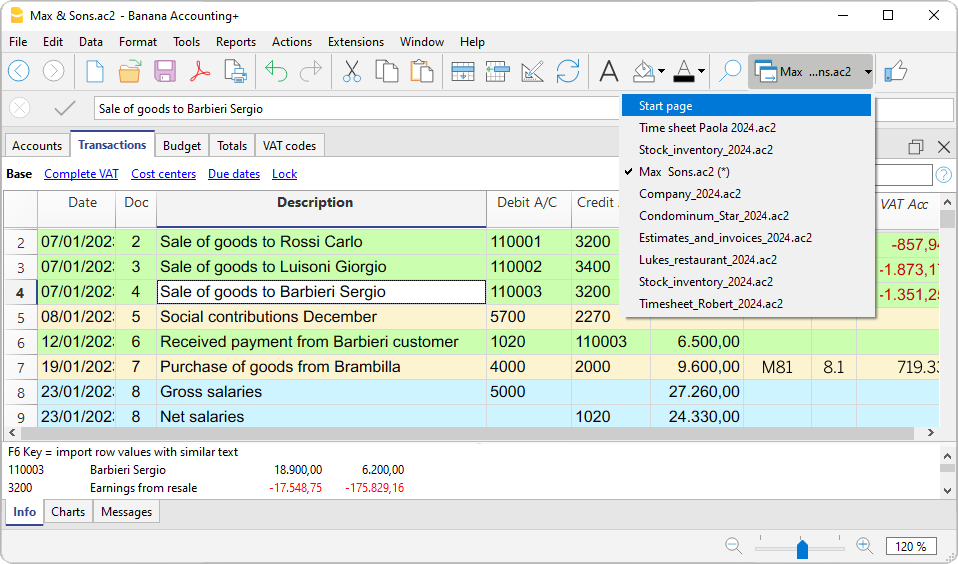
Add flexibility to the software you already use
You don't need to replace your existing accounting or management system. Banana Accounting works alongside it whenever you need more flexibility, customisation or specialised functionality.
Its table-based approach combines the freedom of a spreadsheet with the controls and logic of professional accounting software. You can adapt the chart of accounts, settings and structure to each assignment, start from ready-to-use templates and customise them to the specific needs of each client.
With a single Banana Accounting subscription, you can also create and manage an unlimited number of accounting files, with no additional cost for each new client, company or assignment.
This gives you the freedom to take on very different types of work and develop specialised services that strengthen your expertise and your relationship with your clients.
Manage accounting for clients and specialised assignments
With Banana Accounting you can manage complete accounts for clients, organisations and specialised assignments. Its flexible and customisable structure makes it suitable for both simple accounting needs and more advanced or specialised accounting work.
Ready-to-use templates provide a starting point and can be customised to each client's requirements with relatively little effort.
Cash Manager and simple accounting
Manage cash books (Cash Manager) and simple accounts for individuals, self-employed professionals, and other clients with straightforward accounting needs. Banana Accounting provides an easy and structured way to record income and expenses (Income & Expenses accounting), in order to have the cash situation under control, keep balances up to date, and generate clear, up-to-date accounting reports.
For these simpler accounts, you can also let your clients handle their day-to-day bookkeeping while you provide professional oversight, review their accounts, and step in whenever your expertise is needed.
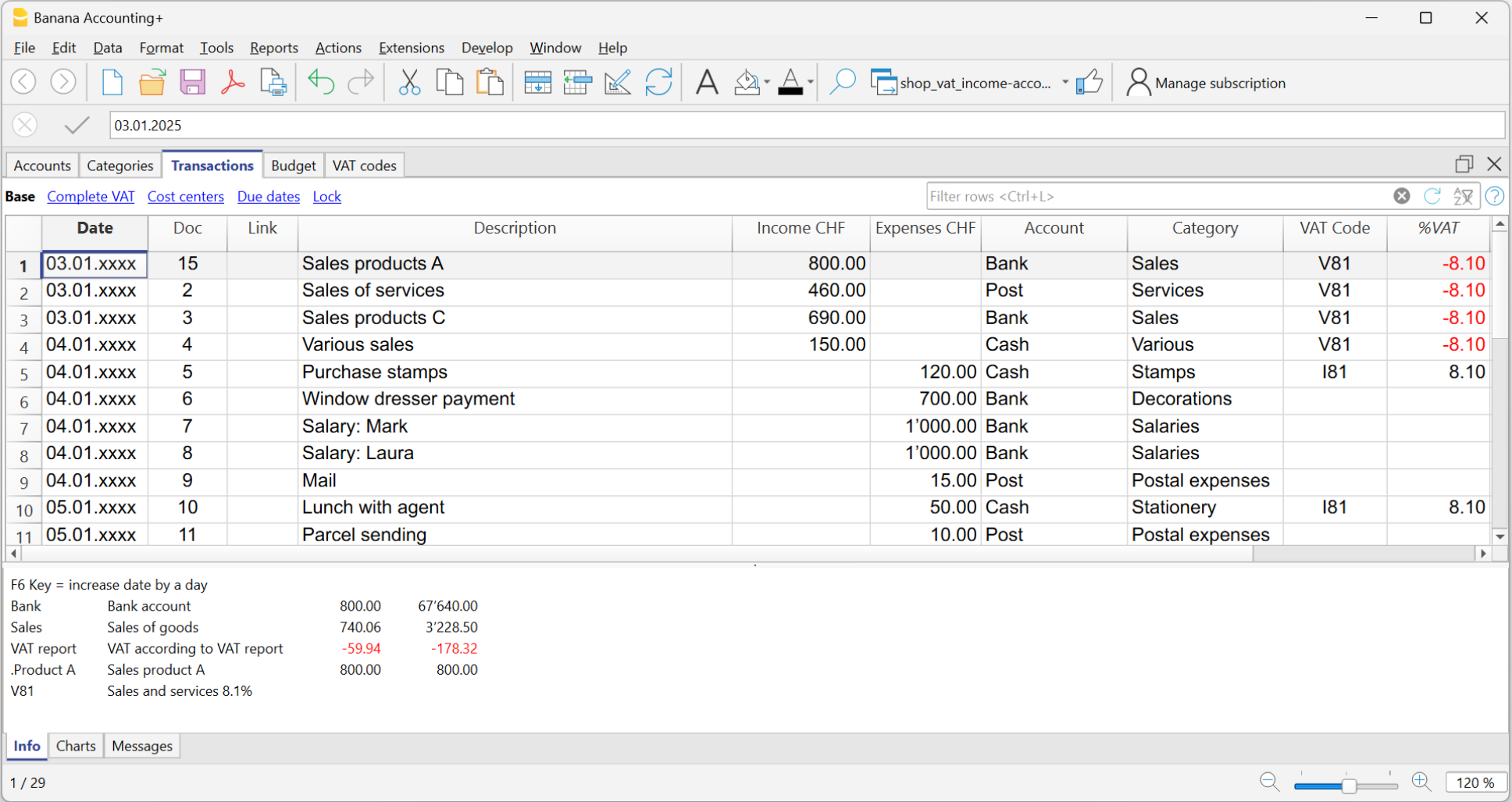
Accounting for associations and foundations
Manage associations, foundations, and other non-profit organisations whose specific needs do not always fit accounting software designed primarily for businesses. Banana's flexible approach makes it easy to customise the chart of accounts, manage different activities and funds, and keep income and expenses under control.
You can also recommend Banana Accounting to associations who prefer to manage their day-to-day accounting themselves, while you remain their professional advisor and provide oversight when needed. Thanks to its simplicity and flexible structure, associations can work independently while still benefiting from your expertise.
Investment accounting
The number of companies and individuals with increasingly large and complex investment portfolios is growing, creating a greater need for tools that enable investments to be managed professionally and efficiently.
Help private clients, foundations and organisations gain a clear overview of their financial investments. With Banana Investment Accounting, you can manage shares, bonds, funds, and other financial instruments in multiple currencies, as a full accounting solution or as a sub-ledger of an existing accounting solution.
- You always know the quantity and book value of your investments.
- The program automatically calculates gains and losses on sales transactions.
"I oversee several foundations and had to manage investment portfolios with Excel. Every update required time, manual checks, and continuous verification. With Banana Accounting I integrated investment portfolio management and now work faster, with a clear overview of investments." - anonymous user

Trust accounting
Banana Accounting allows you to manage all key aspects of a trust's accounting in one place: assets and investments, income and expenses, capital and reserves, beneficiary accounts and distributions, while keeping income and capital transactions clearly separated.
You always have an up-to-date balance sheet and income statement, and can customize the chart of accounts to reflect the specific structure and requirements of each trust.
Dynamic financial forecasting
Banana's financial forecasting is based on double-entry accounting logic. Create detailed forecasts for liquidity, balance sheet and profit and loss, develop different scenarios and continuously compare forecasts with actual figures. Give entrepreneurs and organisations a clearer basis for decisions about investments, financing and future cash requirements.
Liquidity management and cash flow analysis
Give your clients an up-to-date view of their liquidity and cash flows, helping them understand where their money comes from, where it goes and how their financial position is evolving.

With Banana's Rules for the automatic completion of imported transactions, you can quickly update the accounts with the latest bank transactions and provide cash flow analysis based on data that is current up to the previous day, turning liquidity monitoring into a valuable ongoing advisory service.
Forensic accounting and accounting reconstruction
One-time accounting work and special situations require the freedom to work directly with the data and adapt the accounting structure to the specific case.
Banana's transparent table-based approach makes it particularly suitable for reconstructing incomplete accounts, analysing transactions, identifying inconsistencies and cleaning up accounting data. It provides accountants and auditors with a professional alternative to complex Excel spreadsheets for unusual or investigative cases.
Other professional uses
Banana Accounting can also be used for other accounting activities and specialised needs, including:
- Management accounting and Shadow accounting
- Real estate accounting
- Business Unit Accounting
- Federated accounting
- Accounting training in companies
- Consolidation of independent accounts
- Verification, Auditing, and Accounting controls
Accounting across multiple jurisdictions
International customers often operate across countries and need their accounting to meet different requirements. Banana Accounting provides a flexible solution for managing accounting across multiple jurisdictions, thanks to its international capabilities:
- Multilingual software and accounting:
you can use the software in different languages (English, Italian, German, French, Spanish, Portuguese, Chinese, Dutch), work with charts of accounts and reports in different languages. - Multi-currency accounting:
manage transactions and accounts in multiple currencies within the same accounting file, with exchange rates and currency differences handled directly in the accounting system.
For example, a U.S. company operating near the Mexican border may keep its primary accounting in the United States while also needing accounting information for its activities in Mexico. In this situation, Banana can be used for shadow accounting (parallel accounting), providing a separate accounting view adapted to specific Mexican requirements without changing the main accounting system.
Trial balance and year-end closing
Use Banana Accounting as a flexible software for trial balance and year-end closing, even when the client's day-to-day accounting is managed in another system or ERP.
For example, you can import accounting data from SAP or another ERP into Banana and perform adjustments and closing entries, as well as reclassify accounts and prepare financial statements in the required presentation format, in a more flexible and efficient environment.
With the Trial Balance extension of Banana Accounting, you can clearly separate the effect of closing transactions from the original accounting data. For each account, the report shows the unadjusted balance, adjustments, and adjusted balance side by side, making it easier to review the closing process and understand how each adjustment affects the final accounts.
Why Banana instead of Excel?
When traditional accounting software cannot handle a particular case, Excel is often the natural fallback. It offers flexibility, but formulas must be created and maintained, accounting consistency is not guaranteed and errors can be difficult to detect.
Banana retains the freedom of working in tables while adding accounting intelligence:
- automatic accounting controls
- reliable calculations without complex formulas
- transparent and traceable data
- easy filtering, copying and editing
- professional reports
- files that can be understood and worked on by others
You remain free to work with the data without giving up the safeguards of professional accounting software.

Powerful automation, under your control
With the Rules for the automatic completion of imported transactions, you define exactly how transactions should be completed and recorded. Rules can combine multiple conditions and transaction details.
Unlike AI-based systems, which make probabilistic suggestions, Banana's rules are deterministic: when the conditions you define are met, the software applies exactly the accounting treatment you have specified.
You get a high level of automation while remaining fully in control. You decide what should be automated, under which conditions, and exactly how each transaction should be recorded. Before applying the rules, Banana shows you a preview of the results for your review and approval. Nothing is applied until you confirm.
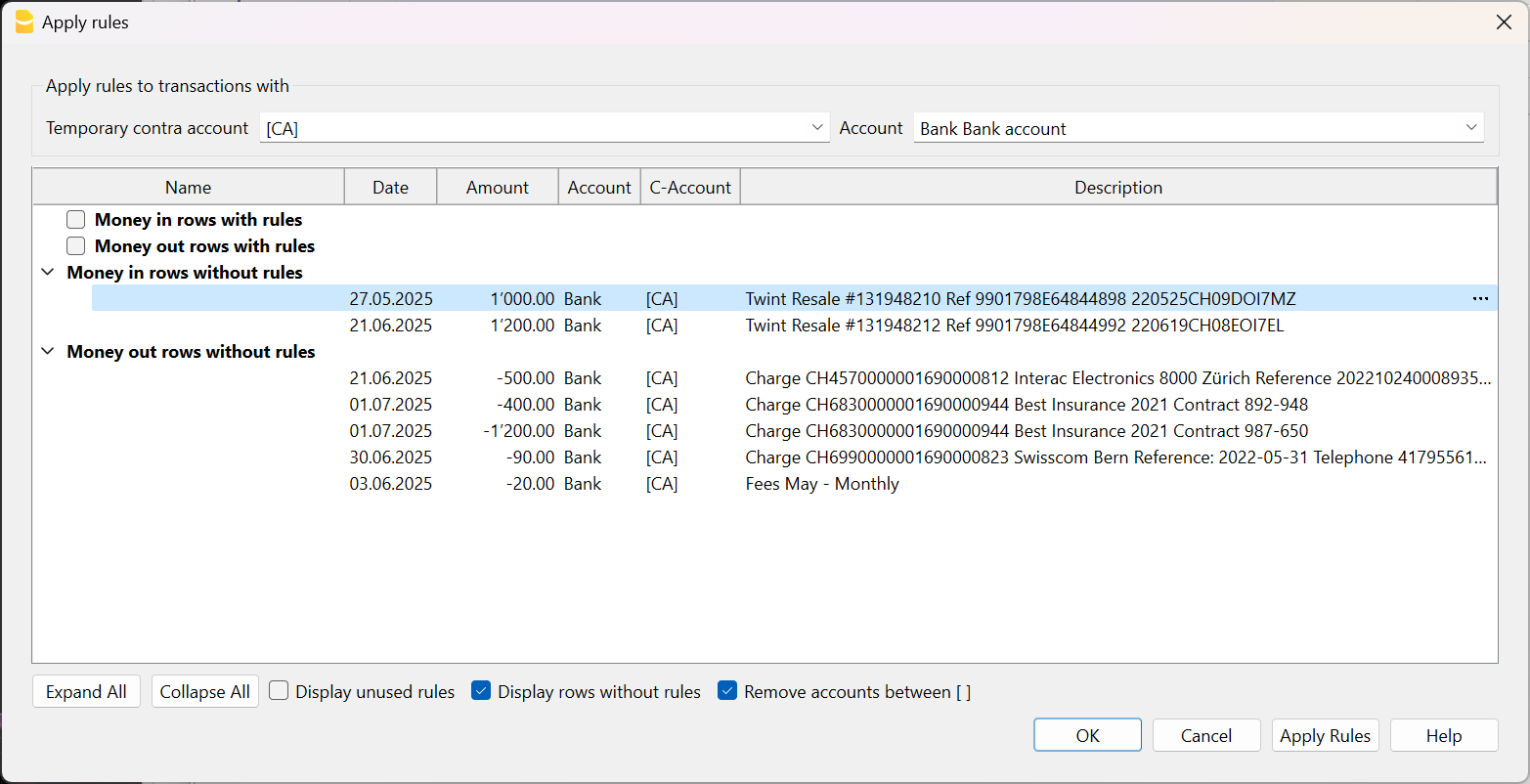
Your clients' data remains under your control
For a professional firm, client data confidentiality is essential. With Banana Accounting, your data remains under your control:
- The software runs locally: you do not need to upload your clients' data to external servers in order to work.
- You decide where files are stored: on your computer, on your firm's server, or in a storage location of your choice.
This allows you to maintain full control over sensitive information and protect your clients' privacy, in accordance with your firm's security policies.
Ready for Artificial Intelligence
Banana Accounting is ready for a future in which Artificial Intelligence will play an increasingly important role in accountants' work. Our approach is to combine AI with Banana's accounting engine and flexible extension system, opening up new possibilities for automation and customisation:
- AI agents working with Banana:
AI agents will be able to interact with Banana to transform data that you import, automate workflows, and extract information for further analysis. Banana can process the accounting data locally, reducing the need to send sensitive data to external AI models, with benefits for privacy, efficiency, and processing costs. - AI-generated extensions:
AI will make it easier to create extensions that automate specific tasks and generate customised reports. Extensions can also adapt Banana to specific industries, workflows, and country requirements.
This is also part of what makes Banana a truly international accounting solution: the core software can be used worldwide, while extensions and AI provide the flexibility to adapt it to local and specialised requirements.
Try Banana Accounting
Discover how Banana Accounting can work alongside the tools you already use and help you expand the services you offer your clients.
The advanced features designed for accounting professionals are included in the Banana Accounting Advanced plan.
Would you like to see how they could fit into your practice? We’ll be happy to provide you, upon request, with a free trial period of the advanced features, so you can explore them with your own accounting needs and workflows.
Useful links
Auditing companies using Banana Accounting
Auditing companies that use Banana Accounting take usually less time then when using other accounting software.
- The auditor can install the Banana Accounting software on his computer.
It is free, as with the Free Version that you download and install, you can open any accounting file and you can navigate through the accounting data. - With the full version, you can save changes (colored rows, added cost centers, selections to copy data in Excel).
- Ask your client to give you their accounting file.
You can copy it on your computer and you have access to all accounting data.
If possible, you might even ask for the files of the previous years, so you can have access to historic data. - If your client uses digital documents, ask them also for these data, so you don't need them to bring you all the paper folders.
When you are on a specific transaction or in the account card, a simple click lets you open the document relative to the transaction. - Use the command "Check accounting" and the software will inform you if there are any imbalances or differences.
- You can check if the digital seal of the blockchain is the same same as the one archived.
If it is, you can be sure that the content of file has not been altered. - In the Accounts table, you see all accounts and you drill down and see all transactions.
- You can extract the transactions for a specified period of your choice.
- You can color transactions that need further inquiry.
- You can add other information (columns auditors note) or Cost centers for reconciliation.
- You can select and extract data.
Banana Accounting will do the sums for you, without worries about possible errors. You do not have to do reconciliations with Excel. - You can copy the data from Banana and paste in Excel.
- When you select an account or a group, you can see the chart with the evolution of the balance at the bottom of the window.
You immediately can have an overview of the evolution. If the Cash account gets negative, you will notice immediately.
Banana Contabilità: l'alleato del contabile poliedrico
L’attività del contabile si sta trasformando. La riduzione dei compiti più semplici e ripetitivi rende più evidente il suo ruolo nel successo delle imprese. Il contabile, specialmente nelle PMI, è sempre più una persona di riferimento non solo per le questioni finanziarie e fiscali, ma anche per decisioni che riguardano la strategia aziendale, i rapporti fra i soci, le persone, le tecnologie, la gestione dei rischi e la preparazione e attuazione delle successioni aziendali.
Il «contabile poliedrico» è una figura che si è sviluppata nel tempo ed è ormai una realtà sempre più diffusa. Da decenni la nostra azienda collabora con questi professionisti, cercando di comprenderne e anticiparne le necessità, anche di fronte ai cambiamenti portati dall’intelligenza artificiale.
Li abbiamo ascoltati con attenzione e ci hanno chiesto non solo strumenti per svolgere più velocemente il loro lavoro, ma un alleato capace di accompagnarli nelle diverse attività, secondo il modo di ragionare più congeniale ai contabili: quello della logica e del rigore contabile.
Banana Contabilità si è evoluto per rispondere a queste esigenze e vogliamo rafforzarne ulteriormente il ruolo di alleato. Sappiamo che i contabili valutano con attenzione l’introduzione di un nuovo software e si aspettano vantaggi concreti. Crediamo però che sia utile anche una riflessione più ampia, per comprendere la differenza tra il valore aggiunto di uno strumento e quello di un alleato.
Luca Pacioli e il contabile poliedrico
Luca Pacioli, spesso considerato il padre della contabilità moderna, era una figura poliedrica: frate francescano, umanista, matematico e insegnante, conosceva il commercio e collegava il sapere teorico alle esigenze pratiche dei mercanti. Nel 1494, con la Summa de arithmetica, pubblicò la prima descrizione a stampa della partita doppia. Anche la sua amicizia e collaborazione con Leonardo da Vinci testimoniano l’apertura al dialogo fra discipline diverse.
In questa capacità di collegare conoscenze riconosciamo il tratto centrale del contabile poliedrico di oggi. Le competenze contabili si uniscono a quelle umanistiche e tecnologiche, alla capacità di analisi e alla conoscenza dell’impresa. Il professionista sa leggere i numeri, ascoltare le persone e comprendere il contesto delle loro decisioni. Questa visione d’insieme gli permette di mettere il rigore contabile al servizio della consulenza e dello sviluppo delle aziende.
Da Lugano, nella Svizzera italiana, ci sentiamo eredi di questa tradizione culturale e desideriamo portare avanti questa visione del contabile. Con Banana Contabilità vogliamo sostenere la sua versatilità, mettendo la tecnologia al servizio delle sue competenze e della sua autonomia. Essere un suo alleato significa accompagnarlo nelle diverse attività e valorizzare il contributo che può offrire alle persone e alle imprese.
Una nuova immagine e nuove opportunità per i contabili
I contabili continueranno ovviamente a occuparsi dei conti, del fisco e dei vari adempimenti. Accanto a questa attività tutti vedono però svilupparsi nuove opportunità dove le competenze del contabile acquistano valore : controllare il loro lavoro, interpretare i dati finanziari, anticipare i problemi e aiutarli a prendere decisioni migliori.
Ancora molte persone non riescono ancora a percepire la nuova figura di contabile che sta emergendo, di persona molto importante per l'impresa. L'evoluzione verso il contabile poliedrico permetterà crediamo di dare ai contabili una nuova immagine di se stessi e fare in modo che il proprio lavoro sia maggiormente valutato e apprezzato.
Dedicando meno tempo alle attività ripetitive, i contabili possono gestire più clienti e concentrare le proprie competenze su servizi di consulenza e specialistici a maggior valore aggiunto, dall'analisi e pianificazione finanziaria fino a mandati più sofisticati per aziende e clienti privati con esigenze complesse.
Complessità, impegno e stress
L’ampliamento del ruolo del contabile comporta un maggiore impegno professionale e personale. Affiancare il cliente in decisioni importanti richiede preparazione, aggiornamento e capacità di giudizio. Occorre comprendere situazioni complesse, tenere conto delle aspettative delle persone e affrontare anche questioni delicate.
Questo lavoro richiede energie e può generare stress. Il contabile deve tenere insieme informazioni, responsabilità e richieste differenti, passando spesso da un problema all’altro. Quando anche gli strumenti impongono logiche diverse e continui adattamenti, aumenta lo sforzo necessario per mantenere una visione d’insieme. La coerenza del modo di lavorare acquista quindi un valore concreto, anche in termini di concentrazione e tranquillità.
Il bisogno va oltre la disponibilità di un altro strumento: serve un alleato che accompagni il professionista nelle diverse attività e contribuisca ad alleggerire la complessità operativa. Con Banana Contabilità vogliamo offrire una base sulla quale fare affidamento, che lo aiuti a mantenere il controllo e a concentrare le proprie energie sulle questioni che richiedono esperienza, giudizio e attenzione al cliente.
Scadenze e stagionalità: creare spazio per la consulenza
La tenuta dei conti e gli adempimenti gestionali, fiscali e civilistici continuano a scandire l’agenda del contabile. Negli studi che seguono più clienti, la concentrazione delle scadenze può creare periodi di forte carico, soprattutto in occasione delle chiusure annuali e delle dichiarazioni fiscali. In queste fasi diventa più difficile trovare spazio per incarichi che richiedono un’attenzione particolare.
La consulenza richiede tempo per approfondire le questioni, confrontarsi con il cliente e valutare le conseguenze delle possibili scelte. Alcune attività possono essere programmate; altre, come una difficoltà finanziaria o una decisione urgente, richiedono risposte tempestive. La sfida è riuscire a offrire questo contributo anche quando gli impegni ordinari assorbono gran parte della disponibilità.
Diventa quindi importante pianificare il lavoro lungo l’anno, anticipare ciò che può essere preparato e prevedere margini per le richieste straordinarie. Anche la scelta degli strumenti va affrontata per tempo: conoscerli e integrarli nel proprio metodo prima dei picchi di attività aiuta a utilizzarli con sicurezza quando servono. La preparazione diventa così una condizione concreta per offrire consulenza con qualità e tempestività.
Apprendimento rapido e documentazione completa
Sulla base dell’esperienza con altri strumenti professionali, molti contabili si aspettano che un nuovo software richieda parecchio tempo per imparare a usarlo, una formazione dedicata o un supporto specifico. La prospettiva di questo impegno può indurli a rimandarne l’adozione, soprattutto quando il lavoro quotidiano lascia poco spazio all’apprendimento.
Banana Contabilità è progettato per favorire un apprendimento rapido e autonomo. L’interfaccia a tabelle, simile a quella di Excel, permette a chi possiede competenze contabili di orientarsi in un ambiente familiare. È possibile iniziare dalle attività abituali e approfondire progressivamente ciò che serve, spesso senza dover seguire corsi specifici o ricorrere a un’assistenza continua.
Una documentazione completa, con spiegazioni, esempi e indicazioni operative, accompagna sia i primi passi sia l’approfondimento delle possibilità d’uso. È un riferimento a cui tornare quando emerge un dubbio o si affronta un nuovo incarico. Quando occorre un aiuto ulteriore, è possibile rivolgersi al team di supporto di Banana Contabilità.
L’affidabilità del metodo della partita doppia
La partita doppia offre un metodo collaudato per organizzare le operazioni e verificarne la coerenza. Ogni movimento collega i conti secondo una logica precisa, mantenendo l’equilibrio fra Dare e Avere. Questa struttura aiuta a individuare gli sbilanciamenti e a comprendere gli effetti delle operazioni, fornendo una base ordinata e verificabile sulla quale lavorare.
Banana Contabilità mette a disposizione questa struttura già predisposta. Per le attività che si prestano al metodo contabile, il professionista può partire da collegamenti e controlli definiti, dedicando meno tempo alla costruzione di formule e più attenzione al contenuto del lavoro. Il rigore del metodo sostiene così l’analisi e l’interpretazione delle informazioni.
Strumento contabile polivalente
Gli incarichi del contabile poliedrico richiedono impostazioni e livelli di dettaglio differenti. Per mettere a frutto la propria esperienza, il professionista deve poter scegliere il tipo di contabilità adatto al lavoro da svolgere e costruire, quando serve, una soluzione su misura.
Banana Contabilità offre un’ampia gamma di soluzioni: dal libro cassa alla contabilità entrate e uscite, dalla contabilità in partita doppia a quella multimoneta, fino alla contabilità titoli integrata nella contabilità finanziaria. Questa varietà permette di rispondere sia alle esigenze più semplici sia a incarichi specialistici, mantenendo un ambiente di lavoro comune.
Le conoscenze acquisite e le soluzioni già sperimentate diventano risorse da riutilizzare. Il professionista può concentrarsi sulle particolarità di ciascun mandato e approfondire progressivamente le possibilità dello strumento. Il valore del software cresce insieme all’esperienza di chi lo utilizza.
Complementare a Excel e ai sistemi contabili ed ERP
Il contabile lavora spesso con strumenti scelti dallo studio o già utilizzati dai clienti. Banana Contabilità può affiancare Excel, gli altri software contabili e i sistemi gestionali ERP. La sua adozione può avvenire progressivamente, a partire da un singolo incarico, valorizzando gli investimenti e le procedure già in uso.
Excel può essere impiegato per preparare dati, svolgere elaborazioni e realizzare analisi personalizzate. I dati possono poi essere trasferiti in Banana per il lavoro contabile, oppure ripresi da Banana nei fogli di calcolo per ulteriori elaborazioni. Il professionista sceglie come utilizzare i due strumenti secondo le esigenze dell’incarico.
Accanto a un software contabile o a un ERP, Banana può offrire uno spazio di lavoro dedicato a verifiche e approfondimenti, anche partendo da dati esportati dal sistema principale. Questo permette di affrontare una richiesta specifica mentre la gestione quotidiana prosegue nell’ambiente già adottato dall’azienda.
Per aziende di settori diversi
Un’azienda commerciale può aver bisogno di leggere il rapporto fra acquisti, vendite e margini; in un’attività di servizi può essere centrale comprendere il peso del personale e delle diverse prestazioni; in un’impresa produttiva possono assumere rilievo materiali, lavorazioni e investimenti. Il metodo contabile è comune, ma cambiano le informazioni che aiutano a capire l’attività.
Con Banana Contabilità il professionista può adattare l’impostazione dei conti alle caratteristiche dell’impresa, scegliendo quali aspetti distinguere e quale livello di dettaglio utilizzare. La conoscenza del settore e del cliente guida queste scelte: una rappresentazione utile deve rendere leggibili le dinamiche che contano per quell’attività e sostenere il confronto sulle sue priorità.
Impieghi e forme giuridiche diverse
La contabilità deve rispondere alle finalità del soggetto a cui si riferisce e alle esigenze di chi ne utilizza i rendiconti. Un’impresa deve rappresentare la propria attività economica; un’associazione può dover spiegare ai soci l’impiego delle quote raccolte; una fondazione può aver bisogno di distinguere le risorse destinate alle diverse iniziative. Cambiano gli interlocutori e le domande alle quali i conti devono rispondere.
Banana Contabilità consente di adattare l’impostazione dei conti a ditte individuali, società, associazioni e fondazioni, secondo le caratteristiche del mandato. La stessa flessibilità può essere impiegata per predisporre una contabilità dedicata a un progetto o a una gestione particolare. Il professionista definisce così una rappresentazione coerente con le finalità dell’incarico, i destinatari delle informazioni e i requisiti di rendicontazione applicabili.
La contabilità privata professionale
Le persone con patrimoni elevati sono spesso indicate in ambito finanziario con la sigla HNWI, dall’inglese High-Net-Worth Individuals. Alcuni patrimoni privati raggiungono dimensioni e complessità superiori a quelle di molte imprese: comprendono investimenti finanziari, immobili, partecipazioni e disponibilità in valute diverse, spesso distribuiti fra più intermediari e Paesi.
Queste situazioni richiedono una visione integrata di attività, passività, redditi e spese. La contabilità in partita doppia permette di collegare le componenti del patrimonio e di seguirne l’evoluzione. Una rappresentazione ordinata e verificabile aiuta il cliente e i suoi consulenti a comprendere la situazione complessiva e a disporre di una base comune per le proprie valutazioni.
Banana Contabilità offre una base per organizzare questo lavoro, adattando l’impostazione contabile al patrimonio del cliente e gestendo anche conti e investimenti in più valute. Il professionista può offrire un servizio continuativo, nel quale precisione, riservatezza e capacità di interpretazione sostengono il rapporto di fiducia con la persona e con la famiglia.
Giurisdizioni diverse
Il lavoro del contabile può estendersi oltre i confini nazionali. È il caso dei professionisti attivi nelle zone di confine o di chi segue clienti con società controllate, progetti e altre entità all’estero. In queste situazioni occorre comprendere informazioni prodotte secondo lingue, valute e criteri contabili differenti e renderle utili alle persone che devono prendere decisioni.
La possibilità di adattare il piano dei conti e la struttura dei rendiconti rende Banana Contabilità utile per questi incarichi. Il professionista può organizzare le informazioni secondo le esigenze del Paese e del cliente, applicando le proprie conoscenze del contesto locale e dei requisiti di rendicontazione.
In funzione delle esigenze del mandato e dei requisiti locali, Banana può essere utilizzato come contabilità principale oppure per una contabilità parallela di controllo, detta shadow accounting. In quest’ultimo caso, una rappresentazione autonoma affianca quella del sistema principale e permette di confrontare i dati, verificare i risultati e predisporre analisi o rendiconti per esigenze specifiche.
Controllo e sovranità dei dati contabili
Con Banana Contabilità il professionista può scegliere dove salvare i dati: sul proprio computer, su un server dello studio, su supporti esterni oppure su un servizio cloud di sua scelta. La conservazione dei file può quindi essere organizzata secondo le esigenze del cliente e le procedure adottate dallo studio, integrando il software nel proprio ambiente di lavoro.
Accessi, copie di sicurezza e condivisione possono essere gestiti attraverso i sistemi di archiviazione scelti. Il contabile può stabilire, insieme al cliente, come rendere disponibili le informazioni alle persone coinvolte nel mandato e come conservarle nel tempo. Questa autonomia permette di adattare la gestione dei dati alle esigenze di riservatezza e collaborazione di ciascun incarico e di dare continuità al servizio.
Un investimento che può ripagarsi subito
Con un unico abbonamento a Banana Contabilità, il professionista può gestire un numero illimitato di contabilità, senza un costo di licenza aggiuntivo per ogni nuovo cliente o file contabile. Il costo del software si distribuisce così su più mandati e la sua incidenza su ciascuno diminuisce con l’aumentare degli impieghi. Lo stesso abbonamento può essere utilizzato anche per contabilità legate a incarichi occasionali o circoscritti.
Il ritorno economico può manifestarsi già nei primi utilizzi. Il valore del tempo recuperato su un incarico o il margine di un nuovo servizio possono compensare il costo dell’abbonamento. Il vantaggio va quindi valutato sul lavoro svolto: sul tempo effettivamente risparmiato e sul margine dei servizi che il professionista riesce a offrire.
Using Banana Accounting for auditing purposes
Using Banana for auditing companies that use other accounting software
When you are auditing companies that use other software, you usually do not have full access to the accounting data on their computers. The auditors usually receive pdf files and in some cases a limited access to the accounting solution.
Excel is a very important tool for auditors. They use it to do reconciliations and create specific reports.
This requires a lot of attention from the auditors. Errors in formulas can be difficult to discover.
Where there is quite a lot of data to reconcile, auditors can create a new accounting file in Banana and import the data from the original accounting file.
With Excel you can read CSV files, adjust and copy and paste into Banana Accounting.
You will immediately know if there are any imbalances and you can have access to all account cards and print the Profit & Loss statement and Balance sheet. You have full access to the data and in most cases, you don't need to setup reconciliations in Excel.
Importing data in Banana Accounting
See the documentation available:
家庭和私人 (全球)
儿童免费会计模板 - 实现您的目标并学习如何管理自己的资金
在此文中
儿童免费会计模板 - 实现您的目标并学习如何管理自己的资金
儿童免费会计模板 - 实现您的目标并学习如何管理自己的资金
儿童免费应用程序,对于学习管理首笔存款,计划未来的支出以及预测余额都很有帮助。
直接在网页中打开Banana财务会计+
无需任何安装,可以直接在您的浏览器上运行 Banana财务会计+。客制化您的模板,输入发生业务并将文件保存在您的电脑上。
在浏览器中打开模板 Open tutorial in WebApp模板文件
好的资金管理是持续投资来使您的财务状况保持良好的起点。这就是为什么在年轻时要获得这项技能的重要原因。为了节省金钱并在将来拥有更多的资源,您将学习计划如何花钱,尝试纠正错误的习惯并避免不必要的支出。
Banana将通过简单的几步来指导您进行这种新的学习。
此模式的受益人及好处
- 父母及教师: 理财是一项通常在学校不会教授的技能,但是对孩子的生活非常有用。Banana财务会计是一个出色的工具,为父母和教师提供指引新一代管理他们的零用钱或他们的第一笔收入。目的是提高年轻人对金钱的认识,使他们意识到负责自己的开支。这样,年轻人可以自律,并能够独立地管理小额收入,做为礼物收到的钱或暑期的第一份打工薪水。
- 孩子 是该模式的主要受益人。他们可以轻松的跟踪自己的收入和支出,而不必不断地向父母索要更多的钱。借助Banana财务会计,从未如此轻松地学习储蓄的技巧。借助预算功能,可以让您计划开支,例如想与朋友度假,可以事先确保您的储蓄足以实现目标。
提高您的数字化技巧
数字化技巧有助于有意识地掌握新技术。
除了学习会计基础知识来管理个人资金外,Banana财务会计还可以帮助您提高数字化技能。您可以学习如何使用一个新的软件来处理文档和数字链接,从而节省纸张和时间。您能够将这些技能转移到生活的各个领域,例如工作和私人生活。
如何使用Banana财务会计
- 下载Banana免费版本 (通过网页或应用程序)
- 打开程序并点击 "使用免费版本"
- 在此处下载将在软件中打开的模板
- 更改文件名称,然后转到 "文件” → 文件和账户属性… → 在左抬头栏和右抬头栏里输入您的名字,开账及结账日期,本位币。
基本功能:如何通过简单的几步就可以使用Banana财务会计
现金
现金日记账显示您的当前余额,该余额指示出您目前有多少钱。这样就可以随时检查您的财务状况。
要开始管理您的资金,第一件事是打开您的现金日记账,然后单击账户表,会看到现金账号。在摘要列中,您可以添加个人描述,然后点击期初列并输入期初余额。

科目
在账户表的右边,您可以看到科目表,在此表中有收入和支出。例如,您收到或赚取的钱以及您花费的钱。收入和支出都包括在科目里,可以立即看到资金的动向。在此页通过点击下载模板来下载该模板。我们已经输入了一些会计科目来指导您。例如,在收入中,我们有:零用钱,礼物/家庭及暑期打工的收入,而在支出中,有一些例子:食品,衣服,外出活动等。
您还可以根据需求来更改科目及其描述,或者只需插入几行即可添加其它的科目。

预算
打开现金日记账后,您可以制定自己的预算,例如通过收入和支出来进行预测。此功能对您的资金管理非常重要,但最重要的是可以改变您的不良消费习惯。您可以省下钱,并继续持有用于未来计划的资金。
现在,您需要输入固定收入 (例如,每月的零用钱),固定费用 (电话费),以及额外费用 (外出活动)。对于每个科目,您都可以插入日期 (开始及结束),重复,即一项收入或支出的频率。如果是每年一次,则选择 "Y",如果是每月一次,则选择 "M",每周一次, 选择"W",每天一次,选择 "D"。 现在,程序将会自动计算固定收入,固定支出及额外支出的总额。

此时,您可以计划并管理费用。例如,如果您在计划一个暑期度假,则需要确保有足够的钱。想要立即查看您的资金状况,请转到账户表,然后单击现金单元格。现在,单击底部的图表对话框:您可以看到余额随时间变化的趋势,红色表示当前余额线,蓝色表示预算余额线。这样,您就可以将余额趋势与预算趋势进行比较,确保您不会超支消费。

在这种情况下,我们就可以知道,如果我们想要度假,至少需要等到六月底。等到七月或八月我们有了稳定的资金,就可以去度假。因此,现在我们可以放心的预定我们的假期。
发生业务
发生业务用来简单地登记收入及支出。要登记发生业务,请单击发生业务表。现在输入日期,摘要,例如“和朋友一起吃披萨”,然后在支出列输入您花了多少钱。对于收入做相同的操作,在收入列输入金额,然后输入科目,只要输入几个字,程序将会显示一个建议列表(自动填充),其中包含您以前输入过的记录。

此时,程序将为您做所有的事情。您可以返回到账户表来检查更新的余额,或转到科目表并检查各个科目中的收入和支出。

预算和实际支出
如果您转到科目表,您可以将实际收入和支出(余额列)与已做预算的收入和支出(预算列)以及两者之间的差额(预算差额)进行比较。
这可以让您检查实际花费的钱比预期的多还是少,以及是否需要更改您的财务管理或预算。

最终检查
如果您想确定自己没有犯任何错误,Banana财务会计非常有用的检查功能可以帮助您。它报告错误,并向您显示错误所在确切的行(例如,如果您忘记登记科目或金额)。
要检查您的账套,请在操作菜单 → 检查账务。
简而言之:为什么选择Banana?
- 在您的手机或电脑上免费下载应用程序
- 快速简单
- 设定目标计划
- 学习储蓄的艺术并成为一名企业家
参考文献
Credit Suisse PocketMoney Study: Learning How to Manage Money Properly. (Credit Suisse, 2017)
Peachery, Kevin. How much pocket money should we give our kids? (bbcnews.com, 2019)
Raisiningchildren. Pocket money. (Raisingchildren.net.au, 2018)
Ubs. Why pocket money is important for your child. (ubs.com)
模板预览
Piero Rossi
Accounting 2022
| 总组 | 账号 | 摘要 | 总和 |
|---|---|---|---|
| 现金 | 现金 | ||
| 总组 | 科目 | 摘要 | 总和 |
|---|---|---|---|
| 青少年预算 | |||
| 收入 | |||
| 零用钱 | 零用钱 | 3 | |
| 礼物/家庭 | 礼物/家庭 | 3 | |
| 其他收入 | 其他收入 | 3 | |
| 3 | 总收入 | 00 | |
| 费用 | |||
| 餐饮 | 自助餐厅,零食,饮料,外卖 | 4 | |
| 电话 | 电话费 | 4 | |
| 订阅 | 奈飞视频, 声田音乐订阅 | 4 | |
| 服装及购物 | 衣服,鞋子等 | 4 | |
| 出去玩儿 | 酒吧,餐厅,电影院,夜总会 | 4 | |
| 交通费 | 公交车,电车,汽油费 | 4 | |
| 其他 | 其他 | 4 | |
| 4 | 总费用 | 00 | |
| 00 | 结果 | ||
如何制定家庭预算和管理家庭账户 | 现金日记账 (免费)
在此文中
如何制定家庭预算和管理家庭账户 | 现金日记账 (免费)
如何制定家庭预算和管理家庭账户 | 现金日记账 (免费)
创建您的家庭或个人预算来管理您的家庭账户,并节省资金,这个简单的模板适合于任何使用现金日记账的人。
直接在网页中打开Banana财务会计+
无需任何安装,可以直接在您的浏览器上运行 Banana财务会计+。客制化您的模板,输入发生业务并将文件保存在您的电脑上。
在浏览器中打开模板 Open tutorial in WebApp模板文件
使用 Banana 财务会计软件来创建家庭预算就像使用 Excel创建预算一样,但是更快,更安全,而且完全免费。软件内自带现成的模板,含有为您量身定制的账户及解决方案,只需输入数据即可立即开始工作。
快速创建预算并查看在哪里可以省钱,以及在哪些地方可推迟付款。 快速记录您的收入和支出,并清楚了解预算的额度,以及能否在月底支付所有的账单。 您可以随时编辑和更改数据,实时更新预算数据及结果,并最大程度地利用资金,尽可能的节省。
不用担心,无需拥有专业会计知识便可使用 Banana来管理帐户,一旦您控制了财务,在月末便可轻松管理本月的财务状况,并可最大限度的实现储蓄计划。
通过以下几个步骤,能够改善您的财务状况:

只有遵循所有这三个步骤,您才能学会如何以最佳的方式来管理财务并获得最大的成功。最初需要花费一些精力,但是一旦当您了解了该机制,便可以继续进行下去!
您准备好了吗?从这儿开始!
创建您的文件
- 从该模板开始,创建一个新文件(模板编号+11042),使用在文中所解释的任何一种方式。
- 文件菜单→文件和账户属性命令,设置公司名称,会计期间及本位币。
- 文件菜单→另存为命令保存文件。以公司名称和年份作为文件名很有用。
例如“公司-2020.ac2”
调整账户和科目表
在创建自己的预算之前,您需要快速调整账户和科目表以适应特定的需求。
账户表
账户表仅显示流动性会计科目,或者是您所需的流动性会计科目。您可以通过更改账号,描述及期初余额来对其进行自定义。

科目表
该表包含收入和支出的会计科目,您可以随时查看更新的余额。也包含成本中心,用于了解每个家庭成员的支出和收入金额。
科目表根据在计划段落中相同结构的详细说明来进行划分:
- 收入
- 固定费用
- 不固定费用
您还可以通过添加新项目,更改类别编号,顺序及删除不需要的行来编辑类别和成本中心。

创建您的预算
输入您的预期收入和费用
现在是规划阶段了,您必须输入预期的费用和收入:转到预算表。预算的创建非常容易,您只需要输入您希望在这一年中拥有的收入和支出金额,就可以将其划分为支出科目。
- 在模板中,您可以找到各种费用的行,并用您的金额完成。
- 仅输入一次重复操作,指示代码进行重复。
如果您犯了错误,可以随时纠正,因此您可以确定自己的理想预测!
要正确创建预算,请执行以下三个简单步骤:
- 输入您的收入
- 收入固定费用
- 输入可选或额外费用
更多技术信息,请参阅预算表页面。
输入收入
首先考虑一下您拥有的所有固定收入及其金额。工资是主要收入,但根据您的工作和资产,可能还会有其它收入。
收入可能包含:
- 工资
- 房屋出租
- 维护检查
- 银行和邮政利息
提示:仅依赖有保证的收入。

输入固定费用
现在该考虑所有固定成本了。这种费用包括年度和每月费用,您可以根据上一年的费用进行估算。对于不同期间的费用略有不同,您可以进行平均估算,将金额四舍五入更为谨慎。在年初做出不准确的预测,然后进行调整,这比令人惊讶的费用增加要好。
例如,要输入每月租金费用,您必须输入开始日期(通常是年初),重复(重复此费用的频率),摘要,费用列的金额以及费用科目。
在模板中,您可以找到固定费用的示例并根据需要轻松修改和清除这些费用。您仍然可以插入新的条目。
固定成本可能包含:
- 房屋租金或抵押
- 税费和关税
- 保险
- 医疗费(监控保险)
- 电视费
- 电力,水和燃气
- 食材
- 运输(燃料,公共交通工具的季票)
- 个人护理费用(个人卫生,家庭卫生)
- 教育费用(大学学费,教科书,报纸订阅)

输入可选费用或额外费用
现在做同样的事情,但是考虑所有不是基本必须的那些费用(我们管它们叫额外费用),通常在一年里是可选的。
可选费用可能包含:
- 假期
- 在餐馆或酒吧里的用餐和饮料
- 电影院,剧院和演出
- 购物
- 多种礼物
- 房屋故障
- 汽车维修
- 兴趣爱好
- 香烟
同样,在这种情况下,您必须对所有额外费用进行估算,并考虑发生的次数以及每次的金额。
提示:
- 对于每笔额外费用,请设置每月上限,这是您每月不应超过的最高金额。尊重它可以使您的支出得到控制。
- 不可预见的费用,例如汽车维修和房屋故障,进行年度估算,并将其除以12,然后每月报告此数字。

查看每月预测
经常被低估的一项操作是控制预算支出和收入,从一开始就确定您如何管理资金。
要实现此可视化非常容易:点击报表菜单 → 按组生成报表命令,然后从出现的列表中选择每月预测报表(在这种情况下,是最重要的报告),点击确定并查看报告。该程序向您显示所有月份和全年。
- 流动资金状况
- 总收入和费用
- 当月的盈余或赤字
除了月度预测,您也可以从报表菜单→ 按组生成报表命令中自由的查看年度预测,季度预测和4年预测报表,或是创建自定义的报表。
改善您的财务状况
当然,您要实现的目标是尽可能节省。检查现金变化项(上图的红色突出显示),并确保您具有正值,尤其是在年末,在这种情况下,这意味着您正值节省开支,这很好!
另一方面,如果您的支出大于收入,则意味着您管理的资金不正确或预算有误。检查您是否高估了一些支出并正确地进行了更改,或者选择一个或多个额外支出,确保您将会在年内减少这些支出。
- 看看您有几个月的赤字
- 检查是否有几个月您的流动性变为负数(意味着您有一些问题)
- 检查哪些费用影响此赤字
- 您可以进行改善:
- 通过消除不必要的费用
- 通过减少支出
- 稍后转移费用
- 检查您是否有机会增加收入

是时候真正管理您的账户了!
在包括“储蓄目标”在内的预算控制之下,您可以开始登记各种实际的货币发生业务并不时将其与期望值进行比较。
每日发生业务必须输入到发生业务表中。要进行登记,您必须输入日期,摘要,进出金额,以及各自的科目。就像您刚才做预测时一样。很简单,对不对?
您也可以在成本中心1列中输入费用中心(家庭成员)的代码用于每个支出项目,然后您就可以更新每个家庭成员的支出金额。

使用账户明细查看发生业务
登记发生业务时,您可能需要检查特定费用科目或是现金账户随时间变化的情况。为此,您可以检查各自的账户明细。
例如,通过选择流动性账户明细,您将获得所有动向的摘要。通过单击下面的图表选项,您可以更直接地查看该账户的表现。
提示:每月至少检查一次您的流动性账户,以立即查看其表现,并将其与过去几个月进行比较。

检查余额和预算之间的差额
为了更好地控制表现,您可以转到科目表并查看预算差额列,其中显示了每个科目的实际余额与预算值之间的差额。这样,您便有了一个额外的指标,可以了解您是否在预算方面做的很好,并可以做出更好的决策。

使用报告和分析比较预测
在这一年中,您可以随时将当前情况与预算进行比较,以了解是否以及在何处花费更多,以调整您的购物习惯并节省更多!在年底时,您可以在实际报告和预算之间进行最终比较,以查看您是否已实现所需的节省。
点击报表菜单 → 按组生成报表→ 年度报告和预算比较创建控制报告。

同样在这种情况下,如果要获得更精确和更有针对性的视图,可以创建按月细分的报表,其中还包括每月余额和预算之间的差额。概述了您遇到财务困难最多的月份和节省最多的月份。
到年底时,您必须使用与以前完全相同的过程通过创建新的预测来重新规划下一个预测。一个新的储蓄目标正等着您!
尝试收入/费用方法
您使用现金日记账系统的情况还不错,但是是否需要管理更多的账户,例如银行或邮政账户?您可以切换到收入/费用会计:它更完整,并且与现金日记账相同!
对于收入/费用会计,您的预算限制为70笔发生业务和20行,但是如果您想超过此限制并使用无限制的Banana财务会计软件,您可以购买许可证密钥并探索所有类型的会计。
模板预览
小丽家庭
本位币: USD
现金日记账
| 总组 | 账号 | 摘要 | 总和 |
|---|---|---|---|
| 流动资金 | 财务状况 | ||
| 总组 | 科目 | 摘要 | 总和 |
|---|---|---|---|
| 家庭预算 | |||
| 收入 | |||
| 马丽工资 | 马丽月薪 | 4 | |
| 王博工资 | 王博月薪 | 4 | |
| 其他收入 | 其他收入 | 4 | |
| 4 | 收入总计 | 00 | |
| 费用 | |||
| 固定费用 | |||
| 房租 | 房租或抵押贷款利息 | 30 | |
| 能源费 | 电费,燃气费,水费 | 30 | |
| 电视费 | 每月电视费 | 30 | |
| 汽车保险 | 汽车保险及印花税 | 30 | |
| 健康保险 | 健康保险费 | 30 | |
| 电话及网络费 | 订购电话费,网络费 | 30 | |
| 家庭保险 | 家庭财产保险费 | 30 | |
| 订报 | 订购报纸费 | 30 | |
| 30 | 固定费用总计 | 3 | |
| 生存费用 | |||
| 食品 | 购买食品 | 32 | |
| 卫生用品 | 个人卫生用品 | 32 | |
| 清洁用品 | 家庭卫生用品 | 32 | |
| 服装 | 服装, 鞋子, 等等.. | 32 | |
| 医疗费 | 医疗费 | 32 | |
| 药品 | 药品 | 32 | |
| 税收 | 税收 | 32 | |
| 旅行费 | 汽油, 过路费, 火车, 公共汽车 | 32 | |
| 理发 | 理发 | 32 | |
| 宠物 | 宠物 | 32 | |
| 学费 | 学费 | 32 | |
| 32 | 生存费用总计 | 3 | |
| 可选费用 | |||
| 餐厅 | 咖啡, 餐厅, 外卖 | 34 | |
| 跳舞 | 跳舞, 酒吧 | 34 | |
| 香烟 | 香烟 | 34 | |
| 美容 | 美容 | 34 | |
| 健身房 | 健身房 | 34 | |
| 购物 | 购物 | 34 | |
| 化妆品 | 化妆品 | 34 | |
| 34 | 可选费用总计 | 3 | |
| 文化费用 | |||
| 电影院 | 电影院 | 36 | |
| 音乐会 | 音乐会 | 36 | |
| 剧院 | 剧院 | 36 | |
| 展览会 | 展览会 | 36 | |
| 书籍 | 书籍, 报纸和杂志 | 36 | |
| 36 | 文化费用总计 | 3 | |
| 额外费用 | |||
| 度假 | 度假 | 38 | |
| 礼物 | 礼物 | 38 | |
| 房屋维修 | 房屋维修 | 38 | |
| 汽车维修 | 汽车维修 | 38 | |
| 家居用品 | 家居用品 (家具, 餐具, 亚麻布...) | 38 | |
| 保姆 | 保姆和偶尔的家庭佣工 | 38 | |
| 38 | 额外费用总计 | 3 | |
| 3 | 费用总计 | 00 | |
| 4-3 | 经营结果 | 00 | |
| 投资及贷款 | |||
| 贷款资金 | 贷款资金 | 1-2 | |
| 偿还贷款 | 偿还贷款 | 1-2 | |
| 销售固定资产 | 销售固定资产 | 1-2 | |
| 购买固定资产 | 购买固定资产 | 1-2 | |
| 1-2 | 投资及贷款总计 | 00 | |
| 00 | 资金净值 | ||
| 成本中心 | |||
| .ML | 马丽费用 | ||
| .WB | 王博费用 | ||
| .WM | 王萌费用 | ||
学生免费会计 - 管理您的资金并实现目标
在此文中
学生免费会计 - 管理您的资金并实现目标
学生免费会计 - 管理您的资金并实现目标
为想独立管理资金并学习如何计划未来支出的学生和培训人员进行免费申请。
直接在网页中打开Banana财务会计+
无需任何安装,可以直接在您的浏览器上运行 Banana财务会计+。客制化您的模板,输入发生业务并将文件保存在您的电脑上。
在浏览器中打开模板 Open tutorial in WebApp模板文件
学生生活并不总是只有桃子和奶油。中学毕业后,您会发现自己在新的生活中充满了责任心。其中包括资金管理,对于在外住宿的学生或必须工作来支付自己学费的学生来说,要有支付账单,房租,学费等费用的挑战。
Banana财务会计是一个简单而直观的程序,它会指导您来完成此艰巨任务,并帮助您实现未来的目标。
为什么要选择下载Banana财务会计
- 持续掌控您的资金余额: Banana财务会计的主要功能之一,是您可以随时跟踪收入及支出。这样您就不会有超额支出,也可以避免等到月底没钱花的情况发生。对于学生来说,了解他们自己如何花钱是非常重要的,尤其是当他们的可用资金有限,而且还必须支付自己的学习贷款或学费的时候。
- 计划及存款: 借助预算功能,您最终计划学习费用,购买汽车或还贷。实际上,此功能可以让您知道在一个确定的时期内会有多少钱。
- 快速简便: 如果您想开始记账,只需在此页面下载模板,其中包含做为学生所需的所有项目。您只需添加金额,程序即会完成剩下的工作。
-
提高您的数字化技能: 数字化技能有助于您有意识地掌握新技术。除了学习会计基础知识来管理个人资金外,Banana财务会计还可以帮助您提高数字化技能。您可以通过学习如何使用新的软件来处理文档及数字链接,从而节省纸张和时间。您也能够把这些技能用于生活中的各个领域,例如工作及个人生活。
Banana财务会计与其他程序的比较
与在Excel或其他程序中做会计记账来进行比较,Banana财务会计允许您以简单的步骤来处理预算。另外,您还可以获得流动性计划,该工具将跟踪一段时间内的流动性趋势,并能够在出现资金不足或缺乏时进行报告。
如何使用Banana财务会计
- 免费下载Banana财务会计 (通过网页或应用程序进行下载)
- 打开程序,然后点击"使用免费版本"
- 下载以上模板,然后可在程序中打开
- 如需更改会计文件的名称,在“文件”菜单→文件与账户属性… → 在左右抬头栏中输入您的姓名,开账和结账日期,以及记账本位币。
创建预算
在您开始登记记账以前,我们建议您准备一个预算,即收入和支出的预测。在已经准备好的模板中,您只需输入固定收入,固定费用和额外费用的金额即可。这样,您就可以预测对于特定科目的支出以及在特定时期内的余额。
如果您需要删除一些会计发生业务,只需右键单击不需要的行,然后点击删除行。如果要添加行,也只需右键单击要插入行的位置,然后选择插入行即可。您也可以在科目表中做相同的更改。

实际发生的收入和费用记录
现在我们直接记录会计发生业务,您需要输入日期,摘要,金额和科目。为了简化科目的输入,程序建议您输入开头的字即可在科目列表中简单选择。
请注意在正确的列中输入金额:如果您收到钱,请在收入列下填写金额,如果是您支出钱,请在费用列下填写。

预算与实际支出:进行比较
准备好了预算并开始登记后,您可以转到科目表来查看实际余额与预算余额的比较。检查是否已经支出了超出预算的费用,是否需要更改或重新考虑费用支出。

现金流量计划
想要更加快速地查看与预算相比较的余额,请转到账户表中,然后单击右下角的图表功能。您可以看到一个图表,其中包含实际余额(粉红色线)和预算余额(蓝色线)的现金流量走势。
在这儿,您还可以在期初列下输入期初余额。

助学贷款和奖学金
如果您有助学贷款或奖学金,则需要分别登记,以区分是您的收入还是非收入。如果是助学贷款,您还可以记录已还款,并跟踪还需还款的金额。

链接发票,收据,支票...
在发生业务表中,Banana财务会计+ 允许您链接收据,账单,发票,支票的PDF文件,只需转到文件链接列并选择所需文件。这样,您就可以附上费用和收入明细的原始凭据。
要进入文件链接列,请转到数据菜单→列设置选项→激活文件链接。

最终检查
如果您想确定自己没有犯任何错误,Banana财务会计为您提供了一个非常有用的检查功能。它可以报告错误并显示确切的行(例如,您忘记登记了一个科目或者金额)。
要进行检查,请转到操作菜单→检查账务。
年度报告
在年底或选择的一个期间内,您可以详细了解现金余额以及所有科目的收入及支出。在报告中,您还可以选择显示预算金额,以及预算金额与实际发生进行比较。这可以让您评估自己是否做了一个好的预算,并了解是否省了钱。要创建年度报告,请转到报表菜单→按组生成报表→年度报告与预算相比较。
您还可以激活在窗口中出现的几个选项,最重要的选项是在列的选项卡中。例如,当前,预算及差额。
最后,您会看到一个PDF文件, 可以保存并为下一年的预算做准备时查阅。

月度预算
您也可以创建每月预算,来控制余额的变化。
要创建按月度细分,请从报表菜单→按组生成报表选项,然后点击时期 → 一月,就可以生成该报告。

让我们更好的了解会计:什么是会计及其用途?
“会计”一词让我们想到一个复杂而模糊的概念。实际上,它没有我们想象的那么复杂。简单的说,它就是对个人或公司的资金进行记录及控制。“登记”是指收入和支出,即进来的钱和花掉的钱。
收入和支出的控制是公司管理的基础,目的是在减少成本的同时获得最大化收益。通过会计,您可以获得有关经济趋势的即时信息,能够及时制定策略来纠正或改善公司管理,以取得未来的成就。
会计也让您在填写纳税申报表时变得更加容易,因为可以立即查看收入和支出,收入的来源以及支出方式和余额状态。
除了大型公司和小型企业外,会计还可以帮助个人的日常生活,例如跟踪家庭支出,小规模计划或重要计划,比如购房。
简而言之,会计可以让我们每个人都成为真正的企业家。
会计的基本概念
预算
预算是对收入和支出带有科目指示的预测。预算可以让您控制自己的支出不要超出收入,并在必要时避免支出。
为了制定适当的预算,您需要在每年年初的时候,写下预期的收入类型,以及所有的固定费用和额外费用。通过对支出和收入的预算,您从一开始就有一个非常清晰的视野,并且可以更好的控制自己的资金,能够计划和优化储蓄,避免过度消费。有了预算,您还可以将预算和实际发生进行比较,来纠正支出,防止资金使用不当。
现金计划
现金计划是收入和支出随着时间推移的真实演变。通过科目,Banana财务会计让您可以控制资金来源(例如,从兼职工作),支出类型(和朋友晚上聚会),以及这些事情的发生时间。
现金流量预测
通过预算,您可以看到未来的余额(流动性余额的预期演变)。实际上,Banana财务会计还可以让您输入注册日期,这不仅可以计划和优化费用,而且最重要的是可以提前知道可能的资金短缺或避免不必要的支出。对于大额的费用,比如购买一部新手机,您可以预测什么时候及多少钱来支付这笔费用。
总而言之,现金计划和预算是两个非常有用的补充工具,它们对于学习如何管理资金,优化支出或及时进行调整以实现预期目标是非常有用的。这可以让您理性消费,避免花完所有的钱。
简而言之:为什么选择Banana?
- 免费下载应用程序,手机端及电脑端。
- 快速简单
- 为计划设定目标
- 学习储蓄的艺术并成为企业家
参考文献
Burek, Owen. How to Budget at University. Save The Student (2019).
Segal, Troy. Money Management for College Students. Investopedia (2020).
模板预览
Sarah Winston
本位币: USD
现金日记账
| 总组 | 账号 | 摘要 | 总和 |
|---|---|---|---|
| 现金 | 财务状况 | ||
| 总组 | 科目 | 摘要 | 总和 |
|---|---|---|---|
| 学生预算 | |||
| 收入 | |||
| 工作 | 月薪 | 4 | |
| 家庭/礼物 | 家庭/礼物 | 4 | |
| 其他收入 | 其他收入 | 4 | |
| 4 | 总收入 | 4-3 | |
| 费用 | |||
| 成本 | |||
| 房租 | 房租或抵押贷款 | 30 | |
| 家庭账单 | 电费,燃气费,水费 | 30 | |
| 餐饮 | 杂货店,自助餐厅,外卖店 | 30 | |
| 电视费 | 电视费,月租费 | 30 | |
| 健康保险 | 健康保险 | 30 | |
| 税收 | 税收 | 30 | |
| 交通费 | 火车, 公共汽车, 出租车 | 30 | |
| 大学学费 | 大学费用 | 30 | |
| 课程资料 | 书籍, 复印件 | 30 | |
| 电话和网络 | 电话和网络订阅 | 30 | |
| 订阅 | 奈飞视频, 声田音乐订阅 | 30 | |
| 出去玩儿 | 酒吧,餐厅,电影院,夜总会 | 30 | |
| 服装及购物 | 服装及购物 | 30 | |
| 假期和活动 | 假期和活动 | 30 | |
| 其他 | 其他 | 30 | |
| 30 | 总成本 | 3 | |
| 3 | 总费用 | 4-3 | |
| 4-3 | 结果 | 00 | |
| 贷款和奖学金 | |||
| 助学贷款 | 贷款资金注入 | 1-2 | |
| 偿还贷款 | 偿还贷款 | 1-2 | |
| 奖学金 | 奖学金 | 1-2 | |
| 1-2 | 贷款和奖学金总计 | 00 | |
| 00 | 现金变动 | ||
家庭预算和家庭账户
在此文中
家庭预算和家庭账户
家庭预算和家庭账户
创建您的家庭或个人预算来管理您的家庭账户并节省资金,这个简单的模板适合任何使用收益费用核算的人。
直接在网页中打开Banana财务会计+
无需任何安装,可以直接在您的浏览器上运行 Banana财务会计+。客制化您的模板,输入发生业务并将文件保存在您的电脑上。
在浏览器中打开模板 Open tutorial in WebApp模板文件
此模板基于家庭账户的管理。在预算表中,您可以输入所有您预测在一年中会出现的固定和可变的收入和成本。报告可以随时自动生成,让您可以立即了解账户的当前和预测状态。
创建您的文件
- 要创建一个新文件,从使用此模板 (模板 ID +11008) 开始, 按照如何从模板开始做账页面的方法进行操作。
- 点击文件菜单 → 文件和账户属性的命令来设置时期,姓氏和本位币。
- 点击文件菜单 → 另存为的命令来保存文件。在文件名中输入姓氏和年份很有用。
例如“史密斯家庭-2022.ac2”。
调整账户和科目表
在创建自己的预算之前,您需要快速调整账户和科目以适应您的特定需求。
账户表
账户表只显示流动资金账户,或者说,您所拥有的流动资金。可以通过改变账户号码、摘要和期初余额来对其进行自定义。

科目表
该表格包含收入和支出的科目,您可以随时看到其最新的余额。还有成本中心,用于详细了解家庭每个成员的支出和收入数额。
这些科目是按照预算段落中详细解释的相同结构划分的:
- 收入
- 固定费用
- 可变费用
您还可以通过添加新项目、改变科目编号、改变顺序和删除您不需要的行来编辑科目和成本中心。
创建您的预算
输入您预期的收入和支出
现在到了预算阶段,您必须输入预期的支出和收入:进入预算表。建立预算真的很容易,只需输入您预计在一年中的收入和支出金额,并为其指明相关的支出科目。
- 在模板中,您已经找到了各种费用的行,可以输入金额即可完成这些行。
- 只输入一次重复的操作,然后注明重复的代码即可。
您可以随时纠正出现的错误,以确保做出完美的预测!
为了正确创建预算,请遵循三个简单的步骤:
- 输入您的收入
- 输入固定支出
- 输入可变或额外支出
关于更多技术层面的信息,请查阅预算表的页面。
输入收入
首先要考虑您所拥有的所有固定收入及其数额。工资是主要收入,但也可能有其它收入,这取决于您的工作和您的资产。
收入可能包括:
- 工资
- 房地产租金
- 维修支票
- 银行和邮政的利息
提示:只依靠有保障的收入。

输入固定费用
现在是考虑所有固定费用的时候了。这类费用包括年度和月度费用,您可以根据前一年的费用来估算。对于每期略有不同的费用,您可以做一个平均估计,为了谨慎起见,可以把金额四舍五入。在年初做一个不准确的预测,然后再进行调整,总比出现支出增加的意外要好。
例如,要输入月租金支出,您必须输入开始日期 (通常是年初)、重复 (这项支出重复的频率)、摘要、支出列中的金额和支出科目。
在模板中,您可以找到固定费用的例子,可以根据自己的需要,轻松地修改和取消。仍然可以输入新的项目。
固定成本可能包括:
- 房屋的租金或抵押贷款
- 税收和关税
- 保险费
- 医疗费用 (健康保险)
- 电视费
- 电费、水费和煤气费
- 食品
- 交通费 (燃料、公共交通季票)
- 个人护理费用 (个人卫生、家庭卫生)
- 教育费用 (大学费用、学校书籍、报纸订阅)

输入可变或额外费用
现在做同样的事情,但要考虑所有那些不属于基本需要的支出 (我们可以称之为额外支出),这些支出通常在一年中是可变的。
可变费用可能包括:
- 假期
- 餐馆和酒吧的膳食和饮料
- 电影院、剧院和演出
- 购物
- 各种礼品
- 房屋故障
- 汽车维修
- 兴趣爱好
- 香烟
另外,在这种情况下,您必须对所有的额外费用进行预估,考虑您产生每笔费用的次数,当然还有它的金额。
提示:
- 对于每笔额外费用,设置每月上限,这是您每月不应超过的最大金额。尊重它将使您能够控制自己的支出。
- 不可预见的费用,如汽车维修和房屋故障,每年估计一次,除以 12 并每月报告这个数字。

检查预算的费用和收入
要完成您的预算,只剩下最后一步,这对于开始考虑实际支出和收入非常重要:您必须比较预算收入和支出。
这很容易做到:只要点击报表菜单 → 按组生成资产负债表的命令,从出现的列表中选择您想要的报告 (在这种情况下通常最有用的是年度预算)。按确定来查看报告。
当然,您想实现的目标是尽可能多地节省。因此,检查损益表,确保您的收入高于支出,在这种情况下,这意味着您正在省钱,这非常好!
相比之下,如果支出大于收入,就意味着您的资金管理不善,或者您在预算中犯了错误。检查您是否高估了某些费用并正确更改它们或选择一项或多项您将在一年中努力减少的额外费用。

输入您的发生业务
在预算得到控制的情况下,包括“储蓄目标”,您可以开始登记各种真实的货币交易,并不时将它们与预期值进行比较。
每天的发生业务必须输入在发生业务表中。要进行登记,必须输入日期、摘要、进出金额和各自的科目,就像您刚才对预测所做的那样。非常简单易操作。
对于每笔支出,您也可以在成本中心1中输入成本中心 (家庭成员) 的代码,这样您就可以更新每个家庭成员的支出金额。

将预测与报告进行比较
在这一年中,可以随时将您的现状与预算进行比较,以了解您在哪些方面花费较多,从而调整购买习惯,节省更多的开支。在年底,您可以对实际报告和预算进行最后的比较,看看是否实现了预期的节省计划。
点击报表菜单 → 按组生成资产负债表 → 与预算相比的年度报告中创建报告。

当到了年底,您将不得不通过创建一个新的预测来重新计划下一年,操作的程序与之前完全相同。一个新的储蓄目标正在等着您!
模板预览
小丽家庭
本位币: EUR
收益 & 费用核算
| 总组 | 账号 | 摘要 | 总和 |
|---|---|---|---|
| 财产 | |||
| 资产 | |||
| 流动性资产 | |||
| 1000 | 马丽现金 | 100 | |
| 1005 | 王博现金 | 100 | |
| 1010 | 银行存款 | 100 | |
| 1020 | 邮政储蓄账户 | 100 | |
| 100 | 流动性资产总计 | 10 | |
| 其他资产 | |||
| 1500 | 公寓 | 110 | |
| 1550 | 家具 | 110 | |
| 110 | 其他资产总计 | 10 | |
| 10 | 资产总计 | PN | |
| 负债 | |||
| 2010 | 马丽信用卡 | 20 | |
| 2015 | 王博信用卡 | 20 | |
| 2020 | 其他短期债务 | 20 | |
| 2100 | 按揭贷款 | 20 | |
| 20 | 负债总计 | PN | |
| PN | 财产净值 |
| 总组 | 科目 | 摘要 | 总和 |
|---|---|---|---|
| 利润表 | |||
| 收入 | |||
| 4000 | 马丽工资 | 4 | |
| 4001 | 王博工资 | 4 | |
| 4050 | 其他收入 | 4 | |
| 4100 | 第二职业收入 | 4 | |
| 4 | 收入总计 | 00 | |
| 费用 | |||
| 固定费用 | |||
| 3000 | 抵押贷款利息 | 30 | |
| 3002 | 电费,燃气费,水费 | 30 | |
| 3004 | 每月电视费 | 30 | |
| 3006 | 汽车保险及印花税 | 30 | |
| 3008 | 健康保险费 | 30 | |
| 3010 | 订购电话费,网络费 | 30 | |
| 3012 | 家庭财产保险费 | 30 | |
| 3014 | 订购健身卡费 | 30 | |
| 3016 | 订购报纸费 | 30 | |
| 3018 | 大学费用 | 30 | |
| 30 | 固定费用总计 | 3 | |
| 生存费用 | |||
| 3200 | 购买食品 | 32 | |
| 3202 | 个人卫生用品 | 32 | |
| 3204 | 家庭卫生用品 | 32 | |
| 3206 | 服装, 鞋子, 等等.. | 32 | |
| 3208 | 医疗费 | 32 | |
| 3210 | 药品 | 32 | |
| 3212 | 个人所得税 | 32 | |
| 3214 | 汽油, 过路费, 火车, 公共汽车 | 32 | |
| 3216 | 理发 | 32 | |
| 3218 | 宠物 | 32 | |
| 3220 | 学费 | 32 | |
| 32 | 生存成本总计 | 3 | |
| 可选费用 | |||
| 3400 | 咖啡, 餐厅, 外卖 | 34 | |
| 3402 | 跳舞, 酒吧 | 34 | |
| 3404 | 香烟 | 34 | |
| 3406 | 美容 | 34 | |
| 3408 | 健身房 | 34 | |
| 3410 | 购物 | 34 | |
| 3412 | 化妆品 | 34 | |
| 34 | 可选费用总计 | 3 | |
| 文化费用 | |||
| 3600 | 电影院 | 36 | |
| 3602 | 音乐会 | 36 | |
| 3604 | 剧院 | 36 | |
| 3606 | 展览会 | 36 | |
| 3608 | 书籍, 报纸和杂志 | 36 | |
| 36 | 文化费用总计 | 3 | |
| 额外费用 | |||
| 3800 | 旅游, 度假 | 38 | |
| 3802 | 礼物 | 38 | |
| 3804 | 各种室内维修 | 38 | |
| 3806 | 汽车维修 | 38 | |
| 3808 | 医疗费用 | 38 | |
| 3810 | 家用物品 (家具, 餐具, 亚麻布...) | 38 | |
| 3812 | 保姆和偶尔的家庭佣工 | 38 | |
| 38 | 额外费用总计 | 3 | |
| 其他活动费用 | |||
| 其他活动费用 | 39 | ||
| 39 | 其他活动费用总计 | 3 | |
| 3 | 费用总计 | 00 | |
| 00 | 经营结果 | ||
| 以家庭成员为成本中心 | |||
| .ML | 马丽费用 | ||
| .WB | 王博费用 | ||
| .WM | 王萌费用 |
Individual with ancillary activity
在此文中
Individual with ancillary activity
Individual with ancillary activity
Ideal for those who want to manage family accounting with foreign currency, along with an ancillary activity.
模板预览
Private/Home Business
Accounting 2024
Basic Currency: CHF
Double-entry with foreign currencies
| Group | Account | Description | Currency | Sum In | Gr1 |
|---|---|---|---|---|---|
| BALANCE SHEET | |||||
| ASSETS | |||||
| 100 | Cash-Husband | CHF | 10 | ||
| 100.1 | Cash-Wife | CHF | 10 | ||
| 101 | Bank of America personal account | CHF | 10 | ||
| 102 | Bank of America joint account | CHF | 10 | ||
| 102.1 | Bank...Euro | EUR | 10 | ||
| 102.2 | Bank...USD | USD | 10 | ||
| 103 | Scrip Dividend | CHF | 10 | ||
| 105 | Health Savings Account (USA) | CHF | 10 | ||
| 106 | CMA cash account (USA) | CHF | 10 | ||
| 107 | Prepaid Insurance | CHF | 10 | ||
| 10 | Total Current Assets | 1 | |||
| Balance Current Assets | |||||
| 110 | Bank of America business account | CHF | 11 | ||
| 111 | Computer & Software | CHF | 11 | ||
| 112 | Accounts receivable | CHF | 11 | ||
| 11 | Total Home Business Assets | 1 | |||
| 150 | Bank of America second residence account | CHF | 15 | ||
| 15 | Total Current Assets 2nd Residence | 1 | |||
| 180 | Private residence | CHF | 18 | ||
| 182 | Second residence property for renters | CHF | 18 | ||
| 184 | Brokerage account | CHF | 18 | ||
| 185 | Individual Retirement Account (USA) | CHF | 18 | ||
| 18 | Total Term Assets | 1 | |||
| 1 | TOTAL ASSETS | 00 | 1 | ||
| LIABILITIES | |||||
| 200 | Credit Card 1 | CHF | 20 | ||
| 201 | Credit Card 2 | CHF | 20 | ||
| 202 | Accounts payable | CHF | 20 | ||
| 20 | Total Current Liabilities | 2 | |||
| 210 | Credit Card HB | CHF | 21 | ||
| 211 | Accounts payable | CHF | 21 | ||
| 21 | Total Home Business Liabilities | 2 | |||
| 25 | Accounts payable second residence | CHF | 25 | ||
| 25 | Total Current Liabilities 2nd Residence | 2 | |||
| 220 | Mortgage payable on private residence | CHF | 28 | ||
| 221 | Mortgage payable on second residence | CHF | 28 | ||
| 222 | Student loan | CHF | 28 | ||
| 28 | Total Term Liabilities | 2 | |||
| 290 | Start up capital | CHF | 29 | ||
| 295 | Profit or loss brought forward | CHF | 29 | ||
| 299 | Profit or loss of the current year | 29 | 1 | ||
| 29 | Total equity | 2 | |||
| 2 | TOTAL LIABILITIES | 00 | 1 | ||
| PROFIT/LOSS STATEMENT | |||||
| EXPENSES | |||||
| 300 | Accrued mortgage interest expense | CHF | 30 | ||
| 301 | Office supplies | CHF | 30 | ||
| 302 | Utilities:Electricity, gas, water, heating oil | CHF | 30 | ||
| 303 | Upkeep | CHF | 30 | ||
| 303.1 | Maintenance | CHF | 30 | ||
| 303.2 | Repair | CHF | 30 | ||
| 303.3 | Capital improvement | CHF | 30 | ||
| 304 | Home insurance | CHF | 30 | ||
| 30 | Total expenses Home | 3 | |||
| 310 | Health related expenses | CHF | 31 | ||
| 310.1 | Health insurance premiums | CHF | 31 | ||
| 311 | Personal hygiene | CHF | 31 | ||
| 311.1 | Haircut | CHF | 31 | ||
| 312 | Identity protection/credit score (USA) | CHF | 31 | ||
| 313 | Books | CHF | 31 | ||
| 314 | Dining out | CHF | 31 | ||
| 315 | Groceries | CHF | 31 | ||
| 316 | Clothes, games, personal belongings | CHF | 31 | ||
| 317 | Software | CHF | 31 | ||
| 318 | Transport (car, bicycle,gas, repair, maintenance etc.) | CHF | 31 | ||
| 319 | Bank and current account fees | CHF | 31 | ||
| 320 | Insurances | CHF | 31 | ||
| 321 | Taxes, fees | CHF | 31 | ||
| 322 | Tips paid | CHF | 31 | ||
| 324 | Travel, holidays | CHF | 31 | ||
| 325 | Cell Phone | CHF | 31 | ||
| 326 | Entertainment | CHF | 31 | ||
| 327 | Interest expense | CHF | 31 | ||
| 328 | Tuition | CHF | 31 | ||
| 329 | Other Education expenses | CHF | 31 | ||
| 330 | Donations/Charity | CHF | 31 | ||
| 331 | Credit card fees | CHF | 31 | ||
| 332 | Craft supplies | CHF | 31 | ||
| 333 | Other expenses | CHF | 31 | ||
| 334 | IRA RMD tax paid (USA) | CHF | 31 | ||
| 31 | Total expenses Personal | 3 | |||
| 340 | Accrued mortgage interest expense | CHF | 34 | ||
| 341 | Utilities:Electricity, gas, water, heating oil | CHF | 34 | ||
| 342 | Upkeep | CHF | 34 | ||
| 343 | Maintenance | CHF | 34 | ||
| 343.1 | Repair | CHF | 34 | ||
| 343.2 | Capital improvement | CHF | 34 | ||
| 343.3 | Home insurance | CHF | 34 | ||
| 344 | Legal Fees | CHF | 34 | ||
| 345 | Taxes on Revenue from second residence | CHF | 34 | ||
| 34 | Total expenses Second Residence | 3 | |||
| 350 | Advertizing & Website | CHF | 35 | ||
| 351 | Office Supplies | CHF | 35 | ||
| 352 | Telephone Expenses | CHF | 35 | ||
| 353 | Bank & Credit Card Fees Business Account | CHF | 35 | ||
| 355 | Exchange rate differences | CHF | 35 | ||
| 35 | Total expenses Home Business | 3 | |||
| 3 | TOTAL EXPENSES | 02 | 1 | ||
| REVENUE | |||||
| 400 | Salary, other income | CHF | 40 | ||
| 401 | Interest from bank/post accounts | CHF | 40 | ||
| 402 | Investment interest income (Bonds) | CHF | 40 | ||
| 403 | Investment dividend income (Equities) | CHF | 40 | ||
| 404 | IRA Distributions (USA) | CHF | 40 | ||
| 405 | Unemployment compensation | CHF | 40 | ||
| 406 | Other income | CHF | 40 | ||
| 40 | Total revenue Home | 4 | |||
| 440 | Income from monthly rent | CHF | 44 | ||
| 441 | Other income | CHF | 44 | ||
| 44 | Total revenue Second Residence | 4 | |||
| 450 | Income from services (creating websites) | CHF | 45 | ||
| 451 | Other income | CHF | 45 | ||
| 45 | Total revenue Home Business | 4 | |||
| 4 | TOTAL REVENUE | 02 | 1 | ||
| 02 | Profit(-) Loss(+) from Profit & Loss Statement | 299 | 1 | ||
| 00 | Difference should be = 0 (blank cell) | ||||
| Cost and Profit Centers | |||||
| COST CENTERS | |||||
| .C | Expenses: Husband | CHF | P | ||
| .J | Expenses: Wife | CHF | P | ||
| .S | Expenses: Son | CHF | P | ||
| .A | Expenses: Daughter | CHF | P | ||
| P | Total cost personal | ||||
| ,E | Electricity | CHF | T | ||
| ,H | Heating | CHF | T | ||
| ,W | Water | CHF | T | ||
| T | Total utilities | ||||
| PROFIT CENTERS | |||||
| ;RE1 | Apartment 1 | CHF | R | ||
| ;RE2 | Apartment 2 | CHF | R | ||
| R | Total rent | ||||
| SEGMENTS | |||||
| Properties | |||||
| :R1 | Private Residence | CHF | |||
| :R2 | Second Residence | CHF | |||
| Projects | |||||
| ::P1 | Project 1 | CHF | |||
| ::P2 | Project 2 | CHF |
| Ref.Currency | Currency | Text |
|---|---|---|
| CHF | EUR | Euro |
| CHF | USD | US Dollar |
家庭预算及账户管理
在此文中
家庭预算及账户管理
家庭预算及账户管理
创建您的家庭个人预算来管理您的家庭账户并节省资金,使用这个简单的模板适合任何使用复式记账的人。
直接在网页中打开Banana财务会计+
无需任何安装,可以直接在您的浏览器上运行 Banana财务会计+。客制化您的模板,输入发生业务并将文件保存在您的电脑上。
Open tutorial in WebApp模板预览
小丽家庭
本位币: EUR
复式记账
| 总组 | 账号 | 摘要 | 总和 |
|---|---|---|---|
| 资产负债表 | |||
| 资产 | |||
| 流动性资产 | |||
| 1000 | 马丽现金 | 100 | |
| 1005 | 王博现金 | 100 | |
| 1010 | 银行存款 | 100 | |
| 1020 | 邮政储蓄账户 | 100 | |
| 100 | 流动性资产总计 | 10 | |
| 其他资产 | |||
| 1500 | 公寓 | 110 | |
| 1550 | 家具 | 110 | |
| 110 | 其他资产总计 | 10 | |
| 10 | 资产总计 | 00 | |
| 负债及所有者权益 | |||
| 2010 | 马丽信用卡 | 20 | |
| 2015 | 王博信用卡 | 20 | |
| 2020 | 其他短期债务 | 20 | |
| 2100 | 按揭贷款 | 20 | |
| 2150 | 结转余额 | 20 | |
| 210 | 结转利润 | 20 | |
| 2200 | 实收资本 | 20 | |
| 20 | 负债及所有者权益总计 | 00 | |
| 利润表 | |||
| 收入 | |||
| 4000 | 马丽工资 | 4 | |
| 4001 | 王博工资 | 4 | |
| 4050 | 其他收入 | 4 | |
| 4100 | 第二职业收入 | 4 | |
| 4 | 收入总计 | 02 | |
| 费用 | |||
| 固定费用 | |||
| 3000 | 抵押贷款利息 | 30 | |
| 3002 | 电费,燃气费,水费 | 30 | |
| 3004 | 每月电视费 | 30 | |
| 3006 | 汽车保险及印花税 | 30 | |
| 3008 | 健康保险费 | 30 | |
| 3010 | 订购电话费,网络费 | 30 | |
| 3012 | 家庭财产保险费 | 30 | |
| 3014 | 订购健身卡费 | 30 | |
| 3016 | 订购报纸费 | 30 | |
| 3018 | 王萌大学费用 | 30 | |
| 30 | 固定费用总计 | 3 | |
| 生存费用 | |||
| 3200 | 购买食品 | 32 | |
| 3202 | 个人卫生用品 | 32 | |
| 3204 | 家庭卫生用品 | 32 | |
| 3206 | 服装, 鞋子, 等等.. | 32 | |
| 3208 | 医疗费 | 32 | |
| 3210 | 药品 | 32 | |
| 3212 | 个人所得税 | 32 | |
| 3214 | 汽油, 过路费, 火车, 公共汽车 | 32 | |
| 3216 | 理发 | 32 | |
| 3218 | 宠物 | 32 | |
| 3220 | 学费 | 32 | |
| 32 | 生存成本总计 | 3 | |
| 可选费用 | |||
| 3400 | 咖啡, 餐厅, 外卖 | 34 | |
| 3402 | 跳舞, 酒吧 | 34 | |
| 3404 | 香烟 | 34 | |
| 3406 | 美容 | 34 | |
| 3408 | 健身房 | 34 | |
| 3410 | 购物 | 34 | |
| 3412 | 化妆品 | 34 | |
| 34 | 可选费用总计 | 3 | |
| 文化费用 | |||
| 3600 | 电影院 | 36 | |
| 3602 | 音乐会 | 36 | |
| 3604 | 剧院 | 36 | |
| 3606 | 展览会 | 36 | |
| 3608 | 书籍, 报纸和杂志 | 36 | |
| 36 | 文化费用总计 | 3 | |
| 额外费用 | |||
| 3800 | 旅游, 度假 | 38 | |
| 3802 | 礼物 | 38 | |
| 3804 | 各种室内维修 | 38 | |
| 3806 | 汽车维修 | 38 | |
| 3808 | 医疗费用 | 38 | |
| 3810 | 家用物品 (家具, 餐具, 亚麻布...) | 38 | |
| 3812 | 保姆和偶尔的家庭佣工 | 38 | |
| 38 | 额外费用总计 | 3 | |
| 其他活动费用 | |||
| 3900 | 附加活动费用 | 39 | |
| 39 | 其他活动费用总计 | 3 | |
| 3 | 费用总计 | 02 | |
| 02 | 经营结果 | 210 | |
| 00 | 差额应当= 0 (空白单元格) | ||
| 部门 | |||
| : | 以家庭成员为部门 | ||
| :ML | 马丽 | ||
| :WB | 王博 | ||
| :WM | 王萌 |
家庭预算及账户管理
在此文中
家庭预算及账户管理
家庭预算及账户管理
创建您的家庭或个人预算来管理您的家庭账户并节省资金,这个简单的模板适合任何有外币账户的个人。
直接在网页中打开Banana财务会计+
无需任何安装,可以直接在您的浏览器上运行 Banana财务会计+。客制化您的模板,输入发生业务并将文件保存在您的电脑上。
Open tutorial in WebApp模板预览
小丽家庭
本位币: EUR
复式记账含外汇
| 总组 | 账号 | 摘要 | 货币 | 总和 |
|---|---|---|---|---|
| 资产负债表 | ||||
| 资产 | ||||
| 流动性资产 | ||||
| 1000 | 马丽现金 | EUR | 100 | |
| 1005 | 王博现金 | EUR | 100 | |
| 1010 | 银行存款 | EUR | 100 | |
| 1015 | 银行存款美元户 USD | USD | 100 | |
| 1020 | 邮政储蓄账户 | EUR | 100 | |
| 100 | 流动性资产总计 | 10 | ||
| 其他资产 | ||||
| 1500 | 公寓 | EUR | 110 | |
| 1550 | 家具 | EUR | 110 | |
| 110 | 其他资产总计 | 10 | ||
| 10 | 资产总计 | 00 | ||
| 负债及所有者权益 | ||||
| 2010 | 马丽信用卡 | EUR | 20 | |
| 2015 | 王博信用卡 | EUR | 20 | |
| 2020 | 其他短期债务 | EUR | 20 | |
| 2100 | 按揭贷款 | EUR | 20 | |
| 2150 | 结转余额 | EUR | 20 | |
| 210 | 结转利润 | EUR | 20 | |
| 2200 | 实收资本 | EUR | 20 | |
| 20 | 负债及所有者权益总计 | 00 | ||
| 利润表 | ||||
| 收入 | ||||
| 4000 | 马丽工资 | EUR | 4 | |
| 4001 | 王博工资 | EUR | 4 | |
| 4050 | 其他收入 | EUR | 4 | |
| 4100 | 第二职业收入 | EUR | 4 | |
| 4 | 收入总计 | 02 | ||
| 费用 | ||||
| 固定费用 | ||||
| 3000 | 抵押贷款利息 | EUR | 30 | |
| 3002 | 电费,燃气费,水费 | EUR | 30 | |
| 3004 | 电视费,广播费 | EUR | 30 | |
| 3006 | 汽车保险及印花税 | EUR | 30 | |
| 3008 | 健康保险费 | EUR | 30 | |
| 3010 | 订购电话费,网络费 | EUR | 30 | |
| 3012 | 家庭财产保险费 | EUR | 30 | |
| 3014 | 订购健身卡费 | EUR | 30 | |
| 3016 | 订购报纸费 | EUR | 30 | |
| 30 | 固定费用总计 | 3 | ||
| 生存费用 | ||||
| 3200 | 购买食品 | EUR | 32 | |
| 3202 | 个人卫生用品 | EUR | 32 | |
| 3204 | 家庭卫生用品 | EUR | 32 | |
| 3206 | 服装, 鞋子, 等等.. | EUR | 32 | |
| 3208 | 医疗费 | EUR | 32 | |
| 3210 | 药品 | EUR | 32 | |
| 3212 | 个人所得税 | EUR | 32 | |
| 3214 | 汽油, 过路费, 火车, 公共汽车 | EUR | 32 | |
| 3216 | 理发 | EUR | 32 | |
| 3218 | 宠物 | EUR | 32 | |
| 3220 | 学费 | EUR | 32 | |
| 32 | 生存费用总计 | 3 | ||
| 可选费用 | ||||
| 3400 | 咖啡, 餐厅, 外卖 | EUR | 34 | |
| 3402 | 跳舞, 酒吧 | EUR | 34 | |
| 3404 | 香烟 | EUR | 34 | |
| 3406 | 美容 | EUR | 34 | |
| 3408 | 健身房 | EUR | 34 | |
| 3410 | 购物 | EUR | 34 | |
| 3412 | 化妆品 | EUR | 34 | |
| 34 | 可选费用总计 | 3 | ||
| 文化费用 | ||||
| 3600 | 电影院 | EUR | 36 | |
| 3602 | 音乐会 | EUR | 36 | |
| 3604 | 剧院 | EUR | 36 | |
| 3606 | 展览会 | EUR | 36 | |
| 3608 | 书籍, 报纸和杂志 | EUR | 36 | |
| 36 | 文化费用总计 | 3 | ||
| 额外费用 | ||||
| 3800 | 旅游, 度假 | EUR | 38 | |
| 3802 | 礼物 | EUR | 38 | |
| 3804 | 各种室内维修 | EUR | 38 | |
| 3806 | 汽车维修 | EUR | 38 | |
| 3808 | 医疗费用 | EUR | 38 | |
| 3810 | 家用物品 (家具, 餐具, 亚麻布...) | EUR | 38 | |
| 3812 | 保姆和偶尔的家庭佣工 | EUR | 38 | |
| 38 | 额外费用总计 | 3 | ||
| 其他活动费用 | ||||
| 3900 | 附加活动费用 | EUR | 39 | |
| 3910 | 汇兑差额 | EUR | 39 | |
| 39 | 其他活动费用总计 | 3 | ||
| 3 | 费用总计 | 02 | ||
| 02 | 经营结果 | 210 | ||
| 00 | 差额应当= 0 (空白单元格) | |||
| 部门 | ||||
| : | 以家庭成员为部门 | |||
| :ML | 马丽 | EUR | ||
| :WB | 王博 | EUR | ||
| :WM | 王萌 | EUR |
| 基准货币 | 货币 | 文字 |
|---|---|---|
| EUR | USD | 兑换率 Euro/Usd |
Die Organisation persönlicher Finanzen
Banana hat ein Haushaltsbuch entwickelt, das das Verwalten der Konten zu Hause erleichtert. In Kürze:
- Sofortiger und vollständiger Überblick über die finanzielle Situation
- Detailansicht der zukünftigen Entwicklung der Finanzen
Im Gegensatz zu anderer Buchhaltungssoftware ermöglicht Ihnen unsere Methode, in die Vergangenheit, die Gegenwart und die Zukunft zu blicken.
Vorteile unserer Vorlagen für die Verwaltung der Finanzen zu Hause
In Banana Buchhaltung wird die Kakebo-Methode mit einer eigenen Technologie kombiniert, damit Sie auch die Finanzen im Haushalt besser verwalten können.
Die Methode Banana hat folgende Vorteile:
- Ordnungsgemässe und genaue Klassifizierung der Ausgaben je nach Bedürfnis
- Prognose der Ausgaben und Einnahmen
- Täglicher Überblick über die Ausgaben für ein besseres Konsumverhalten
- Hilft sparen zu lernen
- Fördert die Selbstdisziplin
- Sie sind entspannt, weil Sie nie mehr ausgeben, als zur Verfügung steht.
Klassifizierung der Einnahmen und Ausgaben
Banana übernimmt von der Kakebo-Methode die Struktur der Kategorien (Ausgaben), mit Hinzufügen einer Business-Kategorie, um die mit einer Nebentätigkeit verbundenen Kosten unter Kontrolle zu halten.
Die Struktur der Ausgabeposten ist nur ein Ausgangspunkt; sie kann zu Beginn oder während des Jahres angepasst werden, um besser auf Ihre Bedürfnisse und deren Entwicklung einzugehen (wenn Sie z.B. Immobilien besitzen und diese vermieten, ist es sinnvoll, eine Gruppe zu bilden, in der alle Einnahmen und Ausgaben im Zusammenhang mit der Immobilie zusammengefasst sind).
- Einnahmen
Alle Einnahmen jeglicher Art - Ausgaben
Die Ausgaben werden so klassifiziert:- Fixe Ausgaben
Sind die Ausgaben, die regelmässig anfallen und die nicht umgangen werden können (wie Miete, Hypothek, Versicherung, Telefonabonnements, öffentliche Verkehrsmittel, Fitnessstudio, Sozialversicherungsbeiträge) - Veränderliche Ausgaben
Ausgaben, die mehr oder weniger nötig sind, wobei die Möglichkeit besteht, selber Produkte aufgrund des Preises auszuwählen- Alltag
Die üblichen, unvermeidbaren Ausgaben für Lebensmittel, Gesundheit, Verkehr oder andere Zwecke - Fakultativ
Ausgaben für Freizeit und Vergnügen - Kultur
Ausgaben, die Geist und Körper bereichern - Extra
Alle Ausgaben, die nicht in andere Kategorien fallen oder die langzeitig sind.
Bei der Einnahmen/Ausgaben-Rechnung sowie der doppelten Buchführung werden langzeitige Ausgaben wie Investitionen behandelt und als Aktiva gebucht - Business.
Ausgaben im Zusammenhang mit Nebentätigkeiten
- Alltag
- Fixe Ausgaben
Effektive Ausgaben und Einnahmen buchen
In der Tabelle Buchungen werden alle Ausgaben angegeben. Neben Datum, Beschreibung und Betrag definiert man die Kategorie einer Ausgabe
- Bewegungen können aus dem Kontoauszug der Bank importiert werden.
- Belege erhalten eine fortlaufende Nummer in der Spalte Beleg
So ist es einfach, Dokumente wieder zu finden - Buchung können an ein digitales Dokument gebunden sein, das gescannt und auf Ihrem Computer gespeichert ist
In der Tabelle Kategorien haben Sie einen sofortigen Überblick über Ihre finanzielle Situation.
Finanzplanung
In der Tabelle Budget können Sie Bewegungen eingeben, die Sie voraussehen.
Die Daten werden zu Beginn des Jahres eingegeben, aufgrund von dem, was Sie erwarten zu verdienen und auszugeben; periodisch können Sie alle Ausgaben und Einnahmen überprüfen und mit dem Budget vergleichen. So können Sie eine detaillierte Finanzplanung erstellen und wissen, wie sich Ihre Finanzen im laufenden und in den folgenden Jahren entwickeln werden.
- Sich wiederholende Bewegungen, geben Sie sie nur einmal ein
- Alle festen Ein- und Ausgaben, die sich nie ändern
- Sie müssen die variablen festen Ausgänge schätzen.
- Die anderen Ausgaben können Sie auch schätzen und als wiederkehrende Ausgaben eingeben
- Wichtige Ausgaben, wie z.B. der Kauf eines Autos, müssen Sie vorhersagen und auch das voraussichtliche Datum angeben
Sie werden augenblicklich wissen, wie sich Ihre Finanzen entwickeln werden
- Sie sehen sofort, ob Sie genug Geld für Ihre Ausgaben haben
- Sie sind in der Lage, Liquiditätskrisen frühzeitig zu erkennen
- Bei grösseren Ausgaben können Sie simulieren, wie sie sich auf Ihre Finanzen auswirken würden
Die Art der Buchhaltung, die Ihren Bedürfnissen am besten entspricht
Sie können die Art der Buchhaltung wählen, die Ihren Bedürfnissen am besten entspricht. Es stehen gebrauchsfertige Vorlagen mit Konten und Kategorien zur Verfügung:
- Kassenbuch
Für eine einfache und effiziente Kontrolle der Ausgaben und der Finanzplanung
Alle Einnahmen und Ausgaben werden so betrachtet, als ob sie von einem einzigen Konto stammen - Einnahmen-und Ausgabenrechnung
Neben dem Ausgabeposten wird auch das Herkunfts- oder Bestimmungskonto angegeben. Ausserdem haben Sie einen klaren Überblick über Ihr Vermögen, Ihre Bankkonten und Kreditkarten. Sie können auch andere Aktiva wie Investitionen, Autos, Möbel, Wohnungen und sogar kurz- oder langfristige Darlehen im Auge behalten. - Doppelte Buchführung
Das ist die professionelle Art und beruht auf internationalen Standards. Buchungen werden eingegeben, indem man das Konto Soll und Haben angibt. - Doppelte Buchführung mit Fremdwährungen.
Wird verwendet, wenn Sie Konten und Ausgaben in verschiedenen Währungen verwalten möchten.
Wenn sich Ihre Bedürfnisse ändern, können Sie Ihre Buchhaltung auch während des Jahres in eine andere umwandeln. (Z.B. von der Einnahmen-Ausgabenrechnung auf die Doppelte Buchhaltung übergehen).
Geschichte und Struktur unserer Methode für Hauskonten
Die Banana Methode für Haushaltskonten basiert auf der Kakebo-Methode, einem innovativen japanischen System, das Anfang des 19. Jahrhunderts entwickelt worden ist. Die Kakebo-Methode kombiniert die Planung von Ausgaben für den Haushalt mit dem Erfassen von Ausgaben. Zu Beginn des Monats werden Einnahmen, fixe Ausgaben, die variablen Ausgaben und Sparziele definiert. Während des Monats werden die tatsächlichen Ausgaben erfasst, so dass am Ende des Monats Ihre finanzielle Situation und erreichten Ziele leicht zu erkennen sind. Diese ständige Arbeit von Voraussehen und Kontrolle ermöglicht es Ihnen, eine ganze Reihe von Wissen zu erwerben, das es Ihnen ermöglicht, Ihre finanzielle Situation besser zu managen.
Die Methode Banana verfolgt das gleiche Konzept, indem sie die Planung mit der tatsächlichen Datenerfassung kombiniert, aber im Gegensatz zur Kakebo-Methode bietet sie neben dm Anzeigen der monatlichen festen Einnahmen und Ausgaben auch eine vollständige Planung mit allen Einnahmen und Ausgaben für das nächste Jahr oder die nächsten Jahre. Diese Zukunftsvision ermöglicht es Ihnen, Ihre Ressourcen besser zu kontrollieren und wichtige Entscheidungen mit grösserer Sicherheit zu treffen. Während Sie Ihre tatsächlichen Ausgaben buchen, sind Sie immer auf dem neuesten Stand Ihrer finanziellen Situation und können sehen, wie weit Sie gekommen sind.
Die Finanzplanung von Banana basiert auf der Buchführung. Prognosen werden mit den gleichen Ausgabepositionen und durch Erfassen von Budgetbuchungen erstellt. Es besteht eine totale Symbiose zwischen Prognose- und effektiven Daten, die eine effiziente Kontrolle der Ausgaben und eine Verbesserung der Prognosen ermöglicht.
Offensichtlich ist die Methode Banana optimiert, um die Konten mit dem Computer zu verwalten. Alle Rechnungen und Projektionen werden von der Software Banana Buchhaltung durchgeführt. Das ist einfacher und Sie verfügen immer über aktuelle Informationen. Die für Banana typischen Funktionen erleichtern die Buchführung und erlauben, einfach und schnell machen.
会计教育
Banana Accounting Plus 是一款非常适合会计教学和学习的工具。多年来,它一直被瑞士商业学校以及世界各地的教师和学生使用。
它将传统的复式记账原则与现代数字化界面相结合,使会计运作机制清晰且易于理解。学生可以学习会计实际是如何运作的,之后也能轻松将所学知识应用到其他会计软件中。
Banana Accounting 教育版
探索适合教师和学生的资源、实用会计练习,以及专为会计教学设计的解决方案。
学校免费订阅
开设会计课程的学校可以为教师和学生申请免费的 Banana Accounting 订阅。
免费开始使用
下载 Banana Accounting,并立即使用 Free 方案开始练习。
Basic Education Templates
會計教學基本複式會計
在此文中
會計教學基本複式會計
會計教學基本複式會計
用於向學生教授複式會計的完美模板。Banana Accounting Plus 軟體的介面以表格為基礎,類似於 Excel,讓會計的核心一目了然:附有 Debit 和 Credit 兩列的明細表。
Student File for the automatic correction of accounting exercises and exams
在此文中
Student File for the automatic correction of accounting exercises and exams
Student File for the automatic correction of accounting exercises and exams
直接在网页中打开Banana财务会计+
无需任何安装,可以直接在您的浏览器上运行 Banana财务会计+。客制化您的模板,输入发生业务并将文件保存在您的电脑上。
在浏览器中打开模板 Open tutorial in WebAppTeacher File for the automatic correction of accounting exercises and exams
在此文中
Teacher File for the automatic correction of accounting exercises and exams
Teacher File for the automatic correction of accounting exercises and exams
直接在网页中打开Banana财务会计+
无需任何安装,可以直接在您的浏览器上运行 Banana财务会计+。客制化您的模板,输入发生业务并将文件保存在您的电脑上。
在浏览器中打开模板 Open tutorial in WebApp会计软件练习
指导学生使用会计软件,并通过练习开始使用它。
软件使用介绍
Banana财务会计软件很像Excel,通常很容易理解。通过在课程中使用软件,学生可以轻松地了解该软件的使用。
例如,教师可以通过解释会计科目表的设置来展示会计科目表,插入发生业务也是如此。
让学生有机会使用程序并执行老师自己或小组安排的练习。如前所述,在此阶段之前,先进行有关程序使用的演示。
准备课程和模板
教师准备会计文件,这些文件将用于解释理论问题或允许学生跟随课程和练习。此阶段的学习时间将取决于学习项目的时间。
教师:
- 为每个学习阶段准备会计文件。
- 提供理论解释并同时演示它们如何转化为实践。
- 为学生准备练习。
在学生的计算机上安装程序
教师会指示每个学生如何在计算机上安装程序。
- 最好事先提供此信息,以便每个学生都有时间独立安装程序。
在教学过程中让所有学生同时安装程序总是有问题的,因为连接速度会变慢。 - 必须为不同的操作系统提供安装信息:
- 指示Windows, Mac和Linux计算机的Banana财务会计软件下载页面。
- 安装是完全自动的,但是必须使学生知道,对于软件的安装,他们必须在计算机管理员模式下运行。
- 如果学生的网络连接速度较慢,学校可以将安装文件下载到学校网络。
在这种情况下,应注意更新文件,以便学生始终安装到最新版本。 - 敦促学生启动程序,以使他们验证安装是否成功。
- Android Play商店,搜索并安装Banana移动版。
- IOS App商店,搜索并安装Banana移动版。
- 指示Windows, Mac和Linux计算机的Banana财务会计软件下载页面。
- 在随后的课程中,教师将验证所有学生是否都已安装了程序。
为学生提供练习文件
针对每次练习,教师提供会计文件,学生下载到他们的计算机上。
- 学生如何获取练习文件取决于学校的IT结构。在此阶段,学生需要网络连接。
- 为学生分配时间和必要的网络连接对于下载这些文件是很有帮助的。
学生练习的工作流程
从学生安装Banana财务会计软件并下载老师提供的练习文件那一刻起,就不再需要网络连接了。
有几种可能性可以使学生进行练习:
- 在老师讲解的同时,在自己的计算机上进行练习。
- 在课堂上按老师分配的时间进行练习。
- 在课余时间进行练习。
学生的工作方法:
- 每个学生都在自己的会计文件上工作,并执行老师分配给他的任务。
- 练习后,每个学生将文件发送给老师。
传输方式取决于学校的管理基础架构。
通常,文件被上传到电子学习平台或学校网络系统或指定的云盘(Google Drive, Dropbox, I-cloud, One drive)。
练习的更正:
- 教师打开学生的文件并检查练习是否正确进行。
- 教师可以用颜色高亮显示行,并添加注释和评论去指出任何错误。
- 然后学生重新加载老师在计算机上更正的文件。
会计教学 (全球)
Libro “Funzionamento e logiche dei programmi di contabilità”
Scopri il libro che svela le logiche alla base dei software di contabilità, pensato per chiunque voglia comprendere a fondo il funzionamento dei programmi contabili. Questo testo offre una guida completa e accessibile, partendo dalla storia della contabilità fino alle tecnologie digitali più recenti, per mostrare come i software moderni automatizzano operazioni complesse di bilancio, calcolo e reporting.
A chi è indirizzato?
Il libro è rivolto a una vasta gamma di lettori: professionisti, sviluppatori di software, docenti, studenti e chiunque si avvicini alla contabilità per la prima volta. È ideale per chi utilizza software di contabilità senza una formazione specifica, fornendo una comprensione più profonda delle logiche e dei meccanismi che facilitano la gestione contabile e permettono di sfruttare al meglio questi strumenti.
Perché leggere questo libro?
L'automazione dei software contabili ha semplificato notevolmente il lavoro di contabilità, ma spesso ha anche nascosto i meccanismi fondamentali della contabilità a partita doppia. Questo libro è stato scritto per colmare questa lacuna, offrendo una guida chiara che permette ai lettori di comprendere come i software gestiscono automaticamente diverse operazioni contabili. La comprensione delle logiche di base dietro questi strumenti consente di usare i software in modo più consapevole e di sfruttarne al massimo il potenziale.

Domenico Zucchetti, contabile, giurista e programmatore, è un pioniere nello sviluppo di soluzioni per la contabilità digitale. Con oltre 40 anni di esperienza nel settore, ha fondato Banana.ch SA e creato Banana Contabilità, uno dei software più accessibili per la gestione contabile. Zucchetti ha dedicato la sua carriera a rendere la contabilità intuitiva e automatizzata, focalizzandosi sulle esigenze delle piccole imprese e sull’efficacia didattica dei suoi strumenti. La sua profonda conoscenza dei principi contabili e delle tecnologie emergenti lo rende una figura di riferimento per chiunque voglia migliorare la gestione finanziaria aziendale.
Condividi la tua opinione
Siamo sempre interessati a conoscere le opinioni dei nostri lettori. Dopo aver letto “Funzionamento e logiche dei programmi di contabilità” ti invitiamo a condividere i tuoi feedback e suggerimenti. Facci anche sapere se dovessi trovare che alcuni argomenti vadano spiegati in maniera più semplicistica. Le tua opinione è preziosa e ci aiuta a migliorare continuamente la qualità del nostro lavoro.
Puoi inviare il tuo feedback tramite questo modulo. Grazie per il tuo contributo!
Automatic Corrections for Accounting Exams: extension for exercises preparation and correction [BETA]
在此文中
Automatic Corrections for Accounting Exams: extension for exercises preparation and correction [BETA]
Automatic Corrections for Accounting Exams: extension for exercises preparation and correction [BETA]
[This extension and this documentation is in development and is not in its final form]
How it works
- Students complete the double entry accounting exercises using Banana Accounting.
- Automatic Corrections for Accounting Exams compares the student file with the solution file, highlights errors, shows the correct solution and calculates the score.
This process largely automates the correction work, allowing teachers to focus more on providing personalized feedback to their students.
Prerequisites
The extension requires the Advanced subscription plan of Banana Accounting Plus.
A Free subscription is available for schools.
The workflow for using the extension
The extension assumes that the teacher gives the student an exercise composed of different assignments on how to record transactions with double-entry accounting:
- The teacher prepares:
- The exercise-assignment-file, usually a Word or PDF document, which in some cases may also include documents such as invoices or receipts.
- The exercise, which consists of multiple assignments or documents.
- Each assignment or document should have a unique number or identifier (numeric, alphabetic, or similar).
- Instructions on how students should record accounting entries when they span multiple lines.
- The student-file-empty, a ready-to-use Banana Accounting template that already contains an accounting plan. If necessary, the teacher can import a different plan into the file.
- The teacher-file-solution, which contains the correct transactions in the Transactions table:
- Each transaction must include the exercise number or identifier in the Doc column.
- If the transaction spans multiple lines, the number must be repeated.
- Each transaction must include the exercise number or identifier in the Doc column.
- The exercise-assignment-file, usually a Word or PDF document, which in some cases may also include documents such as invoices or receipts.
- The student will then:
- Receive the student-file-empty.
- Create their own student-file-result by renaming the file with their name.
- Enter the required transactions in the file.
- Return the file to the teacher via e-mail or by saving it to a cloud platform such as Moodle, Google Classroom, or similar.
- Teacher correction process:
- All student-result-files received are saved in a directory named student-original.
- These files are also copied into another directory named student-corrections.
- The sequence of exercises in either the student’s file or the teacher’s file is not important. The extension associates the exercise numbers or identifiers with the corresponding solutions.
- For each student’s file in the student-corrections folder, the teacher will:
- Open the file in Banana Accounting Plus.
- Execute the command Extensions > Automatic Corrections for Accounting Exams > Correct the exercises.
- Select the teacher-file-solution when prompted.
- Let the extension update the student file with corrections, automated score calculations, and other information.
- Save the corrected file.
- Return the file to the student.
Preparing the accounting exercise
As usual, the teacher prepares the double-entry accounting exercise using a word processor.
- Transaction number: each exercise is assigned a unique number.
- Transaction description: each exercise begins with a description of a financial transaction that has occurred within a business. This could involve activities such as purchasing goods, selling services, paying expenses, receiving payments, or acquiring loans.
The teacher also prepares a Banana Accounting template with the accounting plan, but without any transactions entered.
Students use Banana Accounting to enter the transactions in order to solve the exercise. They then submit the completed file to the teacher.
Below is an example of an accounting exercise prepared by the teacher.
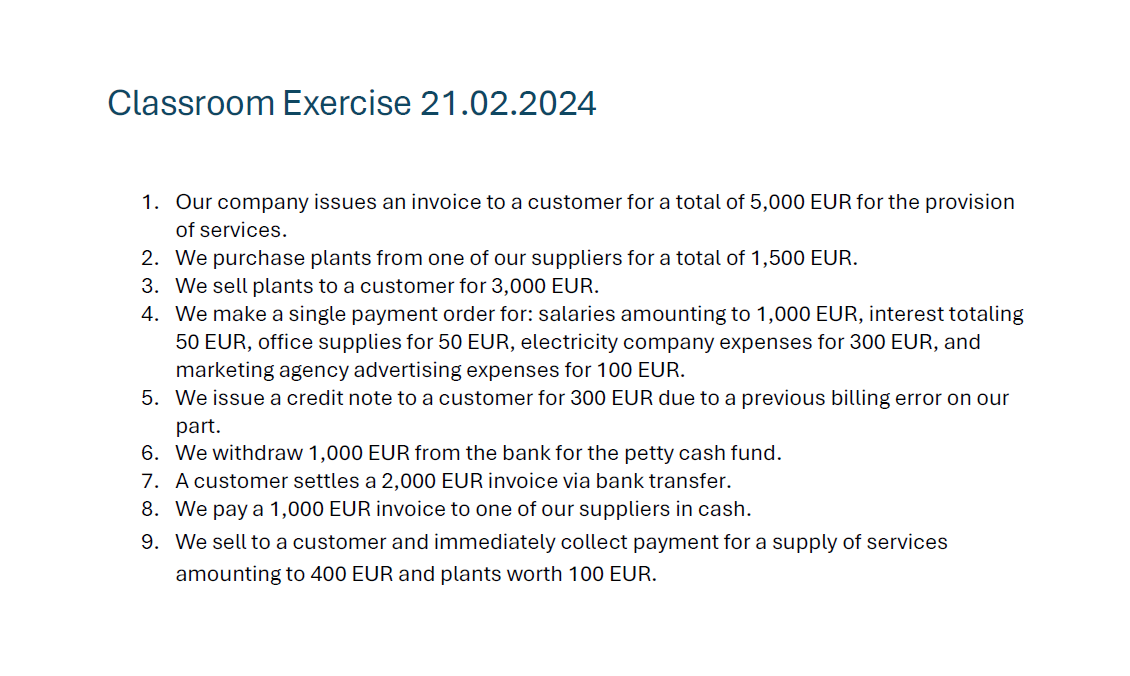
Teacher Solution File
The teacher creates a Banana Accounting file containing the double-entry records for each exercise.
- In the Transaction Table the teacher enters the transactions corresponding to each exercise.
- The solution has multiple lines.
- Each transaction must include the exercise number in the Doc column which can be numeric or alphanumeric.
- The number should match the one in the assignment file or in the related document (such as an invoice, receipt, or other supporting document).
- If a transaction requires multiple lines, the same exercise number must be repeated on each line.
- The order of exercises in either the student’s file or the teacher’s file is not important.
- The sequence of accounting transactions across multiple lines does not affect the functioning of the correction or the calculation of scores.
Below is an image showing an example of the teacher’s solution file.
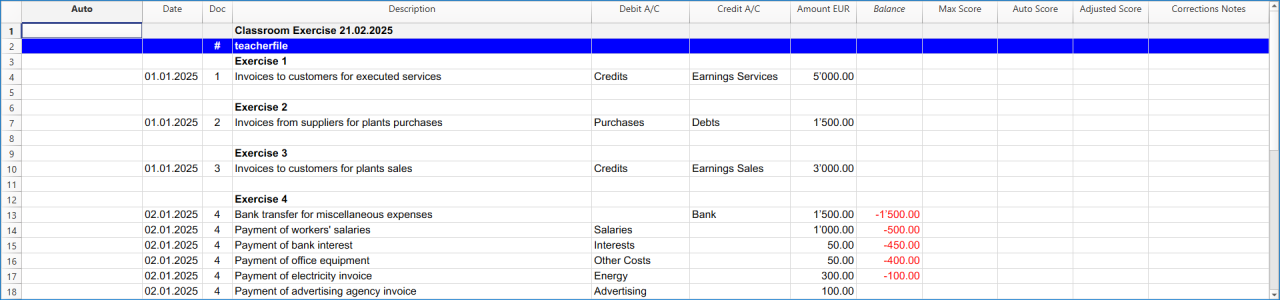
Auto Score Calculation
In collaboration with accounting teachers we are experimenting with automating the process of score calculation.
- Each row in the exercise is evaluated separately.
- If an exercise has multiple rows, each row receives its own score.
The settings in the teacher’s file are configured to assign partial points for each element of the accounting transaction, even when the transaction spans multiple lines. Specifically, points are awarded for each of the following correct entries:
- debit account
- credit account
- amount
- date
- VAT code
- currency amount
- currency
- exchange rate
Scores can be reduced down to zero if all columns are incorrect. Teachers can also customize the scoring system by adjusting the settings.
At the bottom of the student-result-file, the total score obtained by the student is displayed, along with the maximum possible score.
Correction of the Student's Files
We assume that:
- Each student has completed the exercise using Banana Accounting.
- Each student has created a file and submitted it to the teacher.
The correction process will add information directly to the student’s file. To preserve the original work, it is recommended to first make a copy of the file.
When the teacher runs the Correct command, the extension automatically adds the following information to the student’s file:
- Max Score: the maximum possible score that can be achieved.
- Auto Score (Calculated): the score automatically calculated by the extension.
- Adjusted Score (Teacher adjusted score): the score after the teacher’s review or manual adjustment.
- Corrections Notes: feedback showing which values were incorrect.
Correcting a Single Student File
- Open the student's accounting file.
- Click on the Extensions menu in Banana Accounting Plus.
- Click on Automatic Corrections for Accounting Exams and then, on the right, click on Correct the exercises.
- A window will appear asking you to select the Banana Accounting Plus file containing the exercise solutions. Once the solution file is selected, click Open.
- A preview window, similar to the one shown below, will open with the information that will be automatically added to the file. Click Ok button to confirm and view the results in the Transactions table.
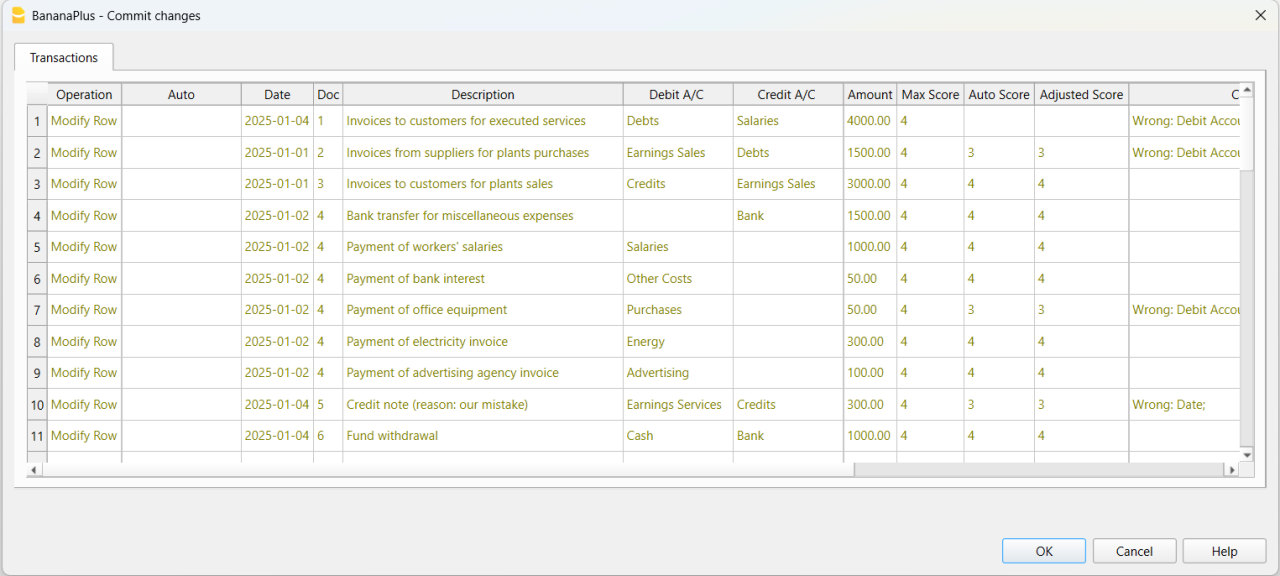
How to read the result
In the image below, the student’s accounting transactions are displayed alongside the teacher’s solutions for easier comparison:
- Teacher’s solutions – shown in bold, so teachers can quickly identify errors.
- Square brackets – placed before and after accounts from the teacher’s solution file, indicating transactions that do not affect the balance sheet or income statement in the Accounts table.
- Highlighted rows – red rows mark errors, while green rows indicate correct entries.
- Max Score column – shows the maximum possible points for each exercise, based on the teacher’s settings (e.g., Date, Debit Account, Credit Account, Amount, etc.).
- Auto Score column – displays the automatically calculated score. Each incorrect entry (such as a wrong debit account, credit account, amount, or date) deducts points from the Max Score.
- Adjusted Score column – initially copied from the Auto Score, but can be modified by the teacher if adjustments are needed.
- Corrections Notes column – provides details about which values were incorrect.
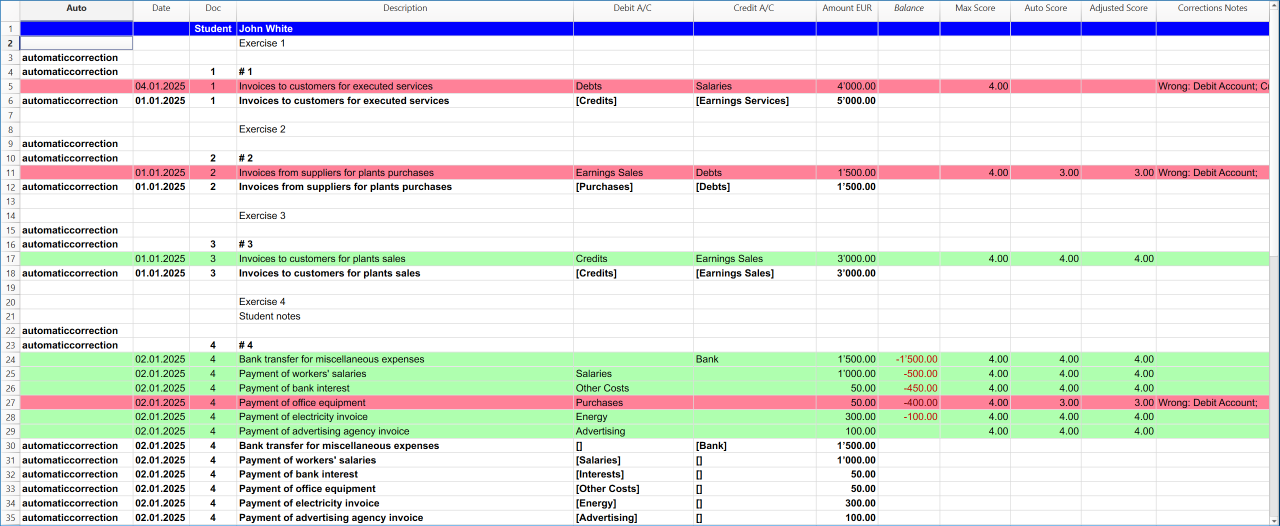
Resources for testing the extension
To try out the student accounting exercise correction extension, you can download the following pre-prepared templates:
- Exercise assignment file.
- Sample template for the student's exercise.
- Sample template for the teacher's solutions.
Resources to start using the extension
To begin using the Automatic Corrections for Accounting Exams extension, download these pre-prepared templates:
How to install the extension
Installing the extension is quick and will help you save time when correcting students’ exercises. Follow these steps:
- Click on the Extensions menu in Banana Accounting Plus.
- Click on Manage Extensions...
- In the window that opens, search by typing the term "automatic corrections" in the empty text field at the top left of the window.
- Click on Automatic Corrections for Accounting Exams in the middle of the window.
- In the right column of the window, click the Install button.
Easily Share Educational Content with Students
Schools and teachers can now share accounting materials created in Banana directly within the Banana Accounting Plus software.
This makes it simple and fast to adopt Banana files for use in both classroom teaching and individual learning in business accounting.
For more information and resources, visit the Banana Accounting Plus Community pages.
Adapt an existing template for automatic exercise corrections
[This extension and this documentation is in development and is not in its final form]
The Automatic Corrections for Accounting Exams extension can adapt existing files or use the chart of accounts templates available directly in Banana Accounting+. This makes them suitable for training purposes as well as for exercises and exams in double-entry accounting.
- Create or open a double-entry accounting file.
- From the Banana menu, click on Extensions.
- Click on Automatic Corrections for Accounting Exams.
- Click on File Preparation.
- The extension asks you to prepare either a teacher file or a student file.
- Choose the file type you want to prepare and click the Ok button.

- Click the OK button in the window that appears. The modifications shown in the image below will then be applied to the file.
The extension will automatically add the necessary columns to the file, while preserving your existing transactions.
If the required columns are already present, they will not be added again. If the file is already prepared, this function will make no changes.
If your file is already ready to be used this function will not make any modifications.
The following columns are added:
- Auto (the first column on the left).
- Max Score.
- Auto Score.
- Adjusted Score.
- Corrections Notes.
This feature is available only for double-entry accounting templates.
Instructions Added for the Teacher’s File
- A hash symbol (#) is inserted in the Doc column of the Transactions Table.
- The key teacherfile is added in the Description column (without quotation marks and written entirely in lowercase).
Instructions Added for the Student’s File
- The word Student is added in the Doc column (without quotation marks and with the first letter capitalized).
Correct the exercises
[This extension and this documentation is in development and is not in its final form]
The automatic correction can be executed only on the student’s file:
- It is not available when run on the teacher’s file.
- It can only be performed if no previous automatic corrections have been applied to the student’s file.
- If a second correction is needed, the existing automatic corrections must first be removed using the Delete the corrections function.
Check the solution
This is the workflow for running an automatic correction with the extension:
- From the menu, select Actions > Recalculate Accounting. The program will notify you if there are issues within the file.
- Run the command Extensions > Automatic Corrections for Accounting Exams > Correct the Exercises.
- This command performs specific checks, such as verifying that account numbers and other data are correct.
- If a transaction contains an error, a message will appear in the Corrections Notes column.
- The Auto Score column will be updated with the calculated score.
- This command performs specific checks, such as verifying that account numbers and other data are correct.
Recalculate the total
[This extension and this documentation is in development and is not in its final form]
This functionality works only if automatic corrections have already been executed using Correct the exercises.
The Adjusted Score column allows the teacher to manually change the automatically calculated score whenever necessary. After making adjustments, the teacher can recalculate the total score for the entire exercise through the extension menu.
The last row, which displays the total score, will then be updated with the final adjusted score set by the teacher.
Delete the corrections
[This extension and this documentation is in development and is not in its final form]
This function removes the rows that were automatically added by the extension during the correction process.
The student’s original rows remain in the file, but any color highlighting, scores or error messages are removed.
In this way, the student’s file is restored to its original state.
The function can only be executed if an automatic correction has already been performed, and it applies exclusively to the student’s file.
Settings
[This extension and this documentation is in development and is not in its final form]
The settings allow you to decide whether to assign an automatic score and to define the points for each condition being verified.
All settings must be configured in the teacher’s file, and they will be applied automatically when grading the students’ files.
Available Settings in the teacher's file
The currently available settings and their descriptions are as follows:
- Point-based assessment: enables or disables the automatic scoring of student records.
- Points for correct date: awards points if the student’s date matches the teacher’s date.
- Set to zero if you do not want to grade this field.
- Points for correct debit account: assigns a score if the entered debit account is correct.
- Set to zero if you do not want to grade this field.
- Points for correct credit account: assigns a score if the entered credit account is correct.
- Set to zero if you do not want to grade this field.
- Separate debit and credit accounts : allows for separate scoring if the debit account and credit account are correct.
- If the checkbox is checked the score is assigned separately even if one of the debit or credit accounts is incorrect.
- If the checkbox is not selected, the score is zero when both the debit and credit accounts are incorrect, or when either one is incorrect.
- If the checkbox is not selected, points are awarded only when both the debit and credit accounts are correct.
- In this case the debit account score and credit account score are added together as the final score assigned to the student.
- Points for correct amount: assigns a score if the entered amount is correct.
- Set to zero if you do not want to grade this field.
- Points for VAT code: assigns a score if the entered VAT code is correct.
- Set to zero if you do not want to grade this field.
- The VAT code points are only considered for templates with VAT functionalities enabled.
- Points for currency amount: assigns a score if the entered currency amount is correct.
- Set to zero if you do not want to grade this field.
- The currency amount points are only considered for multi-currency templates.
- Points for currency: assigns a score if the entered currency is correct.
- Set to zero if you do not want to grade this field.
- The currency points are only considered for multi-currency templates.
- Points for exchange rate: assigns a score if the entered exchange rate is correct.
- Set to zero if you do not want to grade this field.
- The exchange rate points are only considered for multi-currency templates.
- Penalize the amount only if Debit and Credit are correct: assigns a score to the amount if the entered Debit and Credit Accounts are correct.
At the bottom, an image of the settings window in the teacher’s file illustrates how these options are configured.
Manage your Trust Accounting with Banana
Banana Accounting allows you to manage all key aspects of a trust's accounting in one place: assets and investments, income and expenses, capital and reserves, beneficiary accounts and distributions, while keeping income and capital transactions clearly separated.
You always have an up-to-date balance sheet and income statement, and can customize the chart of accounts to reflect the specific structure and requirements of each trust.
Trust accounting records how a trustee manages money, investments and other assets held for the benefit of beneficiaries. Unlike ordinary business accounting, it requires a structure that distinguishes capital (principal) from income and clearly tracks distributions to beneficiaries. For example, a property held in a trust forms part of its capital, while the rent it generates is income; different beneficiaries may have different rights to each.
With Banana Accounting Plus, you can start from a dedicated template, customise the chart of accounts to suit the trust’s needs, and generate a balance sheet and income statement while keeping income and capital transactions clearly separated.
- Double-Entry Accounting for Trust
For managing a trust in a single currency, with a predefined chart of accounts covering assets, investments, income and expenses, capital and reserves, beneficiary accounts and distributions. - Multi-Currency Accounting for Trust
For trusts with bank accounts, investments or transactions in different currencies, combining the dedicated trust accounting structure with foreign-currency management.
Trust Accounting – Double-Entry with Principal and Income Tracking
在此文中
Trust Accounting – Double-Entry with Principal and Income Tracking
Trust Accounting – Double-Entry with Principal and Income Tracking
Start easily and for free with a ready-to-use double-entry accounting template designed specifically for trust accounting. Manage the trust's assets and investments, income and expenses, capital and reserves, beneficiary accounts and distributions, while keeping income and capital transactions clearly separated. Get an up-to-date Balance Sheet and Income Statement and adapt the chart of accounts to the specific needs of your trust. Banana Accounting Plus works like Excel, but with built-in accounting intelligence that helps you work more efficiently and avoid accounting errors.
模板文件
This template is designed to manage trust accounting using double-entry bookkeeping, including assets, investments, income, expenses, and distributions to beneficiaries.
Its main feature is the use of accounting segments to separate Principal and Income. Transactions can be assigned to the Principal segment or the Income segment, allowing users to generate financial reports that show each component separately, while maintaining a unified chart of accounts.
To view the financial statements with separate columns for Principal and Income, use the Enhanced Balance Sheet with Groups command and enable the Subdivision by Segments option.
This is an experimental template. We invite users to try it and explore whether using segments to separate Principal and Income provides a practical and effective solution for trust accounting.
If this approach proves successful, we believe that Banana Accounting could become a highly effective and competitive solution for trust accounting, combining the flexibility of double-entry bookkeeping with a simple and efficient way to manage Principal and Income separately.
Your experience and feedback will help us evaluate the usefulness of this approach and identify possible improvements.
If you need to manage securities, see also: Banana Investment Accounting
Trust Accounting – Multi-Currency with Principal and Income Tracking
在此文中
Trust Accounting – Multi-Currency with Principal and Income Tracking
Trust Accounting – Multi-Currency with Principal and Income Tracking
Start easily and for free with a ready-to-use multi-currency double-entry accounting template designed specifically for trust accounting. Manage the trust's assets and investments, income and expenses, capital and reserves, beneficiary accounts and distributions in multiple currencies, while keeping income and capital transactions clearly separated. Manage bank accounts, investments and transactions in different currencies. Get an up-to-date Balance Sheet and Income Statement and adapt the chart of accounts to the specific needs of your trust. Banana Accounting Plus works like Excel, but with built-in accounting intelligence that helps you work more efficiently and avoid accounting errors.
模板文件
This template is designed to manage trust accounting using multi-currency double-entry bookkeeping, including assets, investments, income, expenses, and distributions to beneficiaries.
It is particularly suitable for trusts that hold bank accounts and investments in multiple currencies, allowing transactions to be recorded in different currencies while maintaining consolidated financial records.
Another key feature is the use of accounting segments to separate Principal and Income. Transactions can be assigned to the Principal segment or the Income segment, allowing users to generate financial reports that show each component separately.
To view the financial statements with separate columns for Principal and Income, use the Enhanced Balance Sheet with Groups command and enable the Subdivision by Segments option.
This is an experimental template. We invite users to try it and explore whether the combination of multi-currency accounting and segment-based Principal and Income separation provides a practical and effective solution for trust accounting.
If this approach proves successful, we believe that Banana Accounting could become a highly effective and competitive solution for trust accounting, particularly for trusts managing bank accounts, investments, and transactions in multiple currencies.
Your experience and feedback will help us evaluate the usefulness of this approach and identify possible improvements.
If you need to manage securities, see also: Banana Investment Accounting
Management accounting and Cash Management
Banana Accounting Plus helps you monitor cash, understand your results and plan ahead, not just prepare for tax deadlines. Use it for your bookkeeping or alongside an existing accounting system to bring a practical management perspective to your finances.
Keep cash under control and plan ahead
Can you cover next month’s payments? Can you afford new equipment? Keep track of available funds and use the Budget table to plan expected receipts and payments. Explore different scenarios, such as a new investment or a quieter sales period, to see how they would affect your cash position and anticipate potential shortages.
Understand what drives your results
Which projects are profitable? Where are you spending more than expected? Analyze costs and revenues by project or cost center, compare actual figures with your budget and generate management reports for the period you need. Identify which activities contribute most to your results and where adjustments are needed.
For accounting professionals: offer more than compliance
Expand your service offering beyond audit and tax compliance with ongoing management accounting support. Use Banana to prepare cash-flow forecasts, review budgets and provide management reports tailored to each client. Help business owners understand their numbers, evaluate investments and address financial challenges, turning accounting data into practical advice and opportunities for regular client consultations.
Start with any Banana accounting template
All Banana accounting templates can be used for management accounting. Choose a ready-to-use template for your business, organization or personal finances, and adapt it to your needs. The templates provide a starting point: tailor the accounts and reports to the information that matters to you.
Explore the Banana templates and start for free.
Trial balance & Year end closings
Use Banana Accounting as a flexible software for trial balance and year-end closing, even when the client's day-to-day accounting is managed in another system or ERP.
For example, you can import accounting data from SAP or another ERP into Banana and perform adjustments and closing entries, as well as reclassify accounts and prepare financial statements in the required presentation format, in a more flexible and efficient environment.
With the Trial Balance extension of Banana Accounting, you can clearly separate the effect of closing transactions from the original accounting data. For each account, the report shows the unadjusted balance, adjustments, and adjusted balance side by side, making it easier to review the closing process and understand how each adjustment affects the final accounts.
Trial Balance for Year-End / Period-End Closing [BETA]
在此文中
Trial Balance for Year-End / Period-End Closing [BETA]
Trial Balance for Year-End / Period-End Closing [BETA]
The extension prints a trial balance that separates the effect of closing transactions from the rest of the accounting. For each account it shows the unadjusted balance, the adjustments and the adjusted balance side by side on the same row.
Prerequisites
To use this extension you must:
- download and install Banana Accounting Plus.
- use a double-entry accounting file.
Beta version
The extension is currently released as a beta version. This means that some details may change without prior notice.
Install the extension
To install the extension:
- Open Banana Accounting Plus.
- Menu Extensions > Manage Extensions
- Select Universal as country.
- Select Online > Productivity.
- From the extensions list select Trial balance with closing transactions analysis.
- Click Install to install the extension.
- Click Close to close the window.
Create the report
To creare the report:
- Open an accounting file.
- From the Extensions menu select Trial balance with closing transactions analysis.
- In Settings dialogue complete the options then click OK to create the report.
The texts of the settings dialog and column headers in the printout are fixed and are in the same language as the Banana file (defined from the menu File > File and accounting properties > Other > Current language). The languages that can be used are Italian, French, German and English.
The report always covers the whole accounting period of the file, from the opening date to the closing date set in the file properties.
On first use, the Doc codes field is empty: the codes must be entered because they depend on each accounting's conventions. If the report is run without them, a warning appears and the adjustment columns stay at zero.
Settings dialogue
Run the extension from the menu Extensions > Trial balance with closing transactions analysis.
The extension Settings dialogue will open. From here you can choose some parameters to print the report.
Transactions filter:
- Closing transactions indentification method
Choose one of the following methods to filter the closing transactions:- Codes in the Doc column
If closing transactions are identified by specific codes in the Doc column of the Transactions table, enter the code or multiple codes separated by ; (e.g. "CHIU" or "CHIU;ABC;XXX"). The Doc value must exactly match one of the specified codes (case-sensitive). - Text in the Description column
If closing transactions are identified by specific text in the Description column of the Transactions table, enter that text. - Custom JavaScript function
If you want to use a different method to identify closing transactions, you can use a custom JavaScript function. For example, the following function identifies closing transactions by searching for the text "Closing transaction" in the Notes column:
function(row) { var d = row.value("Notes"); return d ? d.indexOf("Closing transaction") >= 0 : false; }
- Codes in the Doc column
Report:
- Show closing transactions details
Adds at the end, for each account with closing transactions, the list of the individual transactions. - Split by BClass
Groups the accounts into Assets, Liabilities, Revenues and Expenses, with a header and a total for each section. - Show zero amounts (0.00)
When off, zero amounts are left empty (except in the grand total). - Show negative amounts in red
Shows negative amounts in red, as in Banana's tables. - Print cost centers and segments
Adds the cost center and segment sections, if the chart of accounts contains them. - Show columns
Select the columns to display in the report.- Account
The account number. - Description
The description of the account. - Opening
The opening balance of the account. - Unadjusted – Debit / Credit
The movements of the year without the closing transactions of the account. - Unadjusted – Balance
The balance before the closing transactions, opening included, of the account. - Adjustments – Debit / Credit
The movements of the closing transactions only of the account. - Adjustments – Movement
The total amount of the account's closing transactions (Debit − Credit). - Adjusted – Debit / Credit
The account's total movements for the year. - Adjusted – Balance
The account's final balance, after all transactions. - Var. % balance
The account's percentage change of the balance caused by the closing transactions. - Last posting date
The date of the last transaction on the account
- Account
Layout:
- Print in landscape orientation
Print the report in landscape orientation.
The report
The report starts with the title, the company header (defined in the file properties) and the accounting period. Then follow the main table, the optional cost center and segment sections and, if requested, the closing transactions details.
Main table
The table lists all accounts with a BClass, in the order Assets, Liabilities, Revenues and Expenses, and ends with the Grand total. The amounts are grouped into three blocks:
- Unadjusted
Movements and balance before closing transactions. - Adjustments
Movements of the closing transactions. - Adjusted
Total movements and final balance after the closing transactions.
For every account the following always holds:
Unadjusted balance + Adjustmenst movement = Adjusted balance
In a balanced accounting, the balances in the grand total are 0.00.
Percentage change
The Var. % balance column shows how much the closing transactions moved the balance, relative to the unadjusted balance in absolute value:
Var. % = (Adjusted balance - Unadjusted balance) / |Unadjusted balance| * 100
A positive value means a shift towards Debit, a negative one towards Credit, for any account type. n.m. (not meaningful) is shown instead of the number when the unadjusted balance is below 1.00 in absolute value or when the change exceeds ±1,000 %. If the account has no closing transactions, the cell stays empty.
Closing transactions details
With the option on, the end of the report contains a table for each account affected by closing transactions, with Date, Doc, Description, Contra account, Debit and Credit of each transaction and the total. It shows which transactions produced the movement reported in the main table.
Custom JavaScript function
The custom function lets you define rules that Doc codes or Description text cannot cover, for example by combining several columns. Banana calls it for each journal row of the account: if it returns true the row is a closing entry, otherwise it is not.
Writing rules:
- write the function on a single line and without a name after function;
- it receives row, the journal row, as argument; values are read with row.value("ColumnName");
- use the internal column names (XML names), not the visible headers;
- it must explicitly return true or false;
Example 1 - text in the Notes. Treats as closing transactions the rows whose Notes column contains YE:
function(row) { var n = row.value("Notes"); return n ? n.indexOf("YE") >= 0 : false; }
Example 2 – several conditions. Treats as closing transactions only the rows with Doc CHIU and Closing in the description:
function(row) { var d = row.value("Description"); return row.value("Doc") === "CHIU" && d ? d.indexOf("Closing") >= 0 : false; }
Warning messages
Warnings appear in Banana and the report is still generated, but without closing transactions.
- "Codes in the Doc column" method selected, but no code was entered. No entry was considered a closing entry.
- The codes field is empty or contains only ; and spaces.
- "Text in the Description column" method selected, but no text was entered. No entry was considered a closing entry.
- The text field is empty or contains only spaces.
- The custom function to identify closing entries is empty or invalid. No entry was considered a closing entry.
- The field is empty, contains a syntax error or does not define a function.
投资组合会计 (全球)
Banana财务会计软件允许您在复式记账法中管理证券。可以知道您的投资组合中有多少证券,记录购买和销售以及利润或损失。如果您使用多币种会计,也可以管理不同币种的证券。
通过项目表,您可以轻松地管理证券清单,并随时了解当前的数量,这些数量会随着每次交易自动更新。
通过这种方式,可以轻松拥有复式会计的所有功能和资产负债表、损益表等的打印结果,也能看到最新的证券情况。
模板
您可以选择使用现成的模板开始您的投资组合会计核算,或者只需几个步骤即可调整您当前的会计核算。
发生业务
证券交易的核算往往是相当复杂的,特别是当您想以有用和清晰的方式创建发生业务来显示信息的时候。
项目表的使用给证券会计带来了很好的附加值,因为它允许您保持最新的数量,但同时它意味着您有更多的信息需要管理,这可能对应着在保持信息有序、跟踪证券的实际账面价值等方面有更大的困难。
我们向您解释如何设置买卖证券的会计发生业务,以便每项操作清晰易读并正确显示证券会计金额的变化。
扩展程序
使用扩展程序可以深入了解您的证券会计,并自动和快速地进行销售计算。扩展程序仅在高级计划中可用。
会计价值
在证券账户中记录所有与一个或多个证券有关的交易。该账户的余额是证券的账户价值。它包括:
- 开盘价。
- 购买价值。
- 销售价值。
- 销售的利润或损失。
它被记录在销售的时刻。 - 销售的货币兑换损益 (多币种)。
- 市场价格的调整。
在编制财务报表时,您需要将证券的价格调整为市场价格。
数量和市场价值
某一特定证券的当前数量被记录在物品表格中。它是下列各项的总和:
- 开盘数量。
- 购买或出售的数量。
每种证券都有:
- 一个开盘价。
- 一个开盘值 (开盘价*开盘量)。
- 当前的市场价格 (价格列)。
项目价值和账户价值之间的匹配
证券账户的所有余额之和应等于证券的市场价值。
证券收益和损失的计算
在卖出证券时,也必须记录利润或损失,指的是证券的购买价值。
由于有了相对应的扩展程序,程序会自动计算出出售证券的利润或损失。除了出售的结果外,程序还显示平均购买成本,如果是多币种账户,还显示已实现的汇率收益或损失。
向我们发送反馈
投资组合管理是一个测试功能,仍在不断的开发中。如果您对如何改进模板、报告的内容有任何建议,或者认为增加新的功能是有用的/有趣的,请通过我们的联系表格向我们发送您的反馈意见。
Templates
Banana Accounting provides ready-to-use templates for managing securities and financial investments using double-entry accounting.
You can manage securities and financial investments within the same Banana Accounting file as your general accounting, or in a separate Banana Accounting file, depending on your needs.
Choose the approach that best suits your accounting structure:
Integrated Investment Accounting Templates
Manage your general accounting and investment portfolio in the same Banana Accounting file. This approach is suitable for businesses and individuals who want to maintain financial statements and detailed investment records together.
Separate Investment Accounting Templates (Subledger)
Manage securities and financial investments in a dedicated accounting file that operates independently of your general accounting.
This approach is particularly useful if you already use another accounting system or want to replace separate investment tracking spreadsheets.
Accounting Base Currency
The templates are available with different accounting base currencies, including CHF (Swiss francs), EUR (euro), and USD (US dollar).
You can change the base currency under File > File and accounting properties... in Banana Accounting, preferably before entering transactions.
Investment Accounting Extension
The Investment Accounting extension provides the features needed to manage securities, record investment transactions, and monitor portfolio valuations, including Book Values and Market Values.
Choose the appropriate accounting template, set up your investment data, and then use the extension to manage your investment portfolio.
For more information about the available accounting features, see the Investment Accounting documentation.
Integrated Investment Accounting
These templates allow you to manage securities and other investments directly within your financial accounting. Investment transactions, balances, income, and gains or losses are recorded in the same Banana Accounting file as your other financial activities.
Choose the template according to the currencies used for your investments:
- Double-Entry Accounting with Integrated Investment Accounting – Manage investments in the accounting base currency, with investment transactions recorded directly in double-entry accounting.
- Double-Entry Multi-Currency Accounting with Integrated Investment Accounting – Manage investments denominated in different currencies, including exchange rate differences, within the same multi-currency accounting file.
Both templates use CHF as the default accounting base currency.
Other Resources
Double-Entry Accounting with Integrated Investment Accounting
在此文中
Double-Entry Accounting with Integrated Investment Accounting
Double-Entry Accounting with Integrated Investment Accounting
This predefined template provides a ready-to-use example of double-entry accounting with integrated Investment Accounting for high-net-worth individuals (HNWIs). All investments are managed in the accounting base currency, together with the main components of personal wealth, including cash and bank accounts, real estate, other personal assets, liabilities, income, and costs. Individual investments, such as shares, bonds, and funds, are managed through the Items table and the corresponding Investment Balance Sheet Accounts, providing a complete view of the individual's investments, financial position, and results.
模板文件
The tutorial file provides a ready-to-use example of integrated Investment Accounting, where the company's financial accounting and the detailed management of investments are maintained in the same Banana Accounting file.
All investments are managed in the accounting base currency, making this template suitable for learning and applying the basic principles of Investment Accounting without the additional complexity of foreign currencies.
The file includes a complete accounting structure for recording both the company's general business activities and its investment transactions. Investment-specific information, such as quantities, prices, Book Values, and Market Values, is managed alongside the corresponding accounting entries.
The template uses CHF (Swiss francs) as its default accounting base currency and is suitable for portfolios managed in a single currency. You can change the base currency to suit your needs, preferably before entering transactions. For instructions, see Change the Base Currency.
For more information about managing investments in Banana Accounting, see the Investment Accounting documentation. For setup instructions, see How to Start.
Chart of Accounts
The chart of accounts provides a complete double-entry accounting structure for high-net-worth individuals (HNWIs), integrating Investment Accounting with the management of real estate properties, other personal assets, liabilities, income, and costs.
Balance Sheet Accounts
The Balance Sheet Accounts are organized into the following main categories:
- Cash and Equivalents, including cash, bank accounts, and withholding tax receivables
- Investments, with dedicated Investment Balance Sheet Accounts for securities and other financial investments
- Other Assets, including cars, pension assets, furniture and art, and receivables
- Real Estate Assets, with separate accounts for each owned property
- Debts, including other debts, loans, and mortgages
- Equity, including equity and the current year profit or loss.
This structure makes it possible to manage securities, real estate properties, and other personal assets and liabilities within the same accounting file.
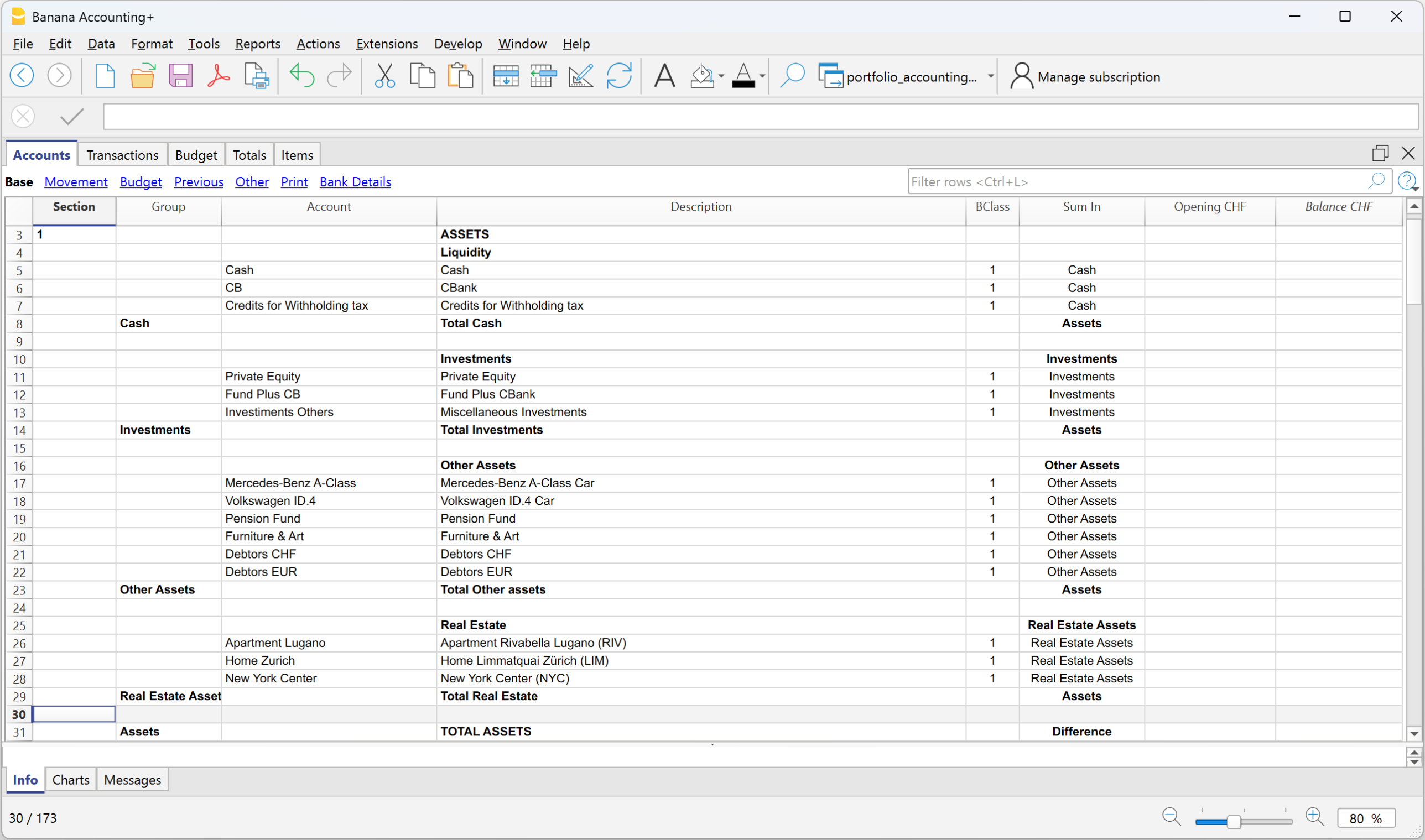
Profit & Loss Accounts
The Profit & Loss statement is structured to record both investment results and the other income and costs related to the individual's assets and personal finances.
Investment income and results include accounts for realized gains and losses on securities, foreign exchange results, unrealized investment and exchange rate adjustments, interest, dividends, and investment-related expenses.
The Profit & Loss statement also includes:
- Employment income, such as salary and bonuses;
- Depreciation, including depreciation of cars and furniture;
- Personal and asset-related costs, including cars, insurance, administration, legal fees, interest, taxes, health, and family costs;
- Real Estate Revenue and Costs, organized separately for each property, allowing rental and other income to be compared with utilities, insurance, maintenance, condominium fees, and other property-specific costs.
The structure therefore makes it possible to determine the overall financial result while also keeping investment results and the results of individual real estate properties clearly identifiable.
Because Investment Accounting is integrated into the financial accounting, purchases, sales, investment income and costs, realized gains and losses, and valuation adjustments are recorded directly in the same accounting file and are reflected in the corresponding Balance Sheet and Profit & Loss accounts.
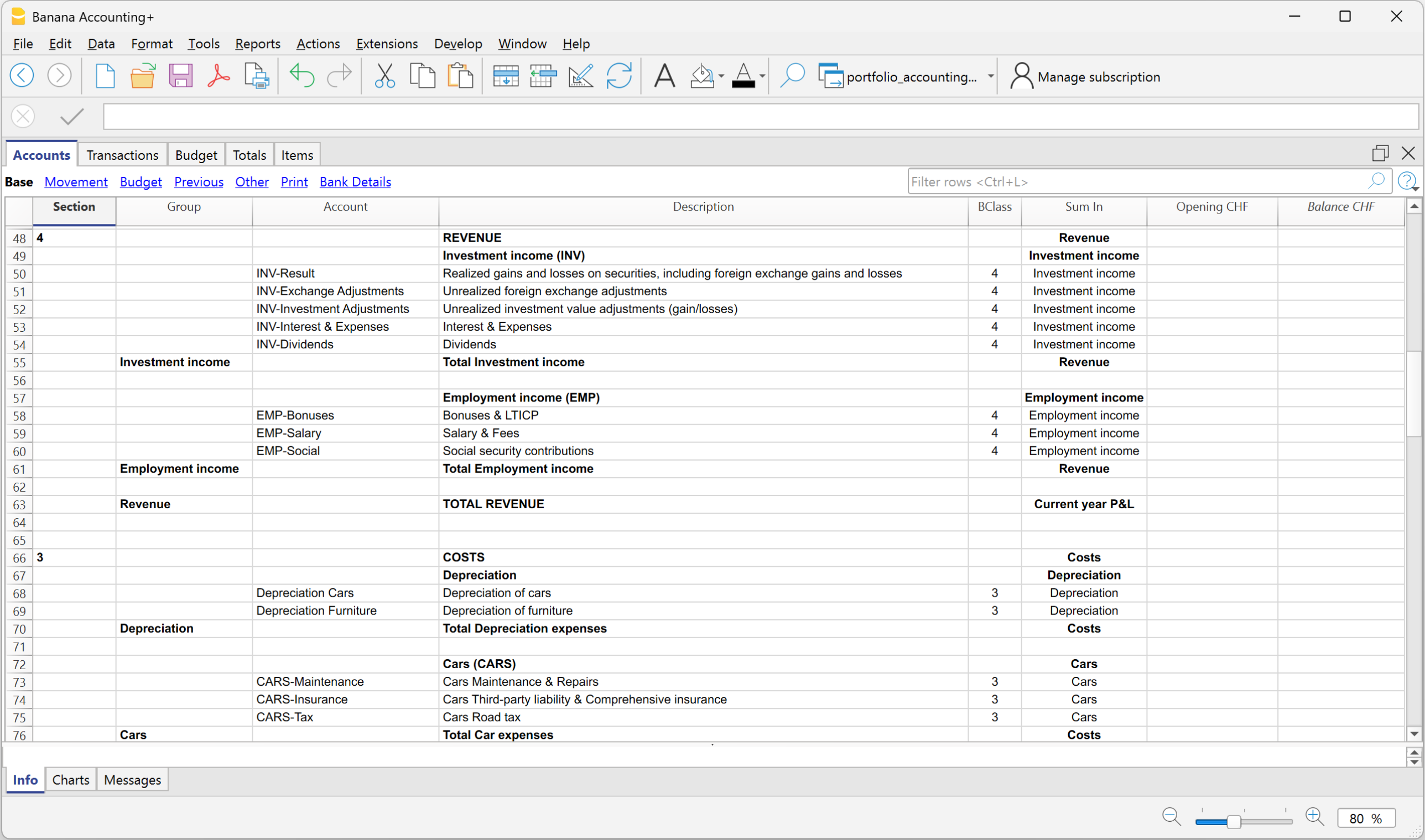
Managing Quantities, Prices, and Values
The details of individual investments are managed in the Items table. The tutorial file includes sample shares and bonds and shows how investment-specific information can be maintained alongside the financial accounting.
For each investment, the Items table contains information such as the Item identifier, description, Asset Account, Quantity, Unit Price, Book Value, Market Price, and Market Value.
For more information, see the Items page.
Transactions
Investment transactions are recorded directly in the same Transactions table used for the company's general accounting.
The tutorial file contains example transactions covering the main investment operations, such as purchases, sales, income, costs, realized gains and losses, and valuation adjustments.
Because the investment transactions are part of the double-entry accounting, their accounting effects are immediately reflected in the corresponding accounts and in the company's Balance Sheet and Profit & Loss statement.
For more information, see Investment Accounting Transactions.
Other Resources
Other Banana Accounting templates are available depending on how you want to manage your investments:
- Double-Entry Multi-Currency Accounting with Integrated Investment Accounting – for managing investments denominated in foreign currencies directly within multi-currency double-entry accounting.
- Multi-Currency Investment Accounting in a Separate File – for keeping detailed Investment Accounting multicurrency in a separate Banana Accounting file that can be used as an investment subledger for your general accounting.
为包含投资组合管理及外汇业务的金融公司提供的复式记账模板
在此文中
为包含投资组合管理及外汇业务的金融公司提供的复式记账模板
为包含投资组合管理及外汇业务的金融公司提供的复式记账模板
轻松,免费地开始管理贵公司涉及外汇业务的会计和多币种的证券,并立即获得资产负债表、损益表以及投资组合报告。此模板既简单,并随时可用,是那些必须使用复式记账,并需要一个快速且专业的解决方案人士的理想选择。所有的数据都存储在您个人的电脑上,您拥有最大程度的隐私,无需注册。
直接在网页中打开Banana财务会计+
无需任何安装,可以直接在您的浏览器上运行 Banana财务会计+。客制化您的模板,输入发生业务并将文件保存在您的电脑上。
在浏览器中打开模板 Open tutorial in WebAppSeparate Investment Accounting Templates (Subledger)
These templates allow you to manage securities and other financial investments in a separate Banana Accounting file, independently of your general accounting.
The separate file acts as an investment subledger, maintaining detailed information about individual investments, transactions, quantities, prices, Book Values, and Market Values. The corresponding accounting balances and financial results can be recorded in your general accounting, even when it is maintained using other software.
To get started, choose the appropriate accounting template based on your preferred base currency, set up your investment data, and then use the Investment Accounting extension to manage your portfolio.
- Double-Entry Investment Accounting in a Separate File – For managing investments in a single accounting currency, with CHF as the base currency. (Template coming soon.)
- Multi-Currency Investment Accounting in a Separate File – For managing investments denominated in different currencies, including exchange rate differences, with CHF as the base currency.
- Multi-Currency Separate Accounting EUR – For managing investments denominated in different currencies, with EUR as the base currency.
- Multi-Currency Separate Accounting USD – For managing investments denominated in different currencies, with USD as the base currency.
- Investment Accounting extension – Provides the features needed to manage securities, investment transactions, and portfolio valuations.
For more information about investment transactions and reconciliation with your general accounting, see the Separate Investment Accounting (Subledger) documentation.
Other Resources
Double-Entry Accounting with Separate Investment Accounting
在此文中
Double-Entry Accounting with Separate Investment Accounting
Double-Entry Accounting with Separate Investment Accounting
Manage securities and financial investments in a separate Banana Accounting file using double-entry accounting. Track shares, bonds, funds, purchases, sales, dividends, interest, and investment gains and losses, independently of your general accounting.
直接在网页中打开Banana财务会计+
无需任何安装,可以直接在您的浏览器上运行 Banana财务会计+。客制化您的模板,输入发生业务并将文件保存在您的电脑上。
在浏览器中打开模板 Open tutorial in WebApp模板文件
This ready-to-use template provides a double-entry accounting framework specifically designed for managing securities and financial investments using Banana Investment Accounting.
The accounting structure focuses exclusively on investment portfolio management, including securities accounts, investment purchases and sales, quantities, prices, and portfolio valuations.
The Profit & Loss accounts are dedicated to investment-related income and expenses, including dividends, interest, realized gains and losses, and other financial results arising from securities transactions.
The template combines double-entry accounting with detailed investment portfolio management, allowing you to track individual securities, monitor Book Values and Market Values, and obtain accounting reports that reflect the performance and valuation of your investments.
The template uses CHF (Swiss francs) as its default accounting base currency and is suitable for investment portfolios managed in a single currency. You can change the base currency to suit your needs, preferably before entering transactions. For instructions, see Change the Base Currency.
If you prefer to manage securities and financial investments directly within the same file as your general accounting, see Integrated Investment Accounting.
For more information about managing securities and financial investments in Banana Accounting, see:
- Investment Accounting documentation – Learn how to manage securities and financial investments within your general accounting file
- Separate Investment Accounting (Subledger) – Learn how to manage securities and financial investments in a dedicated file, separate from your general accounting.
Balance Sheet Accounts
The Balance Sheet Accounts are organized into the following main categories:
- Cash and Equivalents, including cash, bank accounts, and withholding tax receivables
- Investments, with dedicated Investment Balance Sheet Accounts for securities and other financial investments
- Equity, including equity and the current year profit or loss.
Profit & Loss Accounts
The Profit & Loss statement is structured to record both investment results and the other income and costs related to the individual's assets and personal finances.
Investment income and results include accounts for realized gains and losses on securities, foreign exchange results, unrealized investment and exchange rate adjustments, interest, dividends, and investment-related expenses.
The Profit & Loss statement also includes:
- Income and Costs, Investment-related costs and revenues
- Finaly Resultat, Investment profit or loss.
The structure therefore makes it possible to determine the overall financial result while also keeping investment results and the results of individual real estate properties clearly identifiable.
Because Investment Accounting is integrated into the financial accounting, purchases, sales, investment income and costs, realized gains and losses, and valuation adjustments are recorded directly in the same accounting file and are reflected in the corresponding Balance Sheet and Profit & Loss accounts.
Managing Quantities, Prices, and Values
The details of individual investments are managed in the Items table. The tutorial file includes sample shares and bonds and shows how investment-specific information can be maintained alongside the financial accounting.
For each investment, the Items table contains information such as the Item identifier, description, Asset Account, Quantity, Unit Price, Book Value, Market Price, and Market Value.
For more information, see the Items page.
Transactions
Investment transactions are recorded directly in the same Transactions table used for the company's general accounting.
The tutorial file contains example transactions covering the main investment operations, such as purchases, sales, income, costs, realized gains and losses, and valuation adjustments.
Because the investment transactions are part of the double-entry accounting, their accounting effects are immediately reflected in the corresponding accounts and in the company's Balance Sheet and Profit & Loss statement.
For more information, see Investment Accounting Transactions.
Other Resources
Other Banana Accounting templates are available depending on how you want to manage your investments:
- Double-Entry Multi-Currency Accounting with Integrated Investment Accounting – for managing investments denominated in foreign currencies directly within multi-currency double-entry accounting.
- Multi-Currency Investment Accounting in a Separate File – for keeping detailed Investment Accounting in a separate Banana Accounting file that can be used as an investment subledger for your general accounting.
- Double-Entry Accounting with Integrated Investment Accounting – Manage investments in the accounting base currency, with investment transactions recorded directly in double-entry accounting.
Multi-Currency Investment Accounting in a Separate File
在此文中
Multi-Currency Investment Accounting in a Separate File
Multi-Currency Investment Accounting in a Separate File
This predefined template, with CHF as the accounting base currency, provides a ready-to-use example for managing detailed Investment Accounting in a separate Banana Accounting file, which can be used as an investment subledger for your general accounting. It allows you to manage shares, bonds, and other investments in multiple currencies, keeping track of quantities, prices, Book Values, Market Values, realized and unrealized gains and losses, interest, dividends, and exchange rate differences. The template includes a predefined chart of accounts, an Items table, example transactions for the main investment operations, and an Exchange Rates table for managing investments in foreign currencies.
直接在网页中打开Banana财务会计+
无需任何安装,可以直接在您的浏览器上运行 Banana财务会计+。客制化您的模板,输入发生业务并将文件保存在您的电脑上。
在浏览器中打开模板 Open tutorial in WebApp模板文件
With Banana Accounting, you can manage securities and financial investments in a separate accounting file, independently of your general accounting software.
This solution is particularly useful if you already use another accounting system or manage your investment portfolio with Excel spreadsheets. The separate file acts as an investment subledger, combining double-entry accounting with detailed portfolio management.
The Investment Accounting extension helps automate several operations, including calculating realized gains and losses on sales, creating adjustments for unrealized gains and losses, updating Market Prices, and calculating exchange rate differences for investments in foreign currencies.
The template uses CHF (Swiss francs) as its default accounting base currency and is suitable for portfolios managed in a single currency. You can change the base currency to suit your needs, preferably before entering transactions. For instructions, see Change the Base Currency.
For more information about how this solution works, see:
The Main Accounting File
In the general accounting file, you record all general accounting transactions, including the accounting values related to investments that are required for preparing the financial statements.
The Banana file can be used as an investment subledger: it maintains the details of individual investments and their related transactions, while in the general accounting you can record the required accounting values, including aggregated amounts by account or investment category.
Banana Investment Accounting File
In the Banana Investment Accounting file, you maintain all the details of individual investments, including quantities, prices, Book Values, Market Values, realized and unrealized gains and losses, as well as the related accounting transactions.
The file would replace the Excel files that you usually use to keep track of investments.
The following sections explain how the example file works and how to integrate the resulting accounting data into the general accounting.
Chart of Accounts
The chart of accounts in the example file is intentionally concise and has been created specifically for Investment Accounting and for using the functions provided by the Investment Accounting extension.
The Accounts table contains only the accounts required to record Investment Accounting transactions and obtain the related Balance Sheet and Profit & Loss statement values.
Balance Sheet
Asset Accounts
The Balance Sheet mainly includes bank accounts, investment accounts, and the withholding tax receivable account required for managing investments.
The example file includes separate accounts by currency to properly manage investments and their related multi-currency transactions.
The bank accounts in the Banana Investment Accounting file are technical accounts used as counterpart accounts for recording cash flows related to investments. Their balances do not necessarily correspond to the balances of the bank accounts in the general accounting, where the cash flows of the entire business are recorded.
Liability and Equity Accounts
These include Equity and the Current Year Profit or Loss required to complete the accounting structure of the file.
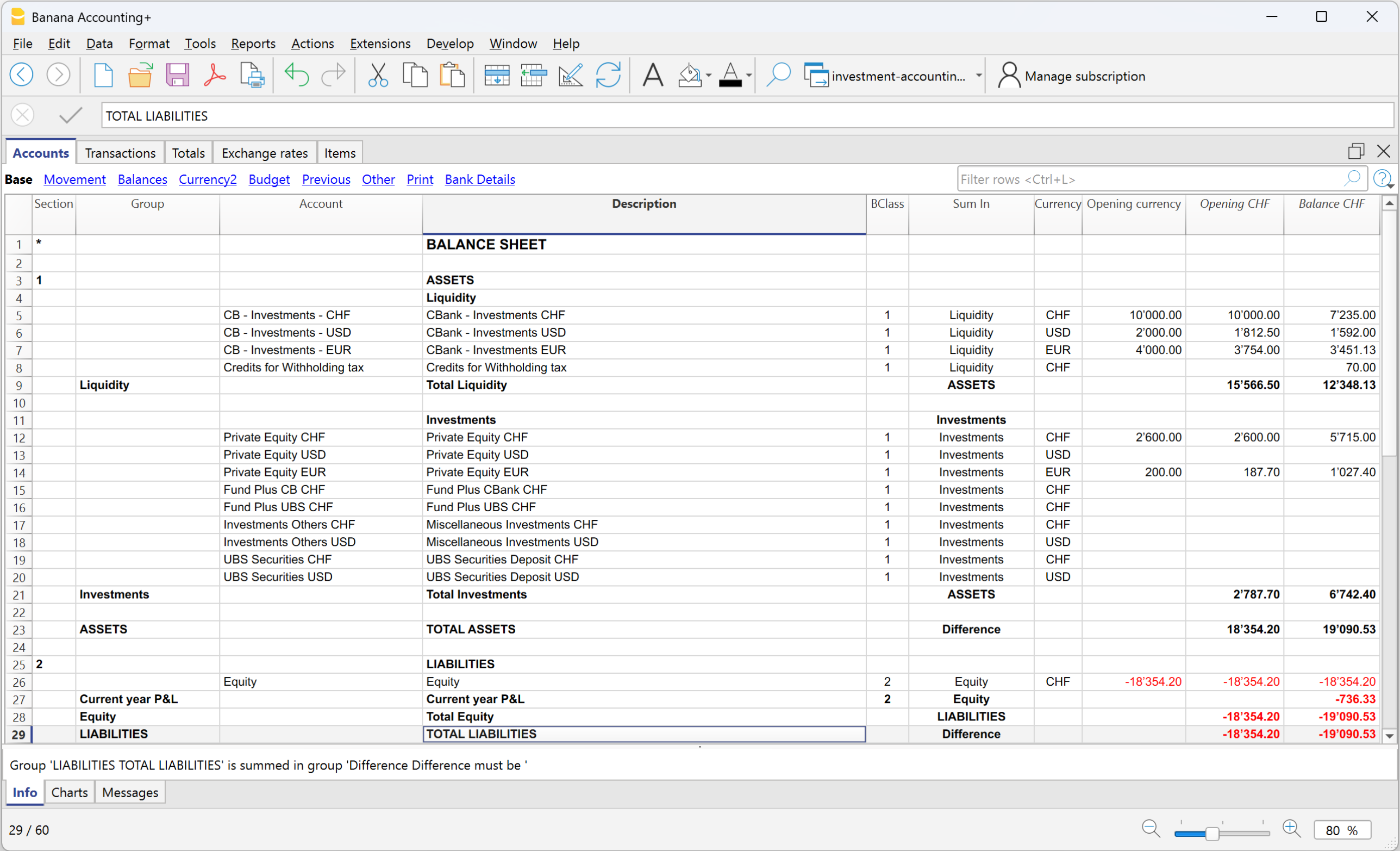
Profit & Loss Accounts
The Profit & Loss statement contains only the accounts required to record the income and expenses arising from investment transactions, such as interest, dividends, commissions and fees, realized gains and losses, unrealized value adjustments, and exchange rate differences.
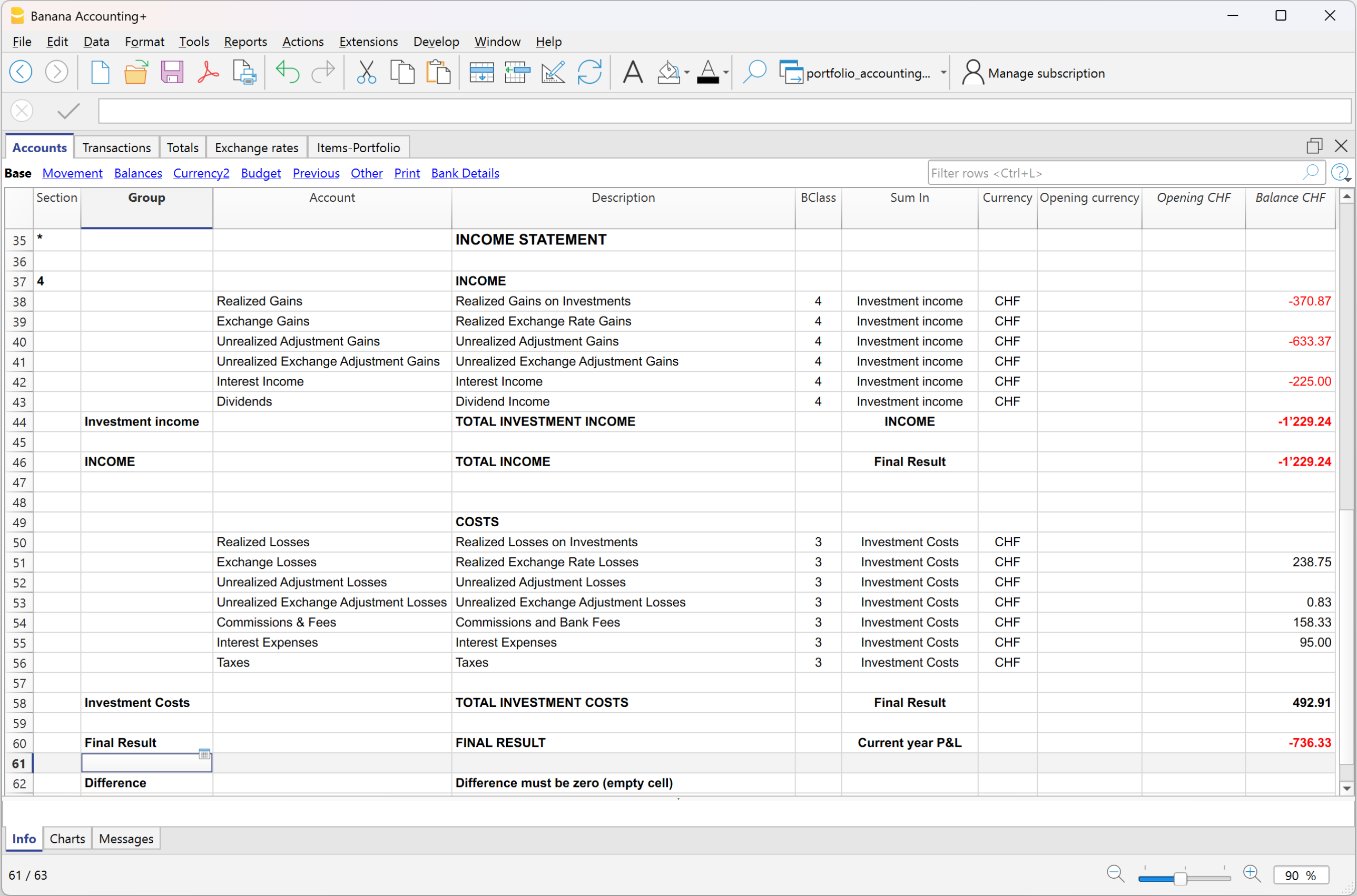
Opening Balances
The opening balances of the Investment Balance Sheet Accounts are entered in the Accounts table. For each Investment Balance Sheet Account, the opening balance in the Banana file must correspond to the sum of the opening values of the Items linked to the same Asset Account.
Opening balance of the Investment Balance Sheet Account in the Banana file = Sum of the opening values of the linked Items
When the corresponding Investment Balance Sheet Account is also present in the general accounting, the opening balance from the Banana file must be consistent with the opening balance of the corresponding account in the general accounting:
Opening balance of the Investment Balance Sheet Account in the Banana file = Opening balance of the corresponding Investment Balance Sheet Account in the general accounting
Items Table - Portfolio
The details of individual investments are managed in the Items table. For each investment, the table contains information such as the Item identifier, description, Asset Account, Quantity, Unit Price, Book Value, Market Price, and Market Value.
For more information, see the Table Items page.

Transactions
The example file contains transactions covering the main investment operations, including purchases, sales, dividends, interest, commissions and fees, realized gains and losses, value adjustments, and exchange rate differences.
The transactions contain both the standard double-entry accounting information and investment-specific information, such as Item, Quantity, and Unit Price.
For more information, see the Transactions page.
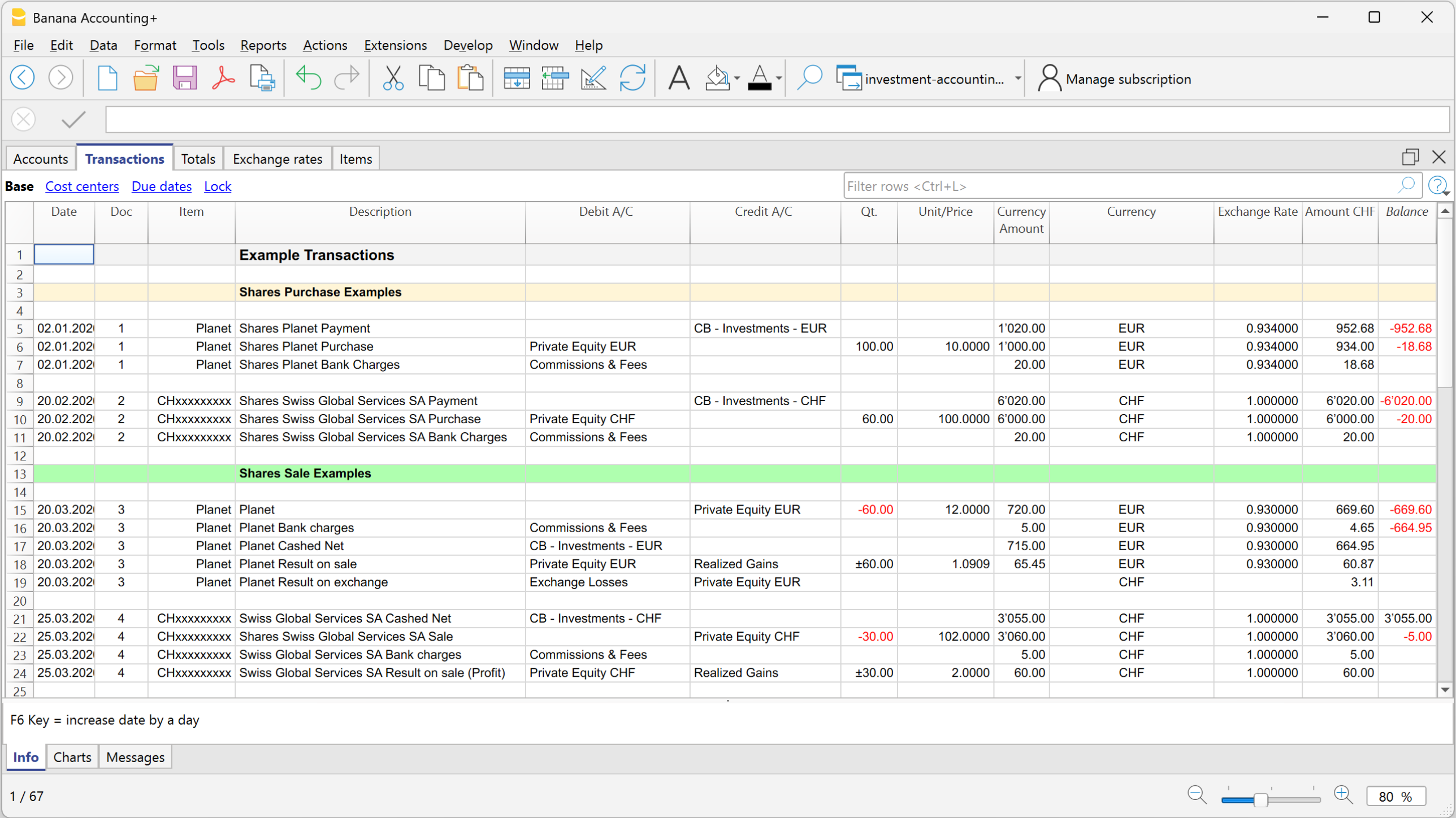
Updating and Reconciling the General Accounting
The Banana Investment Accounting file can be used as an investment subledger for your general accounting. It maintains the details of individual investments and their related transactions, while the required accounting values are recorded in the general accounting.
The transfer of these values is not automatic. You can update the general accounting in two main ways:
- Periodically, by keeping the detailed investment transactions in the Banana Investment Accounting file and transferring the required accounting values to the general accounting at regular intervals or when financial statements need to be prepared. This can be done, for example, at the end of a month, quarter, half-year, or year.
Important: When using periodic updates, it is not sufficient simply to record the difference between the opening and closing balance of an investment account. Purchases, sales, realized gains and losses, income, costs, and any applicable value or exchange rate adjustments must be transferred to the general accounting according to their accounting nature.
The values transferred to the general accounting can be recorded in aggregated form by investment account or category, provided that the required accounting information is maintained and the corresponding balances can be reconciled with the Banana Investment Accounting file.
- Transaction by transaction, by recording the corresponding accounting effects in the general accounting as the investment transactions are recorded in the Banana file.
After the required accounting values have been recorded in the general accounting, the Book Values resulting from the Banana file can be used to verify the corresponding investment account balances:
Book Value from the Banana file = Balance of the corresponding investment account in the general accounting
In this way, the Banana file maintains the detailed information for individual investments and their related transactions, while the general accounting contains the accounting values required for financial reporting.
Integrated Investment Accounting Templates
Other Resources
If you prefer to manage investments directly within your financial accounting instead of using a separate Investment Accounting file, you can use one of the following Banana Accounting templates with integrated Investment Accounting:
Double-Entry Separate multicurrency Accounting – Base Currency EUR
在此文中
Double-Entry Separate multicurrency Accounting – Base Currency EUR
Double-Entry Separate multicurrency Accounting – Base Currency EUR
Manage shares, bonds, and other financial investments in multiple currencies using a separate Banana Accounting file with EUR as the base currency. Track investment transactions, quantities, prices, Book Values, Market Values, and exchange rate differences.
模板文件
This predefined template uses EUR (euro) as the accounting base currency and provides a ready-to-use example for managing securities and financial investments in a separate Banana Accounting file, independently of your general accounting.
It allows you to manage shares, bonds, and other financial investments denominated in different currencies, tracking quantities, prices, Book Values, Market Values, realized and unrealized gains and losses, interest, dividends, and exchange rate differences.
The template includes a predefined chart of accounts dedicated to investment accounting, an Items table for managing individual securities, example transactions covering the main investment operations, and an Exchange Rates table for managing foreign currencies.
The separate file can be used as an investment subledger for your general accounting, even when your general accounting is maintained using other software.
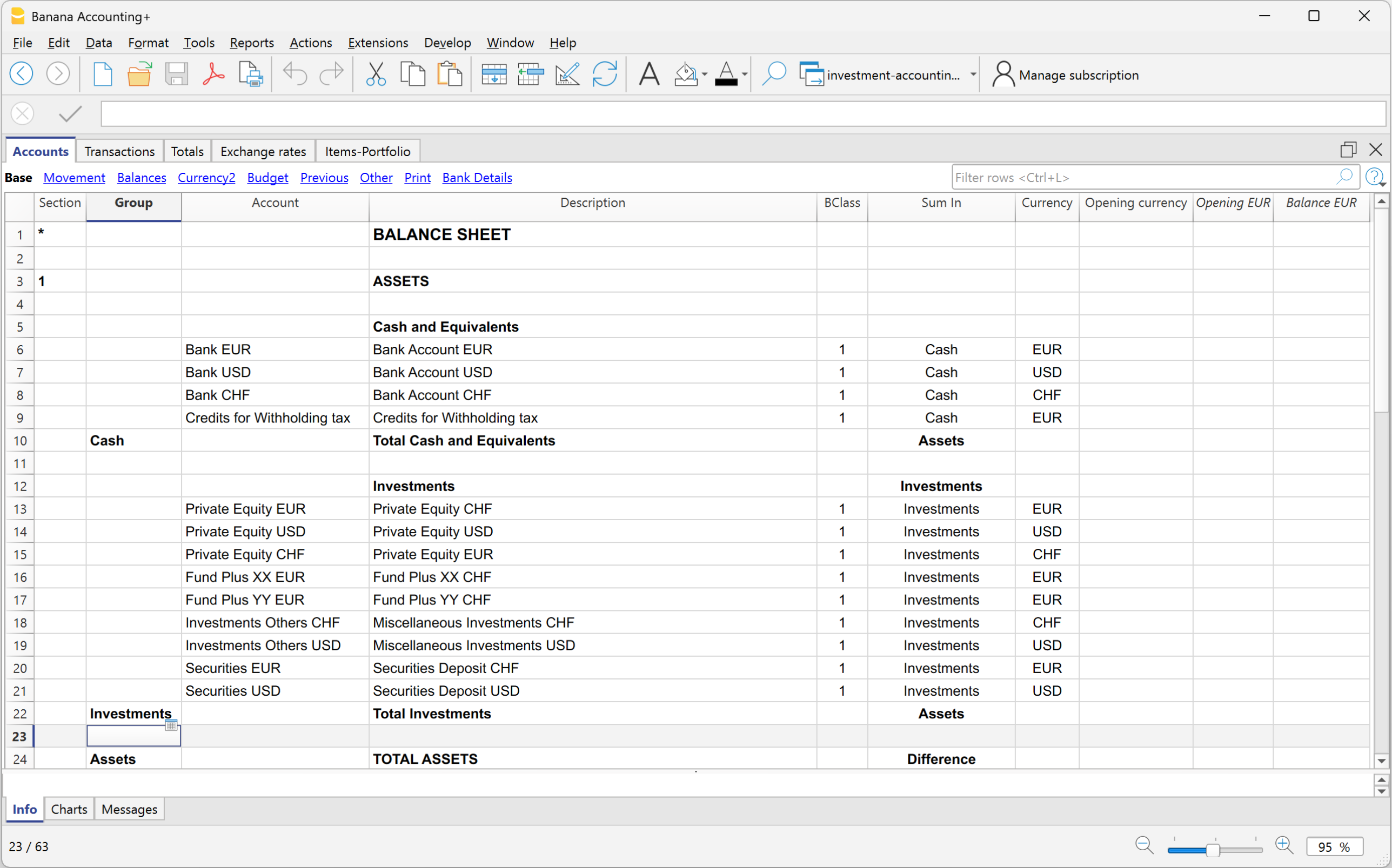
Other Resources
For more information about managing securities and financial investments, see:
- Separate Investment Accounting (Subledger) – Learn how to manage investment accounting in a dedicated file, separate from your general accounting.
- Investment Accounting documentation – Explore the features and functionality of Banana Investment Accounting.
- Investment Accounting extension – Learn about the extension used to manage securities transactions and portfolio valuations.
Double-Entry Separate Multicurrency Accounting – Base Currency USD
在此文中
Double-Entry Separate Multicurrency Accounting – Base Currency USD
Double-Entry Separate Multicurrency Accounting – Base Currency USD
模板文件
This ready-to-use Banana Accounting template allows you to manage securities and financial investments in multiple currencies, with USD (US dollar) as the accounting base currency.
The template is specifically designed for Separate Investment Accounting (Subledger), enabling you to maintain detailed investment records in a dedicated accounting file, independently of your general accounting.
You can manage shares, bonds, and other financial investments denominated in USD, EUR, CHF, and other currencies, tracking quantities, prices, Book Values, Market Values, dividends, interest, realized and unrealized gains and losses, and exchange rate differences.
The template includes a predefined chart of accounts dedicated to investment accounting, an Items table for managing securities, example investment transactions, and an Exchange Rates table for handling foreign currencies.
The separate investment accounting file can serve as an investment subledger for your general accounting, whether it is maintained in Banana Accounting or another accounting software.

Othes Resources
- Separate Investment Accounting (Subledger) – Learn how to manage securities and financial investments in a dedicated file.
- Investment Accounting documentation – Explore the investment accounting features available in Banana Accounting.
- Investment Accounting extension – Learn about the extension for managing securities transactions and portfolio valuations.
Investment Accounting Extension [BETA]
在此文中
Investment Accounting Extension [BETA]
Investment Accounting Extension [BETA]
The Investment Accounting Extension provides a wide range of commands and reports for investment accounting in Banana Accounting. It is designed to work seamlessly with files configured for investment accounting.

The extension enhances the core accounting functionality of Banana Accounting by adding specialized tools for Investment Accounting. It provides commands and reports for updating market prices, calculating realized gains and losses on sales, creating valuation adjustment transactions, checking balances, reconciling investment values with the corresponding Investment Balance Sheet Accounts, and preparing detailed investment reports.
For an introduction to the accounting concepts used in Banana Investment Accounting, see the Theoretical Introduction.
- Accounts settings
- Update market prices
- Calculate sales data
- Create adjustment transactions
- Check balances report
- Reconciliation report
- Security card report
- Evaluation of investments report
Requirements
- This extension requires the Advanced plan of Banana Accounting Plus.
- Record investment transactions in chronological order in the Transactions table. This is essential for extensions that calculate or use the book value, because the book value is updated progressively after each transaction in date order.
How to start
- Open Banana Accounting Plus
- Open an existing Investment Accounting file or create a new one using one of the available Investment Accounting templates.
- Choose Extensions > Manage Extensions and install the Investment Accounting extension.
Accounts settings
The Accounts Settings dialog allows you to specify the accounts used for different investment transactions, such as sales, valuation adjustments, and other investment-related entries.
These accounts are used by the Investment Accounting extension when it automatically calculates or creates accounting transactions, ensuring that the appropriate accounts are used for each type of operation.
You do not need to specify every account, only those required for your accounting setup. The accounts entered in the dialog must exist in the Accounts table. If an account does not exist, the program displays an error message when you try to confirm the settings.
Sections in the Dialog and Account Usage

The dialog is divided into three main sections.
Balance Accounts
This section contains the Balance Sheet accounts associated with investments and other investment-related balances.
- Assets
Contains the accounts used to record investment assets.
The first time you open the dialog, the program automatically fills this field with the Investment Balance Sheet Accounts specified in the Asset Account column of the Items table. - Liabilities
Contains the accounts used for investment-related liabilities, such as margin loans or other financial obligations.
Value Changing Accounts
This section contains the accounts used to record realized and unrealized gains and losses, exchange rate differences, and other adjustments affecting the value of investments.
- Realized Gain: Account for recording realized gains from investment sales.
- Realized Loss: Account for recording realized losses from investment sales.
- Unrealized Gain: Account for recording unrealized gains due to an increase in the market value of investments.
Used by the Create adjustment transactions command. - Unrealized Loss: Account for recording unrealized losses due to a decrease in the market value of investments.
Used by the Create adjustment transactions command. - Realized Exchange Rate Gain: Account for recording realized exchange rate gains arising from the sale of investments denominated in a foreign currency.
- Realized Exchange Rate Loss: Account for recording realized exchange rate losses arising from the sale of investments denominated in a foreign currency.
- Unrealized Exchange Rate Gain: Account for recording unrealized currency gains due to favorable exchange rate movements.
- Unrealized Exchange Rate Loss: Account for recording unrealized currency losses due to unfavorable exchange rate movements.
- Depreciations: Account for recording investment depreciation adjustments, if applicable.
- Other Value Changing Costs: Account for miscellaneous expenses affecting the value of investments.
- Other Value Changing Income: Account for miscellaneous income affecting the value of investments.
- Rounding Differences: Account for small discrepancies due to rounding or decimal precision differences.
Profit and Loss Accounts
This section contains the accounts used to record income and expenses related to investment activities.
- Charges: Account for general investment-related charges and fees.
- Commissions: Account for broker or bank commissions on investment transactions.
- Interest Earned: Account for interest income from bonds or other financial instruments.
- Interest Paid: Account for interest expenses related to investment loans or margin trading.
- Dividends Income: Account for dividend income received from investments.
- Other Income: Account for any additional investment-related income not classified elsewhere.
- Other Costs: Account for any additional investment-related costs not classified elsewhere.
Error Messages
- Account XXX not found in the Accounts table: The account entered does not exist in the Accounts table.
- Add the account to your Accounts table.
- Select the “Ignore warnings/errors” checkbox at the bottom of the dialog to ignore the error.
Update market prices
This command updates the current market prices of investments in the Items table. Market price data can be imported from a CSV file or from the clipboard.
Before applying the changes, Banana Accounting displays a preview in the Commit changes dialog. Once the changes are confirmed, the imported prices are entered in the Price Current column of the Items table.
Price Current Column
The Price Current column in the Items table contains the current market price used to calculate the current value of the investment.
You can update Price Current manually, by copying and pasting values into the Items table, or by using the Update market prices command to import prices for multiple investments.
When market prices are imported and the changes are confirmed, the command updates the Price Current column of the corresponding Items.
Prepare Current Market Price Data
Current market prices can be obtained from financial information providers and prepared in an Excel or CSV file for import.
For each investment, provide:
- the ISIN or other identifier used to identify the investment
- the corresponding current market price.
Make sure that the identifier used in the import data corresponds exactly to the identifier entered for the investment in the Items table.
File Format
The extension expects the data to be in the following two-column format, with ISIN and current market price separated by a semicolon (;):
US123456789;11.04873
IT000792468;10.98732
...
- First column: The ISIN or other investment identifier.
- Second column: The current market price, without thousands separators and using a period (".") as the decimal separator.
Import Procedure
You can import the data in two different ways.
Import *.csv File
- Choose Extensions > Investment accounting > Update market prices.
- Select the *.csv file.
- Review the changes in the Commit changes dialog and confirm them.
Import from Clipboard
- Choose Actions > Import to accounting and select the Import File option.
- Select the extension to be used, in this case 2. Update market prices.
- Open the Excel file, select the data, and copy it to the clipboard.
- In the import dialog, select Import data from clipboard.
- Click OK.
- Review the changes in the Commit changes dialog and confirm them.

Error Messages
- Unrecognised *.csv file format: The format of the *.csv file you are trying to import does not match the required format.
- Make sure that you selected the correct file.
- Check that the data follows the format described in the File Format section above.
- Items table not found: The Items table is not present in the accounting file.
- Add the Items table to the accounting file.
- Asset: XXX not found in the Items table: The identifier contained in the imported data does not correspond to an investment in the Items table.
- Check that the identifier is correct and corresponds to the one entered in the Items table.
- If the investment has not yet been defined, add it to the Items table before importing its market price.
Calculate sales data
The Calculate sales data dialog allows you to calculate the realized gain or loss resulting from the sale of an investment and, when required, create the related accounting transactions.
The dialog provides two main functions:
- Calculate the Sale Result – Click Calculate profit or loss to preview the realized gain or loss based on the data entered in the dialog or automatically retrieved from the accounting file. No accounting transactions are created. This function can also be used without starting from the sale transaction row in the Transactions table.
- Create the Sales Record – Click Create sales record to create the accounting transactions required to complete the sale recording. To use this function, start from the sale transaction row in the Transactions table that records the net proceeds from the investment sale.
Start from the Sale Transaction Row
When creating the sales record, the program needs to identify the transaction to be completed with the additional entries required to record the sale, such as charges, realized gains or losses, and exchange rate differences. Therefore, you must start from the transaction row that records the net proceeds from the investment sale.
If this row already includes:
- Item (security ID)
- Quantity
- Unit Price (Market Price)
- Exchange Rate (for multi-currency accounting)

The dialog retrieves this information automatically. Otherwise, you need to enter the missing information in the dialog.
The sale transaction row is the only row that must be entered manually. Once this row is available, the program can automatically create the additional entries required to complete the sale recording.
How to use the dialog
When you execute this command, a dialog titled Calculate book profit/loss on sale opens.

Enter or review the information required for the sale:
- Security Data:
- Id (ISIN): Select the security from the dropdown.
- Type: Displays whether the security is a Stock or a Bond.
- Quantity/Nominal Value: Enter the quantity or nominal value of the investment being sold.
- Current Price: Enter the price per unit at which the investment is being sold.
- Current Exchange Rate: For investments denominated in a foreign currency, enter the exchange rate applicable to the transaction.
- Bank Charges: Enter any bank charges related to the sale. If no amount is entered, the corresponding transaction is not created.
- Other Charges: Enter any additional costs related to the sale. If no amount is entered, the corresponding transaction is not created.
- Accrued Interests: For bonds, enter any accrued interest related to the sale. This field is enabled only for bonds.
- Results Preview: Once the required data is entered, click Calculate profit or loss to generate a preview showing:
- Actual Quantity: The quantity held before the sale.
- Book Value per Unit: The current book value per unit of the investment.
- Total Book Value: The book value of the investment quantity being sold.
- Total at Current Price: The value of the investment quantity being sold at the entered Current Price.
- Book Profit/Loss: The difference between the book value and the sale value.
- Exchange Rate Profit/Loss: For investments denominated in a foreign currency, the gain or loss resulting from exchange rate differences.
Amounts are displayed using the number of decimal places defined for the corresponding columns in the Transactions table.
When you enter an amount in the dialog, make sure to use the local number format (for example, “1'234.56” in Switzerland), as this is the format expected by the program.
Recording the Sale
Once you are satisfied with the preview, click Create sales record to create the accounting entries required to complete the sale recording. The program displays a confirmation dialog showing the entries to be added or modified, allowing you to review them before applying the changes.

- Upon confirmation, the program updates the accounting records with the new or modified entries.
- If the quantity is zero or the calculated profit/loss is zero, no transaction is created.
- The program adds a transaction identifier to the ExternalReference column of both the original sale row and any newly created rows. This prevents duplicate entries if the command is run multiple times on the same sale row.
- If the program detects an existing record for this sale, it will ask whether you want to overwrite it.
This procedure helps ensure that investment sales are correctly recorded while allowing you to review the accounting entries before they are applied.

In the example shown in the image, placeholder accounts are used. These are used when the corresponding accounts have not been defined in the Accounts Settings dialog.
The extension uses a neutral number (±123.00) in the Quantity column when recording the realized gain or loss. A neutral quantity does not change the quantity held but allows the amount of the realized gain or loss to be associated with the investment and its corresponding unit value to be shown in the Unit Price column. This is especially useful for investment funds and ETFs.
Error Messages
- Items table not found: The Items table is not present in the accounting file.
- Add the Items table to your file.
- Asset: XXX not foun: The selected Asset does not exist in the Items table.
- Asset: XXX without assigned Asset Account: No Asset Account has been assigned to this Asset in the Items table.
- Define an account in the Asset Account column for the Asset in the Items table.
- Asset: XXX without assigned type: No Asset Type has been defined for this Asset.
- The selected row does not contain the Asset ID: The selected row does not contain a valid Asset ID. To create the sales record, the selected row must contain the ID of an Asset defined in the Items table.
- The selected row does not contain a valid sale Quantity: The selected row does not contain a valid quantity for an investment sale. The sale quantity must be negative. Check that the quantity is preceded by a minus sign (-) and that you have selected a sale row rather than a purchase row.
- The selected row in the Transactions table is not correct: The selected row does not correspond to the investment sale row required to create the sales record.
- The selected row in the Transactions table is not valid: The selected row in the Transactions table is not a valid transaction row.
Create adjustment transactions
This command automatically creates adjustment transactions to align the book value of investments with their current market value and, for investments denominated in foreign currencies, with current exchange rates.
Specifically, it:
- Updates investment book values to reflect current market prices and exchange rates.
- Records unrealized gains and losses in the corresponding Profit & Loss accounts.
- Generates the necessary double-entry transactions to adjust investment values.
Once the generated transactions are recorded, the Balance Sheet and Profit & Loss statement reflect the updated investment values and the corresponding unrealized gains and losses.
Adjustment transactions can be created at any time during the year to obtain an up-to-date Balance Sheet and Profit & Loss statement.
The command must be executed no later than the end of the accounting year, before preparing the year-end financial statements and opening the new accounting year. For more information see also Investment Accounting Opening and Closing the Year.
Update Market Prices and Exchange Rates
Update Investment Prices
In the Items table, enter the current market price for each investment in the Price Current column.
You can:
- Enter the current prices manually, including only for the investments for which you want to create adjustment transactions.
- Use the Update Market Prices command to import and update current prices for multiple investments.
Set Current Exchange Rates
For investments denominated in a foreign currency, the current value in base currency is automatically calculated using the current exchange rate defined for the corresponding currency in the Exchange rates table.
The current exchange rate is the exchange rate entered without a specific date. For more information, see Items Table with Investments List.
Command: Create adjustment transactions
Adjustment Transactions Dialog
When you run the Create adjustment transactions command, a dialog asks you to enter the date to be used for the adjustment transactions. By default, the current date is suggested.
All adjustment transactions created by the command are recorded with the specified date.

Commit Changes Dialog
Before the adjustment transactions are recorded, the Commit changes dialog displays a preview of all the transactions that will be created, allowing you to review them before confirming the changes.

Adjustment Transactions
Adjustment transactions are generated and grouped by investment. If both a market price adjustment and an exchange rate adjustment are required for the same investment, the corresponding transactions are kept together.
Adjustment transactions are recorded using the Asset Account defined for the investment in the Items table, increasing or decreasing its book value. The offsetting entry is recorded in the corresponding gain or loss account.
If the following accounts are defined in the Accounts Settings dialog, the program uses them to record the adjustments:
- Unrealized Gain / Unrealized Loss for market price adjustments.
- Unrealized Exchange Rate Gain / Unrealized Exchange Rate Loss for exchange rate adjustments.
If the required accounts are not defined in the Accounts Settings dialog, the program inserts descriptive placeholder accounts in the generated transactions.

Once the adjustment transactions have been recorded, verify that the balances of the Asset Accounts match the current values of the corresponding investments in the Items table. For more information, see Create Adjustment Transactions.
In the following cases, no adjustment transactions are created:
- The book value already corresponds to the current market value and, for investments denominated in a foreign currency, the book exchange rate corresponds to the current exchange rate.
- The investment has a current quantity of zero.
- No current market price is defined for the investment.
Error Messages
- Items table not found: The Items table is not present in the accounting file.
- Add the Items table to your file.
- No Asset found in the Items table: The Items table does not contain any valid Assets.
- Add Assets to the Items table.
- A valid Asset must have an ID and an Asset Account.
- No Asset with current price found in the Items table: No Asset with a valid current price was found in the Items table.
- The carrying amounts are already aligned with the current market prices. No unrealized gains or losses have been generated: The book values of the investments are already aligned with their current market values and, where applicable, current exchange rates. No adjustment transactions are required.
Check balances report
The Check Balances report verifies that the values of individual investments are consistent with the balances of the Asset Accounts to which they are assigned.

This check is particularly useful at the beginning of a new accounting year to verify that:
- Opening and closing balances have been recorded correctly.
- The values of individual investments are consistent with the balances of their corresponding Asset Accounts.
Currently, the check is performed only for the current accounting year.
Why Use This Report?
The report helps you:
- Identify discrepancies between investment values and the balances of the corresponding Asset Accounts.
- Verify that investments and their assigned Asset Accounts remain consistent.
- Check the consistency of balances after year-end closing.
The report can be exported and saved at any time. For more information, see Printouts/preview.
Error Messages
- Items table not found: The Items table is not present in the accounting file.
- Add the Items table to your file.
- No Asset found in the Items table: The Items table does not contain any Asset.
- Add Assets to the Items table.
- A valid Asset must have an ID and an Asset Account.
- No Asset accounts found in the Items table: No Asset Accounts have been assigned to the Assets in the Items table.
- Define an Asset Account for each Asset using the Asset Account column. in the Items table.
Reconciliation report
The Reconciliation Report provides a detailed overview of the transactions recorded for investments and verifies that the balance of each Asset Account in the accounting records is consistent with the balance calculated from the transactions of the investments assigned to that account.
At the end of the report, a reconciliation summary shows the opening balance, the net change during the period, and the closing balance, allowing you to verify that the Asset Account balance matches the balance calculated from the corresponding investment transactions. Any differences are shown in the Differences fields, with the corresponding amounts highlighted in red.
Selection Dialog
Select the Asset Account(s) for which you want to generate the reconciliation report.

Report Structure
The structure of this report is similar to the Security Card report, as it lists the transactions for each investment assigned to the selected Asset Account.
For each selected Asset Account, a separate table is generated on a new page of the report.

Saving and Exporting the Report
The report can be exported and saved at any time. For more information, see Printouts/preview.
Error Messages
- Items table not found: The Items table is not present in the accounting file.
- Add the Items table to your file.
- No Asset found in the Items table: The Items table does not contain any Asset.
- Add Assets to the Items table.
- A valid Asset must have an ID and an Asset Account.
- No Asset accounts found in the Items table: No Asset Accounts have been assigned to the Assets in the Items table.
- Define an Asset account for each Asset in the Items table using the Asset Account column.
Security card report
The Security Card report provides a detailed overview of all transactions recorded for a specific investment. Its structure is similar to the Account Card, but the report is filtered by investment and also shows how the quantity held and the book value change after each transaction.
Selection Dialog
Select the investment for which you want to generate the Security Card report. By default, the dialog displays the list of investments defined in the Items table.
If the selected investment is not found in the Items table, an error message is displayed. Make sure that the investment is correctly defined in the table.

When you reopen the dialog, the investment selected the last time is displayed again.
Report structure
- Date: Transaction date.
- Doc: Transaction number.
- Description: Transaction description.
- Debit (item Currency): Debit amount in the item currency.
- Credit (item Currency): Credit amount in the item currency.
- Quantity:
- Purchased: No sign.
- Sold: With minus '-' sign.
- Neutral: With neutral number symbol: '±'.
- Unit Price (item Currency): purchase or sale (unit) price of the investment.
- Balance (item Currency): Balance amount in the item currency.
- Quantity Balance: Current quantity of securities.
- Book value per unit (item Currency): Current book value per unit of the investment.
- Debit (Base Currency): Debit amount in base currency.
- Credit (Base Currency): Credit amount in base currency.
- Balance (Base Currency): Balance amount in base currency.

Saving and Exporting the Report
The report can be exported and saved at any time. For more information, see Printouts/preview.
Error Messages
- Items table not found: The Items table is not present in the accounting file.
- Add the Items table to your file.
- Asset: XXX not found: The selected Asset has not been found in the Items table.
- No Asset found in the Items table: The Items table does not contain any Asset.
- Add Assets to the Items table.
- A valid Asset must have an ID and an Asset Account.
Evaluation of investments report
The report provides a comprehensive overview of your current investments. It is divided into two main sections:
- Appraisal Report: Offers a snapshot of your investments, comparing the book value of each investment with its current market value.
- Investment Accounting Transactions: Displays a detailed list of all transactions carried out for each investment.
Appraisal Report
The Appraisal Report helps you quickly assess the situation of your investments. It displays key information such as book value, current market value, and any unrealized gains or losses for each investment.
To obtain an up-to-date appraisal, enter the current market price for each investment in the Price Current column of the Items table.
- Type/Security: Name of the group or investment.
- ISIN: ISIN or other identification number of the investment.
- Currency: Currency in which the investment is denominated.
- Current quantity: Current quantity of the investment held.
- Book value per unit: Current book value per unit of the investment.
- Book value: Total book value of the investment.
- Market value per unit: Current market price per unit of the investment, as defined in the Price Current column of the Items table.
- Market value: Current market value of the investment.
- % of Port: Percentage of the total portfolio represented by the investment.
- Un.Gain or Loss: Unrealized gain or loss on the investment.
- % G/L: Ratio of the unrealized gain or loss to the market value.
Investment Accounting Transactions Report
The report summarises the accounting transactions recorded for each investment.

Saving and Exporting the Report
The report can be exported and saved at any time. For more information, see Printouts/preview.
Error Messages
- Items table not found: The Items table is not present in the accounting file.
- Add the Items table to your file.
- No Asset found in the Items table: The Items table does not contain any Asset.
- Add Assets to the Items table.
- A valid Asset must have an ID and an Asset Account.
购买和出售证券的发生业务
关于证券交易的发生业务,请参阅:
Forensic Accounting, Reconstruction, Auditing and Cleanup of Financial Records
Banana Accounting Software helps accounting professionals quickly rebuild, verify, reconcile, and reorganize financial records in a clear, reliable, and professionally structured environment. It combines the flexibility of a spreadsheet with the control of double-entry accounting, making complex cleanup, reconstruction, and audit work faster and more effective.
With its table-based structure, Banana Accounting greatly reduces the time needed to rebuild accounting records and makes it much easier to view the data. The powerful filtering tools let you quickly find information and categorize movements. It generates professional financial reports, including balance sheets, income statements, account cards, and detailed transaction listings. It also includes advanced features such as investment accounting, which are not available in standard ERP systems.
Use in Investigative Units
Banana Accounting is used with satisfaction by several Swiss investigative units for accounting reconstruction in the context of financial investigations.
A Precious Tool for Accounting Professionals
For many accounting professionals, Banana Accounting has become a very valuable tool that complements accounting systems and Excel. It allows them to take on complex and interesting assignments and make them economically worthwhile while ensuring full client satisfaction. The professionalism and efficiency demonstrated often become the starting point for consulting activities and other value added services that are highly appreciated and well paid.
This documentation introduces the principles of forensic accounting and the cleanup and reconstruction of financial records, and explains how Banana Accounting can be used to support these activities effectively.
Accounting Cleanup
Accounting cleanup refers to the systematic correction and reorganization of financial records that have become inaccurate, inconsistent, or incomplete during normal business operations. It is commonly required when a CPA takes over a new client, prepares year-end financial statements, or discovers discrepancies during routine review work.
Typical cleanup tasks include reconciling bank and credit card accounts, resolving unexplained balances, correcting misclassified transactions, rebuilding opening balances, clearing suspense or temporary accounts, and ensuring that receivables, payables, and tax liabilities are properly stated. In some cases, it may also involve partially reconstructing prior periods to restore continuity and accuracy.
The objective of accounting cleanup is to re-establish a coherent and internally consistent accounting structure that produces reliable financial statements. Unlike daily bookkeeping, cleanup work focuses on identifying accumulated errors and restoring confidence in the underlying data before further reporting, advisory, or tax activities can proceed.
Auditing of Accounting
The auditing process often requires checking the accounting data managed with the company’s accounting software. In many cases, the accounting software does not provide the tools needed for this work. As a result, auditors often export the data and rebuild the accounting situation in Excel.
A useful alternative is to import the chart of accounts and the transactions into Banana Accounting. The program is based on double entry accounting logic and rebuilds the accounting situation from the start. This makes it possible to verify that the results match correctly.
Once the data is in Banana Accounting, it becomes easier to perform additional checks, filter the information, and export the data to other formats.
Accounting Reconstruction
Accounting Reconstruction is the rapid and systematic restoration and analysis of financial information in cases of fraud, legal disputes, insolvency, data loss, or abrupt management changes, when reliable accounting records are missing, incomplete, or inconsistent. It may also be necessary to obtain more detailed information when the current system does not allow it, for example during an M&A due diligence process.
The primary objective is to swiftly rebuild a structured and verifiable accounting system from available source documents, including bank statements, invoices, contracts, and tax filings. By organizing transactions through the double-entry bookkeeping method, Backlog Accounting Reconstruction ensures internal data consistency, highlights discrepancies, and restores full operational control over financial records.
The final output is a clear, accurate, and legally defensible representation of the organization’s financial position—including the Balance Sheet, Income Statement, and detailed transaction ledgers—enabling informed decision-making in legal, financial, or operational contexts.
Emergency accounting is the rapid reconstruction and analysis of financial information in crisis situations, such as fraud, disputes, insolvency, data loss, or sudden management changes, when reliable accounting records are missing, incomplete, or inconsistent.
Forensic accounting
Forensic Accounting is the application of accounting and auditing techniques to legal, judicial, and investigative matters. The goal is to reconstruct the financial truth when data is missing, incomplete, manipulated, or suspicious. Financial investigations often analyze existing accounting records and require a solid understanding of accounting practices. They are usually conducted by experienced accountants, often with specific training.
The popularity of crime investigation series like CSI has led to associating the term "forensic" mainly with crimes such as fraud or money laundering. In reality, it also includes the collection of evidence and investigations in civil matters, such as shareholder or inheritance disputes, or in tax cases like overdue taxes.
Forensic accounting includes all investigative activities related to reconstructing financial situations, such as:
- Legal audits, assessments, financial consulting, damage quantification, and analysis.
- Bankruptcies, company liquidations, and financial restructurings.
- Disputes between partners, inheritance transfers, or checks during due diligence.
- M&A due diligence.
- Legal and tax compliance failures.
- Fraud, bankruptcy, or money laundering.
- Monitoring the use of funds, illegal expenses, and corruption.
- Lack of access to or problems with the original IT system.
Shortcomings of Pre-Existing Tools
Professional accountants and CPAs already rely on established tools such as ERP systems, accounting platforms, and spreadsheets. These solutions are highly effective for routine bookkeeping, compliance, payroll processing, and periodic reporting.
However, situations involving reconstruction, cleanup, data verification, due diligence, or other non-recurring operations present different requirements. These tasks are exploratory, corrective, and often temporary in nature. They require flexibility, transparency, and the ability to reorganize data without disrupting operational systems.
In these contexts, traditional tools may reveal structural limitations.
Shortcomings of ERP and Standard Accounting Systems
Enterprise accounting software and ERP systems are designed primarily for structured, ongoing operations. They are optimized for efficiency, internal control, and compliance within a stable workflow.
In reconstruction or cleanup scenarios, these characteristics can become constraints:
- Rigid process flows and approval structures.
- Complexity caused by the need to cover all requirements.
- Multiple integrated modules that do not communicate well with each other.
- Reduced transparency and control due to increased automation.
- Standardized charts of accounts and predefined reporting formats.
- Emphasis on periodic tax and regulatory reporting.
- Many constrains importing and reorganizing raw transactional data.
- Risk associated with modifying historical records in live systems.
- Difficulty testing alternative classifications or adjustments without affecting official books.
- Vendor lock-in, with the need to move to a more expensive version to access certain features.
Such systems are excellent for daily operations but are not specifically designed for investigative, corrective, or one-time analytical work.
Shortcomings of Excel
When faced with reconstruction or cleanup tasks, many professionals turn to Excel because it allows rapid data collection, filtering, and analysis. Spreadsheets are flexible and familiar, and they support quick experimentation.
However, Excel lacks the structural safeguards of accounting software:
- It requires careful management of formulas and links.
- It does not enforce double-entry accounting logic.
- It does not automatically ensure that debits and credits balance.
- Categorization is manual and not inherently based on accounting rules.
- Standard financial statements must be built manually.
- Errors can remain undetected in complex models.
Excel is a powerful analytical tool, but it was not designed to function as a controlled accounting system.
Banana Accounting for Reconstruction and Cleanup
Reconstruction, cleanup, and other non-recurring accounting tasks require a working environment that combines flexibility with accounting control. Banana Accounting provides a structured and independent space where financial data can be reorganized, verified, and recalculated without affecting the operational system.
Unlike ERP systems, it is not constrained by rigid workflows. Unlike spreadsheets, it enforces double-entry consistency automatically.
Banana Accounting allows professionals to:
- Work in a separate accounting file without modifying the client’s live system.
- Import and reorganize raw transactional data quickly.
- Use a fully customizable chart of accounts.
- Automatically ensure debit/credit balance and internal consistency.
- Detect discrepancies through built-in double-entry controls.
- Test reclassifications and adjustments safely.
- Instantly generate balance sheets, income statements, and detailed account cards.
- Present results in a clear and professionally recognized accounting format.
By combining spreadsheet flexibility with accounting discipline, Banana Accounting bridges the gap between rigid ERP systems and unstructured Excel files, making it particularly suited for reconstruction and cleanup work.
Similar to Excel
Banana Accounting is similar to Excel, does not require specific training, and offers great flexibility. It is therefore a very useful tool for reconstructing financial situations and managing accounting for forensic analysis.
- The accounting is a file that contains multiple tables.
- The tables are similar to Excel sheets: you can move freely, insert and select cells, copy and paste.
- You can create as many files as you want, each with its own settings.
- The file can be saved and moved wherever you want.
Local data management
Unlike other accounting software that operates only in the cloud, Banana Accounting allows you to choose where to save and store your accounting file. This way, you can keep your data locally without uploading it to cloud systems, avoiding the need for specific authorizations. Accounting records can be easily linked to digital supporting documents stored on your computer, allowing you to quickly and thoroughly check the reason for specific expenses during data analysis.
This feature can be especially useful in the preliminary analysis phase, not only for privacy reasons but also because it makes it easier to share information and reuse data in later stages.
Importing data
Banana Accounting is based on tables, so it is quite easy to import existing data, whether it concerns the chart of accounts, customers or suppliers, product or investment lists, VAT codes, or other information. For more information, please refer to the page:
- Importing data from other programs.
- Once you have imported the data you can complete it and modify.
- You can filter, select multiple cells, copy and paste, search and replace, and fix multiple rows almost instantly.
- You can undo and redo operations.
Ideal for various fields
Banana Accounting is not a specialized forensic analysis software, but it can be extremely helpful for professionals such as:
- Accountants and auditors.
- Family offices.
- Fiduciary, financial, and real estate management firms.
- Lawyers and law firms.
- Restructuring specialists.
- Court-appointed or party-appointed technical consultants.
- Inspectors or experts working within legal teams.
- Departments of large organizations.
Try Banana Accounting with the WebApp
If you want to see how easy it is to collect and categorize accounting data:
- See how to get started with double-entry accounting, including a short explanatory video.
- Try the Banana Accounting WebApp, which runs directly in your browser (no registration required):
it’s the fastest way to test, set up an accounting file, and start entering data.
These links launch the WebApp and open one of the universal templates, not tied to any specific country:
To manage accounting regularly and completely, we recommend using the desktop version of Banana Accounting (to download and install on your computer). The Free plan of Banana Accounting lets you create accounting files and use most features, with a saving limit of 70 transactions. It's the ideal way to get started and see if the tool fits your needs.
Our customer service is available for more information. Our specialists can also advise you on how to proceed with data recovery or other specific needs.
Use Banana Accounting for Reconstructing the Financial Situation
Below you’ll find an explanation of how to use Banana Accounting to reconstruct accounting records for forensic accounting activities.
Keep in mind that reconstruction can be done in two phases:
- Preliminary data collection and analysis to assess the situation.
- Data collection and analysis with more specific goals.
The financial reconstruction, whether preliminary or final, is generally structured as follows:
- Defining the objectives of the investigation.
- Collecting documents, bank statements, and other financial information.
- Re-entering transactions into an accounting system, completing and categorizing them.
- Verifying, evaluating, and analyzing the data.
- Presenting the financial information.
- Economic and legal evaluations, with preparation of reports.
Create accounting starting from a template
What makes Banana Accounting particularly suitable for forensic accounting is that it is a professional international accounting tool, not designed solely for corporate accounting. It is modular, so you can have double-entry accounting setups for foundations, associations, individuals, in different currencies and languages. For simpler situations, you can also use the income & expense method, which can still manage the balance sheet.
To start a new accounting file, use a predefined template for a specific purpose:
- Menu File > New.
A dialog will appear where you can choose a template by region and type of accounting. - Templates for specific regions.
These are set up according to national accounting standards.
The chart of accounts usually has numerical account IDs. - Universal templates.
These are for more general use. The account IDs are usually descriptive text.
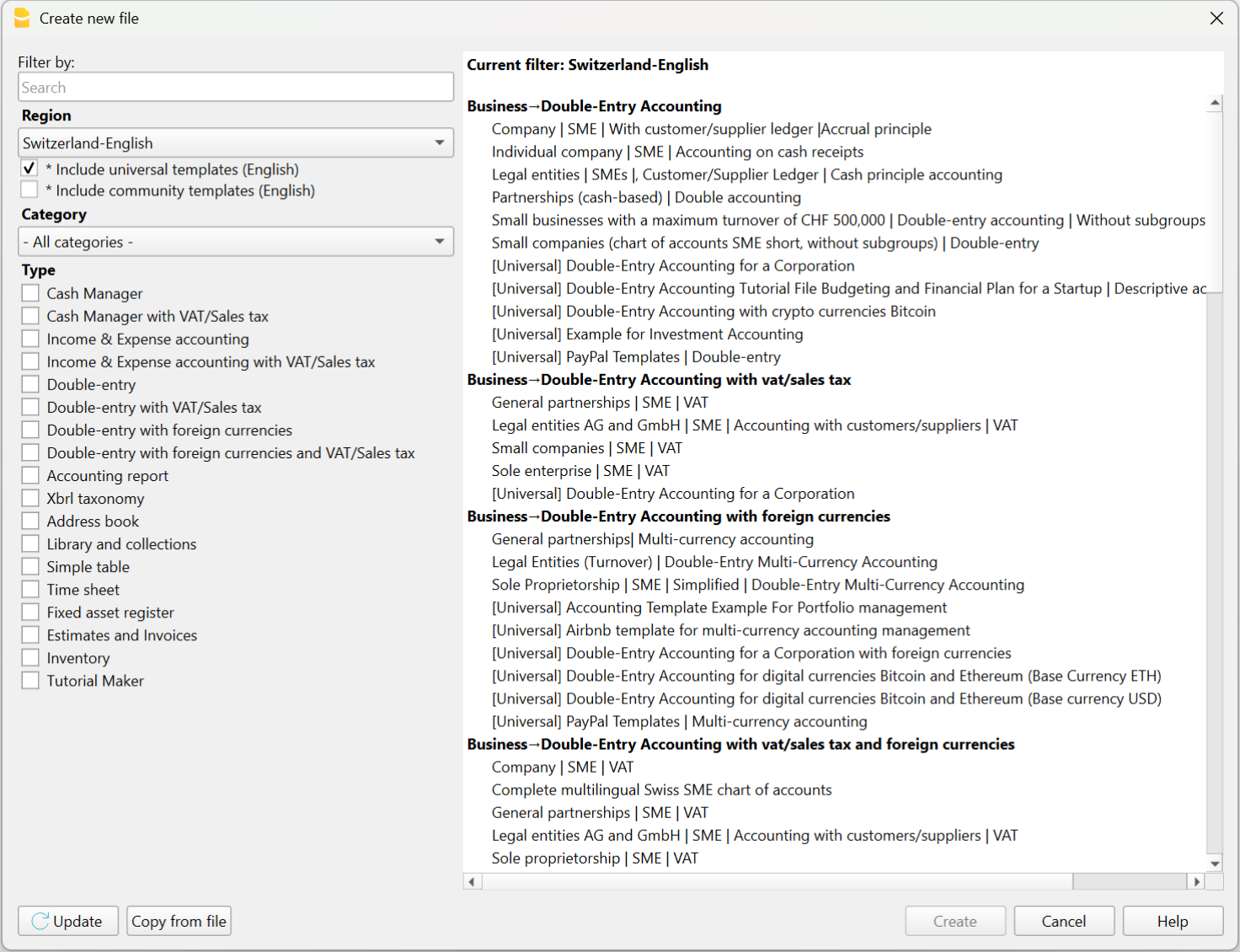
Chart of accounts and opening balances
After choosing the template that best suits your needs, you will need to customize the Accounts table by modifying, adding, or removing accounts. You can adjust the chart of accounts and grouping structure at any time.
You can create account plans with grouping structures that reflect those used in existing accounting systems managed with other software.
If you're reconstructing an accounting file, you will likely need to enter opening balances using the “Opening” column in the Accounts table.
Note that in Banana Accounting’s double-entry system, amounts are displayed according to the logic of accounting programs, so Debit amounts are positive and Credit amounts are negative. Opening balances in Credit must therefore be entered as negative values.
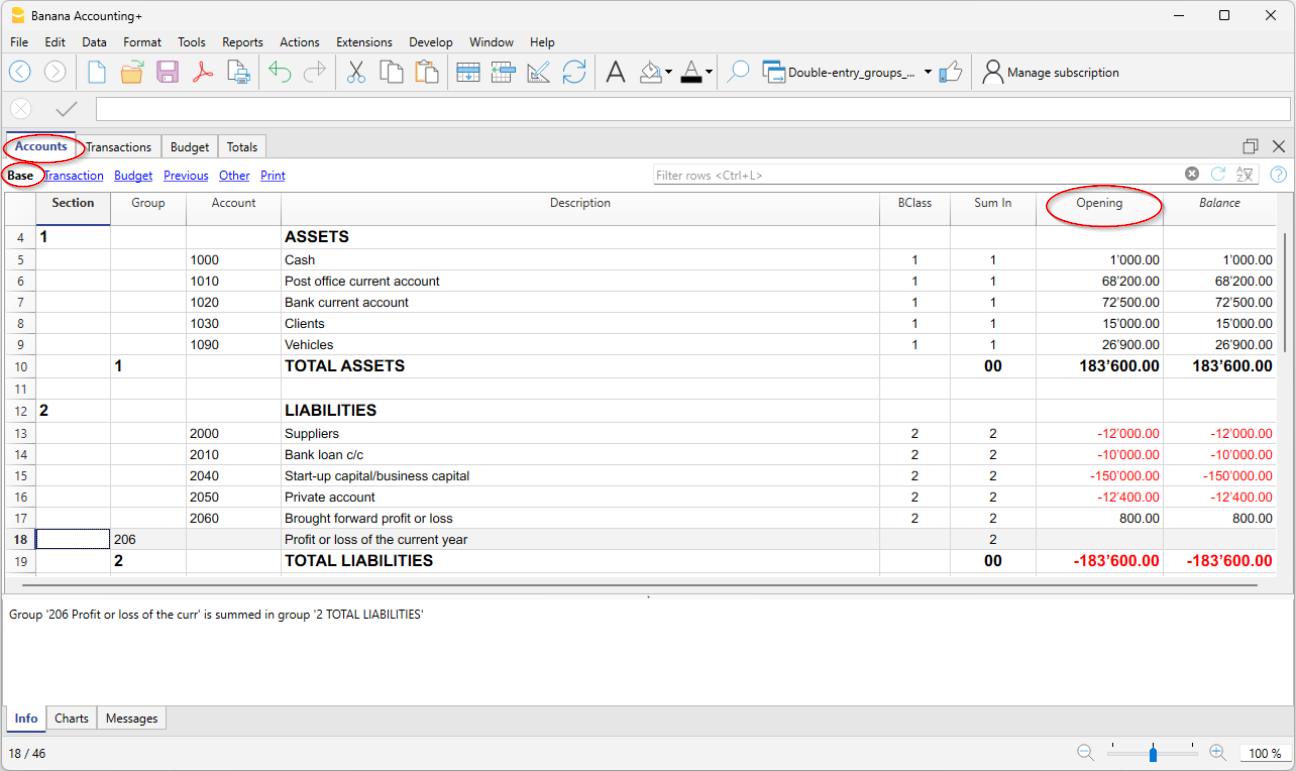
Entering and importing transactions
In the Transactions table you enter accounting transactions:
- You can enter and edit them manually.
- Entering and modifying data within the tables is very easy.
- You can copy and paste from Excel or other programs.
- In the Recurring Transactions table you can set up repeating entries.
- You can import data:
- You can import from CSV or other file formats.
- You can import digital bank statements.
- Several import extensions are available.
- You can create Import Rules that automatically complete the offset account and other elements.
- Modify and complete the transactions:
- When you enter or import transactions, the software will alert you to any errors or differences.
- You can apply rules for automatic completion.
- You can modify the transactions.
Banana Accounting was designed for small businesses, but in theory, there are no limits to the number of transactions or accounts you can manage. The software keeps all data in memory, so performance depends on your computer’s RAM and processor. Some clients successfully manage very large accounting files, with tens of thousands of accounts and hundreds of thousands of entries.
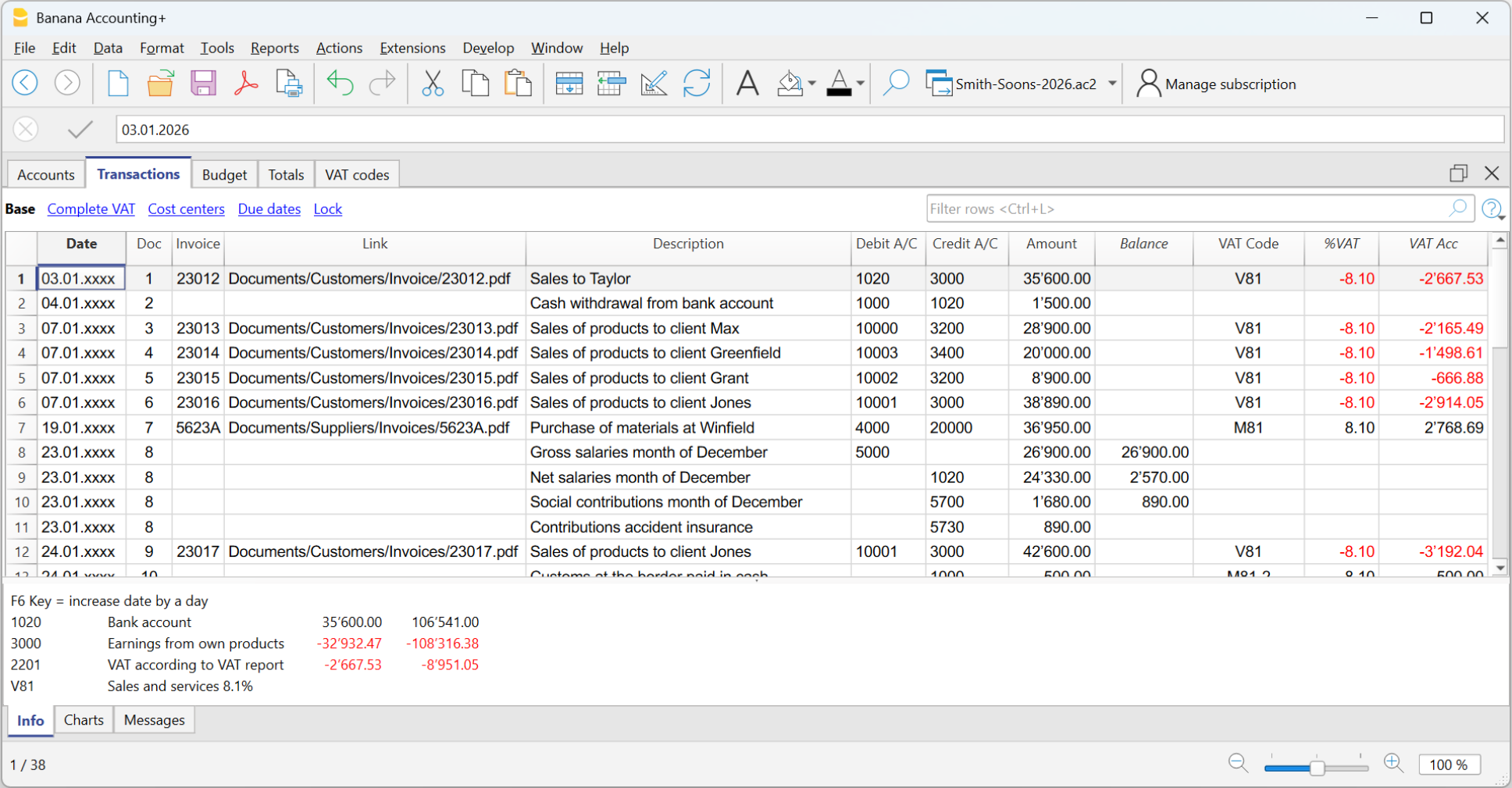
Automatic transaction categorization
Banana Accounting provides a deterministic rule system, configured by the accountant, to automatically categorize and complete transactions imported from bank statements. Thanks to these rules, you can quickly process large volumes of data. The applied rules are always visible in the Recurring Transactions table, where they can be printed and reviewed by auditors. Still, it is good practice to always check individual account statements.
There are many tools that digitize paper documents and, through artificial intelligence, extract information, analyze, and categorize content based on probabilistic logic. These tools can be very helpful and save time. However, it's important to note that categorization based on probabilistic logic is not a reliable source and always requires thorough verification.
AI-based tools often allow data export in CSV or Excel format, so you can easily import the data into Banana Accounting for manual review, corrections, and completion.

Review and add additional information
Once transactions are imported, you can review, edit, and complete them manually with the information you need:
- You can highlight and color rows, bold them, or change font size.
- Using the Data > Arrange Columns menu:
- You can show pre-configured columns (e.g. Notes, Links),
- You can add new types of columns.
- You can add links to supporting digital documents.
- You can use:
- Cost and profit centers – to categorize transactions in different ways.
- Segments – to divide activity by areas, branches, or other categories.

Error detection, reconciliation, and closing procedures
Banana Accounting provides built-in tools for identifying errors, performing reconciliations, and preparing adjusting entries and period-end closings. Thanks to the double-entry structure, inconsistencies are immediately visible, and the accounting check function systematically verifies the chart of accounts and all recorded transactions.
Bank and account reconciliations are simplified through clear account cards, transaction filtering, balance controls, and automatic calculation of differences. This makes it easier to detect missing entries, duplicated postings, or incorrect classifications.
The structured framework also supports the preparation of accruals, deferrals, provisions, and other adjusting entries required for accurate financial reporting. As a result, period-end closings can be completed efficiently and with a high level of reliability, even in complex reconstruction or investigative contexts.
Filtering and other useful features
There are many useful features that allow you to analyze and complete data quickly, including:
- The Balance column in the Transactions table indicates if there is an imbalance between Debit and Credit, due to account coding errors or unbalanced multi-account entries.
- The Temporary row filter function shows only the rows containing a specific text. There is also advanced syntax available for more powerful searches.
When the filter is active, you can edit transaction content, select, copy, and paste cells just like in Excel. - With Temporary row sorting, you can view rows in ascending or descending order based on a column. You can remove the temporary sort to return to the original order.
- Find and replace.
- The Copy rows command copies the selection with column headers. When you paste into Excel, the headers are already included so you can easily apply filters or create pivot tables.
- The Check accounting tool rechecks the chart of accounts and all entries and alerts you if there are errors or discrepancies.

Balance sheet and Account cards
The main advantage of Banana Accounting compared to Excel is that, once transactions are entered, you automatically get the Balance Sheet, the Income Statement, and the account cards for each account.
In the Accounts table, you have an immediate view of all accounts and groups, with updated movements and balances. This way you instantly see the current situation of your Balance Sheet and Income Statement. Of course, it’s essential to verify that bank balances match those in your accounting.

Additional accounting features
At any time, you can adapt your accounting setup and add or remove features. See:
Extensions
Banana Accounting, like Excel, provides a programming language that allows you to perform all kinds of processing.
It is commonly used to create custom reports, but it can also be used, for example, to create import extensions or modify existing data:
- Create extensions for Banana Accounting
- Information on importing data into Banana Accounting
- Information on exporting data from Banana Accounting
We have also created ChatGPT assistants to help you create extensions for generating reports. The extensions run locally in Banana, so you don’t need to send your data to the cloud AI assistant.
Analisi e revisione dei dati contabili
Banana Contabilità permette di analizzare e revisionare facilmente i dati contabili. L’impostazione a tabelle, simile a Excel, consente di visualizzare e ricercare con immediatezza tutte le informazioni. Inoltre, i dati sono strutturati secondo le regole della contabilità in partita doppia, quindi il programma esegue automaticamente una serie di controlli, segnala eventuali errori e mette a disposizione tutti gli strumenti e i report necessari per l’analisi contabile.
Comando Controlla contabilità
Quando si ricostruisce una contabilità capita spesso che non tutte le operazioni possano essere completate, vengano lasciate in sospeso e che magari si cambi anche in modo importante la struttura del piano dei conti.
Banana Contabilità mette però a disposizione il comando che permette di lavorare con la massima libertà e tranquillitaà.
Che azzera tutti i valori e ricalcola e ricontrolla il piano dei conti e tutte le operazioni come se si stessero inserendo manualmente. Se ci sono operazioni in sospeso, errori o differenze queste vengono nuovamente segnalate.
Filtra righe
È certamente una delle funzioni più utili nella ricostruzione contabile, poiché consente di ricercare e modificare rapidamente le operazioni di interesse.
Offre inoltre comandi di filtro avanzati, per esempio per visualizzare solo le righe colorate o le celle che contengono un testo specifico.
Un aspetto molto importante è che, anche quando si applica un filtro o un ordinamento temporaneo, è possibile continuare a utilizzare le funzioni di selezione e copia-incolla. Si possono, per esempio, cercare tutte le righe che contengono un determinato nome e sostituire il conto di tutte le righe in un’unica operazione.
Scheda conto
Il vantaggio principale di Banana Contabilità rispetto a Excel è che, una volta inserite le registrazioni, ottieni in automatico il Bilancio, il Conto Economico, le schede con i movimenti di ogni conto, principale o centro di costo o profitto.
L'estratto conto è ovviamente uno strumento insostituibile in contabilità, perché puoi vedere l'elenco di movimenti specifici che sono stati categorizzati in un preciso conto e quindi avere tutti i dettagli.
Bilanci e Conto economico
Nella tabella Conti hai una visione immediata di tutti i conti e i gruppi, con i movimenti e i saldi aggiornati. Così vedi a colpo d'occhio la situazione aggiornata del Bilancio e del Conto economico. Rimane naturalmente fondamentale verificare che i saldi bancari corrispondano a quelli registrati in contabilità.
Estensioni
Banana Contabilità, come Excel, mette a disposizione un linguaggio di programmazione che consente di effettuare elaborazioni di ogni genere.
Viene generalmente usato per creare dei report personalizzati, ma può anche essere usato ad esempio per creare estensioni di importazione o che modificano i dati esistenti:
- Creare estensioni per Banana Contabilità (in inglese)
- Informazioni per importare dati in Banana Contabilità (in inglese)
- Informazioni per esportare dati da Banana Cobtabilità (in inglese)
Abbiamo anche creato degli assistenti in ChatGPT che ti permettono di creare delle estensioni per generare report. Le estensioni vengono poi eseguite localmente da Banana, pertanto non si devono inviare i dati all’Assistente AI cloud.
Ricostruzione della situazione contabile e finanziaria
Questa pagina introduce alle particolarità dell'attività di ricostruzione contabile finanziaria, dette anche di Forensic Accounting, che pur avendo molte similirità con la tenuta contabile abituale, presenta molte diversità,.
Spiega i come usare al meglio Banana Contabilità in questo ambito e ottere velocemente i risultati desiderati.
Particolarità della ricostruzione contabile
L'attività di ricostruzione contabile è un progetto a se stante, che, da un punto di vista operativo, si differenzia dalla normale tenuta contabile:
- Ha degli obiettivi più specifici (non necessariamente strumento di controllo di gestione).
- Il lavoro viene svolto da un numero limitato di specialisti che ha generalmente accesso illimitato ai dati (situazione diversa rispetto a un ERP).
- Gli specialisti possono non avere o avere poche conoscenze circa l'attività da investigare.
- L'attività viene svolta in un periodo di tempo definito e non ha carattere ricorrente.
- Si ha la possibilità e necessità di elaborare tutti i dati in blocco.
- I dati da trattare non sono stati necessariamente predisposti per servire allo scopo e devono quindi essere rielaborati.
Queste particolarità aiutano a comprendere perché non tutti i software di contabilità, e in particolare gli ERP, siano adatti.
Banana Contabilità, invece, grazie alla sua flessibilità e modularità, è un software ideale per le ricostruzioni contabili e finanziarie di qualsiasi genere.
Fasi per la ricostruzione della situazione finanziaria
La ricostruzione finanziari e generalmente strutturata in più fasi:
- Definizione degli obiettivi dell’indagine.
- Raccolta documenti, estratti conti bancari e altre informazioni finanziarie.
- Ripresa dei movimenti in un sistema contabile, completamento e categorizzazione.
- Verifica, valutazione e analisi dei dati.
- Presentazione delle informazioni economico finanziarie.
- Valutazioni economico e legali, con preparazione dei rapporti.
Durante la fase di verifica e valutazione dei dati, può rilevarsi un'insufficienza di elementi e la necessità di raccogliere ulteriori dati e informazioni.
Organizzare i dati del progetto
La ricostruzione contabile consiste principalmente nel categorizzare i movimenti finanziari relativi a una determinata attività, con l’obiettivo di accertare la provenienza dei fondi o il modo in cui sono stati utilizzati. Si tratta quindi di esaminare documenti che testimoniano i movimenti finanziari, individuare gli elementi più rilevanti e inserirli in un sistema contabile, affinché possano essere classificati ed elaborati per ottenere le analisi e i report necessari.
La ricostruzione contabile parte dunque da un insieme di informazioni digitali o cartacee, che potranno eventualmente essere digitalizzate. Nel corso di un’indagine ci si troverà a gestire una quantità significativa di informazioni digitali, e quindi di file. Idealmente, è opportuno creare una cartella di progetto nel proprio sistema informatico, all’interno della quale salvare tutti i documenti, organizzandoli in sotto-cartelle. Si presume che la gestione degli accessi avvenga tramite le funzioni del sistema operativo, e che gli utenti con accesso ai file siano anche autorizzati a prenderne visione. Se così non fosse, sarà necessario creare cartelle separate, in modo da suddividere i dati e regolare l’accesso in base alle autorizzazioni.
Banana Contabilità è un software che lavora localmente e presuppone che i file contabili su cui opera siano accessibili localmente, direttamente o tramite collegamenti di rete o sistemi di sincronizzazione:
Ovviamente la situazione di un’indagine è generalmente diversa, ma è utile tenerne conto per comprendere la logica di funzionamento del programma e il collegamento con i giustificativi.
Raccolta e digitalizzazione dei documenti
Ogni contabilità si basa su dei giustificativi contabili e quindi il primo passo per avviare un'indagine finanziaria è quello di raccogliere tutti i dati necessari, come
- Giustificativi contabili, come ricevute, fatture, note spese e tutte le informazioni che certificano un cambiamento nella situazione finanziaria.
- Estratti conto bancari, dei clienti o dei fornitori.
- Contratti di diverso genere.
È inutile evidenziare che i risultati di un indagine dipendono in larga misura dalla possibilità di avere informazioni il più possibile precise e dettagliate. Queste devono poi essere valutate e categorizzate, generalmente facendo uso di software atti alla ricostruzione contabile.
Se le informazioni non sono disponibili in formato digitale, sarà necessario riprenderli, tramite degli scanner e software in grado di trasformare delle immagini in dati che possono essere più facilmente trattati. Se il volume di dati è limitato, come può essere il caso di una situazione di un'anziano, i datti possono anche essere ripresi manualmente. Se invece si l'indagine richiede di valutare una grande quantità di informazioni ecco che saranno indispensabili degli strumenti che possano ridurre i tempi e contenere i costi.
Ci sono molti software che si concentrano sulla digitalizzazione e l'estrazione di dati da documenti esistenti, per poi mettere a disposizioni le informazioni in un formato leggibile da Excel, programmi di analisi o software di contabilità.
Creazione del file di contabilità
Il primo passo consiste nel creare un file di contabilità che conterrà il piano dei conti e nel quale saranno registrati e categorizzati i movimenti finanziari. Ciò che rende Banana Contabilità particolarmente adatto all’ambito del forensic accounting è il fatto di essere uno strumento contabile professionale di livello internazionale, modulare e altamente flessibile, che consente di creare contabilità perfettamente adattate alle esigenze specifiche delle indagini, rendendo il lavoro più semplice, rapido e accurato.
È possibile creare un numero illimitato di contabilità, ognuna in lingue e valute diverse, utilizzando sia il metodo delle Entrate e Uscite sia quello della Partita Doppia. Si tratta di una soluzione molto efficace, poiché permette di utilizzare lo stesso strumento per ricostruire qualsiasi tipo di situazione finanziaria: di imprese, fondazioni, associazioni o privati, oppure per analizzare in modo mirato attività specifiche, come la gestione dei fondi di un singolo progetto.
Banana Contabilità è stato concepito per contabilità di piccole imprese, ma teoricamente non esistono limiti al numero di registrazioni o conti che si possono gestire. Il programma tiene tutti i dati in memoria, quindi le prestazioni sono dipendenti dalla quantitià di memoria (RAM) del computer e dalla potenza del processore. Alcuni nostri clienti gestiscono con successo contabilità molto estese, con anche decine di migliaia di conti e centinaia di migliaia di movimenti.
Creare una contabilità partendo da un modello
Il modo più veloce per creare una contabilità è quello di scegliere un fra i tanti modelli disponibili nel Template store:
- Menu File > Nuovo.
Ti appare un dialogo dove scegliere il modello in base alla regione e tipo di contabilità. - Modelli per specifiche Regioni.
- Sono impostati secondo degli schemi contabili nazionali.
- Il piano dei conti ha l’identificativo dei conti generalmente numerico, usato nella nazione.
- Modelli Universali.
- Sono per un uso più generale.
- L’identificativo dei conti è generalmente testuale (conti descrittivi).
Il periodo contabile e numero di file
Generalmente con Banana Contabilità si crea un file di contabilità per ogni anno contabile, pertanto nei dati base della contabilità, la data inizio e fine corrisponderà all'anno civile o fiscale.
Per una ricostruzione contabile che riguarda più anni, può comunque risultare più facile tenere un file unico con tutte le registrazioni. In questo modo si potranno vedere e modificare direttamente tutte i movimenti. Ai fini della reportistica si sceglierà poi il periodo di reporting.
Tenere dei file separati per più anni può risultare utile, specialmente se vi è una gran mole di dati. Con più file separati più persone possono dividersi il lavoro e ciascuno può lavorare così indipendentmente dagli altri. In questi casi è comunque utile tenere un piano dei conti che è identico, così che si può anche creare un file riassuntivo nel quale sono integrati tutti gli anni contabili.
Impostazione del Piano dei conti
Dopo aver scelto il modello più adatto alle tue esigenze, dovrai personalizzare la tabella Conti, modificando, aggiungendo o rimuovendo conti. L’adattamento del piano dei conti e la modifica dei raggruppamenti possono essere eseguiti in qualsiasi momento.
Puoi creare dei piani dei conti con strutture di raggruppamento che riprendono quella di una contabilità esistente gestita con altri programmi.
Inserimento dei saldi d'apertura
Se stai ricostruendo una contabilità dovrai probabilmente inserire i saldi iniziali utilizzando la colonna “Apertura” nella tabella Conti.
Considera che Banana Contabilità, nella contabilità in partita doppia, visualizza gli importi esattamente seguendo la logica interna dei programmi di contabilità, quindi gli importi in Dare sono in positivo e gli importi in Avere sono in negativo. I saldi di apertura in Avere devono quindi essere inseriti in negativo.
Multi-moneta, Criptocurrency, Gestione titoli e altro
Come accennato in precedenza, Banana Contabilità è uno strumento estremamente modulare. Si possono creare contabilità molto semplici, con solo gli elementi essenziali, ma, quando necessario, è possibile aggiungere un’ampia gamma di funzionalità aggiuntive, tra cui la gestione:
- Gestione Clienti e fornitori.
- Gestione IVA.
- Gestione quantitativi e magazzino integrata in contabilità.
- Contabilità Titoli.
Questa funzionalità è generalmente disponibili sono il software contabili specializzati e con costi molto alti. - Tabelle note.
Puoi integrare direttamente in contabilità informazioni che hai raccolto.
Inserire e importare registrazioni
Una volta impostato il file di contabilità, ti rimane la parte principale del lavoro di ricostruzione finanziaria, ovvero importare o inserire nella tabella Registrazioni i movimenti contabili, competandoli e categorizzandoli:
- Puoi inserirli e modificarli manualmente.
- Nella tabella Registrazioni ricorrenti puoi impostare movimenti che si ripetono.
- Puoi copiare e incollare da Excel o altri programmi.
Vedi Riprendere dati da altri programmi. - Puoi importarli da file CSV o di altro genere.
- Puoi importarli da estratti bancari digitali.
- Ci sono diverse estensioni di importazioni.
- Puoi creare delle Regole di importazione che completano in automatico la contropartita e altri elementi.
In poco tempo la contabilità è fatta! Quando inserisci o importi i movimenti, il programma ti segnala eventuali errori o differenze.
Categorizzazione dei movimenti
Elemento centrale di un'indagine forense è la categorizzazione dei movimenti. Se si sospetta una frode i movimenti leciti verranno registrati sui conti considerati leciti, mentre quelli sospetti su altri conti specifici. Se invece se dovrà ricostruire la contabilità per delle indagini tributarie, si dovrà categorizzare i movimenti in base alle specifiche necessità di rendicontazione.
Il primo livello di categorizzazione offerto da Banana Contabilità è quello relativo ai conti impostati nel piano dei conti. I movimenti bancari verranno quindi registrati sul conto apposito e poi si sceglierà il conto di contropartita. Se un'importo deve essere assegnato a più conti di spesa o entrata, la registrazione dovrà usare più righe, ciascuno con il proprio conto e importo.
Con questa categorizzazione tipica di tutti software contabili si avranno già importanti informazioni relativamente alla situazione patrimoniale (Bilancio) e all'evoluzione finanziaria (Conto Perdite e Profitti). Ovviamente si avrà poi l'estratto conto che mostra tutti i movimenti del conto. Se si necessitano di categorizzare con un maggiore livello di dettaglio si possono creare più conti, per esempio, creare un conto "Benzina", in aggiunto a quello "Spese auto" e modificare le registrazioni di conseguenza.
Banana Contabilità consente però anche di categorizzare contemporaneamente gli importi anche usando altre logiche. Ci sono diversi possibilità.
- Puoi evidenziare e colorare le righe, oppure metterle in grassetto o cambiare la dimensione del carattere.
- Centri di costo e profitto,
Permettono di categorizzare i movimenti logiche diverse da quelle contabili.
Sono certamente quelli più adatti per una ricostruzione contabile, perché sono facilmente utilizzabili e danno una visione immediata di certe situazioni. - Segmenti
Permettono di suddividere l’attività per ambiti, succursali o altro. - Colonne Note e altre predefinite.
Con il comando Menu Dati > Disponi colonne puoi rendere visibili diverse colonne predisposte per inserire altre informazioni, come la data valuta, note, ecc. - Sempre con Menu Dati > Disponi colonne puoi aggiungere nuovi tipi di colonne.
Collegamento ai documenti digitali
Ogni riga di qualsiasi tabella ha una colonna già predisposta dove inserire il collegamento a un documento digitale.
- Collegamenti ai documenti (giustificativi) digitali.
- Con un semplice click puoi visualizzare la fatura o la ricevuta collegata a un movimento.
Se vuoi collegare più documenti, puoi aggiungere altre colonne per collegamenti.
Completamento e categorizzazione automatica
Banana Contabilità mette a disposizione un sistema di regole deterministiche, impostate dal contabile, per categorizzare e completare in automatico i movimenti importati dagli estratti conto bancari. Grazie a queste regole, è possibile processare velocemente un grande volume di operazioni. Le Regole applicate sono sempre visibili nella tabella Registrazioni ricorrenti, dove possono essere stampate e verificate da periti. Rimane comunque una buona prassi controllare sempre le singole schede.
Esistono numerosi programmi che digitalizzano documenti cartacei e che, grazie all’uso dell’intelligenza artificiale, estraggono informazioni, analizzano e categorizzano i contenuti basandosi su logiche probabilistiche. Questi strumenti possono essere molto utili e permettere un notevole risparmio di tempo. Bisogna però considerare che la categorizzazione fondata su logiche probabilistiche non rappresenta una fonte sicura e richiede sempre una verifica puntuale.
Gli strumenti basati sull’AI danno la possibilità di esportare i dati in formato CSV o Excel, così da poterli facilmente importare in Banana Contabilità per poi essere controllati, modificati e completati manualmente.
Verifica e modifiche a mano
Gli strumenti di automazione sono molto utili, ma non possono di certo sostituire il controllo e la verifica dei dati da parte dello specialista. Il fatto di essere simile a Excel, di potere vedere tutti i conti, i movimenti e gli estratti conti e molti report disposti in tabella rende le verifiche molto più facile.
Si possono infatti scorrere i dati Banana Contabilità, selezionare celle e completare o apportare modifiche molto velocemente, grazie anche a delle funzionalità che pochi software di contabilità hanno:
- La funzione Filtro righe temporaneo ti mostra solo le righe che contengono un determinato testo. C’è però anche una sintassi avanzata, che permette ricerche molto più potenti.
Quando il Filtro è attivo, puoi modificare il contenuto dei movimenti, selezionando e copiando e incollando celle esattamente come fai con Excel. - Con l'Ordine temporaneo delle righe
Visualizzi le righe nell’ordine ascendente o discendente di una colonna. Diversamente da Excel, dove il sort è definitivo, con Banana Contabilità puoi togliere l'ordine temporaneo per ritornare alla sequenza originale delle righe. - Cerca e sostituisci.
- Il comando Copia e Incolla.
- Il comando Copia righe che è un anche un copia incolla potenziato, in quanto include anche le intestazioni colonne. Così quando incolli i dati in Excel, hai già le intestazioni per applicare facilmente filtri o creare tabelle pivot.
- La colonna Saldo nella tabella Registrazioni indica se vi è uno sbilancio fra Dare e Avere, dovuto ad errori nella codifica dei conti oppure a registrazioni su più conti che non si compensano.
- I grafici nella finestrra Info che mostrano l'evoluzione di un conto o gruppi nel tempo.
Filtra righe
È certamente una delle funzioni più utili nella ricostruzione contabile, poiché consente di ricercare e modificare rapidamente le operazioni di interesse.
Offre inoltre comandi di filtro avanzati, per esempio per visualizzare solo le righe colorate o le celle che contengono un testo specifico.
Un aspetto molto importante è che, anche quando si applica un filtro o un ordinamento temporaneo, è possibile continuare a utilizzare le funzioni di selezione e copia-incolla. Si possono, per esempio, cercare tutte le righe che contengono un determinato nome e sostituire il conto di tutte le righe in un’unica operazione.
Comando Controlla contabilità
Quando si ricostruisce una contabilità capita spesso che non tutte le operazioni possano essere completate, vengano lasciate in sospeso e che magari si cambi anche in modo importante la struttura del piano dei conti.
Banana Contabilità mette però a disposizione il comando che permette di lavorare con la massima libertà e tranquillitaà.
Che azzera tutti i valori e ricalcola e ricontrolla il piano dei conti e tutte le operazioni come se si stessero inserendo manualmente. Se ci sono operazioni in sospeso, errori o differenze queste vengono nuovamente segnalate.
Revisione e analisi dati
Banana Contabilità permette di analizzare e revisionare facilmente i dati contabili grazie all’impostazione a tabelle, simile a Excel, che consente di visualizzare con immediatezza tutte le informazioni. Inoltre, i dati sono strutturati secondo le regole della contabilità in partita doppia, quindi il programma esegue automaticamente una serie di controlli, segnala eventuali errori e mette a disposizione tutti gli strumenti e i report necessari per l’analisi contabile.
Crea una contabilità con i dati di una contabilità preesistente
Banana Contabilità è un software molto flessibile e modulare, che consente di creare facilmente una nuova contabilità partendo dai dati di una contabilità esistente gestita con un altro programma. Avere tutti i dati della contabilità disponibili in Banana Contabilità può essere molto utile in divesti ambiti e specialmente per indagini nell'ambito del forensic accounting.
Di seguito viene illustrata la tematica e come procedere in modo efficace, fornendo anche rimandi alle informazioni utili per ogni fase.
Perché riprendere i dati in Banana Contabilità
Banana Contabilità visualizza tutti i dati contabili in forma tabellare, permettendo di scorrerli, ricercarli rapidamente e ottenere immediatamente i report contabili. Consente inoltre di modificarli, aggiungendo informazioni o categorizzando i movimenti secondo criteri personalizzati. In molti casi riprendere una contabilità esistente in Banana Contabilità può essere molto utile:
- Si dispongono dei dati contabili, ma il software originale con cui era stata tenuta la contabilità non è più disponibile, oppure riattivarlo risulterebbe troppo complesso o costoso.
- La ricostruzione contabile ha uno scopo limitato e non giustifica la riattivazione dell’intera applicazione.
- Le persone che svolgono l’indagine non possono accedere all’applicativo contabile oppure dispongono di un accesso molto limitato, che restringe le possibilità di analisi.
- L’accesso ai dati contabili in modo strutturato facilita attività di controllo, audit, analisi e permette di estrarre nuovamente informazioni o stampare rendiconti.
- Il software originario è ancora operativo, ma non offre sufficiente flessibilità nelle indagini, né consente di aggiungere facilmente nuove informazioni o riclassificare i dati.
- L’impresa desidera un metodo più flessibile per accedere ai propri dati contabili.
- È necessario conformarsi a un obbligo legale che prevede la disponibilità continua dei dati contabili.
- Si vuole abbandonare l’altro software e utilizzare Banana Contabilità, proseguendo il lavoro già iniziato.
La ripresa dei dati contabili risulta utile anche per indagini finanziarie di forensic accounting, per attività ispettive o di revisione dei conti, oltre che per facilitare analisi e ricerche.
I dati preesistenti
Gli elementi principali di una contabilità sono:
- Informazioni circa la società, periodo contabile e altro.
- Il piano dei conti, con la relativa classificazione.
- I movimenti contabili.
- I giustificativi contabili.
In Banana Contabilità ci si limita a mettere un link che collega la registrazione al documento. - Informazioni supplementari circa gestione IVA, clienti e fornitori, fatture.
Queste informazioni possono essere già disponibili in un formato che può essere trasformato o importato in Banana Contabilità. Se non è il caso si dovrà procedere alla trasfromazione.
Probabimlente non si andrà a riprendere tutti i dati, ma solo quelli che sono necessari per lo scopo che ci si prefissa.
I passi per creare una contabilità e riprendere i dati
Per potere arrivare ad trasferire tutti i dati in Banana Contabilità ci sono dei passi da seguire:
- Creare un nuovo file di contabilità.
Generalmente è utile partire da un modello esistente, configurato in modo simile a quello che sono le proprie necessità. - Impostare i dati base.
Nome della ditta, moneta base, periodo contabile e altro necessario. - Impostare o importare il piano dei conti sulla base di quello esistente.
Si stratta di riprendere nella Tabella Conti il piano dei conti. - Impostare altre informazioni, come per esempio la tabella dei codici IVA.
- Importare i movimenti contabili nella Tabella Registrazioni.
È utile ovviamente automatizzare il più possibile questa operazione.
I dati importati potranno comunque anche essere aggiustati manualmente. - Controllo e verifica.
Si deve controllare che i saldi della contabilità corrispondano a quella originale.
Creazione contabilità e ripresa dati in un passo unico
Se i dati della contabilità sono disponibili in un formato che contiene tutte le informazioni necessarie è possibile creare un'estensione che crea, in base alla struttura dati esistenti, la nuova contabilità e vi traferisce tutti i dati in modo automatico.
Il presupposto è che l'applicativo originale salvi o esporti i dati in un file unico e che vi sia un'estensione di Banana Contabilità predisposto per questo scopo, tipo:
- Audit file for Taxation
- È un formato file XML concepito appositamente per archiviare i dati di una contabilità in modo standard, così che possano essere resi facilmente accessibili alle autorità tributarie, per dei controlli e verifiche
- In certe nazioni, è pure obbligatorio salvare i dati in questo formato per scopi di archiviazione.
- Banana Contabilità ha delle estensioni in grado di leggere in automatico taluni di questi file e ricreare in automatico la contabilità.
- Formati file proprietari
- Ci sono applicativi contabili in grado di salvare tutti i dati della contabilità in un formato proprietario.
Per creare un nuovo file si usa:
- Comando: Menu Strumenti > Crea File da dati esterni
- La programmazione dell'estensione avviene tramite le funzionalità File Creator Extensions.
Ripresa dati in blocco
Il processo di ripresa dei dati viene fatto in due tempi:
- Creazione e impostazione del file di contabilità in modo manuale.
- Importazione dei dati in blocco usando il comando
- Menu Azioni > Importa in Contabilità > Importa file
Questo approccio viene usato per esempio per:
- Italia: Estensione importazione delle fatture scaricate dal cassetto fiscale dell'Agenzia delle entrate.
L'estensione in automatico crea i conti dei clienti e dei fornitori e aggiunge i movimenti contabili.
Le estensioni che usano questo approccio usano la Document Change API di Banana Contabilità che permette di apportare modifiche a più tabelle.
Ripresa dati in più fasi
Il processo di ripresa dei dati viene fatto in diversi tempi:
- Creazione e impostazione del file di contabilità in modo manuale.
- Importazione o impostazione del piano dei conti.
- Importazione o ripressa dei dei movimenti.
L'automazione del processo si concentra sull'importazione die movimenti.
Questo approccio è quello più comunemente usato, anche perché
- Vi sono diverse estensioni già predisposte per l'importazione dei movimenti.
- L'importazione dei dati può essere fatta in modo semi automatico trasferendo prima i dati in Excel e poi copiandoli in Banana Contabilità.
Vedi: Riprendere dati da altri programmi.
The Standard Audit File for Taxation (SAF-T)
The Standard Audit File - for Taxation (SAF-T) is a file format that specify how to package all the most important accounting data in a standard format. The SAF-T is a recommendation of the OECD’s Committee on Fiscal Affairs (CFA). The file format makes it easier for taxpayers to provide their electronic records to tax auditors in support of their tax return and for auditors to review accounting records.
Import SAF-T Files
Banana Accounting allows you to export and import accounting data in various national SAF-T formats. See:
Main SAF-T Uses
There are different uses for the SAF-T files:
- Auditing purpose.
Every Auditor or VAT inspector has the discretion to demand the file at the occasion of an audit. Accounting software should be able to generate the SAF-T file when auditors require it.SAF-T allows auditors ready-access to data to perform compliance and substantive testing. - Archival purpose.
The SAF-T format is used to store the accounting data for archival purpose. Accounting data is therefore available over the times in a standard format. This use case is especially important for cloud service solution, that makes the data available only until they pay the subscription.
Using the SAF-T file for archival purpose is a very intelligent way to have always access to the accounting data.
SAF-T is the standard archival format in Norwegian for companies with a minimun revenues. - Analytics purpose.
You can use the accounting data for analytics and reporting that your current accounting solutions does not offer. - Moving data to other solutions.
The SAF-T file allows companies that switch solution to more easily move their accounting data to other solutions.
The structure of the SAF-T
The SAF-T file is an XML file that has been conceived to structure all the accounting data in a standard format. The SAF-T format has been conceived in a way that allows countries to create localized version that best support the local
The forma include the most important accounting data:
- Header information.
Company information - Master Files
- General ledger Accounts (GeneralLedgerAccounts)
All the accounts used within the accounting solutions, with- AccountId and Description
- Account grouping, account type and account standard id for country specific categorisation.
- Opening and closing balance.
- Accounting Taxonomy (Taxonomies)
Information for grouping the accounts for reporting. - Customers (Customers)
List of all the customers:- Address and company information.
- AccountId and grouping.
- Opening and closing balance.
- Suppliers (Suppliers)
List of all the suppliers:- Address and company information’s.
- AccountId and grouping.
- Opening and closing balance.
- TAX table (TaxTable)
Information regarding the VAT or Sales Tax.- Tax Code
- Percentages and applicability date.
- Inventory (PhysicalStock)
- Products list
- Quantities, opening and closing values.
- Fixed Assets
- Id and descriptions
- Acquisition information
- Valuation
- General ledger Accounts (GeneralLedgerAccounts)
- General Ledger Entries
Journal Entries- Transactions date, type
- Source documents
- Account id, customer or supplier info
- Debit and credit amount
- Tax information
- Analysis (Cost, projects, amounts)
- Source Documents (SourceDocuments)
- Sales Invoice
- Purchase invoice
- Payments
- Movements of goods
- Assets transactions
Currently Products, Source documents and other data is not imported.
Standard Audit File for Payroll (SAF-P)
The SAF-P (AuditFilePayroll) is aimed at saving data relative the payroll. The SAF-P is structured in this way.
- Header
With company information. - MasterFiles
With data for Employees, Branches. - TransactionsFiles.
For more information see the OECD Guidance document for SAF-P version 1.0 (2010).
Banana Accounting currently does not provide a reader for SAF-P files.
References
- SAF-T Wikipedia page
- OECD (FTA - Forum on Tax Administration)
- Guidance for accounting software developers concerning auditing requirements.
- FTA Guidance Notes on E-Auditing Standards
- SAF-T Version 2.0 (2010)
- SAF-T Version 1.0 (2005)
- SAF-T and SAF-P overview and governing bodies.
- TJC Group - SAF -T
- Czechia: VAT Control Statement
Standard Audit File Reader
How to view the content of a SAF-T file
Follows this simple steps.
- First use
- Install and run the Banana Accounting Insider Preview.
- Menu->Extensions->Manage Extensions install the Import extension for your audit file.
See the list of country specific import extensions.
- View the audit file
- Menu->Tools->Create file from external data.
- Select the audit file you want to import.
- You should have an audit file created with a country specific accounting software.
- Select the correct extension (*.xml or *.*) to show the file on disk.
Banana will create a in memory new accounting file and import all the data. Depending on the size of the audit file, after some time, you will see all the data in the Transactions and Accounting table.
Once the data is converted you can save the file and access the data later at any time without the need to convert.
In order to import all the data you need the Advanced Plan. With the free plan or professional plan only 70 transactions will be imported.
See how the SAF-T Reader work
If you don't have any audit file and you want to see how the SAF-T Reader work, we make available some test file you can experiment with.
- Download a test file
- Install the audit file country specific import extension.
- Proceed as explained above.
Country specific SAF-T file
Each country has their own specification that is usually a derivation of the OECD SAF-T 2.0 standard.
Currently Banana Accounting has import extensions for this SAF-T format:
Other file import
There are also extensions that import data from other country specific file types.
- German DATEV
- Import accounts
- Import transactions
- Electronic invoices Italy
It allows to import customer's invoice from a XML files (Cassetto fiscale).
In order to import the content of this kind of file you should proceed as explained before under import in existing files.
Structure of the accounting data in Banana
In Banana is a flexible accounting software based on the double entry accounting method. The SAF-T reader recreate a complete accounting file. In Banana Accounting the data is contained in tables that are like Excel sheets.
- Accounts table.
It contains the account plan, including:- The general ledger accounts
- The customers and suppliers accounts with address.
- The groups and grouping structure that form the Balance sheet and Profit & Loss statements.
- The opening balance and current balance calculated based on the transactions.
- Transactions table
It contains all the journal movements including the VAT information.
View and analyze the accounting data
Once the SAF-T data is loaded in Banana, you can view the content and use the accounting specific commands. Here are some suggestion on the use the converted accounting data. Kindly let us know if you have any feedback or suggestion on getting the max out of your accounting data.
View the content
- Scroll the Transactions and Accounts tables.
- The Data->Find command let you search for any text.
- The Data->Extract command to filter and sort content.
See graphic trend
- Select the Charts window.
- Select the account or group you are interested in seeing the graphical performance of.

Copy and paste to Excel
- Select the cell of the table you want to copy and paste in Excel.
- Select the rows and use the command Edit->Copy rows and when pasting in Excel you will also have the column header, for simple filtering.
Print or export
- Preview and print the content of the table or any reports.
- Export to pdf, html or any other format.
Accounting reports
The conversion process recreates a complete accounting file. So, you can use all the double entry reporting functionalities, like:
- The Actions->Account card give you the reconstructed card with all the transactions of any account or group.
- Within the Accounts table you have the recalculate balance of each accounts and groups that form the Balance Sheet, Profit & Loss Statement.
- With Reports->Advanced Balance Sheet with groups, you can print and customize the balance sheet and profit and loss statement. You can also have reporting by periods.
- With Reports->Accounting report you get the data in table format, for period or other parameters.
Adding comments or other information
Once you have the SAF-T data in the accounting file you can add other information.
- Make the column Notes visible.
- Use Cost centers columns to group transactions.
- Add any other column you need.
- Add a linked table for further categorisation.
- Mark the lines with colors to quickly retrieve some transactions.
Javascript extraction and reporting
The integrated Javascript interpreter let you create script:
- Select and extract data.
- Use the Banana Accounting API for
- Create any type of reports.
Organizing files of more years
If you have to do analysis on more than one account years it make sense to save the data in the Banana Accounting and connect the file of the previous year. Later you quickly open the files and create reports with data of multiple years.
- Convert the SAF-T to Banana Accounting and save the file.
- Set the file of the previous year.
File->File Properties->Options.
Importing SAF-T In an Existing Banana Accounting File
You can also import the SAF-T in an existing accounting file.
- Open your accounting file.
- Menu->Action->Import
- Import file
- Install and select the import extension for the specific country.
Feedback and contacts
The SAF-T Reader is a new product. We welcome any feedback on how to improve it or to provide extensions that could make auditing and analytics more easy.
Kindly contact our costumer service specifying "audit file" and the country extension you are using. Also briefly indicate your question or suggestion.
全球商业计划模板
针对自由职业者和小公司的现金流计划,预算和管理
在此文中
针对自由职业者和小公司的现金流计划,预算和管理
针对自由职业者和小公司的现金流计划,预算和管理
使用现金流量模板控制公司流动性的未来变化,降低成本并优化销售。您一眼就能看到每月或每年的实际情况,以了解未来的销售以及资金是否足以应付财务的不确定性。
直接在网页中打开Banana财务会计+
无需任何安装,可以直接在您的浏览器上运行 Banana财务会计+。客制化您的模板,输入发生业务并将文件保存在您的电脑上。
在浏览器中打开模板 Open tutorial in WebApp模板文件
使用Banana财务会计软件创建现金流量预算,就像使用Excel创建现金流量预算一样,但是更快,更安全,而且全部免费。借助现成的模板,您可以立即开始,只需输入数据即可。
您事先知道有多少流动性资金,流动性会持续多长时间,何时会面对费用的支出以及稳定的收入。您可以模拟费用减少,并查看它对流动性和盈利能力的影响,了解未来的销售量以及您的资金是否足够。
根据我们的操作指南,可以帮助您进行现金流量预算并解决财务问题。如果在细节上遵循操作,您一定会取得成功,因为您可以对费用进行修改和更正,轻松更新预算。
创建您的文件
- 从该模板开始,创建一个新文件(模板编号+11047),使用在文中所解释的任何一种方式。
- 文件菜单→文件和账户属性命令,设置公司名称,会计期间及本位币。
- 文件菜单→另存为命令保存文件。以公司名称和年份作为文件名很有用。
例如“公司-2022.ac2”
调整账户和科目表
在创建自己的现金流量之前,您需要快速调整账户和科目以适应您的特定需求。
账户表
账户表仅显示现金账户,或者更确切地说,显示的是您所拥有的流动性。您可以通过更改账户名称、摘要和期初余额对其进行自定义。

科目表
该表格包含收入和费用类别以及资本变动。您可以通过添加新项目,更改科目名称,更改顺序并删除不需要的科目来编辑这些科目。您随时可以查看每个科目的更新余额。

通过有用的资本流入 & 资本流出部分,您可以登记:
- 贷款注入及偿还
- 所有者的注入及支出
- 固定资产的购入及销售
要随时了解当前的现金流量 (当您开始输入日常会计发生业务), 您只需查看净现金变动行中的值。通过这种方式,您一眼就能知道资金是流入还是流出,以及确切的金额。

创建您的现金流量预算
Banana财务会计软件有意义的创新之处在于,它可以创建现金流量预算以控制流动性并为您的业务做出及时的决策。
因此,我们现在建议您创建自己的现金流量预算。转到预算表:该表格包含了您一年内所有的现金流入及流出。
要正确创建预算,请按照以下简单步骤操作:
- 输入营业收入
- 输入营业费用
- 输入资本注入
- 输入资本支出
输入营业收入
首先列出所有的营业收入及其金额。现金销售是主要的收入,但是其它收入取决于您的经营活动。
营业收入可能包括:
- 现金销售
- 杂项现金收入
- 客户信用账户中的收款
- 利息
要在预算表中插入一笔会计发生业务,您必须输入日期(您预期会有这笔收入的日期),期末(如果需要),重复(该收入重复的频率,例如每周,每月或每年),摘要,收入列中金额和收入的科目。
在模板中,您可以看到已经存在的预算会计发生业务示例,可以根据您的需求轻松修改或清除。您也可以输入新的一笔业务。
为了使估算金额尽可能的精确,请查看去年的金额,并在需要更谨慎时采用四舍五入。
提示:
- 只基于有保障的收入
- 根据收入的重复次数汇总金额(每周,每月,每年,...)

输入经营费用
现在是该列出所有经营费用的时候了。正如您对收入所做的那样,在这里您必须通过查看去年的金额来估算费用,当需要更加谨慎时,可以将其四舍五入。在一年的年初做一个大概的预测,总是比对费用的增加感到意外要好得多。
经营成本可能包括:
- 工资
- 薪资
- 房租
- 保险费
- 广告及促销
- 公共事业
- 差旅费
- 通讯费
- 银行费用
- 利息
- …
提示:
- 根据费用的重复性将它们分组 (每周,每月,每年,...)

输入资本注入 & 输出
这个部分对于净现金流量预测是非常有用的,而不仅仅是一个经营预测。您必须输入预期的资本注入及输出发生业务,固定资产的投资及撤资。
资本可能包括:
- 贷款注入
- 所有者现金注入
- 销售固定资产
资本输出可能包括:
- 贷款偿还
- 支付给所有者的现金
- 购买固定资产

控制您的现金流量预测
重要的是通过您的预测,可以立即知道业务是否产生了正的现金流量。您好奇吗?生成的预测报告会给您答案!
要做这个检查非常容易:只需到点击报表菜单 → 按组生成报表,然后在出现的列表中选择第一年预算报告。点击确定 查看预测报告。
任何活动的目标肯定是拥有正的现金流量 ,因为只有这样才能使其生存,或者更确切地说是能够向供应商付款,偿还债务,...检查净现金变动项目(在报告底部)并确保您获得正的结果(流入)。 如果是这样,您会很高兴,因为您的业务经营得很好!
另一方面,如果您的净现金流量(流出)为负,则意味着您的企业很难管理流动性。 在这种情况下,您需要做的首先是重新检查估计的收入和支出,是否有任何调整或需要纠正的错误,可以改善现金流量。 如果您仍然有负的现金流量,则需要考虑从明年或预测期开始时,采取措施改善流动性管理。 您极有可能将不得不尝试减少运营费用。

除年度预测外,始终在报表菜单 → 按组生成报表中 ,有更详细地控制流动性趋势(例如,其在一年中的表现),您可以选择每季度和四年的报告,或者创建您自己的报告。


输入发生业务
在现金流量预测得到控制的情况下,您可以开始登记各种实际发生的流动性发生业务,并不时将其与期望值进行比较。
登记流动性发生业务
每日发生业务必须插入到发生业务表中 。 进行登记的过程与预算表中的预测过程相同(唯一的区别是没有重复列)。 该表中还有一些示例可以删除和编辑。

用账户明细查看动向
当您逐步输入发生业务记录时,检查现金帐户或特定费用科目随时间变化的情况可能会很有用。 为此,您可以查看相应的账户/科目明细。
例如,通过选择现金账户明细,您将获得其所有活动的摘要。 通过单击底部的图表选项,您可以更直接地查看该账户的表现。
提示:每月至少检查一次现金账户,可以立即查看进展情况并将其与过去几个月进行比较。

检查余额和预算之间的差额
为了更好地控制表现,您可以转到账户或科目表,选择预算视图,然后查看预算差额列,该列向您显示实际余额与预算值之间的差额。这样,您便有了一个额外的指标,可以了解是否在预算方面做得很好,并可以做出更好的决策。

将预测与当前报告进行比较
在一年中,您可以随时将当前状况与预测进行比较,了解是否花费更多,以便提前做出决策。在年底,您可以把实际报告和预测进行最终比较,以查看您是否已实现预期的净现金流量。
从账户菜单 → 按组生成报表 → 与预测比较的年度报表。

如果您希望有一个更精确和更有针对性的视图,可以创建按月细分的报告,其中还包括每个月的余额和预算值之间的差额。 这可以让您了解您流动性困难最大的月份和收入最多的月份。

到年底了,所以现在您必须重新计划下一个,创建一个新的现金流量预测,与您到目前为止所做的完全一样。 不要停止,只有这样,您才能看到您的现金流量越来越好!
模板预览
XX公司现金流量
| 总组 | 账号 | 摘要 | 总和 |
|---|---|---|---|
| 现金 | 现金和银行资产 | ||
| 总组 | 科目 | 摘要 | 总和 |
|---|---|---|---|
| 现金流量 | |||
| 收入 | |||
| 销售收入 | 销售现金收入 | 收入 | |
| 杂项收入 | 杂项现金收入 | 收入 | |
| 利息收入 | 利息收入 | 收入 | |
| 退税款 | 收入税退还 | 收入 | |
| 收入 | 总收入 | 经营结果 | |
| 费用 | |||
| 产品成本 | 直接产品/服务成本 | 费用 | |
| 工资 | 直接工资 | 费用 | |
| 个人所得税 | 直接工资税和福利 | 费用 | |
| 供应商 | 供应商 | 费用 | |
| 广告 | 广告和促销 | 费用 | |
| 汽车 | 汽车/运输 | 费用 | |
| 银行手续费 | 银行服务手续费 | 费用 | |
| 许可证 | 营业执照和许可证 | 费用 | |
| 慈善机构 | 慈善捐助 | 费用 | |
| 电脑 | 电脑和互联网 | 费用 | |
| 教育 | 继续教育 | 费用 | |
| 订阅 | 会费和订阅费 | 费用 | |
| 保险 | 保险费 | 费用 | |
| 餐饮 | 餐饮和娱乐 | 费用 | |
| 商家账户费 | 商家账户费 | 费用 | |
| 办公用品 | 办公用品 | 费用 | |
| 邮寄费 | 邮寄和派货 | 费用 | |
| 打印费 | 印刷和复制 | 费用 | |
| 法律服务 | 专业服务和法律服务 | 费用 | |
| 租金 | 租金付款 | 费用 | |
| 分包商 | 分包商 | 费用 | |
| 电话费 | 电话费 | 费用 | |
| 差旅费 | 差旅费 | 费用 | |
| 公用事业费 | 公用事业费 | 费用 | |
| 网站 | 网站开发 | 费用 | |
| 其它费用 | 其它费用 | 费用 | |
| 利息费用 | 利息费用 | 费用 | |
| 收入税 | 收入税 | 费用 | |
| 费用 | 总费用 | 经营结果 | |
| 经营结果 | 经营结果 | 现金流量 | |
| 资本金输入 | |||
| 贷款注入 | 贷款注入 | 资本金输入 | |
| 业主注入 | 业主现金注入 | 资本金输入 | |
| 销售固定资产 | 销售固定资产 | 资本金输入 | |
| 资本金输入 | 总资本金输入 | 资本金输入-资本金输出 | |
| 资本金输出 | |||
| 偿还贷款 | 偿还贷款 | 资本金输出 | |
| 业主支出 | 给业主的现金支出 | 资本金输出 | |
| 购买固定资产 | 购买固定资产 | 资本金输出 | |
| 资本金输出 | 总资本金输出 | 资本金输入-资本金输出 | |
| 资本金输入-资本金输出 | 资本金变动 | 现金流量 | |
| 现金流量 | 净现金变动 - 流入(+) 流出(-) | ||
创业公司的财务计划 | 收益&费用会计核算
在此文中
创业公司的财务计划 | 收益&费用会计核算
创业公司的财务计划 | 收益&费用会计核算
了解如何创建初创公司商业计划书内的财务计划。只需输入您的投资、支出和收入预测,即可看到销售、收益和流动资金的演变。无需专业的会计知识,即可轻松使用收益&费用核算。
直接在网页中打开Banana财务会计+
无需任何安装,可以直接在您的浏览器上运行 Banana财务会计+。客制化您的模板,输入发生业务并将文件保存在您的电脑上。
在浏览器中打开模板 Open tutorial in WebApp模板文件
请注意:这个财务计划的模板是以酒吧或餐馆的管理为例的,因为这是被大众所熟知的商业活动,因此非常适合何用来了解Banana财务会计软件的运作原理。此模板也可用于其它类型的活动 (初创公司),为其做财务和流动性的规划。
模板预览
卢克的咖啡厅
本位币: EUR
收益 & 费用核算
| 总组 | 账号 | 摘要 | 总和 |
|---|---|---|---|
| 资产 | |||
| 现金 | 库存现金 | 资产 | |
| 银行 | 银行账户 | 资产 | |
| 客户 | 客户账户 | 资产 | |
| 家具 | 办公室家具和设备 | 资产 | |
| 库存 | 库存商品 | 资产 | |
| 电器 | 机械和电器 | 资产 | |
| 电脑 | 电脑 & 软件 | 资产 | |
| 供应商 | 供应商 | 资产 | |
| 借款 | 借款 | 资产 | |
| 股权 | 股权 | 资产 | |
| 资产 | 总资产 | ||
| 总组 | 科目 | 摘要 | 总和 |
|---|---|---|---|
| 经营结果 | |||
| 收入 | |||
| 销售收入 | 销售收入 | 收入 | |
| 利息收入 | 利息收入 | 收入 | |
| 收入 | 总收入 | 总额 | |
| 费用 | |||
| 货物 | 货物成本 | 费用 | |
| 材料 | 原材料 | 费用 | |
| 工资 | 个人费用 | 费用 | |
| 社保 | 社保 | 费用 | |
| 医保 | 医疗保险 | 费用 | |
| 租金 | 租金及相关费用 | 费用 | |
| 行政费用 | 行政费用 | 费用 | |
| 利息费用 | 利息支出 | 费用 | |
| 折旧 | 折旧 | 费用 | |
| 税 | 直接税 | 费用 | |
| 费用 | 总费用 | 总额 | |
| 总额 | 经营业绩总额 | ||
初创公司预算和财务计划的完整示例教程
在此文中
初创公司预算和财务计划的完整示例教程
初创公司预算和财务计划的完整示例教程
学习如何用复式记账法为初创企业创建一个专业的财务计划。快速获得未来几天、几个月和几年的现金、资产负债表和盈亏的详细预测。在任何时候都可修改数据,软件会实时更新,并立即可看到更新的预测结果。
直接在网页中打开Banana财务会计+
无需任何安装,可以直接在您的浏览器上运行 Banana财务会计+。客制化您的模板,输入发生业务并将文件保存在您的电脑上。
在浏览器中打开模板 Open tutorial in WebApp模板文件
模板文件
无论您是打算开展新业务还是制定业务计划,流动性预测管理是至关重要的。特别是在新的业务开始时,可能很容易让您陷入财务困境。
Banana财务会计软件为您提供设置财务计划和流动性预测的可能性,允许每天进行高度准确的监控。允许您将会计预测到未来,并在您的分类账中管理未来的几年的财务核算。
请注意:这个财务计划的模板是以酒吧或餐馆的管理为例的,因为这是被大众所熟知的商业活动,因此非常适合何用来了解Banana财务会计软件的运作原理。此模板也可用于其它类型的活动 (初创公司),为其做财务和流动性的规划。
卢克餐厅的财务计划和流动性管理
本节将解释如何根据复式记账模式为一项新的创业活动制定财务计划。
更多信息请参考预算及财务预测的好处和特点部分。
卢克计划在2022年开设一家餐厅,并正在准备一份财务计划,包括所有必要的细节。
- 他的项目融资包括正当途径和从第三方贷款。
- 2022年1月,他租用经营场所,重新装修并布置,开始了他的商业活动。
- 财务计划成立时间为2022年1月至2025年12月。
下面我们会向您展示使用Banana财务会计软件,轻松制定月度计划的例子:

经济预测和流动性管理
这个模板将帮助您了解Banana财务会计软件中财务计划的不同功能。一些功能,如公式,将在更高级的情况下使用。在Banana财务会计+中,只有在高级计划中才有可能输入公式。现在就更新!
- 预算发生业务的应用
- 重复性发生业务
- 使用数量和单价
- 使用公式
- 使用变量
- 计算资产和负债账户的利息
- 结转账户余额
- 结转发生业务记录
- 一个会计年度按季度划分的预算,包括经营结果和流动性预测
- 几个会计年度的预算,包括经营结果和流动性预测
文件和账户属性
开账日期为2022年1月1日,结账日期为2022年12月31日。
这也是用于预算中总计列的计算周期。

会计科目表
此示例旨在解释您的预算预测表的功能。
- 会计科目表,精简,便于使用。
- 账户的综合名称是用来说明Banana会计软件的使用。
- 期初基本货币。活动是从头开始的,所以没有期初余额。
- 预算基本货币。这是会计期末的总体预算。 请注意,这代表了预算期末的资产负债表和损益表。


创建您自己的会计科目表
账户表定义了支出、收入和投资等要素。如果您想对费用进行更详细的细分,您需要添加其它账户。
与其从一个非常简单的会计科目表开始,然后再添加科目和组别,建议从一个更有结构的会计科目表开始。Banana会计软件提供有不同的会计科目表模板,建议选择和调整一个最接近您需求的模板,然后添加预算标签。
预算表
预算表 (请参阅列说明) 内输入与计划相关的记录。
财务计划可通过复式记账输入在预算表中。预算表提供了更多附加的列,极大地便于编制财务计划。
- 重复
例如,如果您指定M=每月,则会生成所有后续月份的数据。
如果单元格为空,则操作仅执行一次。 - 期末
与重复相结合,设置经营活动发生的最后日期。 - 总金额
当前年度记录的总金额。 - 数量,单价
指示出根据数量计算价值的组合。 - 公式
允许指定计算金额的公式。
该公式优先计算金额。
一月份的发生业务
这些与发生业务表中输入的完全相同,因为还没有进行重复性发生业务。
这是餐厅开业的第一个月,有所有者权益的登记,购买家具和增加贷款。
下面的屏幕截图中显示的输入,例如,第一个月的租金,被列入非重复性发生的业务,以说明一些简单的业务不具有重复性。

二月份重复性发生业务
在二月份,输入将按月发生的业务。

-
从1月份至6月份的租金为1'000.00每月,并于7月份增加为1'200.00每月。
-
记账凭证号:5
第一笔租金用现金支付。可能还会支付押金。 -
记账凭证号:50
从2月份到6月份租金的预算是1'000.00每月。-
在2月2日,从银行账户支付租金
在接下来的几个月里,租金的支付将在每个月的第2日计算。 -
期末 是6月30日
最后一笔1'000.00每月的租金在6月2日发生。 -
重复 M=每月
-
总金额 5'000.00(5*1'000.00,系统自动计算)是此期间发生业务的总金额。
-
-
记账凭证号:51
从7月份开始的租金预算。-
日期 7月2日
在接下来的几个月中,1'200.00租金的支付在每月的第2 日计算。 -
期末
由于没有指明日期,这笔费用将在接下来的几个月或几年内重复性发生。 -
重复 M=每月
-
总金额 7'200.00(5*1'200.00,系统自动计算)
表示从7月份至12月份六个月的租金。
-
-
- 记账凭证号:52
-
日期 2月10日
-
期末 (租约)2021年1月31日。租约的最后一期到期时间
-
重复 M=每月
该操作每个月重复一次,最后一次是在2021年1月。 -
借方 A/C 管理费用
-
贷方 A/C 银行(用于付款)
-
金额 每月租赁费为200.00
-
总金额 2'200.00(200.00*11个月)
-
- 记账凭证号:53
-
日期 2020年2月10日
-
借方 A/C 管理费用
-
贷方 A/C 银行(用于付款)
-
金额 租赁金额为400.00。
-
总金额 为空,因为本年度没有支出
-
-
租赁退款收银机。
此操作仅在2020年进行,把它列在这里,是因为它与月度租赁有关。 -
记账凭证号:54
月度工资。-
日期 2月25日
-
重复 M=每月
该操作在每个月的25日重复进行。 -
总金额 55'000.00(5'000.00*11个月)
-
-
记账凭证号:55
管理费用(这是一个近似值:为每个单独的费用输入正确的预算是必要的)。-
日期 2月28日
-
重复 ME=月末
该操作在每个月的最后一天重复进行,3月份是3月31日,4月份是4月30日,依此类推。 -
金额 300.00
-
总金额 3'300.00(300.00*11个月)。
-
收入和商品采购的预算
根据业务活动类型,必须选择最适合的收入方式。
考虑到每月可能存在大的波动,收入和商品采购按月度金额逐项列出。
事实证明,对饮料或食品使用单独的营业额数字更为合适。
二月份的重复列为空,因为我们预计明年会有更高的金额,我们会在后期添加。
从三月份开始,营业额被认为是未来数年的表现。

按月计算收入预算和商品成本指标。
- 记账凭证号:101
二月份收入指标-
日期 2月20日
收入发生在一个月的每一天,我们选择一个月的月中日期作为流动性的近似水平。 -
重复 为空(不重复)
预计明年会有更高的数字,并在以后的一年里记录。 -
借方 A/C 存入银行的现金收据
-
贷方 A/C 销售收据
-
金额 10'000.00
-
总金额 10'000.00,下一次的操作在明年,因此总金额代表的是一个单一的金额
-
-
记账凭证号:102
商品预测成本指标,比例按月20%计算。-
日期 2月21日。发生业务后的第二天
-
重复 不重复
该操作于每个月的21日进行重复。因此,每个月的商品成本将按购销账户的发生业务百分比进行计算。 -
借方 A/C 货物成本记在货物账户中
-
贷方 A/C 银行 通过银行账户支付货款
-
-
记账凭证号:103
这两行类似于记账凭证 101和记账凭证 102,但针对的是三月份。-
重复 Y=每年。以后每年三月份的营业额和成本
-
-
记账凭证号:104至记账凭证号:112
在每月的20日预计一年中不同月份的销售额。
以后几年的收益
发生业务可以在接下来的几年中显示。
这些数据将用于确定未来几年的预算。
总金额列保持为空,是因为这些值超出了范围,仅限于当前会计期间。

-
记账凭证号:151
发生业务类似于上一年。-
日期 1月20日
-
重复 Y=每年
这将在今后的几年内重复。 -
总金额 为空(自动计算)
总金额列保持为空,是因为这些值超出了范围,仅限于当前会计期间。
-
季度末
一些典型的发生业务在每个季度末重复。

-
记账凭证号:70
以下是使用数量和单价列的示例。
已知的银行手续费是每月50.00,我们指明的是3个月的费用。-
日期 3月31日
-
重复 3ME=3个月末
-
借方 A/C 管理费用,通常是银行的费用
-
贷方 A/C 银行
-
金额 150.00(自动计算)数量乘以单价
-
总金额 600.00(自动计算)每季度重复一次,直到年底
-
-
记账凭证号:71
需要按季度支付的贷款利息。-
日期 3月31日
-
重复 3ME=3个月末
-
借方 A/C 利息 负债利息费用
-
贷方 A/C 贷款利息被添加到贷款中
-
金额 本季度的利息
-
总金额 本年度的总利息
-
-
记账凭证号:72
贷款的利息是从银行支付的。-
日期 3月31日
-
重复 3ME=3个月末
-
借方 A/C 贷款利息支出账户
-
贷方 A/C 用于支付利息的银行账户
-
金额,使用公式得出的结果,例如,本季度利息
-
总金额 本年度的总利息
-
-
记账凭证号:73
银行存款利息。-
日期 3月31日
-
重复 3ME=3个月末
-
借方 A/C 银行 银行账户
-
贷方 A/C 利息 利息收入
-
金额,本季度的利息收入
-
总金额,本年度的总利息
-
年末
这是一些年终的业务。我们使用重复Y,以便在以后的年份中执行。

-
记账凭证号:200
年末销售额的1%做为佣金。-
日期 12月31日
-
重复 Y=每年重复计算
-
借方 A/C 个人 个人费用
-
贷方 A/C 银行 银行账户
-
金额 付给销售人员的佣金
-
总金额 相同的金额
-
-
记账凭证号:201
偿还10%的未偿还贷款。-
日期 12月31日
-
重复 Y 每年重复计算
-
借方 A/C 贷款 贷款账户(负债)
-
贷方 A/C 银行 用于报销的银行账户
-
金额 6'000.00相当于贷款总金额的10%
-
总金额 相同的金额
-
-
记账凭证号:202
用于摊销的家具。 -
记账凭证号:203
用于调整库存。 -
这是非重复性的,因为评估应基于库存的资产价值。
自定义
使用创建新的自定义命令为打印输出生成新的合成,包括已在预算中设置的按组生成的打印参数。
您可以根据需要预设打印配置。
如果您了解合成的功能,则可以将其与其它命令一起使用,并创建适合自己目的的打印。
账户表中的报告
在账户标签中,查看预算列以浏览更新的预算金额。
第一年的财务和流动性计划
使用命令
- 报表 → 第一年季度预算,可以看到第一年的演变。
自定义已被设置成可视化。
- 按期间细分 → 季度
这两个打印的报表帮助您分析:
- 当前财政年度的经济预测 (费用和收入) 及预算。
- 银行往来账户中流动性的详细演变。
修改或创建一个新的自定义按月细分。

按月
四年的财务和流动性计划
使用命令
- 报表→四年预算
将显示以下内容的预定义组合:
- 从2022年1月1日到2025年12月31日期间
在此报告中,您也可以指定与会计期间不同的时期。程序会在指定期间内自动核算金额。 - 每年细分。

账户明细
打开预算表后,单击银行单元格,将显示账户明细中包含的所有预算发生业务。

模板预览
卢克的餐厅
本位币: EUR
复式记账
| 总组 | 账号 | 摘要 | 总和 | 所属组1 |
|---|---|---|---|---|
| 资产负债表 | ||||
| 资产 | ||||
| 现金 | 库存现金 | 资产 | ||
| 银行 | 银行账户 | 资产 | ||
| 客户 | 客户账户 | 资产 | ||
| 家具 | 办公家具和设备 | 资产 | ||
| 存货 | 存货 | 资产 | ||
| 家电 | 机械和电器 | 资产 | ||
| 电脑 | 电脑和软件 | 资产 | ||
| 资产 | 总资产 | 00 | 1 | |
| 负债和所有者权益 | ||||
| 供应商 | 供应商 | 负债 | ||
| 贷款 | 贷款 | 负债 | ||
| 权益 | 所有者权益 | 负债 | ||
| 损益 | 当前年度的利润 (-) 或亏损 (+) | 负债 | 1 | |
| 负债 | 总负债和所有者权益 | 00 | 1 | |
| 损益表 | ||||
| 收入 | ||||
| 销售 | 销售收入 | 收入 | ||
| 利息收入 | 利息收入 | 收入 | ||
| 收入 | 总收入 | 结果 | ||
| 费用 | ||||
| 商品 | 商品成本 | 费用 | ||
| 材料 | 原材料 | 费用 | ||
| 工资 | 人事费用 | 费用 | ||
| 社保 | 社保 | 费用 | ||
| 租金 | 租金及相关费用 | 费用 | ||
| 管理 | 管理费用 | 费用 | ||
| 利息支出 | 利息支出 | 费用 | ||
| 折旧 | 折旧 | 费用 | ||
| 税 | 直接税 | 费用 | ||
| 费用 | 总费用 | 结果 | 1 | |
| 结果 | 损益表中的利润 (-) 亏损 (+) | 损益 | 1 | |
| 00 | 差额应当 = 0(空白单元格) | |||
Tutorial file for amortisation and interest calculation with budget's formulas
在此文中
Tutorial file for amortisation and interest calculation with budget's formulas
Tutorial file for amortisation and interest calculation with budget's formulas
It shows how to use formula to calculate interest and amortization schedule. The possibility to enter formulas is available in Banana Accounting Plus only with the Advanced plan.
模板文件
The possibility to enter formulas is available in Banana Accounting Plus only with the Advanced plan. Update now!
模板预览
Non Profit Organization XX
Accounting 2022
Basic Currency: CHF
Double-entry
| Group | Account | Description | Sum In |
|---|---|---|---|
| Cash | Cash on hand | ||
| Loan | Bank loan | ||
| Interests | Interest expenses |
预算及财务计划的完整示例教程 (含公式)
在此文中
预算及财务计划的完整示例教程 (含公式)
预算及财务计划的完整示例教程 (含公式)
学习在商业计划中使用数量和公式。 软件自动计算折旧及利息,为复杂的计算创建函数,例如所得税。
模板文件
此模板中的示例,展示如何使用预算表中的公式选项卡,以及数量和单位价格列。
有关如何使用预算表及其列的说明,请参阅预算及商业计划页面。
请记住,计算是按时间顺序进行的,而不是根据预算登记输入的顺序进行的。
数量和单价列的使用

在公式界面中,您可以看到数量和单位/价格列。
- 记账凭证号 10:在一个月内以价格/单位的价格出售的咖啡数量(数量列)和咖啡销售总收入(总金额列)。
- 数量和价格/单位列的值也可以输入负数,但是金额会自动转化成正数。
JavaScript语言公式
 在公式列,您可以输入JavaScript语言表示的计算。
- 如果公式的结果是数字,它会在相应列中显示为金额。
- 记账凭证号21和22:可以指定数字或数学表达式。
- 记账凭证号40和41:“//”表示已输入注释。
- 记账凭证号42:在 /* e */ 之间输入的文本被视为注释,而不是公式的一部分。
公式错误

当输入数据发生错误时:
- 包含错误的行以红色突出显示。
- 错误消息显示在信息窗口中。
为了避免弹出的错误提示窗口有持续的声音信号,错误已在示例模板中被视为注释(它们以 "//"开头)。
分号分隔符 ";"

JavaScript使用 ";"来终止命令的每一行。您可以将数学表达式连接成一行。返回值将是最后一个表达式的结果。
逗号分隔符 ","

在JavaScript中,逗号用作函数不同表达式之间的分隔符。结果值将是最后一个表达式的结果。
不要把逗号用作小数点的分隔符,因为在公式中它会被视为表达式的分隔符,因此数值将被切断。
句号分隔符 "."

JavaScript使用句号 "." 作为小数点的分隔符。无论操作系统首选项中的小数点设置是什么,都要始终使用句号。
简单数字计算

您可以在公式列中使用简单的数字组合数学计算。
文本和变量

- 文本在引号之间,作为引号。
- 变量是提及的已分配值的元素。
- 变量名称必须以字母或下划线开头。
- 首先,必须通过分配“变量名称=100”来定义变量。
例如:
- 记账凭证号70
引号之间的"Banana" 是一个文本。 - 记账凭证号101
为该变量分配了一个值100。 - 记账凭证号102
将使用金额变量的内容。 - 记账凭证号103
将使用金额变量的内容,增量为10。 - 记账凭证号Doc
金额变量的内容以10的增量分配给金额变量。金额变量等于110。 - 记账凭证号105
该公式将按月重复计算"重复 = M"。- 第一次110+10 = 120
- 第二次120 + 10 = 130,以此类推。
- 记账凭证号106
如果未输入注释,则会显示一条错误信息,表明尚未定义金额1。 - 记账凭证号110
名称 "Banana" 已经分配给文本变量。
控制 if .. then .. else 流
您可以使用JavaScript的所有条件表达式。主题很广泛,建议您参考 有关JavaScript语言文档。
在这里,我们只想指出在JavaScript中:
- 等号 "=" 用于为变量 "a=10" 的分配值
- 相反,为了比较,使用两个连续的等号 "==" 。如果 (10==10) {1};

- 记账凭证号200-203
如果单词 "if" 之后的括号中给出的条件为真 "(10==10)", 则金额列将显示大括号 "{1}" 中的下一个表达式的结果。
如果条件为假,则 "(10==9)" 为零。
属性和功能

可以使用预定义的JavaScript函数,例如,数学模型 .round (请参阅记账凭证号220-222示例)。
要调用一个函数,请在函数名称后面加上括号内的函数参数。
- 记账凭证号220
数学模型中的 .min (10, 30, 2) 将返回逗号之间指定值的最小值。
当前行的"行目标"

行目标是Banana.Document.Row类型,它引用当前行。
通过价值函数指定列名,将返回改特定列的内容。
预定义的借记和贷记功能

公式仅允许使用正值。
- 如果是正数,借记功能将返回作为参数输入的值。
- 如果输入的值是负数,贷记功能函数将返回的值反转。
整个期间的会计功能

在没有指示定义期限的情况下,使用特定的预算功能将返回相对于当前状况的值。
请注意并记住,行中的数据是按顺序处理的,因此该行将没有后续值。
在定义期间使用会计功能

在定义的期间内使用会计功能。
当前期间的budgetBalance函数将始终与整个期间的函数相同,因为budgetBalance函数将返回该期间末的余额,并且处理的最后一行也是当前期间的最后一行。
相反,budgetOpening和budgetTotal函数会将初始日期考虑在内,因此有必要对其进行指示。
利息计算功能

budgetInterest函数以实际天数(365/365)为基础,根据指示的帐户在输入日期计算利息。在计算当月的利息时,必须将月末表示为日期。
- 记账凭证号500
第二个参数代表利率,5表示5%,如果需要支付借方利息,则会在相应的日期进行计算。 - 记账凭证号520
如果有应付利息,会在相应的日期进行计算。这将在银行账户显示为负值。
计算所得税的功能

- 记账凭证号600
对于所得税的金额在损益表的最后一组(在这种情况下,02)中的 "budgetTotal" 期间计算出的移动。
贷记 (budgetTotal("Gr=02","YC"))*0.10- 您可以在当前年度的预算总计中获得组移动
budgetTotal("Gr=02","YC") - 贷记功能 () 函数仅在其值为负为返回该值并将其转换为正。
贷记 (budgetTotal("Gr=02","YC")) - 结果乘以 0.10 (百分比 10%)
- 在借方账户中,必须指出损益表中的税收账户。
- 在贷方账户中,必须指出银行账户或国库贷方账户。
- 您可以在当前年度的预算总计中获得组移动
用户定义功能
在文档表中,添加了一个“ _budget.js”文件,您可以在其中定义公式列中调用的Javascript函数。
以累进税率计算所得税
- 记账凭证号610
利润首先被计算并分配给变量。 - 记账凭证号611
利润被传递到calcTaxes()函数,该函数根据金额应用税率并返回要支付的税额。
其他用户定义的功能
- 记账凭证号620
调用了test()函数,该函数也在budget_js文档中定义,该文档仅返回一个值。
使用变量进行下一步计算

变量对于存储下次计算的值非常有用。
- 记账凭证号700-704
销售指数- 记账凭证号700
索引固定为1(100%)
这里不使用借方账户和贷方帐户,因为该行仅用于定义价格指数。 - 记账凭证号701
成本单价变量用于购置成本的计算(0.2=20%) - 记账凭证号702
销售额是价格指数值的1000倍。 - 记账凭证号704
自3月1日起,该指数将增加
- 记账凭证号700
- 记账凭证号720-722
每月的销售数字分配给月份功能,然后计算销售佣金。
JRepeatNumber列

当行中包含重复时,将会将重复代码作为JrepeatNumber插入公式单元格中。
- 第一个重复值为0
- 第二个重复值是1,依此类推
当重复不允许您覆盖预定义的变量时,请使用JRepeatNumber。
通过使用JrepeatNumber作为对象的参数,可以注册序列并在以后的阶段调用它。
模板预览
路克的咖啡厅
本位币: USD
复式记账
| 总组 | 账号 | 摘要 | 总和 | 所属组1 |
|---|---|---|---|---|
| 资产负债表 | ||||
| 资产 | ||||
| 现金 | 库存现金 | 1 | ||
| 银行 | 银行存款 | 1 | ||
| 客户 | 客户账户 | 1 | ||
| 家具 | 家具 | 1 | ||
| 库存 | 库存商品 | 1 | ||
| 1 | 总资产 | 00 | 1 | |
| 负债和所有者权益 | ||||
| 供应商 | 供应商 | 2 | ||
| 贷款 | 贷款 | 2 | ||
| 实收资本 | 实收资本 | 2 | ||
| PL | 本年度收益(-)或损失(+) | 2 | 1 | |
| 2 | 总负债和所有者权益 | 00 | 1 | |
| 损益表 | ||||
| 收入 | ||||
| 销售 | 销售收入 | 4 | ||
| 银行利息 | 利息收入 | 4 | ||
| 4 | 总收入 | 02 | ||
| 费用 | ||||
| 个人费用 | 个人费用 | 3 | ||
| 货物 | 货物成本 | 3 | ||
| 租金 | 租金和其他的费用 | 3 | ||
| 行政费 | 行政费用 | 3 | ||
| 贷款利息 | 贷款的利息 | 3 | ||
| 折旧 | 折旧费 | 3 | ||
| 3 | 总费用 | 02 | 1 | |
| 02 | 损益表中的收益(-) 损失(+) | PL | ||
| 00 | 差额应当为 0 | |||
多币种财务计划的完整示例教程 (含公式)
在此文中
多币种财务计划的完整示例教程 (含公式)
多币种财务计划的完整示例教程 (含公式)
了解如何将财务计划公式与外币一起使用。 使用预定义更改,或创建计算变量的函数。 了解如何管理利润并改变预测。
模板文件
该示例说明,如何在复式记账含外币功能中使用公式。
要使用这些功能,需要使用Banana财务会计软件8.0.5以上版本。
在以前的版本中,某些功能不可用,并且会显示错误消息。
请参阅以下页面以获取更多信息:
以基准货币计算的金额
该公式先以帐户的第一货币来计算金额,然后以基准货币计算相对价值。
汇率及历史汇率

-
记账凭证号10和12
如果汇率列中指示了汇率,程序将使用此行中指示的汇率来计算基准货币(在该示例中为EUR)的金额。 -
记账凭证号11和13
如果没有指示汇率,程序则会执行汇率表中汇率进行计算,并在使用重复功能的情况下进行后续操作。 -
如果在汇率表中定义了历史汇率,则可通过添加日期,程序将执行相对于该日期或与上一个日期最近的汇率。
使用基准货币公式

预算表中显示的所有公式都可以在公式列中使用。
以下示例展示了根据公式计算出的基准货币(EUR)的价值。
-
记账凭证号21
销售价值根据公式欧元的价值相乘。相应列中的汇率将被忽略。 -
记账凭证号22
如前面的示例,对于货币金额,是公式计算的结果。 -
记账凭证号23
在 "_budget.js" 文档中,我们定义了一个汇率函数,该函数根据行中的内容计算价值。
利用这些功能,可以创建模拟汇率。
汇率功能示例
美元汇率是按月确定的。
稳定汇率改为使用英镑。
该函数的结果为AmountCurrency的数量乘以汇率。
function cambio() {
    var importo = row.value("AmountCurrency");
    var cambio = 1;
    var moneta = row.value("ExchangeCurrency");
    var data = Banana.Converter.toDate(row.value("JDate"));
    var mese = data.getMonth() + 1;
    if (moneta == "USD") {
      cambio = 0.95;
      if (mese == 1)
        cambio = 0.96;
      else if (mese == 2)
        cambio = 0.97;
    }
    if (moneta == "GBP") {
      cambio = 1.30;
    }
    return importo * cambio;
  }
汇率差额计算公式
有关计算汇率差额的更多信息,请参考有关多币种发生业务和创建汇率差页面。

-
货币始终是基准货币。
-
不能使用帐户的货币输入金额。
-
汇率留为空白,即使输入值也将被忽略。
-
budgetExchangeDifference函数计算一个帐户的汇率差额,该值表示未实现的汇兑损益。
-
如果该函数是汇兑损失,则函数返回正值;如果是汇兑利润,则返回负数(贷方)。
因此,必须创建两个账户,一个用于汇兑收益,一个用于汇兑损失。 -
返回的金额是基准货币的必要重估,以确保基本货币帐户的余额等于货币帐户的余额,并以用于计算汇兑差额的汇率转换。
-
-
budgetExchangeDifferences函数的第一个“ CUSD”参数是您要为其计算汇兑差额的外币帐户。
-
第二个参数是要被应用的汇率。
- 如果没有显示汇率,则使用与指定日期有关的历史汇率。
- 如果存在“current”,则使用汇率表中没有日期的汇率。
- 您可以指定汇率,小数点分隔符必须是 "."符号。
  credit(budgetExchangeDifference("CUSD"))
  credit(budgetExchangeDifference("CUSD", "current"))
  credit(budgetExchangeDifference("CUSD", "0.95"))
模板预览
卢克的咖啡厅
本位币: EUR
复式记账含外汇
| 总组 | 账号 | 摘要 | 货币 | 总和 | 所属组1 |
|---|---|---|---|---|---|
| 资产负债表 | |||||
| 资产 | |||||
| 现金 | 库存现金 | EUR | 1 | ||
| 银行 | 银行存款 | EUR | 1 | ||
| 银行USD | USD 银行账户 | USD | 1 | ||
| 银行GBP | GBP 银行账户 | GBP | 1 | ||
| 客户 | 客户账户 | EUR | 1 | ||
| 家具 | 家具 | EUR | 1 | ||
| 库存 | 库存商品 | EUR | 1 | ||
| 1 | 总资产 | 00 | 1 | ||
| 负债和所有者权益 | |||||
| 供应商 | 供应商 | EUR | 2 | ||
| 贷款 | 贷款 | EUR | 2 | ||
| 实收资本 | 实收资本 | EUR | 2 | ||
| PL | 本年度收益(-)或损失(+) | 2 | 1 | ||
| 2 | 总负债和所有者权益 | 00 | 1 | ||
| 损益表 | |||||
| 收入 | |||||
| 销售 | 销售收入 | EUR | 4 | ||
| 汇兑损益 | 损益 | EUR | 4 | ||
| 银行利息 | 利息收入 | EUR | 4 | ||
| 4 | 总收入 | 02 | |||
| 费用 | |||||
| 个人费用 | 个人费用 | EUR | 3 | ||
| 货物 | 货物成本 | EUR | 3 | ||
| 租金 | 租金和其他的费用 | EUR | 3 | ||
| 行政费 | 行政费用 | EUR | 3 | ||
| 利息费用 | 利息费用 | EUR | 3 | ||
| 贷款利息 | 贷款的利息 | EUR | 3 | ||
| 折旧 | 折旧费 | EUR | 3 | ||
| 3 | 总费用 | 02 | 1 | ||
| 1 | |||||
| 02 | 损益表中的收益(-) 损失(+) | PL | 1 | ||
| 00 | 差额应当为 0 | ||||
| 基准货币 | 货币 | 文字 |
|---|---|---|
| USD | 美元 | |
| GBP | 英镑 | |
| USD | 美元 | |
| USD | 美元 | |
| USD | 美元 | |
| USD | 美元 | |
| USD | 美元 | |
| USD | 美元 | |
| USD | 美元 | |
| USD | 美元 | |
| GBP | 英镑 | |
| GBP | 英镑 | |
| GBP | 英镑 | |
| GBP | 英镑 | |
| GBP | 英镑 | |
| GBP | 英镑 | |
| GBP | 英镑 | |
| GBP | 英镑 |
Integrated financial planning for accounting firms
在此文中
Integrated financial planning for accounting firms
Integrated financial planning for accounting firms
Template designed to create a financial plan for an accounting, fiduciary or tax advisory firm.
直接在网页中打开Banana财务会计+
无需任何安装,可以直接在您的浏览器上运行 Banana财务会计+。客制化您的模板,输入发生业务并将文件保存在您的电脑上。
在浏览器中打开模板 Open tutorial in WebApp模板文件
The Detailed Budget allows you to plan the future activities of an accounting firm by entering individual budget transactions in the Budget table.
In this tutorial, you will learn how to plan client revenues, collections and the firm's costs, and how to analyze their impact on the Income statement, Balance Sheet and liquidity.
You will also learn how to compare budget data with actual data to identify variances from what was planned.
Introductory video
To see the system in action, watch our video:
Who this tutorial is for
This tutorial is designed for the financial planning and accounting of:
- accounting firms;
- fiduciaries;
- consultants and accountants.
You can use this method both to plan your firm's activities and to prepare financial plans for your clients, integrating financial advisory services with accounting management.
Planning structure
The financial planning of the accounting firm uses the same chart of accounts as the accounting.
Budget transactions are entered in the Budget table and automatically generate the budget values for the accounts and the related reports.
In particular, the model includes planning for:
- expected revenues from individual clients;
- expected collections;
- the firm's costs;
- the related impact on the Income statement, Balance Sheet and liquidity.
In the Accounts table, the Budget column allows you to directly view the values resulting from the financial plan.
Expenses and Revenue – Proft and loss statement
In the Expenses and Revenue section, the Budget column shows the expected expenses and revenues and the financial result generated by the planned transactions.
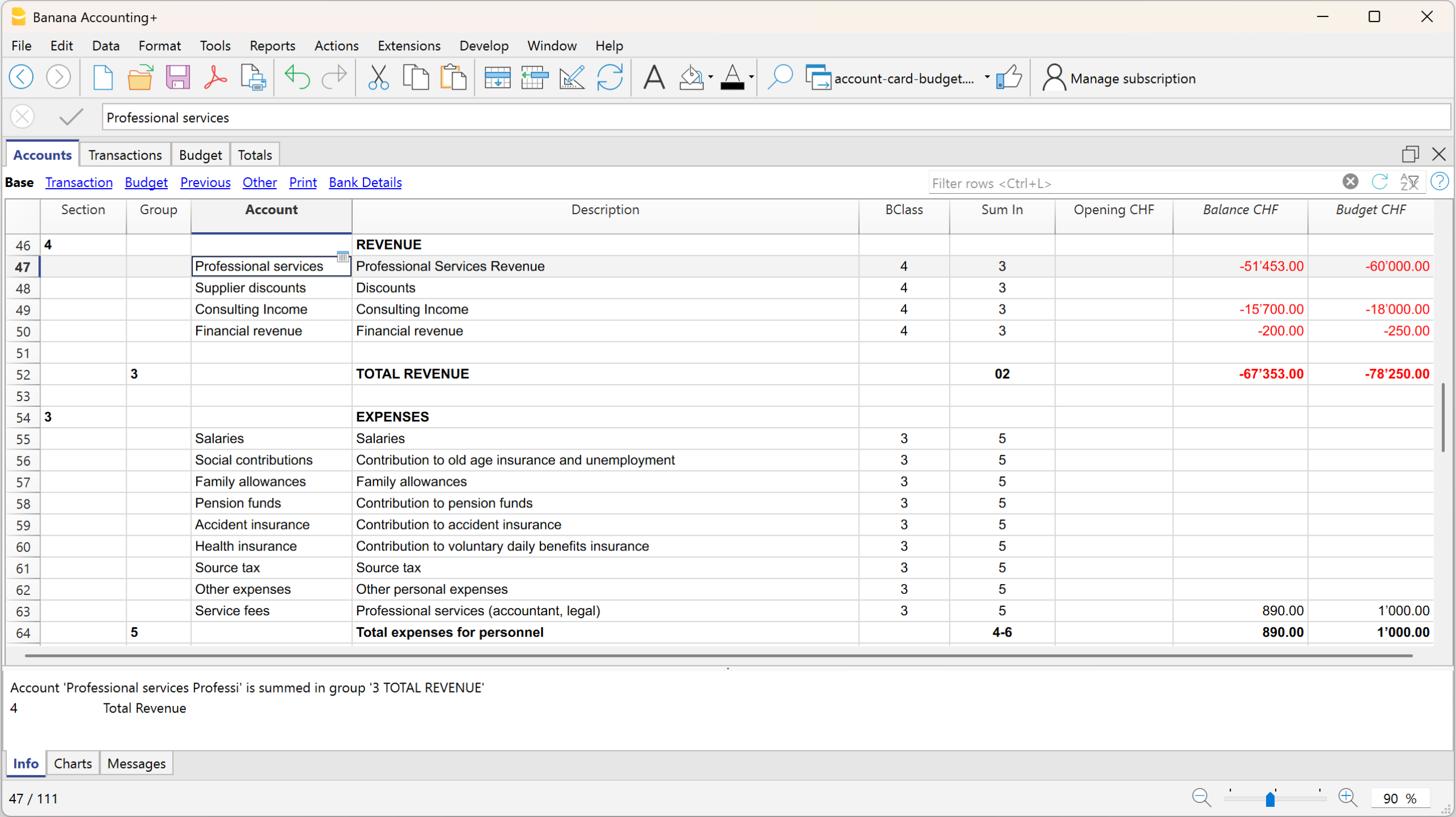
Assets and Liabilities – Balance Sheet
In the Balance Sheet section, the Budget column shows the budget balances of the accounts, including those relating to liquidity and accounts receivable.
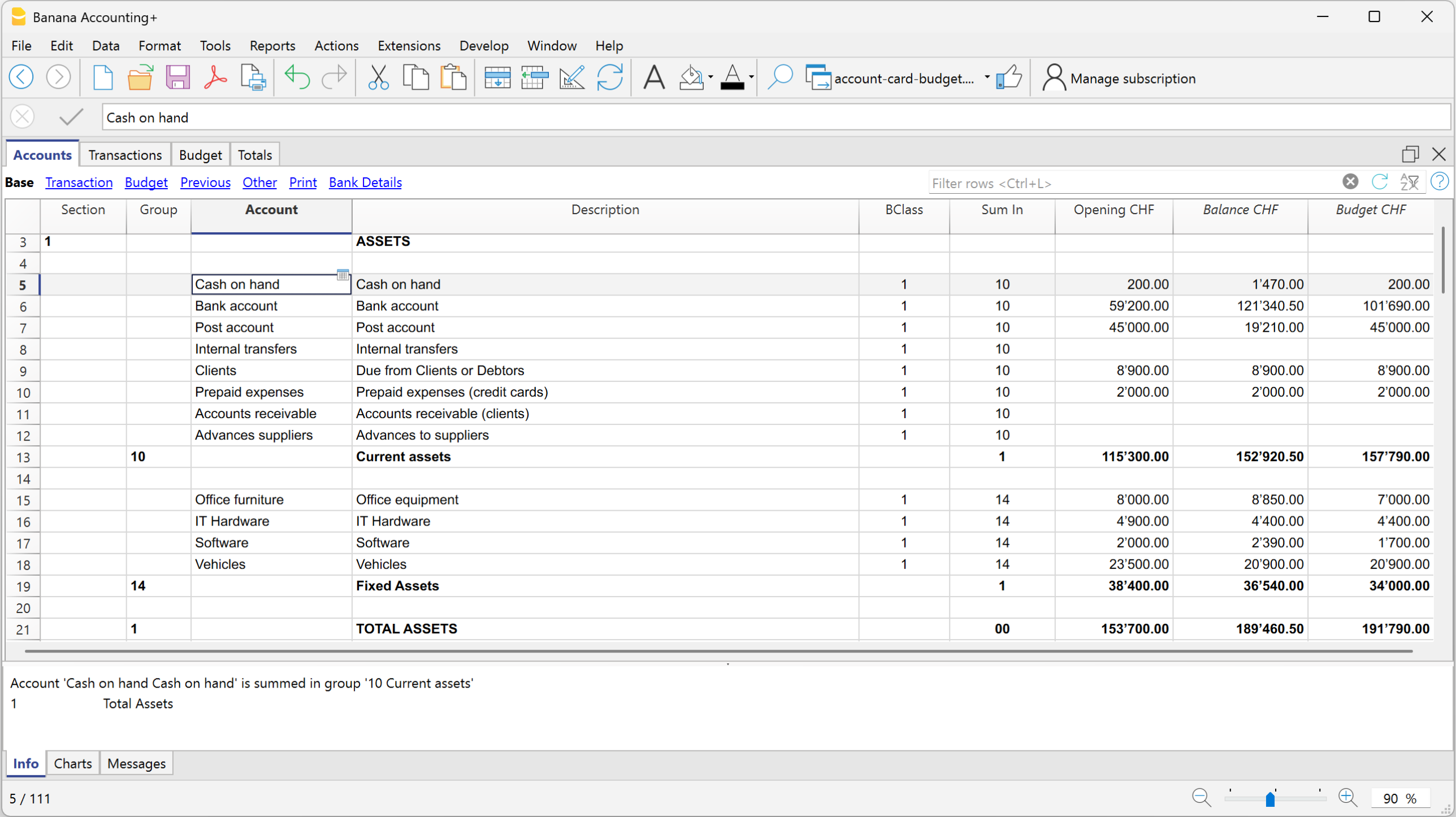
Budget table
The Budget table contains the transactions used to build the firm's financial plan.
In this example, the firm's revenues are planned according to the clients and the expected invoicing frequency.
For a financial plan divided according to additional criteria, the tutorial also uses:
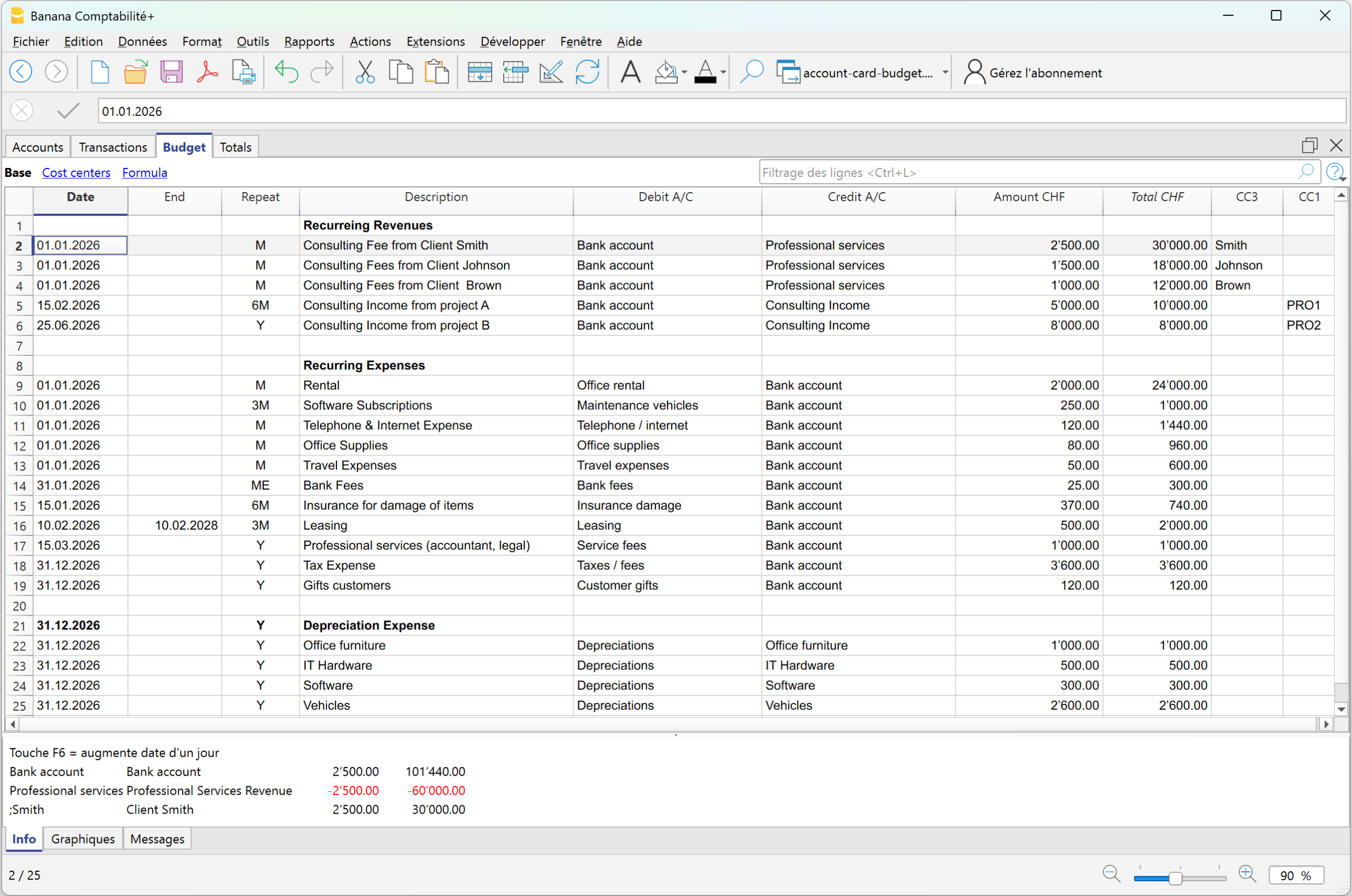
For example, the plan includes:
- monthly revenues from clients such as Smith, Johnson and Brown;
- quarterly revenues from other clients such as Wilson, Carter and Thompson;
- an annual accounting service of CHF 6'800;
- occasional revenues of CHF 5'000 every six months;
- annual interest income of CHF 250.
The Repeat column allows you to define the expected frequency. A single transaction can therefore generate the total annual amount. For example, the monthly fee of CHF 2'500 for client Smith generates expected annual revenues of CHF 30'000.
Cost and profit centers have also been included in the plan to distinguish individual clients and group revenues according to their type, such as monthly, quarterly, annual or occasional revenues.
If necessary, you can also use the VAT Code in budget transactions to forecast the VAT payable to the tax authorities and the liquidity required for the related payment.
For more information about entering transactions, repetitions and other functions, see the Budget table page.
Once the budget transactions have been entered, Banana Accounting automatically performs all calculations: it determines the account balances and the impact on the Income statement, Balance Sheet and liquidity. There is therefore no need to perform calculations or manually transfer values to the reports.
Forecast reports and comparison with actual data
The transactions planned in the Budget table are automatically included in the reports.
By displaying Actual, Budget and Difference in the same report, you can check not only the expected result, but also how the actual business activity is developing compared with the financial plan.
Balance Sheet
The report allows you to compare the actual financial position with the budget and view the related differences.
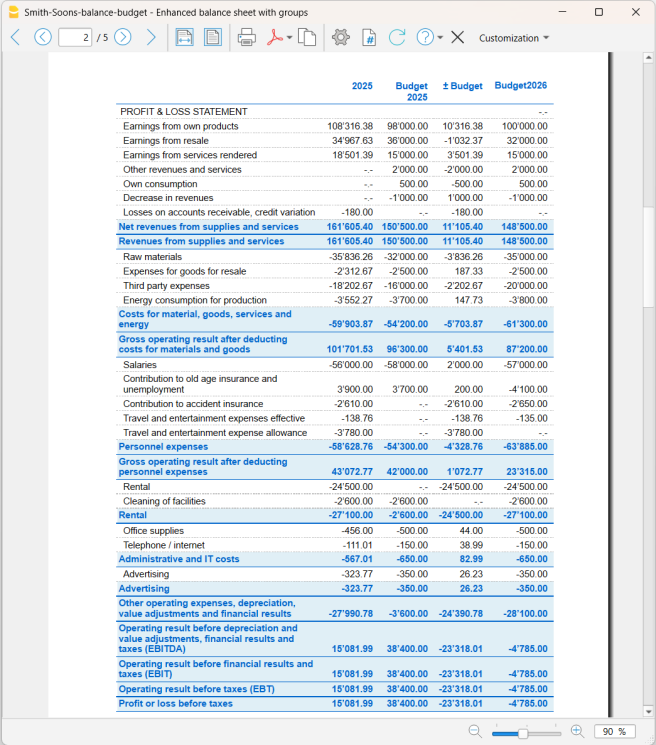
In this example, total budgeted assets are CHF 196'590, while the actual amount is CHF 189'460.50, resulting in an overall difference of CHF -7'129.50.
The difference is also visible in the individual accounts. For example, the bank account has an actual balance of CHF 121'340.50 compared with the budgeted CHF 106'490, while the postal account has CHF 19'210 compared with the planned CHF 45'000.
The report therefore makes it possible to understand not only whether the overall financial position is in line with the Budget, but also which accounts have contributed to the variances.
The actual profit shown in the Balance Sheet is CHF 34'760.50, compared with a budgeted profit of CHF 42'890, resulting in a variance of CHF -8'129.50.
Profit and loss statement
The Profit and loss statement allows you to identify the source of the variance in the result.
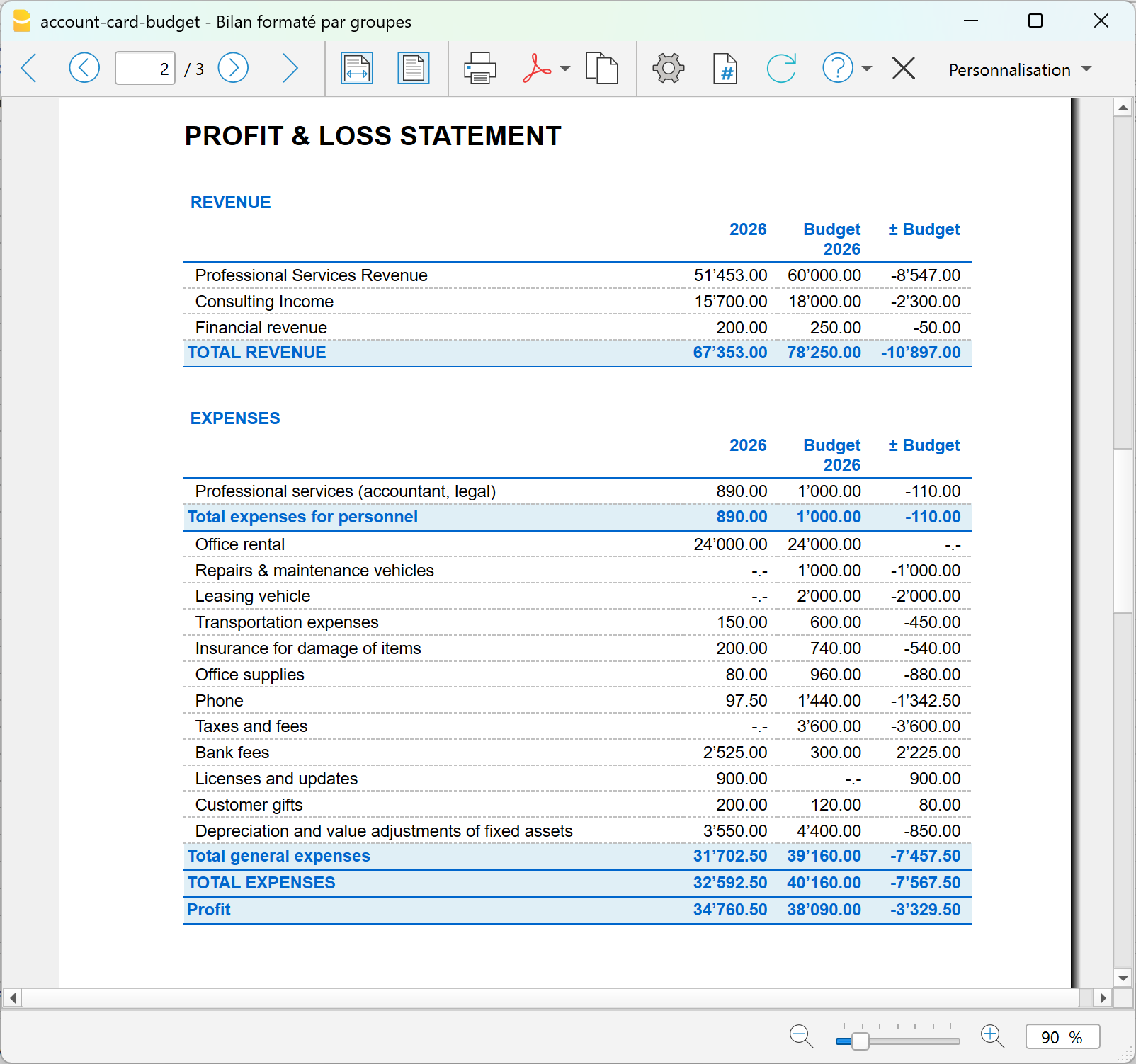
In this example, total revenues of CHF 83'050 were budgeted, while the actual amount is CHF 67'353, resulting in a variance of CHF -15'697.
The difference is almost entirely due to revenues from professional services: CHF 82'000 was budgeted, while CHF 67'153 was actually recorded.
Costs also show differences compared with the plan. General costs amount to CHF 31'702.50, compared with the budgeted CHF 39'160. Costs are therefore CHF 7'457.50 below budget, partially offsetting the lower revenues.
The final result is a profit of CHF 34'760.50, which is CHF 8'129.50 lower than the budgeted CHF 42'890.
Account card: comparison between actual and budget
When a difference appears in a report, you can analyze it down to the individual transactions using the account card.
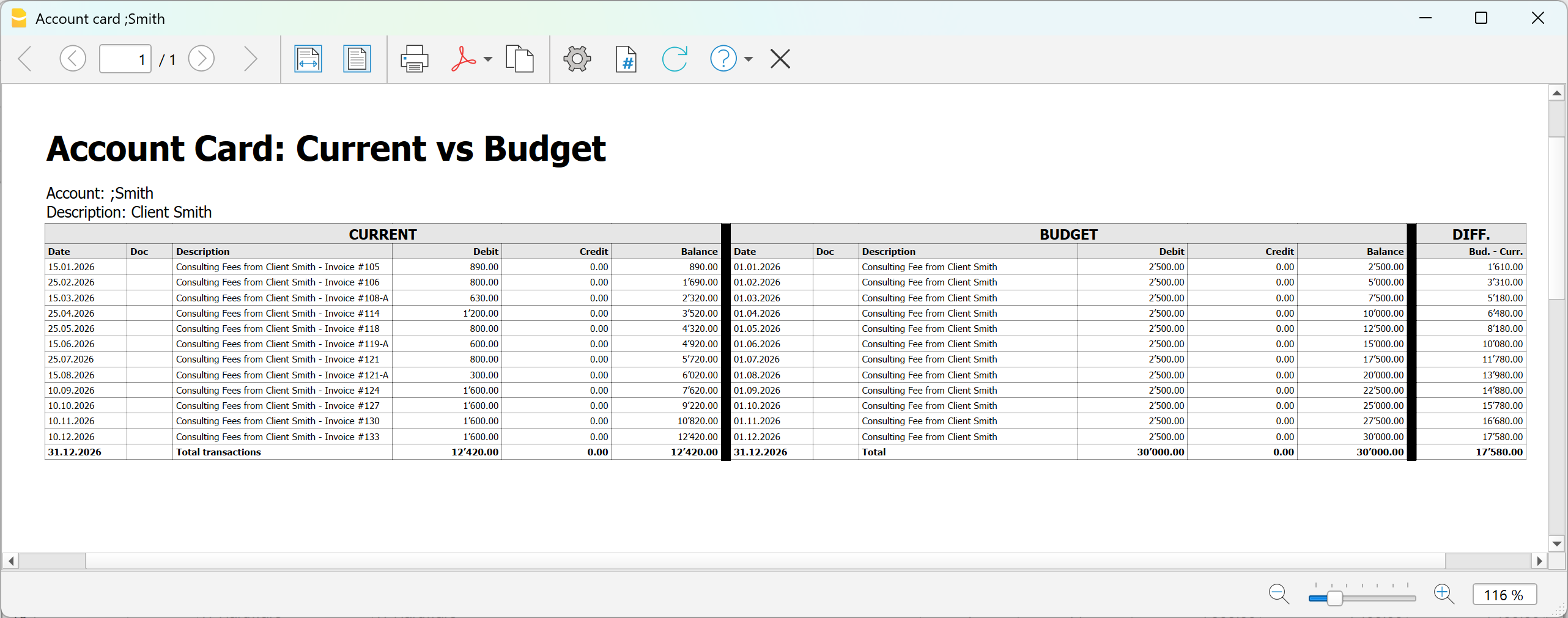
In the example relating to a client, you can directly compare:
- the transactions actually recorded;
- the budget transactions;
- the related differences.
This allows you to check whether the invoices or collections planned for the client actually occurred and identify the transactions that caused the variance.
The same type of analysis can be carried out for accounts, projects, Cost and profit centers and Segments.
For information about installing and using the extension, see Account card: Current vs Budget.
In summary
The Detailed Budget allows you to start from the individual revenues and costs planned for the firm, automatically obtain the expected financial and economic position, and progressively compare it with actual data.
This allows you to identify variances in the reports and, when necessary, analyze them down to the individual transactions.
Pianificazione finanziaria separata dalla contabilità
在此文中
Pianificazione finanziaria separata dalla contabilità
Pianificazione finanziaria separata dalla contabilità
La pianificazione finanziaria separata dalla contabilità permette di creare previsioni economiche, finanziarie e patrimoniali in modo indipendente dalla contabilità generale. Consente di simulare ricavi, costi, investimenti e finanziamenti, valutarne gli effetti sulla liquidità e sull'utile e confrontare scenari alternativi. La pianificazione può essere annuale o pluriennale e offre una visione dell'evoluzione futura dell'impresa a supporto delle decisioni aziendali. Si rivolge a medio e grandi imprese e a figure specializzate che devono preparare delle pianificazioni molto dettagliate e avanzate.
直接在网页中打开Banana财务会计+
无需任何安装,可以直接在您的浏览器上运行 Banana财务会计+。客制化您的模板,输入发生业务并将文件保存在您的电脑上。
在浏览器中打开模板 Open tutorial in WebApp模板文件
Questo tutorial mostra, con un esempio pratico, come creare e gestire una pianificazione economica, finanziaria e patrimoniale in un file separato dalla contabilità, inserendo nella tabella Preventivo i movimenti previsionali e analizzandone i risultati.
Maggiori info alla pagina della nostra Documentazione: Pianificazione separata dalla contabilità.
Come impostare il file della pianificazione
Per creare il file di pianificazione puoi:
- partire da uno dei modelli predefiniti di contabilità in partita doppia di Banana Contabilità, anche con IVA o multimoneta
- utilizzare come base il piano contabile della tua attività, se disponi già di una struttura contabile
- impostare il periodo di pianificazione, la moneta base e le altre proprietà necessarie.
Nel nostro esempio viene preparata la pianificazione finanziaria di uno studio fiduciario già avviato.
Partendo dalla situazione esistente e formulando ipotesi sull'evoluzione dei clienti e delle consulenze, sugli investimenti e sull'eventuale assunzione di un nuovo collaboratore, viene elaborata una previsione per valutare l'evoluzione futura della liquidità, del risultato d'esercizio e della situazione patrimoniale.
Per creare il file:
- Dal menu File > Nuovo, seleziona la tipologia di contabilità e il modello più adatto alle tue esigenze.
- Dal menu File > Proprietà file > Dati base, inserisci i dati della pianificazione, come nome dell'azienda, periodo e moneta base.
- Se utilizzi una contabilità multimoneta o con IVA, verifica le relative impostazioni. Nei modelli predefiniti i conti necessari, come quelli per le differenze di cambio e l'IVA, sono già predisposti.
Se nel file della contabilità la tabella Preventivo non è visibile, puoi aggiungerla dal menu Strumenti > Aggiungi Tabella Preventivo.
La tabella Registrazioni rimane comunque disponibile. Se non viene utilizzata, puoi nasconderla dal menu Dati > Disponi tabelle, impostando la tabella Registrazioni come non visibile.
Le registrazioni inserite nella tabella Preventivo vengono utilizzate per calcolare automaticamente i valori previsionali dei conti e ottenere report economici, finanziari e patrimoniali.
Struttura della pianificazione
La pianificazione viene gestita in un unico file dedicato e si basa sulla logica della partita doppia, consentendo di simulare contabilmente l'evoluzione futura dell'impresa.
Il file utilizza principalmente due tabelle:
- la tabella Conti, che definisce la struttura contabile e mostra i valori risultanti dalla pianificazione;
- la tabella Preventivo, nella quale vengono inserite le registrazioni previsionali e le ipotesi su cui si basa la pianificazione.
Come creare una pianificazione
Per creare la pianificazione, imposta nella tabella Conti la situazione patrimoniale iniziale e inserisci nella tabella Preventivo le operazioni future previste. Banana calcola automaticamente gli effetti delle registrazioni sulla situazione economica, finanziaria e patrimoniale.
Tabella Conti
Se hai scelto uno dei modelli predefiniti, la tabella Conti contiene già i conti necessari per iniziare la pianificazione.
Puoi personalizzare il piano contabile aggiungendo o eliminando conti e gruppi di totalizzazione in funzione delle tue esigenze. Per maggiori informazioni consulta la pagina Tabella Conti.
I saldi effettivi alla data di inizio della pianificazione possono essere riportati nella colonna Apertura e utilizzati come situazione patrimoniale iniziale da cui sviluppare le previsioni.
Per i conti dello Stato patrimoniale, i valori del Preventivo partono quindi dai saldi iniziali di apertura.
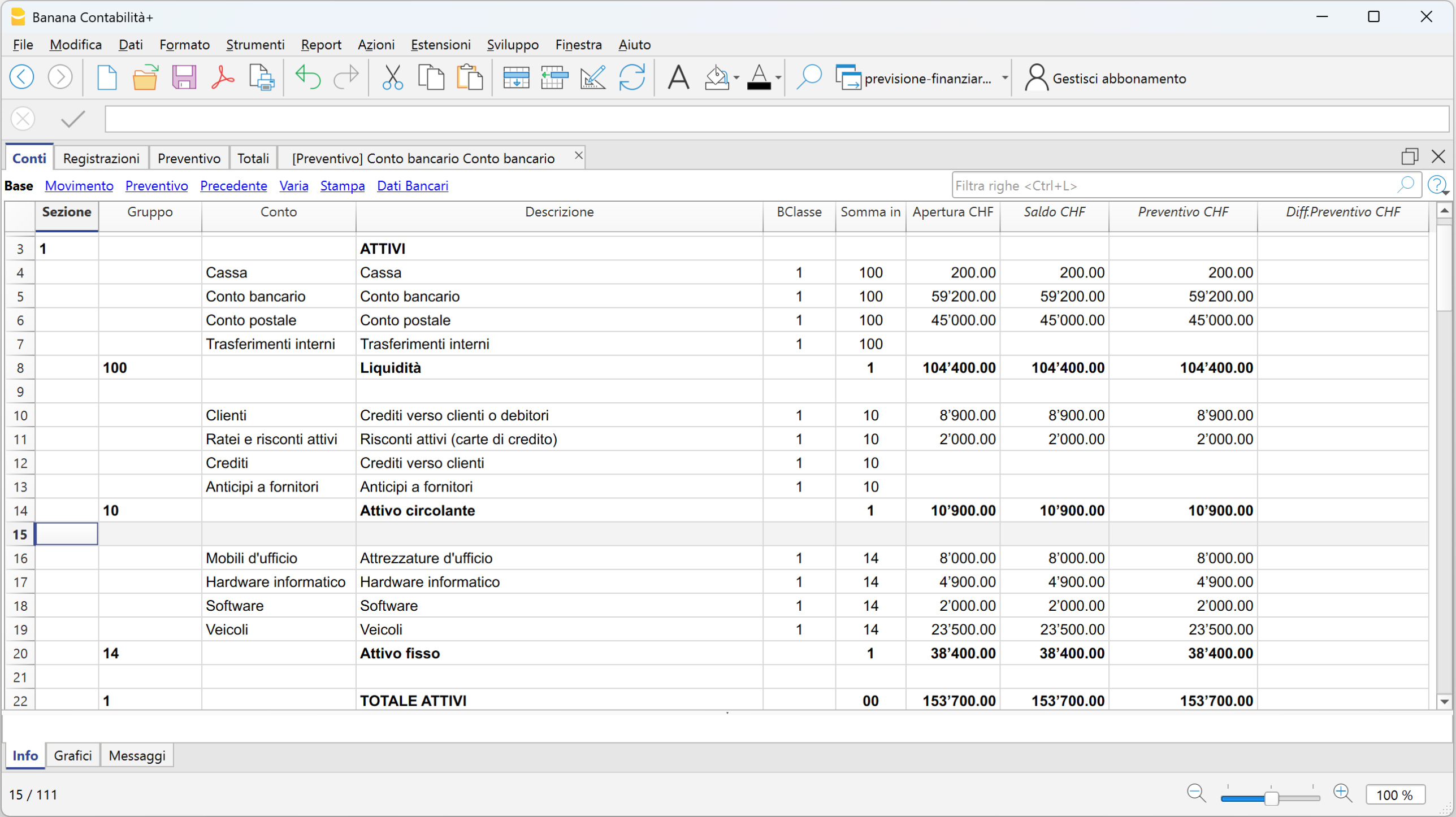
Per i conti del Conto economico, invece, prima dell'inserimento delle registrazioni previsionali i valori del Preventivo sono a zero.
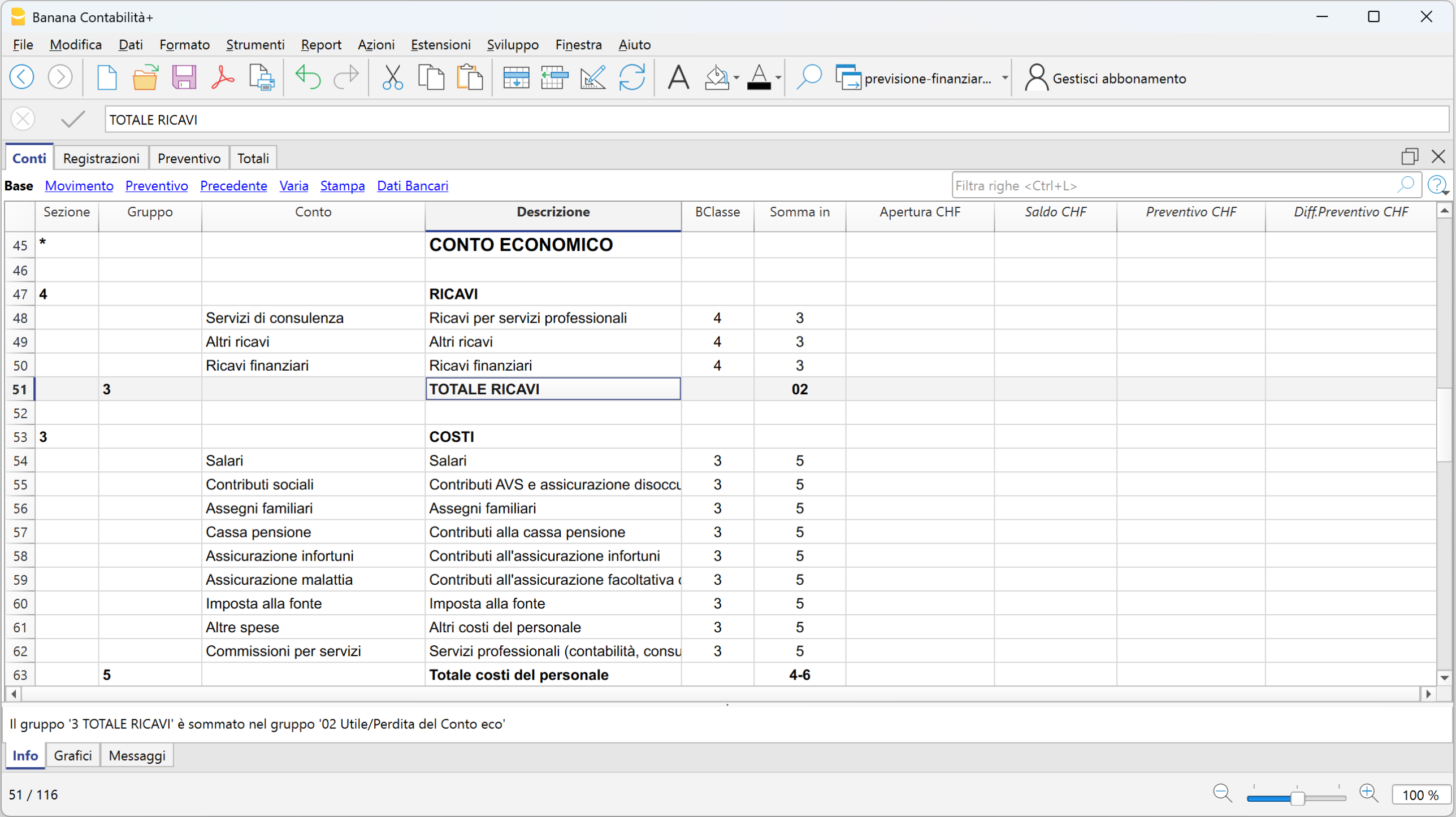
Tabella Preventivo
La tabella Preventivo è il cuore della pianificazione. Qui vengono registrate le operazioni previsionali utilizzando la logica della partita doppia.
Puoi pianificare, ad esempio:
- ricavi e relativi incassi
- acquisti e pagamenti
- salari e altri costi d'esercizio
- investimenti e ammortamenti
- nuovi finanziamenti
- rimborsi di finanziamenti e relativi interessi
- altre operazioni previste.
La tabella permette inoltre di gestire facilmente le operazioni ricorrenti. Non è necessario inserire manualmente una registrazione per ogni ricorrenza: attraverso le colonne Data inizio, Data fine e Ripeti puoi definire la periodicità dell'operazione, ad esempio giornaliera, mensile, trimestrale, semestrale o annuale.
Banana calcola automaticamente le ricorrenze e i relativi valori complessivi. In questo modo la pianificazione diventa dinamica e i report previsionali tengono conto automaticamente della periodicità delle operazioni.
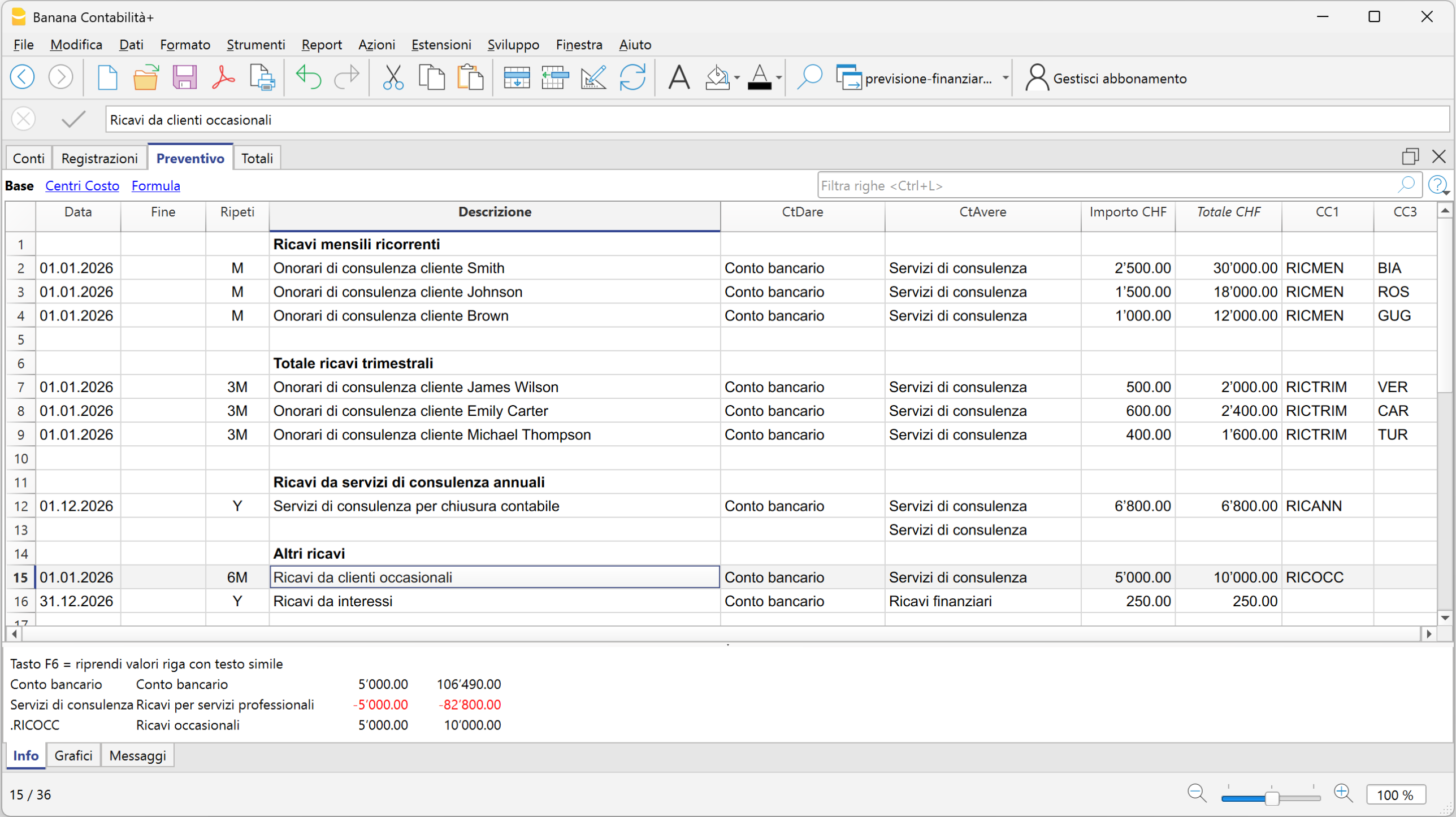
Effetti della pianificazione
Ogni registrazione inserita nella tabella Preventivo produce automaticamente i relativi effetti economici, finanziari e patrimoniali.
Una registrazione previsionale può quindi incidere contemporaneamente sulla liquidità, sui conti dello Stato patrimoniale, sui ricavi e sui costi del Conto economico e, di conseguenza, sull'utile o sulla perdita prevista.
Non è necessario predisporre formule separate per collegare questi elementi: gli effetti derivano automaticamente dalle registrazioni in partita doppia.
Nell'esempio puoi osservare come cambiano gli importi nelle colonne Preventivo e Differenza preventivo dopo l'inserimento delle operazioni previsionali.
Impatto sullo Stato patrimoniale e sulla liquidità
Dopo l'inserimento delle prime registrazioni previsionali, la liquidità prevista passa dal valore iniziale di CHF 104'400.00 a CHF 197'890.00.
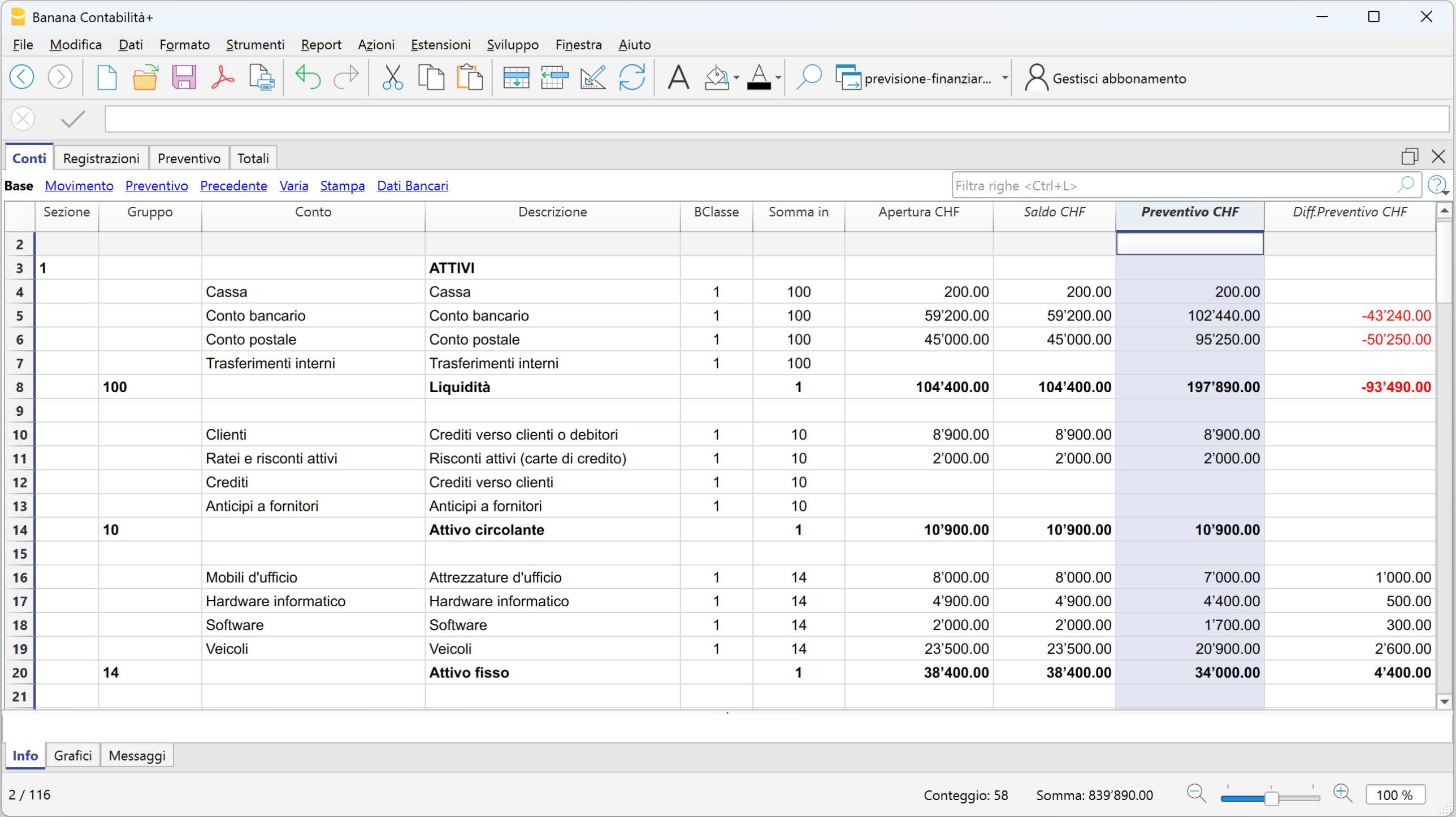
Impatto sul Conto economico
Il Conto economico viene aggiornato automaticamente sulla base delle registrazioni previsionali e determina l'utile o la perdita prevista.
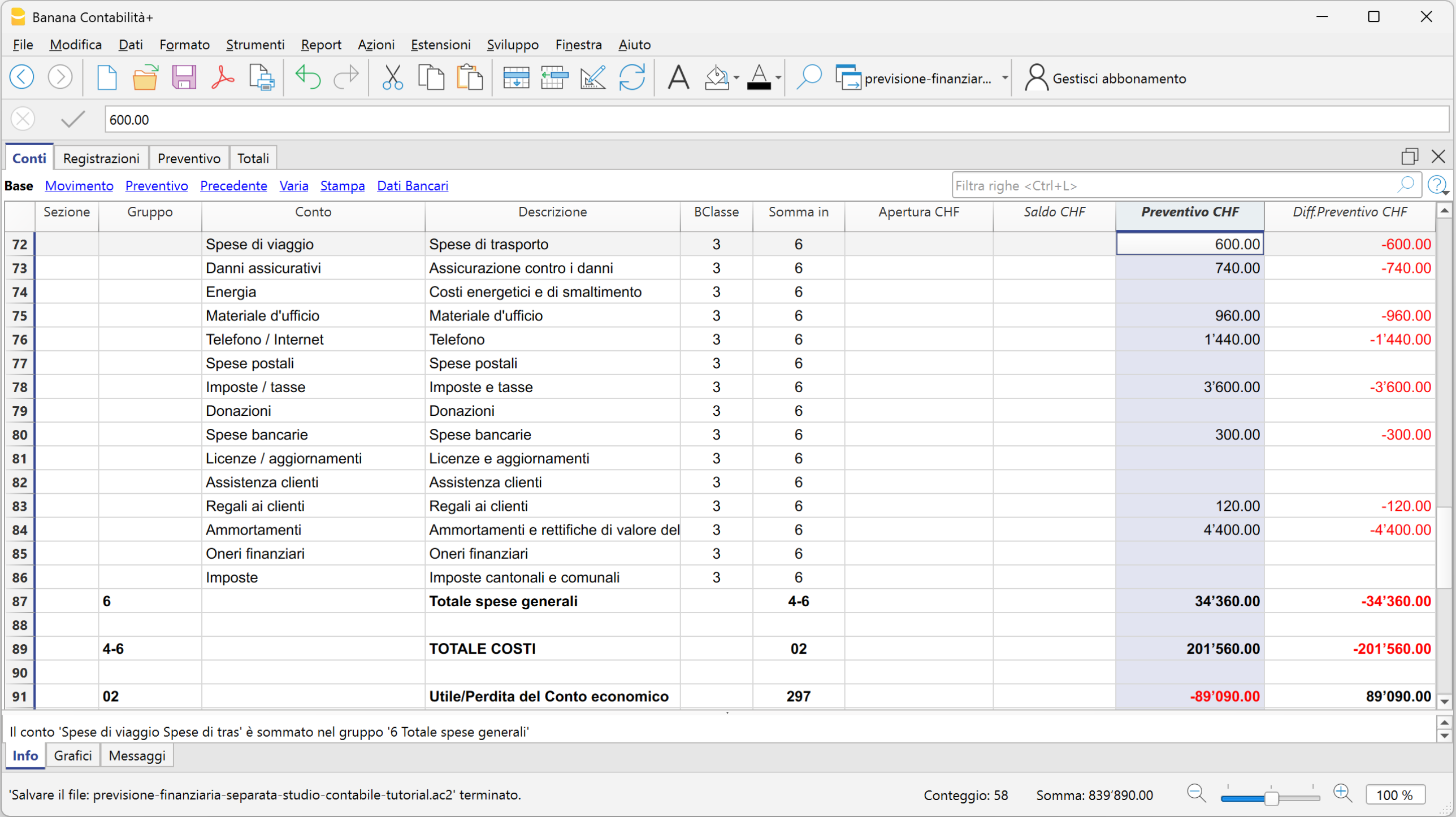
Modificare ipotesi e simulare scenari
Una volta creata la pianificazione di base, puoi modificare le ipotesi e simulare scenari alternativi per confrontarne i risultati con quelli della pianificazione iniziale.
Puoi aggiungere nuove registrazioni previsionali, modificare quelle esistenti oppure utilizzare quantità, prezzi, variabili e formule per verificare come il cambiamento di determinate ipotesi influisce sui risultati complessivi.
Quando un dato viene modificato, Banana ricalcola automaticamente gli effetti collegati, permettendo di verificare immediatamente l'impatto sulla liquidità, sul risultato d'esercizio e sulla situazione patrimoniale.
Ipotesi: aumento delle consulenze del 10%
Supponiamo di voler valutare gli effetti di un aumento del 10% delle consulenze.
Nella tabella Preventivo puoi utilizzare quantità, prezzi unitari, variabili e formule:
- visualizza le colonne Quantità, Prezzo unitario e Formula
- inserisci i valori nelle colonne Quantità e Prezzo unitario
- definisci una variabile per lo scenario di base, ad esempio a = 1
- modifica la variabile per simulare un aumento del 10%, ad esempio a = 1.1
- nella colonna Formula inserisci la formula che utilizza la variabile.
Modificando la variabile, Banana ricalcola automaticamente le registrazioni previsionali interessate e i relativi risultati.
Ipotesi: assunzione di un nuovo collaboratore dal 01.07.2026
Per valutare l'impatto dell'assunzione di un nuovo collaboratore, nella tabella Preventivo vengono aggiunte le registrazioni previsionali necessarie con data di inizio 01.07.2026.
Oltre al salario devono essere considerate anche le relative componenti, come i contributi e gli altri costi del personale previsti.
Banana permette così di verificare l'impatto della nuova assunzione sui costi del personale, sul risultato d'esercizio e sulla liquidità.
Ipotesi: investimento in nuovo hardware finanziato con un prestito bancario
Supponiamo di pianificare l'acquisto di nuovo hardware per CHF 10'000, finanziato tramite un prestito bancario con un tasso d'interesse del 2.10%.
Nella tabella Preventivo vengono inserite le registrazioni previsionali relative all'investimento e al finanziamento, indicando la data prevista dell'operazione, nell'esempio 01.08.2026.
Per completare la previsione vengono inoltre considerati gli interessi sul finanziamento. Al 31.12 è possibile utilizzare una formula o una variabile per calcolare gli interessi relativi ai cinque mesi da agosto a dicembre e registrare il relativo costo previsto.
In questo modo è possibile valutare contemporaneamente l'impatto dell'operazione sugli investimenti, sull'indebitamento, sugli interessi, sulla liquidità e sul risultato d'esercizio.

Effetti delle ipotesi nei report previsionali
I dati inseriti nella tabella Preventivo possono essere utilizzati per ottenere i principali report economici, finanziari e patrimoniali previsionali.
Dal menu Report > Bilancio abbellito con gruppi, nella sezione relativa ai conti puoi attivare Bilancio e Conto economico e, nella sezione Colonne, selezionare i dati del Preventivo.
Puoi così ottenere lo Stato patrimoniale previsionale e il Conto economico previsionale e verificare gli effetti delle ipotesi inserite nella pianificazione.
Nell'esempio, tutte le variazioni previsionali ipotizzate, aumento del 10% delle vendite, assunzione di un nuovo dipendente e investimento finanziato con un prestito bancario, modificano i risultati della pianificazione rispetto a quelli previsti inizialmente. I relativi effetti si riflettono sullo Stato patrimoniale e sul Conto economico, determinando nuovi valori previsti per la liquidità e l'utile d'esercizio.
Nello stesso scenario, il Conto economico previsionale permette di confrontare i ricavi e l'utile previsto con quelli della pianificazione di base.
Proiezioni pluriennali
Con Banana Contabilità puoi estendere la pianificazione su più esercizi e creare proiezioni pluriennali.
Per impostare una pianificazione pluriennale, nella tabella Preventivo occorre inserire il movimento previsionale per ciascun anno della pianificazione. Per ogni movimento vengono indicate la relativa data di inizio e di fine periodo, fino a raggiungere la data finale prevista dalla pianificazione.
Gli importi possono essere modificati di anno in anno per tenere conto delle variazioni previste. Ad esempio, puoi prevedere un aumento dei ricavi, una variazione dei costi, nuovi investimenti o una diversa evoluzione dei finanziamenti.
Una volta inserite le previsioni per i diversi esercizi, puoi ottenere report pluriennali e analizzare, anno per anno, l'evoluzione prevista del Conto economico, dello Stato patrimoniale, della liquidità, degli investimenti, dei finanziamenti e dell'indebitamento.
Analizzare i risultati della pianificazione
Una volta completata la pianificazione, puoi analizzare i risultati per l'intero periodo oppure suddividerli per anno. Questo permette di confrontare l'evoluzione prevista della situazione patrimoniale e del Conto economico nel corso di più esercizi.
Per visualizzare e stampare i report:
- dal menu Report > Bilancio abbellito con gruppi
- nella sezione Intestazione e piè di pagina, inserisci l'intestazione della pianificazione
- nella sezione Colonne, attiva la voce Preventivo, sia per il Bilancio sia per il Conto economico
- nella sezione Periodo, seleziona Tutto il periodo
- nella sezione Suddivisione, seleziona Anno
- fai clic su OK.
Esempio di pianificazione pluriennale per lo Stato patrimoniale
Esempio di pianificazione pluriennale per il Conto economico
In particolare, puoi verificare:
- se la liquidità prevista è sufficiente durante il periodo di pianificazione
- come evolvono ricavi, costi e risultato d'esercizio
- l'impatto degli investimenti sulla liquidità e sulla situazione patrimoniale
- l'evoluzione dei finanziamenti e dell'indebitamento
- come cambia il patrimonio netto
- se le ipotesi formulate risultano economicamente e finanziariamente sostenibili.
Modificando le ipotesi e le registrazioni nella tabella Preventivo, Banana ricalcola automaticamente i risultati della pianificazione. Puoi così confrontare scenari alternativi e valutarne gli effetti sulla liquidità, sul risultato d'esercizio e sulla situazione patrimoniale, utilizzando i risultati previsionali come supporto alle decisioni aziendali.
Account Card: Current vs Budget (BETA)
在此文中
Account Card: Current vs Budget (BETA)
Account Card: Current vs Budget (BETA)
The Account Card: Current vs Budget extension allows you to display and compare, for a selected account, both current account card transactions and budget account card transactions side by side in a single report.
The report provides:
- detailed transaction data
- progressive balances
- differences between actual and planned values
Prerequisites
To use this extension you must download and install Banana Accounting Plus.
Create the report
Run the extension from the menu Extensions > Account Card: Current vs Budget.
The extension Settings dialogue will open. From here you can choose some options to create the report.
- Account
Select the account to analyze (populated automatically from the Accounts table). - Subdivision by period
Select the period subdivision (none, by month, by quarter).- None: shows all transactions in chronological order.
- By month: groups transactions by month; each month is visually separated.
- By Quarter: groups transactions by quarter (Q1, Q2, Q3, Q4); each quarter is visually separated.
- Print in landscape
Prints the report in landscape orientation.
The report will be generated and shown in preview.
Report content
The report is structured into three main sections:
- Current account card
Displays current account card transactions with the columns Date, Document, Description, Debit, Credit, Balance. - Budget account card
Displays budget account card transactions with the columns Date, Document, Description, Debit, Credit, Balance. - Difference (between budget balances and current balances).
For each row, the difference is calculated as: Budget balance – Current balance.
This column highlights deviations between planned and actual values.
Each row or the report includes:
- current transaction (if available)
- budget transaction (if available)
- updated balance
- difference between balances
When one side has no data, the last available balance is carried forward. This ensures continuous and consistent comparison.
Report example:
Immobilienbuchhaltung mit Banana Buchhaltung+
Banana Buchhaltung Plus macht die Immobilienbuchhaltung einfach, schnell und professionell – auch wenn Sie keine Buchhaltungserfahrung haben, sei es für eine Stockwerkeigentümergemeinschaft (StWE) oder eine Mietliegenschaft.
Vorlagen für die Immobilienbuchhaltung
Wählen Sie das für Ihre Liegenschaft und Ihre Buchhaltungsbedürfnisse am besten geeignete Modell von Banana Buchhaltung Plus.
Jedes Modell ist sofort einsatzbereit und darauf ausgelegt, die Immobilienverwaltung schnell, genau und transparent zu gestalten.
- Vorlagen für die Buchhaltung von Mietliegenschaften
- Vorlagen für die Buchhaltung von Stockwerkeigentum (StWE)
Immobilienbuchhaltung
Der Ausgangspunkt ist einfach: Jede Wohnung, jedes Geschäft oder Büro (Immobilieneinheit) hat einen Preis für die Nutzung und Kosten für den Betrieb.
Banana Buchhaltung Plus hilft Ihnen, alles klar im Griff zu behalten.
Um die Immobilienbuchhaltung zu verstehen, genügt es zu denken, dass jemand eine Immobilie – Wohnung, Geschäft oder Büro – nutzt, als wäre er immer der Eigentümer.
Daraus ergibt sich eine grundlegende Unterscheidung:
- der Preis des Hauses
- die Betriebskosten des Hauses
Diese Unterscheidung gilt in jeder Situation.
Mietliegenschaft
Wenn Sie eine Mietliegenschaft besitzen, sind Sie Eigentümer der Immobilie und führen eine vollständige Buchhaltung über Einnahmen und Ausgaben.
Die Miete, die Sie erhalten, ist der Preis, den der Mieter für die Nutzung der Immobilie bezahlt – als wäre sie seine eigene.
Dieser Betrag:
- ist ein Einnahmenposten für den Eigentümer
- stellt den Wert der Nutzung der Immobilie dar
Die Ausgaben betreffen alles, was für den ordnungsgemässen Betrieb der Liegenschaft erforderlich ist, zum Beispiel:
- Heizung
- gemeinsames Wasser und Strom
- Unterhalt
- Dienstleistungen und Lieferanten
Diese Ausgaben sind kein Gewinn, sondern reale Kosten, die jemand tragen muss.
In der Praxis übernimmt oder bevorschusst der Eigentümer die Betriebskosten, und der Mieter erstattet ihm den auf ihn entfallenden Anteil.
Das bedeutet, dass die Spesenrückerstattung kein echter Ertrag ist, sondern lediglich bereits entstandene Kosten deckt.
Anders gesagt: Die Miete ist der Preis des Hauses, die Spesen sind die Betriebskosten.
Diese Spesen dienen zur Deckung der Betriebskosten und gelten nicht als endgültige Ausgaben, solange die tatsächlichen Kosten nicht bekannt sind. Am Ende des Zeitraums kann man vergleichen:
- wie viel einbezahlt wurde
- wie viel tatsächlich ausgegeben wurde
und erhält so eine klare Übersicht für jeden Mieter.
Stockwerkeigentum
Auch im Stockwerkeigentum ändert sich das Prinzip nicht. Ein Stockwerkeigentum ist ein Gebäude mit mehreren Eigentümern, die einen Preis für ihre Wohnungen bezahlt haben und gemeinsame Teile und Kosten teilen.
Jeder Eigentümer nutzt das Gebäude anteilsmässig so, als wäre er Eigentümer des gesamten Gebäudes.
Die gemeinschaftlichen Ausgaben betreffen den Betrieb der gemeinsamen Teile, wie zum Beispiel:
- Treppenhaus und gemeinsam genutzte Räume
- Dach, Fassade und Anlagen
- Garten und Aussenbereiche
Diese Ausgaben sind die Betriebskosten des Gebäudes und werden von den Eigentümern gemäss ihren Anteilen getragen.
Im Stockwerkeigentum leisten die Eigentümer periodische Beiträge.
Diese Beiträge dienen der Deckung der Betriebskosten und gelten nicht als endgültige Ausgaben, solange die tatsächlichen Kosten nicht bekannt sind. Am Ende des Zeitraums kann man vergleichen:
- wie viel einbezahlt wurde
- wie viel tatsächlich ausgegeben wurde
und erhält so eine klare Übersicht für jeden Eigentümer.
Nachdem Sie die Art der Immobilienverwaltung definiert haben, können Sie das passende Buchhaltungsmodell auswählen.
Was Sie mit Banana Buchhaltung Plus tun können
Mit Banana Buchhaltung Plus können Sie:
- den Preis des Hauses und die Betriebskosten separat erfassen
- Mieten, Rückerstattungen und Ausgaben nachverfolgen
- sofort sehen, was eingenommen und was ausgegeben wurde
- einen klaren und verständlichen Jahresabschluss erhalten
Alles mit einer Logik, die auf Personen ausgerichtet ist, die ihre Immobilie selbst verwalten.
Eine klare Buchhaltung macht alles einfacher, wenn Sie trennen zwischen:
- dem, was Preis ist
- dem, was Kosten sind
und es wird sofort einfacher:
- die Rentabilität der Immobilie zu verstehen
- Verwirrung zu vermeiden
- bewusste Entscheidungen zu treffen
Gestione proprietà in affitto
Banana Contabilità propone due modelli utili per tenere una contabilità immobiliare professionale per gli affitti:
- Modello per la contabilità affitti Entrate/Uscite: la versione semplice, ideale se non sei uno specialista e non conosci la contabilità in partita doppia.
- Modello per la contabilità affitti in partita doppia: la versione avanzata, ideale se conosci la contabilità classica in partita doppia.
Entrambi includono già il piano dei conti tipico della gestione immobiliare.
Piano dei conti per Affitti
La contabilità di una proprietà in affitto può essere vista come una normale contabilità, con una distinzione fondamentale:
- l’affitto rappresenta il prezzo della casa per l'inquilino
- le spese rappresentano il costo del funzionamento della casa
L’inquilino paga entrambi, ma con significati completamente diversi.
Banana Contabilità ti aiuta a tenerli sempre separati e sotto controllo.
Quando gestisci una proprietà in affitto:
- tu sei il proprietario dell’immobile
- tutte le entrate e le spese fanno capo a te
- una parte dei costi di funzionamento viene rimborsata dagli inquilini
La contabilità serve a distinguere chiaramente:
- ciò che è prezzo (affitto)
- ciò che è rimborso dei costi di funzionamento (acconto)
Il piano dei conti per gli affitti è organizzato per rispondere alla domanda su quanto si incassa come prezzo della casa e quanto si incassa solo per coprire i costi di funzionamento dell'edificio.
Per farlo la contabilità è suddivisa in alcune aree principali.
Conti degli inquilini
Per ogni inquilino viene creato un conto contabile personale che serve a registrare:
- l’affitto richiesto e quello versato
- gli anticipi per le spese richiesti e quelli versati
- eventuali differenze da regolare a fine anno
Questi conti funzionano come conti clienti, mostrano sempre quanto è stato richiesto e quanto è stato pagato.
Conti per gli incassi degli affitti
I conti dei ricavi per affitti raccolgono esclusivamente il prezzo della casa, cioè:
- affitti di appartamenti
- affitti di uffici o spazi commerciali
- affitti di posteggi
Questi conti:
- contengono solo l’affitto
- non includono mai le spese incassate
In questo modo il reddito dell’immobile è sempre chiaro.
Conti per il costo di funzionamento della casa
Per gestire correttamente le spese vengono utilizzati conti separati che servono a:
- registrare le spese effettivamente sostenute rimborsabili dagli inquilini
- raccogliere gli anticipi richiesti agli inquilini
- confrontare quanto incassato con quanto speso e rimborsabile
L’obiettivo è che i soldi incassati per le spese devono corrispondere esattamente ai costi rimborsabili reali sostenuti.
Conti per i costi del proprietario
Per gestire correttamente le spese vengono utilizzati anche conti dei costi separati che servono a:
- registrare le spese effettivamente sostenute che non sono rimborsabili dagli inquilini
- confrontare quanto incassato come prezzo della casa dagli inquilini con quanto speso che non è rimborsabile dagli inquilini
L’obiettivo è calcolare esattamente quanto sta rendendo essere proprietari dell'immobile.
Registrazione delle richieste mensili
Per semplicità immagina che l’affitto viene richiesto ogni mese.
All’inizio del mese:
- viene registrato l’affitto richiesto all’inquilino
- viene registrato l’anticipo richiesto per le spese di funzionamento
Queste registrazioni avvengono anche se l’inquilino non ha ancora pagato.
Registrazione degli incassi
Quando l’inquilino paga:
- l’importo versato viene registrato nel suo conto
- la contropartita è il conto bancario o la cassa con cui è stato versato
In questo modo è sempre chiaro:
- cosa è stato richiesto
- cosa è stato effettivamente incassato
Conteggio di fine anno delle spese
Durante l’anno:
- gli inquilini versano anticipi per le spese di funzionamento
- il proprietario sostiene i costi di funzionamento
A fine anno si confrontano:
- gli anticipi richiesti
- le spese di funzionamento effettivamente sostenute
Per pareggiare i conti:
- a chi è stato richiesto meno paga la differenza
- a chi è stato richiesto di più riceve un rimborso
Questo conteggio serve esclusivamente a far coincidere incassi e costi reali e effettivi.
Controllo dei pagamenti degli inquilini
Il conto di ogni inquilino mostra sempre la sua situazione:
- saldo in Dare
significa che non ha ancora pagato tutto ciò che gli è stato richiesto - saldo in Avere
significa che ha versato più del necessario
Questo controllo è immediato e non richiede ulteriori calcoli esterni.
Perché questo modello è efficace
Questo piano dei conti ti permette di:
- distinguere chiaramente il reddito dell’immobile dai rimborsi delle spese
- capire subito la redditività reale
- gestire le spese in modo trasparente
- evitare confusione tra affitto e spese
- dimostrare agli inquilini le spese effettivamente sostenute che sono tenuti a rimborsare
In questo modo la contabilità riflette la realtà, ossia che l’affitto è il prezzo della casa, le spese sono il costo del suo funzionamento.
La registrazione dell'affitto e dell'anticipo periodico richiesto può essere automatizzato grazie alle registrazioni ricorrenti automatiche.
Esiste inoltre un'estensione apposita per il controllo periodico del pagamento degli affitti.
Spese rimborsabili dagli inquilini
Nella gestione di una proprietà in affitto, una parte dei costi di funzionamento della casa può essere rimborsata dagli inquilini.
Questo significa che:
- il proprietario sostiene e anticipa questi costi
- gli inquilini rimborsano la quota che compete loro
Le spese rimborsabili devono essere registrate in modo ordinato, documentate e suddivise correttamente tra gli inquilini.
In questo modo gli inquilini possono, se necessario, verificare:
- quali costi sono stati sostenuti
- come sono stati ripartiti
La possibilità di farsi rimborsare alcune spese dipende dalle normative applicabili e dagli accordi presi con gli inquilini.
In alcuni casi si concorda un importo fisso senza calcolo delle differenze, oppure l’affitto include anche tutte le spese, e in altri casi gli inquilini versano un anticipo fisso e a fine anno si confrontano anticipi e spese reali calcolando eventuali differenze. Banana Contabilità è pensato per supportare tutte le situazioni.
Nel modello più frequente:
- l’inquilino versa regolarmente un anticipo
- il proprietario registra i costi reali
- a fine anno si calcola la differenza
Se gli anticipi sono:
- inferiori ai costi l’inquilino versa il saldo
- superiori ai costi l’inquilino riceve un rimborso
Questo importo di differenza viene definito come conteggio o conguaglio.
Questo meccanismo serve a far coincidere quanto è stato incassato per le spese con quanto è stato realmente speso.
Per gestire correttamente le spese rimborsabili è importante organizzarle in modo logico. Ad esempio, tutte le spese legate al riscaldamento possono essere raccolte in un unico gruppo, come:
- manutenzione della caldaia
- spazzacamino
- gas o gasolio
- elettricità utilizzata per il funzionamento della caldaia
Questo permette di calcolare il rimborso in modo coerente.
Se vuoi maggiore precisione, puoi creare conti separati per tipi specifici di costo e indicare chiaramente a cosa servono.
Ad esempio una parte dell’elettricità delle scale può essere attribuita al funzionamento della caldaia. Creando un conto dedicato, questa quota verrà suddivisa insieme ai costi di riscaldamento. In questo modo la suddivisione segue il criterio corretto.
Una buona pratica fondamentale è distinguere sempre le spese rimborsabili da quelle non rimborsabili.
Questo ti permette di:
- sapere subito cosa può essere fatto pagare agli inquilini
- evitare errori nei conteggi
- mantenere una contabilità chiara e trasparente
Gestire le spese rimborsabili significa, in pratica tenere sotto controllo il costo di funzionamento della casa, suddividerlo in modo equo, rimborsare o richiedere solo ciò che è effettivamente dovuto. Con Banana Contabilità questo processo rimane sempre chiaro, anche quando la gestione diventa più articolata.
Questi rimborsi non rappresentano mai un guadagno, ma servono solo a coprire spese reali.
Nel diagramma che segue puoi vedere la maggior parte delle spese immobiliari con un esempio di suddivisione tra quelle rimborsabili (a destra) e quelle non rimborsabili (a sinistra).

Conti contabili per spese rimborsabili
Le spese rimborsabili degli inquilini nei modelli sono posti nella parte attiva del bilancio (conti dal 1100) o nella tabella Conti per la contabilità Entrate-Uscite, proprio perché per il proprietario non sono vere e proprie spese.
Ecco le spese rimborsabili dagli inquilini in una contabilità in partita doppia:

Le spese in generale possono essere diverse in base all’immobile che si gestisce.
Puoi facilmente spostare, eliminare, inserire dei conti, cambiarne la descrizione.
Registrazioni delle spese rimborsabili dagli inquilini
- Per ogni spesa rimborsabile dagli inquilini:
- Si registra il corretto conto contabile delle spese (esempio conto 1100 in Dare).
- La contropartita è il conto bancario o la cassa se il pagamento è avvenuto a contanti.
Calcolo e suddivisione delle spese rimborsabili
Guarda la pagina dedicata al modello Excel per la suddivisione delle spese.
Spese non rimborsabili dagli inquilini
Come per la contabilità di una qualsiasi azienda, le spese che non possono essere rimborsate dagli inquilini sono elencate nel Conto economico o nella tabella Categoria come Costi.
Nel modello sono indicati nella parte Costi le spese non rimborsabili (per esempio conti 6100 e seguenti). Anche qui puoi facilmente eliminare, inserire dei conti, cambiarne la descrizione.

Calcolo e suddivisione delle spese rimborsabili dagli inquilini
Il calcolo e la suddivisione delle spese rimborsabili dagli inquilini tiene conto di:
- Il conto del Conteggio annuale che serve per registrare i conteggi calcolati per gli Inquilini.
- Si registra ogni singola spesa che deve essere rimborsata dall'inquilino (esempio conto 1100 in Avere).
- La contropartita è il conto di Conteggio annuale (conto Dare).
- L'importo delle spese è quello riferito a tutto il periodo di spese da suddividere.
- Gli anticipi sulle spese pagati dagli inquilini durante l'anno devono essere considerati nel calcolo del conteggio.
- Si registra in un unica registrazione il totale degli anticipi richiesti durante il periodo nel conto degli Anticipi dagli inquilini (conto Dare).
- La contropartita è il conto del Conteggio annuale (conto Avere).
- L'importo da girare è il totale degli anticipi richiesti a tutti gli inquilini durante il periodo.
- Differenze nel conto del Conteggio annuale.
- Dopo le due operazioni precedenti l'importo restante del conto Conteggio annuale è uguale al totale dei conteggi da suddividere agli inquilini.
- Questo importo deve essere suddiviso per ogni inquilino tramite un calcolo che fa uso di chiavi o coefficienti di suddivisione.
- Quando si registrano i conteggi calcolati per ogni singolo inquilino nel conto del Conteggio annuale questo conto dovrebbe azzerarsi o dovrebbero restare pochi centesimi non più suddivisibili a tutti gli inquilini.
Suddivisione delle spese per ogni appartamento
La suddivisione delle spese è riferita a ogni singolo appartamento e eventualmente anche al periodo di tempo in cui un inquilino è stato effettivamente inquilino.
Banana Contabilità Plus permette di tenere nota delle spese rimborsabili, ma non si occupa della suddivisione, perché il tema della suddivisione è diverso per ogni immobile e a volte può avere anche delle suddivisioni molto complesse.
Per la suddivisione si consiglia quindi di creare una tabella Excel per ogni immobile e per ogni anno (o periodo di suddivisione) dove sono riportati i totali di ogni singola spesa e poi gli importi sono calcolati e suddivisi tramite delle chiavi o coefficienti di suddivisione (m2, consumo, ecc).
Vedi l'esempio di seguito e scarica il modello Excel.
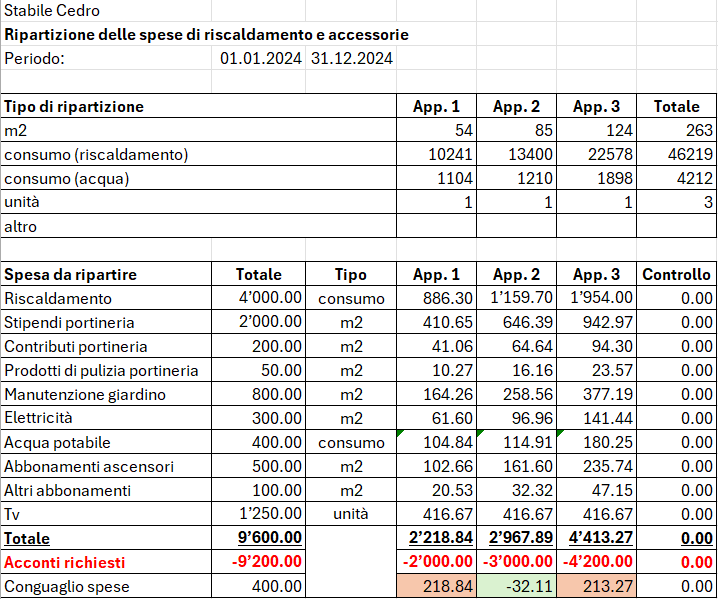
Conteggio agli inquilini
Il conteggio calcolato deve essere registrato in contabilità:
- Se l'inquilino ha versato meno rispetto alle spese a lui assegnate si chiede la differenza e si registra nel conto dell'inquilino in Dare.
La contropartita è il conto per il Conteggio annuale. - Se l'inquilino ha versato di più rispetto alle spese a lui assegnate si rimborsa la differenza e si registra nel conto dell'inquilino in Avere.
La contropartita è il conto per il Conteggio annuale. - Dopo avere registrato i conteggi ai rispettivi inquilini il conto Conteggio annuale dovrebbe azzerarsi o dovrebbe restare un importo di pochi centesimi che non può essere ulteriormente suddiviso su tutti gli inquilini.
- Se il conto Conteggio annuale si azzera o restano solo pochi centesimi la suddivisione delle spese è avvenuta correttamente.
- Se il conto Conteggio annuale non si azzera o restano importi superiori a pochi centesimi la suddivisione non è avvenuta correttamente. È quindi necessario ricontrollare i calcoli fatti per suddividere le spese agli inquilini.
Spese calcolate nel periodo successivo
- Le spese che non rientrano nel periodo di conteggio corrente, non vengono spostate nel conto per il Conteggio annuale. Queste spese verranno spostate e calcolate solo nel periodo o anno successivo.
- Con i conti delle spese rimborsabili dagli inquilini negli Attivi di una contabilità in partita doppia queste spese verranno riportate automaticamente nell'anno contabile successivo.
- Con i conti delle spese rimborsabili dagli inquilini nei Costi queste spese, a fine anno, devono essere spostate tra gli importi sospesi del Bilancio per riportarle nell'anno successivo.
Spese rimborsabili dagli inquilini pro-rata
Quando due inquilini si sono alternati come inquilini dell'appartamento durante l'anno, potrebbe essere necessario suddividere le spese pro-rata:
- Potrebbero esistere tuttavia anche altri metodi di suddivisione come quello per mesi o per periodo caldo e freddo dell'anno e così via.
- I metodi per la suddivisione delle spese pro-rata variano secondo le normative locali vigenti o secondo i contratti di affitto dell'appartamento.

Flusso di lavoro per la gestione degli affitti
Con Banana Contabilità puoi gestire una contabilità di una proprietà in affitto con il flusso di lavoro descritto in questa pagina e che comprende:
- la importazione degli estratti conto elettronici bancari.
- la registrazione automatica degli estratti attraverso la gestione delle regole di completamento delle registrazioni.
- la registrazione automatica dei salari versati al custode senza riscrivere o ricopiare le registrazioni più volte.
- l'addebito automatico degli affitti in contabilità alle scadenze prestabilite dai contratti.
- il facile controllo degli incassi e dei mancati pagamenti da parte degli inquilini.
- il salvataggio e l'invio della contabilità comprensiva dei giustificativi in un unico file PDF.
Guarda nel dettaglio ognuna di queste possibilità che hai a disposizione su Banana Contabilità.
Importa gli estratti conto elettronici in contabilità
Puoi richiedere alla tua banca di fornirti l'estratto conto elettronico in formato XML (tipo di estratto Camt.053). Se necessario chiedi anche alla tua banca di continuare a ricevere l'estratto conto in formato PDF.
L'estratto conto elettronico in formato XML ti permette di ottenere la contabilità sempre aggiornata e di emettere richiami di pagamento in qualsiasi momento.
Quando il file XML è disponibile scaricalo dall'e-banking e salvalo sul computer. Potresti riceverlo giornalmente, settimanalmente o mensilmente in base a come lo hai richiesto.
Usa l’estensione Importazione estratto bancario SEPA/ISO 20022 per importare il file appena scaricato.
Quando importi un estratto conto elettronico puoi registrare automaticamente sia gli incassi ricevuti che i pagamenti effettuati grazie all'uso delle regole di completamento delle registrazioni contabili. A ogni importazione puoi creare tutte le regole necessarie. Con il tempo ti basterà importare gli estratti conto per registrare automaticamente tutta la contabilità.
Crea regole per la contabilizzazione automatica
Banana Contabilità, con l'abbonamento al piano Advanced, permette di registrare automaticamente la contabilità secondo i criteri che desideri.
Per esempio puoi registrare tutte le fatture pagate a Azienda SA in un conto contabile specifico tramite il nome dell'azienda a cui paghi.
Quando nell'estratto conto elettronico appare quel nome di azienda e corrisponde a un'uscita, Banana Contabilità lo registra nel conto contabile da te impostato.
Se paghi una fattura per un contratto stipulato con Azienda SA (per esempio per un'assicurazione, una fornitura di energia, ecc.) puoi aggiungere il segno + e il numero di contratto, come per esempio +Azienda SA 101.200.14, dove 101.200.14 è il numero di contratto stipulato.
Il segno + indica che è necessario trovare tutte le informazioni, in qualsiasi ordine, all'interno dell'estratto conto elettronico. In questo modo puoi registrare in maniera distinta più contratti diversi stipulati con la stessa azienda.
Allo stesso modo puoi registrare automaticamente gli incassi usando i nomi delle persone dalle quali incassi.
Con le regole registri automaticamente tutte le entrate e le uscite da tutti i proprietari in maniera molto precisa.
Se desideri puoi anche indicare uno specifico importo alla regola. In questo modo distingui sempre di più le registrazioni, sia in entrata che in uscita.
Per usare le regole è necessario inserire nella colonna Doc della tabella Registrazioni ricorrenti il codice !Rule come negli esempi di regole seguenti.

In questa tabella è anche possibile usare il codice !RuleSplit per inserire regole che registrano automaticamente con registrazioni composte da più righe.
In questo modo riduci notevolmente il tempo di registrazione contabile e ottieni la contabilità sempre aggiornata.

Registra automaticamente i salari del custode
Dalla tabella Registrazioni ricorrenti registra i salari del custode su più righe inserendo per esempio nella colonna Doc il codice univoco salari su ogni riga.
Inserisci la descrizione di ogni riga inclusa nella registrazione, inserisci i rispettivi conti Dare e Avere e gli importi che si ripetono in modo ricorrente.

Quando imposti una registrazione ricorrente usala nella tabella Registrazioni:
- Compila la colonna Data inserendo la data.
- Inizia a scrivere nella colonna Doc la parola salari.
- Seleziona la registrazione ricorrente trovata da Banana Contabilità.
La registrazione del salario composta da più righe apparirà già completata nella tabella Registrazioni in contabilità.
Se preferisci puoi automatizzare ulteriormente la registrazione composta da più righe con l'uso delle regole per usarle quando importi l'estratto conto elettronico:
- Nella colonna Doc inserisci i codici !Rule e !RuleSplit al posto del nome salari riportato nell'esempio precedente.
- Inserisci il nome del custode a cui versi il salario nella colonna Descrizione della riga dove inserisci il codice !Rule.
- Questo nome verrà cercato nell'estratto conto elettronico durante l'importazione.
- Inserisci una parentesi quadrata aperta e una chiusa [] nel conto di contropartita della regola dove inserisci il codice !Rule. Queste parentesi indicano che si tratta di una regola per una registrazione con più righe.
Guarda l'esempio nella immagine seguente.

Addebita automaticamente gli affitti
Un’altra automazione che puoi aggiungere alla tua contabilità avviene con l’uso delle registrazioni automatiche per l'addebito periodico degli affitti:
- Crea una registrazione contabile come se stessi addebitando a un inquilino un affitto mensile e aggiungi nella colonna Doc la codifica !Auto.
- Completa la colonna Data con la data in cui iniziare ad addebitare.
- Completa la colonna Data Finale con la data quando l'inquilino termina il contratto di affitto.
- Completa la colonna Ripeti con il periodo di ripetizione della registrazione (per esempio M per mensile).

Banana Contabilità registra automaticamente le registrazioni impostate a ogni inizio di periodo. Se vuoi puoi decidere se essere avvisato prima di registrare automaticamente.
È possibile addebitare automaticamente l'affitto su più righe di registrazioni per ogni inquilino, per esempio suddividendo l'affitto dall'anticipo delle spese rimborsabili dall'inquilino.
Questa funzionalità è attualmente presente solo nella versione Banana Contabilità Dev-Channel.
Controlla l'incasso degli affitti
Grazie all'estensione per il controllo degli affitti puoi tenere traccia e avere sempre disponibile un report con la panoramica su chi ha pagato regolarmente l'affitto, chi l'ha pagato solo parzialmente e chi non l'ha ancora pagato.
Puoi verificare facilmente anche se hai addebitato l'affitto correttamente a ogni inquilino e a ogni scadenza. Puoi anche ottenere una previsione di incasso per tutto l'anno corrente.
Crea report personalizzati in Excel
Con Banana Contabilità è possibile collegare Microsoft Excel tramite l'Add-in di Banana Contabilità per creare report completamente personalizzati.
Con l'Add-in puoi calcolare i conteggi di suddivisione delle spese tra gli inquilini.
Trovi l'Add-in da installare all'interno di Excel, cerca nei componenti aggiuntivi, installalo e inizia subito a generare i tuoi report personalizzati.
Per maggiori informazioni guarda anche le pagine di documentazione relative all'Add-in Excel di Banana Contabilità.
Salva e invia la contabilità con i giustificativi in unico file PDF
Nella tabella Registrazioni è possibile abilitare e visualizzare la colonna Link. Usa questa colonna per allegare a ogni registrazione contabile il relativo giustificativo, come per esempio una fattura ricevuta o una fattura emessa.
Abilita la colonna Link in questo modo:
- Fai doppio clic sulla intestazione delle colonne nella tabella Registrazioni (per esempio sulla colonna Descrizione).
- Vista la casella DocLink nella colonna a sinistra della finestra che si apre, come da immagine seguente.
- Clicca sul bottone Ok in basso a destra nella finestra per confermare.
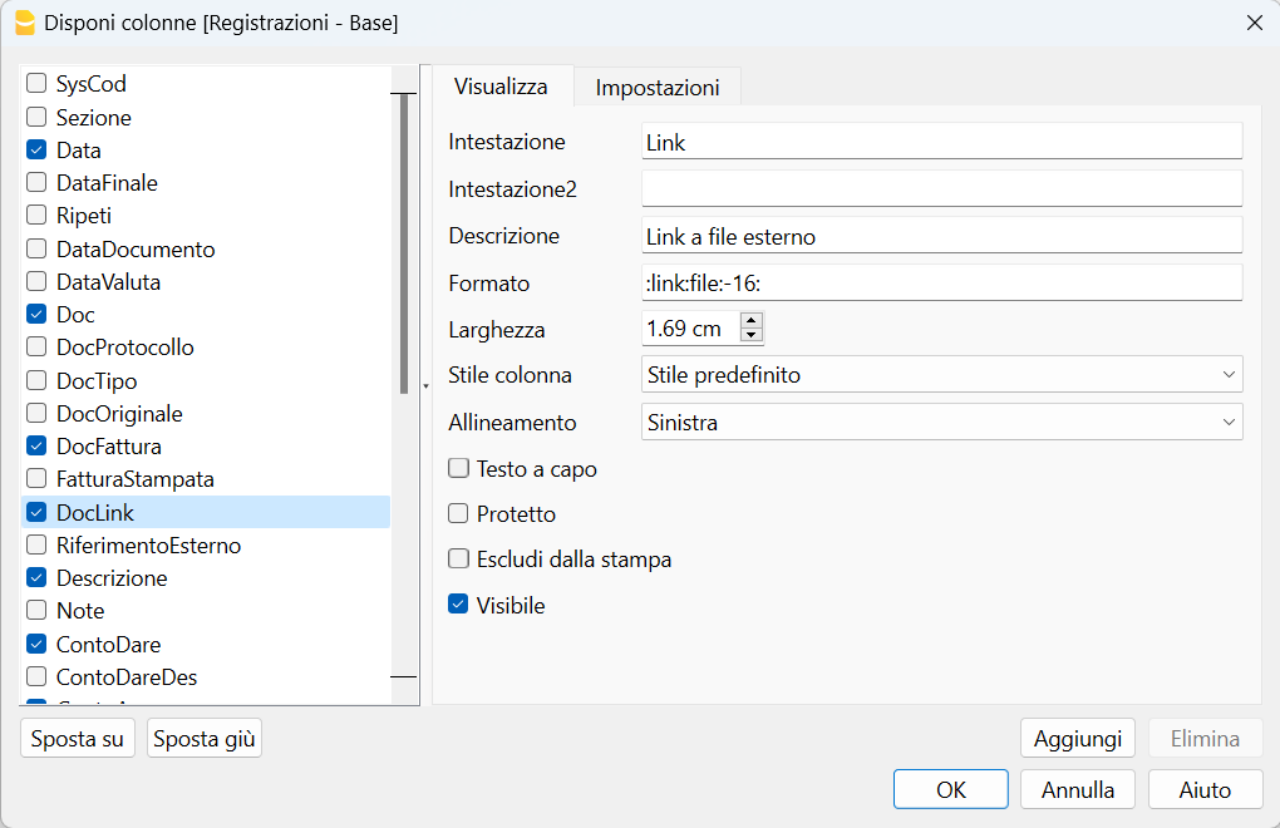
Ora allega i giustificativi dalla tabella Registrazioni. Fai doppio clic sulla cella della colonna Link e cerca e scegli il file da allegare che hai salvato sul tuo computer.
Quando desideri crea il dossier PDF in questo modo:
- Clicca dal menu File la voce Crea dossier PDF.
- Vista in basso a sinistra nella finestra che si apre la casella "Includi allegati", come da immagine seguente.
- Clicca il bottone Ok in basso a destra per confermare e salva il file PDF in una posizione del computer dove preferisci.
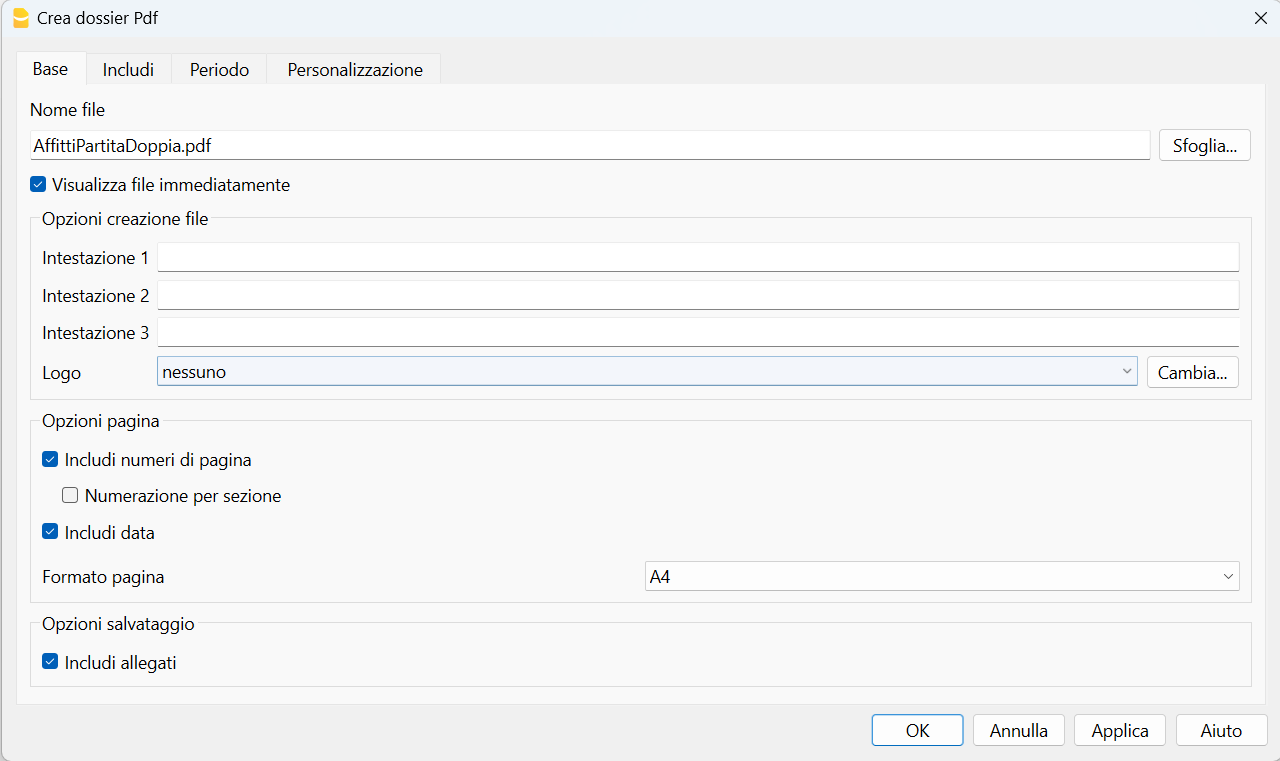
Il PDF salvato è un file con il bilancio, il conto economico, le schede conto e tutti i giustificativi allegati in unico file PDF.
Scarica e guarda un esempio di dossier PDF (alcuni browser non permettono la visualizzazione degli allegati, ti consigliamo di salvarlo e aprirlo con il programma Adobe Acrobat Reader che è gratuito).
Clicca sulle icone a forma di graffetta a sinistra delle registrazioni per aprire gli allegati, come nell'esempio seguente.
Con questa funzionalità puoi inviare il file PDF con la contabilità completa anche per e-mail o decidere di conservarlo secondo le norme vigenti.
Estensione per il controllo degli incassi degli affitti [BETA]
在此文中
Estensione per il controllo degli incassi degli affitti [BETA]
Estensione per il controllo degli incassi degli affitti [BETA]
L'estensione per il controllo degli incassi degli affitti è una soluzione ideale per i proprietari che desiderano mantenere un controllo accurato delle proprie entrate da affitti, agevolare e velocizzare il lavoro contabile.
La gestione accurata degli incassi provenienti dai propri inquilini è fondamentale per garantire la redditività di un immobile.
Con l'obiettivo di agevolare questa necessità l'estensione per il controllo degli incassi degli affitti si rivela utile per i proprietari di immobili. Consente di tenere sempre sotto controllo l'incasso degli affitti, identificare i pagamenti mancanti o parziali e fornire una panoramica completa sul corretto addebito degli affitti in contabilità.
L'estensione offre sia un report semplice che uno dettagliato. Questi report consentono una visione immediata degli affitti ricevuti e delle somme mancanti.
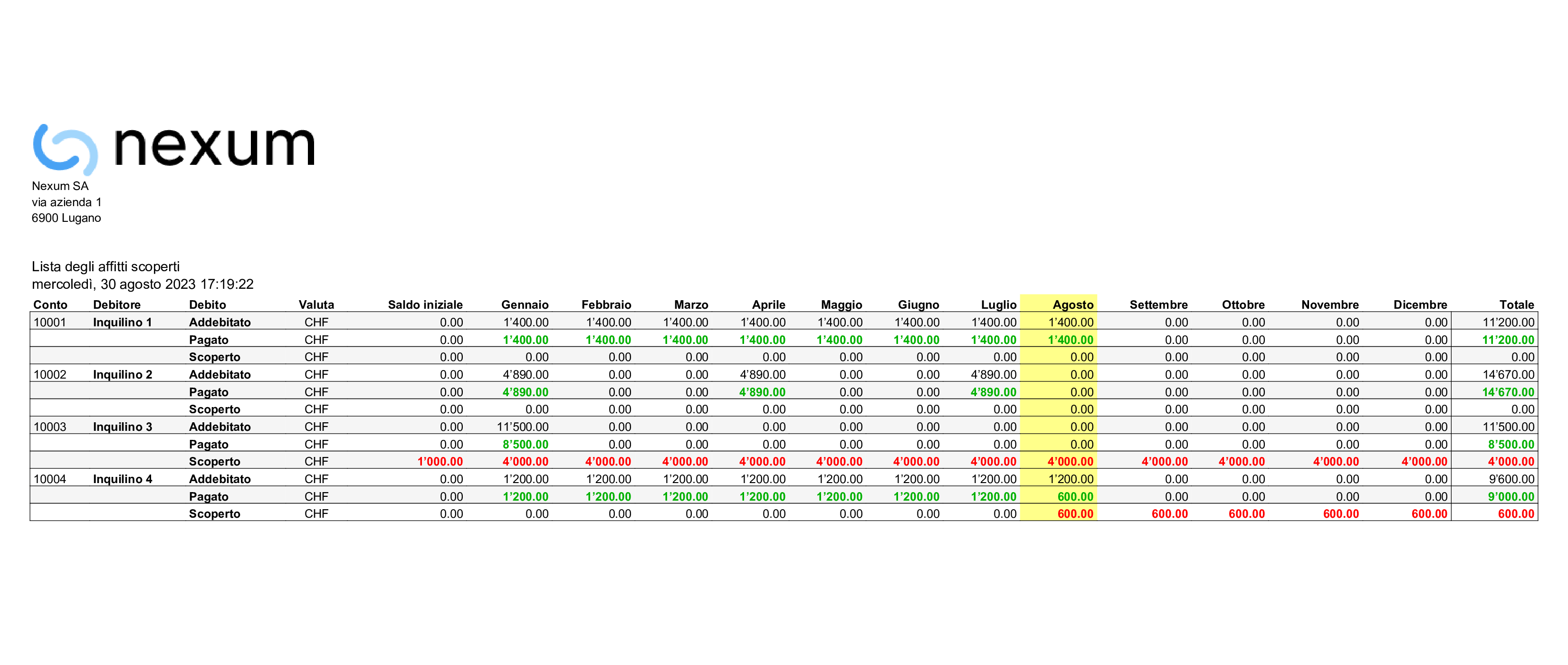
Il report dettagliato fornisce ulteriori informazioni sulle previsioni di incasso dell'anno corrente, suddiviso mensilmente e aggregato per l'intero anno. Questo report consente ai proprietari di pianificare meglio le proprie finanze e prendere decisioni informate.
Con entrambe i report per il controllo degli incassi degli affitti l'estensione identifica chiaramente gli inquilini che non hanno effettuato il pagamento dell'affitto o che lo hanno pagato solo parzialmente. Questa funzionalità è utile per prendere azioni immediate e recuperare gli importi scoperti.
Evidenziano inoltre se l'affitto è stato già addebitato correttamente nella contabilità. Questo garantisce l'allineamento tra le entrate registrate e la situazione finanziaria reale.
L'estensione è flessibile e adatta a diversi modi di operare sulla contabilità. Infatti funziona sia con i modelli Entrate/Uscite per non specialisti della contabilità e sia con modelli per la contabilità in Partita doppia. Gli inquilini possono infine essere inseriti sia come conti contabili che come centri di costo (CC1, CC2 o CC3) adattandosi alle preferenze individuali sulla gestione contabile.
Prerequisiti
Per utilizzare questa estensione è necessario:
- Avere il piano Advanced di Banana Contabilità Plus.
- Attualmente questa estensione funziona solo con la versione Banana+ Dev Channel.
Come iniziare
Per iniziare a usarla è sufficiente configurare l'estensione per il controllo degli incassi degli affitti:
- Clicca Estensioni dal menu di Banana.
- Clicca Gestisci estensioni...
- Nella finestra che si apre seleziona la voce Online > Produttività presente nella colonna sinistra.
- Cerca nella colonna centrale della finestra l'estensione chiamata Estensione per il controllo degli incassi degli affitti [BETA].
- Nella colonna destra della finestra clicca sul bottone Installa.
- Una volta installata, per funzionare è necessario impostare il Gruppo o conto dei clienti dal menu Report > Clienti > Impostazioni.
Imposta le registrazioni ricorrenti
Per utilizzare l'estensione tieni traccia degli affitti, degli anticipi per le spese e delle cadenze temporali degli affitti richiesti a ciascun inquilino nella tabella Registrazioni ricorrenti.
- Usa la colonna Data per indicare in che data iniziare ad addebitare automaticamente
- Usa la colonna Data Finale solo per indicare in che data l'inquilino terminerà il contratto di affitto dopo avere dato disdetta dal contratto
- Usa la colonna Ripeti per indicare la cadenza temporale di richiesta dell'affitto (Y anno, 6M semestrale, 4M quadrimestrale, 3M trimestrale, 2M bimestrale e M mensile).

Inserisci nella colonna Descrizione la descrizione per l'affitto e quella per l'anticipo sulle spese, come ad esempio "appartamento", "acconto spese", "garage".
Inserisci i conti contabili della registrazione degli addebiti come ad esempio il conto contabile dell'Inquilino 1 nella colonna Dare e il conto Ricavo da affitti nella colonna Avere.
Inserisci quindi l'importo corrispondente alla descrizione da addebitare.
Scopri il flusso di lavoro per la gestione degli affitti
Banana Contabilità Plus con il piano di abbonamento Advanced permette di facilitare e velocizzare molto la gestione di appartamenti in affitto attraverso un flusso di lavoro che sfrutta diverse funzionalità incluse nel programma.
Scopri il flusso di lavoro per la gestione degli affitti su Banana Contabilità+.
Centri di costo per inquilini
Per contabilità con un numero limitato di inquilini che si conoscono e pagano con regolarità potrebbe risultare troppo impegnativo addebitare mensilmente gli affitti da pagare.
È comunque sempre utile avere un controllo di quello che hanno pagato i singoli inquilini, per cui, invece di creare dei conti inquilini negli Attivi si possono creare dei conti inquilini come centri di costo CC3, preceduti dal punto e virgola ";".
Questa soluzione risulta utile nel caso che si vogliono registrare gli affitti secondo il metodo di cassa, per cui vengono considerati i ricavi solo al momento dell'incasso.
Questa soluzione è più semplice, ma permette comunque di avere un certo controllo e viene spiegata qui di seguito.
Conti inquilini come centri di costo
- Crea gli inquilini come centro di costo.
- Nella colonna Conto della Tabella Conti inserisci il numero dell'inquilino preceduto da un punto e virgola ";".
- Somma ogni inquilino (colonna Somma in "INQ") in un Gruppo "INQ" per ottenere il totale di tutti gli inquilini.
- Abilita la Vista Indirizzi per inserire i dati anagrafici di ogni inquilino.

Registrazione degli affitti sui centri di costo
- Nella Tabella Registrazioni.
- Guarda la Vista Centri di costo o abilita la colonna CC3 (Centro di Costo 3) nella Vista Base.
- Registra l'incasso dell'affitto come nell'immagine seguente, inserisci:
- l'incasso (conto della banca o cassa se l'affitto è stato pagato in contanti in Dare).
- la contropartita (conto Ricavi affitti in Avere).
- l'importo pagato dall'inquilino.
- nella colonna CC3 seleziona il nome dell'inquilino che ha pagato.

Registrazione del dovuto
Se si vuole tenere conto del dovuto sarebbe meglio registrare avendo dei conti di bilancio per ogni singolo inquilino.
Questa norma è consigliata soprattutto se si registra con il metodo sul fatturato.
Tuttavia puoi registrare anche con i centri di costo secondo il metodo di cassa:
- Tieni traccia del dovuto di un inquilino usando i centri di costo.
- Registra l'addebito usando i centri di costo, inserisci:
- la data.
- la descrizione.
- l'importo.
- il centro di costo dell'inquilino.
- Registra l'addebito usando i centri di costo, inserisci:
Non inserire il conto Dare e il conto Avere come nell'immagine seguente.
- Registra quindi il versamento dell'inquilino in contabilità, inserisci:
- l'incasso (conto della banca o cassa se l'affitto è stato pagato in contanti in Dare).
- la contropartita (conto Ricavi affitti in Avere).
- l'importo pagato dall'inquilino.
- il centro di costo scrivendo un segno meno davanti "-Inquilino 1".

Scheda conto inquilino
In ogni momento puoi visualizzare la scheda conto del centro di costo dell'inquilino desiderato.
Apri la scheda conto con un clic sul simbolo che esce nell'angolo in alto a sinistra quando passi il mouse sul centro di costo dell'inquilino, oppure usa il menu Report > Schede conto.
Se hai registrato anche l'addebito mensile dell'affitto la situazione dopo l'incasso è rappresentata nella immagine seguente.
La scheda conto permette di avere traccia del dettaglio degli affitti pagati per ogni singolo inquilino.

Modelli Universali Gestione Affitti
Contabilità Entrate/Uscite per Gestione immobiliare appartamento o immobile in affitto (Universale)
在此文中
Contabilità Entrate/Uscite per Gestione immobiliare appartamento o immobile in affitto (Universale)
Contabilità Entrate/Uscite per Gestione immobiliare appartamento o immobile in affitto (Universale)
Gestisci velocemente i conti di un appartamento o immobile in affitto con questo modello su misura di Banana Contabilità Plus. Ottieni in automatico bilancio e conto economico. Gestisci gli inquilini attraverso il partitario. I conti sono già impostati, ma puoi sempre personalizzarli secondo le tue necessità.
模板预览
Divisa Base: EUR
Contabilità entrate / uscite
| Gruppo | Conto | Descrizione | Somma in |
|---|---|---|---|
| PATRIMONIO | |||
| Cassa | Cassa | Patrimonio | |
| Posta | Conto corrente postale | Patrimonio | |
| Banca | Conto corrente bancario | Patrimonio | |
| Partitario | Totale debitori da partitario | Patrimonio | |
| Mobilio e attrezzature | Mobili e attrezzature | Patrimonio | |
| Debiti a breve termine | Debiti a breve termine | Patrimonio | |
| Debiti a lungo termine | Debiti a medio e lungo termine | Patrimonio | |
| Accantonamenti | Accantonamenti per riparazioni e manutenzioni | Patrimonio | |
| Patrimonio | TOTALE PATRIMONIO | ||
| PARTITARIO DEBITORI | |||
| PARTITARIO DEBITORI | |||
| Debitore 1 | Inquilino 1 | Inquilini | |
| Debitore 2 | Inquilino 2 | Inquilini | |
| Debitore 3 | Inquilino 3 | Inquilini | |
| Debitore 4 | Inquilino 4 | Inquilini | |
| Inquilini | TOTALE DEBITORI | Partitario |
| Gruppo | Categoria | Descrizione | Somma in |
|---|---|---|---|
| RISULTATO | |||
| ENTRATE | |||
| Incassi affitti | Incassi affitti | Entrate | |
| Altre entrate | Altre entrate | Entrate | |
| Ricavi finanziari | Ricavi finanziari | Entrate | |
| Entrate | TOTALE ENTRATE | Risultato | |
| USCITE | |||
| Portineria | Portineria | Uscite | |
| Contributi portineria | Contributi portineria | Uscite | |
| Cassa pensione | Cassa pensione | Uscite | |
| Assicurazioni custode | Assicurazioni custode | Uscite | |
| Riscaldamento | Riscaldamento | Uscite | |
| Elettricità | Elettricità | Uscite | |
| Manutenzioni ordinarie | Manutenzioni ordinarie | Uscite | |
| Manutenzioni straordinarie | Manutenzioni straordinarie | Uscite | |
| Altri costi | Altri costi dell'immobile | Uscite | |
| Pubblicità | Spese per pubblicità | Uscite | |
| Ammortamenti | Ammortamenti e rettifiche di valore dell'attivo fisso | Uscite | |
| Costi finanziari | Costi finanziari | Uscite | |
| Imposte | Imposte e tasse | Uscite | |
| Uscite | TOTALE USCITE | Risultato | |
| Risultato | RISULTATO D'ESERCIZIO |
Contabilità in partita doppia per Gestione immobiliare appartamento o immobile in affitto (Universale)
在此文中
Contabilità in partita doppia per Gestione immobiliare appartamento o immobile in affitto (Universale)
Contabilità in partita doppia per Gestione immobiliare appartamento o immobile in affitto (Universale)
Gestisci velocemente i conti di un appartamento o immobile in affitto con questo modello su misura di Banana Contabilità. Ottieni in automatico bilancio e conto economico. Gestisci gli inquilini attraverso il partitario. I conti sono già impostati a tal fine e se ritieni opportuno puoi sempre personalizzarli secondo le tue necessità.
模板预览
Divisa Base: EUR
Contabilità in partita doppia
| Gruppo | Conto | Descrizione | Somma in |
|---|---|---|---|
| BILANCIO | |||
| ATTIVI | |||
| Cassa | Cassa | Liquidità | |
| Banca | Banca | Liquidità | |
| Liquidità | Liquidità | Attivo Circolante | |
| Partitario | Totale inquilini partitario | Crediti Totali | |
| Anticipo Spese spese rimborsate dagli inquilini | |||
| Riscaldamento | Riscaldamento | Anticipo Spese | |
| Stipendi portineria | Stipendi portineria | Anticipo Spese | |
| Contributi portineria | Contributi portineria | Anticipo Spese | |
| Prodotti di pulizia portineria | Prodotti di pulizia portineria | Anticipo Spese | |
| Manutenzione giardino | Manutenzione giardino | Anticipo Spese | |
| Elettricità | Elettricità | Anticipo Spese | |
| Acqua potabile | Acqua potabile | Anticipo Spese | |
| Abbonamenti ascensori | Abbonamenti ascensori | Anticipo Spese | |
| Altri abbonamenti | Altri abbonamenti di servizio | Anticipo Spese | |
| Tv | TV | Anticipo Spese | |
| Conteggio annuale | Conteggio annuale | Anticipo Spese | |
| Anticipo Spese | Anticipo Spese spese rimborsate dagli inquilini | Crediti Totali | |
| Crediti Totali | Crediti da forniture e prestazioni | Attivo Circolante | |
| Anticipi e prestiti | Anticipi e prestiti | Altri Crediti | |
| Crediti da assicurazioni | Crediti da assicurazioni sociali e istituti di previdenza | Altri Crediti | |
| Crediti diversi | Crediti diversi a breve termine | Altri Crediti | |
| Cauzioni | Cauzioni | Altri Crediti | |
| Altri Crediti | Altri crediti a breve termine | Attivo Circolante | |
| Costi anticipati | Costi anticipati | Ratei Attivi | |
| Ricavi da incassare | Ricavi da incassare | Ratei Attivi | |
| Ratei Attivi | Ratei e risconti attivi | Attivo Circolante | |
| Attivo Circolante | Attivo circolante | Attivi | |
| Prestiti | Prestiti | Prestiti | |
| Prestiti | Immobilizzazioni finanziarie | Attivo Fisso | |
| Scorte di combustibile | Scorte di combustibile | Sostanza mobiliare | |
| Mobilio e installazioni | Mobilio e installazioni | Sostanza mobiliare | |
| Utensili e apparecchiature | Utensili e apparecchiature | Sostanza mobiliare | |
| Sostanza mobiliare | Immobilizzazioni mobiliari | Attivo Fisso | |
| Immobili | Immobili | Sostanza immobiliare | |
| Sostanza immobiliare | Immobilizzazioni immobiliari | Attivo Fisso | |
| Attivo Fisso | Attivo fisso | Attivi | |
| Attivi | Totale attivi | Totale | |
| PASSIVI | |||
| Debiti per forniture e prestazioni | Debiti per forniture e prestazioni (creditori) | Debiti | |
| Acconti degli inquilini | Acconti degli inquilini per spese anticipate | Debiti | |
| Debiti | Debiti per forniture e prestazioni | Capitale terzi b-termine | |
| Banca passiva a breve termine | Banca passiva | Debiti breve termine | |
| Impegni leasing finanziari a breve termine | Impegni leasing finanziari | Debiti breve termine | |
| Altri debiti onerosi a breve termine | Altri debiti onerosi | Debiti breve termine | |
| Debiti breve termine | Debiti onerosi a breve termine | Capitale terzi b-termine | |
| Imposte dirette | Imposte dirette | Altri Debiti breve termine | |
| Altri debiti a breve termine | Altri debiti a breve termine | Altri Debiti breve termine | |
| Assicurazioni sociali | Assicurazioni sociali e istituti di previdenza | Altri Debiti breve termine | |
| Altri Debiti breve termine | Altri debiti a breve termine | Capitale terzi b-termine | |
| Costi da pagare | Costi da pagare | Ratei Passivi | |
| Ricavi anticipati | Ricavi incassati dell'anno seguente | Ratei Passivi | |
| Accantonamenti a breve termine | Accantonamenti a breve termine | Ratei Passivi | |
| Ratei Passivi | Ratei e risconti passivi | Capitale terzi b-termine | |
| Capitale terzi b-termine | Capitale di terzi a breve termine | Passivi | |
| Debiti bancari | Debiti bancari | Debiti lungo termine | |
| Impegni leasing finanziari a lungo termine | Impegni leasing finanziari | Debiti lungo termine | |
| Prestiti a lungo termine | Prestiti | Debiti lungo termine | |
| Mutui ipotecari | Mutui ipotecari | Debiti lungo termine | |
| Debiti lungo termine | Debiti onerosi a lungo termine | Capitale terzi l-termine | |
| Altri debiti a lungo termine | Altri debiti a lungo termine (non onerosi) | Altri Debiti lungo termine | |
| Altri Debiti lungo termine | Altri debiti a lungo termine | Capitale terzi l-termine | |
| Accantonamenti | Accantonamenti | Accantonamenti | |
| Accantonamenti | Accantonamenti e poste analoghe previste dalla legge | Capitale terzi l-termine | |
| Capitale terzi l-termine | Capitale di terzi a lungo termine | Totale debiti | |
| Totale debiti | Capitale dei terzi | Passivi | |
| Proprietario | Proprietario | Proprietario | |
| Proprietario | Proprietario | Capitale proprio | |
| Utile/Perdita riportata | Utile/perdita riportata | Risultato | |
| Utile perdita annuale | Utile/perdita annuale | Risultato | |
| Risultato | Utile/perdita da bilancio | Capitale proprio | |
| Capitale proprio | Capitale proprio | Passivi | |
| Passivi | Totale passivi | Totale | |
| CONTO ECONOMICO | |||
| RICAVI | |||
| Incassi affitti | Incassi affitti | Ricavi | |
| Altri ricavi | Altri ricavi e prestazioni di servizi | Ricavi | |
| Diminuzione di ricavi | Diminuzione di ricavi | Ricavi | |
| Perdite su debitori | Perdite su debitori | Ricavi | |
| Ricavi | Totale ricavi d'esercizio | Risultato conto economico | |
| COSTI | |||
| Manutenzioni ordinarie | Manutenzioni ordinarie | Spese | |
| Manutenzioni straordinarie | Manutenzioni straordinarie | Spese | |
| Manutenzioni lift | Manutenzioni lift | Spese | |
| Assicurazioni | Assicurazioni | Spese | |
| Onorari | Onorario legali e specialisti | Spese | |
| Altre spese amministrative | Altre spese amministrative | Spese | |
| Inserzioni e pubblicità | Inserzioni e costi pubblicitari | Spese | |
| Altri costi | Altri costi d'esercizio | Spese | |
| Interessi e ammortamenti ipoteca | Interessi e ammortamenti ipoteca | Spese | |
| Spese | Spese di manutenzione e altre spese | Risultato conto economico | |
| Costi per interessi | Costi per interessi bancari | Costi finanziari | |
| Spese banca | Spese banca | Costi finanziari | |
| Ricavi finanziari | Ricavi finanziari | Costi finanziari | |
| Costi finanziari | Costi e ricavi finanziari | Risultato conto economico | |
| Imposte | Imposte | Imposte | |
| Imposte | Imposte | Risultato conto economico | |
| Risultato conto economico | Totale Costi | Risultato annuale | |
| Risultato annuale | Utile (-) / perdita (+) da conto economico | Utile perdita annuale | |
| Totale | Differenza deve essere zero (cella vuota) | ||
| Partitario inquilini | |||
| Inquilino 1 | Inquilino 1 | Inquilini | |
| Inquilino 2 | Inquilino 2 | Inquilini | |
| Inquilino 3 | Inquilino 3 | Inquilini | |
| Inquilino 4 | Inquilino 4 | Inquilini | |
| Inquilino 5 | Inquilino 5 | Inquilini | |
| Inquilino 6 | Inquilino 6 | Inquilini | |
| Inquilino 7 | Inquilino 7 | Inquilini | |
| Inquilino 8 | Inquilino 8 | Inquilini | |
| Inquilino 9 | Inquilino 9 | Inquilini | |
| Inquilino 10 | Inquilino 10 | Inquilini | |
| Inquilini | Totale inquilini partitario | Partitario |
Verwaltung von Stockwerkeigentum
Verwaltung von Stockwerkeigentum
Eine Stockwerkeigentümergemeinschaft ist ein Gebäude mit mehreren Eigentümern, die sich die Ausgaben und die Gemeinschaftsbereiche teilen. Banana Buchhaltung Plus bietet eine hilfreiche Vorlage für eine professionelle Verwaltung, die bereits einen für die Immobilienverwaltung typischen Kontenplan enthält.
- Vorlage für Stockwerkeigentum | Doppelte Buchhaltung: fortgeschrittene Methode, wenn Sie mit der klassischen Buchhaltung vertraut sind.
Kontenplan für Stockwerkeigentum
Die Buchhaltung eines Stockwerkeigentums kann wie eine normale Buchhaltung betrachtet werden, mit einem wichtigen Unterschied: Die Ausgaben des Gebäudes werden von den Eigentümern vorausbezahlt und müssen genau den tatsächlichen Betriebskosten entsprechen.
Anders gesagt: Das Stockwerkeigentum soll weder Gewinn noch Verlust machen, und die Eigentümer zahlen nur das, was notwendig ist, um den Betrieb des Gebäudes sicherzustellen.
Diese Buchhaltungsvorlagen für Stockwerkeigentum dienen genau dazu:
- die tatsächlichen Kosten im Blick zu behalten
- zu überprüfen, ob jeder Eigentümer seinen korrekten Anteil bezahlt hat
Im Stockwerkeigentum stellen die Ausgaben die Betriebskosten des Gebäudes dar. Die Eigentümer leisten dafür Vorauszahlungen.
Am Jahresende müssen die einbezahlten Beträge den getätigten Ausgaben entsprechen. Die Buchhaltung hilft dabei, diesen Vergleich klar und nachvollziehbar zu machen.
Der Kontenplan des Stockwerkeigentums ist so aufgebaut, dass er die Frage beantwortet, ob die Eigentümer genau den Betrag eingezahlt haben, der für den Betrieb des Gebäudes ausgegeben wurde.
Dazu ist die Buchhaltung in mehrere Hauptbereiche unterteilt.
Konten der Eigentümer
Für jeden Eigentümer wird ein persönliches Konto erstellt, um folgendes zu erfassen:
- wie viel ihm als Vorauszahlung in Rechnung gestellt wurde
- wie viel er tatsächlich einbezahlt hat
- ob er noch bezahlen muss oder zu viel bezahlt hat
Diese Konten ermöglichen es, jederzeit die Situation jedes Eigentümers zu sehen.
Konto Einnahmen für Betriebskosten
Das Konto Einnahmen für Betriebskosten stellt die Gesamtheit der Beträge dar, die den Eigentümern zur Deckung der Betriebskosten des Gebäudes in Rechnung gestellt wurden.
Auf dieses Konto fliessen:
- die von den Eigentümern verlangten Akontozahlungen
- allfällige weitere Einnahmen im Zusammenhang mit dem Betrieb des Gebäudes
Der Gesamtsaldo dieses Kontos muss den getätigten Ausgaben entsprechen.
Weitere Einnahmen des Stockwerkeigentums
Das Stockwerkeigentum kann auch andere Einnahmen haben, zum Beispiel:
- Nutzung der gemeinschaftlichen Waschküche
- Vermietung von Parkplätzen oder Räumen an Dritte
Auch diese Einnahmen tragen zur Deckung der Betriebskosten des Gebäudes bei.
Die Summe der Einnahmen für Betriebskosten und der weiteren Einnahmen muss der Summe der im Jahr angefallenen Immobilienkosten entsprechen.
Konten der Immobilienkosten
Die Kostenkonten erfassen alle Ausgaben, die für den Betrieb des Gebäudes notwendig sind, wie zum Beispiel:
- Unterhalt
- Reinigung
- Energie
- Eingriffe an den Anlagen
- andere gemeinsame Kosten
Die Gesamtausgaben stellen die tatsächlichen Betriebskosten des Gebäudes dar.
Wie die Akontozahlungen der Eigentümer verbucht werden
Wenn einem Eigentümer eine Akontozahlung in Rechnung gestellt wird:
- wird der Betrag auf dem Konto des Eigentümers erfasst
- die Gegenbuchung erfolgt im Konto Einnahmen für Betriebskosten
Diese Buchung wird auch dann vorgenommen, wenn der Eigentümer noch nicht bezahlt hat.
Wenn der Eigentümer die Akontozahlung leistet:
- wird der Betrag als Zahlung auf dem Konto des Eigentümers verbucht
- die Gegenbuchung erfolgt im Bank- oder Kassenkonto
Auf diese Weise ist jederzeit klar ersichtlich:
- wie viel verlangt wurde
- wie viel tatsächlich bezahlt wurde
Kontrolle der geleisteten Akontozahlungen
Das Konto des Eigentümers zeigt jederzeit seine Situation:
- Sollsaldo
bedeutet, dass der Eigentümer noch nicht alle geforderten Akontozahlungen geleistet hat - Habensaldo
bedeutet, dass der Eigentümer mehr als nötig einbezahlt hat
Diese Kontrolle ist sofort verfügbar und erfordert keine externen Berechnungen.
Jahresabrechnung
Am Jahresende werden folgende Punkte verglichen:
- die insgesamt verlangten Beträge
- die tatsächlich angefallenen Ausgaben
Um die verlangten Akontozahlungen mit den Ausgaben auszugleichen:
- wird jenen, denen zu wenig verlangt wurde, der fehlende Betrag nachbelastet
- wird jenen, denen zu viel verlangt wurde, die Differenz zurückerstattet
In beiden Fällen erfolgt die Gegenbuchung im Konto Einnahmen für Betriebskosten.
Dieser Kontenplan ermöglicht es:
- sofort die Betriebskosten des Gebäudes zu verstehen
- die Richtigkeit der einbezahlten Beträge zu überprüfen
- eine transparente und verständliche Verwaltung zu gewährleisten
So widerspiegelt die Buchhaltung des Stockwerkeigentums genau die Realität – die Eigentümer tragen die Kosten des Gebäudes, nicht mehr und nicht weniger.
Banana Buchhaltung Plus verteilt die Ausgaben nicht automatisch auf die einzelnen Eigentümer, da jede Liegenschaft eine eigene, teils komplexe Aufteilung haben kann. Sie können jedoch die in Banana erfassten Daten exportieren und gezielt in Excel weiterverarbeiten. Sehen Sie sich dazu die Seite über die Excel-Vorlagen zur Aufteilung der Betriebskosten im Stockwerkeigentum an, um die Abrechnung an die Eigentümer zu erstellen oder die Spesen für eine eventuelle Steuererklärung aufzuteilen.
Verteilung und Abrechnung der Nebenkosten zulasten der Miteigentümer
Die Berechnung und Aufteilung der Immobilienkosten für die Eigentümer einer Stockwerkeigentümergemeinschaft berücksichtigt:
- Die Summe der angefallenen Kosten.
- Die Summe aller Einnahmen (Akontozahlungen der Eigentümer, Einnahmen aus der Waschküche und allfällige weitere Einnahmen), die einen Teil der Immobilienkosten decken.
- Die Differenz zwischen der Summe der Kosten und der Summe der Einnahmen ist der Saldo, also der Betrag, der am Jahresende von den Eigentümern eingefordert wird:
- Diese Differenz wird als Abrechnung oder Ausgleich bezeichnet.
- Wenn die Einnahmen höher sind als die Kosten, ergibt sich ein Überschuss, der den Eigentümern zurückerstattet wird.
- Wenn die Einnahmen geringer sind als die Kosten, ergibt sich ein Differenzbetrag, der von den Eigentümern eingefordert wird.
- Die Abrechnung ist individuell für jeden Eigentümer: Es ist daher möglich, dass ein Eigentümer Anspruch auf eine Rückerstattung hat, während ein anderer eine Nachzahlung leisten muss.
- Nach der Erfassung der Abrechnungen aller Eigentümer entspricht die Summe aller Kosten genau der Summe aller Einnahmen (kein Gewinn und kein Verlust).
Individuelle Aufteilung der Immobilienkosten
Die individuelle Aufteilung der Immobilienkosten bezieht sich auf jede einzelne Wohnung und auf den Zeitraum, in dem eine Person (natürliche oder juristische) effektiv Eigentümer war (bei Käufen und Verkäufen während des Jahres müssen Pro-rata-Abrechnungen erstellt werden).
Banana Buchhaltung Plus ermöglicht es, die Kosten zu erfassen, übernimmt jedoch nicht die Aufteilung, da diese für jede Liegenschaft unterschiedlich ist und teilweise sehr komplex sein kann.
Für die Aufteilung wird daher empfohlen, für jede Liegenschaft und für jedes Jahr (oder jeden Abrechnungszeitraum) eine Excel-Tabelle zu erstellen, in der die Totale jeder einzelnen Kostenart aufgeführt sind und die Beträge anschliessend mittels Verteilerschlüssel oder Koeffizienten (m2, Verbrauch, Wertquoten usw.) berechnet und aufgeteilt werden.
Siehe Beispiel unten sowie die beigelegte Excel-Vorlage.
Abrechnung an die Eigentümer
Die berechnete Abrechnung muss in der Buchhaltung erfasst werden:
- Wenn der Eigentümer weniger bezahlt hat als die ihm zugewiesenen Kosten, wird die Differenz eingefordert und im Eigentümerkonto im Soll verbucht.
- Das Gegenkonto ist das Konto für Einnahmen aus Nebenkosten.
- Wenn der Eigentümer mehr bezahlt hat als die ihm zugewiesenen Kosten, wird die Differenz zurückerstattet und im Eigentümerkonto im Haben verbucht.
- Das Gegenkonto ist das Konto für Einnahmen aus Nebenkosten.
- Nachdem alle Abrechnungen den jeweiligen Eigentümern erfasst wurden, muss sich der Gewinn oder Verlust ausgleichen oder es darf ein Betrag von wenigen Rappen verbleiben, der nicht weiter auf alle Eigentümer aufgeteilt werden kann.
- Wenn sich Gewinn oder Verlust ausgleichen oder nur wenige Rappen verbleiben, ist die Aufteilung der Kosten korrekt erfolgt.
- Wenn sich Gewinn oder Verlust nicht ausgleichen oder Beträge von mehr als wenigen Rappen verbleiben, ist die Aufteilung nicht korrekt erfolgt. In diesem Fall müssen die Berechnungen zur Aufteilung der Kosten auf die Eigentümer überprüft werden.
Aufteilung der angefallenen Kosten für den Steuerabzug
Für einen allfälligen Steuerabzug der von jedem Eigentümer getragenen Kosten wird empfohlen, für jede Liegenschaft und für jedes Jahr (oder jeden Abrechnungszeitraum) eine spezifische Excel-Tabelle zu erstellen, in der die Totale der abzugsfähigen Kosten und die entsprechenden Beträge aufgeführt sind. Diese Beträge werden anschliessend für jede einzelne Wohnung mittels Berechnung und Verwendung von Verteilerschlüsseln oder Koeffizienten aufgeteilt.
Siehe das folgende Beispiel und laden Sie die Excel-Vorlage herunter.
Kostenverteilung auf Miteigentümer nach dem Pro-rata-Prinzip
Wenn während des Jahres ein Verkauf einer Wohnung stattfindet, kann es notwendig sein, die Kosten pro-rata zwischen dem bisherigen und dem neuen Eigentümer aufzuteilen:
- Es können jedoch auch andere Aufteilungsmethoden bestehen, wie beispielsweise nach Monaten oder nach warmer und kalter Jahresperiode usw.
- Die Methoden zur Aufteilung der pro-rata Kosten variieren je nach geltenden lokalen Vorschriften oder gemäss den Kaufverträgen der Wohnung.

Flusso di lavoro per la gestione dei condomini
Con Banana Contabilità puoi gestire una contabilità di condominio con il flusso di lavoro descritto in questa pagina e che comprende:
- l'importazione degli estratti conto elettronici bancari
- la registrazione automatica degli estratti attraverso delle regole di completamento delle registrazioni
- la registrazione automatica dei salari versati al custode senza riscrivere o copiare le registrazioni più volte
- la creazione di report completamente personalizzati in Excel
- il salvataggio e l'invio della contabilità completa dei giustificativi in un unico file PDF.
Importa gli estratti conto elettronici della banca
Puoi richiedere alla tua banca di fornirti l'estratto conto elettronico in formato XML (tipo di estratto Camt.053). Se necessario chiedi anche alla tua banca di continuare a ricevere l'estratto conto in formato PDF.
L'estratto conto elettronico in formato XML ti permette di ottenere la contabilità sempre aggiornata e di emettere richiami di pagamento in qualsiasi momento.
Quando il file XML è disponibile scaricalo dall'e-banking e salvalo sul computer. Potresti riceverlo giornalmente, settimanalmente o mensilmente in base a come lo hai richiesto.
Usa l’estensione Importazione estratto bancario SEPA/ISO 20022 per importare il file appena scaricato.
Quando importi un estratto conto elettronico puoi registrare automaticamente sia gli incassi ricevuti che i pagamenti effettuati grazie all'uso delle regole di completamento delle registrazioni contabili. A ogni importazione puoi creare tutte le regole necessarie. Con il tempo ti basterà importare gli estratti conto per registrare automaticamente tutta la contabilità.
Crea le regole per automatizzare la contabilità
Banana Contabilità, con l'abbonamento al piano Advanced, permette di registrare automaticamente la contabilità secondo i criteri che desideri.
Per esempio puoi registrare tutte le fatture pagate a Azienda SA in un conto contabile specifico tramite il nome dell'azienda a cui paghi.
Quando nell'estratto conto elettronico appare quel nome di azienda e corrisponde a un'uscita, Banana Contabilità lo registra nel conto contabile da te impostato.
Se paghi una fattura per un contratto stipulato con Azienda SA (per esempio per un'assicurazione, una fornitura di energia, ecc.) puoi aggiungere il segno + e il numero di contratto, come per esempio +Azienda SA 101.200.14, dove 101.200.14 è il numero di contratto stipulato.
Il segno + indica che è necessario trovare tutte le informazioni, in qualsiasi ordine, all'interno dell'estratto conto elettronico. In questo modo puoi registrare in maniera distinta più contratti diversi stipulati con la stessa azienda.
Allo stesso modo puoi registrare automaticamente gli incassi usando i nomi delle persone dalle quali incassi.
Con le regole registri automaticamente tutte le entrate e le uscite da tutti i proprietari in maniera molto precisa.
Se desideri puoi anche indicare uno specifico importo alla regola. In questo modo distingui sempre di più le registrazioni, sia in entrata che in uscita.
Per usare le regole è necessario inserire nella colonna Doc della tabella Registrazioni ricorrenti il codice !Rule come negli esempi di regole seguenti.

In questa tabella è anche possibile usare il codice !RuleSplit per inserire regole che registrano automaticamente con registrazioni composte da più righe.
In questo modo riduci notevolmente il tempo di registrazione contabile e ottieni la contabilità sempre aggiornata.
Registra automaticamente i salari del custode
Dalla tabella Registrazioni ricorrenti registra i salari del custode su più righe inserendo per esempio nella colonna Doc il codice univoco salari su ogni riga.
Inserisci la descrizione di ogni riga inclusa nella registrazione, inserisci i rispettivi conti Dare e Avere e gli importi che si ripetono in modo ricorrente.
Quando imposti una registrazione ricorrente usala nella tabella Registrazioni:
- Compila la colonna Data inserendo la data.
- Inizia a scrivere nella colonna Doc la parola salari.
- Seleziona la registrazione ricorrente trovata da Banana Contabilità Plus.
La registrazione del salario composta da più righe apparirà già completata nella tabella Registrazioni in contabilità.
Se preferisci puoi automatizzare ulteriormente la registrazione composta da più righe con l'uso delle regole per usarle quando importi l'estratto conto elettronico:
- Nella colonna Doc inserisci i codici !Rule e !RuleSplit al posto del nome salari riportato nell'esempio precedente.
- Inserisci il nome del custode a cui versi il salario nella colonna Descrizione della riga dove inserisci il codice !Rule.
- Questo nome verrà cercato nell'estratto conto elettronico durante l'importazione.
- Inserisci una parentesi quadrata aperta e una chiusa [] nel conto di contropartita della regola dove inserisci il codice !Rule. Queste parentesi indicano che si tratta di una regola per una registrazione con più righe.
Guarda l'esempio nella immagine seguente.
Crea report personalizzati in Excel
Con Banana Contabilità è possibile collegare Microsoft Excel tramite l'Add-in di Banana Contabilità per creare report completamente personalizzati.
Con l'Add-in puoi suddividere il budget o calcolare i conteggi di suddivisione delle spese tra i proprietari.
Trovi l'Add-in da installare all'interno di Excel, cerca nei componenti aggiuntivi, installalo e inizia subito a generare i tuoi report personalizzati.
Per maggiori informazioni guarda anche le pagine di documentazione relative all'Add-in Excel di Banana Contabilità.
Salva e invia la contabilità per e-mail con i giustificativi in un unco file PDF
Nella tabella Registrazioni è possibile abilitare e visualizzare la colonna Link. Usa questa colonna per allegare a ogni registrazione contabile il relativo giustificativo, come per esempio una fattura ricevuta o una fattura emessa.
Abilita la colonna Link in questo modo:
- Fai doppio clic sull'intestazione delle colonne nella tabella Registrazioni (per esempio sulla colonna Descrizione).
- Vista la casella DocLink nella colonna a sinistra della finestra che si apre, come da immagine seguente.
- Clicca sul bottone Ok in basso a destra nella finestra per confermare.
Ora allega i giustificativi dalla tabella Registrazioni. Fai doppio clic sulla cella della colonna Link e cerca e scegli il file da allegare che hai salvato sul tuo computer.
Quando desideri crea il dossier PDF in questo modo:
- Clicca dal menu File la voce Crea dossier PDF.
- Vista in basso a sinistra nella finestra che si apre la casella "Includi allegati", come da immagine seguente.
- Clicca il bottone Ok in basso a destra per confermare e salva il file PDF in una posizione del computer dove preferisci.
Il PDF salvato è un file con il bilancio, il conto economico, le schede conto e tutti i giustificativi allegati in unico file PDF.
Scarica e guarda un esempio di dossier PDF (alcuni browser non permettono la visualizzazione degli allegati, ti consigliamo di salvarlo e aprirlo con il programma Adobe Acrobat Reader che è gratuito).
Clicca sulle icone a forma di graffetta a sinistra delle registrazioni per aprire gli allegati, come nell'esempio seguente.
Con questa funzionalità puoi inviare il file PDF con la contabilità completa anche per e-mail o decidere di conservarlo secondo le norme vigenti.
Modelli Universali Gestione Condomini
Contabilità Entrate/Uscite per Gestione immobiliare condominio (Universale)
在此文中
Contabilità Entrate/Uscite per Gestione immobiliare condominio (Universale)
Contabilità Entrate/Uscite per Gestione immobiliare condominio (Universale)
Gestisci velocemente i conti di un condominio con questo modello su misura di Banana Contabilità Plus. Ottieni in automatico bilancio e conto economico. Gestisci i comproprietari attraverso il partitario. I conti sono già impostati a tal fine e se ritieni opportuno puoi sempre personalizzarli secondo le tue necessità.
模板预览
Divisa Base: EUR
Contabilità entrate / uscite
| Gruppo | Conto | Descrizione | Somma in |
|---|---|---|---|
| PATRIMONIO | |||
| Cassa | Cassa | Patrimonio | |
| Posta | Conto corrente postale | Patrimonio | |
| Banca | Conto corrente bancario | Patrimonio | |
| Partitario | Totale debitori da partitario | Patrimonio | |
| Mobilio e attrezzature | Mobili e attrezzature | Patrimonio | |
| Debiti a breve termine | Debiti a breve termine | Patrimonio | |
| Debiti a lungo termine | Debiti a medio e lungo termine | Patrimonio | |
| Accantonamenti | Accantonamenti per riparazioni e manutenzioni | Patrimonio | |
| Patrimonio | TOTALE PATRIMONIO | ||
| PARTITARIO DEBITORI | |||
| PARTITARIO DEBITORI | |||
| Debitore 1 | Proprietario 1 | Proprietari | |
| Debitore 2 | Proprietario 2 | Proprietari | |
| Debitore 3 | Proprietario 3 | Proprietari | |
| Proprietari | TOTALE DEBITORI | Partitario |
| Gruppo | Categoria | Descrizione | Somma in |
|---|---|---|---|
| RISULTATO | |||
| ENTRATE | |||
| Incassi spese condominiali | Incassi spese condominiali | Entrate | |
| Altre entrate | Altre entrate | Entrate | |
| Ricavi finanziari | Ricavi finanziari | Entrate | |
| Entrate | TOTALE ENTRATE | Risultato | |
| USCITE | |||
| Portineria | Portineria | Uscite | |
| Contributi portineria | Contributi portineria | Uscite | |
| Cassa pensione | Cassa pensione | Uscite | |
| Assicurazioni custode | Assicurazioni custode | Uscite | |
| Riscaldamento | Riscaldamento | Uscite | |
| Elettricità | Elettricità | Uscite | |
| Manutenzioni ordinarie | Manutenzioni ordinarie | Uscite | |
| Manutenzioni straordinarie | Manutenzioni straordinarie | Uscite | |
| Altri costi | Altri costi dell'immobile | Uscite | |
| Pubblicità | Spese per pubblicità | Uscite | |
| Costi finanziari | Costi finanziari | Uscite | |
| Imposte | Imposte e tasse | Uscite | |
| Uscite | TOTALE USCITE | Risultato | |
| Risultato | RISULTATO D'ESERCIZIO |
Contabilità in partita doppia per Gestione immobiliare condominio (Universale)
在此文中
Contabilità in partita doppia per Gestione immobiliare condominio (Universale)
Contabilità in partita doppia per Gestione immobiliare condominio (Universale)
Gestisci velocemente i conti di un condominio con questo modello su misura di Banana Contabilità Plus. Ottieni in automatico bilancio e conto economico. Gestisci i comproprietari attraverso il partitario. I conti sono già impostati, ma puoi sempre personalizzarli secondo le tue necessità.
模板预览
Divisa Base: EUR
Contabilità in partita doppia
| Gruppo | Conto | Descrizione | Somma in |
|---|---|---|---|
| BILANCIO | |||
| ATTIVI | |||
| Cassa | Cassa | Liquidità | |
| Banca ordinaria | Banca - gestione ordinaria | Liquidità | |
| Banca fondo di riserva | Banca - fondo di riserva | Liquidità | |
| Liquidità | Liquidità | Attivo circolante | |
| Partitario | Proprietari | Attivo circolante | |
| Costi anticipati | Costi anticipati | Ratei attivi | |
| Ricavi da incassare | Ricavi da incassare | Ratei attivi | |
| Ratei attivi | Ratei e risconti attivi | Attivo circolante | |
| Attivo circolante | Attivo circolante | Attivo | |
| Mobilio e installazioni | Mobilio e installazioni | Attivo fisso | |
| Utensili e apparecchiature | Utensili e apparecchiature | Attivo fisso | |
| Attivo fisso | Attivo fisso | Attivo | |
| Attivo | Totale attivi | Totale | |
| PASSIVI | |||
| Debiti per forniture e prestazioni | Debiti per forniture e prestazioni (creditori) | Debiti | |
| Debiti | Debiti per forniture e prestazioni | Passivi | |
| Costi da pagare | Costi da pagare | Ratei passivi | |
| Ricavi anticipati | Ricavi incassati dell'anno seguente | Ratei passivi | |
| Ratei passivi | Ratei e risconti passivi | Passivi | |
| Accantonamento | Accantonamento | Accantonamenti | |
| Accantonamenti | Accantonamenti | Passivi | |
| Ripartizione annuale | Ripartizione utile/perdita annuale | Passivi | |
| Risultato | Utile o perdita da bilancio | Passivi | |
| Passivi | TOTALE PASSIVI | Totale | |
| CONTO ECONOMICO | |||
| RICAVI | |||
| Incassi spese condominiali | Incassi da spese condominiali | Ricavi | |
| Altri ricavi | Altri ricavi e prestazioni di servizi | Ricavi | |
| Diminuzione di ricavi | Diminuzione di ricavi | Ricavi | |
| Perdite su comproprietari | Perdite su comproprietari | Ricavi | |
| Ricavi | TOTALE RICAVI D'ESERCIZIO | Risultato annuale | |
| COSTI | |||
| Riscaldamento | Riscaldamento | Spese | |
| Stipendi portineria | Stipendi portineria | Spese | |
| Contributi portineria | Contributi portineria | Spese | |
| Prodotti di pulizia portineria | Prodotti di pulizia portineria | Spese | |
| Manutenzione giardino | Manutenzione giardino | Spese | |
| Elettricità | Elettricità | Spese | |
| Acqua potabile | Acqua potabile | Spese | |
| Tassa canalizzazione | Tassa canalizzazione | Spese | |
| Abbonamenti ascensori | Abbonamenti ascensori | Spese | |
| Altri abbonamenti | Altri abbonamenti di servizio | Spese | |
| Tv | TV | Spese | |
| Manutenzioni ordinarie | Manutenzioni ordinarie | Spese | |
| Manutenzioni straordinarie | Manutenzioni straordinarie | Spese | |
| Manutenzioni lift | Manutenzioni lift | Spese | |
| Assicurazioni | Assicurazioni | Spese | |
| Onorari | Onorario legali e specialisti | Spese | |
| Altre spese amministrative | Altre spese amministrative | Spese | |
| Altri costi | Altri costi d'esercizio | Spese | |
| Spese | Spese dell'immobile | Risultato conto economico | |
| Costi per interessi | Costi per interessi bancari | Costi finanziari | |
| Spese banca | Spese banca | Costi finanziari | |
| Ricavi finanziari | Ricavi finanziari | Costi finanziari | |
| Costi finanziari | Costi e ricavi finanziari | Risultato conto economico | |
| Risultato conto economico | TOTALE COSTI | Risultato annuale | |
| Risultato annuale | Utile (-) / perdita (+) da conto economico | Risultato | |
| Totale | Differenza deve essere zero (cella vuota) | ||
| Partitario proprietari | |||
| Proprietario 1 | Proprietario 1 | Proprietari | |
| Proprietario 2 | Proprietario 2 | Proprietari | |
| Proprietario 3 | Proprietario 3 | Proprietari | |
| Proprietari | Totale proprietari | Partitario | |
建筑项目的财务管理报表 [BETA]
在此文中
建筑项目的财务管理报表 [BETA]
建筑项目的财务管理报表 [BETA]
从估算阶段、审议和付款阶段,轻松控制您的项目成本。查看成本是否与估算相符,避免超支和意外的发生。 按成本科目和公司对数据进行分类。使用方式如同Excel一样,是建筑师、工程师、测量师和承包商的理想选择。完整的关键财务报表提供了非常复杂的项目管理方案。
首先下载建筑项目的财务管理模板,构建您的会计并使用扩展程序来控制和比较您的项目成本。通过在对话框中选择要显示的列来生成报告,这样您将只拥有您真正感兴趣的数据。
它是如何运作的
轻松管理建筑项目的所有财务方面。一切都已设置好,您可以轻松地将其调整到单个项目并输入数据。
- 对于每个建筑项目,您需要建立一个会计文件。
- 从软件中预设好的模板开始,账户和科目已经设置好。
- 您还可以打开带有示例的教程模板。
-
您可以根据需要管理任意数量的项目。
- 预算估算。
在项目的发开阶段,全面了解成本是非常重要的。- 在科目表中输入预算估算。您可以编辑、添加费用项目,也可以进行分组。
-
您可以概览项目的总成本。
- 如果需要,您可以添加更多列来管理更多的变量。
- 审议。
您已经选择了该项目,现在是时候开始向公司提出要约和审议请求了。- 在账户表中,输入包含每个公司的相对成本中心的行。
- 在预算表中输入核准的金额,说明支出的科目和公司。
- 您拥有包含预算值、核准值和与预算审议总计的报告。您可以提前知道是否能够避免预算超支。
- 实际支出。
公司发送预付款和发票的请求。-
在发生业务表中,输入已经支付的金额。
- 您可以看到按科目和按公司支付的总金额的报告。查看与批准的和预算金额的偏差。您会立即注意到某种工作或公司是否存在超支。
-
主要的优势
- 它的使用方法与Excel类似。
- 易于使用,基于大众熟知的收入支出的记账方式。
- 建筑项目的财务状况总是处于最新的状况。
- 涵盖项目的所有阶段,从制定预算到审议和付款。
- 既管理费用,也管理收入 (自有资金、捐款和其它投入)。
- 在每个阶段,如果有任何超支,您会立即注意到。
- 完整的报告。
-
按支出/收入科目划分
- 按公司划分
- 预算估算
- 审议金额
- 实际支付的金额 (预付款和发票)。
- 偏差,用颜色来表示是否有增加或节省。
-
- 连接文件
当您输入审议或付款时,您还可以将发生业务链接到数字文档。轻松进行验证,因为您只需单击一下即可打开附件。 -
银行账户变动。 付款账户报表。
- 用于进一步报告的数据重用。
使用扩展程序的要求
要使用它,需要下载并安装使用 Banana财务会计+ 的高级计划。
建筑项目会计的文件设置
创建新文件
要创建一个新的文件,只需点击文件菜单中的新建命令。
通过该命令打开创建新文件的窗口。在这个窗口中,您可以搜索所需的模板,在本例中选择的是建筑项目会计的模板。
基本属性
在会计文件和账户属性中定义会计文件的主要参数,如标题、项目的开始和结束日期。您可以通过文件菜单 → 文件和账户属性命令来改变这些属性。
这些数据包括在报告中,并可以打印。
创建项目文件夹
您可以将文件和收据链接到发生业务来管理数字格式的文档和收据,这样您就可以将所有内容安排的井井有条,并可以一键查看。
因此,创建一个文件夹来保存您创建的会计文件是很有用的。
然后为审议文件、收据和其它文件创建子文件夹。了解如何组织数字文件。
科目和预算估算
科目表
科目表是您设置要执行的工作要素的地方。可以在任何时候对成本科目进行改变或个性化的编辑。如果您有特别的要求,可以决定改变元素的分组结构,或使用模板建议的结构。
预算估算列
在此列中,您定义每个成本科目的预估金额, 并可以随时更改金额。
预算的变量
您可以添加附加列以输入与任何预算变量相关的金额。使用数据菜单 → 列设置的命令,并添加一个金额类型的列以确保对值进行汇总。
附加列
在 Banana财务会计软件的术语中,预算列是包含根据预算表中所包括的变动计算的数值的列。
在项目管理中,预算表已被重新命名为 "审议",用于插入审议。这可能会造成一时的混乱。
审议列
包含审议表中显示的数值。
支出列
它包含了根据发生业务表中的变动计算出的数值。
费用-审议列
计算通过发生业务表中的变动所获得的值与审议中的金额之间的差额。
使用您自己的结构
您可以按照自己的意愿自由创建科目结构,也可以采用标准结构。
- 创建科目。
您可以使用数字或文字进行描述。 - 创建分组。
您可以根据需要使用任意数量的级别。
附加分组
对于税务机关或其它需要,您可能会发现按其它标准对科目条目进行分组是很有用的。您可以为此目的使用总组1的列或根据需要添加额外的列。
审议
与工作分配相关的动向被输入到审议表中。
在输入审议的发生业务时,还必须输入公司账户和其所涉及的科目。
输入数据后,您可以使用报告查看总体情况以及与估算预算的偏差。还可以在科目表中查看审议金额,它们列在 '审议' 列中,以便您可以快速与其它值进行比较。
创建审议的动向
您可以用简单快速的方式创建审议的发生业务。从扩展程序菜单中选择建筑项目报表 → 创建审议的发生业务。该扩展程序会从科目表中获取数据,并为您定义的每个成本科目创建一个具有以下字段的发生业务:
- 日期:当前日期。
- 摘要:与科目表中同名的摘要列。
- 支出:预算估算的金额。在您定义审议的确切金额时,您可以改变金额。
- 科目:科目的名称。
- 公司:最初,每个审议被分配到一个默认的 "未分配 "公司,一旦审议被分配到一个公司,请输入正确的名称,参考您在账户表中所定义的公司。
当您启动扩展程序的时候,会显示一个对话框,其中有将进行更改的概要,当您点击确定键的时候,您所做的更改将被确认和执行。相反,如果您点击取消键,操作将被取消。您可以在每次添加新科目的时候执行这个命令,为其分配一个预算估算,再次启动扩展程序将只为新的元素创建审议动向。
另外,您也可以选择手动记录审议的动向。
公司和账户
账户表
该程序允许您管理用于付款的资金来源。其指出您要支付给工匠的账户和其它资金来源的账户 (自己的捐款)。
通常,在一个建筑项目中,会有一个银行的建筑账户。
还有预设的账户用于:
- 有争议的发票。
- 记录发票金额的一部分,这部分金额不被视为到期。
- 等待付款的发票。收到的尚未付款的发票。
- 正在进行中的工作。记录已完成但尚未收到发票的工作。
然而,您也可以创建其它用于支付的账户或抵押贷款的账户,用于巩固项目。
公司账户
对于每个已分配工作的公司,您必须首先创建一个类型为成本中心1 (以“.”开头) 的账户。
通过地址视图,您还可以输入个人数据、联系人和其它与公司有关的信息。
部门
付款和发生业务表
发生业务表
在发生业务表中,记录为该项目支付的款项。对于每笔发生业务,除了账户之外,也会指出公司和它所涉及的科目。在支出一列中指出付款的金额,这个数值也包括在科目表中。
预付款和发票
对预付款或发票付款进行记录,注明日期、金额、付款使用的账户、费用科目和公司账户。
您还可以将发生业务行与数字单据联系起来,这样就可以一键查看。
发票收据
会计管理是根据实际支付的金额进行的。为了获得最新的情况,也可以插入发票的收据。在账户列中,您必须插入要支付的发票账户。
有争议的工作
将其记录为付款,但使用该账户对发票提出异议。
正在进行中的工作
您可以输入发生业务,类似于付款,但需指明在建工程的账户。数额将由建筑管理部门预估。通过这种方式,您可以获得工程的进展情况。您也可以用特定的颜色给这些行着色,这样就可以很容易地把它们与其它行区分开来。
当发票到达时,您将需要更换发票。
收入和财务的发生业务
在发生业务表中,您还可以输入收入,如补贴或其它金融交易,资本支付或建筑账户合并。
工作进度的百分比
还可以使用发生业务表来记录工作进度的百分比。定义发生业务是否与公司或科目相关,以及百分比。在报告中,您可以评估已发生成本的进度。
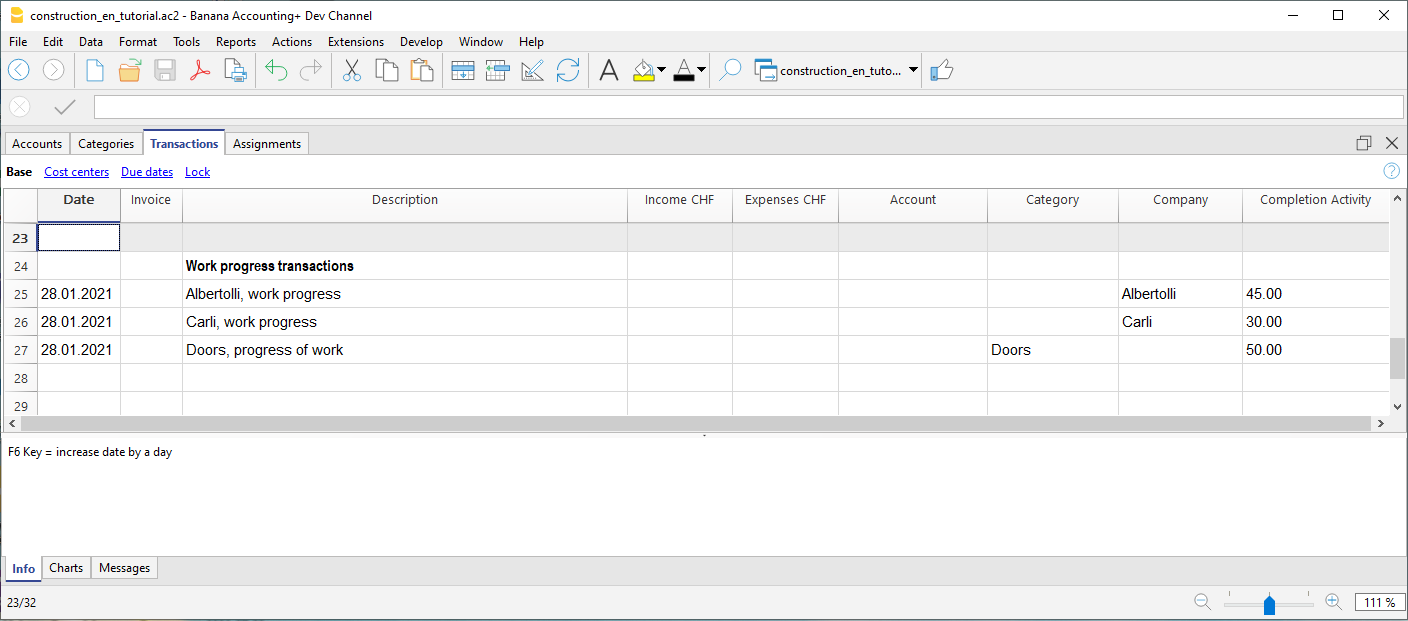
按科目和公司分类的报告
标题
该扩展程序采用您在文件和账户属性中定义的以下信息:
- 左抬头栏:例如,指示将执行工作的地图所在的区域或城市。
- 右抬头栏: 指示出项目的标题。
- 开账/结账日期:指示出该项目何时开始或何时结束。
对话框
当扩展程序启动时,会出现一个对话窗,您可以在其中定义想要显示的列。例如,您可以决定先在报告中只显示预算估算和审议的列,然后再增加支出的列。
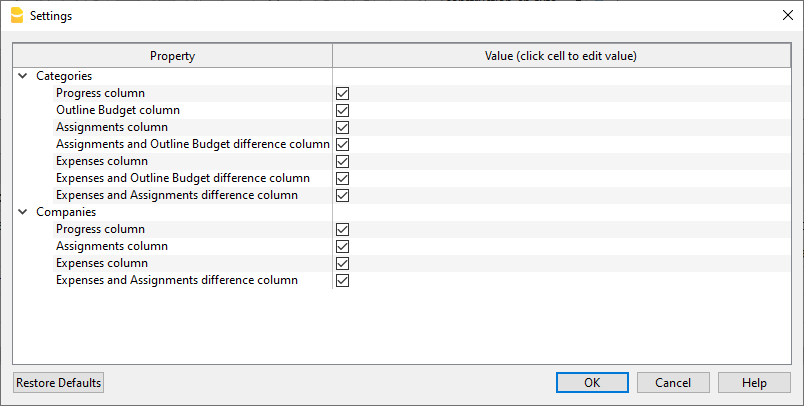
按科目划分的报告
在第一个表格里面,报告显示了按成本科目划分的费用,包括您在科目表中定义的所有科目。
您可以查看的列如下:
- 科目:科目的名称,直接取自科目表。
- 进程 %:恢复最后记录工作完成的百分比,归于一个特定的科目。
- 预算估算:这是在科目表中预算估算列中定义的金额。
- 审议:审议被定义在预算表中。
- 审议与预算差:它是审议的金额和预算之间的差额,如果审议的金额小于预算,这意味着成本将低于最初估计的预算,在这种情况下,会显示绿色图标,如果审议的金额大于预算,那么图标显示为红色,如果金额相等,则显示为黄色。
- 支出:它们是记录在发生业务表中的实际支出。
- 实际支出与预算差:这是实际支出和预算估算之间的差额;如果预算估算大于支出,则显示绿色图标,因为实际支出低于该工作的预算金额。如果金额相等,那么图标仍为黄色。
- 实际支出与审议差:这是实际支出和审议金额之间的差额,如果审议金额大于支出,则显示绿色图标,因为该工作的实际支出小于审议金额。如果金额相等,则图标仍为黄色。
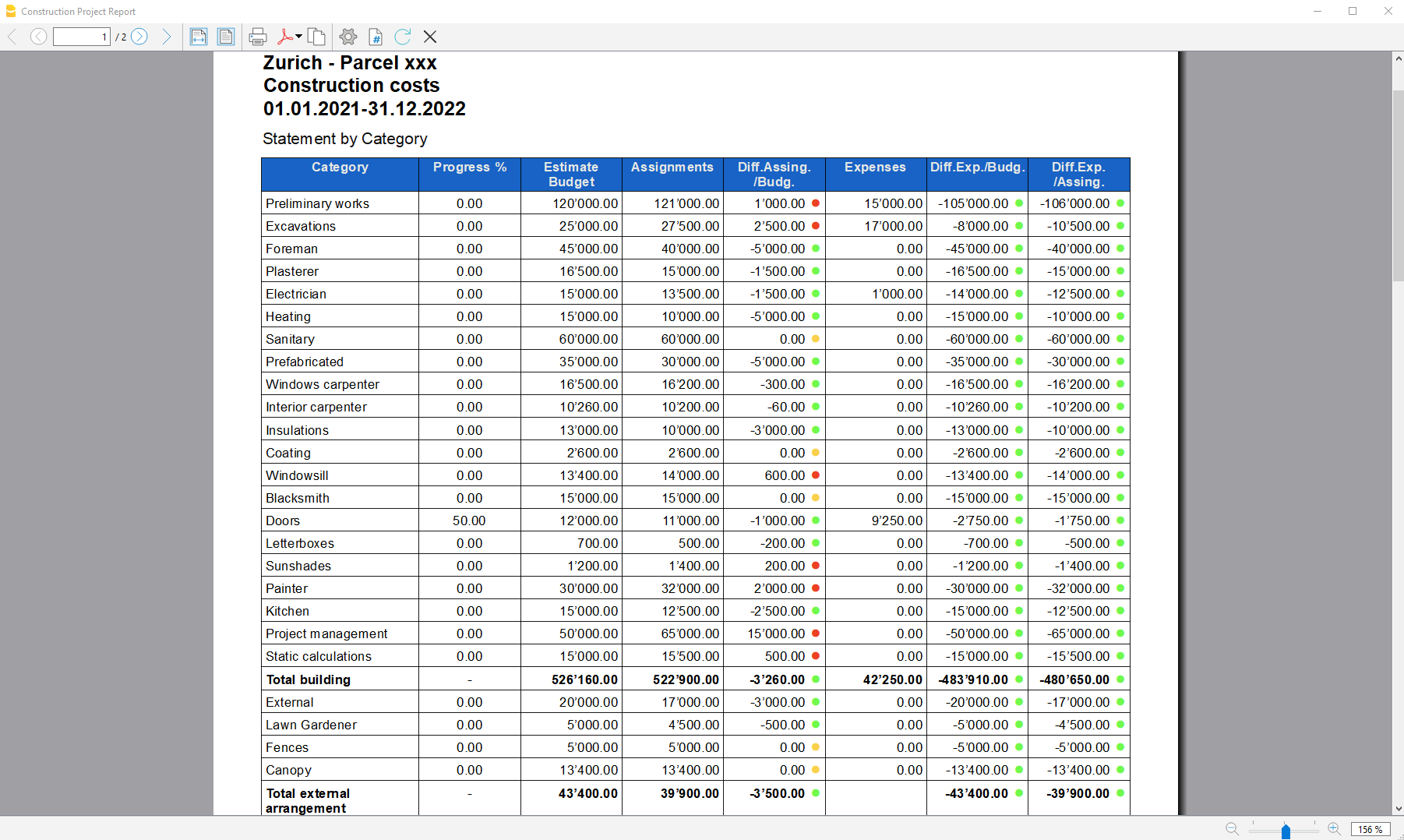
按公司划分的报告
第二张表显示了按公司划分的支出,在账户表中对公司进行了定义。
您可以查看的列如下:
- 公司:公司名称,取自账户表。
- 进程 %:恢复最后记录的工作完成百分比,归于一个特定的公司。
- 审议:审议是在 "预算 "表中定义的,请确保您已经为审议分配了一个公司,否则将不显示任何金额 (详见模板)。
- 支出:这些是记录在发生业务表中的实际支出。
- 实际支出与审议差:这是每个公司的实际支出和审议金额之间的差额,如果审议金额大于支出,则显示绿色图标,因为该工作的实际支出小于审议金额。如果金额相等,则图标仍为黄色。
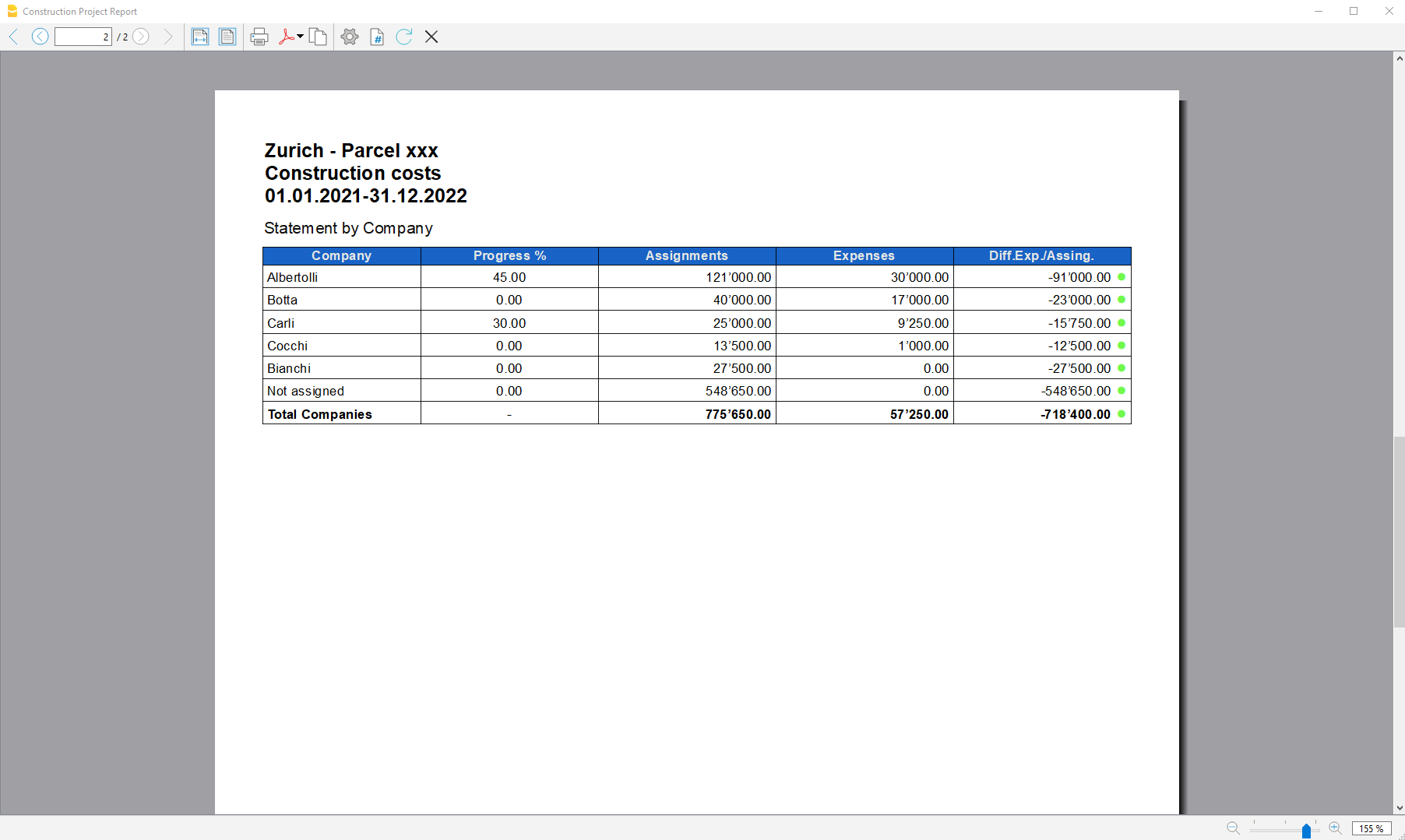
Accounting Extensions
Accounting Import Extensions (Universal)
With Banana Accounting Plus you can import data from different formats.
SEPA/ISO 20022 Bank Statement
The Camt/ISO 20022 is the bank statement format made available by most banks.
See:
Importing from PayPal
This extension allows you to import PayPal transactions into Banana Accounting Plus:
Importing SEPA/ISO Bank Statement 20022
在此文中
Importing SEPA/ISO Bank Statement 20022
Importing SEPA/ISO Bank Statement 20022
Imports and converts statement movements into accounting movements. Supports files in ISO/SEPA 20022 format and camt052, camt053, camt054.
Importing data into existing accounts
This is a functionality included in the programme. Proceed as indicated in the Import into accounting command.
With this function it is also possible to open a compressed file. The programme in this case will ask you to choose the file from which to import the data into the compressed file.
Viewing the content
If you wish to view the contents before importing the file, use the function View ISO20022 file.
The ISO 20022 standard for account statements
With SEPA (Single Euro Payment Area), the ISO 20022 standard becomes mandatory in Europe as of 1.1.2014, and replaces the Swift MT940 format.
Banana Accounting supports the ISO 20022 formats camt.052, camt.053 (including version 4 and 8) and camt.054 .
Technical notes on ISO 20022 conversion
The ISO 20022 standard encodes the accounting data of the account statement in a very precise manner. However, it also leaves a certain amount of freedom to insert additional account and movement information.
When reading the file Banana tries to adapt to the way the ISO 20022 file was prepared.
- Reads as beginning balance similar encodings
- Reads as ending balance the similar encodings
- All the movements contained are read and transformed into movements
- Transaction date (Date)
- Currency date
- Movement amount (positive or negative)
- Description (Banana for the moment assembles the various descriptions into a single text)
In the future, it is planned to extract this information more specifically and indicate other columns where it should be allocated.
SumUp - Import movements .csv (Banana+ Advanced)
在此文中
SumUp - Import movements .csv (Banana+ Advanced)
SumUp - Import movements .csv (Banana+ Advanced)
This extension allows to import transactions from the SumUp platform into Banana Accounting.
You can install the extension from the menu Extensions → Manage Extensions.
Requirements for Use
- Banana Accounting Plus with the Advanced Plan.
Export Procedure
Export your transactions from the SumUp platform in CSV format.
- Login on your SumUp profile.
- Click on Home
- Click on Download Center
- Go to the Accounting section
- Download Transactions and select the CSV (current format) option.
The Transaction report lists all your transactions, including card payments, cash payments, and refunds.
Import Procedure
- Via the Actions → Import to accounting → select Import transactions box.
- Choose the extension to be used, in this case 'SumUp - Import movements .csv (Banana+ Advanced)'.
- With the Browse button, choose the file from which to import the transactions.
- Press OK Button.
In the settings dialog you must enter the date format and the accounts to be used to record SumUp movements in the accounts:
- Bank account: Account where the amount is credited.
- SumUp income account: Revenue account, this account records the gross amount paid by the customer
- Cash account: Account to book the amounts paid by cash.
- SumUp fee account: Cost account to record transaction-related expenses retained by SumUp.

The accounts inserted must exists in your chart of accounts, if you do not yet have any suitable accounts, you can create new ones in your chart of accounts.
For more details see import transactions page.
Imported data
The program imports the following entries in the Transactions table:
- Sales with a successful bank payout
Typically related to products/services paid by the customer via card. These transactions are recorded in accounting with three entries:- Recognition of the sales revenue in the account defined as "SumUp income account" (gross amount).
- Recognition of the actual amount received, net of SumUp fees, in the "Bank account".
- Recognition of the fees retained by SumUp in the "SumUp fee account".
- Cash sales
These transactions are recorded with a single entry:- "Cash account" as the receiving account
- "SumUp income account" as the counter-account
- Refunds (when recorded as a bank payout)
Refunds are recorded like standard payouts (see point 1), with an additional reversal entry:- Decrease of the "Bank account"
- Decrease of the "SumUp income account"
Enable the ExternalReference (External Reference) and the Notes columns to see the id that SumUp has assigned to the transaction, this way you have a reference to the original transaction id generated in SumUp .
Error Messages
If the import fails, an error message will be displayed. The most common errors are:
- Unrecognised *.csv file format: The format of the *.csv file you are trying to import does not match any of the formats associated with this filter:
- Check that you have chosen the correct file.
- If the file you have chosen is correct, it may be that our filter requires updating. - This extension requires Banana Accounting+ Advanced: You are trying to use the extension with a licence other than the one requested, please upgrade to the Advanced Plan to be able to use the functionality of this filter.
Send us a feedback
This extension is currently in beta, and we welcome suggestions for improvement.
SumUp provides multiple types of reports, which can also be generated in different languages. Make sure to select the correct report, as described in the export procedure above on this page. If SumUp updates its export process and the instructions provided here are no longer valid, please let us know.
If the Transaction Report is generated in a language that is not yet supported by the program, resulting in an unrecognized format, please send us the file so we can update and improve the extension.
It may happen that the format of the csv file is updated and as a result the filter no longer functions correctly. Send us feedback and attach an example file (.csv) with the new format and we will proceed to update the filter.
Useful Links
Chase - Import movements .csv (Banana+ Advanced)
在此文中
Chase - Import movements .csv (Banana+ Advanced)
Chase - Import movements .csv (Banana+ Advanced)
This import extension allows you to import the transactions from Chase bank into Banana.
You can install the extension from the menu Extensions → Manage Extensions.
Requirements for use
- Banana accounting Plus with the Advanced Plan.
Export procedure
Export your banking transactions in *.csv format by accessing your Chase bank account.
- Find your movements.
- Export your account movements by choosing the *.csv format.
- Save the file on your computer.
- We recommend saving the file in a place where you can easily find it later and not opening it before importing it.
Import procedure
- Via the Actions → Import to accounting → select Import transactions box
- Choose the extension to be used, in this case 'Chase - Import movements csv (Banana+ Advanced)'.
- With the Browse button, choose the file from which to import the transactions.
- Press OK Button.
For more details see import transactions page.
Error Messages
- Unrecognised *.csv file format: The format of the *.csv file you are trying to import does not match any of the formats associated with this filter:
- Check that you have chosen the correct file.
- If the file you have chosen is correct, it may be that our filter requires updating.
- This extension requires Banana Accounting+ Advanced: You are trying to use the extension with a licence other than the one requested, please upgrade to the Advanced Plan. to be able to use the functionality of this filter.
Send feedback
It may happen that the format of the csv file is updated and as a result the filter no longer functions correctly. Send us feedback and attach an example file (.csv) with the new format and we will proceed to update the filter.
PayPal Import *.csv (Banana+) [BETA]
在此文中
PayPal Import *.csv (Banana+) [BETA]
PayPal Import *.csv (Banana+) [BETA]
This extension lets you import in Banana Accounting your PayPal transactions. Only for Banana+ version.
Separate accounting for PayPal transactions
PayPal transactions are usually composed of small amounts and have many particularities (refund, fees, etc.).
It can be expensive and time consuming to handle all this work within the main company accounting.
We have prepared different template that you can immediately use:
In many cases, it is more appropriate to manage the PayPal transactions within a separated accounting file and once a month integrate the summary data (movements for the month) into the main accounting.
This solution also allows a third person to take responsibility for the PayPal accounting.
If you use Banana for a PayPal Accounting solution, you can:
- Create an accounting file for a specific PayPal account
- Have a Chart of accounts with
- A different account for each currency used
- Different accounts for Income and Expenses
- Import the PayPal transactions and have all accounts, expenses, income and PayPal fees automatically allocated, and currency converted into basic currency.
- Record the transactions on the appropriate accounts for
- Bank transfers
- Revenue with different Sale tax codes
- Different expense types
- Refunds and charge backs
- Adding other information for special reporting (Cost Centers, Segments, Customers, etc.)
- Regularly (week, month, quarter) integrate the data into the main accounting, either by
- Printing a summary and recording manually
- Or exporting the data for the period and import them into the main system
- At any time, print the journal and necessary reports for auditing or control.
- Eventually, in case you have a lot of transactions, you can customize the import filter (Javascript) so that certain transactions are registered onto specific accounts numbers.
Within the Banana PayPal accounting you can easily keep the whole history, have instant access to all the data necessary to give a good customer service.
Activate the import PayPal transaction
First you need to update the import filters in Banana Accounting. See also Manage extensions.
- Start Banana Accounting Plus
- Open your accounting file
- Menu Actions > Import to accounting
- Select Import Transactions
- Button Manage extensions
- Button Update extensions
- Check the PayPal Import *.csv (Banana+) [BETA] and deselect the other filters you do not need
- Close the dialog
Download PayPal transactions
PayPal customize fields to download
Be careful that the PayPal standard download file does not contain all the fields necessary for the import into Banana.
You need to change the settings in PayPal so that you can have a correct download
Business Account
- Login into PayPal
- Go to Activity.
- Click All Reports
- Click Activity download under Reports.
- Select the transaction type, date range, and choose the CSV file format.
- Click Customize report fields and make sure that all field are checked or check all fields available.
- Click Create Report.
- When the report is ready, click Download.
Personal Account
- Login into PayPal
- Go to Activity.
- Click the download button icon.
- Click on Custom.
- Click Activity download under Reports.
- Select the transaction type, date range, and choose the CSV file format.
- Click Customize report fields and make sure that all field are checked or check all fields available.
- Click Create Report.
- When the report is ready, click Download.
PayPal language encoding setting (only for Business Account)
If you use a local encoding, make sure that the encoding reflects your local computer encoding.
Banana import works better if you set your file encoding in UTF-8.
To change your language encoding settings in PayPal:
- Login into PayPal
- My Account → Account Settings → Website payments
- PayPal button Language encoding (click on Update)
- Eventually More Options is where you can set the UTF-8 in the list box
This setting can resolve the error: 'Impossible to translate file header: Convert paypal file to code page Latin1 or use new version of Banana Accounting'
Import PayPal transactions
See also import transactions
- Open your accounting file
- Menu "Actions→ Import to accounting"
- Select "Import transactions"
- Select "PayPal"
- In File Name, enter the path and file name of the PayPal download (or Browse)
- Click OK.
- In the settings dialog enter:
- Choose the date format for the PayPal date format.
If you get the error "Date Format not valid" open the file you have downloaded from PayPal with notepad and check how the dates are written and then choose the appropriate format. - Enter the Account number for the PayPal Account (PayPal Account)
- Enter the Account number where Income should be registered (PayPal In)
- Enter the Account number where Expenses should be registered (PayPal Out)
- Enter the Account number where PayPal Fees should be registered (PayPal Fee)
- If it is multi-currency accounting also sets the exchange rates
- Choose the date format for the PayPal date format.

Once you have imported the transactions, you can undo the operation or change the imported data.
This will be the case if you want some income or some expenses to be registered on a different account..
Adapt your accounting file for import
Instead of specifying the PayPal account when the script starts, you can indicate in the Chart of accounts of Banana which accounts it should use. This method is also necessary if you want to have different accounts for each currency.
- The Basic currency in File properties should be set to a valid currency.
- Prior to import, the program will look for and use accounts with the following description:
- "PayPal Account": the account for PayPal
- "PayPal In": the account for income
- "PayPal Out": the account for expenses
- "PayPal Fee": the account for the PayPal fees.
- Set the opening balance of the PayPal accounts.
For each currency, you can specify an account. All transactions for this currency will be recorded on the specified account. You also will have the currency conversion transactions between the various currencies.
- For an accounting file NOT in multi/foreign currency, insert the currency code into the account description:
- PayPal Account EUR
- PayPal Account USD
- PayPal Account CHF
- PayPal Account GBP
- For an accounting file with multi/foreign currency, the program will look for the account where the description begins with "PayPal Account" and will then use the currency symbol of the Currency column.
If no account has been specified for the currency, the amount will go to the basic currency account.
PayPal currency settings and accounting settings
It is suitable that your PayPal currency settings (My Account → Profile → My Money→ PayPal Balance → Currencies) are the same as the ones of the accounting file:
- PayPal "Primary currency" is the same as your Basic Currency.
- If you have set up PayPal to use more currencies (Add Currency) you should use the Double-entry accounting with Multi-currency.
You will be able to keep a separate account for each currency in the original value.
You can convert an existing accounting file into a multi-currency file with the Convert to new file command. - For multi-currency accounting, the accounts "PayPal In", "PayPal Out", "PayPal Fee" should preferably be in basic currency.
Transaction split and selection
Each PayPal transaction includes the Gross amount, the Fee amount and the Net amount. If the Net is different from the Gross, the program will generate 3 lines:
- Line with the Gross amount registered on the PayPal Account
- Line with the Net amount registered on the Income or Expense account
- Line with the Fee amount registered on the Fee account.
Transactions already imported
The columns "ExternalReference" of the Transactions table will be filled with the unique PayPal transactionsID.
The next time you import, transactions with the same ID will be excluded from the import. The information from the older transactions will be used for currency conversion and grouping.
Last balance
The import will also add a line with information regarding the last PayPal Balance for each currency used. If you do not want this information, delete the imported lines.
Modifying the imported transactions
Once the transactions are imported, you will be able to change the transactions, as you like.
- Record the transfers to and from the bank account on a "Internal transfers account (Giro bank account)".
Do the same when you import your Bank account transactions.
The balance of the "Internal transfers account (Giro bank account)" should compensate and go to zero. - Income from sales can be registered on specific accounts based on the sales tax applied or based on the type of sales.
You must adapt your accounting plan accordingly. - You can add segments or cost centers.
Adapt the View of the Transaction table so that you have all columns visible and in the best sequence for modifying the data.
Exchange rate profit and loss
The balances of the PayPal accounts in currency will match the balance of the PayPal account.
The balances in basic currency may be different due to:
- The exchange rates for the transactions vary over the time.
- PayPal has different exchange rates for selling or buying a specific currency.
You should from time to time adjust the basic currency with the command Recording exchange rate differences.
Multi currency conversion
If there are different transactions in different currencies in the file, the amounts will be converted into basic currency following this rule and order:
- Basic currency
- PayPal currency conversion
Transactions that belong to the same block will use the same conversion, so that the amount in basic currency for the same amount and transaction will always be the same. - Exchange rate from currency conversion of the same date
- Exchange rates taken from the Accounting file (Exchange rates table)
- Exchange rate collected from the PayPal currency conversion.
The conversion will give an indication when it could not find a valid exchange rate for a currency and ask for a currency exchange rate.
Import other PayPal fields
You can import other information, included in the PayPal file, into Banana Accounting.
- Add a new column to the Transactions table with the name "PayPal" + the column name of the PayPal file.
For example "PayPalTimeZone", "PayPalSalesTax", "PayPalTip".- Specify the column type (Text, Number, Amount, Date, Time).
- For Amount and Number also indicate the decimal place.
- In the Account Card, the columns of the Amount type will also have an end total.
- In the PayPal download history with "Customize Download Fields", you can specify the column to download.
- The available columns (names in English, without space and in CamelCase) are:
Time, TimeZone, Type, Name, Status, Subject, Currency, Gross, Fee, Net, Note, FromEmailAddress, ToEmailAddress, TransactionId, PaymentType, CounterpartyStatus, ShippingAddress, AddressStatus. ItemTitle, ItemId, ShippingAndHandlingAmount, InsuranceAmount, SalesTax, Tip, Discount, SellerId, Option1Name, Option1Value, Option2Name, Option2Value, AuctionSite, BuyerId, ItemUrl, ClosingDate, ReferenceTxnId, InvoiceNumber,SubscriptionNumber, CustomNumber, ReceiptId, Balance, ContactPhoneNumber, BalanceImpact, AddressLine1, AddressLine2, State, Town, Zip, Country.
When you import the transactions, the PayPal* column cells will be filled with the contents of the PayPal file.
Banana PayPal import extension
The conversion from the PayPal format to the accounting format is a Javascript program.
The program is "open source software" and can be modified to suit the user's needs at best.
To modify the extension, first change the following values so that it does not conflict with the Banana PayPal filter:
- Use a different file name
- Use a different @id
- Use a different description.
License terms
The PayPal documentation does not cover all possible transactions. The import script has been developed based on use cases, and it is possible that not all possibilities have been covered and that the script need improvements.
PayPal may also change the data format and the script results may not be the same.
Take care using the import and always check that the Account Balance corresponds to the PayPal balance.
The use of the import script is governed by the Apache 2.0 license, the file can be freely modified.
By using the script you accept the license and the disclaimer terms.
Troubleshooting
If you experience any problem first update the import filter to the latest version in Manage extensions.
- Rounding problem.
It can happen that the PayPal file use a decimal format that is different from the one of your computer. Amount are therefore truncated (12.34 become 12 or it become 1234).
PayPal assign you a specific format for the language encoding based on you country (see PayPal language encoding explanations).- Make sure that the PayPal download are the same as your computer settings
- Or login in you PayPal account and change the PayPal language encode setting (https://www.paypal.com/cgi-bin/customerprofileweb?cmd=_profile-language-encoding).
With the button More Option you can eventually select the UTF-8 that is the best suited to exchange data.
- The error message "Impossible to translate file header: .."
- Try using the Banana Accounting Plus version.
- Change your download settings as specified above in the "PayPal language encoding setting"
- Assure you are using the original CSV file downloaded from PayPal and not one opened and saved with Excel.
- The error message "Currency non converted" indicates that there has been no available exchange rate for the conversion.
- It is possible you have not set up your basic currency
- You have set up the PayPal to keep more than one currency. The PayPal file does not convert currency and you should therefore use a multi-currency accounting.
- If the last balance is different from the account
- Check whether you have a correct opening amount (the balance prior to the first imported transaction)
- Your account is not in the same currency.
If your PayPal account is set up to use different currencies or in a currency different from basic currency, it would be suitable to use a multi currency account.
- If you get a message field "BalanceImpact not found in headers" or the same message with another field name, is due to the fact that the PayPal History file does not contains a field that is needed for import.
- Login in PayPal and go to download history
- Before downloading the PayPal history file click on "Customize My History Download"
- You will see a list of available field and check the one that is missing
The "Balance Impact" is near the end of the list.
PayPal will save the setting. Next time you download again the field will be included. - Download again the history file.
- If you have an error message "AccountDebit" and "AccountCredit" not found, you have a file with old columns name.
use the command Tools->Create New File to create a copy of the file with the correct columns.
Reference
PayPal Documentation
Changes
- 2021-03-24 New version for Banana+
- Complete history
Feedback
Let us know what you think of the import script or how we could eventually improve the script.
Revolut - Import movements .csv (Banana+ Advanced)
在此文中
Revolut - Import movements .csv (Banana+ Advanced)
Revolut - Import movements .csv (Banana+ Advanced)
This import extension allows you to import the transactions from Revolut platform (Private & Business) into Banana.
You can install the extension from the menu Extensions → Manage Extensions.
Requirements for use
- Banana accounting Plus with the Advanced Plan.
Export procedure
Export your banking transactions in *.csv format by accessing your Revolut account.
- Find your movements.
- Export your account movements by choosing the *.csv format.
- Save the file on your computer.
- We recommend saving the file in a place where you can easily find it later and not opening it before importing it.
Import procedure
- Via the Actions → Import to accounting → select Import transactions box
- Choose the extension to be used, in this case 'Revolut - Import movements csv (Banana+ Advanced)'.
- With the Browse button, choose the file from which to import the transactions.
- Press OK Button.
If you are importing transactions from the Business platform, enable in Banana the ExternalReference column, shows the transaction id assigned by Revolut.
For more details see import transactions page.
Error Messages
- Unrecognised *.csv file format: The format of the *.csv file you are trying to import does not match any of the formats associated with this filter:
- Check that you have chosen the correct file.
- If the file you have chosen is correct, it may be that our filter requires updating.
- This extension requires Banana Accounting+ Advanced: You are trying to use the extension with a licence other than the one requested, please upgrade to the Advanced Plan. to be able to use the functionality of this filter.
Send feedback
It may happen that the format of the csv file is updated and as a result the filter no longer functions correctly. Send us feedback and attach an example file (.csv) with the new format and we will proceed to update the filter.
Stripe - Import movements .csv (Banana+ Advanced) [BETA]
在此文中
Stripe - Import movements .csv (Banana+ Advanced) [BETA]
Stripe - Import movements .csv (Banana+ Advanced) [BETA]
This import extension allows you to import the transactions from Stripe platform into Banana. Stripe allows multiple export options, you can use two different export types to import data into Banana:
You can install the extension from the menu Extensions → Manage Extensions.
Requirements for use
- Banana accounting Plus with the Advanced Plan.
- Use a double entry or income and expenses accounting
Export the transactions report
It allows you to obtain all customer payments, including fees and collected transfers, and their corresponding status. To obtain this report you need to:
- Log in to your Stripe account on the browser
- In the main dashboard, select Transactions.
- Click All activity.
- Click Export.
In the export dialog select:
- Columns: All columns.
- Then click on Export.
We recommend saving the file in a place where you can easily find it later and not opening it before importing it.
Export of the balance summary report
This report is similar to a bank statement, helping you to reconcile your Stripe balance at the end of the month.
It provides an itemized CSV export of your complete transaction history and any custom metadata associated
with those transactions. All transactions are shown in your settlement currency (after any foreign currency conversion).
To obtain this report you need to:
- Log in to your Stripe account on the browser
- In the main dashboard, select Reports.
- Click Summary balance.
- Choose Balance change from activity.
- Click Download.
In the export dialog select:
- Report format: Itemized.
- Columns: All columns.
- Then click on Download.
We recommend saving the file in a place where you can easily find it later and not opening it before importing it.
Import procedure
The import procedure works the same for both reports:
- Via the Actions → Import to accounting → select Import transactions box
- Choose the extension to be used, in this case 'Stripe- Import movements .csv (Banana+ Advanced) [BETA]'.
- With the Browse button, choose the file from which to import the transactions.
- Press OK Button.
In the settings dialogue you must enter the date format and the accounts to be used to record stripe movements in the accounts:
- Stripe Account: Account where the amount is credited.
- Stripe In: Revenue account, this account records the gross amount paid by the customer
- *Stripe Reserved Funds: Cost account, used to record the amount reserved by stripe and then returned.
- *Stripe Fee: Cost account to record transaction-related expenses retained by stripe.

*These elements are only to be entered if you import the data using the "All transactions" method, if you import the balance change from activity you can leave them empty.
The accounts inserted must exists in your chart of accounts, if you do not yet have any suitable accounts, you can create new ones in your chart of accounts.
Currently only data in Stripe's Standard columns are imported, data in columns added by other platforms you are connected to are not imported.
For more details see import transactions page.
Visualize the imported data
In the Transactions table:
- Enable the ExternalReference (External Reference) and the Notes columns to see the id that Stripe has assigned to the transaction, this way you have a reference to the original transaction id generated in Stripe.
- When imported, transactions are sorted by date, it is possible that transactions belonging to the same operation are split by date and therefore do not occur in succession. We recommended to keep the .csv file as a reference as movements are exported grouped by operation, for control activities you can trace back the original movements using the external reference and notes columns.
Error Messages
- Unrecognised *.csv file format: The format of the *.csv file you are trying to import does not match any of the formats associated with this filter:
- Check that you have chosen the correct file.
- If the file you have chosen is correct, it may be that our filter requires updating.
- This extension requires Banana Accounting+ Advanced: You are trying to use the extension with a licence other than the one requested, please upgrade to the Advanced Plan. to be able to use the functionality of this filter.
Send us a feedback
This extension is a BETA version, we welcome suggestions for improvement.
It may happen that the format of the csv file is updated and as a result the filter no longer functions correctly. Send us feedback and attach an example file (.csv) with the new format and we will proceed to update the filter.
Wise - Import movements .csv (Banana+ Advanced)
在此文中
Wise - Import movements .csv (Banana+ Advanced)
Wise - Import movements .csv (Banana+ Advanced)
This import extension allows you to import the transactions from Wise platform (Personal & Business) into Banana.
You can install the extension from the menu Extensions → Manage Extensions.
Requirements for use
- Banana accounting Plus with the Advanced Plan.
- Wise also provides files with standard format ISO20022, which you can import with the Professional plan. To import files in this format you need to install the relevant import extension: Importing SEPA/ISO Bank Statement 20022 . Using SEPA/ISO20022 format is preferred over .csv when you have transactions in multiple currencies.
Export procedure
Export your banking transactions in *.csv format by accessing your Wise account.
- Find your movements.
- Export your account movements by choosing the *.csv format.
- Save the file on your computer.
- We recommend saving the file in a place where you can easily find it later and not opening it before importing it.
Import procedure
- Via the Actions → Import to accounting → select Import transactions box
- Choose the extension to be used, in this case 'Wise - Import movements .csv (Banana+ Advanced)'.
- With the Browse button, choose the file from which to import the transactions.
- Press OK Button.
For more details see import transactions page.
Error Messages
- Unrecognised *.csv file format: The format of the *.csv file you are trying to import does not match any of the formats associated with this filter:
- Check that you have chosen the correct file.
- If the file you have chosen is correct, it may be that our filter requires updating.
- This extension requires Banana Accounting+ Advanced: You are trying to use the extension with a licence other than the one requested, please upgrade to the Advanced Plan. to be able to use the functionality of this filter.
Send us a feedback
It may happen that the format of the csv file is updated and as a result the filter no longer functions correctly. Send us feedback and attach an example file (.csv) with the new format and we will proceed to update the filter.
Yokoy - Import movements .csv (Banana+ Advanced) [BETA]
在此文中
Yokoy - Import movements .csv (Banana+ Advanced) [BETA]
Yokoy - Import movements .csv (Banana+ Advanced) [BETA]
This import extension allows you to import the transactions from Yokoy platform into Banana.
You can install the extension from the menu Extensions → Manage Extensions.
Requirements for use
- Banana accounting Plus with the Advanced Plan.
Export procedure
Export your banking transactions in *.csv format by accessing your Yokoy account.
- Find your movements.
- Export your account movements by choosing the *.csv format.
- Save the file on your computer.
- We recommend saving the file in a place where you can easily find it later and not opening it before importing it.
Accounting file Setup
Before importing the data into Banana make sure you follow the steps described below to correctly set up the accounting file (*.ac2) and prepare it for the correct import of transactions:
- In the transactions table make visible the ExternalReference column. The unique registration number created by revolut is entered here. This value can be used to avoid importing the same registration twice.
- Check that the accounts you refer to in the entries you import exist in the Accounts table. If an account is not found, an error will be displayed, in which case simply add the account in question to the Accounts table. Do the same thing with the VAT codes in the VAT Table
Import procedure
- Via the Actions → Import to accounting → select Import transactions box
- Choose the extension to be used, in this case 'Yokoy- import transactions (*.csv)'.
- With the Browse button, choose the file from which to import the transactions.
- Press OK Button.
If you are importing transactions from the Business platform, enable in Banana the ExternalReference column, shows the transaction id assigned by Revolut.
For more details see import transactions page.
Error Messages
- Unrecognised *.csv file format: The format of the *.csv file you are trying to import does not match any of the formats associated with this filter:
- Check that you have chosen the correct file.
- If the file you have chosen is correct, it may be that our filter requires updating.
- This extension requires Banana Accounting+ Advanced: You are trying to use the extension with a licence other than the one requested, please upgrade to the Advanced Plan. to be able to use the functionality of this filter.
Send us a feedback
It may happen that the format of the csv file is updated and as a result the filter no longer functions correctly. Send us feedback and attach an example file (.csv) with the new format and we will proceed to update the filter.
CiviCRM Contributions - Import movements .csv (Banana+ Advanced) [BETA]
在此文中
CiviCRM Contributions - Import movements .csv (Banana+ Advanced) [BETA]
CiviCRM Contributions - Import movements .csv (Banana+ Advanced) [BETA]
This extension allows to import transactions from the CiviCRM Contributions csv file into Banana Accounting.
You can install the extension from the menu Extensions > Manage Extensions.
Requirements for Use
Banana Accounting Plus with the Advanced Plan.
Send us a feedback
This extension is a BETA version, we welcome suggestions for improvement.
It may happen that the format of the csv file is updated and as a result the filter no longer functions correctly. Send us feedback and attach an example file (.csv) with the new format and we will proceed to update the filter.
OFX - Open financial exchange transactions import filter (*.ofx *.ofc *.xml)
在此文中
OFX - Open financial exchange transactions import filter (*.ofx *.ofc *.xml)
OFX - Open financial exchange transactions import filter (*.ofx *.ofc *.xml)
Import extension (*.ofx *.ofc *.xml). Install this filter via the menu command Extensions → Manage Extensions.
The file is an import extension for Banana Accounting 8 and following.
It allows the software to:
Read OFX (Open Financial Exchange) files
Extract financial transactions
Convert them into Banana’s Transactions table
What Is OFX?
OFX (Open Financial Exchange) is a structured financial data format used by banks and software such as:
Quicken
Microsoft Money
It is more reliable than QIF because it includes:
Unique transaction IDs (FITID)
Structured account information
Statement balances
Currency data
What the Script Does
The OFX import extension:
Parses the OFX file structure
Extracts transaction blocks (<STMTTRN>)
Reads key fields:
Date (<DTPOSTED>)
Amount (<TRNAMT>)
Description (<NAME>)
Memo (<MEMO>)
Transaction ID (<FITID>)
Converts them into Banana transaction rows
Prevents duplicate imports using FITID
Typical OFX Transaction Structure
<STMTTRN>
  <TRNTYPE>DEBIT
  <DTPOSTED>20260301
  <TRNAMT>-125.50
  <FITID>20260301001
  <NAME>Vendor Payment
  <MEMO>Invoice 4587
</STMTTRN>
Export from Online Banking (Recommended)
Many banks in USA allow transaction export.
Steps:
Log into your online banking portal
Go to transaction history
Select Download / Export
Choose format:
OFX
or QFX
Select date range
Download the file
Export from Financial Software
Software like Quicken allows exporting to OFX:
Open your account
Choose Export transactions
Select OFX format
Save the file
Quicken Interchange Format import filter (*.qif)
在此文中
Quicken Interchange Format import filter (*.qif)
Quicken Interchange Format import filter (*.qif)
Import filter (*.qif)
It allows Banana Accounting to read and convert data from QIF (Quicken Interchange Format) files into Banana’s internal accounting structure (Transactions table, Accounts, Categories).
The script:
- Parses QIF records (such as date, amount, payee, memo, category)
- Transforms them into Banana-compatible transaction rows
- Handles different QIF types (Bank, Cash, Credit Card, etc.)
- Ensures correct formatting for dates and amounts
In short, it enables importing bank or financial transaction data exported in QIF format into Banana Accounting.
How to Export Data in QIF Format
QIF is an older financial exchange format originally used by Quicken.
Exporting from Financial Software
If your software supports QIF export:
Open your accounting or banking software
Go to Export or Data Export
Select:
Format: QIF (Quicken Interchange Format)
Account type: Bank / Cash / Credit Card
Choose date range
Save the
.qiffile
Exporting from Online Banking
Some banks still allow QIF export:
Log in to your online banking portal
Open the transaction history
Choose Download / Export
Select format:
QIF (if available)
Otherwise: CSV (you would need conversion)
Many banks today provide CSV or OFX instead of QIF.
Basic QIF Structure Example
A QIF file looks like this:
!Type:Bank
D03/01/2026
T-125.50
PPayment to Vendor
MInvoice 4587
LExpenses:Office
^
Export Extensions
Export Address data in the VCard format
在此文中
Export Address data in the VCard format
Export Address data in the VCard format
This extension exports the address data from the Contacts table in a vCard (.vcf file) that can the be imported in Microsoft Outlook, Mac OS Contacts, Mozilla Thunderbird.
Using the extension to export vCards
This extension is compatible only with the following file types:
- Address book
- Library and collections
- Estimates and Invoices
To generate and export vCards, the extension uses data from the Contacts table in the file. Specifically, it reads the following columns:
- First Name
- Family Name
- Street
- Zip
- Locality
- Country Code
- Country
- Mobile Phone
- Home Phone
- Email Home
Ensure that your file is of a supported type and that the required columns are filled in correctly to guarantee a successful export.
Install the extension
To install the extension:
- Open Banana Accounting Plus.
- Menu Extensions > Manage Extensions.
- In the search field enter Export Address data in the VCard format.
- From the extensions list select Export Address data in the VCard format.
- Select the extension and click Install.
- Click Close to close the window.
Export address data in vCard format
To export the vCard with the addresses data:
- Open the Banana file.
- From the Extensions menu select Export Address data in the VCard format.
- Enter the contact ID. You can export a vCard containing all contacts or just specific ones.
- Save the vCard.
The generated .vcf file contains a structure like the following one:
BEGIN:VCARD
VERSION:3.0
N:Pallino;Pinco
FN:Pinco Pallino
TEL;type=CELL:1234567890
TEL;type=HOME:1234567890
ADR;TYPE=HOME:;;Via Trevano 7a;Lugano;;6900;
LABEL;TYPE=HOME:Via Trevano 7a Lugano,6900
REV:2017-02-07T14:07:54.694Z
END:VCARD
Export vCard for unsupported file types
If you're using a file type that is not supported by this extension (e.g., a double-entry accounting file, an income/expense accounting file, etc.), you can still export the data for members, customers and suppliers by following these steps:
- Copy the contact information from your current accounting file.
- Create a new file of type Address book and paste the copied data into the appropriate columns.
- Run the extension to export the vCards in the new file.
Journal Export (Banana 9)
在此文中
Journal Export (Banana 9)
Journal Export (Banana 9)
Export the Journal table of Banana and use it in Excel with the Pivot Tables to build your own reports.
How to use it
In order to use this app you have to:
- Install the app
- Menu Apps → Manage Apps...
- Select Universal as country.
- Select english as language.
- Select Online → Productivity.
- From the apps list select Journal Export.
- Click Install to install the app.
- Click Close to close the window.
- Run the app
- Menu Apps → Journal Export.
- Export the content
- From the top bar select Copy to Clipboard.
- Copy into Excel
- Open Excel and paste the copied content.
Journal Export (Banana+)
在此文中
Journal Export (Banana+)
Journal Export (Banana+)
The extensions creates a report with the Banana Accounting Journal table of current and budget transactions. Data of the journal can be copied and used in Excel with the Pivot Tables to build your own reports.
Prerequisites
To use this extension you must download and install Banana Accounting Plus.
Install the extension
To install the extension:
- Open Banana Accounting Plus.
- Menu Extensions > Manage Extensions
- Select Universal as country.
- Select english as language.
- Select Online > Productivity.
- From the extensions list select Journal Export (Banana+).
- Click Install to install the extension.
- Click Close to close the window.
Create the journal report
To creare and export the journal:
- Open an accounting file.
- From the Extensions menu select the Journal Export (Banana+).
- In Settings dialogue choose the journal columns you want to display, then click OK.
- From the Print Preview of the report select the Copy to Clipboard command in the top bar.
- Open Excel and paste the copied content. Columns headers and data will be copied in Excel. From there you can use it to create your own reports.
Settings dialogue
Run the extension from the menu Extensions > Journal Export (Banana+).
The extension Settings dialogue will open. From here you can choose the journal columns you want to include in the report.
You can find more information about the journal columns in the Journal’s API documentation.
Print example
Time Sheet Export
在此文中
Time Sheet Export
Time Sheet Export
This extension exports the Time Sheet table of Banana. Exported data can be used in Excel with the Pivot Tables to build your own reports.
Prerequisites
- Download and install Banana Accounting Plus (or Banana Accounting 9, version 9.0.5).
Install the extension
To install the extension:
- Open Banana Accounting Plus.
- MenuExtensions > Manage Extensions.
- Select Universal as country.
- Select english as language.
- Select Online > Productivity.
- From the extensions list select Time Sheet Export.
- Click Install.
- Click Close to close the window.
Export the time sheet columns
To export the columns of the time sheet table:
- Open a time sheet file type.
- From the Extensions menu select the Time Sheet Export.
- In Settings dialogue choose the time sheet columns you want to export, then click OK.
- From the Print Preview of the generated report select the Copy to Clipboard command in the top bar.
- Open Excel and paste the copied content. Columns headers and data will be copied in Excel. From there you can use it to create your own reports.
Report Extensions
Account Statement Letter
在此文中
Account Statement Letter
Account Statement Letter
This extension creates an account statement with a receipt for the selected account number.
Install the extension
To install the extension:
- Open Banana Accounting Plus.
- Menu Extensions > Manage Extensions.
- In the search field enter Account Statement Letter.
- From the extensions list select Account Statement Letter.
- Select the extension and click Install.
- Click Close to close the window.
Create the report
To creare the report:
- Open an accounting file.
- From the menu File > File and accounting properties > Address, enter the sender address.
- In the Accounts table (Address view) enter the receiver address for the account.
- From the Extensions menu select the Account Statement Letter.
- Enter the account number.
Example of account statement report:
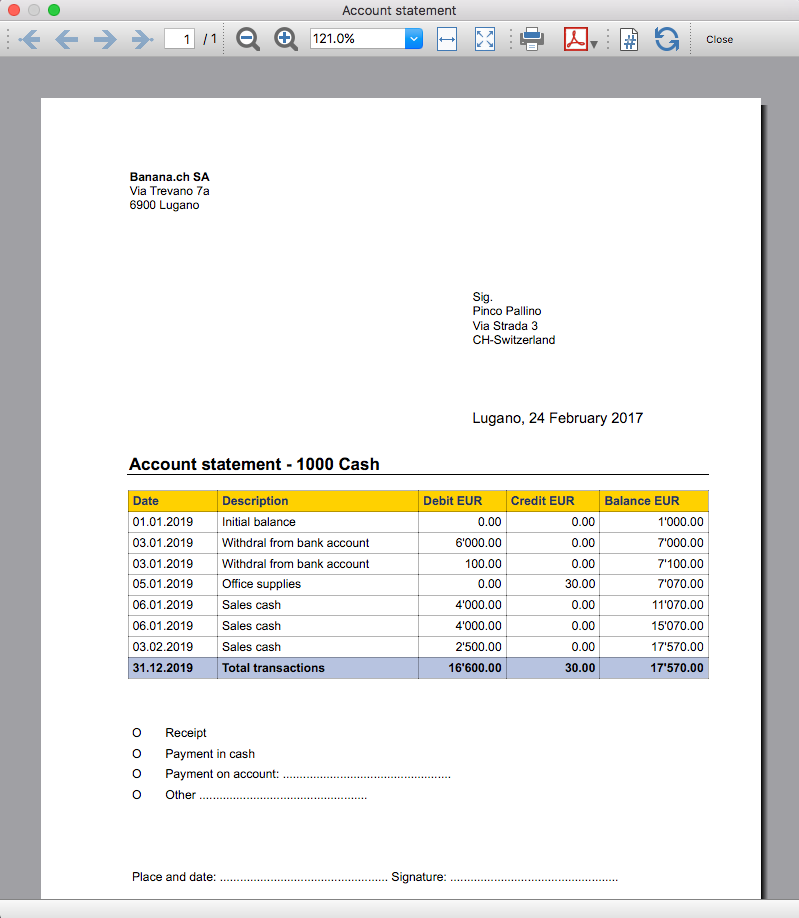
Account balance by day within a period
在此文中
Account balance by day within a period
Account balance by day within a period
This extension displays the daily balance for a specified account and period.
Install the extension
To install the extension:
- Open Banana Accounting Plus.
- Menu Extensions > Manage Extensions.
- In the search field enter Account balance by day within a period.
- From the extensions list select Account balance by day within a period.
- Select the extension and click Install.
- Click Close to close the window.
Create the report
To creare the report:
- Open an accounting file.
- From the Extensions menu select the Account balance by day within a period.
- Enter the account number.
- Select the period.
A window with results is displayed. You can copy, save and print the results.
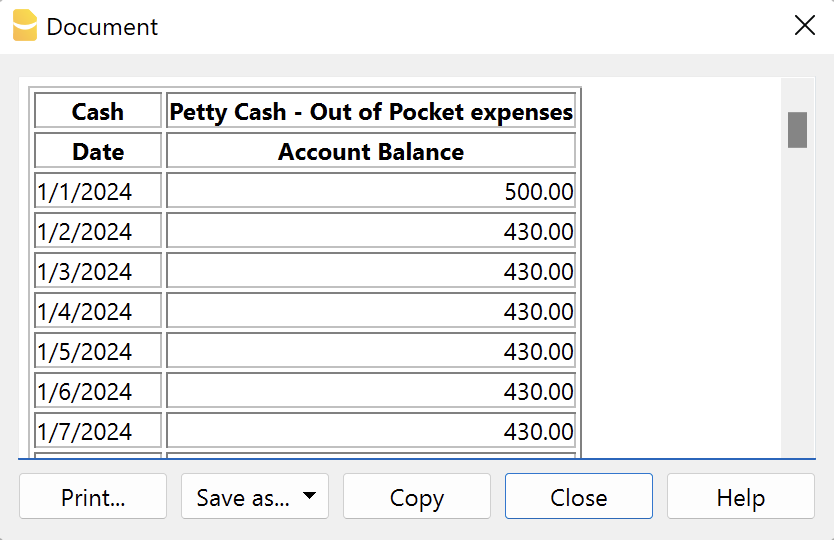
Account balance for all days in a month
在此文中
Account balance for all days in a month
Account balance for all days in a month
This extension displays the daily balance for a specified account and month.
Install the extension
To install the extension:
- Open Banana Accounting Plus.
- Menu Extensions > Manage Extensions.
- In the search field enter Account balance for all days in a month.
- From the extensions list select Account balance for all days in a month.
- Select the extension and click Install.
- Click Close to close the window.
Create the report
To creare the report:
- Open an accounting file.
- From the Extensions menu select Account balance for all days in a month.
- Enter the month number.
- Enter the account number.
A window with results is displayed. You can copy, save and print the results.
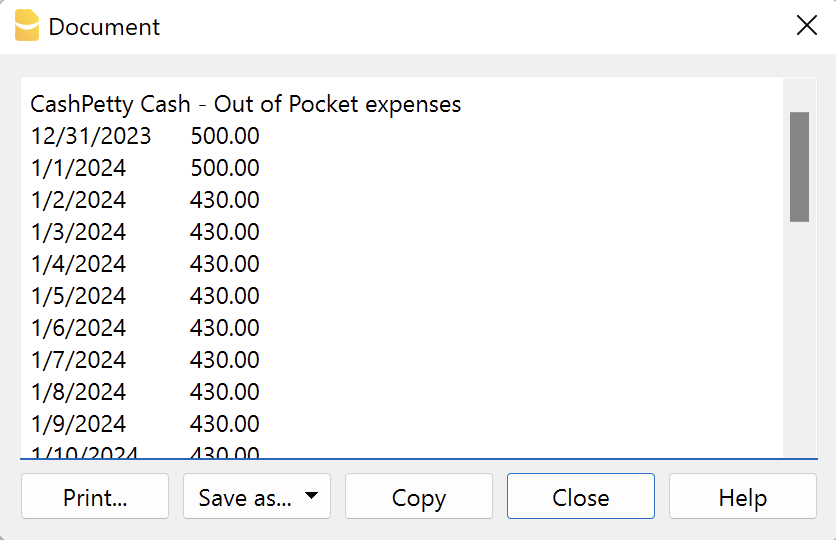
Audit Reports [BETA]
在此文中
Audit Reports [BETA]
Audit Reports [BETA]
This extension allows you to generate useful accounting reports for auditors and easily copy them into Excel. You can choose the period for which data should be taken and add additional columns to the reports.
The main purpose of this extension is to provide reports that can be easily copied into excel, summarising and showing the main accounting data that are normally taken as a basis by auditors when preparing their analysis.
Useful reports for Banana users who need to send their auditor accounting data, but also for auditors who use Banana themselves, as these reports are based on the functionalities already offered by Banana and therefore facilitate and speed up the collection of accounting data.
Reports
The following reports can be generated:
- General Ledger: Shows the transactions for each account, like in the account card.
- Journal: Shows the details of each transaction.
- VAT Journal: Shows the details of each VAT transaction.
- Trial Balance: Shows the balance of all accounting items in two columns (debit and credit).
- Customers And Suppliers: Shows list of customers and suppliers and information about them.
Through a dialogue it is possible to decide the time of year to be taken into account in the reports.
Adding extra columns
Through the command "Columns Settings" additional columns can be inserted in each report, except for the trial balance, which remains as it is. To add a column to the report, simply enter its xml name in the dialogue. To add several columns, separate them with a semicolon ";" as shown in the example.

The columns you can add are the same present in the Transactions table, except for the Customers and Suppliers report, for which you find the data in the Accounts table.
If you accidentally add a column that is not contained in the tables mentioned, no error is currently raised, the column will be added but no value will be present.
Copy to Excel
Reports are easily copied to Excel, when the report preview is generated, just click on the "copy" icon and paste the copied table into an Excel sheet.

Once the whole table has been copied, you can arrange the file as you want and customise your report with Excel tools.

Messages
- Total debit and total credit are different: The total Debit and total Credit do not match, check if the same error is present in your Accounting file, if it is only present in the report send us a feedback
Free text letter (Banana+) [BETA]
在此文中
Free text letter (Banana+) [BETA]
Free text letter (Banana+) [BETA]
The extension presented below allows you to create a free text letter for the members registered in Banana Accounting Plus (Accounts table).
It is essential to have the members set up with cost centres, using cost centre CC3.
Prerequisites
To use this extension you must:
- Download and install Banana Accounting+ (version 10.1.7 or later).
- Have the Banana Accounting Plus Advanced plan.
Beta version
The extension is currently released as a beta version. This means that some details may change without notice.
Installing and using the extension
- Install Banana Accounting Plus Dev-Channel
- Install the Letter extension (Banana+). Visit the Manage extensions documentation.
- Once installed, the extension will be visible in the Extensions menu where it can be executed.
Create a letter
- Enter the Association data in the Address tab of the accounting file.
- From the Extensions menu select the extension Letter (Banana+) .
- Complete the fields in the Settings dialogue and click OK.
Settings dialogue
Run the extension from the Extensions menu > Letter (Banana Plus).
The extension Settings dialogue will open, where you can define the information required to create the letter printout.
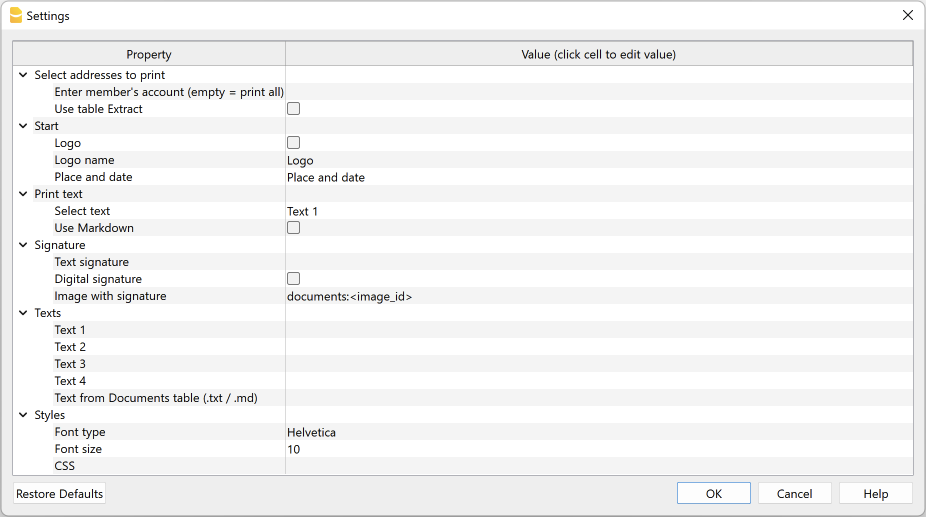
For data entry, click in the field of the Value column.
The settings are divided into the following groups:
- Select addresses to print
- Define the member accounts for which the donation statement is to be created.
- Start
- Define logo for header, location and date.
- Print text
- Define which text to use and decide whether to include donation records.
- Signature
- Define text and image for signature.
- Texts
- Define up to four different texts or take a text from the Documents table.
- Styles
- Define font type and size for the letter texts.
The entered data are used to generate the report, which you can then save and print.
Select addresses to print
Here you can decide for which members, defined with CC3 cost centres, to create the letter.
- Enter member's account (empty = print all)
- Enter a single account (e.g. "10001").
- Enter several accounts divided by a "," (e.g. "10001,10002,10005").
- If you do not enter anything, statements will be printed for all registered members.
- Use Extract table
- Use the extracted accounts in the Extract table.
- You must first use the command from the Data menu > Extract and sort rows to extract the rows with the accounts you want to use.
Start
Here you define the logo for the header, place and date.
- Logo
- Include a logo in the header. The logo is defined via the command in File → Logo setup.
- Logo name
- Enter the name of the logo to be used.
- Place and Date
- Enter the location and date of issue of the statement.
Print text
Here you can decide which text to use from the ones you have entered.
- Select text
- Select the text you wish to use from the list.
- See below for inserting text.
- Use Markdown
- The selected text is interpreted as Markdown text (requires the Advanced plan of Banana Accounting Plus).
Signature
Here you define the text and image for the signature of the letter.
- Text signature
- Enter the first and last name of the person issuing the statement.
- Digital signature
- Use an image as signature.
- Image with signature
- Enter the image to be used. You have two ways to do this:
- documents:<nome_id>: to use an image saved in the Documents table, where <name_id> represents the name entered in the ID column of the table (e.g. "documents:signature").
- file:document/<immagine>: to use an image saved externally to Banana, but in the same folder as the .ac2 file. Also indicate the extension of the .png or .jpg image (e.g. "file:document/signature.png").
- Enter the image to be used. You have two ways to do this:
Texts
Here you define the texts of the letter. You can enter up to four different texts or take a text from the Documents table.
- Text 1, Text 2, Text 3, Text 4
- Enter the text you wish to display in the printout. The text can also be on several rows.
- Texts can be of text type and Markdown type.
- You can enter up to four different texts, and then choose which one to use.
- Text from Documents table (.txt / .md)
- You can use the texts entered in the Documents table.
- Enter the document Id (e.g. 'Letter.txt', 'Letter', 'Letter.md', etc.).
- Texts can be of text type and Markdown type.
- For Markdown-type texts, the Id in the Documents table must end with ".md" and the full name, including the final ".md" (e.g. "Letter.md"), must be entered here.
Styles
Here you define the font type and size for the letter texts.
- Font Type:
- Define the font type.
- The default font is 'Helvetica'.
- Font size:
- Define the font size.
-
The default font size is '10'.
- CSS
- Optional.
- You can change the appearance of the print (text formatting, address positioning, etc.) by entering CSS code to customise the style.
- See the documentation for creating CSS styles. (requires the Advanced plan of Banana Accounting Plus).
Extract table (Extract rows command)
The Extract and Sort rows feature can be used to select member accounts for which to create the letter. This is useful when, for example, you only want to print the letter for certain members, without having to enter the list of accounts directly into the extension settings.
For example, by allocating members into several groups (Accounts table), the command from the Data menu > Extract and sort rows can then be used to extract the rows of members belonging only to certain groups (in the example, members belonging to groups S1 and S3).
To use the extracted rows:
- Extract rows with the command from the Data menu > Extract and sort rows.
- Run the extension and in the Settings dialogue, section Select addresses to print, check the box Use Extract table.
- If the rows were not extracted before printing was started, a warning message will be displayed and all registered member accounts will be used.
Letter text (plain text)
There are two possibilities for entering and using a plain text:
- Enter the text in the Settings dialogue.
- Enter text in the fields Text 1, Text 2, Text 3 or Text 4.
Up to four texts can be added. - Under Print Text > Select Text, select the text to be used.
- Under Print Text, do NOT select the option Use Markdown.
- Enter text in the fields Text 1, Text 2, Text 3 or Text 4.
- Enter text in the Documents table.
- Add a document by selecting the type Plain text (text/plain).
There is no limit, you can add as much text as you want.
- Add a document by selecting the type Plain text (text/plain).
-
- In the Settings dialogue:
- Under Print Text > Select Text, select the option Text from Documents table (.txt / .md).
- Under Texts >Text from Documents table (.txt / .md), enter the Id of the text entered in the Documents table (e.g. 'text.txt').
- In the Settings dialogue:
For all texts:
- With a specific annotation you can apply the bold style to texts. To do so, include the desired texts between double asterisks ** .
Examples:- **text** = text
- **textA textB** textC = textA textB textC
- If the following values are entered in the text rows, they will be replaced by the corresponding values:
-
- <Account> : member account
- <NamePrefix> : member prefix
- <FirstName> : member's first name
- <FamilyName> : member's last name
- <OrganisationName> : member's organisation
- <Address> : member's address
- <AddressExtra> : extra address
- <Region> : region/state or province
- <Country> : country
- <Currency> : currency
- <Amount> : total amount of donations
Letter text (Markdown text)
Markdown is a language that allows formatted text to be created using a standard text editor and a syntax that is easy to write and read.
To use Markdown, the Banana Accounting Plus Advanced plan is required.
There are two ways to enter and use a Markdown text:
- Enter the text in the Settings dialogue.
- Enter the text in fields Text 1, Text 2, Text 3 or Text 4.
Up to four texts can be added. - Under Print Text > Select Text, select the text to be used.
- Under Print Text, check the option Use Markdown.
- Enter the text in fields Text 1, Text 2, Text 3 or Text 4.
- Enter text in the Documents table.
- Use the Markdown Editor to add a document, selecting the type Markdown-formatted text (text/markdown).
There are no limits, you can add as much text as you want. - The file name in the Id column must end with '.md' (e.g. 'text.md').
- Use the Markdown Editor to add a document, selecting the type Markdown-formatted text (text/markdown).
-
- In the Settings dialogue:
- Under Print Text > Select Text, select the option Text from Documents table (.txt / .md).
- Under Texts > Text from Documents table (.txt / .md), enter the Id of the text entered in the Documents table (e.g. 'text.txt').
- In the Settings dialogue:
For all texts:
- If the following values are entered in the text lines, they will be replaced by the corresponding values:
- {{Account}} : member's account
- {{NamePrefix}} : member's prefix
- {{FirstName}} : member's name
- {{FamilyName}} : member's surname
- {{OrganisationName}} : member's organisation
- {{Address}} : member's address
- {{AddressExtra}} : extra address
- {{Region}} : region/state/province
- {{Country}} : country
- {{Currency}} : currency
- {{Amount}} :total amount of donations
Print example
Printing receipts from cash book transactions
在此文中
Printing receipts from cash book transactions
Printing receipts from cash book transactions
Free cash receipt template
This extension prints payment receipts based on transactions from cash book accounting file.
Example of a payment receipt:
The program prints the receipt using the following logic:
- It takes all the lines with the same Doc Number, of the lines where the cursor is positioned.
- It prints the document number in the "Payment receipt No: "
- It prints the amount by summing all the amounts.
- It prints the Descriptions in different lines.
with the text of the Description column of all the transactions that have the same doc number.
Example file
To created the receipts:
- Open a Cash Book file:
- Or download the example ch.banana.script.payment.receipt.sample.file.ac2 and open it.
- Positions on the line of the transaction group you wish to print.
- From the Extensions menu select the Printing receipts from cash book transactions.
Settings and properties
Prior to printing the receipt you can set the
Extension properties
You can set the following parameters from the menu Extensions > Manage Extensions, select the Printing receipts from cash book transactions extension and click on Settings.
- Include page header (1=yes, 0=no)
The logo and the address information can be included as header of the page. - Automatic date (1=yes, 0=no)
The date of the transaction is used. - Font type
The font type of the texts (Arial, Helvetica, Times New Roman, ...)
Address
Set your address from the menu File > File and accounting properties > Address.
Header logo
A logo for the header can be added as attachment in the Documents table.
- Add the Documents table to the Banana Accounting file.
If it is not already present you need to add the Documents table in the Banana document with the menu command Tools > Add new features > Add document table. - Add a row in the Documents table.
- In the ID column, enter "logo".
- In the Attachments column, double click on the cell and select Image, then choose the logo image you want to use.
Entering transactions
Cash book transactions are entered as usual in the Transactions table.
- Transactions are considered to belong to the same group when they have the same doc number.
- Paid to
- You can enter the text you want to display on the printout (e.g. "Paid to:").
- You can also enter text in bold by enclosing it in double asterisks ** (e.g. **Paid to:**)
- You can enter the text "#paidto" (without quotes) to let the program insert a blank line followed by the text in bold and in the language of the accounting file (it, fr, de, en, nl).
Report Balance and Profit & Loss with transactions details
在此文中
Report Balance and Profit & Loss with transactions details
Report Balance and Profit & Loss with transactions details
Balance Sheet and Profit & Loss report with details for each account. This report provide both the overview and the detailed of the financial situation.
This extension creates a Balance Sheet and Profit & Loss report with transactions details for each account.
Install the extension
To install the extension:
- Open Banana Accounting Plus.
- Menu Extensions > Manage Extensions.
- In the search field enter Report Balance and Profit & Loss with transactions details.
- From the extensions list select Report Balance and Profit & Loss with transactions details.
- Select the extension and click Install.
- Click Close to close the window.
Create the report
To creare the report:
- Open an accounting file.
- From the Extensions menu select the Report Balance and Profit & Loss with transactions details.
- Select the financial report you want to print:
- Assets / Liabilities
- Income / Expenses
- All
Example of assets details:
Example of liabilities details:
Example of income details:
Example of expenses details:
Transaction Voucher (Banana+)
在此文中
Transaction Voucher (Banana+)
Transaction Voucher (Banana+)
This Banana Plus extension creates a report with details of the transaction for the selected voucher number.
Accounting settings
From menu File > File and accounting properties > Accounting Tab, enter the project number/name in the Header Left field.
How it works
- For each transaction of the Transactions table enter the voucher number in the Doc column.
- From the Transactions table of the accounting file select a row with the desired voucher number you want to create the report.
The voucher number is taken from the selected row where the cursor is positioned, but you can also change it manually into settings dialog. - Launch the extension from the menu Extensions > Transaction Voucher (Banana+).
- In the settings dialog window enter the required information.
- Logo
Check to include the logo in the header.
The logo is defined with the command File > Logo setup where you can also set the size, choose how to align it (left, centre, right). - Logo-Name
Enter the name of the logo customisation defined in the menu File > Logo setup, respecting upper and lower case. - Title
- Voucher number
- Paid to
- Paid in
- Cheque No.
- Payment Received by
- Paid by
- Prepared by
- Verified by
- Recommended by
- Approved by
- Logo
- All the values entered are saved and proposed the next time.
- The extension will print the information entered in the dialog plus the data of the transaction with the specified Voucher / Doc number.
Transaction Voucher (Helvetas model)
在此文中
Transaction Voucher (Helvetas model)
Transaction Voucher (Helvetas model)
This extension, developed following the specifications provided by the Helvetas Swiss Intercooperation, creates a transaction voucher report for the given doc number, with details of the selected transaction and other information.
How it works
- From the Transactions table of the accounting file select a row with the desired Doc number.
- Launch the extension from the menu Extensions > Transaction Voucher (Helvetas model).
- A dialog window requesting some information will appear.
The voucher number is taken from the row selected where the cursor is positioned, but you can change it manually.
Complete all the remaining fields by entering your data and click Ok.
The values entered are saved and proposed the next time. - The extension will print the information entered in the dialog plus the data of the transactions with the specified Voucher / Doc number.
Example of Voucher report:
Transaction Voucher (Swiss Red Cross model)
在此文中
Transaction Voucher (Swiss Red Cross model)
Transaction Voucher (Swiss Red Cross model)
This extension, developed following the specifications provided by the Swiss Red Cross association, creates a transaction voucher report for the given doc number, with details of the selected transaction and other information.
Accounting settings
Two settings are required:
- the Header Left
- click menu File > File and accounting properties > Header Left.
The Header Left field must contain the project number and the project name divided by the "-" character (example: "1234 - Abc")
- click menu File > File and accounting properties > Header Left.
- add a small image/logo
- Add the Documents table to the Banana Accounting file.
If it is not already present you need to add the Documents table in the Banana document with the menu command Tools > Add new features > Add document table. - In the Id column, of the documents table insert transaction_voucher_image.
- In the Attachments column, double click on the cell, select Image and add the desired image.
- Add the Documents table to the Banana Accounting file.
How it works
- From the Transactions table of the accounting file select a row with the desired Doc number.
For example:
- Launch the extensions from the menu Extension > Transaction Voucher. A dialog window requesting some information will appear.
- The voucher number is taken from the row selected where the cursor is positioned, but you can change it manually.
- Complete all the remaining fields by entering your data and click Ok.
The values entered are proposed the next time.
Dialog example:
- The extension will print the information enterd in the dialog plus the data of the transactions with the specified Voucher / Doc number.
For example:
Trial Balance
在此文中
Trial Balance
Trial Balance
This Extension create a Trial a Balance sheet and Profit & Loss Statement.
Install the extension
To install the extension:
- Open Banana Accounting Plus.
- Menu Extensions > Manage Extensions.
- In the search field enter Trial Balance.
- From the extensions list select Trial Balance.
- Select the extension and click Install.
- Click Close to close the window.
Create the report
To creare the report:
- Open an accounting file.
- From the Extensions menu select the Trial Balance.
- Select the period.
For the given period, display a Trial Balance report containing:
- Balance sheet
- Profit & Loss
The details displayed are the following:
- Account
- Account description
- Debit amounts
- Credit amounts
Example of Trial Balance report:
Trial Balance and Blockchain (Quarter periods)
在此文中
Trial Balance and Blockchain (Quarter periods)
Trial Balance and Blockchain (Quarter periods)
This extension creates a report containing the table Accounts and at the end the blockchain for the selected quarter period.
Prerequisites
To use this extension you must download and install Banana Accounting Plus.
Install the extension
To install the extension:
- Open Banana Accounting Plus.
- Menu Extensions > Manage Extensions
- Select Universal as country.
- Select Online > Productivity.
- From the extensions list select Trial Balance and Blockchain (Quarter periods).
- Click Install to install the extension.
- Click Close to close the window.
Create the report
To creare the report:
- Open an accounting file.
- From the menu File > File and accounting properties, in the Header left and Header right fields enter the texts to be printed on the left and right in the page header.
- From the Extensions menu select Trial Balance and Blockchain (Quarter periods).
- In Settings dialogue select the period, set the header texts, the title and font, then click OK to create the report.
The texts of the settings dialog and column headers in the printout are fixed and are in the same language as the Banana file (defined from the menu File > File and accounting properties > Other > Current language). The languages that can be used are Italian, French, German and English.
Settings dialogue
Run the extension from the menu Extensions > Trial Balance and Blockchain (Quarter periods).
The extension Settings dialogue will open. From here you can choose some parameters to print the report.
- Period.
Select a period from the list. The periods are divided into three quarters. - Header left text.
Insert another text to be printed on the left side of the page header. - Header right text.
Insert another text to be printed on the right side of the page header. - Title.
Insert text to be printed as title of the page. - Font family.
Insert the font type. - Font size.
Insert the font size for all the page texts. - Title font size.
Insert the font size for the title.
Print example
Trial Balance with transaction's lock blockchain information
在此文中
Trial Balance with transaction's lock blockchain information
Trial Balance with transaction's lock blockchain information
This extension creates a report containing the table Accounts and at the end the blockchain info regarding the last transaction locked.
The extension creates a report containing the table Accounts and the blockchain information regarding the transaction lock of the previous period and of the current period.
This printout has been conceived for a customer that has central SAP accounting and use Banana Accounting locally, to keep accounting for at more than 40 schools. Each school keep their own accounting and every 4 months the data is integrated in the main accounting system.
In order to assure that the information is perfectly synchronized:
- The school lock the transactions so that each movement is marked with a blockchain.
- The school print the report using this extension, with the data and the blockchain info of the current and last period.
- Prior to entering the data in the main system, the responsable verify that the blockchain of the last period already entered is the same as the one printed on the current report.
Personal at the schools can easily manage their finance locally and have more details and better control over the spending. Data is only entered in the main system periodically. The organisation have a better accounting system and save a lot of money in training and SAP licenses.
Install the extension
To install the extension:
- Open Banana Accounting Plus.
- Menu Extensions > Manage Extensions
- Select Universal as country.
- Select Online > Productivity.
- From the extensions list select Trial Balance with transaction's lock blockchain information.
- Click Install to install the extension.
- Click Close to close the window.
Create the report
To creare the report:
- Open an accounting file.
- From the menu File > File and accounting properties, in the Header left and Header right fields enter the texts to be printed on the left and right in the page header.
- From the Extensions menu select Trial Balance with transaction's lock blockchain information.
- In Settings dialogue set header texts, title and font as you want, then click OK.
- In Period dialogue select a period and confirm with OK to create the report.
The texts of the settings dialog and column headers in the printout are fixed and are in the same language as the Banana file (defined from the menu File > File and accounting properties > Other > Current language). The languages that can be used are Italian, French, German and English.
Settings dialogue
Run the extension from the menu Extensions > Trial Balance with transaction's lock blockchain information.
The extension Settings dialogue will open. From here you can choose some parameters to print the report.
- Header left text.
Insert another text to be printed on the left side of the page header. - Header right text.
Insert another text to be printed on the right side of the page header. - Title.
Insert text to be printed as title of the page. - Font family.
Insert the font type. - Font size.
Insert the font size for all the page texts. - Title font size.
Insert the font size for the title.
Print example
Blockchain row explanation:
- Date until which transactions are locked.
- Date of the last transaction.
- Number of locked transactions.
- Progressive hash of last locked transaction.
Utilities Extensions for accounting
This section covers general utility extensions for accounting.
Table of contents
- Compare current with other accounting file
- Calculate interest on account (exact days 365/365)
- Update Dates in the accounting file
- Invoice from member fee (Banana 9)
- Invoice from member fee (Banana+)
- Printing receipts from cash book transactions
- Reconcile account with mt940/ISO20022 file
- Duplicate transaction checking
Calculate interest on account (exact days 365/365)
在此文中
Calculate interest on account (exact days 365/365)
Calculate interest on account (exact days 365/365)
Compute the interest debit and credit for the account and rate you specify, based on the exact days. Suitable to calculate interest pro rata.
Install the extension
To install the extension:
- Open Banana Accounting Plus.
- Menu Extensions > Manage Extensions.
- In the search field enter Calculate interest on account (exact days 365/365).
- From the extensions list select Calculate interest on account (exact days 365/365).
- Select the extension and click Install.
- Click Close to close the window.
Create the report
To creare the report:
- Open an accounting file.
- From the Extensions menu select Calculate interest on account (exact days 365/365).
- Enter the account number.
- Select the period.
- Enter the interest rate on debit balance.
- Enter the interest rate on credit balance.
A window with results is displayed. You can copy, save and print the results. The transactions list can be paste into the table Transactions.
Compare current with other accounting file
在此文中
Compare current with other accounting file
Compare current with other accounting file
It compares the current open accounting file with an other one and reports differences between the two files.
Install the extension
To install the extension:
- Open Banana Accounting Plus.
- Menu Extensions > Manage Extensions.
- In the search field enter Compare current with other accounting file.
- From the extensions list select Compare current with other accounting file.
- Select the extension and click Install.
- Click Close to close the window.
Compare two accounting files
To compare two accounting files:
- Open an accounting file.
- From the Extensions menu select Compare current with other accounting file.
- Select a second accounting file to compare.
The differences are reported as messages, when you click on it you go to the row.
Create invoice transactions from member fee (Banana 9)
在此文中
Create invoice transactions from member fee (Banana 9)
Create invoice transactions from member fee (Banana 9)
This extension creates invoice transactions, taking all accounts in the accounting table that have a value in the column MemberFee.
Prerequisites
- Double-entry accounting file with normal accounts for members/customers is required.
Install the extension
To install the extension:
- Open Banana Accounting.
- Menu Extensions > Manage Extensions.
- In the search field enter Create invoice transactions from member fee (Banana 9).
- From the extensions list select Create invoice transactions from member fee (Banana 9).
- Select the extension and click Install.
- Click Close to close the window.
Add the MemberFee column
- Open the Accounts table (Address view).
- Activate the MemberFee column (the column already exists, it just needs to be activated).
- For each member/customer use the MemberFee column to enter the invoice amount.
Create invoice transactions
To creare the invoice transactions:
- Open an accounting file.
- From the menu Account1 select Import to accounting.
- As import option select Transactions.
- From the list select the Create invoice transactions from member fee extension.
- In the File name field, click Browse and select the current open accounting file.
- Click OK.
- Enter the invoice start number.
- Enter the revenue account.
- Enter the transaction description.
- The Import transactions opens, confirm with OK.
The program creates the invoice transactions for all the member/customer that has an amount in the MemberFee column of the table Accounts.
Create invoice transactions from member fee (Banana+)
在此文中
Create invoice transactions from member fee (Banana+)
Create invoice transactions from member fee (Banana+)
This extension creates invoice transactions, taking all cost centers in the accounting table that have a value in the column MemberFee.
Prerequisites
- Banana Accounting Plus.
- Double entry accounting file with Cost Centers accounts (Cc1, Cc2, Cc3) for members/customers is required.
Install the extension
To install the extension:
- Open Banana Accounting Plus.
- Menu Extensions > Manage Extensions.
- In the search field enter Create invoice transactions from member fee (Banana+).
- From the extensions list select Create invoice transactions from member fee (Banana+).
- Select the extension and click Install.
- Click Close to close the window.
Add the MemberFee column
- Open the Accounts table (Address view).
- Activate the MemberFee column (the column already exists, it just needs to be activated).
- For each member/customer use the MemberFee column to enter the invoice amount.
Create invoice transactions
To creare the invoice transactions:
- Open the accounting file.
- From the menu Extensions select Create invoice transactions from member fee (Banana+).
- In the Settings dialogue:
- Set the invoice description.
The text that is displayed on the invoice. This text is automatically followed by first and last name or company name. - Set the starting invoice number.
The first invoice starts whit this number, while all others invoices use progressive numbers.
- Set the invoice description.
- The program shows a dialog with all the invoice transactions that will be added.
- Confirm with OK.
The program creates the invoice transactions for all the members/customers that have an amount in the MemberFee column of the table Accounts.
- Date: the date of the current day.
- Description: text entered in the settings followed by first and last name or company name.
- Amount: the amount defined in the MemberFee column of the Accounts table.
- Cc1 / Cc2 / Cc3: the Cost Center account of the member/customer:
- Cc1 when using cost centers that starts with "."
- Cc2 when using cost centers that starts with ","
- Cc3 when using cost centers that starts with ";"
Duplicate transaction checking
在此文中
Duplicate transaction checking
Duplicate transaction checking
This app checks for duplicate transactions.
Install the extension
To install the extension:
- Open Banana Accounting Plus.
- Menu Extensions > Manage Extensions.
- In the search field enter Duplicate transaction checking.
- From the extensions list select Duplicate transaction checking.
- Select the extension and click Install.
- Click Close to close the window.
Check for duplicate transactions
To check for duplicate transactions:
- Open an accounting file.
- From the Extensions menu select Duplicate transaction checking.
A transaction is duplicate if another transaction exists with the same amount, the same credit account and the same debit account in a time laps of 3 days.
If a duplicate transaction is found, a message is displayed to the user.
It is possible to skip the check for a transaction: just add a column with the name 'SkipDuplicateCheck' and insert any value (ie.: 'x') to the transaction to skip.
Reconcile account with mt940/ISO20022 file
在此文中
Reconcile account with mt940/ISO20022 file
Reconcile account with mt940/ISO20022 file
This extension takes as input an electronic bank statemant (MT940 or ISO20022) and compare day by day with the account statements and shows differences.
It is very usefull for finding transactions not recordered or incorrectly recorded.
Install the extension
To install the extension:
- Open Banana Accounting Plus.
- Menu Extensions > Manage Extensions.
- In the search field enter Reconcile account with mt940/ISO20022 file.
- From the extensions list select Reconcile account with mt940/ISO20022 file.
- Select the extension and click Install.
- Click Close to close the window.
Create the report
To creare the report:
- Open the accounting file.
- From the Extensions menu select the Reconcile account with mt940/ISO20022 file.
- Select the electronic bank statement (MT940 or ISO20022).
- Enter the account number.
A window with results is displayed. You can copy, save and print the results.
Update Dates in the accounting file
在此文中
Update Dates in the accounting file
Update Dates in the accounting file
This extension updates the opening and closure accounting dates of the open document with the current year, and also updates the rows dates of the Transaction and the Budget tables.
In order to change the accounting data, the extension uses the Document Change API. For more information visit How-to update Accounting Dates using Document Change.
Install the extension
To install the extension:
- Open Banana Accounting Plus.
- Menu Extensions > Manage Extensions.
- In the search field enter Update Dates in the accounting file.
- From the extensions list select Update Dates in the accounting file.
- Select the extension and click Install.
- Click Close to close the window.
Change accounting dates
To change accounting dates using the extension:
- Open an accounting file.
- From the Extensions menu select the Update Dates in the accounting file.
- A confirmation window dialogue shows all the sections and tables of the accounting where dates will be changed.
- Confirm with OK to apply the changes to the accounting file.
可以客制化的发票式样[UNI11] (仅适用于 Banana财务会计+ )
在此文中
可以客制化的发票式样[UNI11] (仅适用于 Banana财务会计+ )
可以客制化的发票式样[UNI11] (仅适用于 Banana财务会计+ )
高度可定制和可编程的发票式样,可创建自定义的打印格式。
可高度自定义,可编程,可打印的Banana财务会计软件的发票式样。
您可以使发票轻松地适应您的需求,可以决定要打印的要素,也可以更改文字。
要使用此扩展程序,您需要下载并安装Banana财务会计+。
客制化要打印的发票
发票的打印式样是已经设置好的。但是,如果您也可以进行自定义。您可以根据所需轻松的调整发票的打印,确定要打印的元素,更改文字的摘要。
- 通过设置对话框来自定义。
- 选择要包含在打印中的发票要素。
- 在右边或左边打印地址。
- 指示出要包括的详细信息列并定义顺序。您可以拥包含数量和价格的发票,或者仅包含总额,或在发生业务表中添加的列的发票。
- 更改默认文字。
- 添加其它语言的翻译。
- 更改文字的及打印字体。
- 选择所需的颜色组合。
通过编程进行自定义
- 使用 Javascript 编程进行客制化设置。
- 创建替换默认功能的打印功能,以打印页眉,地址,详细信息,最终的文字和页脚。
- 使用CSS自定义。
- 您可以通过创建自定义式样来调整打印,以便可以更改发票的外观 (文本格式,元素的位置等)。
