En este artículo
To insert a new document in the Documents table
- Add a new row.
- In the Id column write the name of the file .
- In the Description column you can write the desired text.
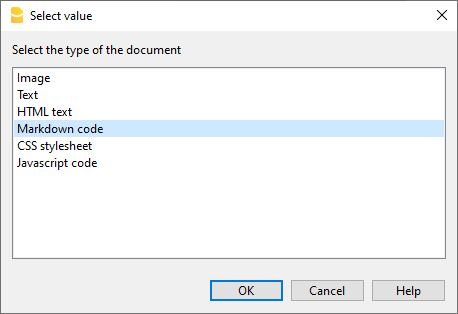
- In the Attachments column double-click on the cell or select the edit symbol, select the type of document you want to add.
See also:
help_id
dlgexternaleditor