In questo articolo
L'opzione Imposta Logo è presente in vari dialoghi di Banana Contabilità. Le impostazioni principali del Logo come larghezza, altezza e allineamento, devono essere inserite dal menu File > Imposta Logo.
Ogni stampa fa riferimento a queste impostazioni. In base al tipo di documento da stampare, bisogna attivare la relativa opzione per includere il logo nella stampa.
Di seguito viene mostrato come riprendere e utilizzare il logo nella stampa del Bilancio abbellito per gruppi.
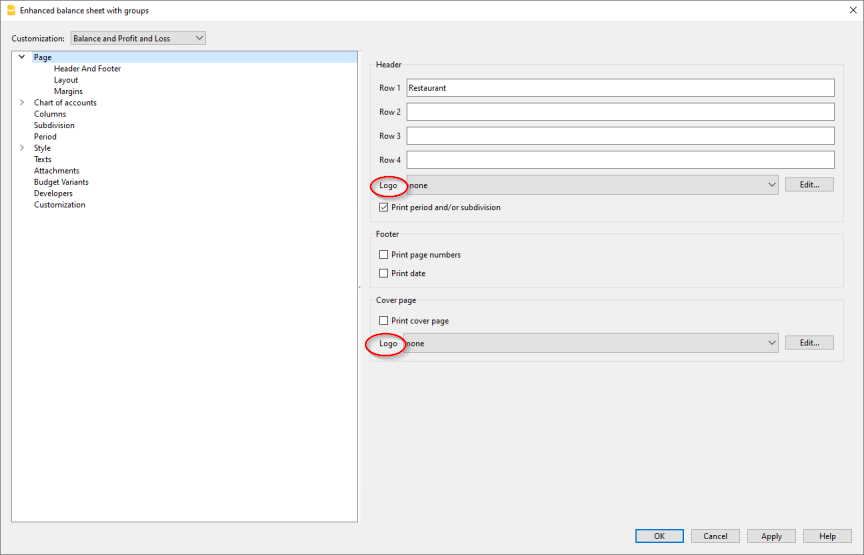
È possibile inserire il logo nell'intestazione di tutte le pagine del report.
Se nel menu File > Imposta logo è stato aggiunto uno o più loghi, è possibile selezionarne uno dalla lista.
Nel caso in cui non è stato aggiunto alcun logo, tramite il bottone Modifica, si può aggiungere il logo.