In this article
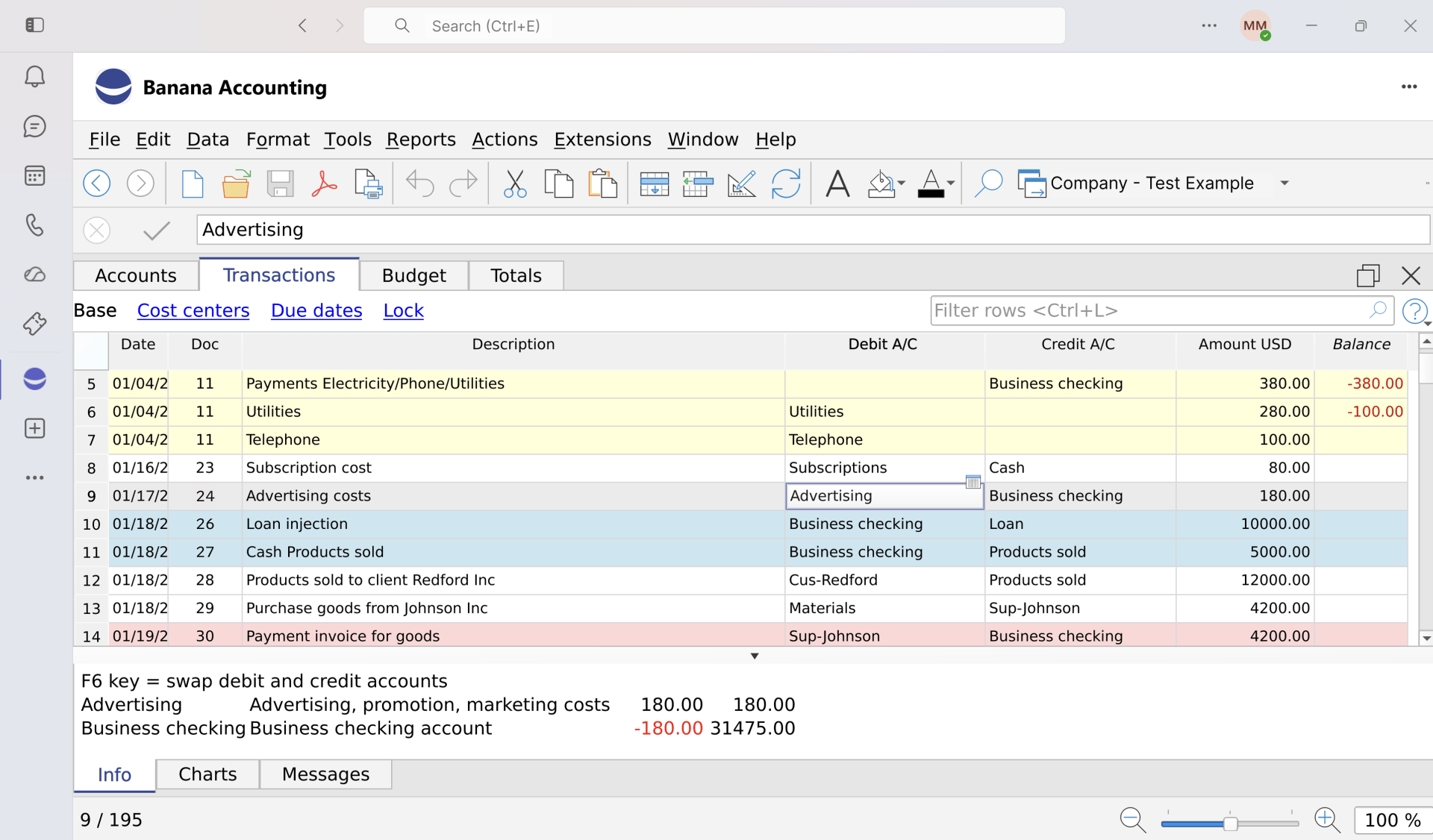
Starting today, you can work with your Banana Accounting files directly in Microsoft Teams, thanks to the new Banana Accounting Teams App.
More and more companies and organizations are using Microsoft Teams and Microsoft 365 as a shared workspace to collaborate, communicate, and access their documents.
With the Banana Accounting Teams App:
- Work with Banana Accounting without leaving Teams.
- Your accounting files remain within your organization's Microsoft 365 environment, without having to create copies or move documents from one system to another.
- Collaborate more easily with your colleagues, because files remain in a shared and controlled location.
Everything you need, right in Teams
With the new Teams App, you can:
- Browse the OneDrive for Business and SharePoint folders you have access to.
- Open and edit Banana Accounting .ac2 files.
- Save changes directly to Microsoft 365.
- Quickly find your Recent and Favorite files.
- See when other colleagues are working on the same file.
Each user can only access the files and folders for which they have the necessary permissions in Microsoft 365, as defined by your organization.
Enjoy the benefits of the cloud while keeping control of your files
With the Banana Teams App, it's like working in the cloud: on any device where you have Teams installed, you can open and save files with Banana Accounting, without any additional login. Unlike other cloud-based accounting software, you alone have control over your data, with the freedom to copy, move, and organize your files according to your needs.
Try Banana Accounting in Microsoft Teams
The Banana Accounting Teams App is currently free and does not require a subscription or additional registration.
However, you need a Microsoft 365 work or school account with access to OneDrive for Business or SharePoint. Depending on your organization's settings, approval from your Microsoft 365 administrator may be required when using the app for the first time.