Translations of invoice's texts
In the Settings dialog, clicking on a text field, such as the title for new invoices or the description of one of the user fields, leads to the Translations dialog.
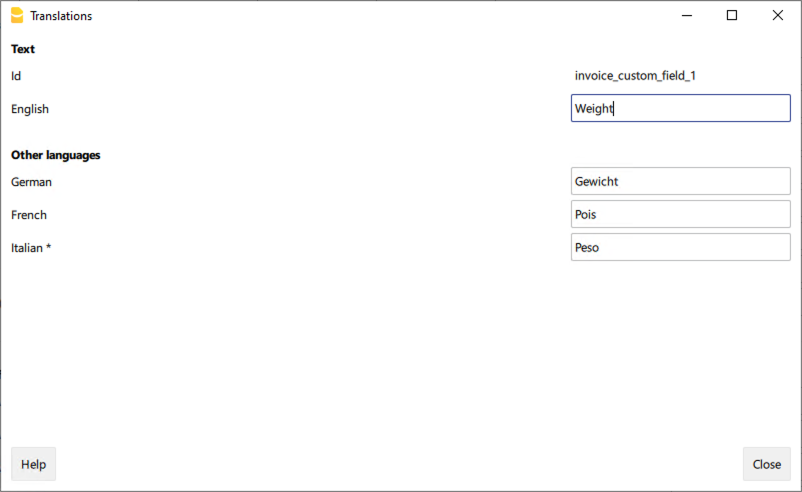
In the Translations dialog:
- You can enter the texts to be used in the various languages.
- Only the languages currently in use are listed.
- If a language is not listed, simply add a contact or invoice in the desired language.
- The first language listed corresponds to the programme language.
- The language marked with an asterisk * is the document language, defined in the menu File → File accounting properties→ Other tab → Current language.